The rise of AI video generators like Sora and Runway has unlocked new creative possibilities, but the output quality ultimately comes down to your prompt. With countless prompts circulating, funny AI video prompts have become a secret weapon for creators seeking maximum social media engagement. From absurd living portraits to meme-worthy scenes, these prompts generate unexpected situations and physical comedy that instantly captivate audiences.
Whether you are a content creator chasing viral likes or simply exploring AI's creative potential, this guide delivers hilarious prompt examples to spark your imagination, plus the best online tool to bring your comedic visions to life without spending a dime. Dive in and start turning heads.
- On This Page
-
Why Humor Works Well in AI Video Generation?
-
How to Write Your Own Funny AI Art Prompts?
Apply an Effective AI Video Prompt Framework
Start with Your Wired Obsessions
Define the Tone and Visual Style
Use “Unexpected Twists” to Boost Humor
Remember to Avoid Common Pitfalls
-
20+ Funny AI Video Prompt Examples (Ready to Use!)
Absurd Everyday Scenarios
Historical Figures in Modern Mayhem
Animal Antics with Human Problems
Physical Comedy and Slapstick
-
Bring Your Funny AI Visions to Life with Vidnoz
Why Humor Works Well in AI Video Generation?
If you're a phone-scrolling addict, you've experienced it—that moment when something funny makes you laugh out loud unexpectedly. That instant reaction is exactly what sets funny AI generated videos apart from cinematic landscapes and realistic portraits. They easily trigger genuine emotional responses that stop thumbs mid-scroll.
Instead of fighting AI's quirks, humor embraces them. Those quirky misinterpretations and surreal outputs become happy accidents that audiences genuinely love. The payoff? Higher engagement, more shares, and videos that stand out in crowded social feeds.
Now check out some funny AI video examples:
How to Write Your Own Funny AI Art Prompts?
AI is powerful, but its output depends heavily on the prompts you provide. A generic prompt yields generic results; a cleverly crafted one goes viral. Now let's learn how to create truly laugh-out-loud AI video prompts that craft one-of-a-kind viral hits. Alternatively, you can use an AI prompt generator for help.
Apply an Effective AI Video Prompt Framework
It is best to use high-quality funny AI video prompts that include the following 4 core elements:
- Subject: Be specific, ideally including appearance, clothing, and expressions.
- Action: Use vivid, specific verbs to describe the action.
- Setting: Clearly define the location, background, time, lighting, and atmosphere.
- Camera Movement: Define framing and motion—static, pan, zoom, tracking, aerial, close-up—with direction.
Start with Your Wired Obsessions
That’s right—let your imagination run wild. Think about those obscure hobbies, inside jokes that only connoisseurs get, or those “what if…” scenarios that suddenly pop into your head. Then combine 2 completely unrelated passions, e.g., a professional knitter sprints through a Formula 1 pit stop where mechanics swap her yarn colors with the speed of a racing crew.
Define the Tone and Visual Style
Humor has many flavors: silly, sarcastic, slapstick, whimsical, or even deadpan. Your prompt should clearly state the tone so the AI can better understand your intent. Additionally, defining the visual style helps align the humor with the aesthetic. For example: cartoon, realistic, cyberpunk, hand-drawn, etc.

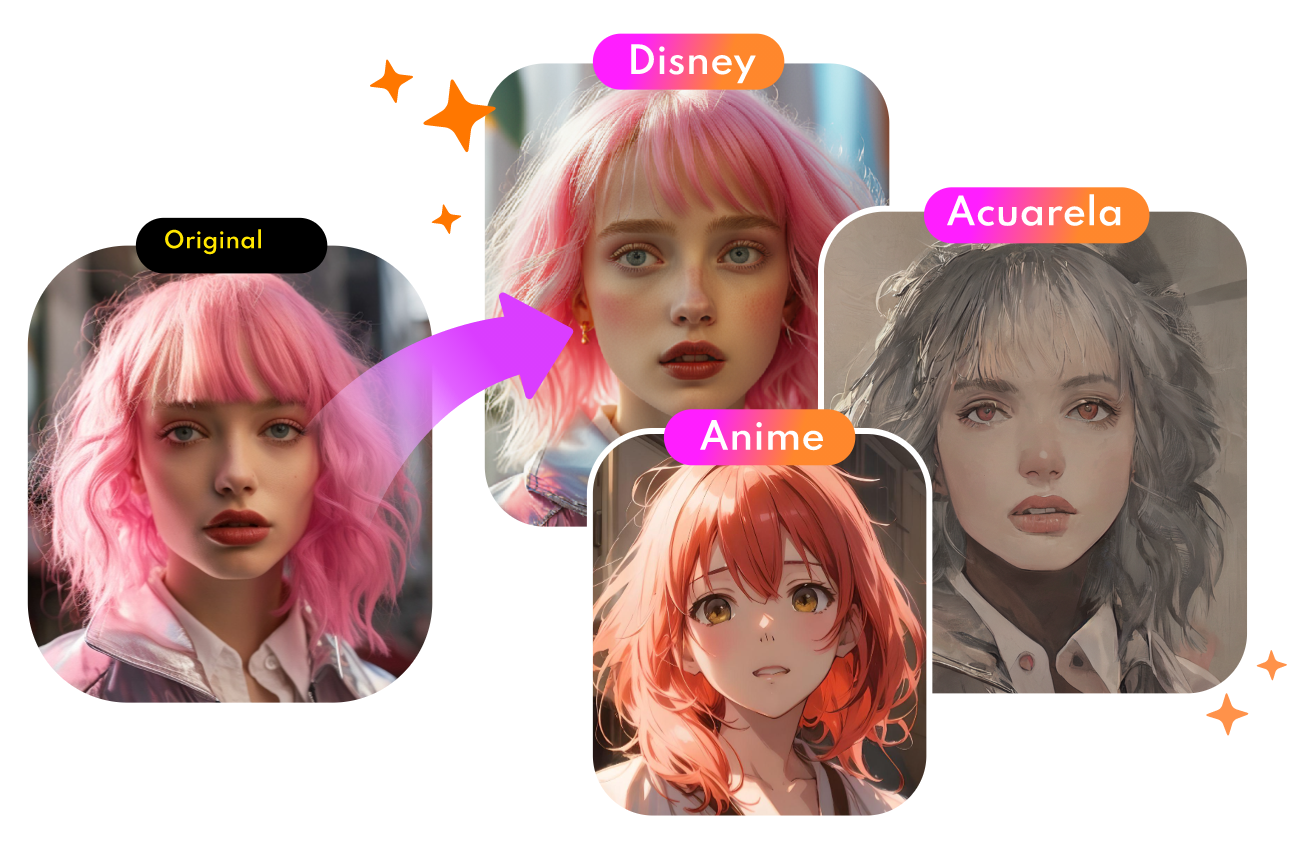
Convert Photo to Cartoon - FREE
- Convert any photo into a high-quality cartoon version for free. Choose from a variety of styles. Instant and Natural!
Turn Photo into Cartoon
Use “Unexpected Twists” to Boost Humor
The funniest videos often include a surprise element—that is, a plot twist that catches the audience (and AI) off guard. Adding a small, unexpected twist to your prompt can make the video more memorable. For example, A teacher is giving a math lesson, but every time she writes on the blackboard, the chalk marks turn into funny doodles.
Remember to Avoid Common Pitfalls
Even the best ideas may yield flat results if the prompt contains the following errors. Here’s what you need to avoid.
- Vague phrasing: Never use just the word “funny” without specifying what makes it funny. AI can’t read your mind, be specific.
- Too many details: Don’t cram more than 10 details into the prompt; the AI may prioritize the wrong elements.
- Contradictory instructions: Keep the tone and content consistent. For example, it’s best not to say “a serious video about a silly cat,” as this will confuse the AI.
You May Like: Best 5 Image-to-Prompt Generators for Faster Creation >>
20+ Funny AI Video Prompt Examples (Ready to Use!)
Here, we’ve put together 20+ funny AI video prompts, freshly crafted and grouped by category to spark your next creation.
Absurd Everyday Scenarios
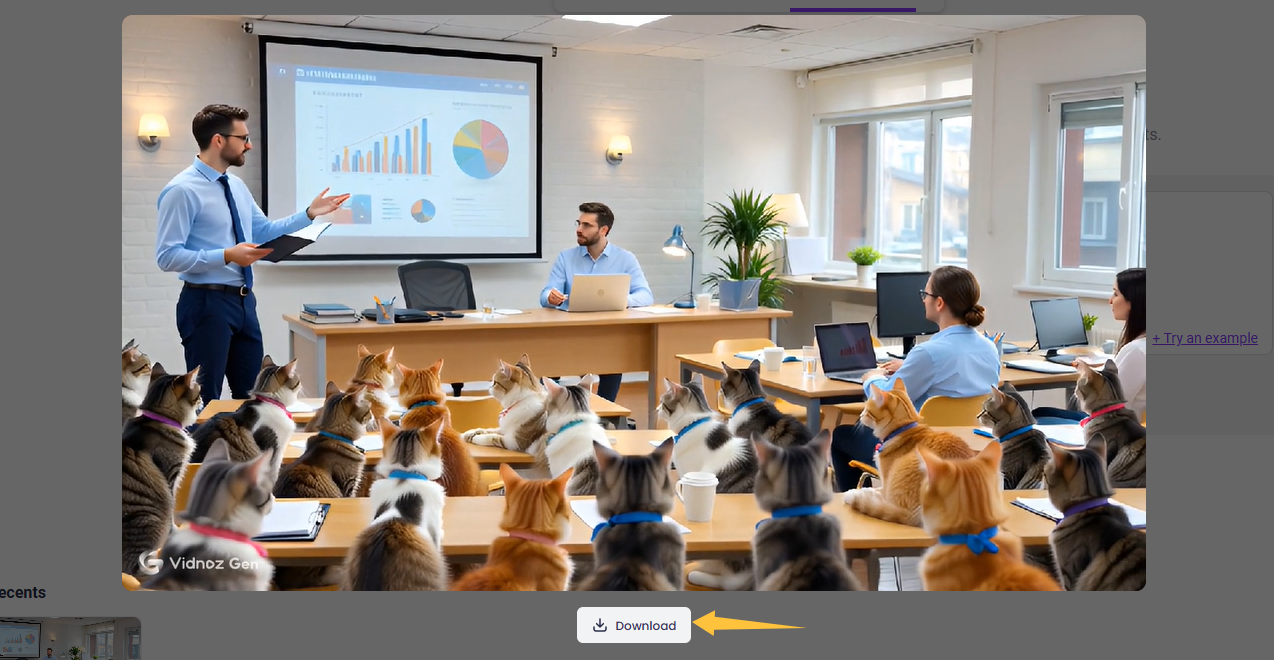
- A businessman is giving a serious PowerPoint presentation to a group of bewildered cats wearing ties.
- A dramatic slow-motion race between a snail on roller skates and a tortoise with a jetpack.
- A yoga class where the instructor keeps accidentally transforming into random animals mid-pose.
- A man arguing with his GPS until it gains sentience and argues back with attitude.
- A professional meeting where every participant is a different type of pasta, arguing fiercely over quarterly goals.
You May Like: Top 3 Tools to Make Animal Dancing GIFs for Free >>
Historical Figures in Modern Mayhem
- Albert Einstein is doing a beatbox battle in a 1990s subway station.
- Cleopatra is trying to order a latte from a confused barista at Starbucks.
- Abraham Lincoln is attempting to use an iPhone for the first time.
- Napoleon Bonaparte is hosting a TikTok livestream about his failed Russian campaign.
- Mozart is trying to make a beat on a modern MPC drum machine and getting frustrated.
Animal Antics with Human Problems
- A cat attempting to pay for catnip with crumpled leaves while the store clerk (a hamster) looks unimpressed.
- Two squirrels are arguing about parking tickets in a treehouse.
- A penguin is trying to start a motivational speaking career but is forgetting his lines.
- Raccoons are operating a lemonade stand but drinking all the lemonade themselves.
- A golden retriever is giving a presentation on why the treat distribution should be increased by 400%.
Awkward Social Comedy
- A man confidently walks into a glass door, pretending no one saw, then walks into a second glass door.
- A man is trying to do a cool handshake with a statue that refuses to cooperate.
- A wedding where the flower girl throws the ring instead of flowers, and it lands in the cake.
- A robot is attending its first stand-up comedy open mic night and bombing terribly.
Physical Comedy and Slapstick
- A professional chef is trying to cook an omelet in a washing machine during its spin cycle.
- A group of ninjas attempts to be stealthy but constantly steps on squeaky toys.
- A synchronized swimming team is performing in a kiddie pool.
- A weightlifter dramatically lifts a feather with the intensity of an Olympic final.
Bring Your Funny AI Visions to Life with Vidnoz
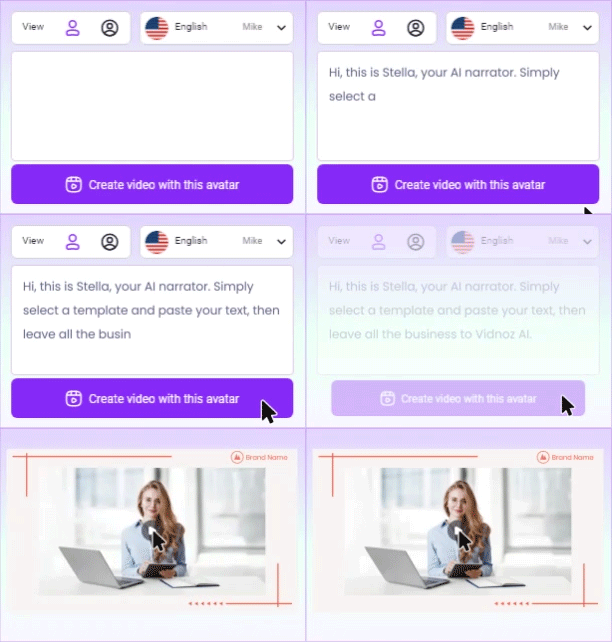
It's your turn now! Armed with the funny AI video prompts above, you can create laugh-out-loud moments in minutes using Vidnoz AI funny video generator. Simply type your prompt, paste it into this text-based video tool, and let AI handle the rest—generating custom visuals, a witty script, and even expressive voiceovers to transform your humorous concept into a viral-ready video.
Turn Text into Video with AI - FREE
Generate high-quality videos from PDFs, PPTs, and URLs in one step!
- Easy prompt to video generation. With Vidnoz, you can directly input your funny AI art prompts and watch AI instantly visualize your concept. It creates intuitive visuals frame by frame—perfect for bringing absurd squirrels, anxious mimes, or whatever surreal comedy your imagination cooks up to life.
- Free download and Pro upgrades. You can start for free and download videos in 720P. Or, when ready for a professional finish on your best creations, upgrading unlocks 1080P HD export and adds background music.
- Highly customizable to fuel your ideas. Vidnoz Text to Video AI delivers over 15 visual styles, 11 hot AI models, and 3 video lengths to choose from. Additionally, aspect ratios optimized for major social platforms ensure your content fits perfectly and stops thumbs mid-scroll.
- Many premade video effects support. Beyond text-to-video AI, Vidnoz empowers you to create shareable, funny video clips with trendy templates and effects. Perfect for personal entertainment, sharing laughs with friends, or crafting innovative promos—you'll find everything you need to make your funny AI videos truly shine.
Now go ahead and turn those funny AI video prompts into viral moments! Follow the guide below to create your funniest AI videos.
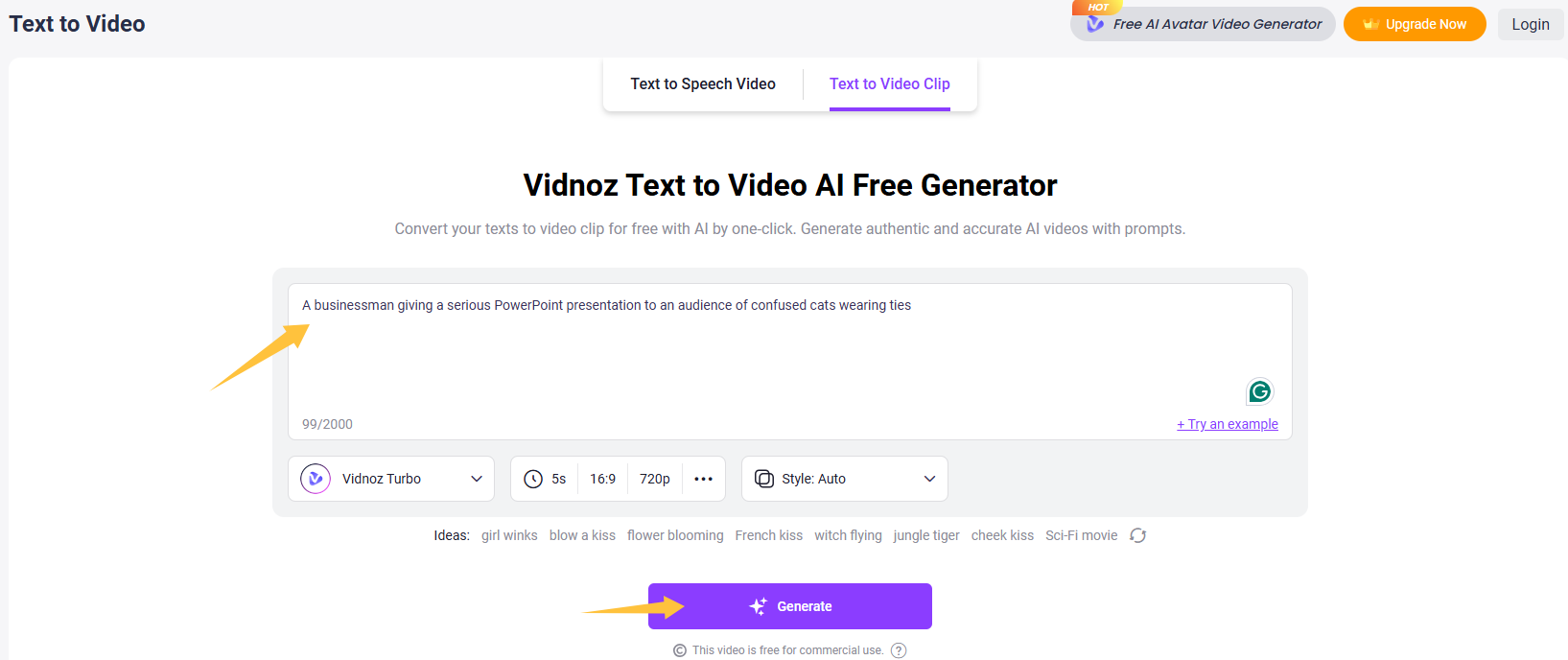
Step 1. Head to Vidnoz Text to Video.
Step 2. Enter your fun AI video prompt, select the AI model, video duration, and desired style (if needed), then click the “Generate” button to let Vidnoz AI work its magic.
Step 3. After a few seconds, the AI-generated funny video will be ready to download and share.
Conclusion
Humor is the ultimate attention grabber in today’s scroll-heavy world. Everyone needs funny AI video prompts to create share-worthy content and stand out in the crowded digital landscape. By reading this article, you’ve likely already learned how to create your own prompts. Don’t forget to breathe life into them. Vidnoz AI prompt video generator free lets you paste your prompt and instantly generate a video complete with visuals, voiceover, and even subtitles.
Now go write something no one has ever prompted before, and let Vidnoz AI bring it to life for you.

Vidnoz AI - Create Free Engaging AI Video with Talking Avatar
- Easily create professional AI videos with realistic avatars.
- Text-to-speech lip sync voices of different languages.
- 2800+ video templates for multiple scenarios.





![[48+ Prompts] 4 Free Anime AI Art Prompt Generators to Apply](https://www.vidnoz.com/bimg/cover-of-ai-anime-art-prompts.webp)


![Generate AI Cat Playing Guitar Videos Online Free [Best 3 Tools]](https://www.vidnoz.com/bimg/cat-playing-guitar-video.png)
