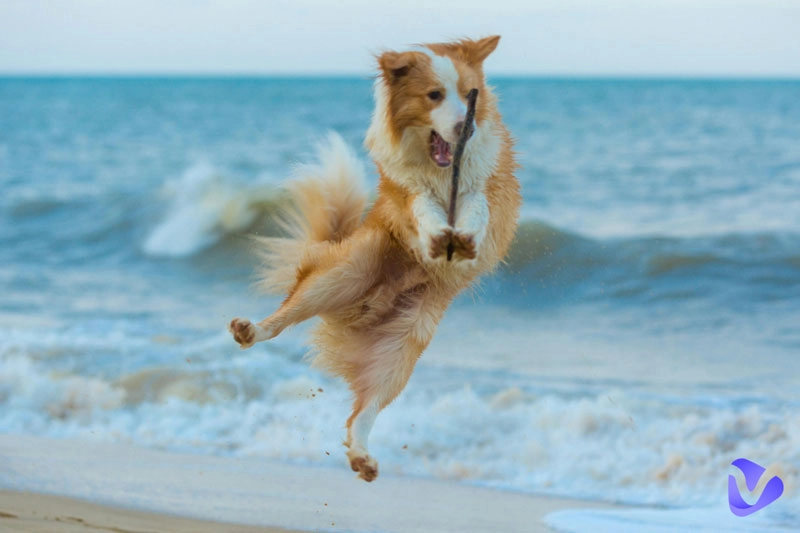
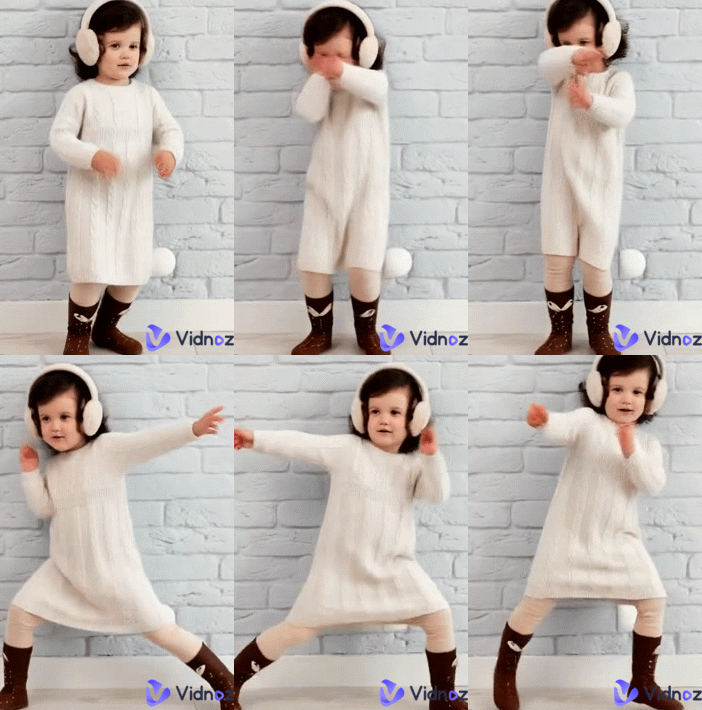
"Drunk dancing" videos have become a viral sensation on platforms like TikTok and Instagram, featuring characters (often babies, pets, or even inanimate objects) performing wobbly, off-balance moves that mimic a tipsy person on a dance floor.
The trend has exploded thanks to AI drunk dancing video generators. These tools allow users to upload a single photo and apply a "motion template" that maps uncoordinated, funny choreography onto the subject. By blending advanced physics and humor, AI creates a "tipsy" effect that is difficult to film in real life, making it a low-effort way for anyone to create instant comedy. In this blog, some AI drunk dancing video generators will be introduced below. Just keep reading!
- On This Page
-
AI Drunk Dancing Content Generation Ideas
-
1. PXZ.AI Drunk Pole Dancing Video Generator
-
2. AI Drunk Dancing Generator - Media.io
-
3. Free AI Drunk Dancing Video Generator
-
4. AI Drunk Dancing Meme Generator
AI Drunk Dancing Content Generation Ideas
Here are some generation ideas for AI drunk dancing content. Try them by yourselves now!
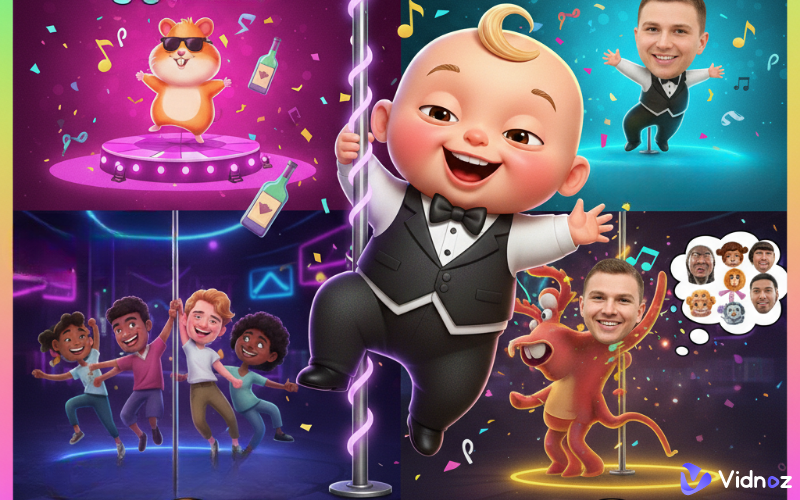
Baby Drunk Dancing
The ultimate viral trend. You can pair a cute photo of a baby with wobbly, stumbling movements. The humor comes from seeing a tiny, innocent face doing the "tipsy uncle" dance—it’s pure, harmless comedy gold for parents and TikTokers alike. Here’s one example:
Drunk Pole Dancing
This takes a high-skill pole routine and adds "jelly legs." Using AI, characters swing around a pole while looking completely off-balance. It’s the go-to style for "roasting" friends or creating chaotic, high-energy party clips.
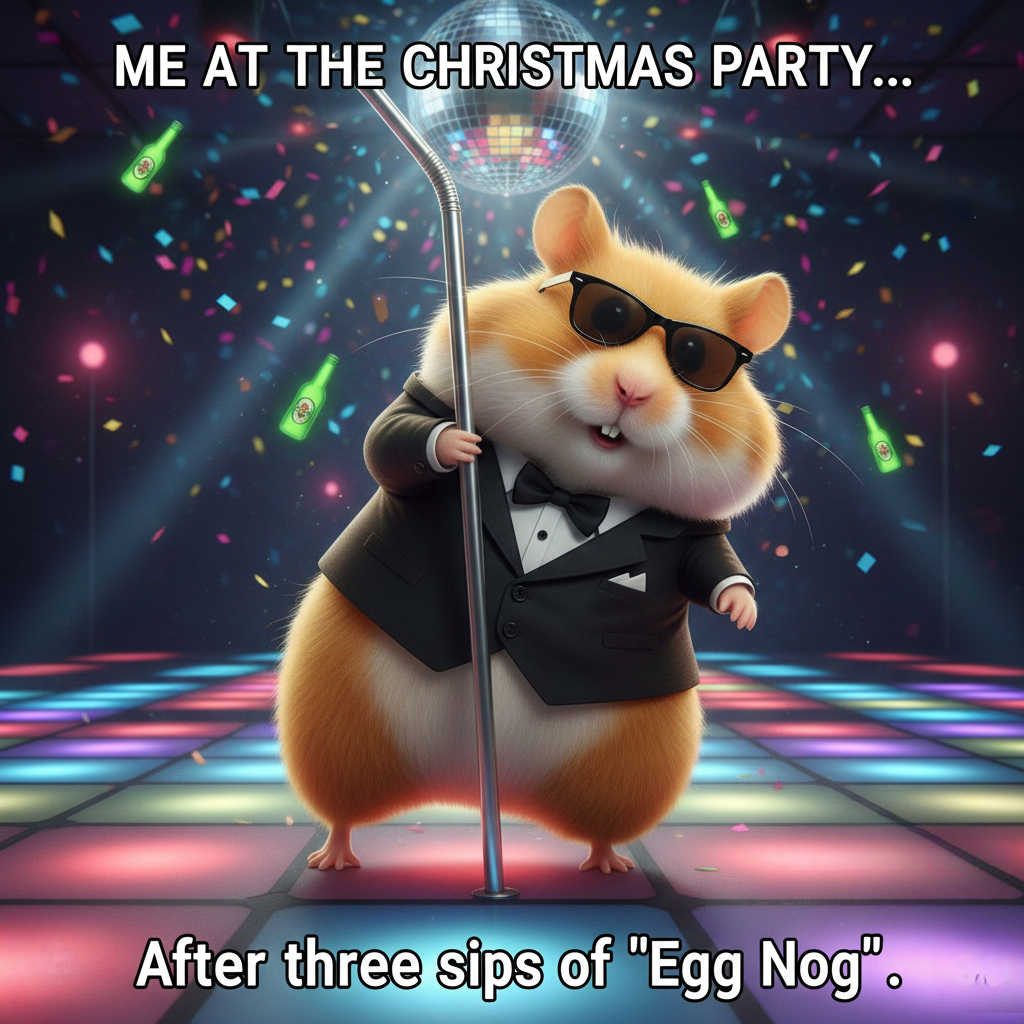
Drunk Dancing Memes
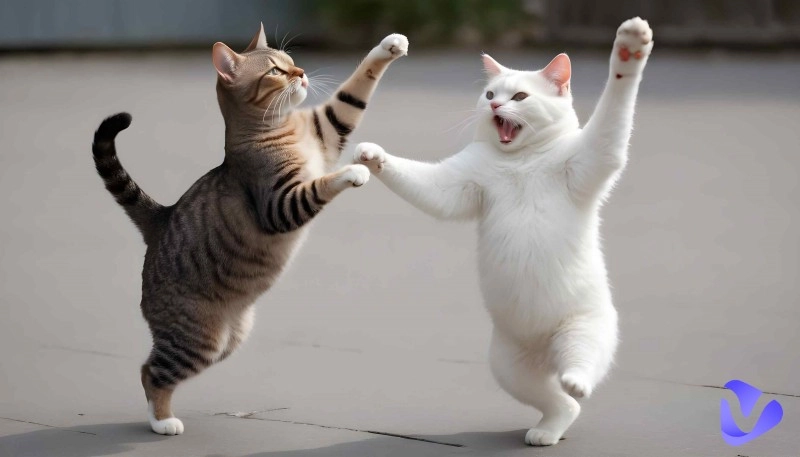
This is where your imagination runs wild. Instead of people, creators animate weird subjects—like dancing hamsters, grumpy cats, or even stone statues. It’s about the absurdity of seeing something that shouldn’t dance performing a hilarious, uncoordinated routine.
The best 4 AI drunk dancing content generators are listed below. Check them now!
1. PXZ.AI Drunk Pole Dancing Video Generator
The PXZ.AI Drunk Pole Dance Generator is a specialized AI video tool that combines two viral concepts: the "drunk/wobbly" movement style and a professional "pole dance" routine. It is designed to turn static photos into comedic, high-energy videos for social media platforms like TikTok and Instagram.
It uses a credit-based system. While it typically offers a free trial or "Basic" tier, generating the high-quality Drunk Pole Dance effect usually costs around 750 credits per video. Paid plans (Plus or Pro) remove watermarks and provide more monthly credits for power users.
Here are the steps for using this tool:
Step 1. Go to this tool.
Step 2. Upload a photo.
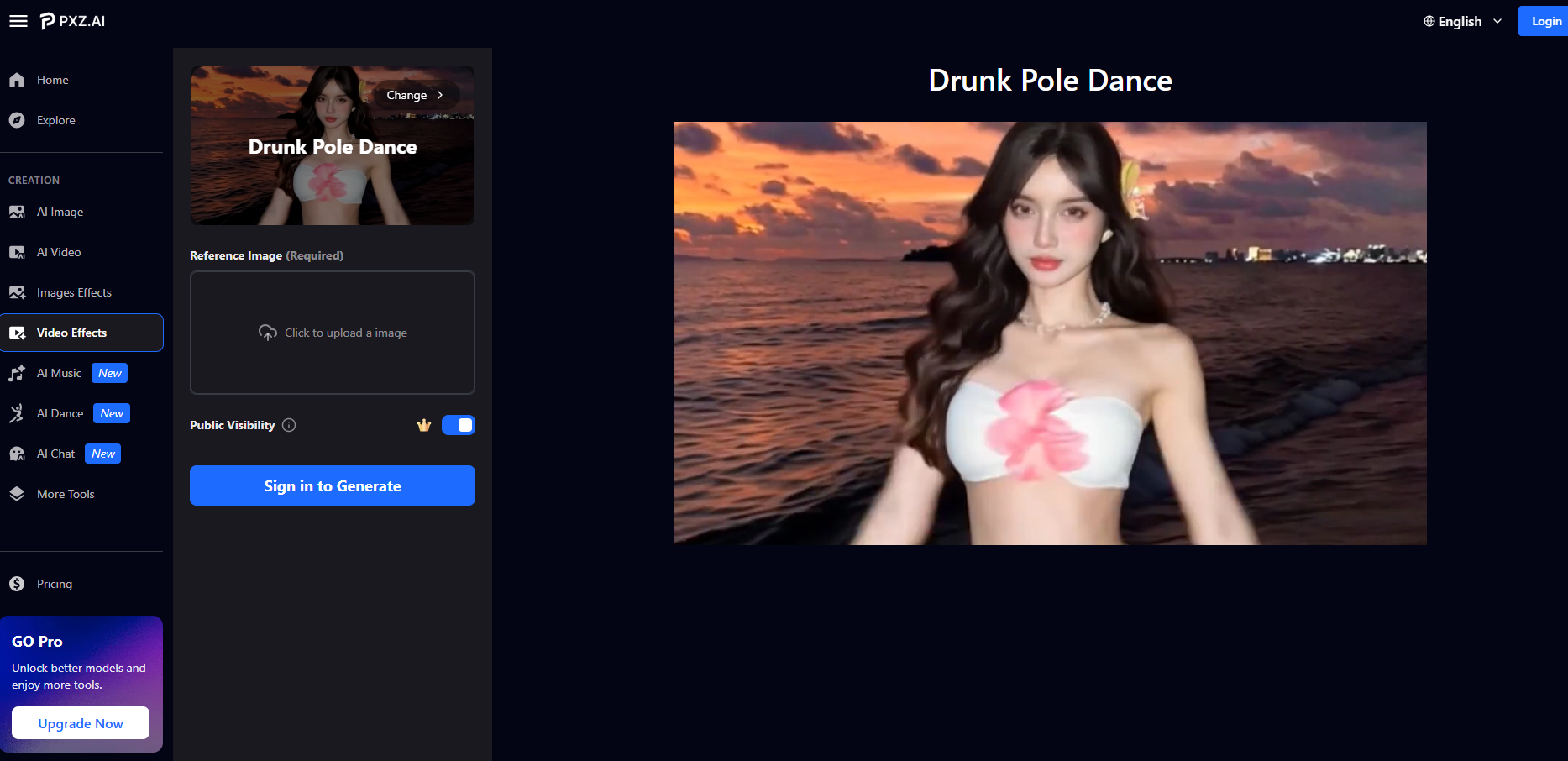
Step 3. Click Generate.
After 3 steps above, a perfect drunk pole dancing video like the 2nd video in the last part will be available.
Features of this tool can be concluded below.
Key Feature
- Drunk physics simulation
- Multi-person intelligence
- Adaptive motion engine
- Smart background enhancement
- Fast rendering
2. AI Drunk Dancing Generator - Media.io
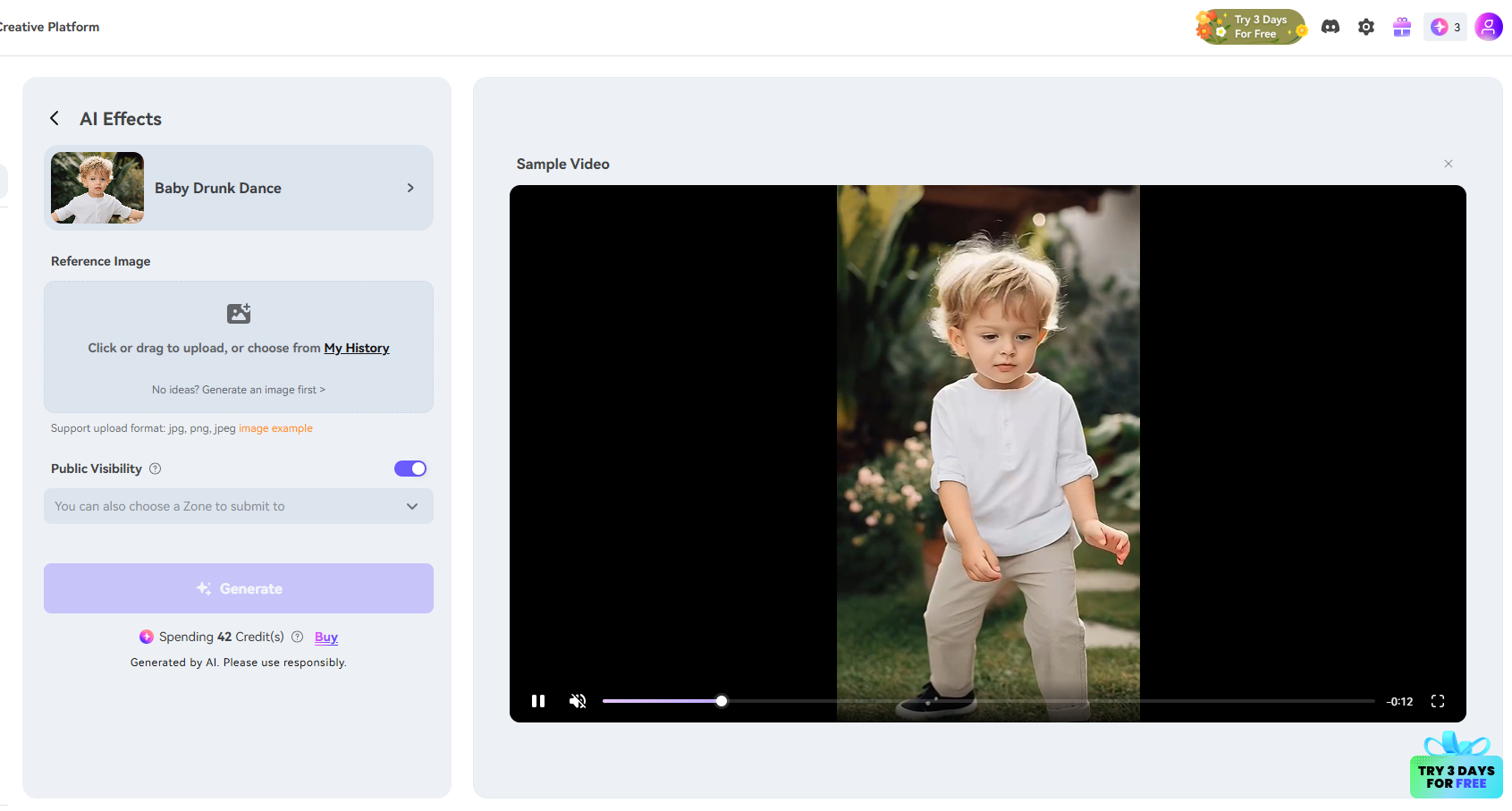
Media.io AI Drunk Dance Generator is a specialized online tool designed specifically to create the viral "Dancing baby" effect. It focuses on transforming a standard portrait into a funny, stylized character that performs a wobbly, off-balance dance. But it’s not a free tool. You need to sign up to use this tool and the drunk dancing gif will require 42 credits to generate. Free users only have 3, so you have to subscribe to its membership to create.
Here are the steps for using this tool:
Step 1. Sign up to open this tool.
Step 2. Upload your picture.
Step 3. Click generate and wait for a few seconds, and the result will be available.
Features of this tool can be summarized below.
Key Feature
- The "Baby Body" Transformation
- One-Click Viral Effect
- Automatic Facial Mapping
- 3 Free Credits
3. Free AI Drunk Dancing Video Generator
The free AI drunk dancing video generator is Vidnoz AI Dance Generator. It is a popular online free platform that allows you to turn any still photo into a high-energy "drunk dance" or viral meme video in seconds.
Unlike traditional animation software, it uses deep-learning models to map realistic human movements onto a static image. It is particularly famous for multiple dances, where users upload photos and apply any dance motions to create a perfectly synchronized dance video. Here are the steps of using this tool:
Step 1. Open this AI dance generator.
Step 2. Upload your character or choose one photo you like.
Step 3. Choose a drunk dance motion, and you can select background music.
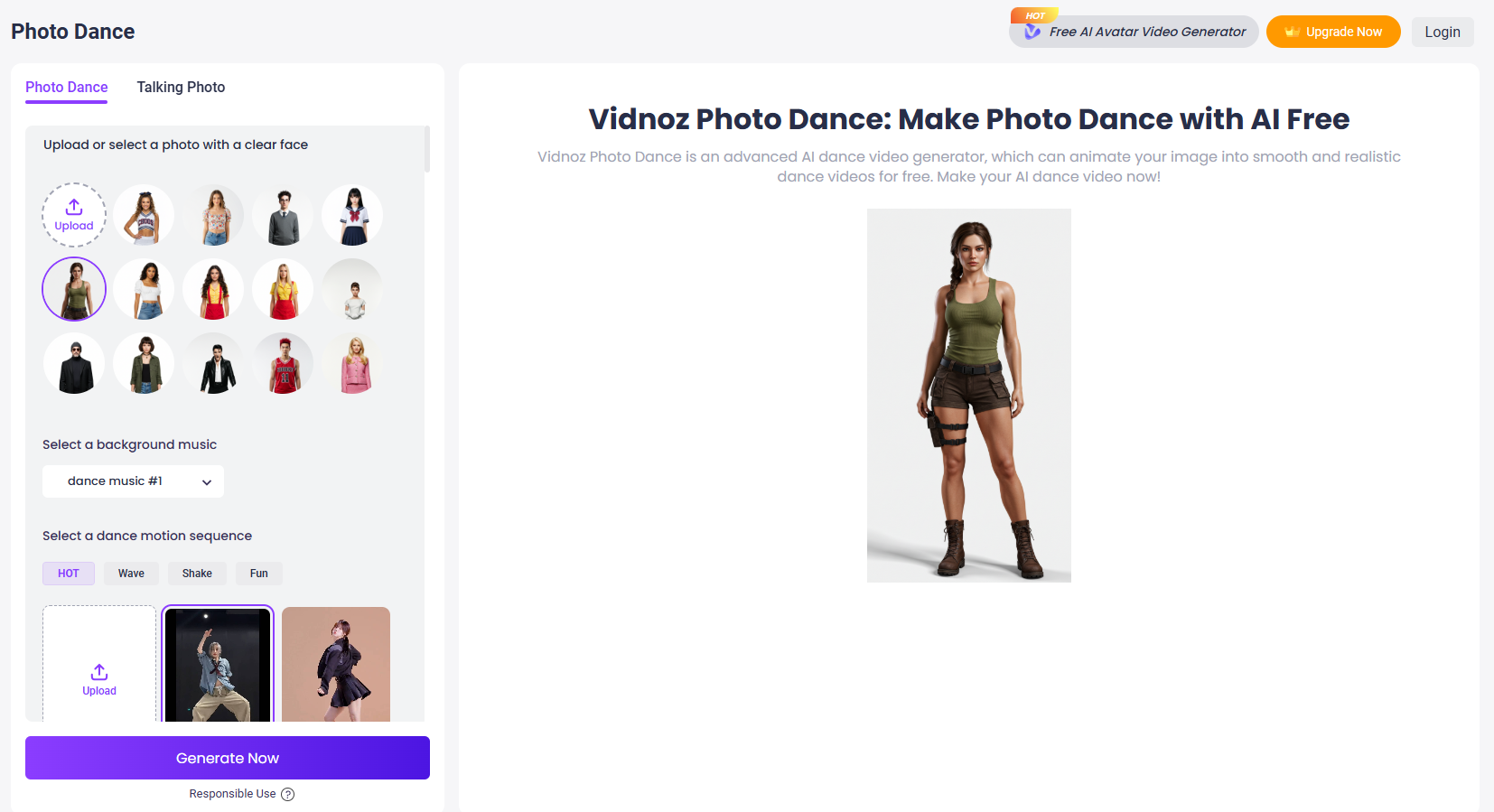
Step 4. Click Generate Now.
A few seconds later, your dance video will be ready to play. Here’s a sample:
Besides using dances prepared for you, uploading dances found by you is also supported. You can create dance videos following those trendy dance challenges like the AI penguin dance, and hip sway dance on TikTok or Instagram now!
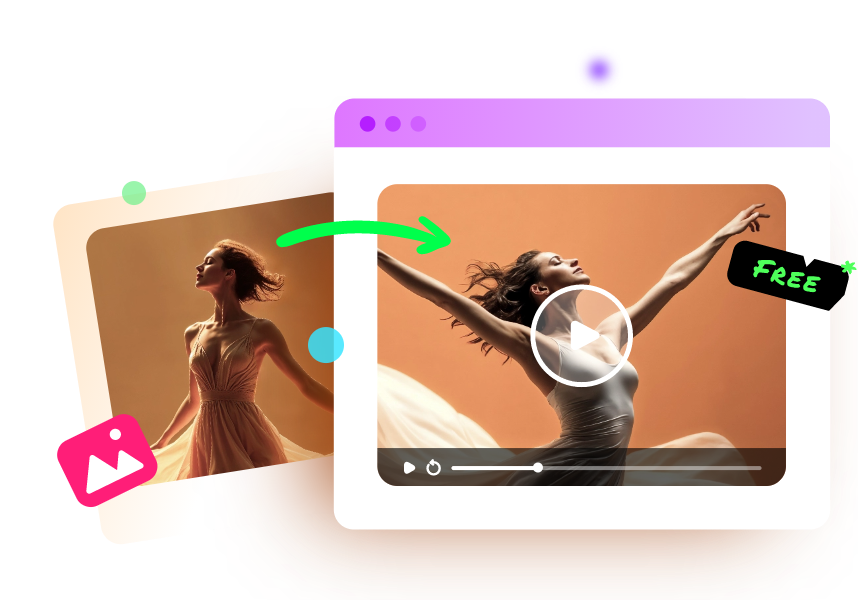
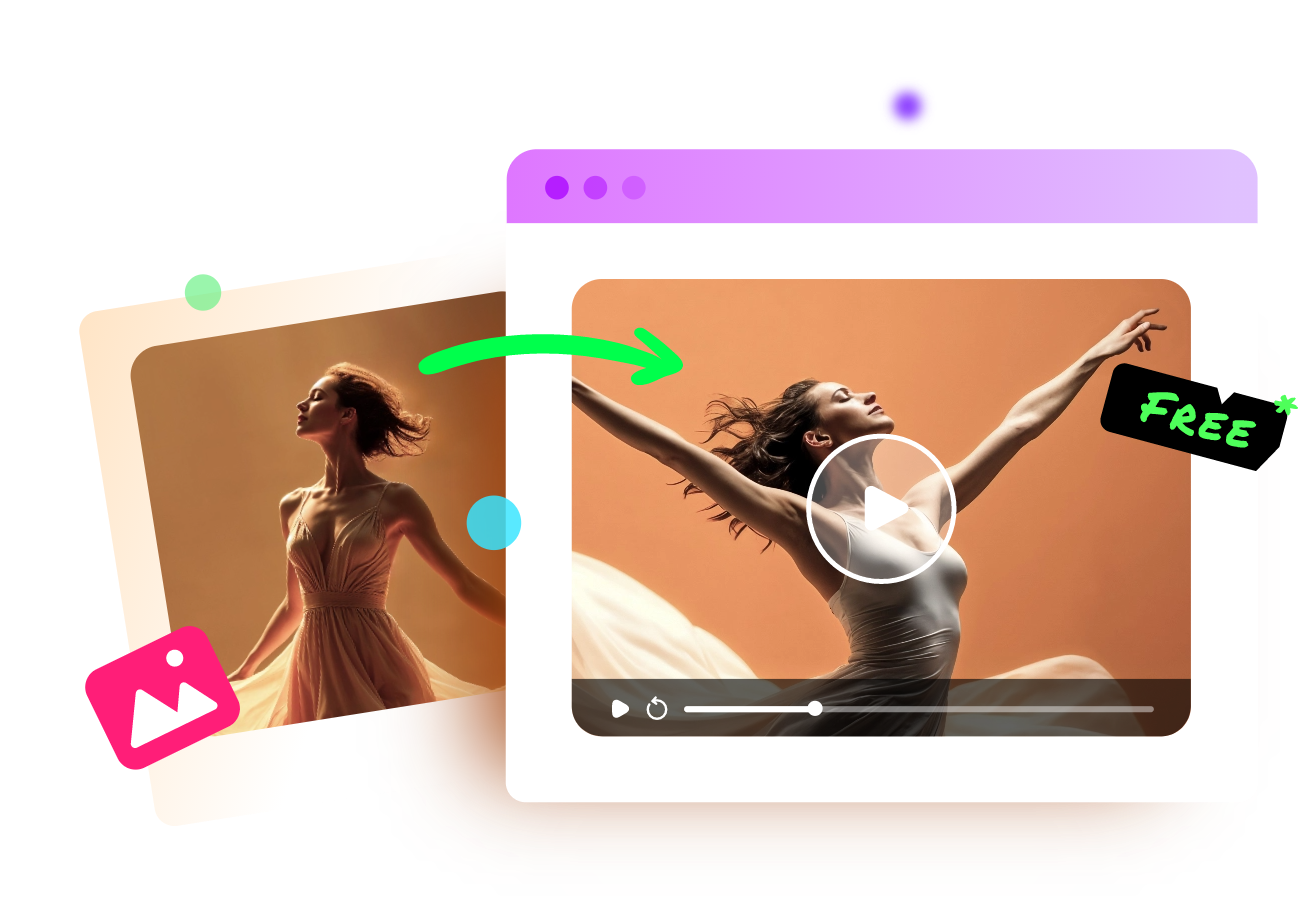
Vidnoz Photo Dance - AI Make a Photo Dance FREE
- Create a smooth AI dance video from a photo.
- Animate a photo with diverse dance moves.
- Generate and download the video for free in seconds.
Make a Photo Dance Now
Besides making picture dance, check other powerful features of this tool here.
Key Feature
- One-click animation
- Motion library with multiple dances
- Built-in music
- Multi-subject support with humans, sketches, anime, etc.
4. AI Drunk Dancing Meme Generator
The fourth tool is Vidnoz AI image generator. While it is not a video tool itself, it serves as the essential "creative engine" for generating the high-quality characters and scenarios used in viral drunk dancing memes. It is a powerful Text-to-Image and Image-to-Image platform that lets you design the perfect subject before animating it. Here’s how you can make use of it:
Step 1. Open Vidnoz AI image generator.
Step 2. Enter your prompt. You can also ask Gemini or ChatGPT for an accurate prompt.
Step 3. Click Generate Now is ok.
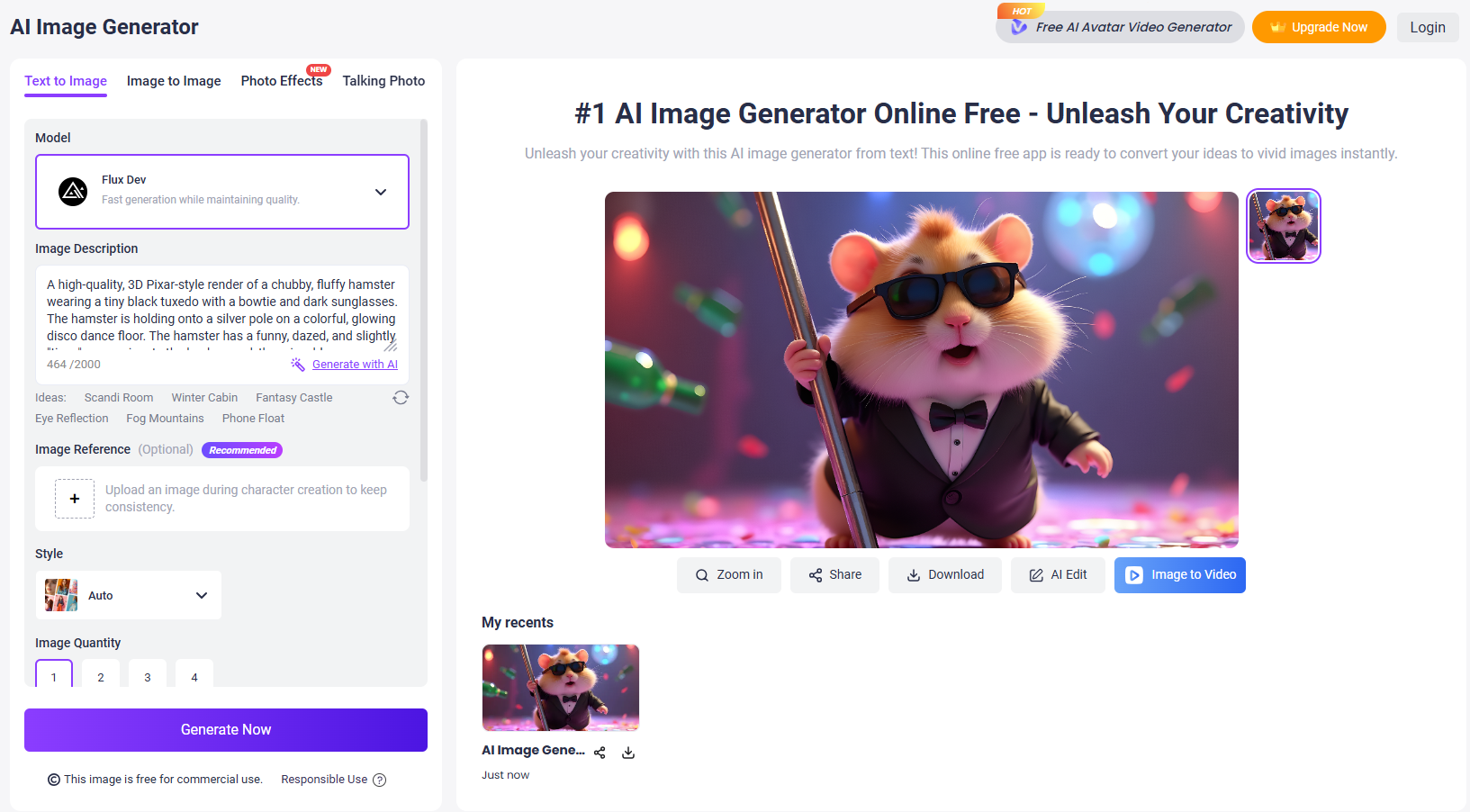
Then you can add some texts to the image for an interesting meme. This is an online free tool, try it now!
Some main features of this tool are listed here:
Key Feature
- Multiple AI models
- Prompt-to-meme
- Use negative prompts
- Instant export
The Bottom Line
That’s all about AI drunk dancing content generators. You can start creating drunk dancing memes and videos now. The 4 tools mentioned above are all easy to use, just choose one to unleash your creativity right away! Vidnoz AI tools, including the dance video generator and image generator, deserve to be mentioned again here. They have outstanding services and a generation quality above the average. No hesitation and try them today!

Vidnoz AI - Create Free Engaging AI Video with Talking Avatar
- Easily create professional AI videos with realistic avatars.
- Text-to-speech lip sync voices of different languages.
- 2800+ video templates for multiple scenarios.