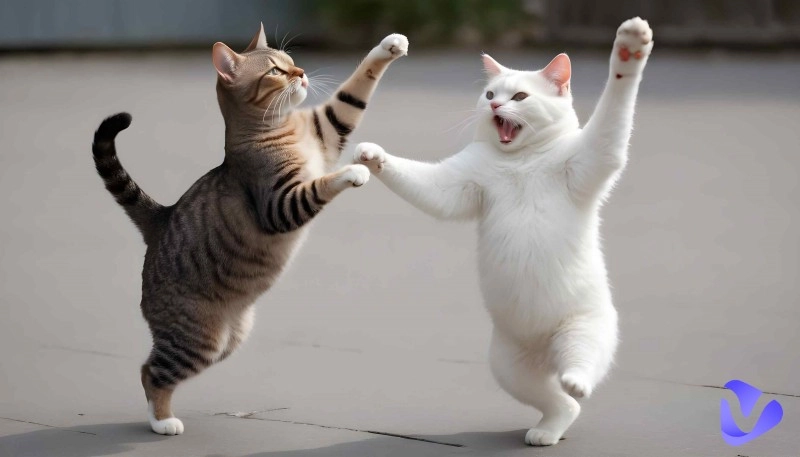
The AI penguin dance trend features adorable, hyper-realistic penguins performing synchronized, high-energy choreography to viral pop tracks. The trend has exploded across TikTok and Reels, proving that nothing captures the internet's heart quite like dancing flightless birds. Penguins jumping, moving, and dancing in videos entertain lots of viewers, and many of them want to create their own version of it. For that case, this blog prepares you with some tools for making content like images, AI penguin videos, and music.
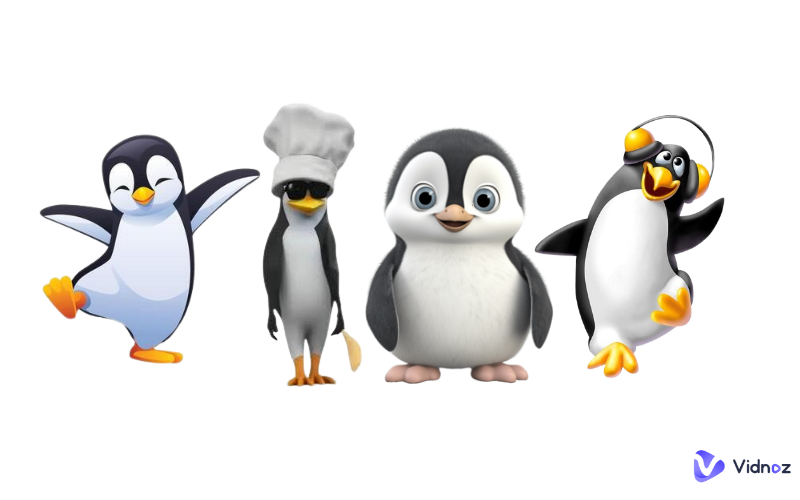
The best 4 AI penguin content generators are listed below. Check them now!
- On This Page
-
1. AI Penguin Dance Generator - Media.io
-
2. Free AI Penguin Dance Video Generator
-
3. AI Penguin Video Generator
-
4. AI Penguin Image Generator
-
Hot AI Penguin Content Generation Ideas
Penguin Dancing with babies
1. AI Penguin Dance Generator - Media.io
The AI penguin dance generator to be mentioned here is Media.io. It enables you to let the person in the photos dance as the penguin does in that trendy video. Using advanced AI, it maps your subject onto a rhythmic, "Penguin Groove" dance sequence synchronized to catchy music. Perfect for creators like you to join social media trends, turning friends, pets, or characters into dancing sensations. This dance effect will require 27 credits to generate. Free users only have 3, so you need to buy credits to make the penguin dance.
Here are the steps for using this tool:
Step 1. Sign up to open this tool.
Step 2. Upload your picture.
Step 3. Click generate and wait for a few seconds, and the result will be available.
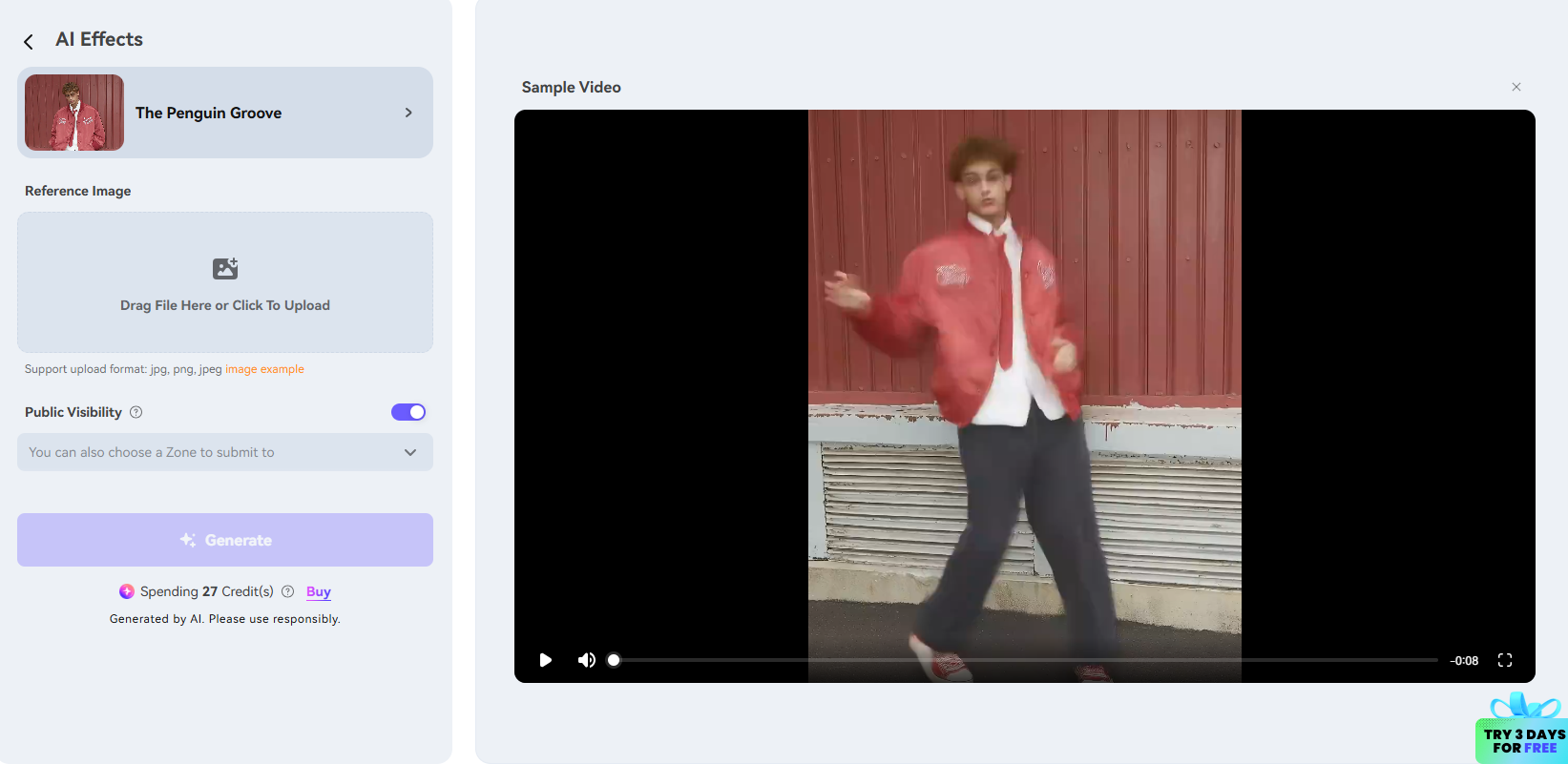
Pros and cons of this tool can be summarized below:
Pros
- Innate penguin dance template
Cons
- Only 3 free credits
- Sign up to use
- Few customization settings
2. Free AI Penguin Dance Video Generator
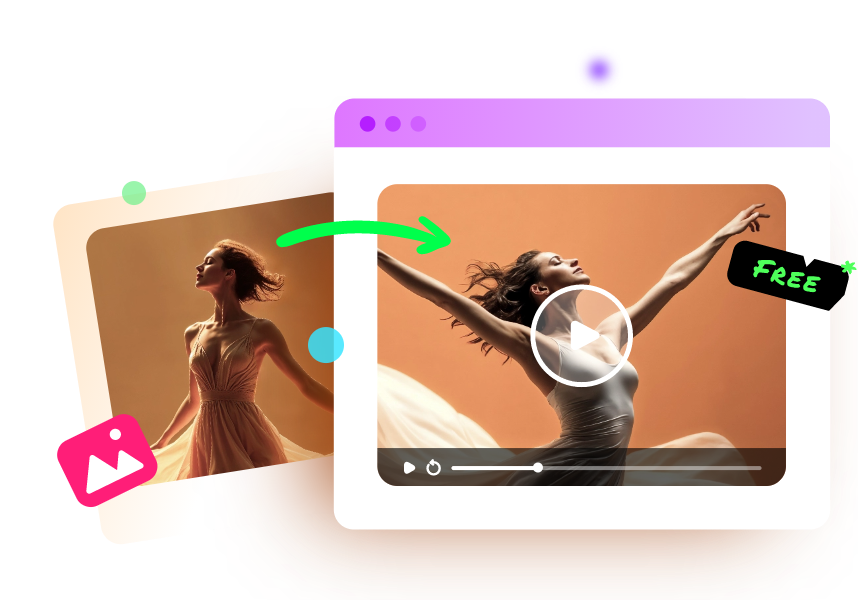
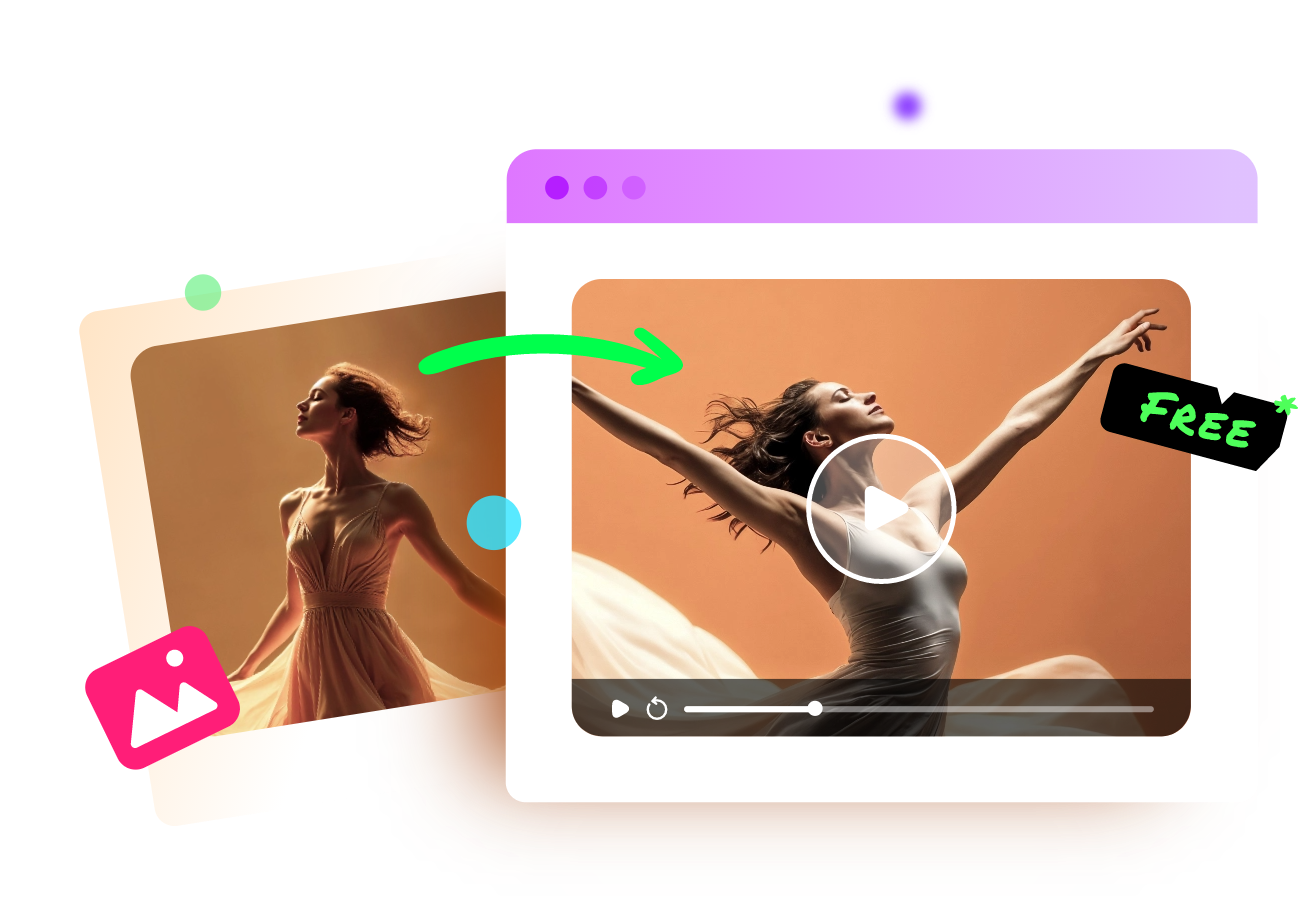
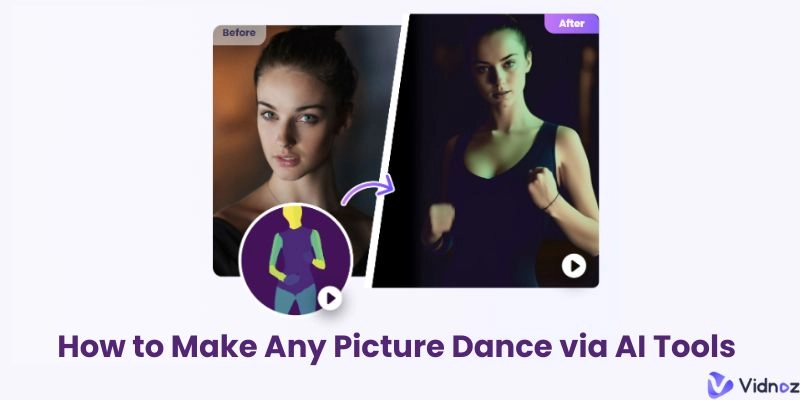
The free AI penguin dance video generator is Vidnoz AI Dance Generator. It is a versatile AI tool that breathes life into static photos through "Magic" movement. The Photo Dance feature allows you to upload any portrait — human, anime, or pet — and apply viral dance choreographies. It automatically synchronizes fluid body motions with music, perfect for creating trendy penguin dance TikTok videos and hilarious animal dancing AI GIFs. Most importantly, it’s an online and free tool to use. Here’s how you can use it, no credits or even sign-up needed:
Vidnoz Photo Dance - AI Make a Photo Dance FREE
- Create a smooth AI dance video from a photo.
- Animate a photo with diverse dance moves.
- Generate and download the video for free in seconds.
Make a Photo Dance Now
Step 1. Open this AI dance generator.
Step 2. Upload your penguin or any photo you like.
Step 3. Choose a dance, and you can select background music.
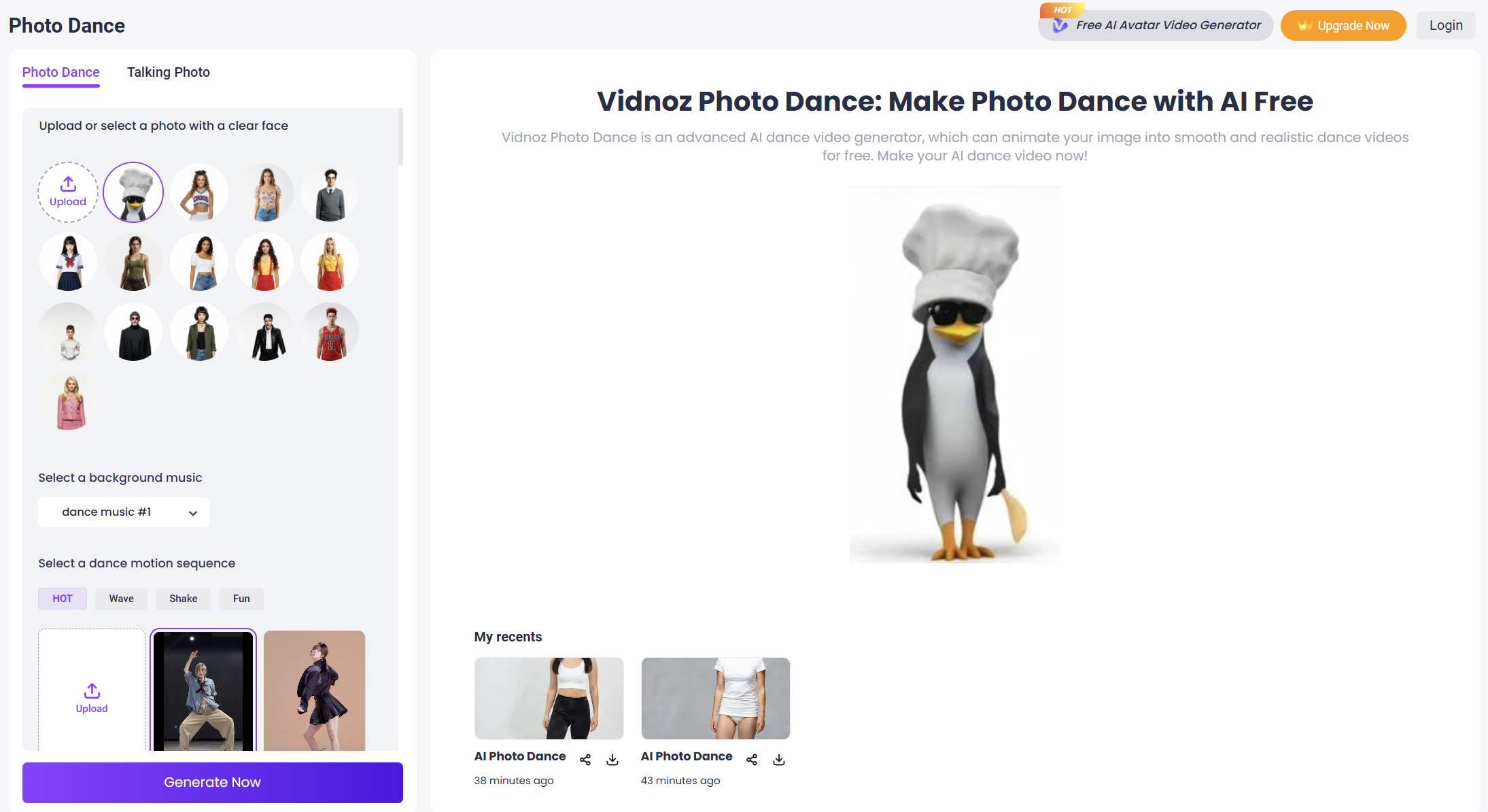
Step 4. Click Generate Now.
A few seconds later, your dance video will be ready to play. Here’s a sample video:
Besides using dance templates prepared for you, uploading dance choreography is also supported. For instance, the trendy seal dance challenge on TikTok can be applied.
Pros and cons of this tool can be summarized below:
Pros
- Multiple dance templates
- Free to use & download
- No sign-up needed
3. AI Penguin Video Generator
Besides the dance video generators mentioned above, you can create other AI penguin video content too. Vidnoz AI Image to Video is the tool born for that, just upload an image, add a video description, and a brilliant video will be presented to you instantly. You can select advanced AI engines like Seedance, Sora, Google Veo, Vidu, Pixverse, etc., for free.
Here are the steps for using this tool:
Step 1. Go to Vidnoz AI Image to Video.
Step 2. Upload a penguin photo.
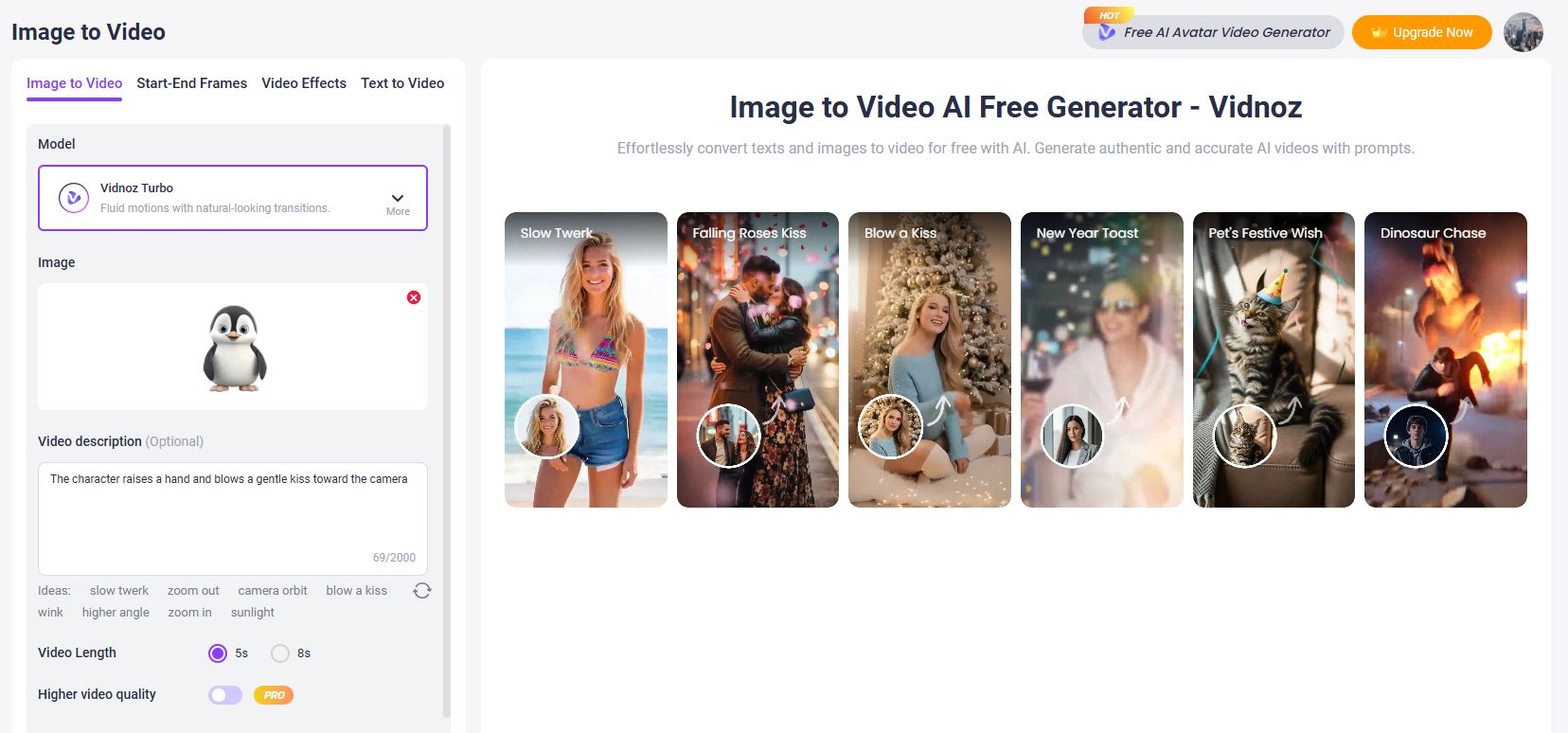
Step 3. Enter your descriptions about the video or apply video effects prepared for you on the left side.
Step 4. Click Generate Now.
Preview the video after a few seconds. Here’s a sample video of a penguin blowing a kiss to you:
Moreover, you can even enable a penguin in your image to talk with the help of Vidnoz AI talking photo tools. Try it right now!
Pros and cons of this tool can be summarized below:
Pros
- Free to use & download
- No sign-up needed
- Multiple customizations
- Many video effects
Cons
- Generated videos are not long
4. AI Penguin Image Generator
The fourth tool is Vidnoz AI image generator. It is a free, versatile tool that creates high-quality visuals from text prompts or existing images. It supports various artistic styles—such as 3D, anime, and realistic — while offering advanced models like Flux and Google Nano Banana. It is ideal for quickly generating AI penguin images without needing design skills. Here’s how you can make use of it:
Step 1. Open Vidnoz AI image generator.
Step 2. Enter your prompt.
Step 3. Choose a style and conduct some customization settings.
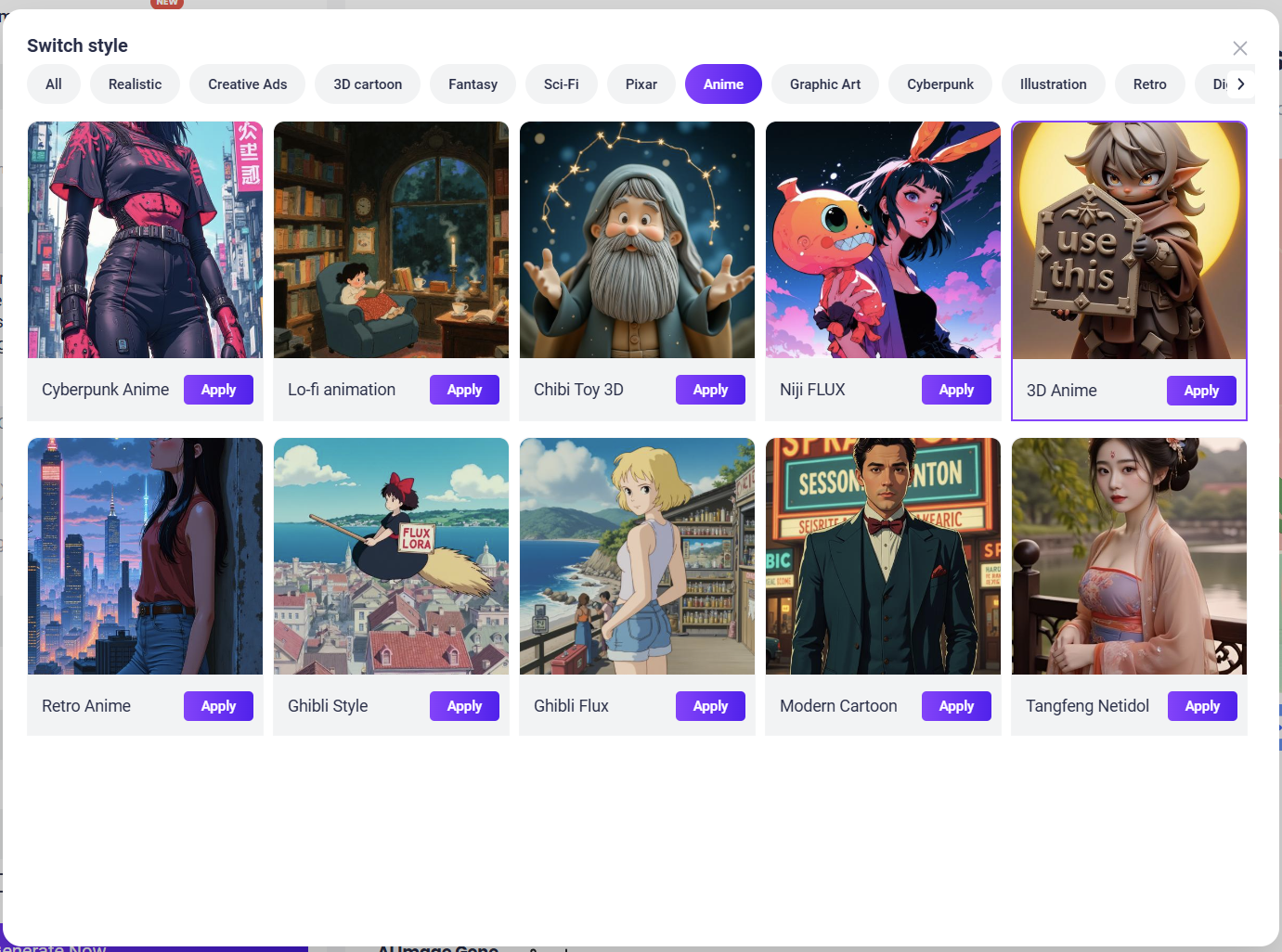
Step 4. Click Generate Now is ok.
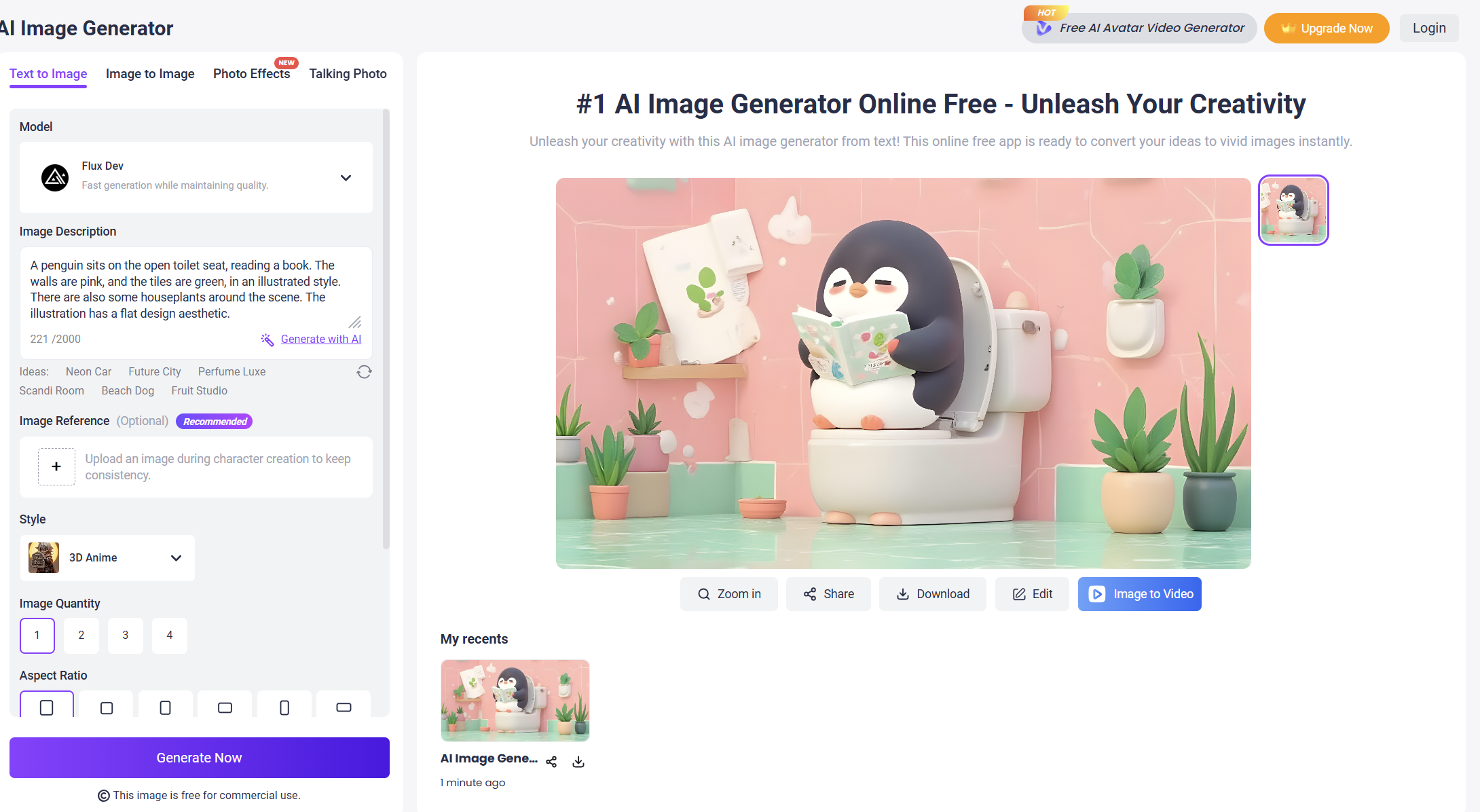
You can upload an image reference and then choose the image quantity, aspect ratio, dimension, as well as unwanted content.
Pros and cons of this tool can be summarized below:
Pros
- Multiple AI models
- Generous free trial
- Beginner friendly
- Many styles
Hot AI Penguin Content Generation Ideas
Here are some generation ideas for AI penguin content. Try them by yourselves now!
AI Penguin Group Dance
Let not only one but a group of penguins dance in videos.
Penguin Dancing with babies
Your baby can dance with cute penguins, too.
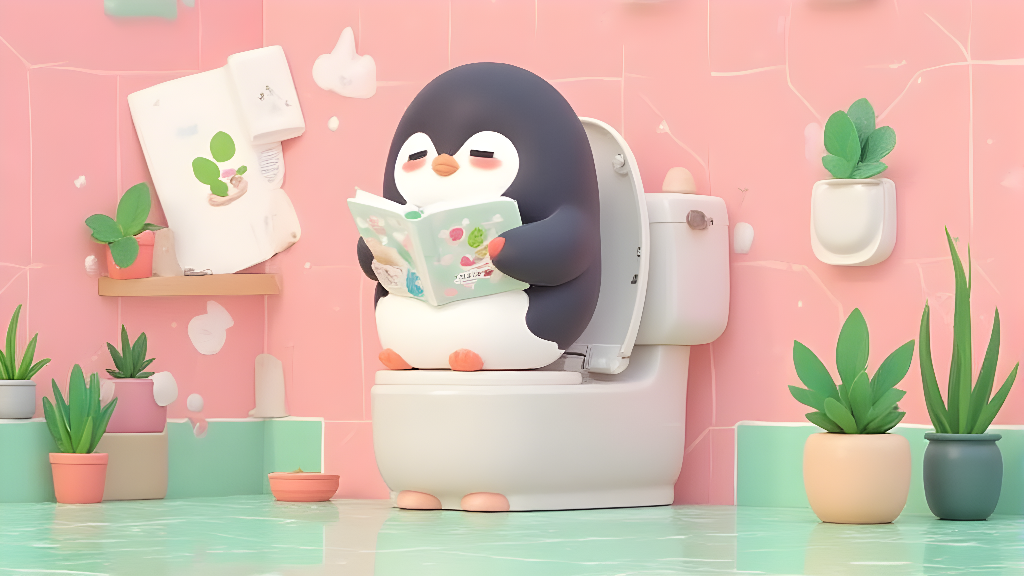
Cute penguin Images
Create adorable penguin images for multiple purposes.
The Bottom Line
That’s all about AI penguin content generators. You can start creating preferred AI penguin images and videos. The 4 tools mentioned above are all easy to use, just choose one to unleash your creativity right away! Vidnoz AI tools, including the dance video generator, image generator, and the image to video tool, deserve to be mentioned again here. They have outstanding services and a generation quality above the average. No hesitation, and try them today!

Vidnoz AI - Create Free Engaging AI Video with Talking Avatar
- Easily create professional AI videos with realistic avatars.
- Text-to-speech lip sync voices of different languages.
- 2800+ video templates for multiple scenarios.