Have you ever opened your feed, spotted a smug tabby aiming the camera at its own whiskers, and caught yourself giggling before you scrolled on? That moment of delight explains why the cat selfie meme keeps bouncing back to the top of social timelines.
From single-paw glamour shots to the entire process of pets photobombing together, the trend has become a quirky digital shorthand for “life is better with cats.” Below you’ll find the story behind the craze, a bundle of ready-to-save examples, and an easy route to designing a brand-new feline masterpiece of your own.
- On This Page
-
Why Cat Selfie Memes Went Viral?
-
Funny Cat Selfie Memes for Free Download
-
How to Create a Cute Cat Selfie Meme Image with AI
-
How to Create a Cat Taking Selfie GIF? Easy!
Why Cat Selfie Memes Went Viral?
Scientists will tell you that internet cats tap directly into our instinct to protect baby-like faces, but meme culture added a modern twist: the phone-held-at-arm’s-length perspective. Seeing the world from a cat’s eye-level feels oddly intimate, almost as if the cat invited you into its private photo album.
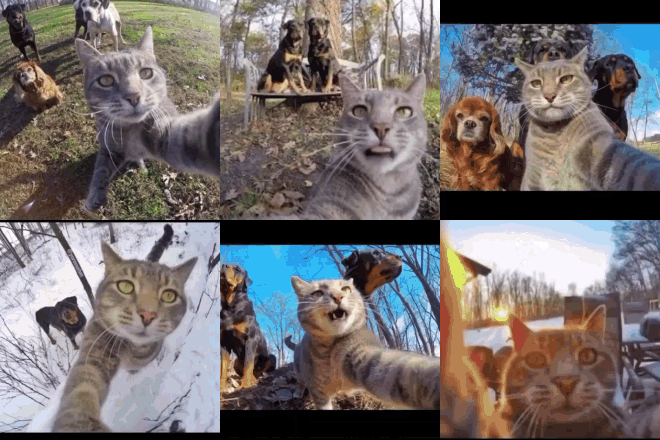
When Manny, the now-legendary “selfie cat”, started popping GoPro shutters next to his canine entourage, media outlets from ABC to lifestyle blogs picked up the story, and shares spiralled into the millions. The angle is cute, the joke universal, and the result is the kind of funny cat selfie meme that breaks language barriers in a single swipe.
In fact, it’s pretty clear that people of every age love this cat selfie trend equally because there is always a good laugh when you look at them.
Funny Cat Selfie Memes for Free Download
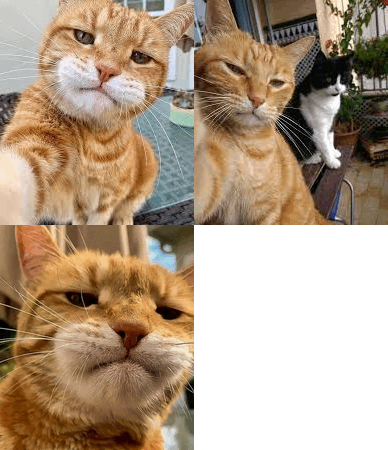
There are countless variations of the viral cat selfie meme, each funnier than the last. From smug solo portraits to chaotic group selfies and animated feline poses, the range is endless. We don’t mind saying that you will always find something that’s perfect to make people laugh.
Whether you're into a stylish single cat, a team of furry friends, or a hilarious cat selfie meme with dogs, we've gathered some top picks you can download for free. You can simply hit the right-click button, click on download, and make these cute selfies a permanent part of your phone.
These images and GIFs come from meme culture classics and stock-free creative platforms, perfect for personal sharing, profile pics, or even starting your own meme page.
Single Cat Selfie Images:
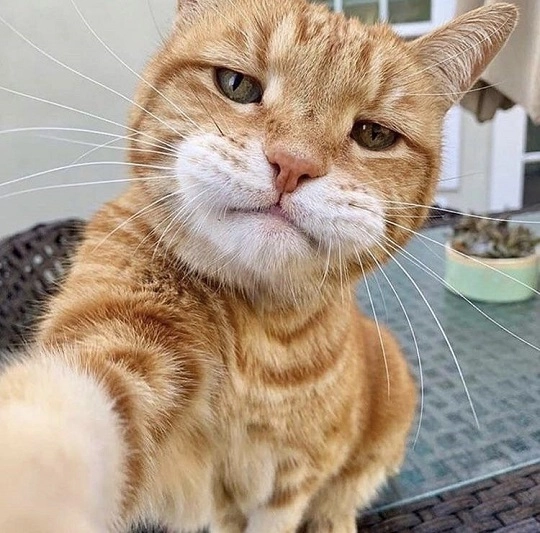
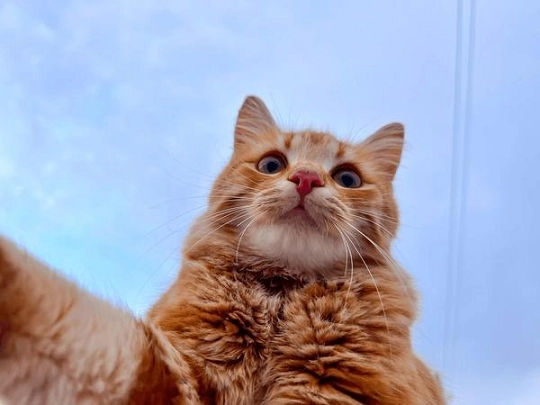
Cat Selfie with Dogs:
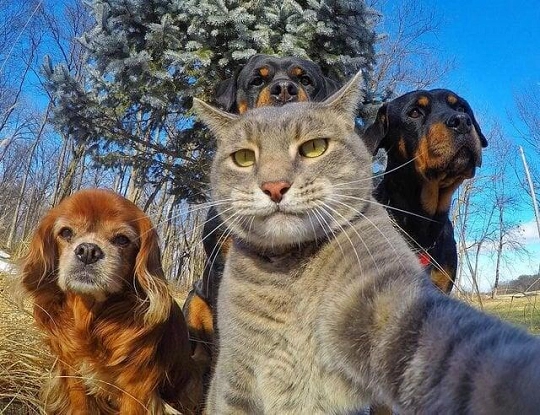
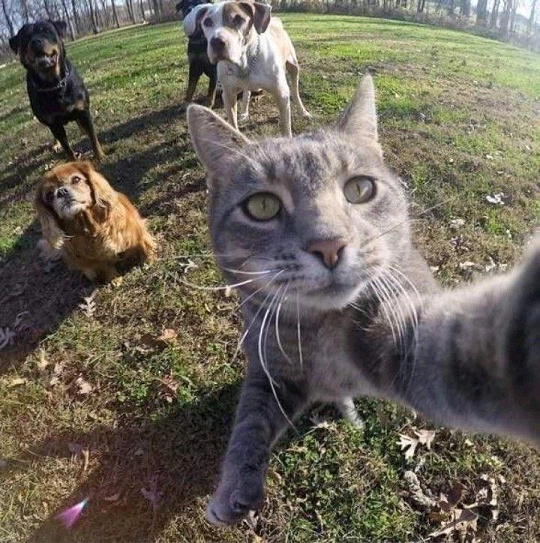
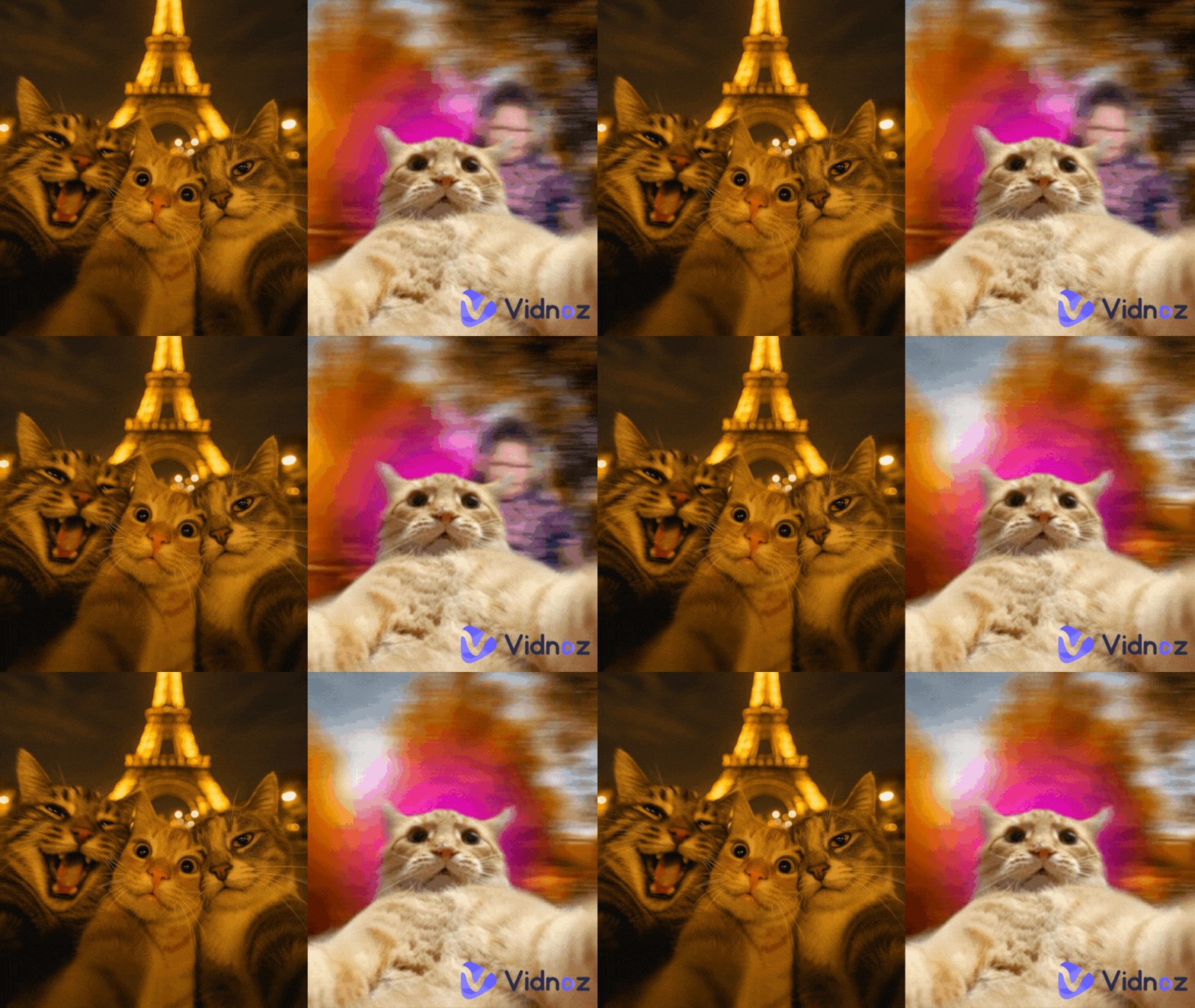
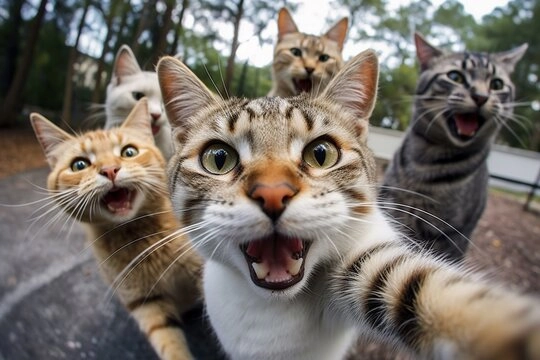
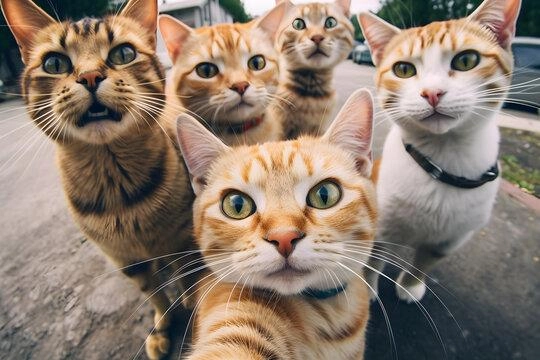
Cat Friends Selfie (Several Cats):
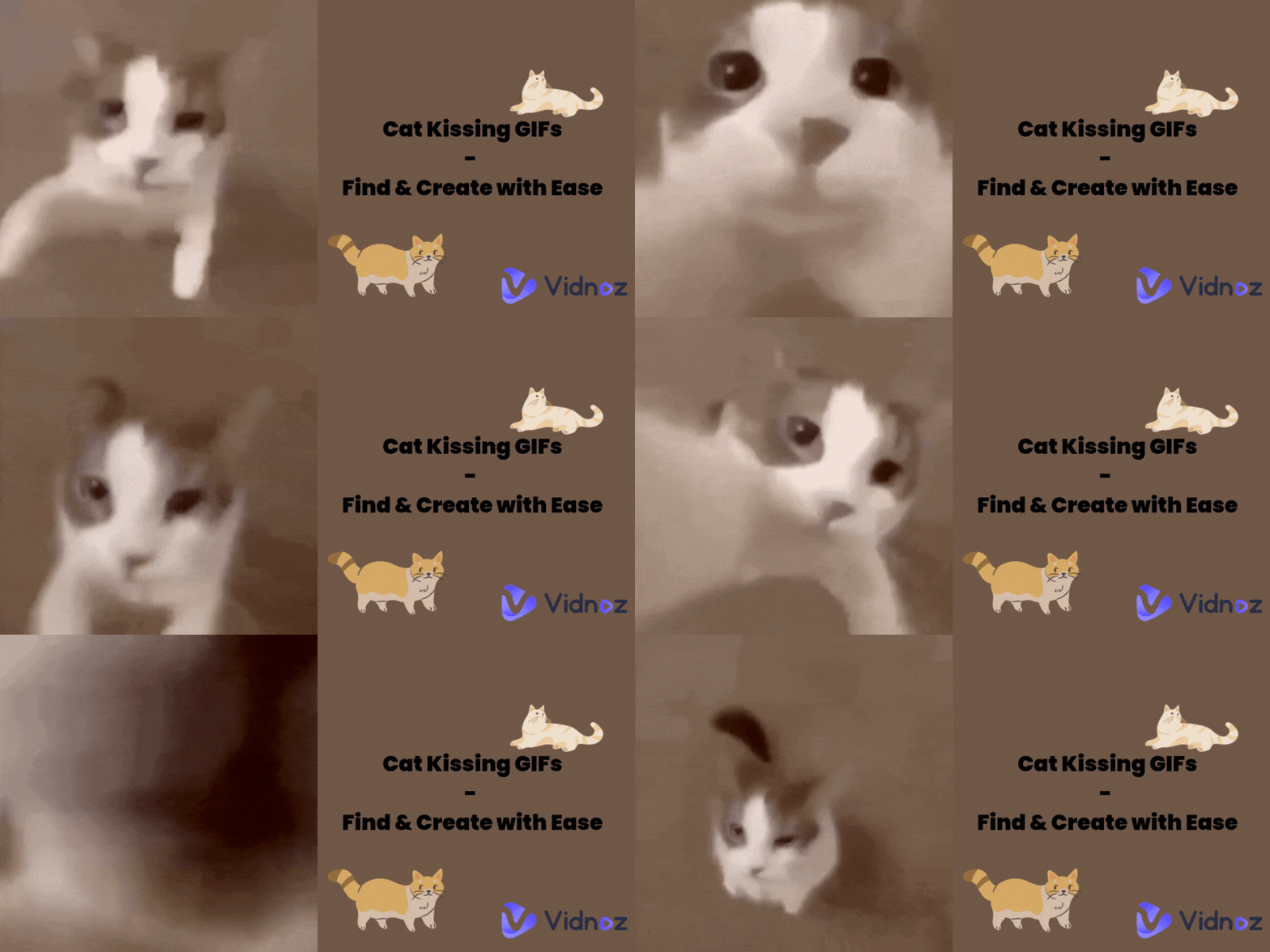
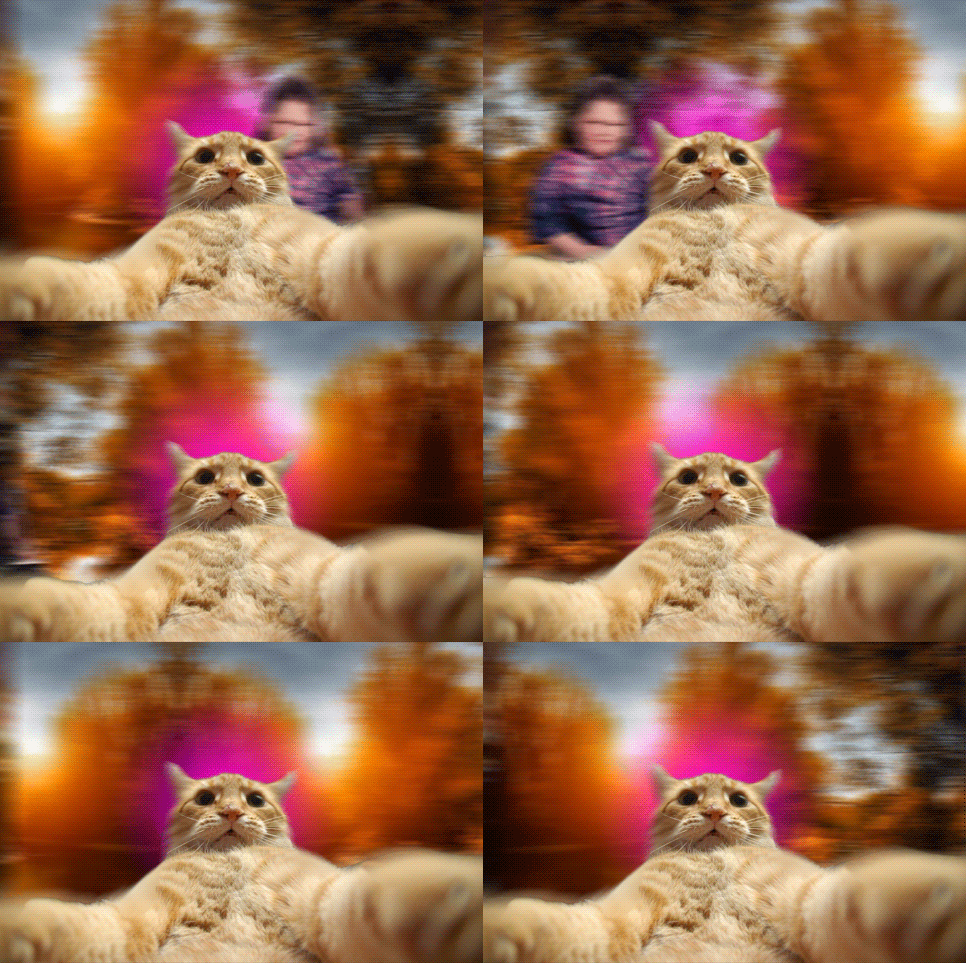
Cat Taking Selfie GIF:
Didn’t spot the meme you had in mind? No worries, whipping up a custom version is faster than chasing a laser pointer.
How to Create a Cute Cat Selfie Meme Image with AI
Follow these bite-sized steps and you’ll have a brand-new cat selfie meme generator at your fingertips.
Step 1. Find a powerful AI image generator
Skip the endless tool-hunt and head straight to Vidnoz AI Image Generator. It offers daily free credits, several aspect ratios including the ultra-wide 19:6 that flatters selfie arms, and zero sign-up friction. Plus, its style presets range from cartoon to near-photoreal.
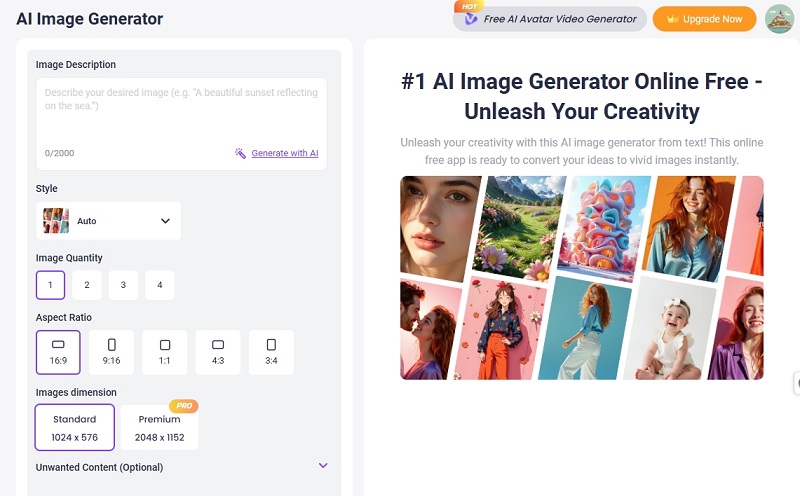
Step 2. Input the description for the cat selfie you want
Think like a director: “One ginger cat wearing retro sunglasses, holding a cracked phone, bright park background, fisheye lens, goofy grin, excluding dogs.” Detail matters; the AI maps each cue to colour, composition, and mood. If you want multiple pets or a specific gag (e.g., a cat taking selfie meme inside a laundromat), spell it out. Negative prompts, “no humans, no dark lighting”, help the model avoid unwanted extras.
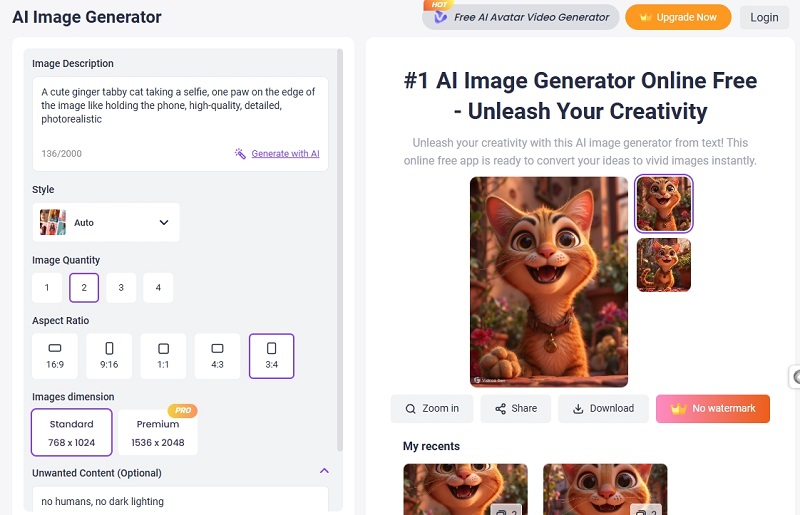
Step 3. Let AI generate the meme for you
Hit “Generate Now,” critique the result, adjust the wording, and re-run. Happy? Download the HD image free for personal or commercial use, slap on text in any editor, and share away. One prompt, endless variations. You can also download and share the memes for free.
Bonus: Turn a Static Cat Selfie Meme into Video
Drag that fresh image into the Vidnoz Image to Video module, add a short script, “Me when the group chat finally meets IRL”, and watch the platform animate eyes, mouth, even camera flashes for you. It’s free, template-based, and exports social-ready clips in seconds.
Convert Image to Video AI Online - Free
- Create a video from an image quickly for free.
- Use various AI models to turn photos into videos.
- Download and share the AI-generated video at no cost.
Convert Image to Video
How to Create a Cat Taking Selfie GIF? Easy!
Follow this step-by-step guide, you can easily create a Cat Taking Selfie GIF by yourself.
Step 1. Gather the cat taking selfie images
You can batch-generate sequential selfies with Vidnoz or pick favourites from the download list above. Aim for equal dimensions to minimise later cropping.
Step 2. Choose a tool that can turn images to GIF
The classic EZGIF creator lets you drag-drop images straight into its browser interface, no installs.
Step 3. Upload the cat selfie images to the tool
Sequence the shots so the paw appears to move or the background pans. Unequal sizes? Hit “Resize” and let the site auto-crop.
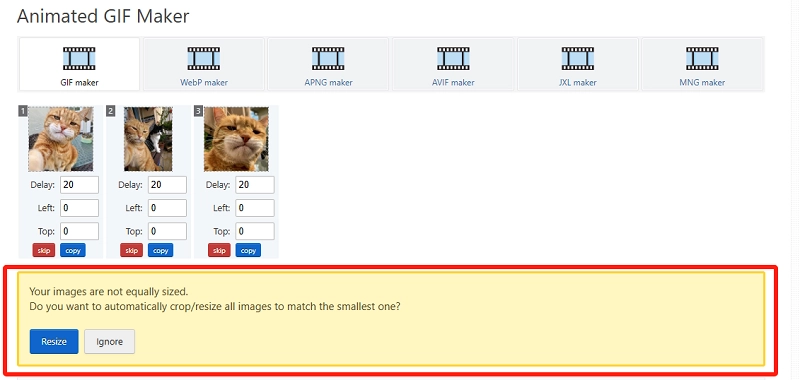
Step 4. Basic settings for the GIF Making
GIF delay is counted in hundredths of a second. Try “50” for a smooth half-second between frames; slower delays crank up the comedic pause.
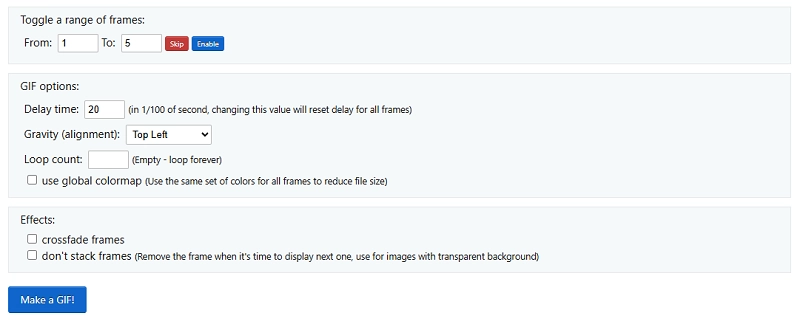
Step 5. Start to Make a Cat Taking Selfie GIF
Click “Make a GIF!”, preview, then download your looping cat selfie meme GIF, ready for Slack, Discord, or your blog sidebar.
Conclusion
From Manny’s first GoPro snap to today’s AI-powered remix culture, the cat selfie meme shows no sign of retiring. You’ve now got a gallery of free downloads, the know-how to spin up unique images with a few well-chosen prompts, and even a route to motion graphics. This clearly means that you will never run out of funny cat stuff.
Whether you prefer a solo kitty flexing its paw or a full-on three-cat selfie meme chaos shot, the tools outlined above make it effortless and fun to keep the internet’s favourite hobby alive (yes, we are talking about making cat selfies). So, use tools like Vidnoz free AI video Generator, share the pictures with your friends, and have a good laugh!