Do you want to make a creative image from the current ones? Blending two pictures into one is one of the most practical methods that can bring magic for you. Whether you tend to merge animals, humans, objects and the others, the AI image blenders can make your dream come true. With blend 2 images online AI tools, you can easily merge 2 images in seconds with no skills needed.
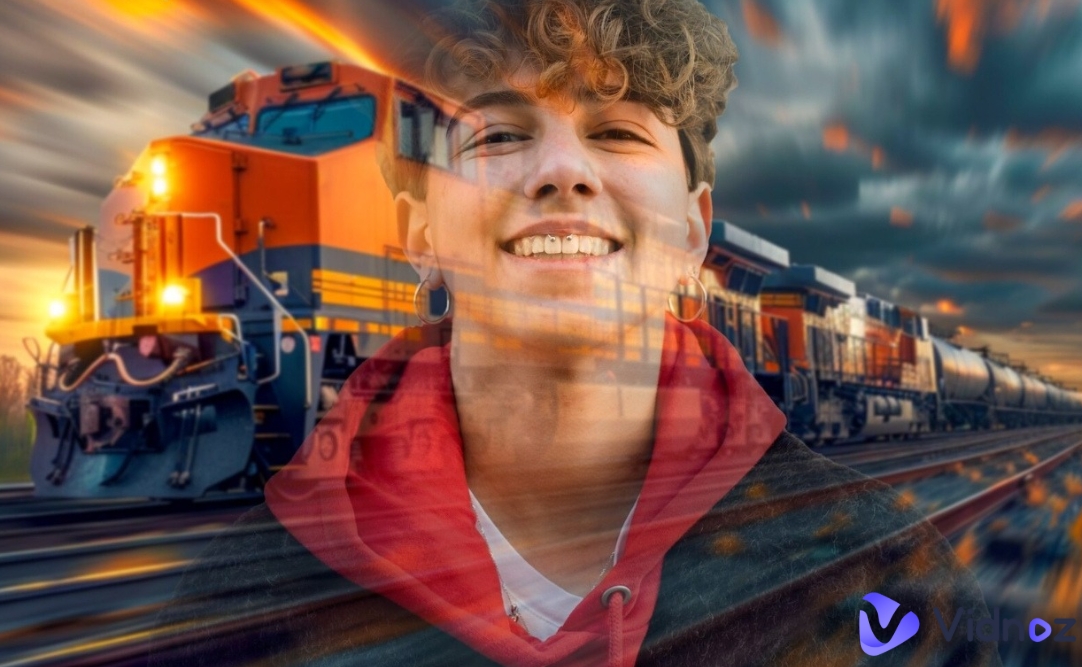
Working with advanced AI algorithms, the AI image blending tools makes merging 2 images to one a simple task. In this post, we’ll show you 4 methods to blend 2 images online with AI for a stunning new one.
- On This Page
-
About Blend 2 Image Online AI Tools
Fun Examples of Blending 2 Images with AI
-
How to Blend 2 Images Online with AI – 4 Methods to Try
Method 1. Mix Composition & Styles Naturally with OpenArt AI
Method 2. Try LightX AI to Blend 2 Images with High Quality
Method 3. Blend 2 Images with Multiple Overlay Effects on Fotor
Method 4. Customize Image Blending for Professional Designs with Canva
-
Bonus: Combine Images for a Stunning New One 100% Free Online
-
FAQs About Blend 2 Image Online AI
About Blend 2 Image Online AI Tools
Image blenders are tools that can merge styles and contents of the target images naturally, making a seamless transition between them. Usually, such image editing tools focus on mixing all the images without losing their original styles. Artificial intelligence technology is now applied to these tools for blending photos, adjusting colors and refining edges. No manual editing is required - just upload your pictures and then the blend 2 image online AI will do the rest.
Fun Examples of Blending 2 Images with AI
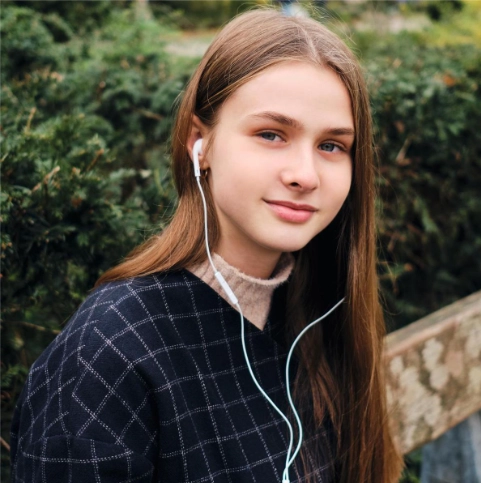
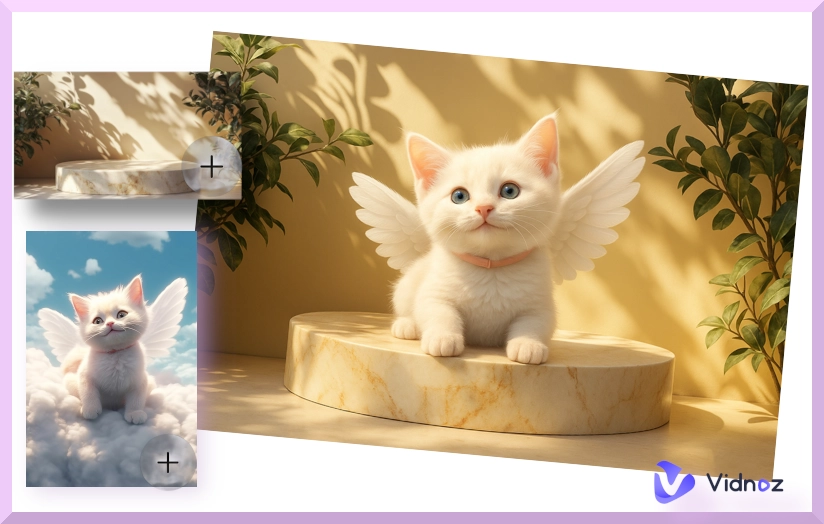
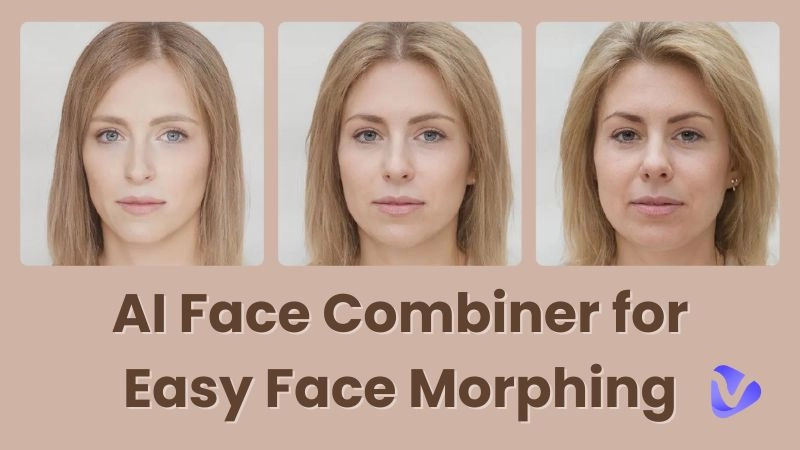
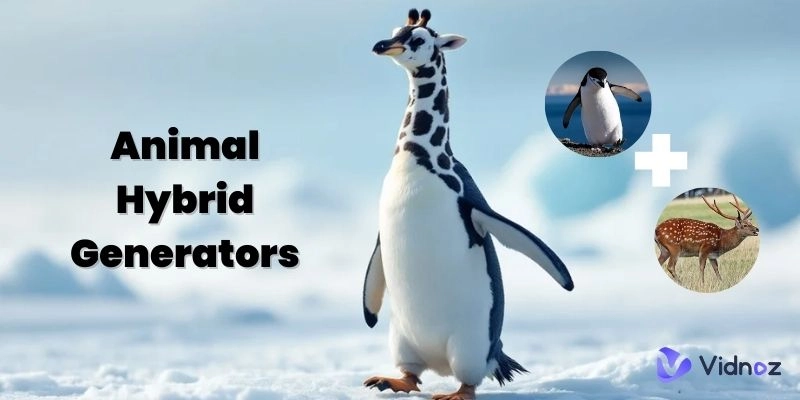
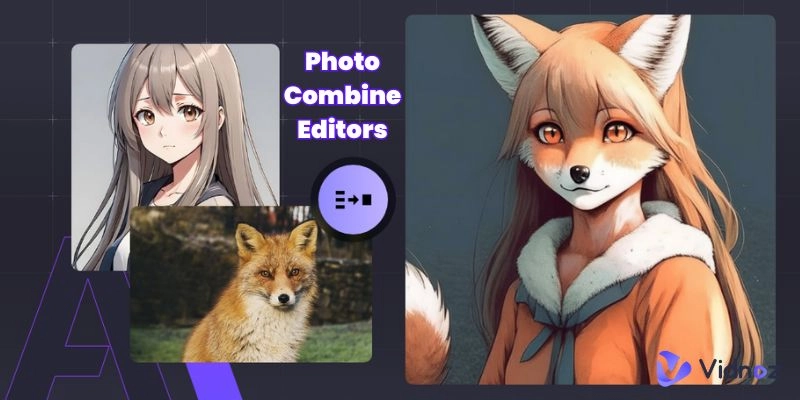
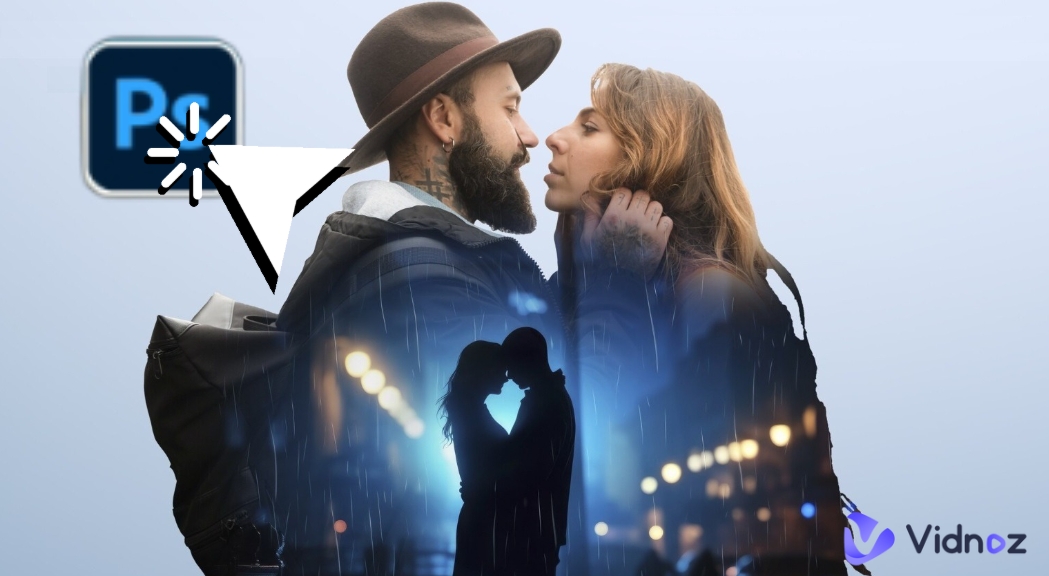
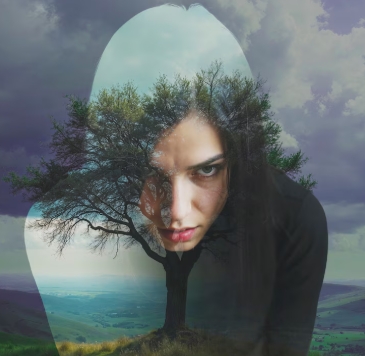
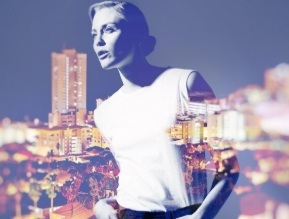
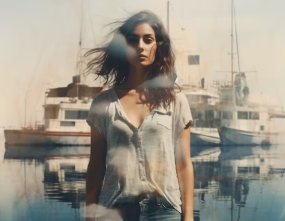
Here are some image examples created with the blend 2 images AI tools:
Example 1:
Example 2:
Example 3:
Vidnoz AI - Create Free Engaging AI Video with Talking Avatar
- Easily create professional AI videos with realistic avatars.
- Text-to-speech lip sync voices of different languages.
- 2800+ video templates for multiple scenarios.
How to Blend 2 Images Online with AI – 4 Methods to Try
Want to merge two photos into one? AI makes it simple! Below are 4 easy ways to blend 2 images online using AI. No downloads needed, just pick a tool and start your creation.
Method 1. Mix Composition & Styles Naturally with OpenArt AI
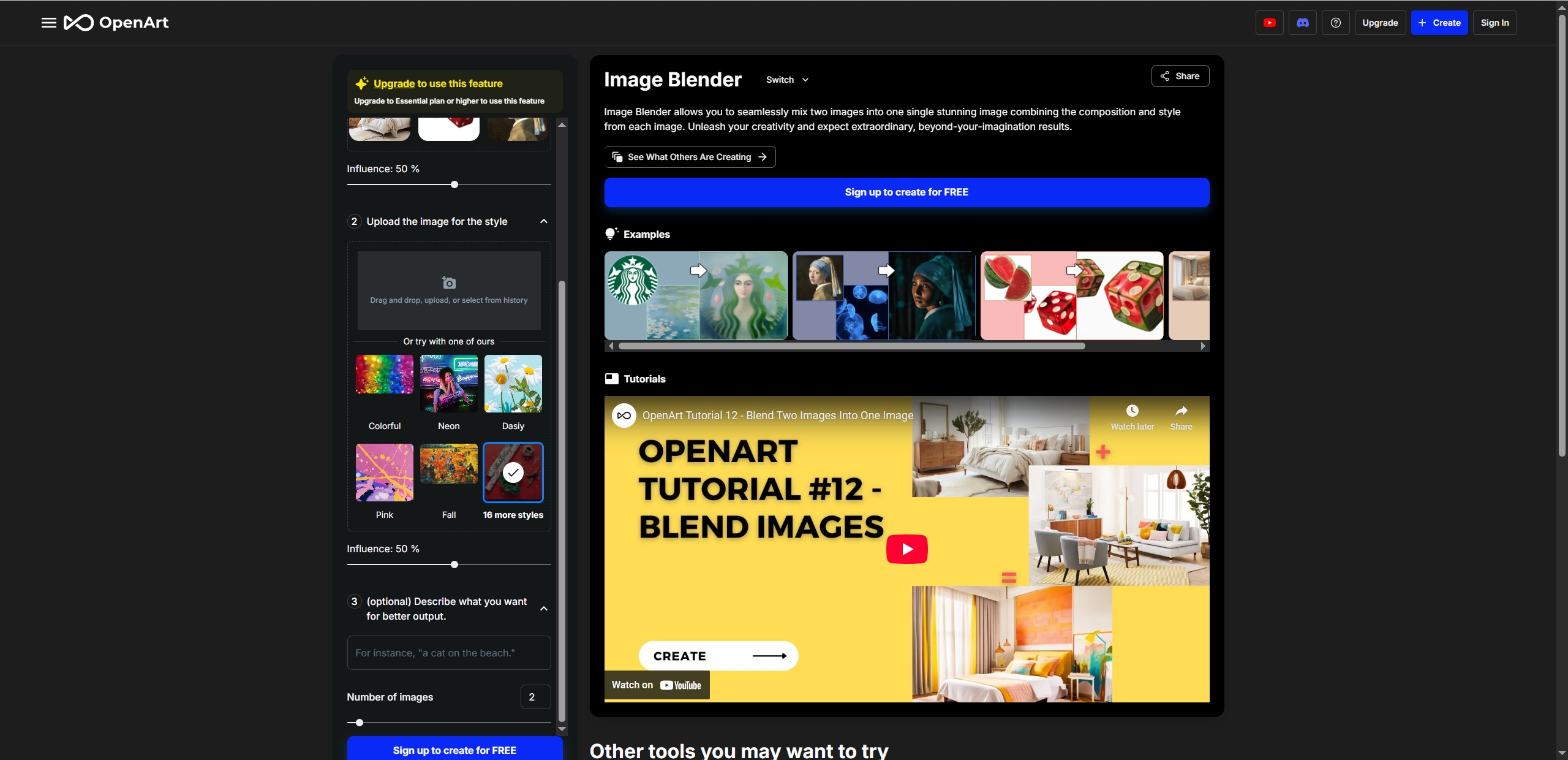
When you are seeking one powerful AI image blender online, OpenArt AI can be a worth-trying option for you. It helps users to blend 2 images by merging composition and styles of the images. One of the key advantages of this tool is that it allows users to set the level of influence of each image, so that they can customize a blending image by themselves. To better understand the users’ ideas and generate a satisfying result, it provides an optional part for users to add descriptions of their ideal image.
Pros
- Diverse styles are available, like Neon, Fall, Colorful, etc.
- Simple and fast image blending process.
Cons
- The free version only blends 2 images (paid plans are available for more).
How to Blend 2 Images with OpenArt AI:
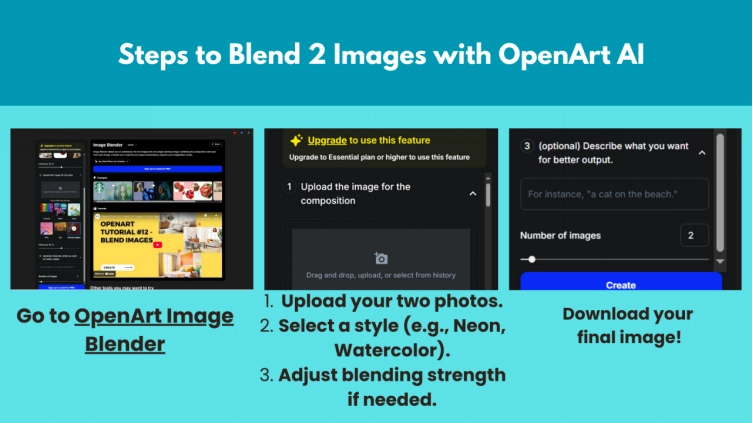
Step 1. Go to OpenArt Image Blender. Upload your two photos.
Step 2. Select a style (e.g., Neon, Watercolor) and adjust blending strength if needed.
Step 3. Add texts to describe what you want for the best result.
Step 4. Create and download your final image.

Do you want to further your creation by creating a video with the blended images? Try this free AI video generator to make your own AI video with no effort!
Method 2. Try LightX AI to Blend 2 Images with High Quality
If you want professional-looking AI image blends, LightX AI is a great choice. Being a powerful blend 2 image online AI tool, it allows users to edit images without downloading or installing any software. Whether you’re aiming for natural and smooth image blending, image blurring or other image editing tasks, it can meet your needs in a creative way. When you want to blend 2 images or handle multiple images, ask it for help, then this powerful blend 2 images AI tool will make it and generate a new high-quality image in seconds.
Pros
- AI blends 2 images without losing sharpness.
- Adjust overcity, layering and filters to customize the image blending result.
- Blend more than 2 images for free.
Cons
- Watermark on the free version (a paid plan is required for full access).
- Some advanced features require sign-up.
How to Blend 2 Images with LightX AI:
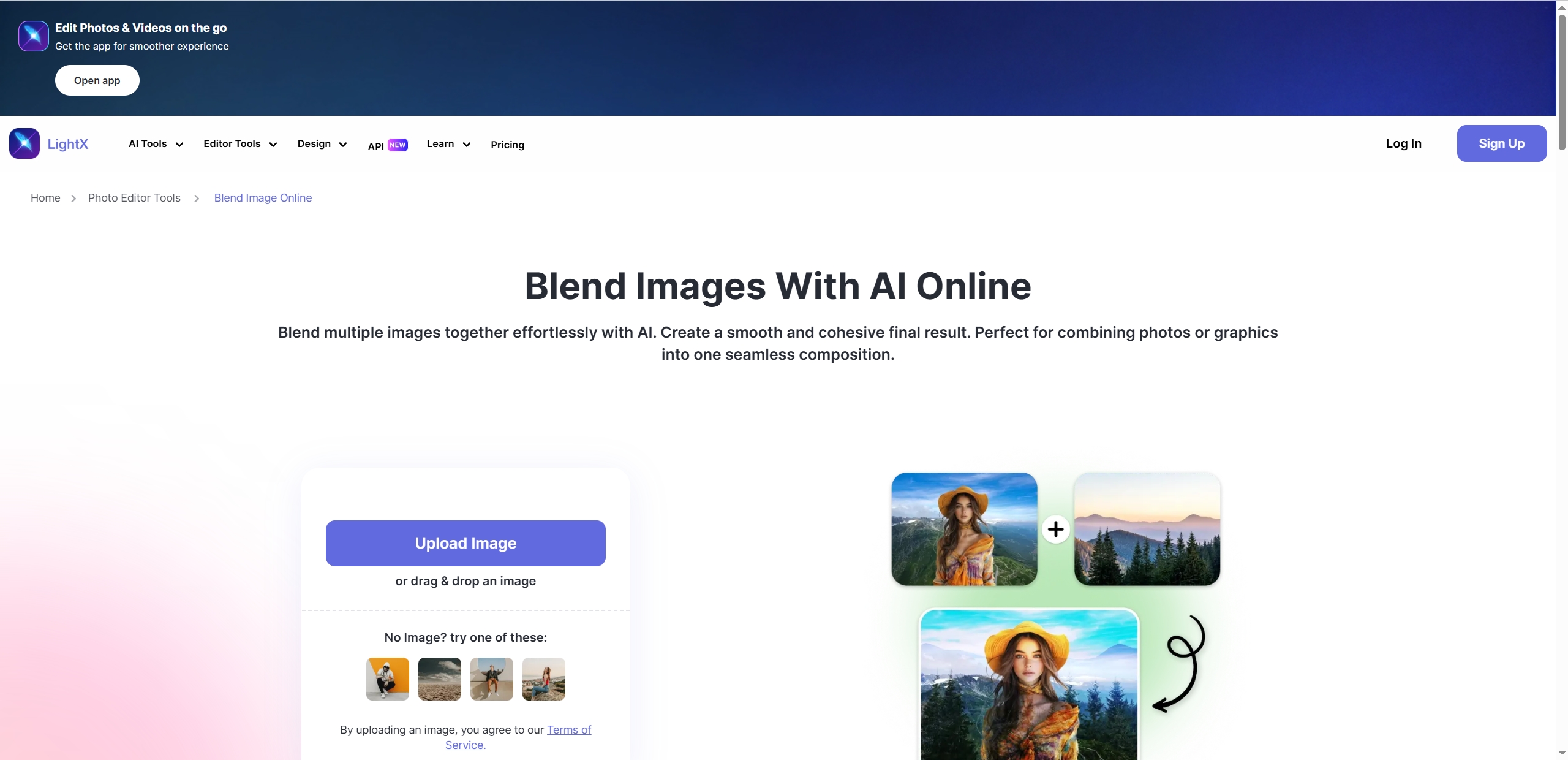
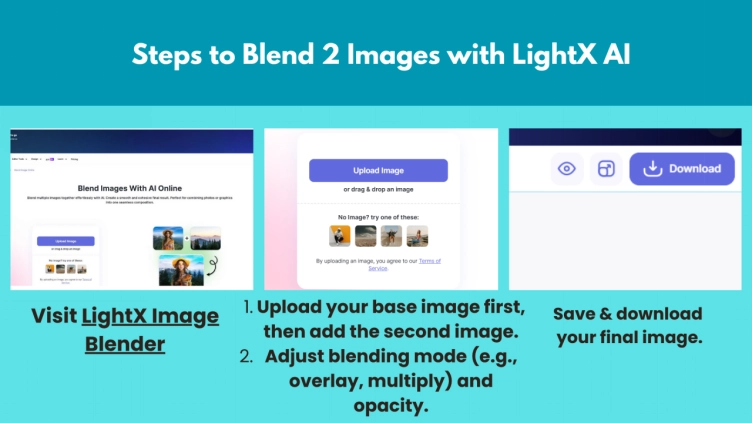
Step 1. Visit LightX Image Blender. Upload your target images.
Step 2. Adjust blending mode (e.g., overlay, multiply) and opacity, then let the AI blend 2 images.
Step 3. Fine-tune with filters or manual editing if needed.
Step 4. Save and download your final image.
Method 3. Blend 2 Images with Multiple Overlay Effects on Fotor
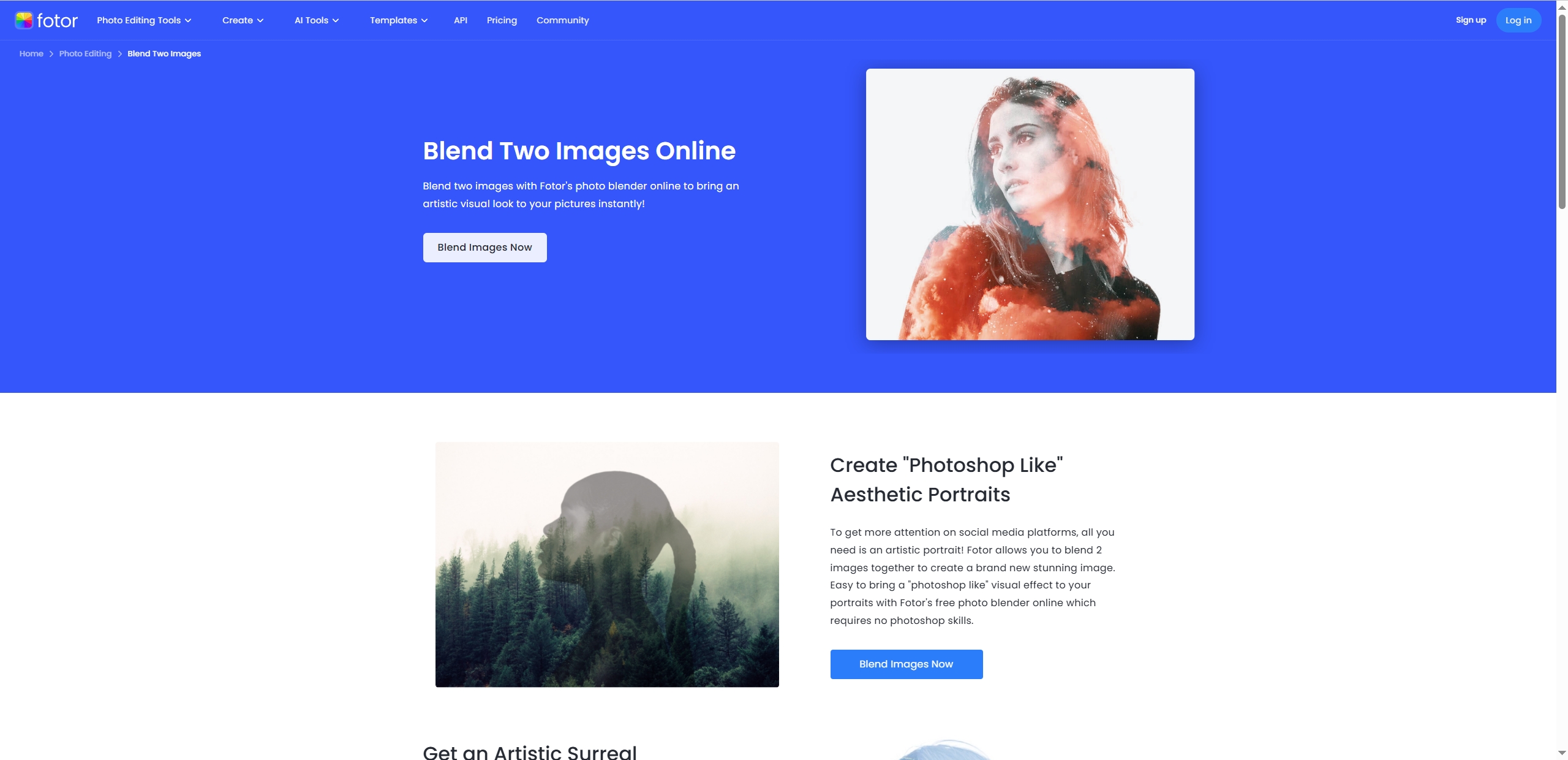
Fotor AI is a cutting-edge image editor that enables users to blend 2 and more images online with AI. With the powerful AI photo editing functions, this tool makes you feel like blending 2 images with Photoshop, even when you have no Photoshop image editing skill. It’s an ideal blend 2 images AI tool for people who are seeking a practical method to make artistic surreal images with the blending 2 images online AI.
Pros
- Provide Photoshop-like AI blending image outputs.
- See changes instantly as you adjust settings.
- Generates a surreal AI blending image in seconds.
- Diverse overlay effects are available.
Cons
- The free version constantly prompts for upgrades.
- Requires manual tweaking for better results.
How to Blend 2 Images with Fotor:
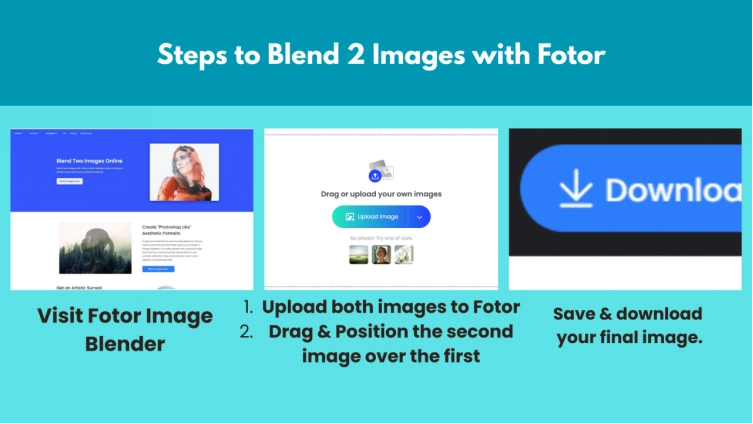
Step 1. Open the AI image blender, then upload both images.
Step 2. Drag and position the second image over the first.
Step 3. Experiment with blend modes (Start with "Lighten" for smooth transitions), fine-tune using erase/brush tools for precision.
Step 4. Enhance the AI blending image with built-in photo effects, when everything is done, download and share it on social platforms.
Method 4. Customize Image Blending for Professional Designs with Canva
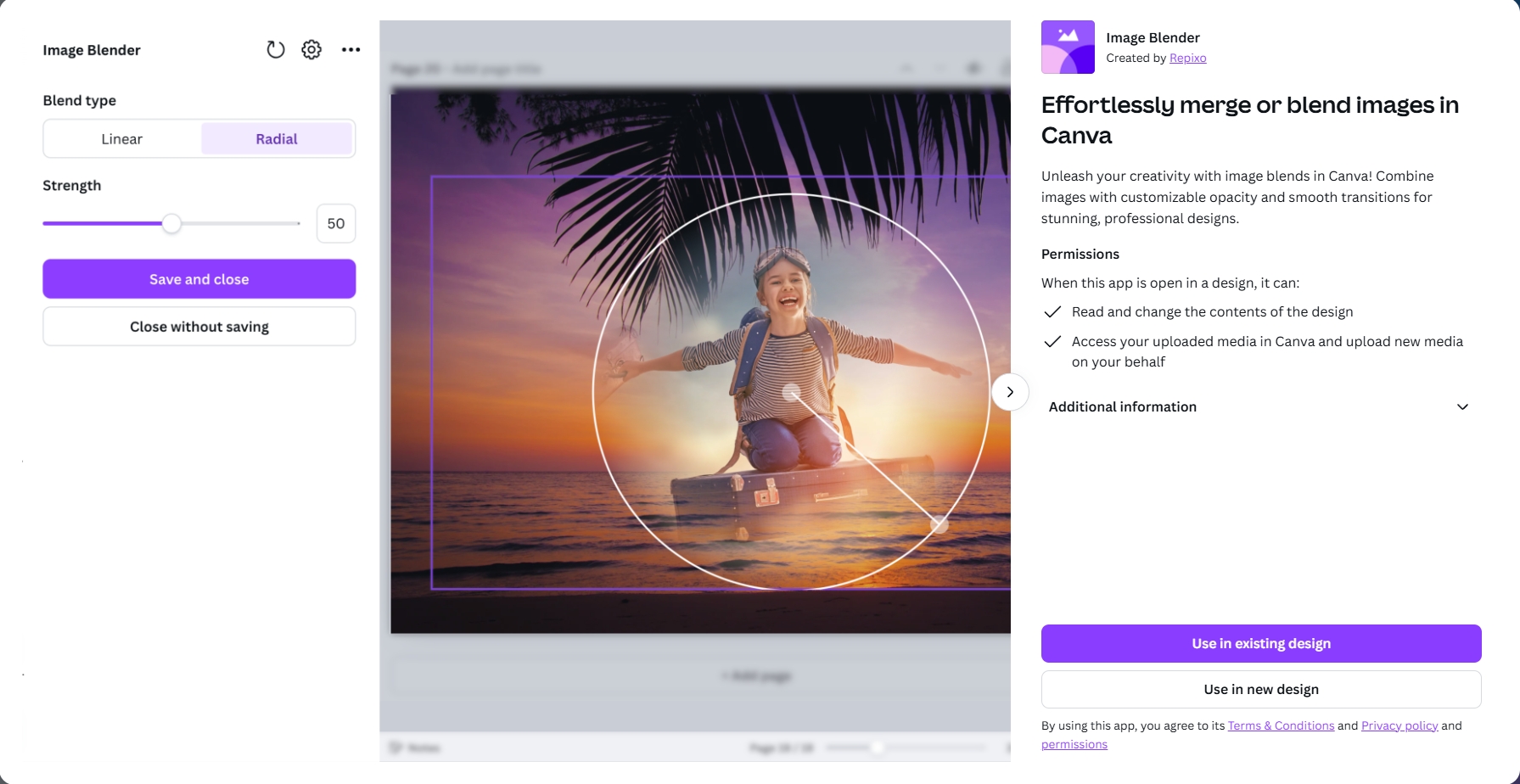
Canva can be your go-to tool for blending 2 images online with AI. In an easy-to-follow interface, it offers diverse functions to satisfy different users’ demands. Users can personalize their image blending creation, giving their projects a detailed touch by using the multiple AI art generating functions. Simply upload the target images and select related functions, then you can find your creativity with the blended images.
Pros
- Clear and bright image blending interface.
- Highly customizable opacity and smooth transition for merging images.
- Other advanced image editing functions are available.
Cons
- Some blending features work best on desktop.
- Less flexible for completely custom compositions.
How to Blend 2 Images with Canva:
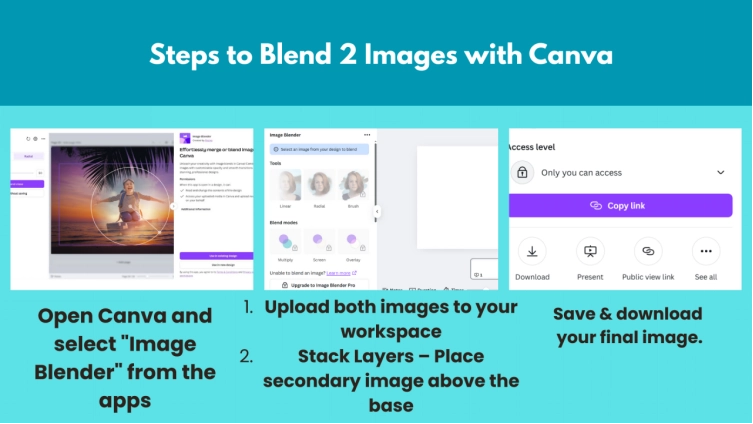
Step 1. Open Canva and select the "Image Blender" option.
Step 2. Upload both images to your workspace. Place the secondary image above the base, then use the slider for perfect transparency blending.
Step 3. Customize the image blending level and then download it for free.
Bonus: Combine Images for a Stunning New One 100% Free Online
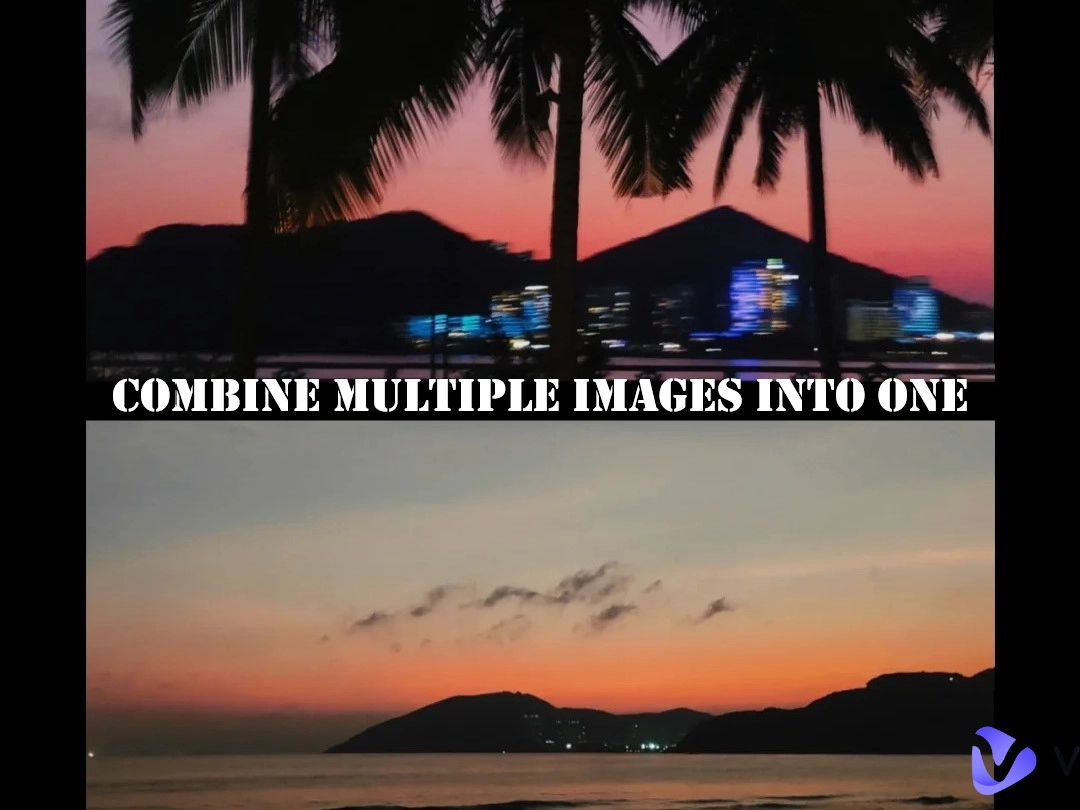
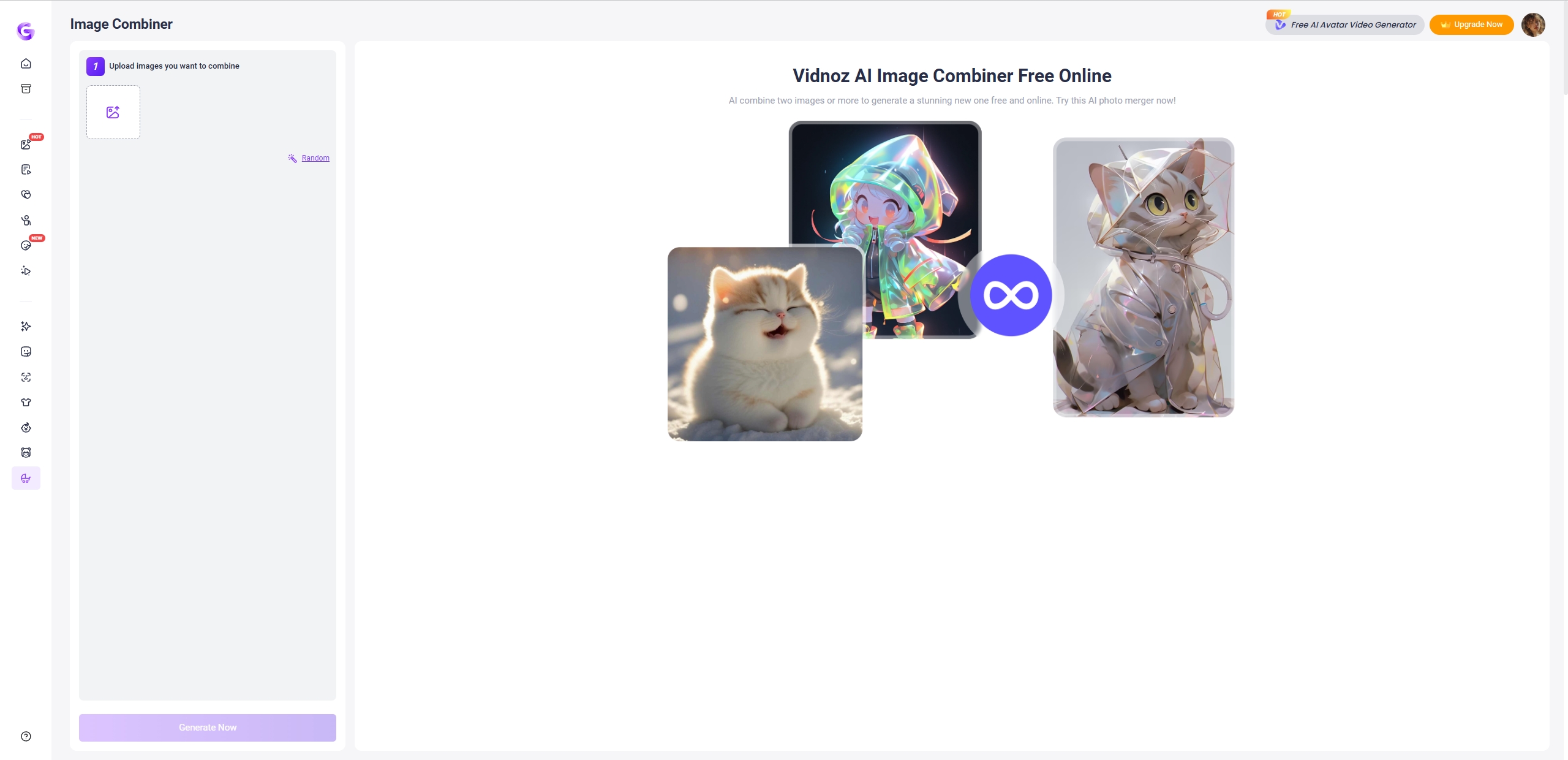
What if you want to merge elements from different images and generate a hybrid image with a creative style? Then please don’t miss the Vidnoz AI image combiner. Unlike blend 2 image online AI tools, such an AI image combiner helps to merge styles and diverse elements from images, then create a creative AI hybrid image with ease. Since it works on a distinctive and clear interface, the users can combine two and more images for stunning AI image creation. No matter what you tend to combine - faces, animals, objects, etc., this AI can be a friendly AI assistant for you.
Why Choose Vidnoz?
- Fastly combine 2+ images into one new creative image.
- No hidden payment requirement.
- Users can decide how much each image influences the result.
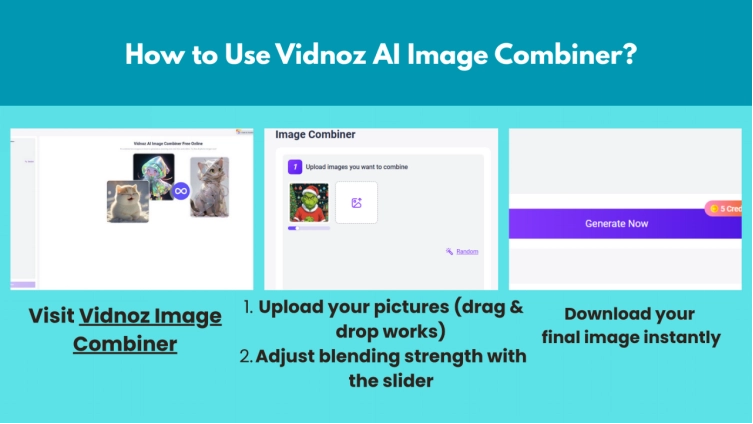
How to Use Vidnoz AI Image Combiner:
Step 1. Visit Vidnoz Image Combiner and upload your pictures (drag & drop works).
Step 2. Adjust blending strength with the slider.
Step 3. Preview the result in real-time, then download your final image instantly.
FAQs About Blend 2 Image Online AI
Have questions about blending 2 images with AI? Here are some quick answers:
1. Who Needs AI Image Blending Tools?
Social media post creators, meme makers, marketers, or anyone who wants to merge photos without Photoshop image editing skills.
2. Can Photoshop Blend 2 Images?
Yes, but it’s complex. AI tools like OpenArt or Fotor are much more convenient and simple for beginners.
3. Can I Blend More Than 2 Images?
Some tools (such as Fotor, LightX) support multi-image blends.
Vidnoz AI - Create Free Engaging AI Video with Talking Avatar
- Easily create professional AI videos with realistic avatars.
- Text-to-speech lip sync voices of different languages.
- 2800+ video templates for multiple scenarios.
Conclusion
Thanks to blend 2 image online AI tools, blending images has never been easier. Whether you want to blend images online for funny AI memes, professional designs, and other creative AI art projects, these free tools make it simple. From OpenArt style mixing to Canva polished edits, there’s an option for every need. Ready to try? Pick a tool and start blending 2 images today!