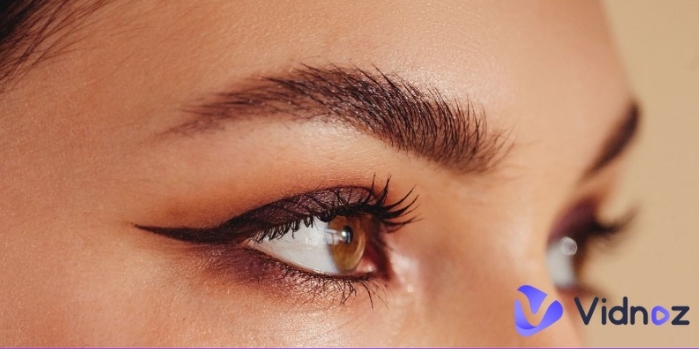
Do you wish to add a bit of cuteness, humor and charm to your images and videos? Go for a big eyes filter. From TikTok reels to Instagram stories, people are loving this filter due to its playful nature. Another reason for this trend is that the big-eyed look automatically gives you eye-catching transformations and fun reactions from your friends or other audiences. So, bring instant engagement to your content by applying such a filter or even a big eyes and mouth filter. Many online apps help you apply this creative look to any image or video of your choice.
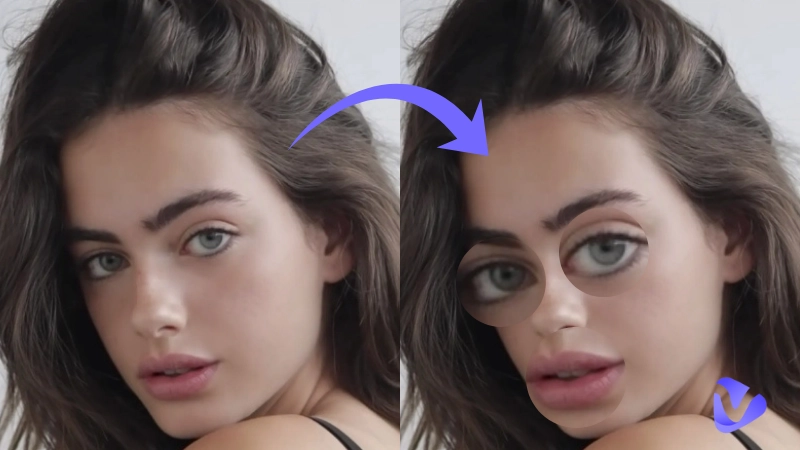
Let’s explore in this article why people like big eye filters and how to use such filters using free, online apps.
- On This Page
-
Why Do People Get Obsessed with Big Eyes Filters?
-
4 Ways to Use Big Eyes Filters for Funny Oversized Eyes
#Way 1. Use Big Eyes Lens/Effects on Social Media Platforms
#Way 2. Get A Dedicated Big Eyes Filter App
#Way 3. Use AI Web-Based Photo Editor to Apply Big Eyes
#Way 4. Use the Normal Beauty App to Resize Eyes into Bigger Ones
-
Recreation Ideas for Comical Big Eyes Photos
Make Normal Videos From Big Eyes Photo
Why Do People Get Obsessed with Big Eyes Filters?
People love using the big eyes filters for numerous reasons, hence they are trending across many leading online sites and platforms. Some of the leading reasons are listed below as to why people are obsessed with such filters:
- Hot Trend Participation: To join viral challenges going on social platforms regarding a big-eyed look, like Snapchat, TikTok, etc.
- Increase Engagement: To get more likes, comments, and shares, along with motivating other users to join the trend for visibility.
- Creative Experimentation: Lets users reimagine themselves in new, creative styles that are perfect for storytelling or humor.
- Show a Playful Persona: Helps create a fun look or eye-catching big eyes memes for creators on any social media platform, giving them a playful persona.
- Being Less Recognizable: Aids in covering the actual identity of a content generator while still sharing content that is meaningful or of a sensitive nature.
- Playful Escapism: Allows people to experiment with a cartoonish or fantasy look, offering a lighthearted break from reality.
4 Ways to Use Big Eyes Filters for Funny Oversized Eyes
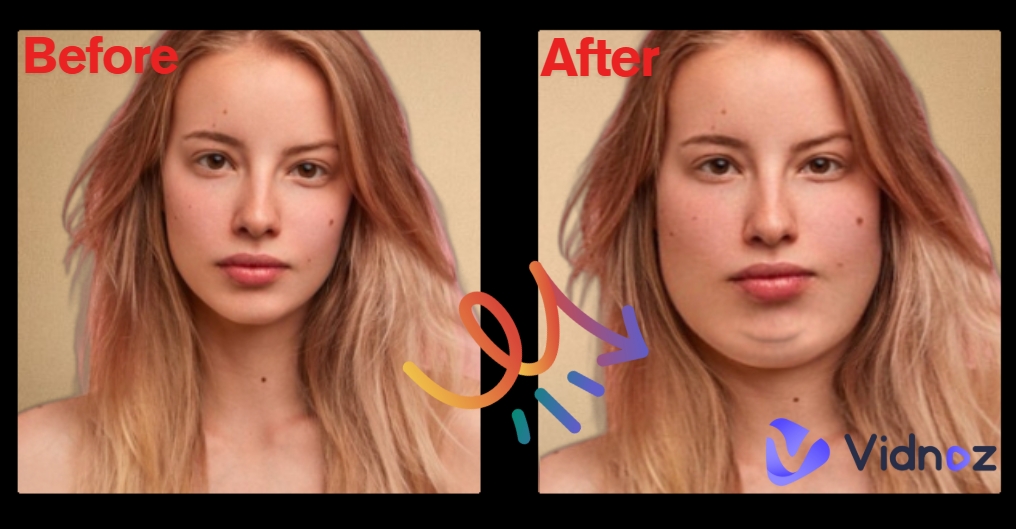
You can get a big eye filter or one with a double chin in 4 easy ways, each with its unique merits. Now, it is up to you to decide which one seems more attractive to you. Let’s explore ahead:
#Way 1. Use Big Eyes Lens/Effects on Social Media Platforms
Using online social media is the most convenient way to create and publish big eyes content at one go without downloading extra tools. Some popular names come into it like Snapchat, TikTok and Instagram. Each platform gives a different big eye effect to your photo or video. You can discover each app’s offered big eye look by trying it on your smartphone or laptop.
Snapchat: Snapchat is the ideal place to find a suitable filter for the big eyes effect. Some hot big eye filter Snapchat trends are given below as examples, with each lens giving a different style:
- Big Eyes and Mouth Lenses
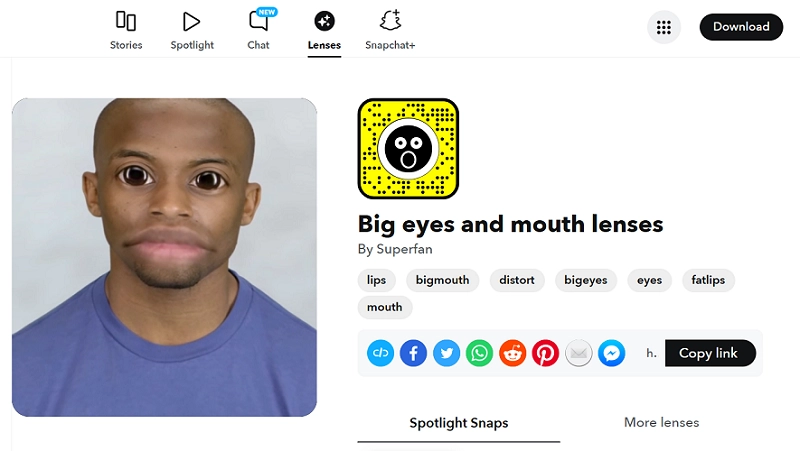
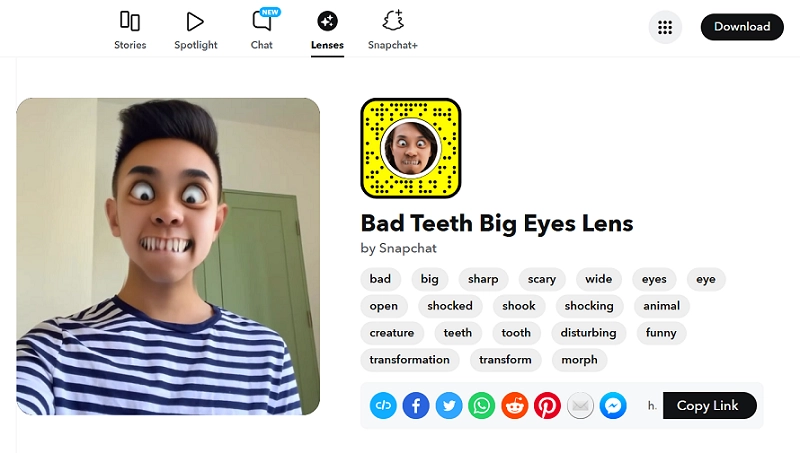
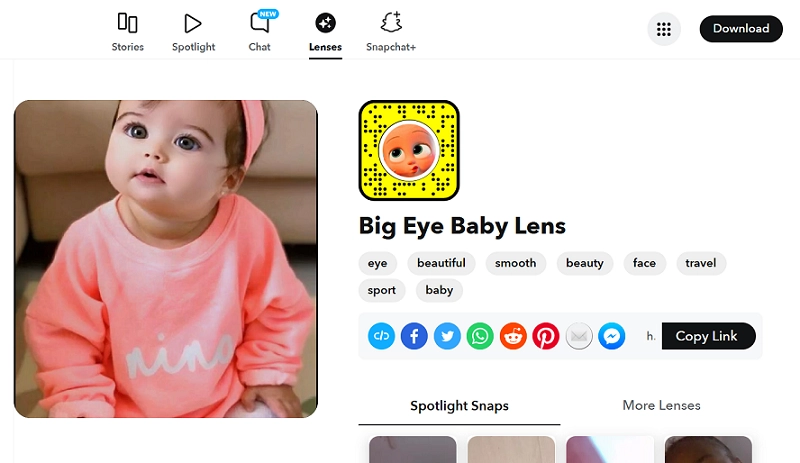
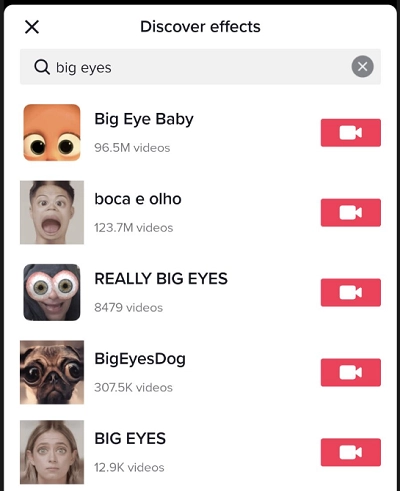
Tiktok: TikTok brings its own colorful array of AI filters, where the “Big Eye Baby”, “boca e olho” (big eyes & mouth effect) and “Big Eyes Dog” are far more popular than others. So, if you use TikTok, you can easily apply one of these looks to make your content stand out as funny or entertaining.
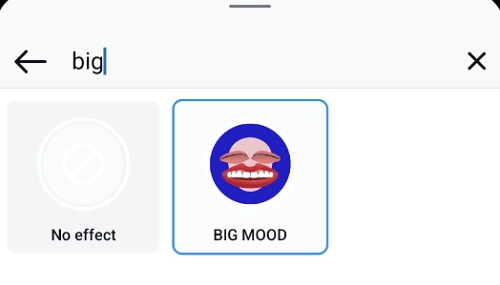
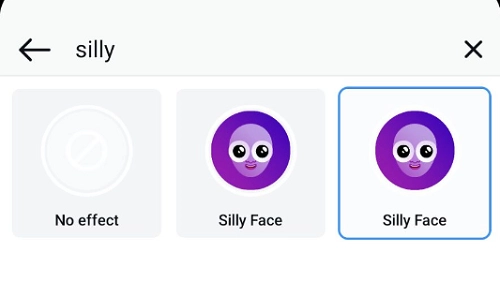
Instagram: Instagram doesn’t directly give a filter when you type the “big eyes” keyword in the search bar. However, you achieve the same result with some other effects, like Silly Face, BIG MOOD, and Valentine Eyes, among others. You may explore more filters here that can make your posts look big-eyed.
#Way 2. Get A Dedicated Big Eyes Filter App
When it comes to getting a filter for big eyes, you don’t get many app choices. An extra download and installation on mobile phones is also resource-intensive and time-consuming.
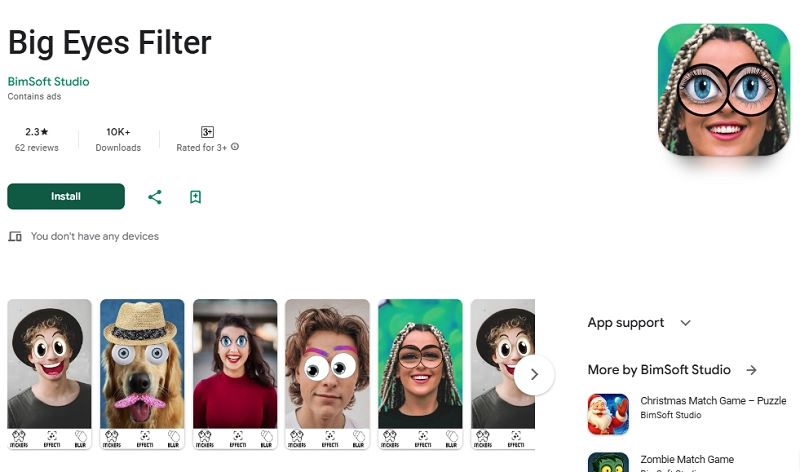
Big Eye Filter: Get a big eyes filter on Android using this app (Has ads). It lets you add big-eyed stickers to real-time photos or gallery photos with just a few clicks. Apart from normal big eyes, you also get anime-style big eyes and mouth filters. Many funny face filters and background-blur options are available here for better photo editing. You just open this app’s big eyes camera, take a selfie and apply funny photo stickers from the offered choices.
Crazy Bug Eyes Changer Booth: This free app is only available on the App Store for iPads and iPhones. It offers various big eyes styles, including big animal eyes, big scary Halloween eyes, animated eyes, big round eyes filter, etc. You may also use the Live Face Detection feature.
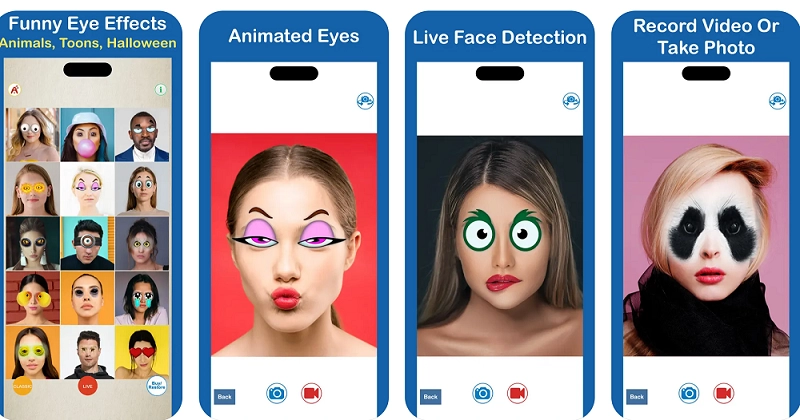
#Way 3. Use AI Web-Based Photo Editor to Apply Big Eyes
AI photo editors allow users to upload the target photo and write a flexible prompt to achieve the big eyes filter effect. The key is to write a clear text prompt and check the generated result. If you are unsatisfied, you can adjust your text input to gain a better output.
Notegpt.io: It offers an online AI image editor that is free to enlarge eyes in a photo and permits free file download. You may ‘Upload’ or ‘Paste’ a file in multiple formats, up to 20 MB.
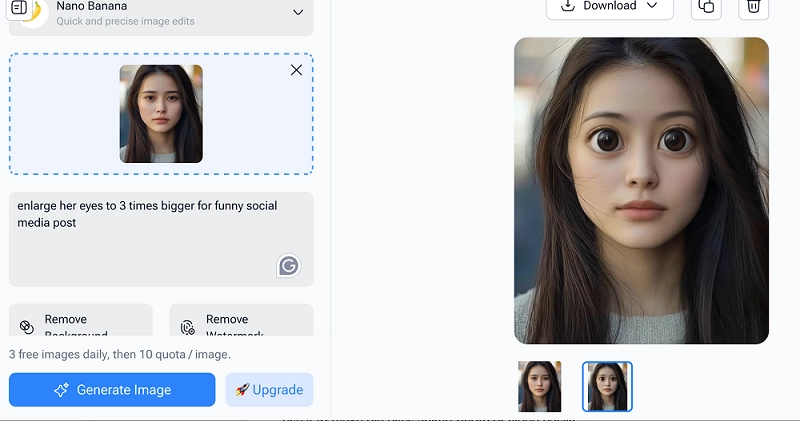
#Way 4. Use the Normal Beauty App to Resize Eyes into Bigger Ones
You may use normal beauty apps to create natural-looking big eyes. But such a beauty camera or photo AI makeup editor does not offer the funny big-eye effect. These only give your eyes an aesthetically pleasing, big-eyed look.
YouCam Makeup/Selfie: This app is available for both iOS and Android devices from the YouCam suite of apps. The Reshape feature allows users to adjust eye size, height, width, distance and angle.
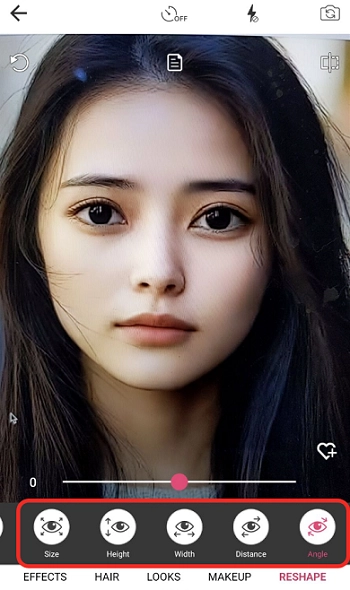
Recreation Ideas for Comical Big Eyes Photos
You can use funny big-eyed photos to create more new comical content. Vidnoz AI provides great, free online tools for this purpose as follows:
Make Big Eyes Photo Talk
Vidnoz AI Talking Photo is a free online, user-friendly tool that can help you get a big-eyed talking photo. All you need to do is upload a big-eye image and add your text input as the intended speech script. Generate a video with your big round eyes filtered images.
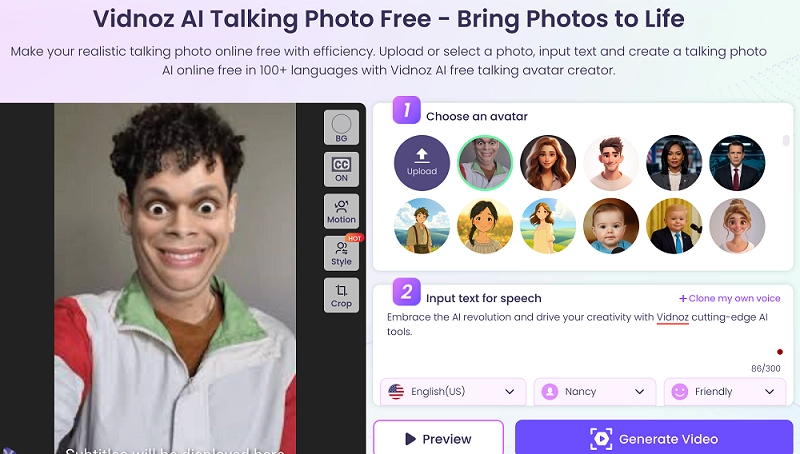
Make Normal Videos From Big Eyes Photo
Want to get an amazing video from a big eyes image? Vidnoz Image to Video is the best choice for free video generation. Upload your image in multiple formats and give an optional video description for an accurate outcome. You can select the video length of 5 or 8 seconds. However, a higher video quality requires a premium package.
Convert Image to Video AI Online - Free
- Create a video from an image quickly for free.
- Use various AI models to turn photos into videos.
- Download and share the AI-generated video at no cost.
Convert Image to Video
Conclusion
Want to add fun to your photos or videos? Opt for a big eyes filter on your content! As it is not just a trend, it’s your ticket to making images and videos that create a splash! Give your content a dose of personality and playfulness by trying the big eyes look!
Apart from the 4 ways of using a filter mentioned above, you can rely on Vidnoz’s free online tools. So why wait? Dive in and start experimenting and creating content today! Use the Vidnoz AI free tools for big eyes photo-to-video creation easily.







![How to Remove Filter from Video Online | AI Video Filter Remover Online Free [Lossless]](https://www.vidnoz.com/bimg/remove-filter-from-video.webp)
