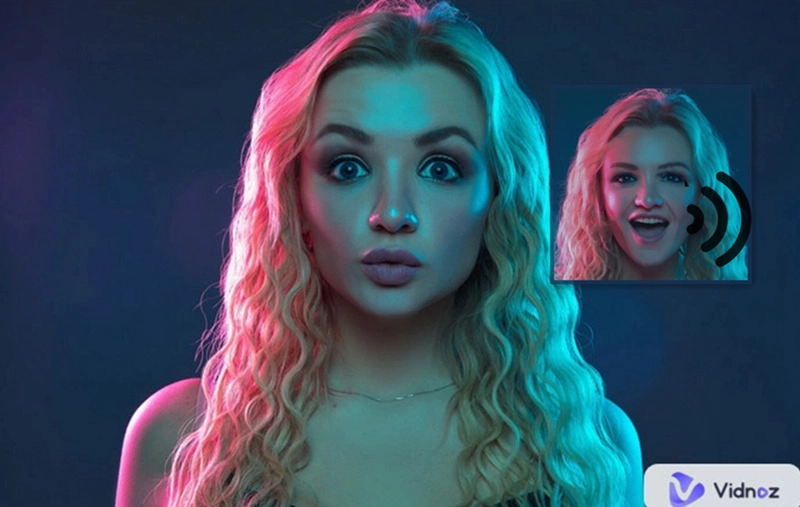
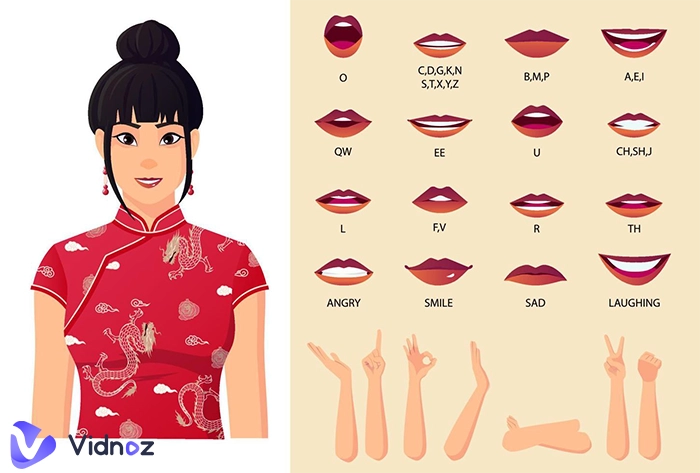
AI video morphing has become one of the most entertaining forms of digital creativity in recent years. Social media platforms are filled with jaw-dropping clips where faces, images, and characters morph into something unexpected. From humorous transitions to realistic cinematic effects, these creations are now easier than ever to make.
In this article, we will uncover the best tools that can be used to create AI video morph online without any cost (both for beginners and advanced users).
- On This Page
-
What is AI Video Morphing?
-
Benefits of AI Video Morphing
-
Best 4 AI Tools to Create Funny AI Video Morphing
1. Vidnoz Image to Video AI – Numerous AI Video Morphing Effects
2. VideoPlus.ai – AI Morphing Video Generator with No Watermark
3. Warpvideo.ai – Create Free AI Morph Video Online
4. Vivago.ai – Morph Video with AI Prompts
-
Tips to Make Your Video Morphing Go Viral
What is AI Video Morphing?
AI video morphing refers to the use of artificial intelligence to blend or transition between images or video frames automatically. Unlike manual editing, which requires detailed frame-by-frame adjustments, AI-powered methods streamline the process. Algorithms map out facial landmarks, motion paths, and lighting patterns to generate natural-looking transitions.
Old-school video morphing required advanced tools, whereas AI simplifies the process and provides immediate outcomes. For anyone new to the concept and wondering what morphing is in animation, it simply means the process of gradually transforming one image or object into another. Now, AI takes this old technique to a new level, producing smoother and more convincing effects than ever.
Benefits of AI Video Morphing
The appeal of AI-driven morphing lies in its range of practical and creative advantages:
- Time-Saving and Automated - Forget hours of editing. AI is capable of delivering high-quality results within minutes, so you can spend additional time on creative instructions.
- Realistic Transitions - Morph effects are no longer stiff or awkward. Instead, AI video morphing ensures smooth, lifelike motion that wows audiences.
- Creative Freedom - Experiment with endless effects, from fantasy-style morphs to playful results like AI kissing or morphs that highlight AI muscle transformations.
- Accessible Anywhere - With online tools, you don’t need expensive software. Platforms are browser-based and beginner-friendly.
- Enhanced Marketing Impact - Businesses can use these morphs in advertising campaigns to make eye-catching, memorable content.
- Versatility - Works across different formats, including AI morphing animation, fun memes, or even experimental paper animation styles.
- Entertainment Value - Perfect for short-form videos where viral potential is high, such as TikTok or Instagram reels.
With these benefits, it’s no surprise that video morphing AI has exploded in popularity worldwide.
Best 4 AI Tools to Create Funny AI Video Morphing
Let’s now explore four cutting-edge platforms that make AI video morph creation simple, fast, and enjoyable.
1. Vidnoz Image to Video AI – Numerous AI Video Morphing Effects
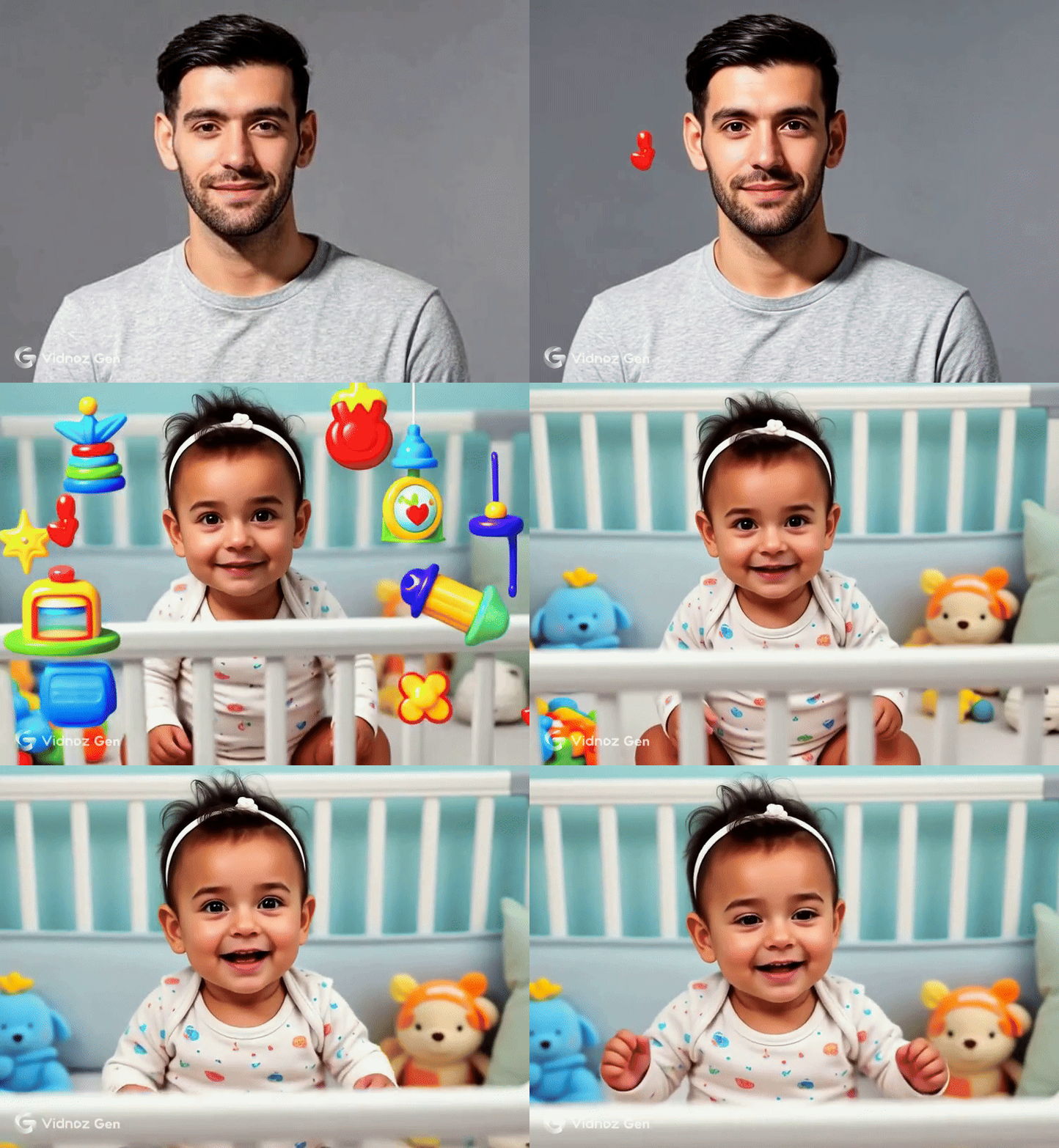
Vidnoz is a powerful AI toolkit offering multiple solutions for creators. The service of Image to Video AI has garnered interest for creating enjoyable and cinematic changes. Users can select effects from thrilling aerial adventures to humorous romantic moments simply by uploading one photo.
Convert Image to Video AI Online - Free
- Create a video from an image quickly for free.
- Use various AI models to turn photos into videos.
- Download and share the AI-generated video at no cost.
Convert Image to Video
Notably, Vidnoz supports quirky results such as dance cat, realistic face morphing in video, or meme-inspired morphs. Its wide selection of templates is designed to fit both entertainment and professional needs. For creators who want quick fun without investing in pro software, Vidnoz is one of the best choices.
Key Features of Vidnoz Image to Video AI:
- Free online AI video morphing creation - Make creative morph videos instantly without payments or downloads. Fun effects like AI muscle transformations run smoothly in your browser, accessible anytime.
- Various video morphing filters to pick - These tools offer a wide variety of options, from superhero-style transformations to playful or fantasy-inspired designs. Each AI morph effect gives a different vibe, so you can try out multiple styles until you find the one that perfectly matches your mood or creative idea.
- High-quality morphing video output - The results come out in sharp resolution, so your AI video morphing creations look professional and polished. You can share them on social media or keep them for personal use, and they won’t appear blurry or low-quality.
- Fast AI video morphing generation in seconds - Instead of waiting for hours like with old editing tools, AI creates smooth morph videos within seconds.
- Image to video AI flexibility - With just a single photo, you can turn still images into lively animations. It is a simple way to give life to the common pictures and surprise your friends with the active and realistic effects.
- Face animator included - The built-in face animator doesn’t just swap or morph; it makes facial expressions look natural.
- Easy sharing options - Once your morphing video is ready, you can instantly share it on TikTok, Instagram, or YouTube with just a click.
How to Create AI Video Morphing with Vidnoz
Step 1. Sign in on the Vidnoz website by clicking the button.
Step 2. Go to AI Tools on the right side toolbar and choose AI Image to Video > Video Effects.
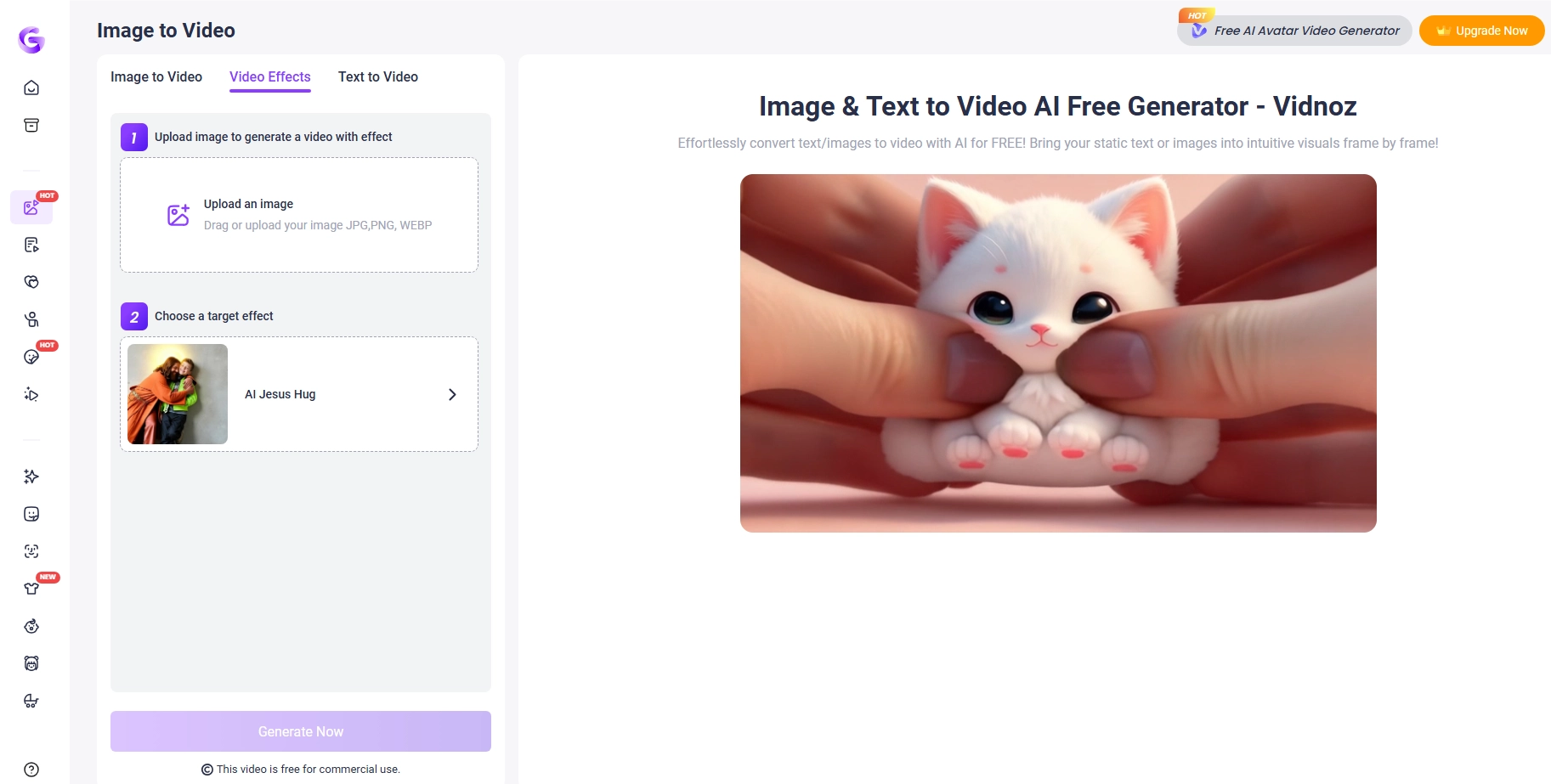
Step 3. Upload your image and pick your preferred effect.
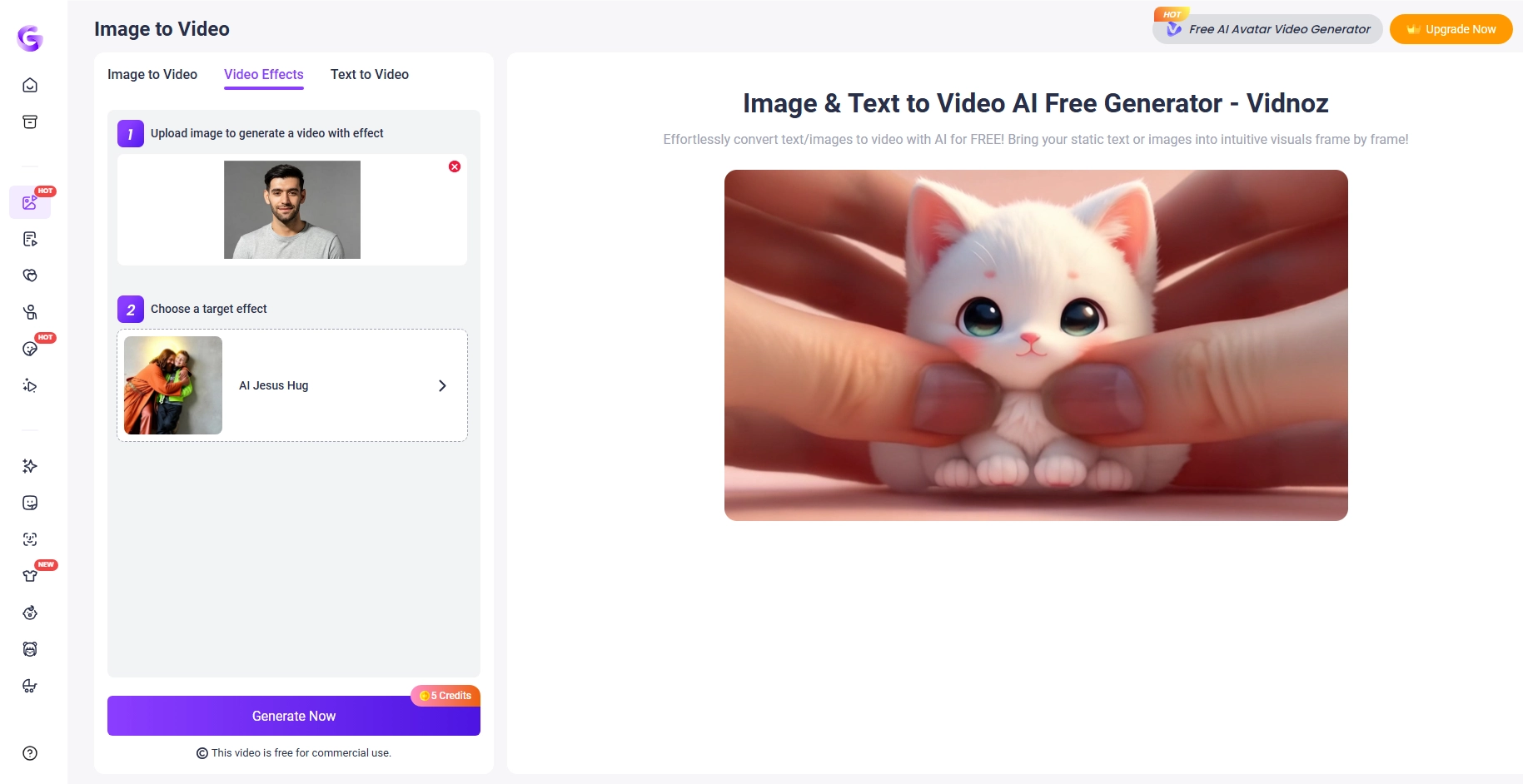
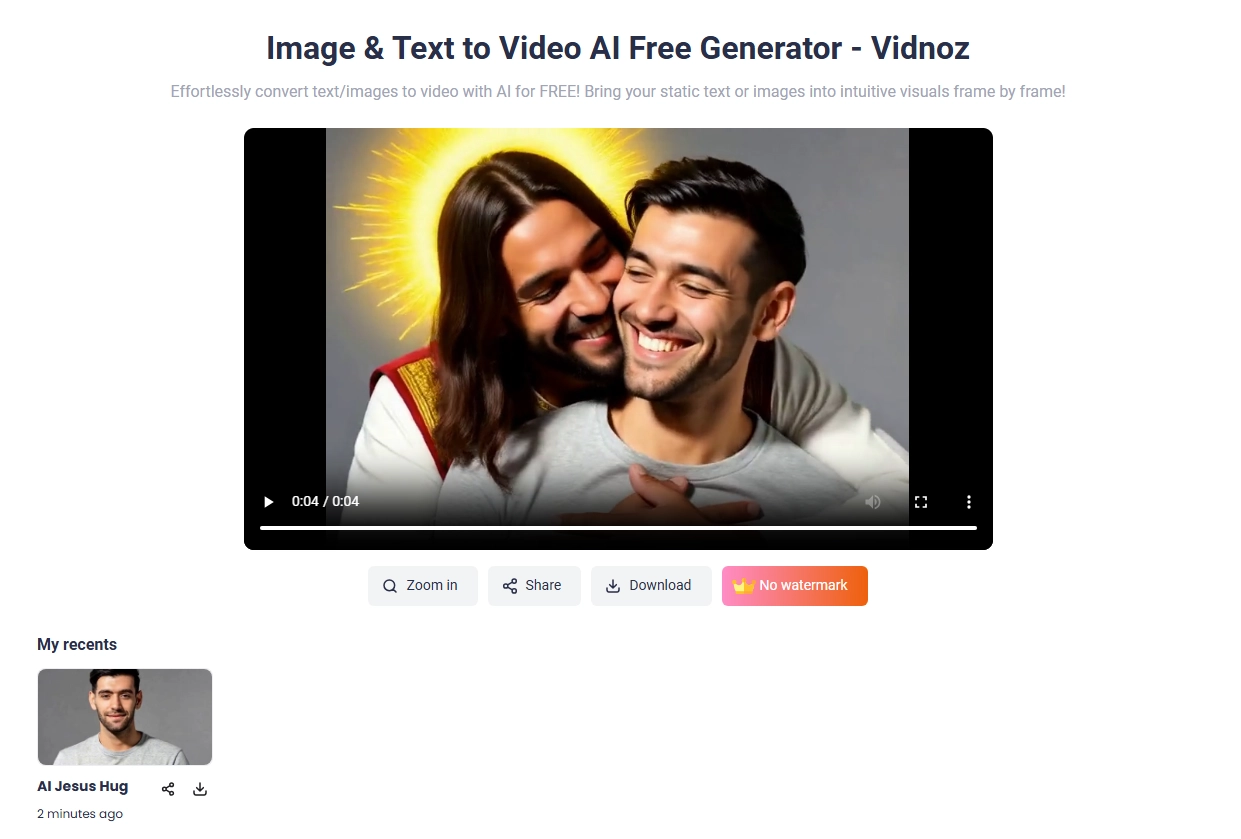
Step 4. Generate and download your morph video.
2. VideoPlus.ai – AI Morphing Video Generator with No Watermark
VideoPlus.ai excels in offering watermark-free video morph exports, making it attractive to creators who want professional results without branding overlays. The workflow is straightforward: upload, customize, and download your AI video morphing creations quickly and easily.
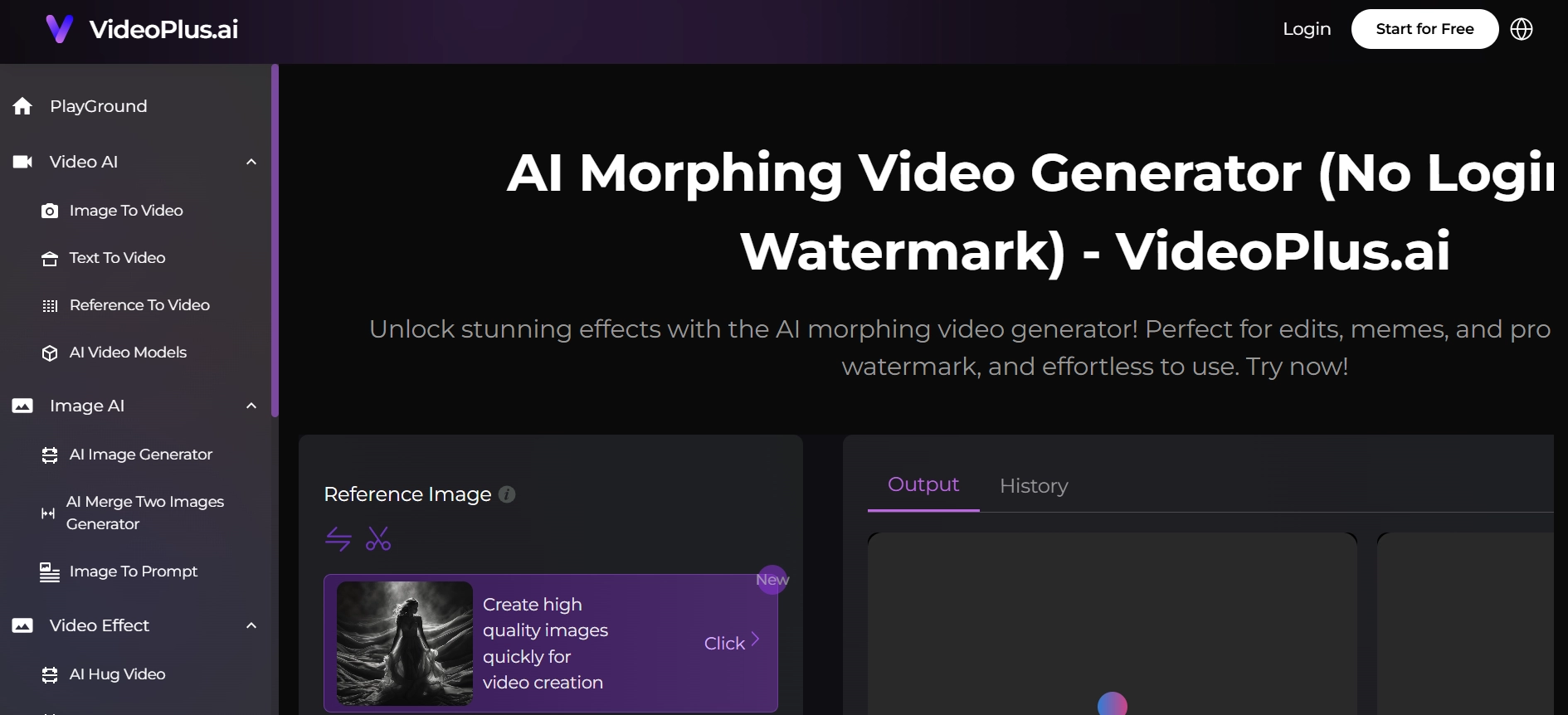
The site responded admirably to testing and displayed impressive transitions and rapid rendering capabilities. The user-friendly interface enables not only beginners but also advanced users to create intriguing AI video morph effects with ease as they explore the various tools and styles.
How to Create an AI Video Morph with VideoPlus.ai:
1. Register or log in.
2. Upload a photo or short video.
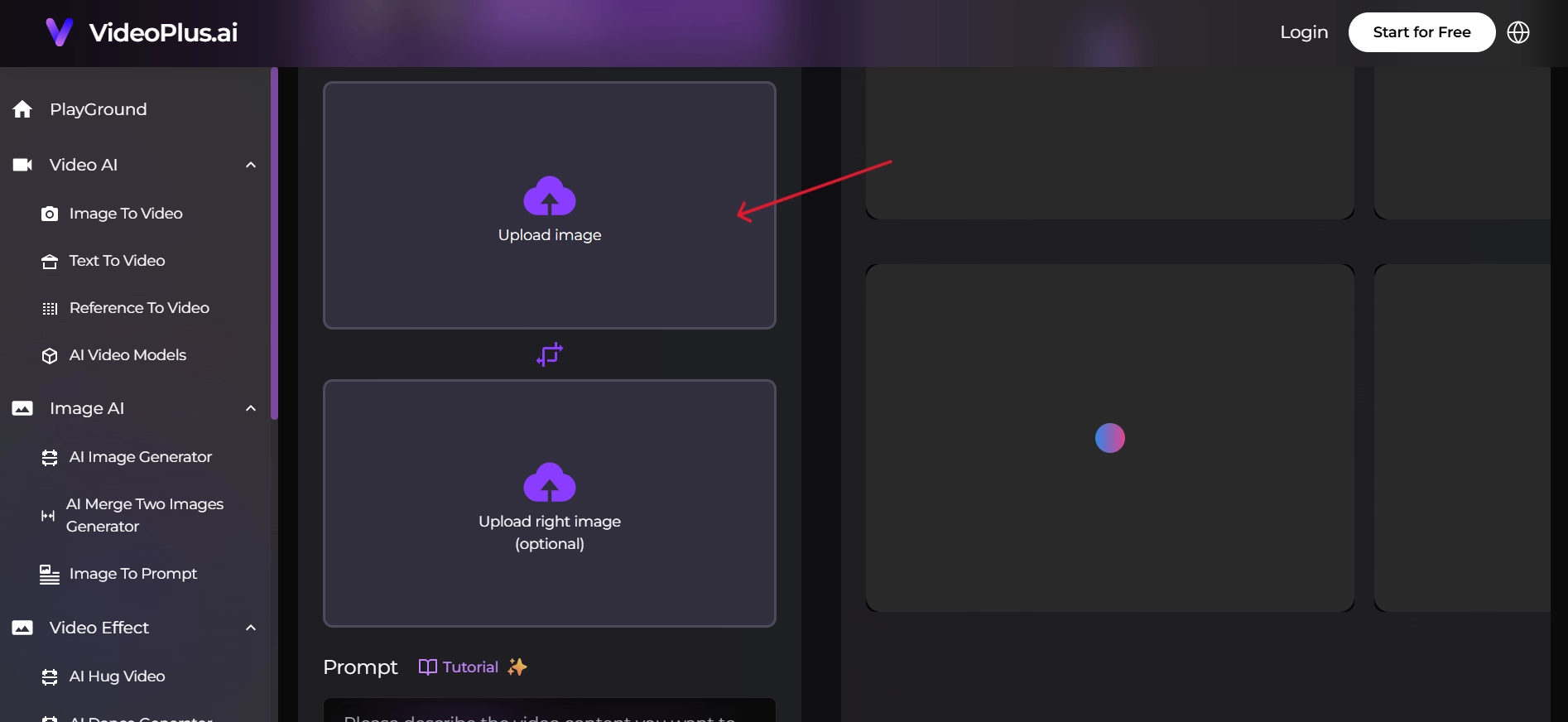
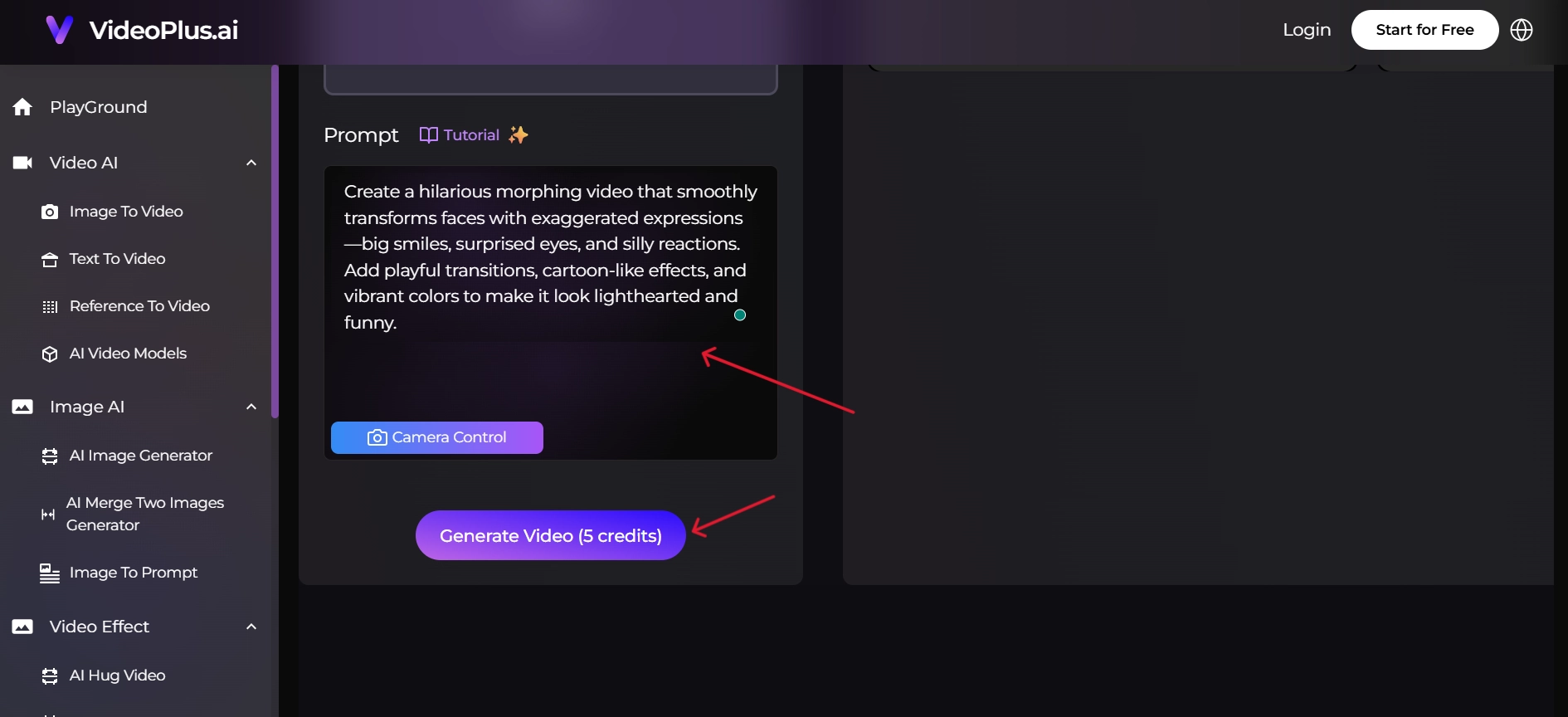
3. Write the prompt and hit “Generate Video”.
Pros
- It provides remarkably smooth and fluid transitions, guaranteeing a refined and expert outcome.
- Crisp and smooth morph transitions.
- Easy to navigate for all skill levels.
Cons
- Processing time depends on server load.
- Premium features are locked behind a subscription.
3. Warpvideo.ai – Create Free AI Morph Video Online
Warpvideo.ai offers one of the smoothest user experiences for free video morphing. Unlike many other platforms, Warpvideo.ai focuses on simplicity, requiring only a few quick steps to create impressive projects without overwhelming the user.
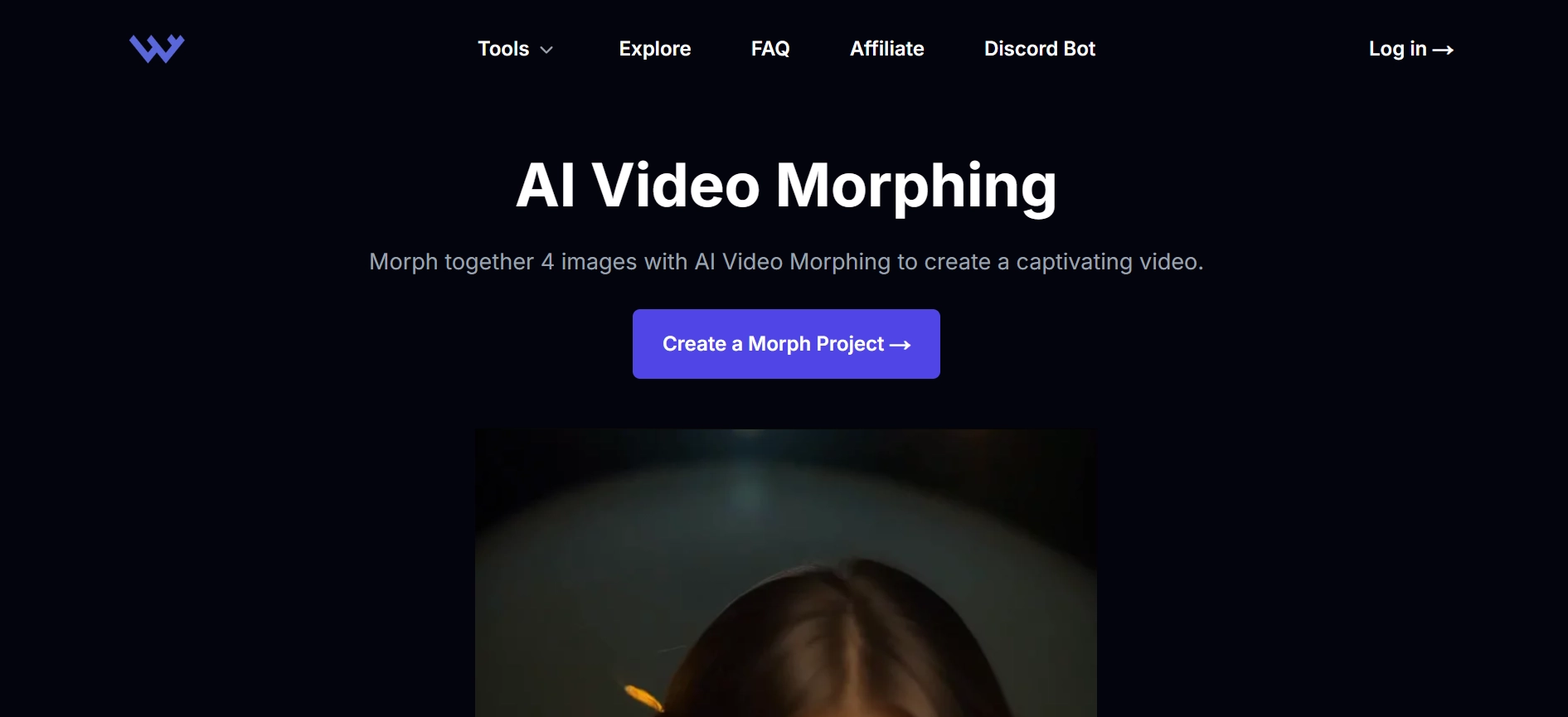
How to Create an AI Morphing Video with Warpvideo.ai:
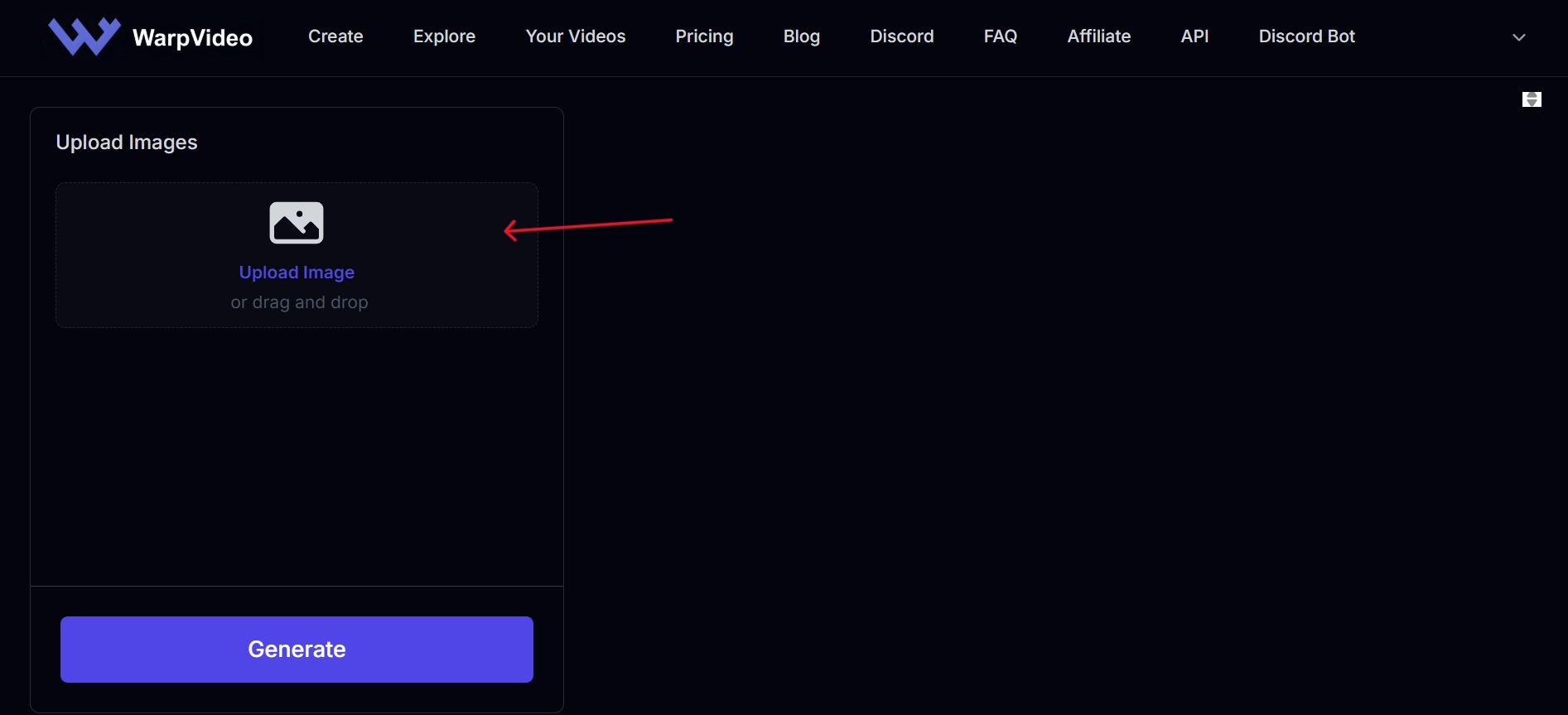
1. Visit WarpVideo and click on the “Create a Morph Project” button to navigate to its Image to Video Tool.
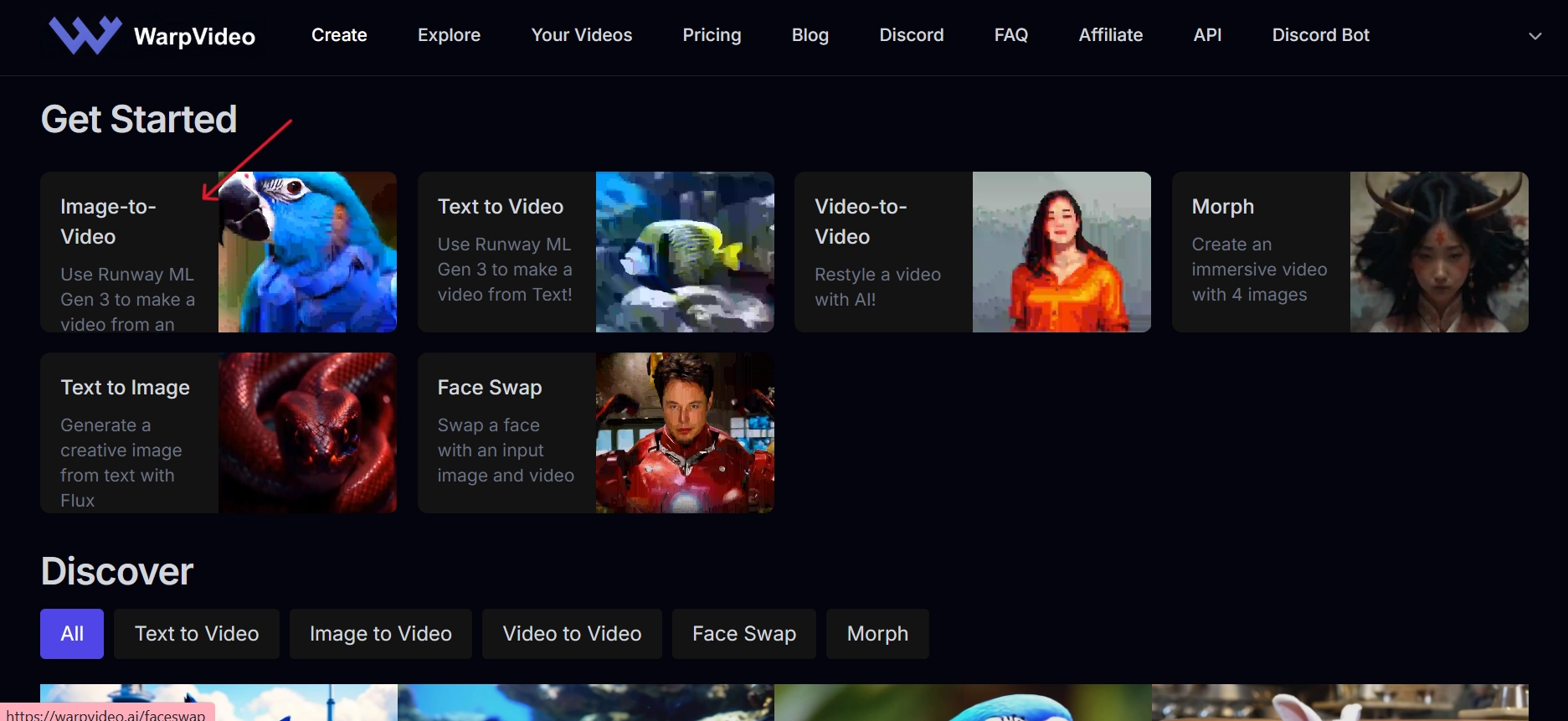
2. Upload your input images.
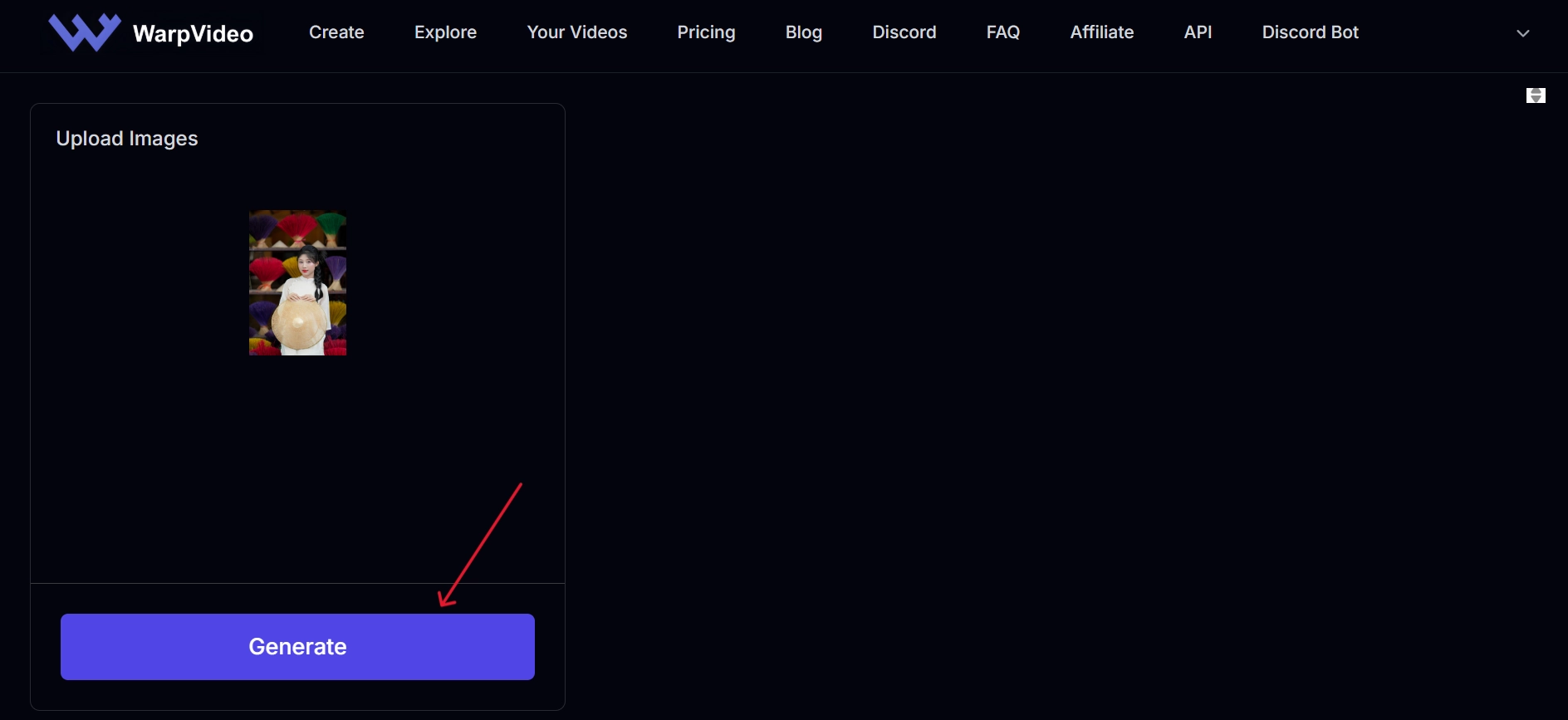
3. Generate and export your morphing video.
Pros
- Beginner-friendly interface.
- High-speed processing.
- Crisp, engaging output.
Cons
- Template options can feel limited.
- Requires internet stability.
- Customization choices are fewer than those of competitors.
4. Vivago.ai – Morph Video with AI Prompts
Vivago.ai stands out thanks to its prompt-driven system. Instead of sticking to predesigned effects, you can type what you want the AI to generate. It is an amazing tool to produce unique AI animation photo sequences or new experiments in AI video morphing that explore imaginative motion effects.
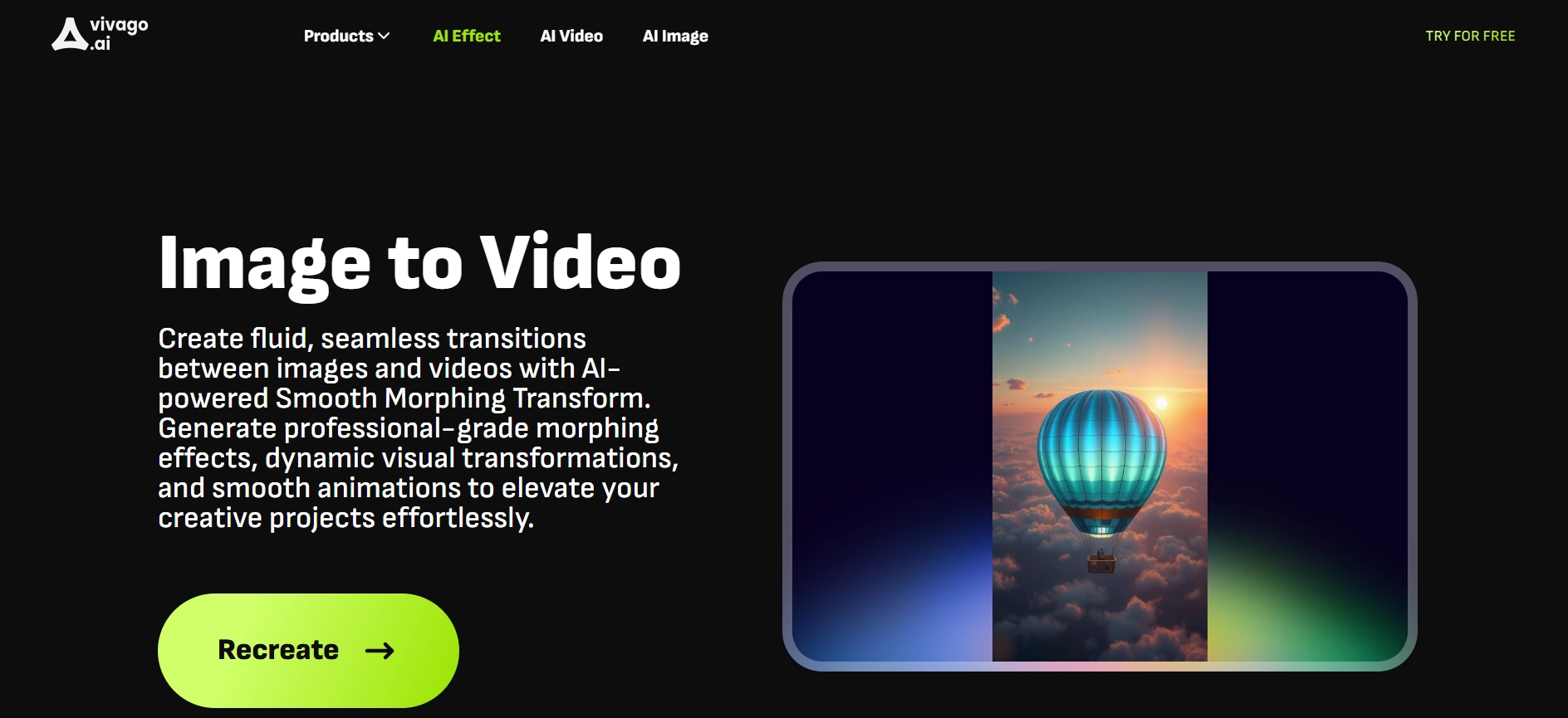
How to Create AI Morphing Video with Vivago.ai:
1. Select a morphing template on the site.
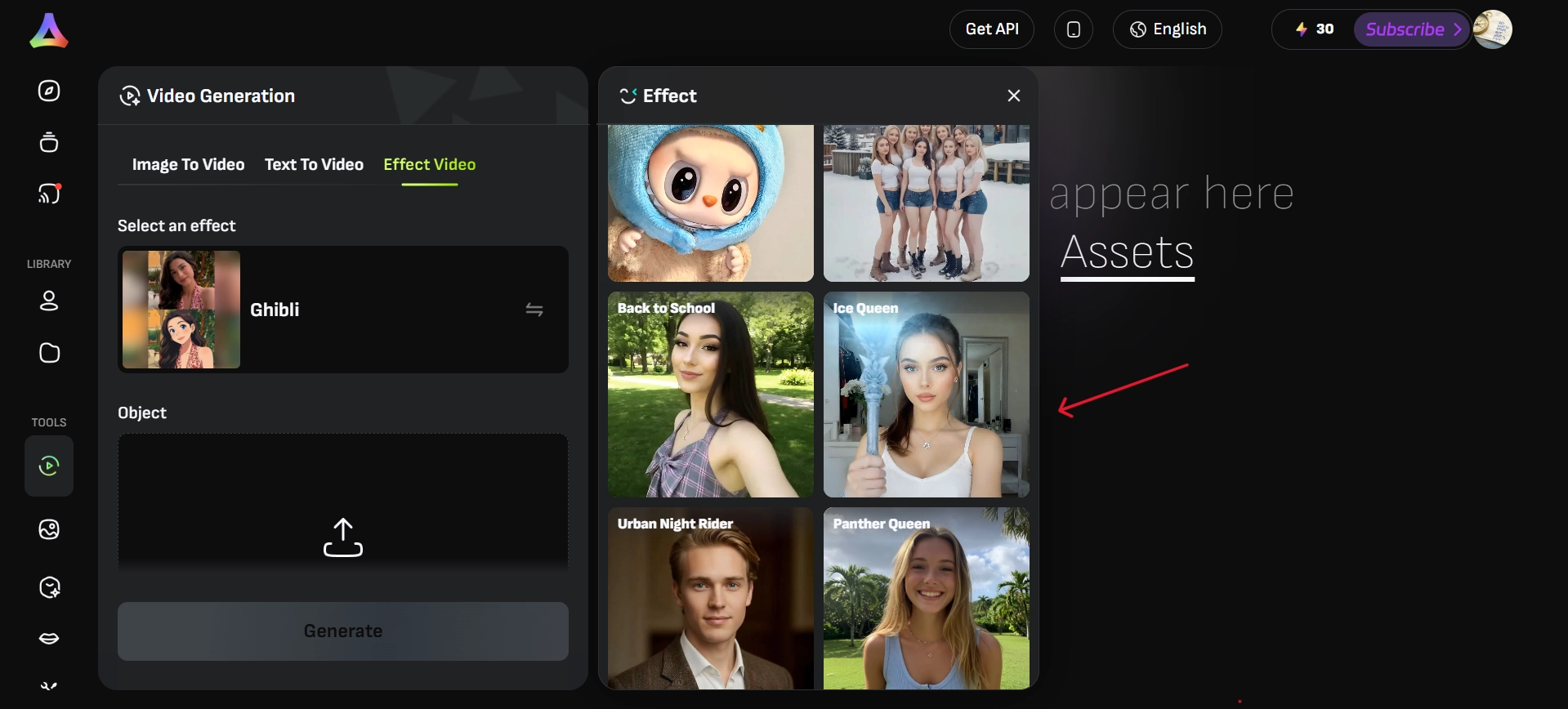
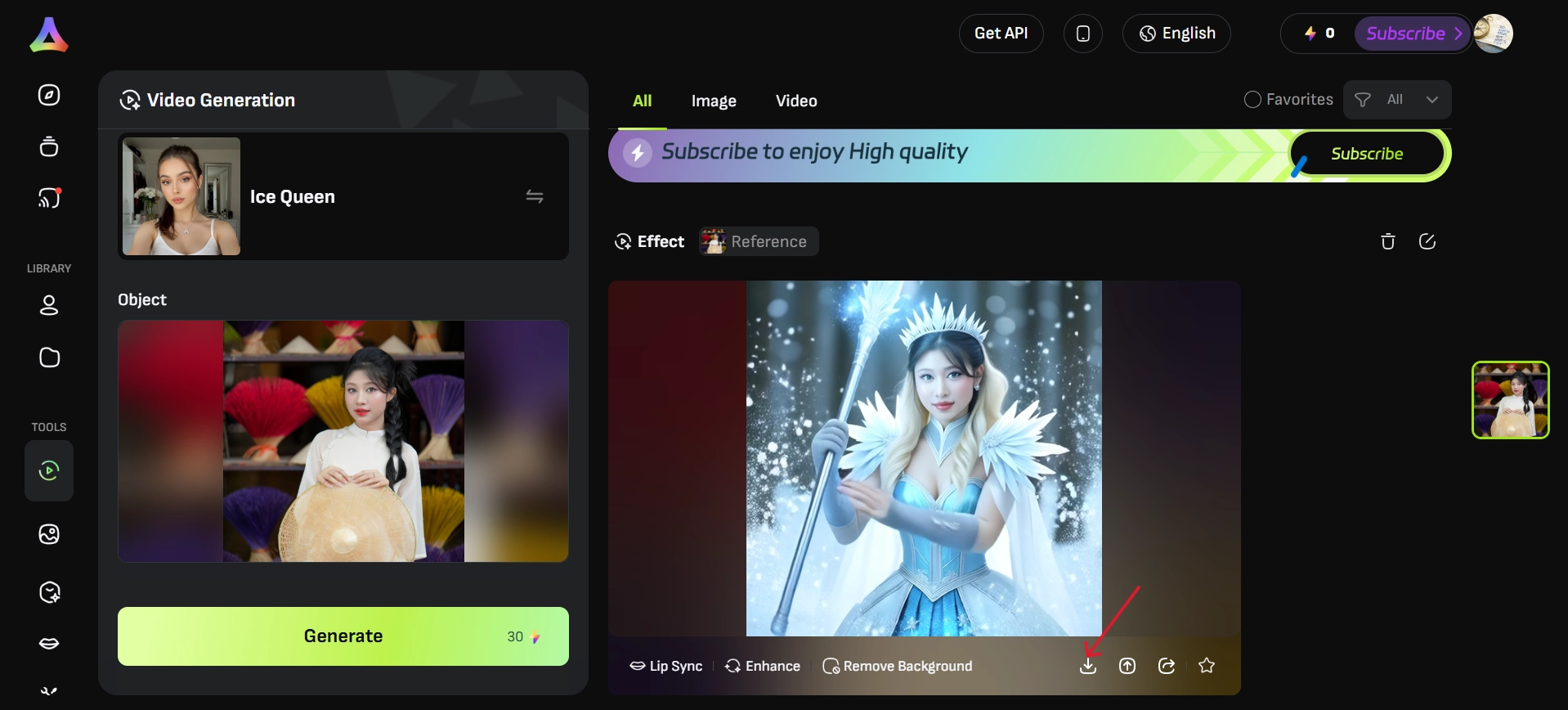
2. Upload your media and type in an AI prompt. Then press Generate.
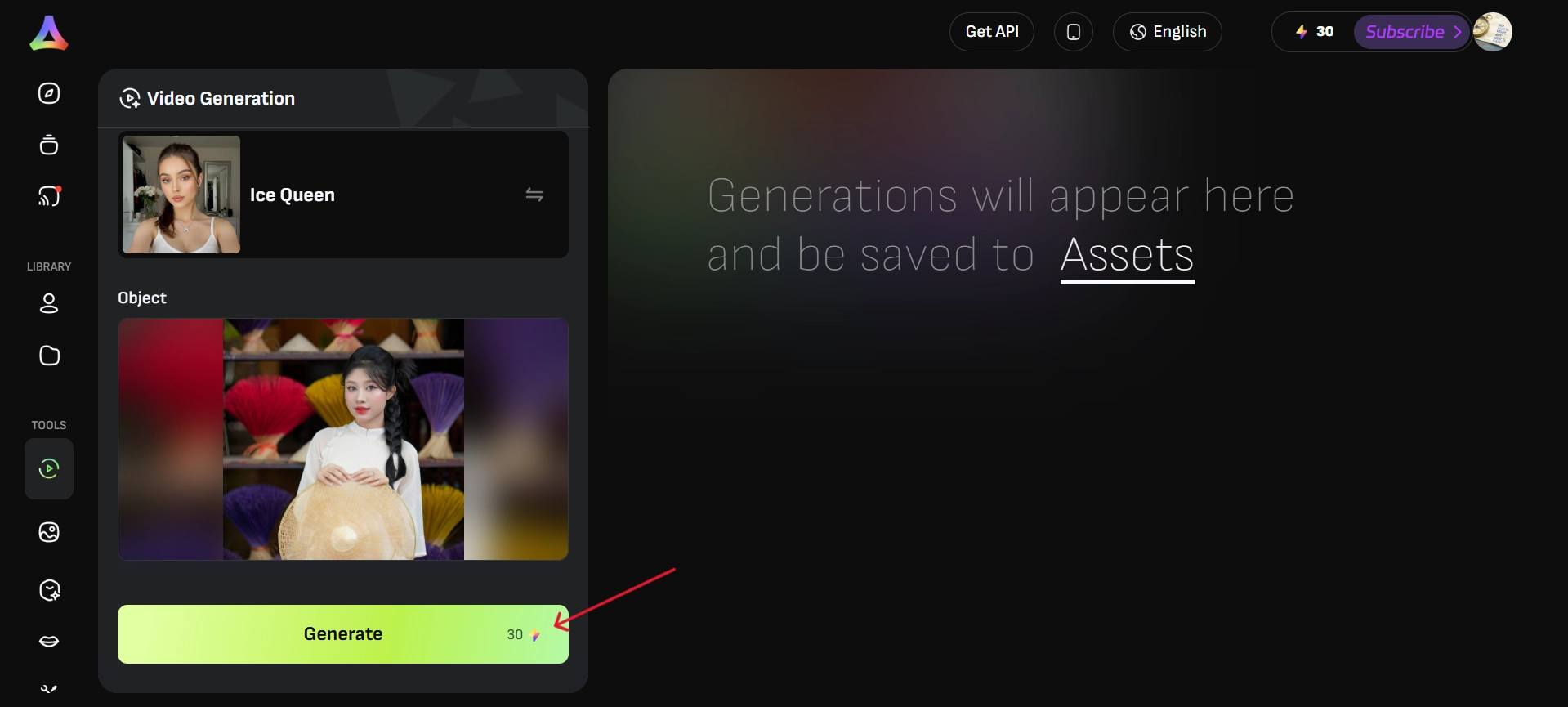
3. View and download your final creation.
Pros
- Prompt customization offers endless possibilities.
- Wide effect library.
- Suitable for creative experimentation.
Cons
- More learning is required compared to other tools.
- The free version has export restrictions.
- Video resolution can be limited.
Tips to Make Your Video Morphing Go Viral
Creating a fun AI video morphing project is only half the journey—getting it seen is the next step. Here’s how to increase your reach:
- Join Viral Challenges - Participate in trending topics for maximum discoverability. Joining viral challenges helps your content ride the wave of current trends.
- Eye-Catching Thumbnails - Strong thumbnails are essential for clicks. A well-designed thumbnail showcasing your AI video morphing instantly grabs attention. If it sparks curiosity, viewers are more likely to click and watch
- Keep It Concise - Short, snappy clips outperform long content. Quick videos are easier for audiences to consume, and with features like text to video AI, you can create engaging short-form content that performs even better on platforms like TikTok and Instagram Reels.
- Leverage Hashtags - Use targeted tags like #morph or #aiart to boost visibility. Mixing trending and niche-specific hashtags gives you a wider reach.
- Engage the Audience - Ask questions or encourage comments to grow interactions. Simple prompts like “What should I morph next?” invite participation.
- Use a Free AI Video Generator - Consistency is key to growth. By using a free AI video generator, you can produce creative morphs regularly without worrying about cost, making it easier to stay active and grow your presence.
- Experiment with Text to Video AI - Add captions or dynamic text effects to make your content stand out. Captions keep viewers engaged even with the sound off.
Together, they are capable of transforming a simple video morphing project into a viral flop.
The Bottom Line
AI video morphing has transformed the production of digital content by giving everyone an entertaining and simple way to make funny videos. From Vidnoz to Vivago.ai, the tools outlined above make it easy to produce high-quality results in just minutes. Prepared to make your concepts a reality? Start experimenting with these tools today, try Vidnoz, and watch your creativity flourish.