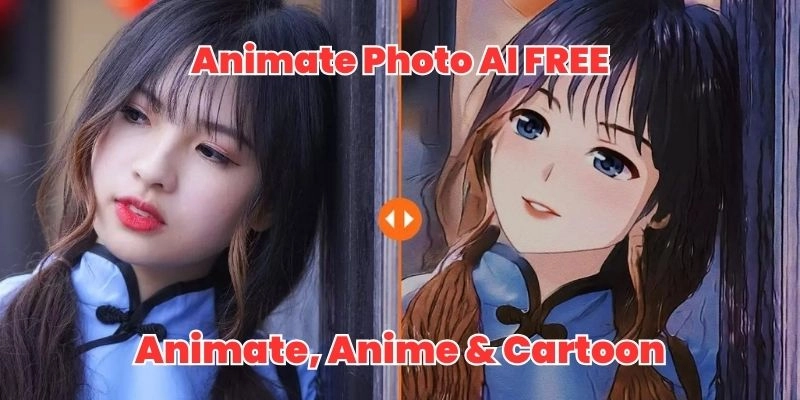
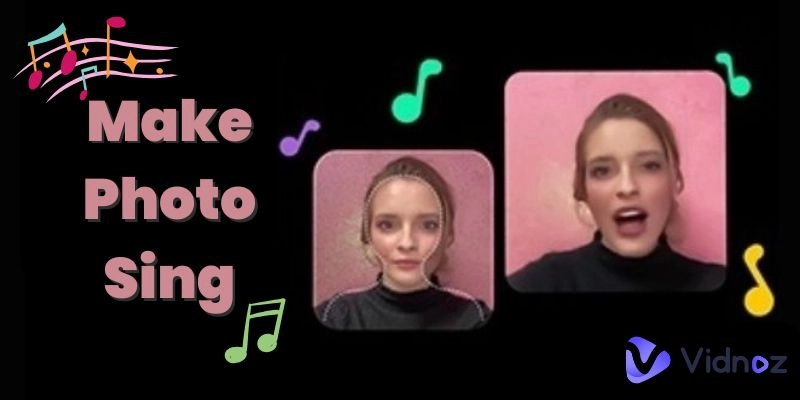
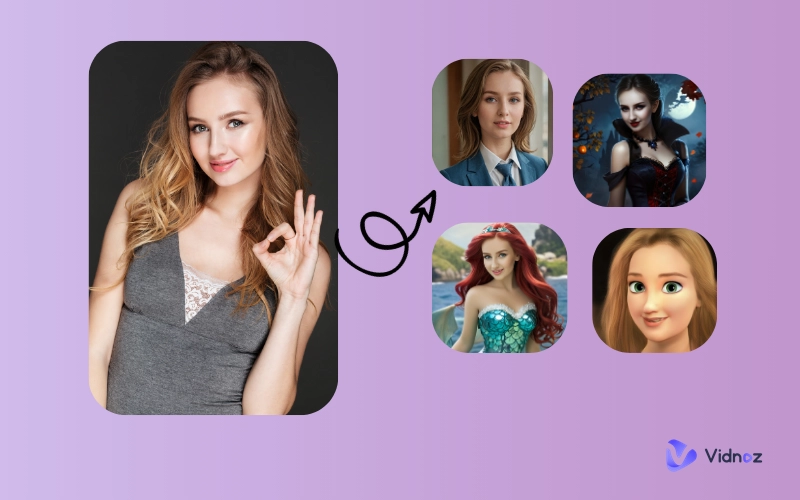
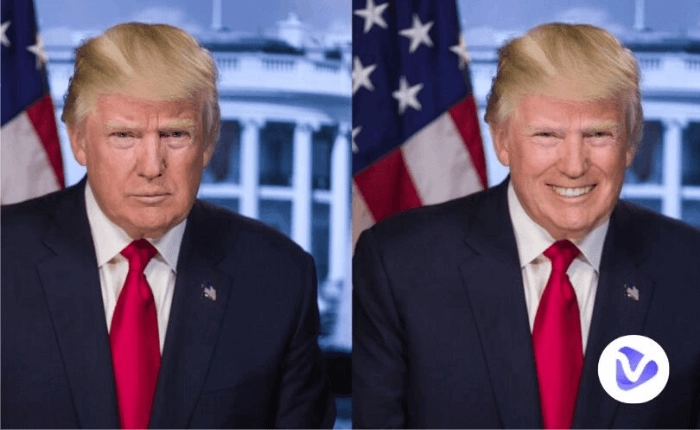
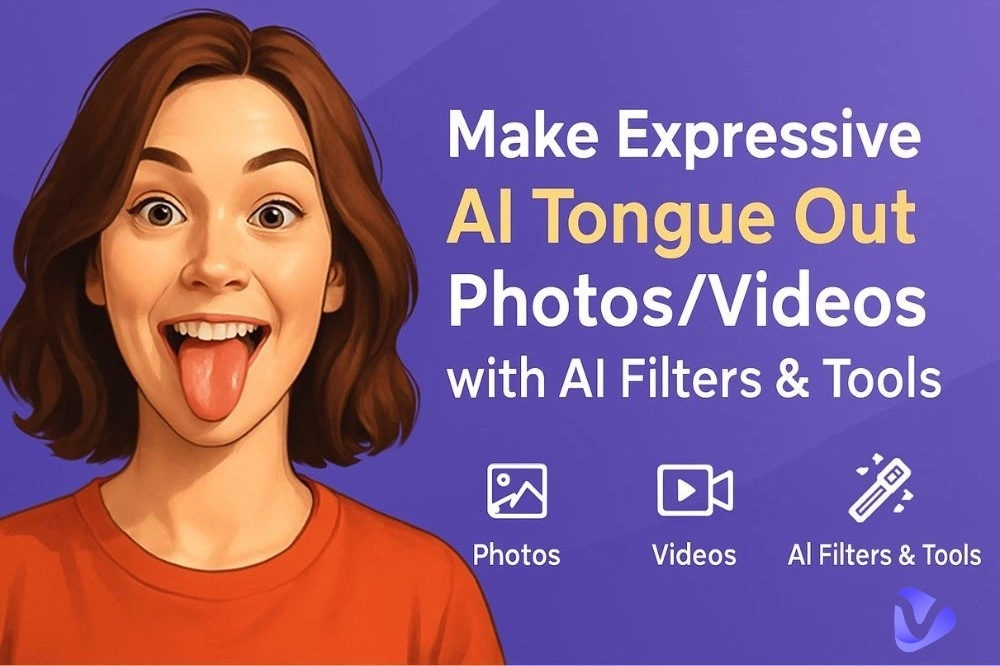
Want to turn a regular photo into a fun, cheeky expression? Whether it’s your selfie, a friend’s picture, or even your pet’s snap, AI tools now allow you to add a playful tongue out AI expression in seconds. Using AI tongue out filters, you can also generate cartoon-style faces or anime characters sticking out their tongues.
This article explores the best free and paid tools to create tongue out AI effects easily. Keep reading to discover how to use these tools to unleash your creativity with just a few clicks.
- On This Page
-
Various AI Art Tongue Out Examples
-
Part 1. Tongue Out AI Generator: Text to Image
-
Part 2. Vidnoz Tongue Out AI Video Generator
-
Part 3. Snapchat AI Tongue Out Filter
-
Part 4. Pollo AI - AI Tongue Out Face Video Generator
-
Part 5. AI Generated Tongue Out Artwork
Various AI Art Tongue Out Examples
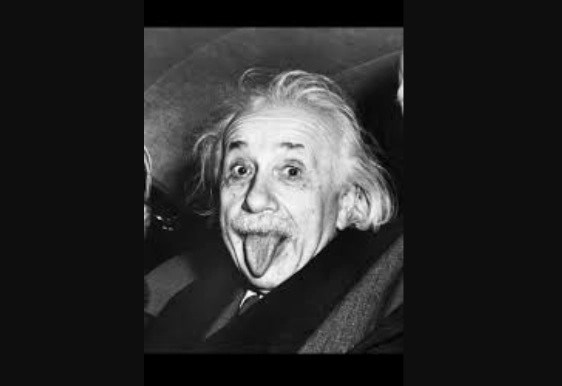
Can we all admit it? A tongue out face instantly makes any photo more fun and carefree. The tongue out AI trend is booming because it’s fun and expressive. Users create memes, avatars, and even anime-style characters with sticking out tongues for humorous content. Pet owners love generating cute dog or cat pictures with this filter, while gamers use it for custom avatars.
Tongue Out AI Generated Image:

Tongue Out AI Video:
AI Stick Out Tongue Meme:
With the right tools, you can make anything from playful selfies to animated videos, bringing your imagination to life. Now, let’s explore some tools to create AI art tongue out effortlessly.
Part 1. Tongue Out AI Generator: Text to Image
The first and most powerful tool we'll explore is the Vidnoz AI Image Generator, a fantastic platform for creating AI tongue out images from scratch, using only text descriptions. You don't need to upload any photos; just describe what you want, and the AI handles the rest.
Whether you want a realistic selfie, a cute cartoon, or an anime character sticking out their tongue, Vidnoz provides an instant solution. This tool is incredibly user-friendly, making it perfect for beginners and seasoned creators alike. You can generate unlimited images at a fast speed, and best of all, it's completely free to use.
Why choose Vidnoz AI Image Generator?
- 100% free to create AI tongue out images: No subscription is needed. You can enjoy unlimited creations without worrying about hidden costs or subscriptions.
- Unlimited AI tongue out generator: The platform allows for unlimited creations, so you can keep generating images until you find the perfect one that matches your vision.
- Create AI stick out tongue image in seconds: Vidnoz's AI model works at lightning speed, turning your text prompt into a visual masterpiece almost instantly.
- Support various styles (people, pets, cartoons, etc.): Whether you want a realistic portrait or a stylized cartoon, Vidnoz can adapt to a wide range of artistic styles.
- Free to share and use on social media: You get an option to instantly share the final output of the video on social media. There is no copyright issues involved with Vidnoz AI creation.
How to create AI tongue out image from text:
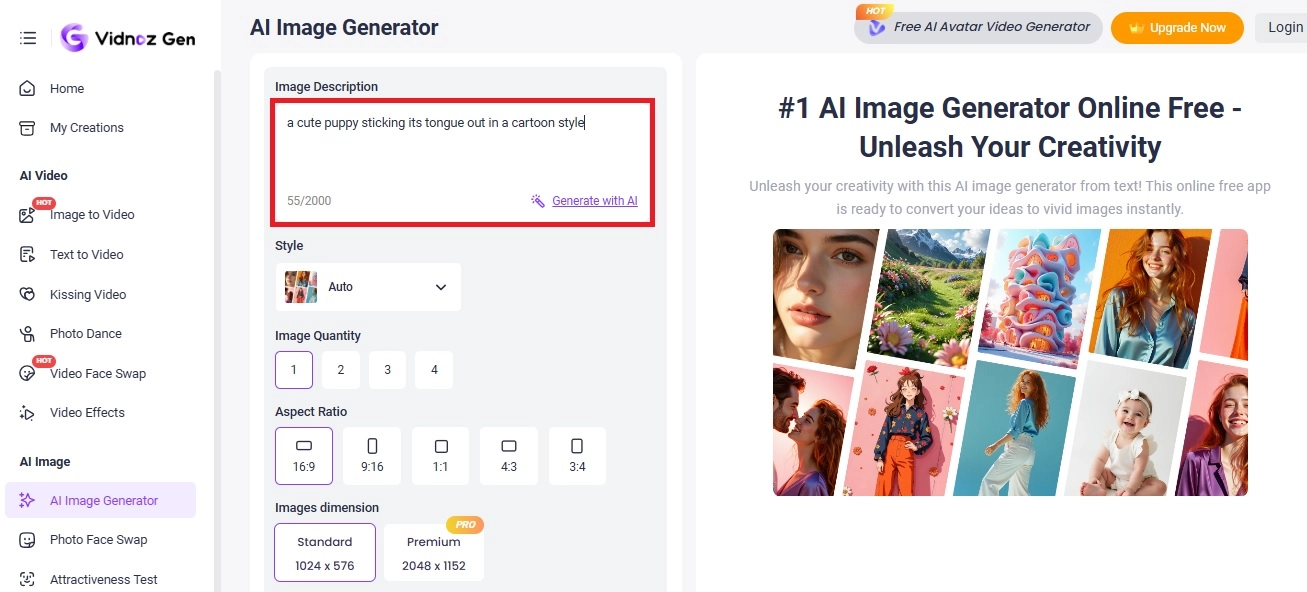
Step 1. Go to Vidnoz > Free AI Tools > and find AI Image Generator. Enter the image description in the prompt box. For instance, you could go with “a cute puppy sticking its tongue out in a cartoon style”.
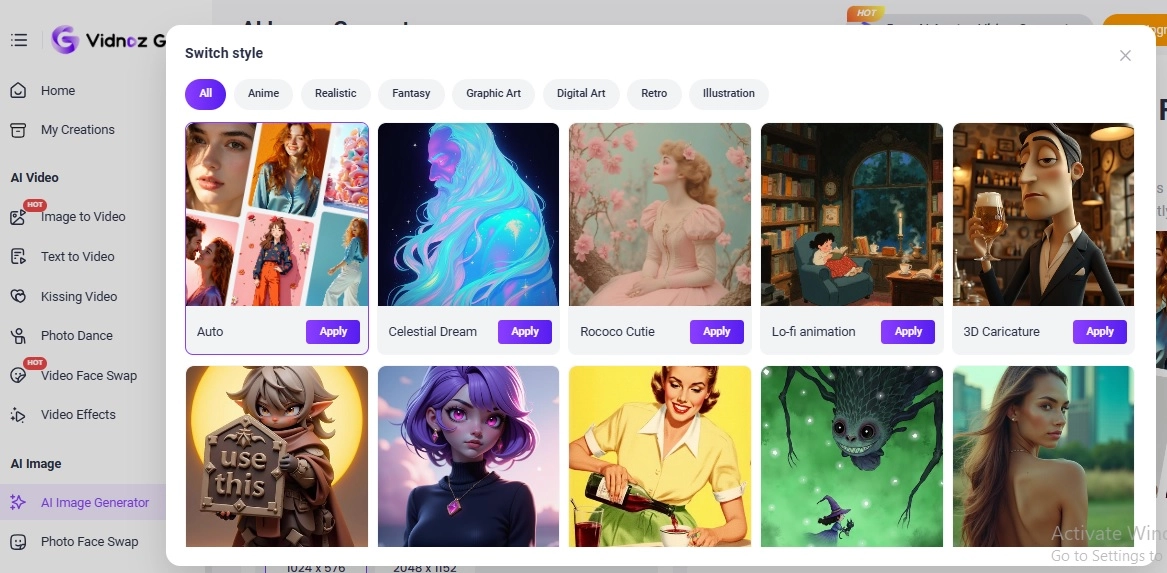
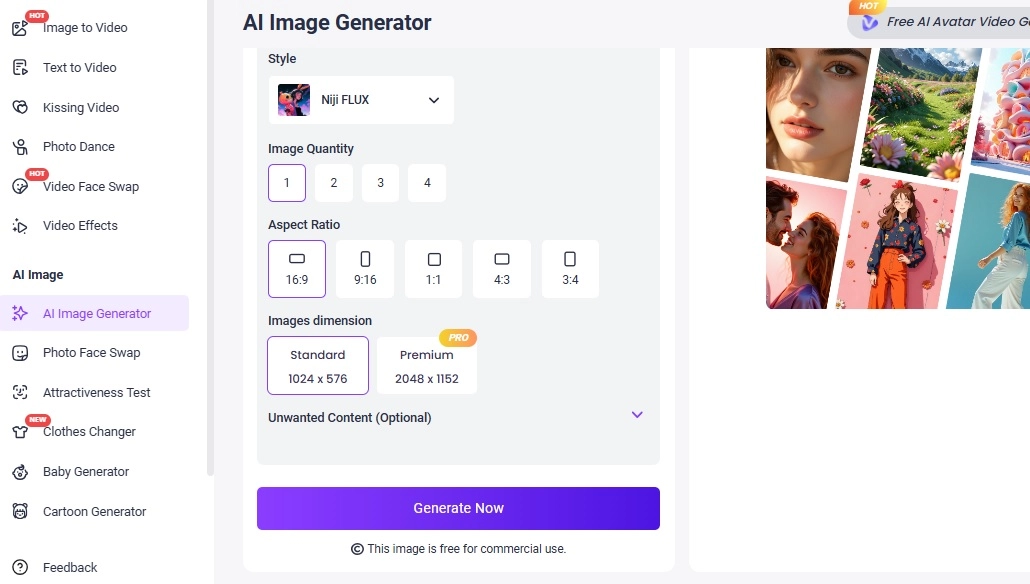
Step 2. Choose your preferred style from hundreds of different options. You can also adjust the number of images to produce, and select the aspect ratio for your final image.
Step 3. Once you’re ready with your preferences, click on Generate Now to create a stunning AI tongue out image.
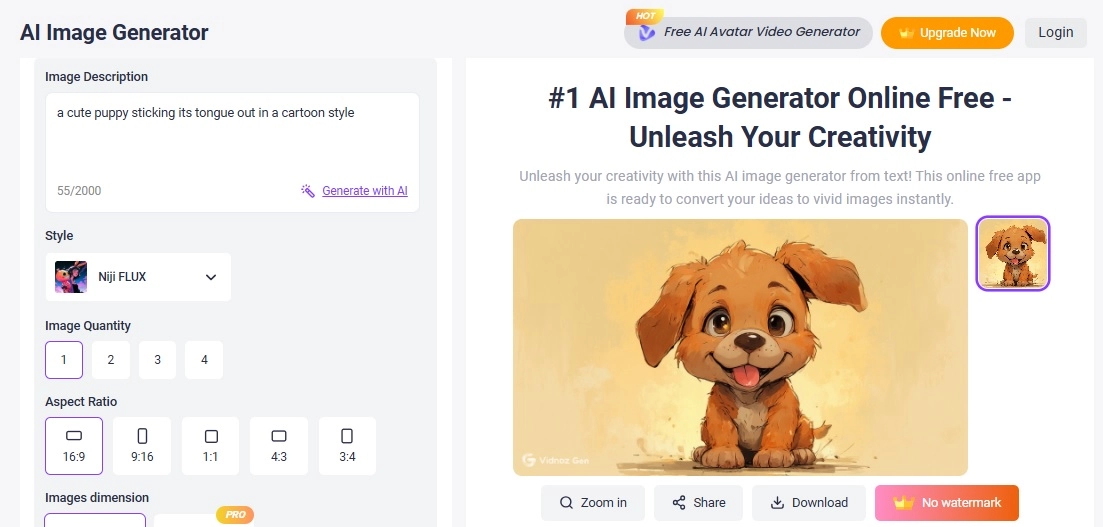
Here’s how the result came out with our prompt:
Part 2. Vidnoz Tongue Out AI Video Generator
Want to create an animated tongue-out video? Don't go away, Vidnoz can make your dream come true. Vidnoz tongue out AI generator is a fun and innovative tool that lets you turn static images into playful, realistic tongue-out videos in seconds. Powered by advanced AI facial animation technology, it analyzes facial landmarks from your uploaded photo and brings them to life with natural tongue movements, blinks, and expressions — all without manual editing. This image-to-video feature is ideal for creating entertaining social media content, meme clips, or expressive video avatars.
Convert Image to Video AI Online - Free
- Create a video from an image quickly for free.
- Use various AI models to turn photos into videos.
- Download and share the AI-generated video at no cost.
Convert Image to Video
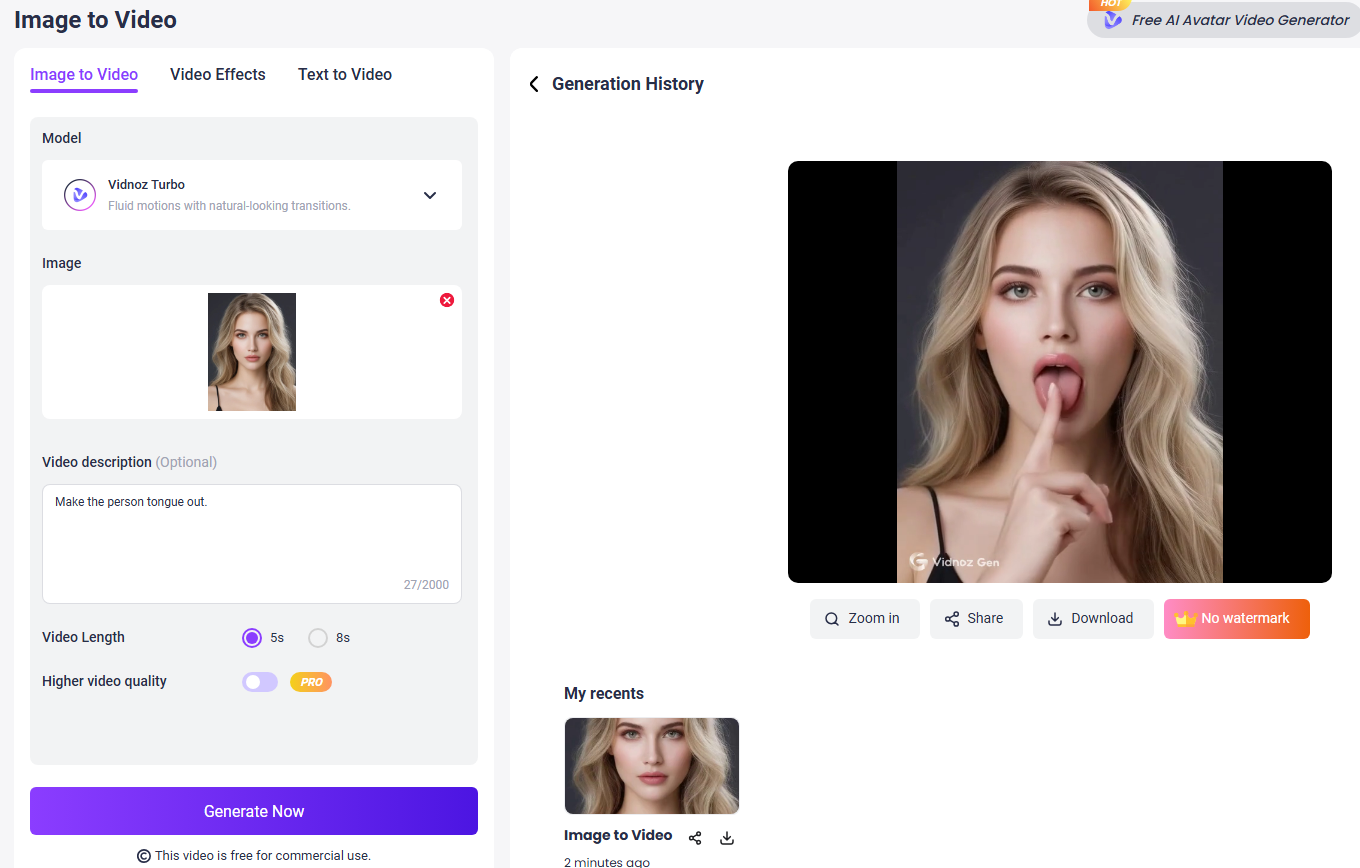
Step 1. Visit Vidnoz image to video AI tool, and start with your free account.
Step 2. Upload a clear portrait image where the face is visible. Input the text prompt you wish the image to animate. For example, make the person stick out tongue.

Step 3. Click Generate to let AI start. Once complete, preview the result and download or share your animated video directly.
Part 3. Snapchat AI Tongue Out Filter
Snapchat is well-known for its interactive filters, and its tongue out filter is a fan favorite. This playful effect allows you to transform your selfies into quirky, animated expressions instantly. The AI recognizes facial features accurately and adds a realistic tongue-out effect, perfect for stories and snaps.
Features of Snapchat AI Tongue Out Filters:
- Real-time AR effects.
- Compatible with photos and videos.
- Easy sharing to all social media platforms.
- Many filters like crying filter, laughing filter for fun creation.
How to create a hilarious tongue twister video:
Step 1: Open Snapchat and choose the filter search option.
Step 2: Type “tongue out” and select your preferred filter.
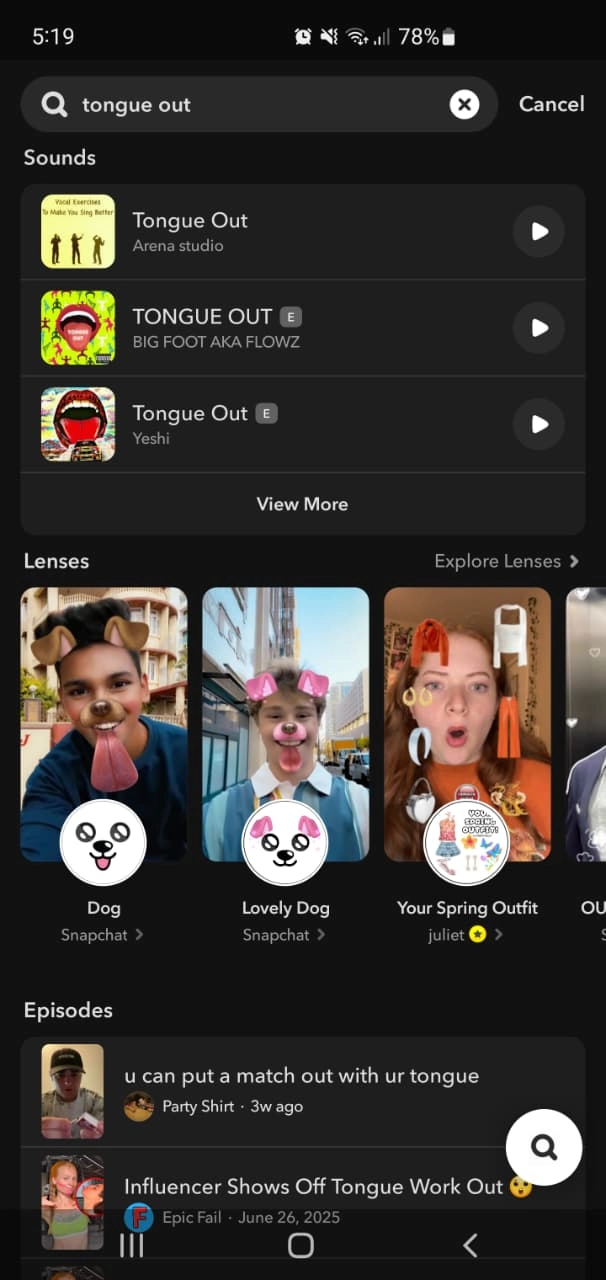
Step 3: Record your video, save it, and share it with friends.
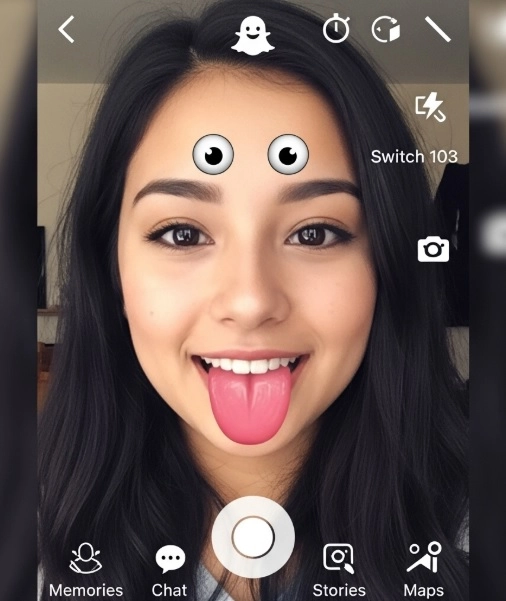
For additional fun, Snapchat also offers effects like an AI bald filter and crying filter to add even more creativity to your snaps.
Part 4. Pollo AI - AI Tongue Out Face Video Generator
If you're looking to animate a picture you already have into a video, Pollo AI is a great tool. Unlike simple image filters, Pollo AI adds motion, making your content more engaging. You can upload any photo and apply their AI tongue out generator to create funny clips that look natural and dynamic.
Features of Pollo AI:
- High-quality tongue-out effects with realistic motion.
- User-friendly interface for beginners.
- Animate a picture into various styles.
- Supports multiple export formats.
How to make funny AI stick out tongue video:
Step 1. Go to Pollo AI tongue out filter and upload your image.
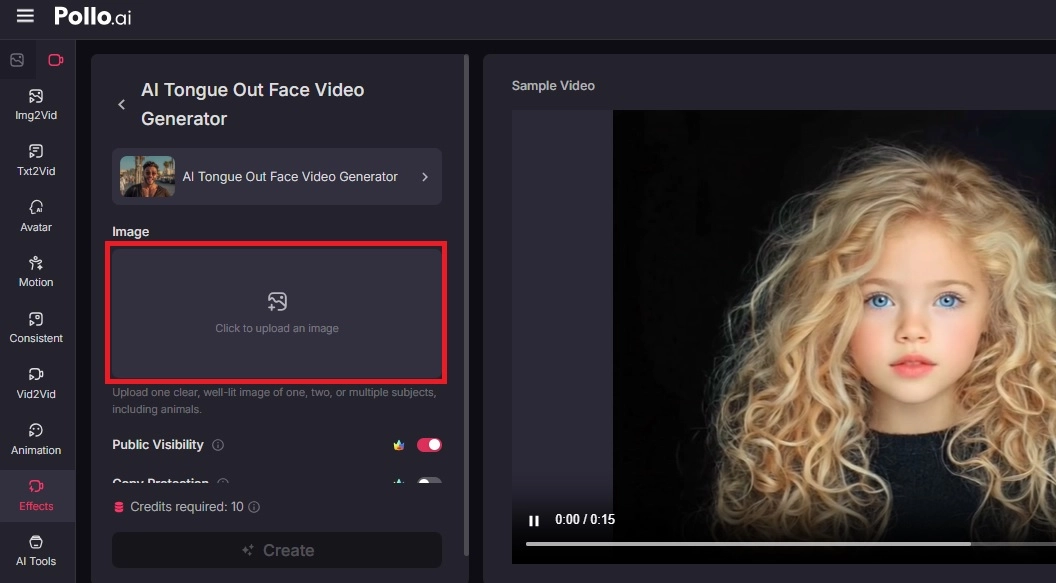
Step 2. Click on Create to generate AI tongue out clip.
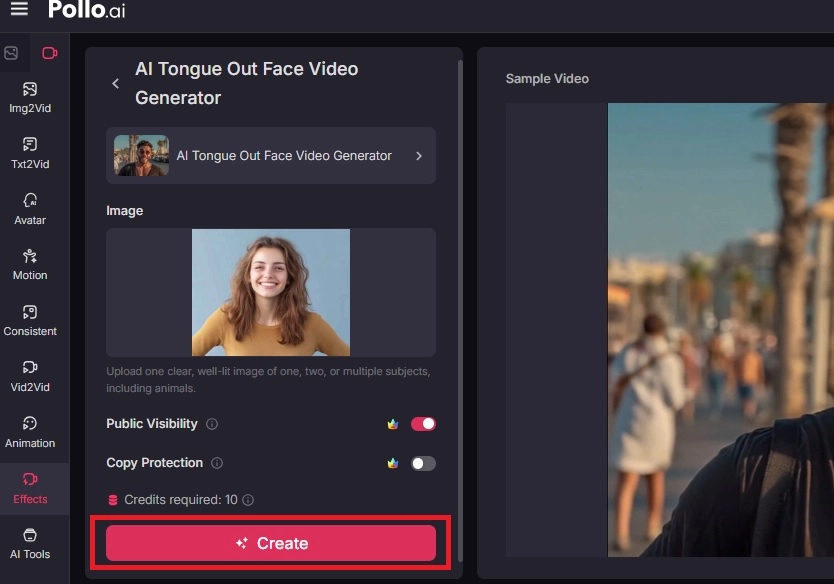
Step 3. It will take a few seconds to generate the final output. Here’s how it looks:
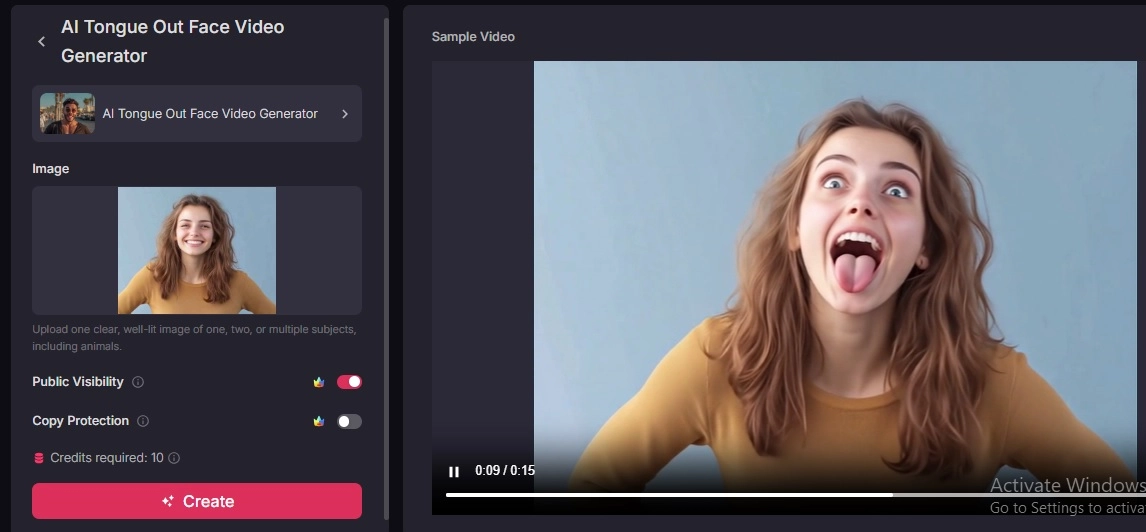
This tool is especially useful for those who want to create short, funny videos for TikTok, Instagram, or YouTube.
Part 5. AI Generated Tongue Out Artwork
For those who are more interested in AI artwork, Deep Dream Generator offers a unique approach to creating AI stick out tongue images. For artistic creations, this tool allows users to generate unique tongue-out artworks. This platform uses deep learning algorithms to transform text prompts or uploaded photos into surreal and artistic images. You’ll also find a collection of pre-generated tongue-out art that you can use for inspiration.
Features of Deep Dream Generator:
- AI-powered artwork creation with text prompts.
- Users can browse a vast collection of AI-generated art for inspiration.
- Supports customization with different artistic styles.
- Free preview with premium upgrade.
How to use this AI tongue out generator:
Step 1. Go to the Deep Dream Generator image generator tool.
Step 2. Enter your prompt in the text field and choose your preferred AI model. Here’s an example of a prompt we used.
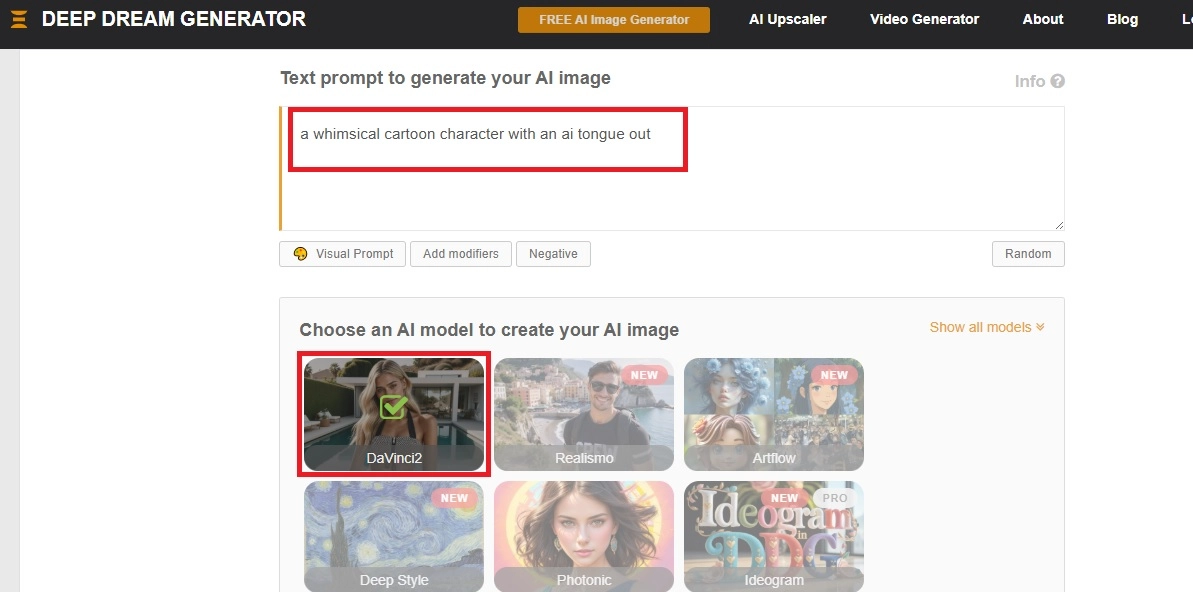
Step 3. Once done, scroll down and click on the Generate button to create an AI tongue out image. Here’s the final output of the image generated by Deep Dream Generator.
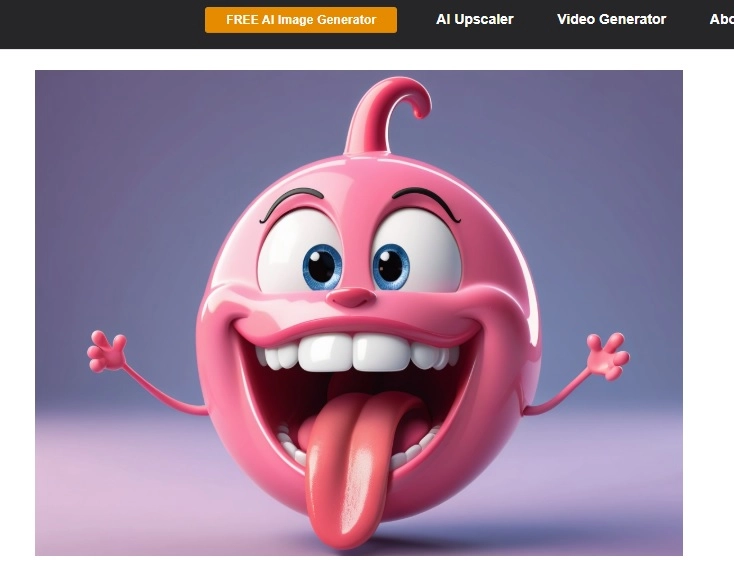
Conclusion
Creating fun, expressive images or videos content has never been easier with the power of AI tongue out generator. Whether you want to make a playful meme or a funny clip, tools like Vidnoz, Snapchat, Pollo AI, and DeepDream Generator are perfect options to create AI tongue out images or videos.
However, Vidnoz stands out for its unlimited, free, and easy-to-use features, making it perfect for the beginners. For the most versatile and free experience, we highly recommend trying the free AI video generator offered by Vidnoz to create tongue out AI videos instantly.

Vidnoz AI - Create Free Engaging AI Video with Talking Avatar
- Easily create professional AI videos with realistic avatars.
- Text-to-speech lip sync voices of different languages.
- 2800+ video templates for multiple scenarios.