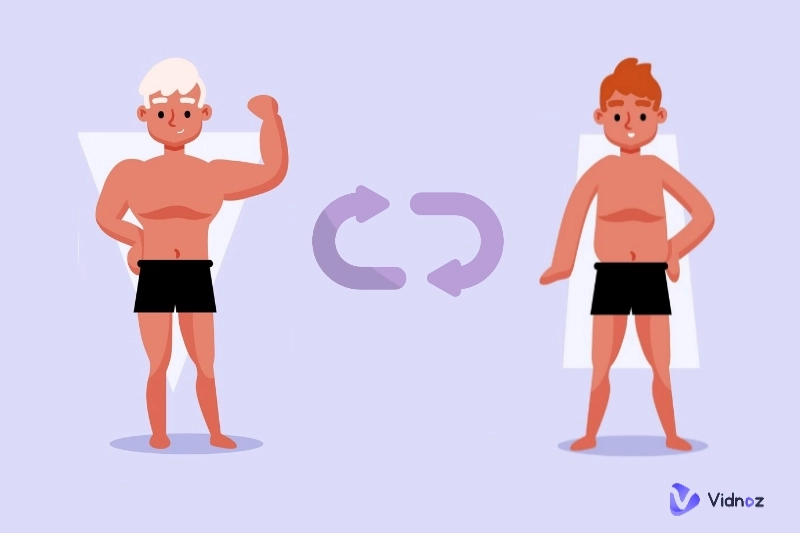
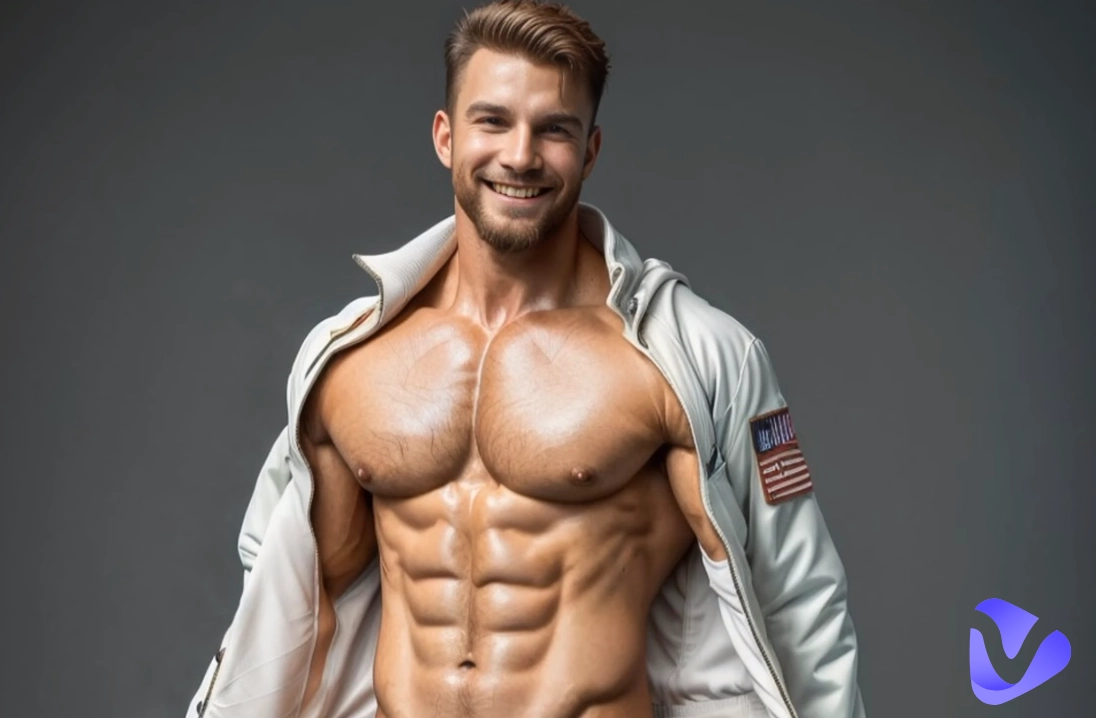
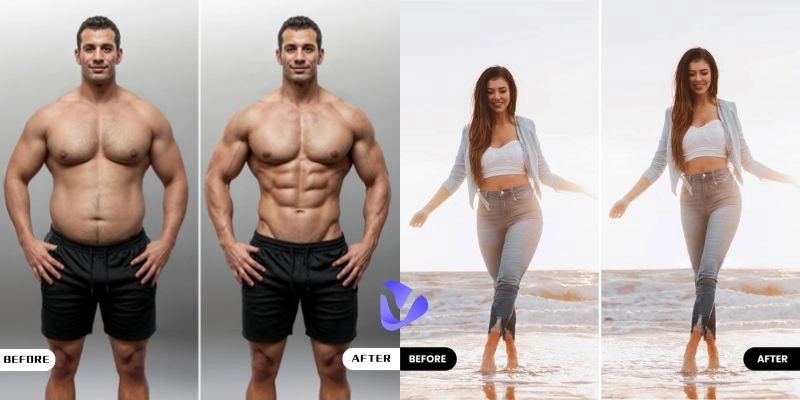
Naturally, everyone wants to look good in photos and videos. For instance, to have a better body shape than in reality. While it might take ages to achieve your dream body in the gym, today, you can easily reshape your body in photos with a simple editor.
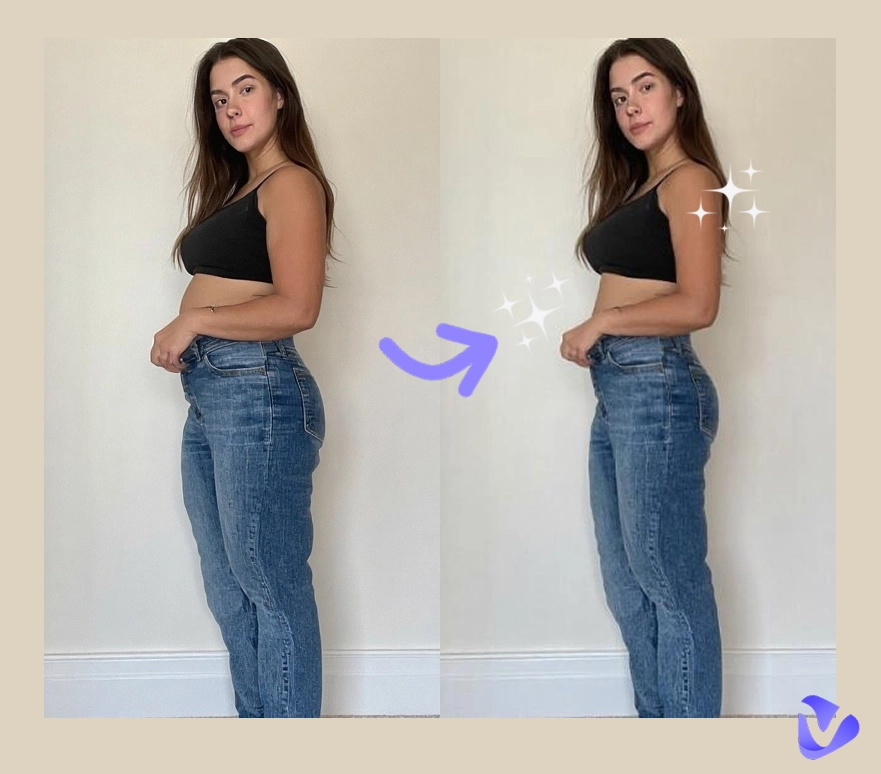
So how to adjust your body to a better shape? This blog will recommend the reshape body editor online free tools. You can easily adjust your body proportions in photos to see the best version of yourself.
- On This Page
-
Why Choose Body Reshaping Photo Editor Free Online?
-
Simple Tutorial: How to Reshape Body Online Free
-
Top 3 Reshape Body Editor Online Free Tools
#1. Fotor - Free Online Face & Body Reshape Editor
#2. Pixlr - Liquify Body Reshape Photo Editor
#3. BeFunky – Slimming Body Reshape Tool
-
YouCam Makeup – Natural Reshape Body App with Background Protection
-
How to Make a Funny Dance Video with Reshaped Body Photo
Why Choose Body Reshaping Photo Editor Free Online?
Powered by AI algorithms, a body reshape photo editor is a user-friendly tool that allows users to adjust curves, slim down, increase height, optimize proportions, change skin color, and make various edits. This body reshape editor is great for individuals who want to reshape their photos for social media or e-commerce platforms to polish model photos.
Online reshape body tools are extremely useful. There is no need to download or install software because most of them are free to use online. Users can easily change body shapes in photos in a snap.
Simple Tutorial: How to Reshape Body Online Free
So what are the best reshape body editor online free tools to use? No rush, we have concluded the 3 best choices. Before diving into details, let’s see how to use a body reshaping photo editor free online. Here we will take Fotor as an example.
Step 1. Go to Fotor and open the image you want to reshape.
Step 2. Head to the menus on the left. Go to Basics > Reshape. In the drop-down menu, adjust the sliders for size and brush intensity.

Step 3. A brush will appear in the photo. Move the brush to change the body to your desired shape.

That’s it. Want to rate your body shape after modification? Check out What body shape am I quizzes to learn more.
Top 3 Reshape Body Editor Online Free Tools
Now you have witnessed the magic of a body reshape photo editor. Want to know the best reshape body editor online free tools? Here are the top 3 options.
#1. Fotor - Free Online Face & Body Reshape Editor
The versatile online photo editing tool is where you can shape your body for free. With its body reshaping photo editor free online feature, you can effortlessly modify your body to perfection.

Key features:
- Powerful body reshaping photo editor free online tool to slim waist, enlarge breasts, or alter the legs.
- Include sliders for brush intensity and size; fine-tune body shape to create a more desirable body shape in photos.
- A user-friendly interface that is easy to pick up for everyone. Upload a photo to change the body shape instantly.
#2. Pixlr - Liquify Body Reshape Photo Editor
The robust photo editing platform Pixlr offers a reshape body editor online free feature for image manipulation. You can use its Liquify tool to reshape the body in photos with minimal effort.

Key features:
- Advanced options to push, pull, or warp specific areas of an image, making it ideal for body reshaping.
- Sliders to control the size, density, and strength of the brush, reshaping your body with subtle adjustments.
- Take your image even further with Pixlr’s extensive editing options; apply artistic effects to make your photo stand out.

After reshaping your body online free with Pixlr, you can check how your reshaped body looks with an AI body rater.
#3. BeFunky – Slimming Body Reshape Tool
BeFunky is a graphic design and photo editing platform that features a dedicated reshape body editor online free to use. You can manipulate the physical appearance in an image quickly and seamlessly.

Key features:
- Body reshape photo editor that is specifically designed to reshape body parts with precision.
- Smudge, grow, and shrink to correct distortions, adjust body proportions, and create various visual effects.
- Adjust brush size, pressure, and strength to reshape bodies for a more balanced or appealing appearance.
YouCam Makeup – Natural Reshape Body App with Background Protection
With the 3 recommended reshape body editor online free tools, you can effortlessly improve body shapes in images. Want to find body reshape photo editor apps to change body shapes on the go? YouCam Makeup is a convenient choice. You can make natural body reshaping with background protection in images and even reshape body in video files!

Key features:
- The reshape body app can prevent adjustments from affecting the background, ensuring a seamless and natural-looking result.
- AI detection to adjust hips, breasts, legs, and other parts of the body to your desired look.
- Powerful body tuner tool to easily reshape your body in photos with precise manual controls.
Youcam Makeup offers a variety of features to enhance body shapes. You can add abs muscles with its AI muscle filters, or apply AI skinny filter effects to see how you look with skinny body shapes.
How to Make a Funny Dance Video with Reshaped Body Photo
The previous sections have recommended the best reshape body editor online free tools for images. They are geared for changing the body shape in images to use on social media, advertising, or e-commerce. For personal images, you can explore creativity by making your reshaped body photo dance vividly in videos.
So how to make it? This is the time you should check out the Vidnoz AI Magic Animate. Enabled by the latest AI algorithms, the free AI video generator can create dancing videos based on a photo only.
Key features:
- Support AI diffusion models that are trained on dance data; add realistic dance motions to uploaded images.
- AI dance generator to add smooth transitions between video frames and maintain a consistent visual experience.
- Create dance videos with perfect background music synchronization.
How to make your body dance with AI
Step 1. Open Vidnoz AI Dance Generator. Sign up before creation.
Step 2. Click on the Upload button to upload your reshaped body photo. Set the background music and dance motion sequence.

Step 3. Click on the Generate Now button to make a photo dance.

The Bottom Line
If you have read this far, you should have the best reshape body editor online free tools at hand. Just upload photos to reshape body proportions easily for any purpose. Meanwhile, make sure to check out Vidnoz AI. This smart AI dance generator can convert your reshaped photo to dancing sequences with realistic and smooth effects. Just wait no more and try it for free now!

Vidnoz AI - Create Free Engaging AI Video with Talking Avatar
- Easily create professional AI videos with realistic avatars.
- Text-to-speech lip sync voices of different languages.
- 2800+ video templates for multiple scenarios.