Creating a mood board often feels like juggling stock photos, random screenshots, and endless edits. The process is slow, clunky, and drains your creative spark before the real work even begins. But imagine capturing the essence of your brand, project, or campaign in minutes instead of hours. That is the purpose of an AI moodboard generator that transforms your ideas into visuals that match your style within just a few clicks.
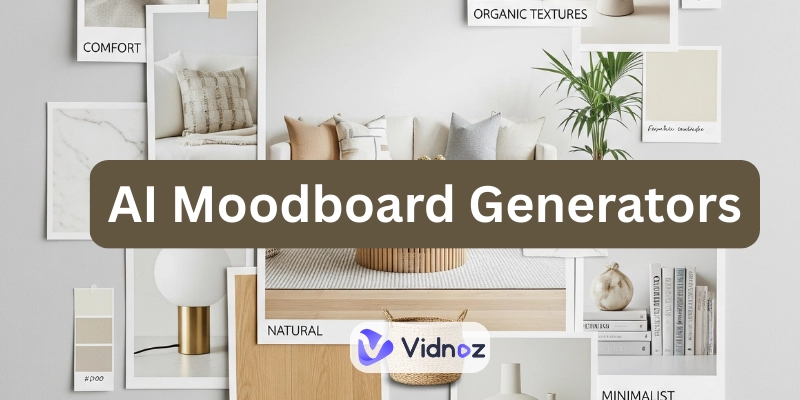
Whether for branding, interior concepts, or marketing campaigns, the right mood board generator streamlines creativity, turning vision into visuals instantly while giving you more time to focus on other matters.
- On This Page
-
AI Moodboard Generator - Definition & Use Cases
3 Popular Use Cases of AI Moodboard Generators
-
Manual Mood Board VS. AI Mood Board
-
4 AI Moodboard Generators to Spark Your Project Presentence
1. Venngage - Visualize Your Ideas as Colorful Moodboards
2. Appypie Design - Arrange Images into a Curated Moodboard
3. Moodboard AI - Customize Sophisticated Mood Boards for Interior Designs
4. Moodboards AI by ChatGPT - Turn Links to Stunning Mood boards
-
Go Further: Creating Video Moodboards to Highlight Your Design Aesthetics
How to Create an AI Video Moodboard?
AI Moodboard Generator - Definition & Use Cases
An AI moodboard generator is like a creative shortcut; instead of hunting down images and arranging them manually, you feed it a text prompt, upload a few photos, or even paste a video link, and AI instantly assembles a cohesive board.
3 Popular Use Cases of AI Moodboard Generators
- Travel & Lifestyle Branding
A lifestyle blog focused on adventure could prompt “wanderlust moodboard with ocean views, hot air balloons, and inspiring quotes” in a Moodboard AI.

Image from freepik.com
The AI would generate a cohesive palette of natural shades, textures, and finishes for prompts like “earthy modern room with warm wood and textured fabrics”.
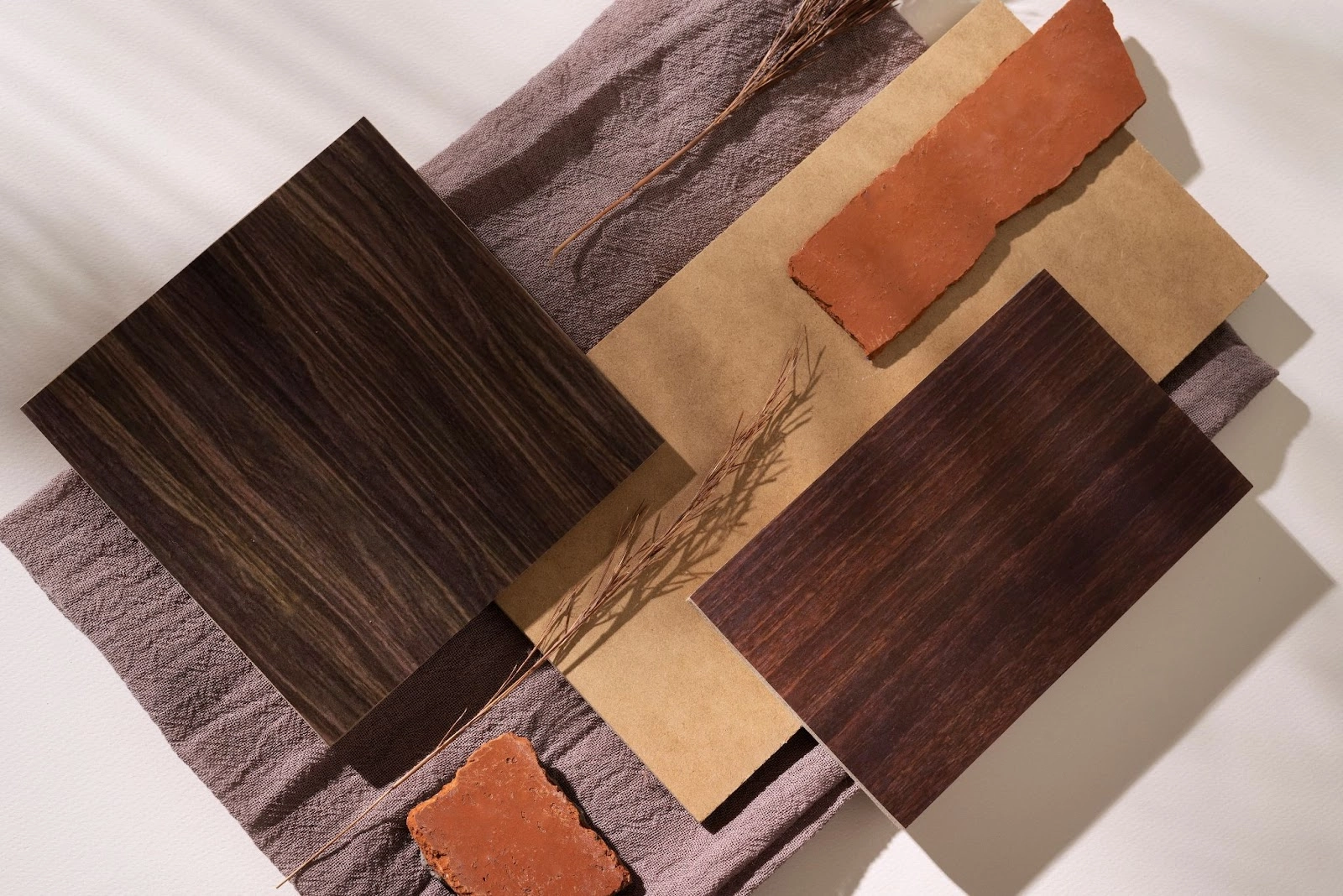
Image from freepik.com
Designers can try “bold red fashion collections with statement pieces and modern styling,” yielding a striking board of fabrics, make up, and runway-ready looks.
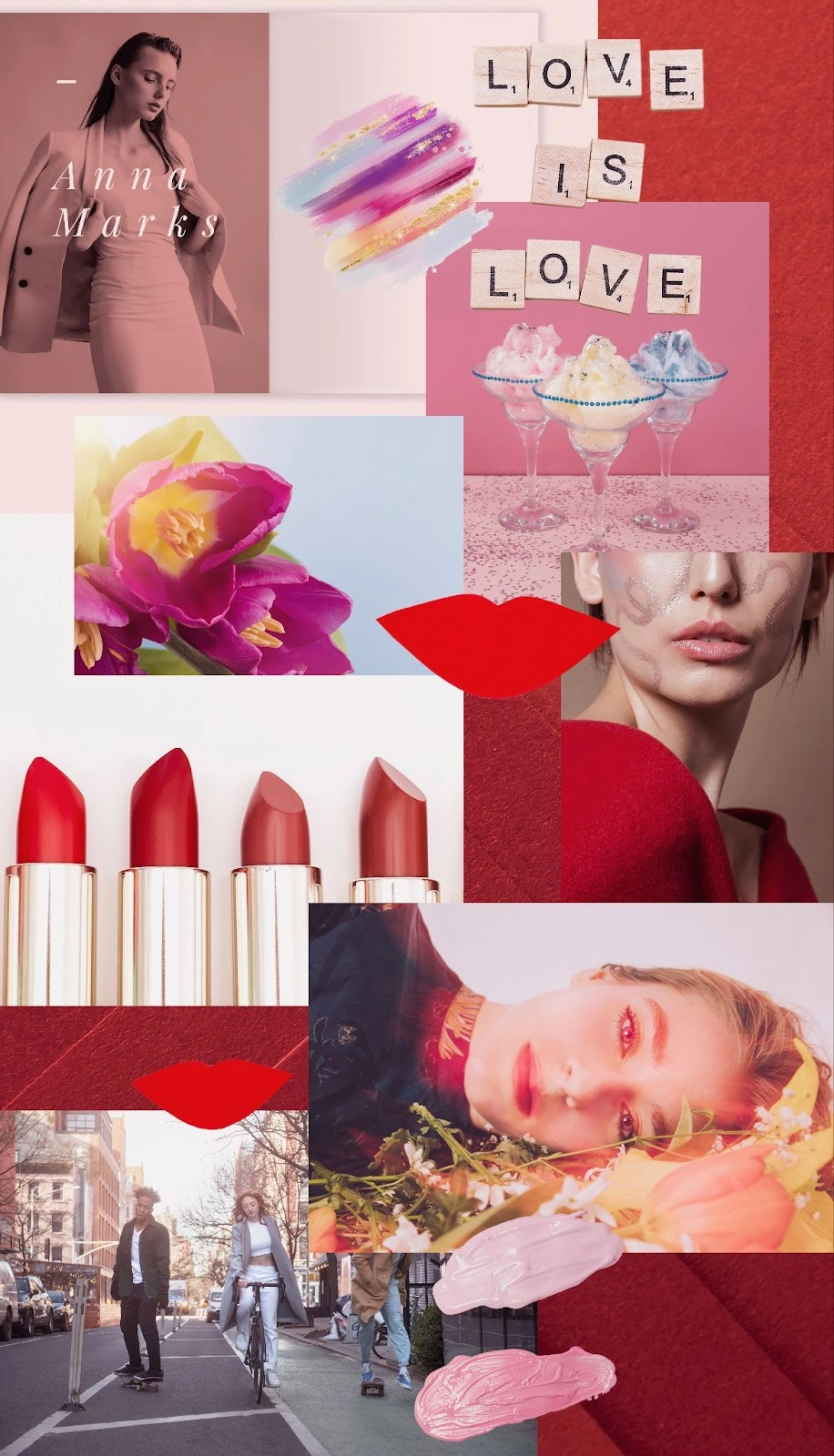
Image from freepik.com
Manual Mood Board VS. AI Mood Board
| |
Manual Mood Board |
AI Mood Board Generator |
| Aesthetics & Style |
Hand-picked, often more artisanal |
Polished layouts with AI-driven cohesion |
| Uniqueness |
Truly one-of-a-kind, based on your curation |
Unique, but influenced by AI training data |
| Creative Control |
Full control over every detail |
Guided control through prompts and edits |
| Time & Speed |
Can take hours or days |
Delivers results in minutes |
| Collaboration |
Shared manually (files, slides) |
Built-in digital sharing and teamwork tools |
In short, if you prioritize originality and deep creativity, editing a mood board manually; but if you prefer speed, efficiency, and easy collaboration, using an AI moodboard generator will be your best choice.
4 AI Moodboard Generators to Spark Your Project Presentence
1. Venngage - Visualize Your Ideas as Colorful Moodboards
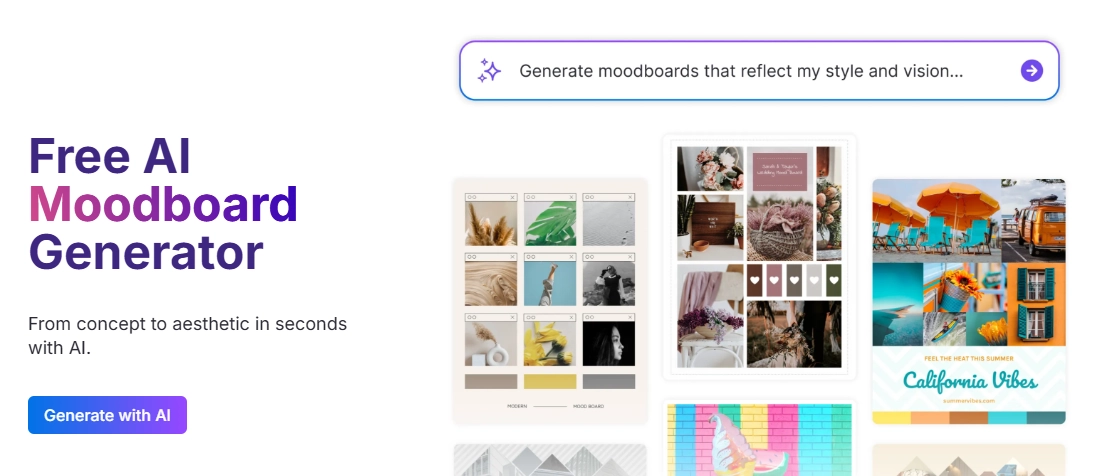
This AI moodboard generator turns your ideas into polished storyboards in seconds. Enter your prompts, and it delivers curated images, colors, and design elements. After that, you can stitch photos and re-position elements as you need, then download files for free. It is ideal for designers or planners who want visual clarity without the hassle.
Key Feature
- Text-to-Moodboard Generation: Type your theme and let AI do the visual curation.
- Drag-and-drop Refinement: Easily swap or edit visuals to align with your creative intent.
- Brand Kit Integration: Automatically apply your logo, colors, and fonts for consistent branding.
- Instant Exports & Sharing: Download as PNG or PDF or share via a link for streamlined feedback.
- Fast Ideation: Move from concept to complete moodboard in under five minutes.
2. Appypie Design - Arrange Images into a Curated Moodboard
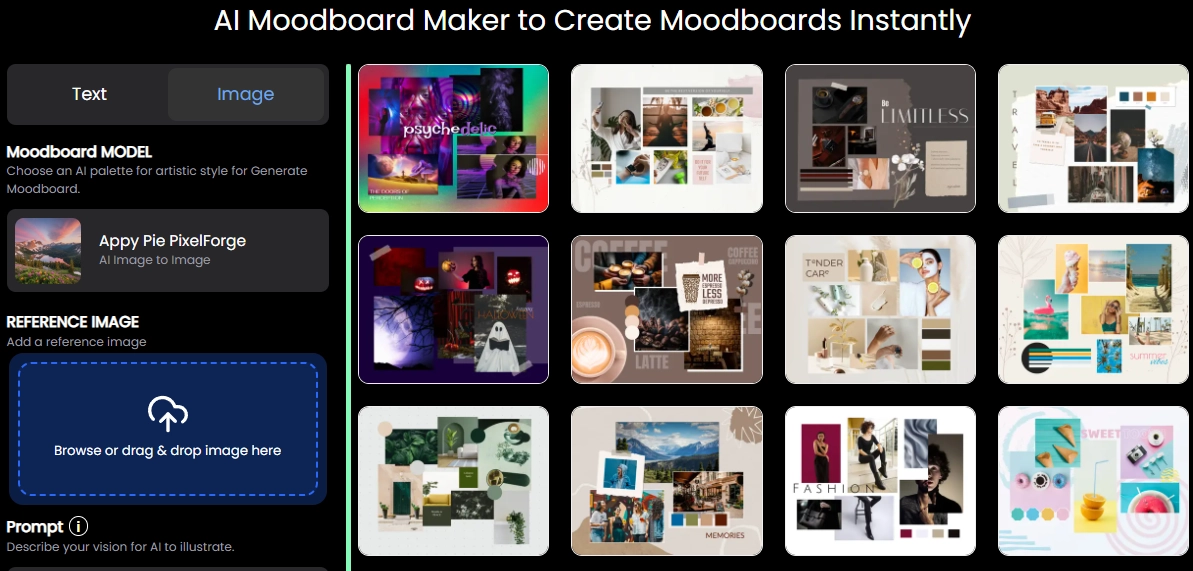
AppyPie mood board AI transforms scattered visuals into a clean, curated layout. Start with reference images uploading, the AI will arrange your visuals into a polished mood board. The generation is available for deep edits, so you can keep adjusting all elements for best looks.
This tool is perfect for small business owners, students, and marketers needing stylish visuals quickly.
Key Feature
- Text-prompt or Template Generation: Kickstart moodboards with a theme or pre-made design.
- Automatic Arrangement: AI organizes uploaded visuals into cohesive layouts instantly.
- Drag-and-drop Editing: Fine-tune the look by swapping or resizing elements.
- Dashboard Management: Store, edit, and reuse past moodboards with ease.
- Export Flexibility: Download in high-resolution formats for presentations or social posts.

To get a visual-harmonic moodboard, you’d better remove backgrounds of some images. Vidnoz AI background remover can make perfect cutouts in high-quality!
3. Moodboard AI - Customize Sophisticated Mood Boards for Interior Designs
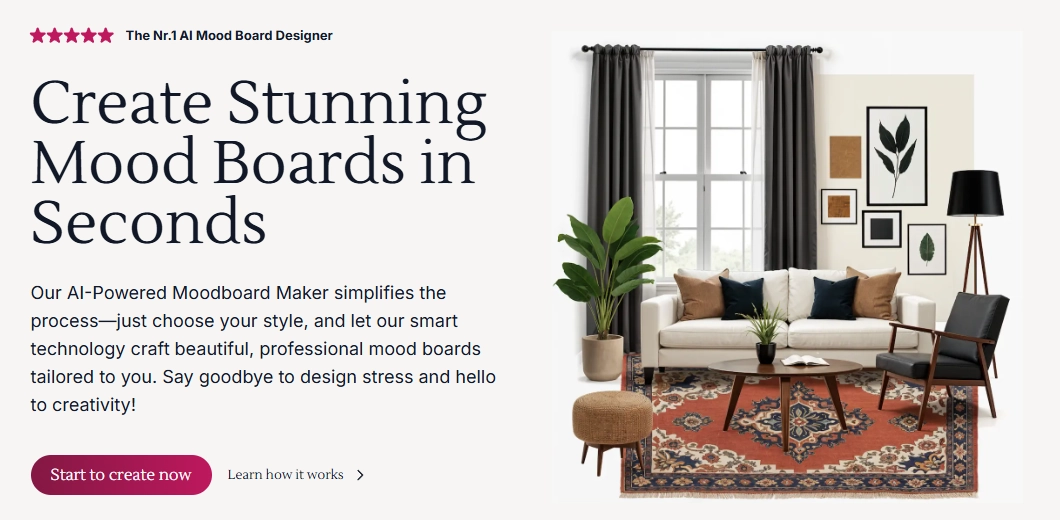
With just one click or by selecting a style, Moodboard AI generates a sophisticated moodboard that reflects your styles (whether modern, minimalist, vintage, etc.) It works best for interior designers, stylists, and home decor lovers because it effortlessly turns inspirations into actionable visuals.
Key Feature
- One-click Mood Board Creation: Just pick a theme, and AI builds your board automatically.
- Style & Color Selection: Customize aesthetics instantly.
- Clean Up & Replace: Easily fine-tune your board by swapping elements or adjusting layout.
- Upscaling for Clarity: Boost your visual quality instantly for high-resolution outputs, presentations, or prints.
- Product Discovery: Find real-life items matching your moodboard.
4. Moodboards AI by ChatGPT - Turn Links to Stunning Mood boards
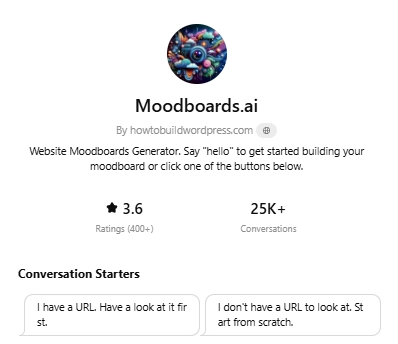
You can find a creative ChatGPT AI mood board generator that transforms URLs into curated visual mood boards. It is good for creative content creators or marketers who find inspiration through web browsing and want to skip the manual image-sifting process.
Key Feature
- Link-to-Moodboard Creation: Simply input a URL, and the AI pulls visuals to craft a mood board.
- Instant Layout Generation: AI organizes images and palettes into a balanced board structure.
- Brand Visualization: Great for capturing mood from sites or articles to inspire branding direction.
- Web-Ready Boards: Ideal for digital presentations, blog pitches, and visual briefs.
- Quick Ideation Workflow: Speeds up creative cycles by eliminating screenshot hunts and manual layout building.
Go Further: Creating Video Moodboards to Highlight Your Design Aesthetics
Compared to moodboard images, video moodboard can show your projects effectively. Wait, what is a video moodboard? It is a motion version of moodboards, where those visuals, typography, photos, and colors move with narrative flow.
How can you do that? Vidnoz free AI video generator is a great pick. This browser-based tool offers thousands of video moodboard templates for diverse fields. And it also can turn your static moodboard images into short, animated clips.

Vidnoz AI - Create Free Engaging AI Video with Talking Avatar
- Easily create professional AI videos with realistic avatars.
- Text-to-speech lip sync voices of different languages.
- 2800+ video templates for multiple scenarios.
Besides video moodboard templates, this AI video moodboard generator free boosts your aesthetic explanation by letting realistic AI avatars speak in lifelike voices. And its built-in translator would take your projects to the world, so that you can easily get in touch with like-minded partners.
Key Feature
- Video Mood Board Templates: You can always find one for any theme;
- AI Avatars & Voices: Add realism with talking avatars and lifelike voiceovers;
- Online Editing & Real-time Collaboration: You can invite teammates to edit and co-create your project seamlessly;
- Free Generations with Generous Limits: You can try to create a video moodboard free (e.g., up to 3 minutes per day) before your projects really get success.
How to Create an AI Video Moodboard?
Step 1.Sign-Up Vidnoz AI for Free
Log into your Vidnoz AI account and start your video moodboard creation. You can make a video moodboard from blank or directly access the “Template” for easier mood board edits.
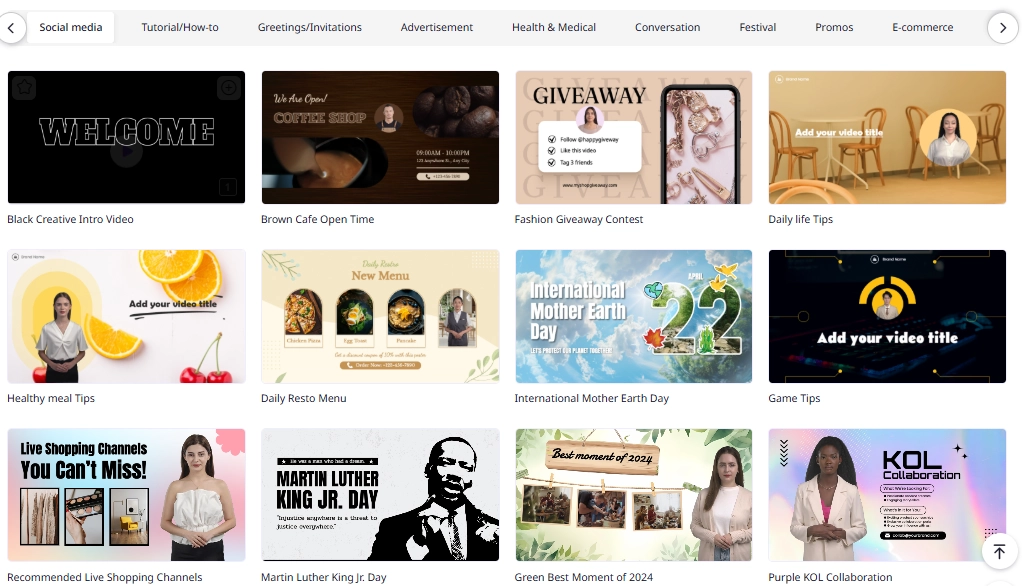
Step 2.Input Your Moodboard Materials and Customize Them
If you use a well-structured video moodboard template and like the layout, you can select each visual to make a quick replacement with yours. Then your video moodboard will be refined in minutes!
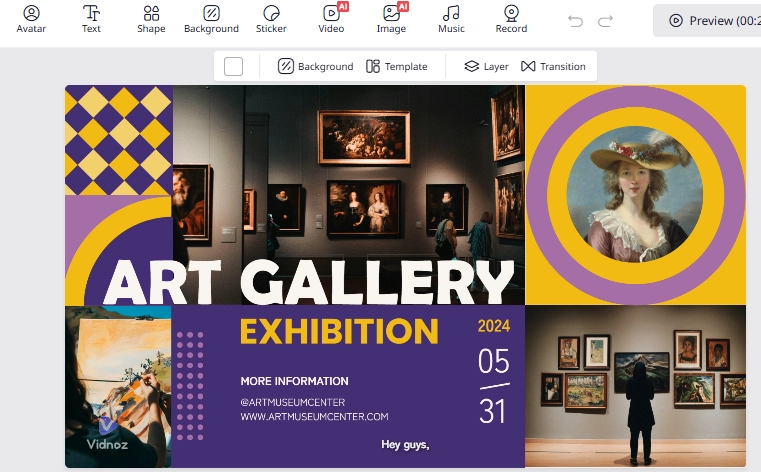
You can select the language and even accent so that your video moodboard can be understood by everyone.
Step 3.Generate and Export Your Video Moodboard
When everything’s set down, click “Generate”. The AI will render everything and turn them into a seamless video. You can watch the AI-generated video moodboard and download it for free!
Conclusion
With AI moodboard generators, creating moodboards no longer has to be slow or complicated. You can instantly turn prompts, images, or URLs into cohesive boards that capture the project’s style. Whether you are using a specialized mood board AI for interior design, a branding-focused tool, or a video moodboard generator like Vidnoz, each solution speeds up inspiration and collaboration. The choice is yours, now explore how AI changes the way you design!





![Viral Bigfoot AI: How to Make Hilarious Vlogs with AI? [Step-by-Step]](https://www.vidnoz.com/bimg/bigfoot-ai-videos.webp)