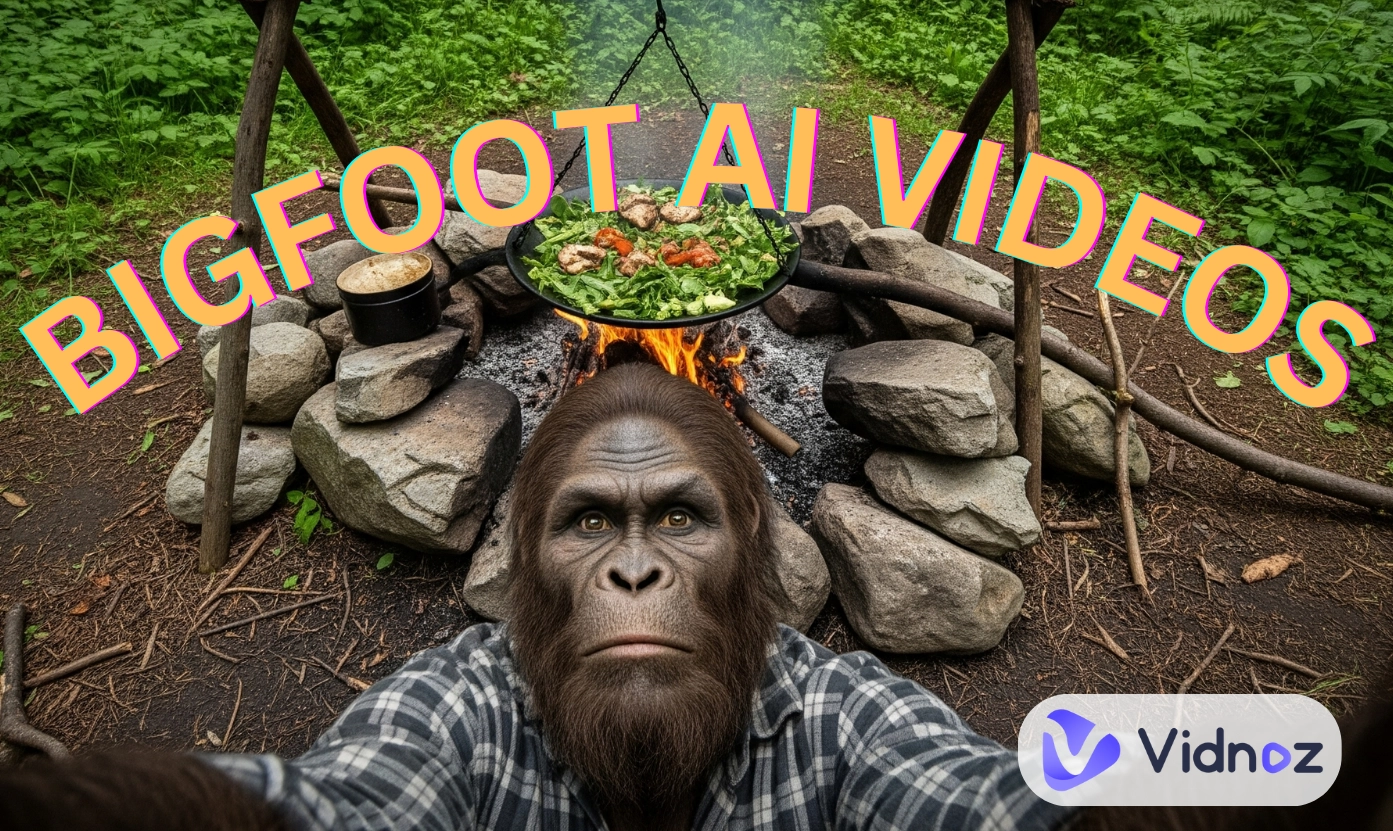
Realistic Bigfoot AI is taking over social media these days! Cooking, hunting in the forest, and ranting about modern life, the furry big-headed AI Bigfoot wins many views and likes for his quirky humor and relatability. The stunning visuals, actually, are 100% generated by AI, how? Well, that’s what we will talk about today.
In this step-by-step guide, we’ll show you exactly how to make your own hilarious Bigfoot vlogs with powerful AI tools.
- On This Page
-
Why Does Bigfoot AI Go Viral?
-
How to Create an Interesting Bigfoot AI Video? [Detailed Guide]
Step 1. Structure Your Bigfoot AI Vlog Scripts
Step 2. Characterize Your AI Bigfoot
Bonus: Create Fun Stories and Write Scripts with AI
Step 3. Generate Bigfoot AI Clips Using an AI Video Generator
Step 4. Integrate Your Bigfoot AI Clips into a Full Vlog
-
Make Bigfoot AI Video Clips Using 3 Top AI Video Generators
Why Does Bigfoot AI Go Viral?
Engaging plots, creativity, or good interpretation? What makes AI Bigfoot videos so captivating? Here’re analysis from our content executive:
The AI Bigfoot complains about silly modern problems in an exaggerated, funny way. Such rants are relatable to almost everyone; hence viewers will easily resonate with the funny words and are willing to share with friends.
Bigfoot, or Yeti, is kind of a mystical(or fictional) creature. According to stories, it usually lives in the Hilamaya. So when seeing Bigfoot AI act like a modern human and go shopping, cooking, or using tech is super attention-grabbing and weirdly fun.
- Daily Yet Dramatic Themes
Mixing wild forest life with modern world, such as the Bigfoot AI getting mad at traffic jams, makes vlogs dramatic, fresh, and full of surprise.
The AI Bigfoot video looks extremely realistic. With first-person perspective views, smooth scene changes, and various sound effects, viewers feel like they’re really part of Bigfoot’s crazy day.
How to Create an Interesting Bigfoot AI Video? [Detailed Guide]
Step 1. Structure Your Bigfoot AI Vlog Scripts
AI video generators make it easier to craft videos, so now the key to win the game is coming up with more buzzing ideas. And a well-arranged vlog will get more attention, so the first step is to plan your story. Usually, you can start with a simple structure:
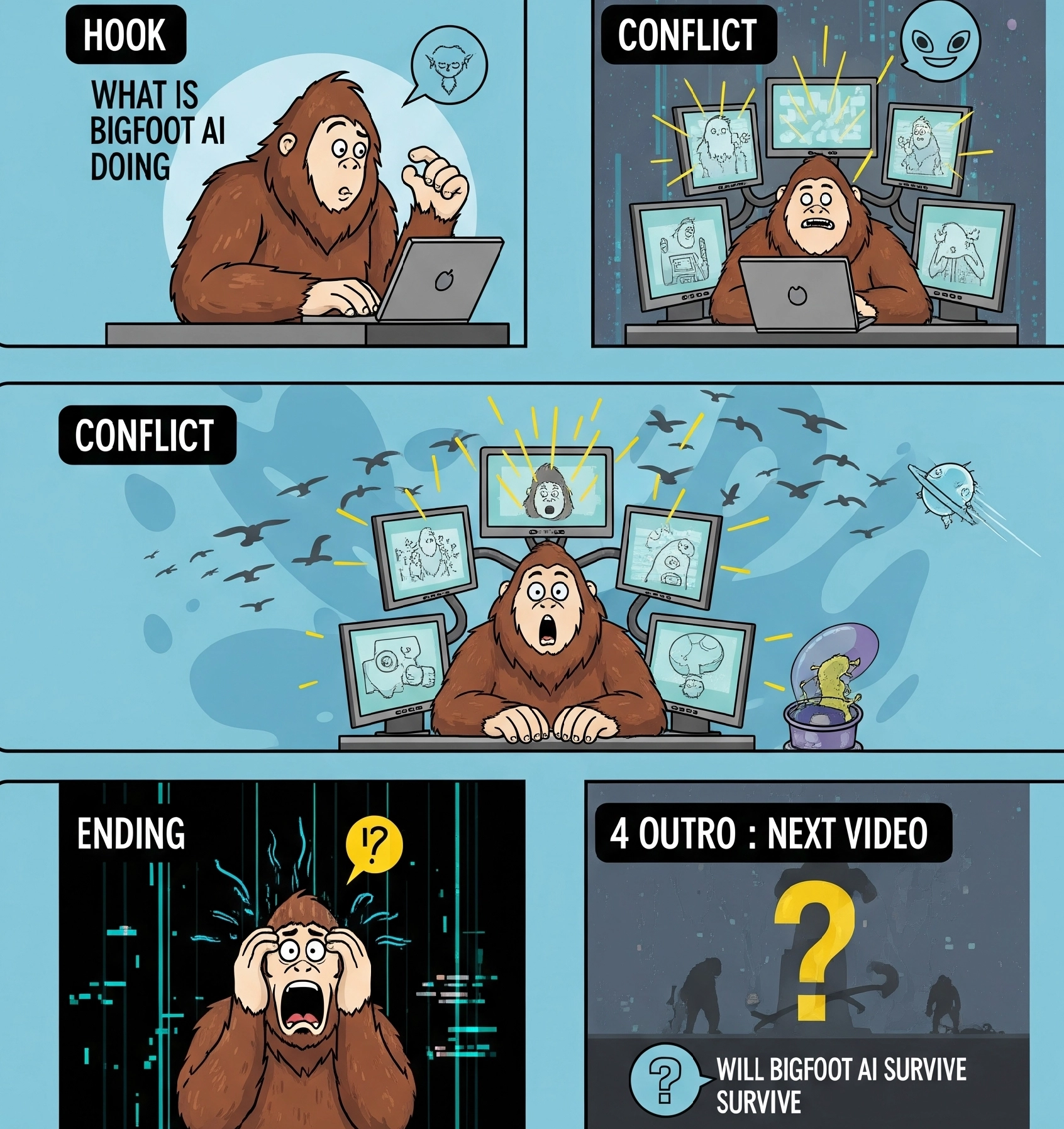
Step 2. Characterize Your AI Bigfoot
The bigfoot AI should not just be a random character, instead, you’d better give him a personality, mood, and style, then you can create a fun Bigfoot AI video:
- Is Bigfoot grumpy? Playful? Sarcastic?
- Does it talk to the camera or just react with facial expressions?
- What kind of clothes or props does he use?
Bonus: Create Fun Stories and Write Scripts with AI
Funny, relatable, or unexpected plots are what make Bigfoot AI vlogs go viral. You may not be good at making up stories, so consider using an AI script generator. No writing experience is required to create a polished, structured script in seconds.
Prompt Example:
"You are an expert cinematic video prompt writer. Create some scenes for a viral TikTok vlog series featuring Bigfoot as the host, telling of his venture in a supermarket and complaining about technology..."
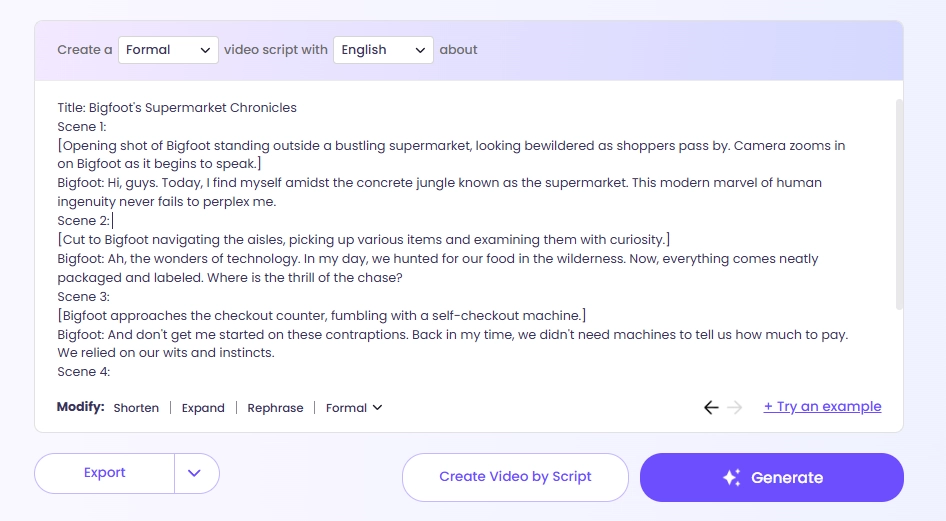
Ordinary stories will not contribute to success, so you should make something special, here are some ideas for plots you can take for references:
- Traveling Vlogs: Bigfoot explores a big city for the first time and shocked by many modern techniques;
- Ironic Comedy: Bigfoot becomes a talkshow host(like Jimmy Fallon) or just a stand-up comedian, telling jokes in a night forest party…
- Survival Mode: The Bigfoot shares "tips" on how to live in the wild with modern tools.
>>Coming up with appealing stories in seconds using Vidnoz AI script generator!
Step 3. Generate Bigfoot AI Clips Using an AI Video Generator
Now it's time to bring your AI Bigfoot script to animated visuals! There are many AI video generators, so you can easily turn texts to engaging videos.
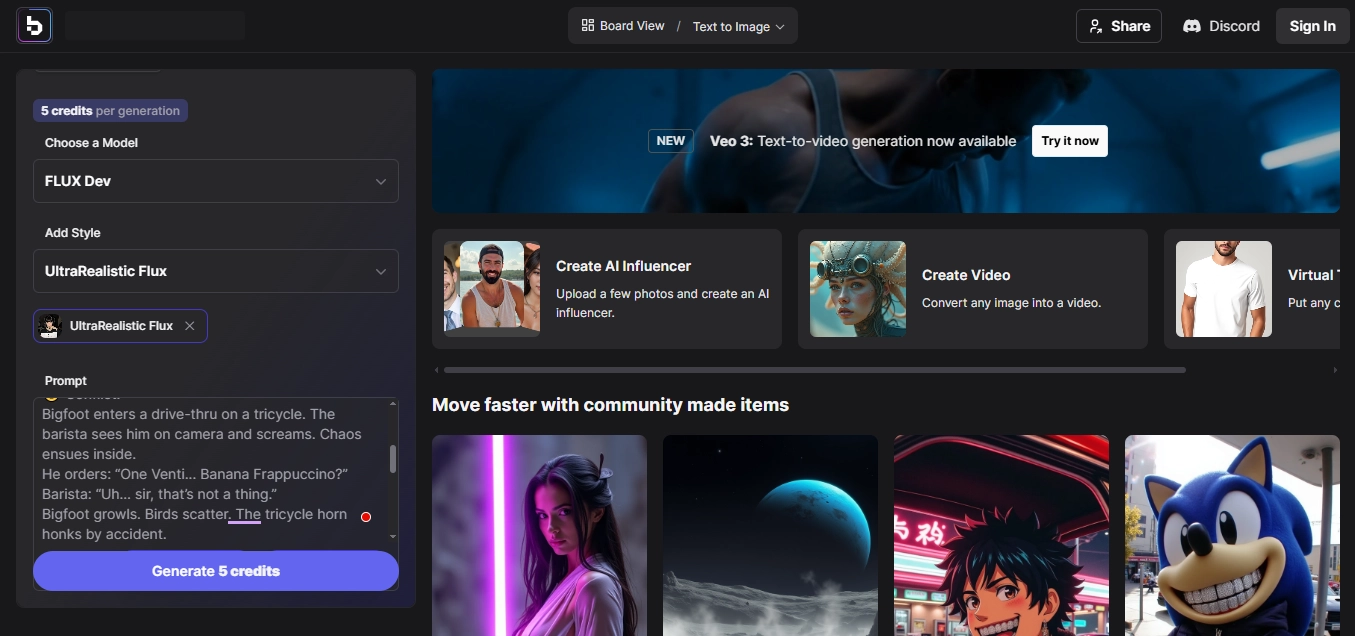
To get the realistic Bigfoot AI clips, your prompt must be clear and detailed:
- Describe the Scene: "A giant white furry snow monster is walking through a busy street, holding a Starbucks cup."
- Filming Style: "Shot in selfie view, handheld, with cars passing by in the background."
- Dialogue: "Bigfoot says, 'Is this what you call coffee? I need a bucket!'"
Besides, adding emotions, actions, and other details makes your AI Bigfoot videos more engaging.
But which AI tool works great and good for you? No worries, we filtered and reviewed 3 best AI video clip generators at the last part.
Step 4. Integrate Your Bigfoot AI Clips into a Full Vlog
Once you have 5–10 short clips, you’re ready to edit a full AI Bigfoot video. You can combine those clips by an AI video editor and add effects, music, subtitles, and transitions.
Vidnoz free AI video generator is a proper and powerful launcher that you can use to integrate the Bigfoot AI footage and polish them into a full AI vlog.

Vidnoz AI - Create Free Engaging AI Video with Talking Avatar
- Easily create professional AI videos with realistic avatars.
- Text-to-speech lip sync voices of different languages.
- 2800+ video templates for multiple scenarios.
How does Vidnoz AI help to polish your Bigfoot AI vlog?
- Customizable Video Templates: Save time with ready-to-use vlog templates designed for storytelling. You can drag and drop your Bigfoot clips into a well-structured layout.
- Visual Effects and Sound Tools: Add music, voiceovers, background sounds, and on-screen text to give your AI vlog a personal and dramatic touch.
- Intro and Outro Effects: Impress your viewers right from the first second and leave a lasting impact with stylish outro animations.
- Smooth Editing Tools: Whether you're trimming, rearranging scenes, or inserting transitions, Vidnoz makes video editing fast and frustration-free.
With all your clips lined up, add final touches like background music, captions, and transitions to make the Bigfoot AI video more engaging. Don’t forget to brand your content if you're planning to post regularly (like adding a signature intro or catchphrase at the end).
Make Bigfoot AI Video Clips Using 3 Top AI Video Generators
Now, let’s get into in-depth reviews of 3 top AI video clip generators for Bigfoot AI vlog crafting:
#1. VEO 3
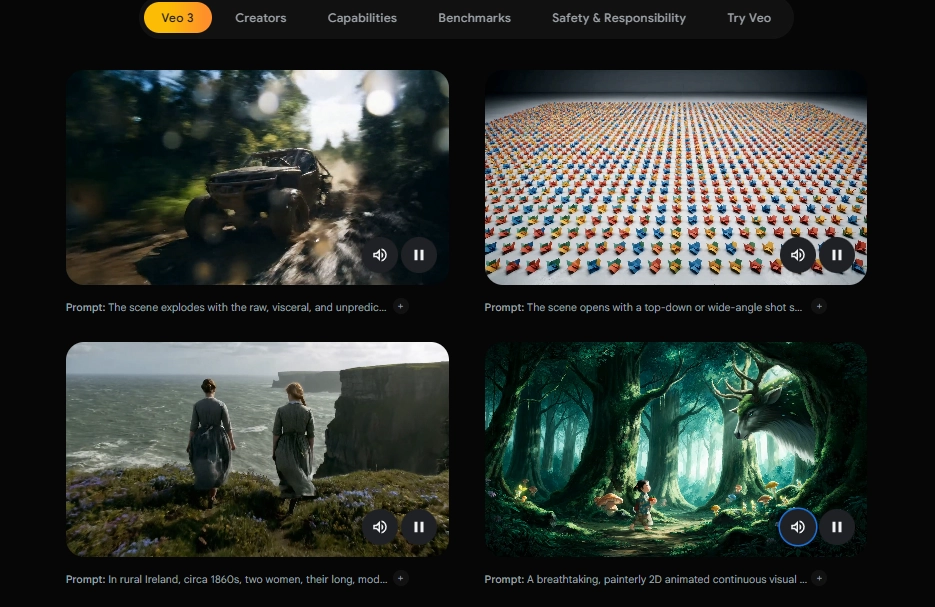
Veo 3 is Google’s newest AI video generation model. You can access it via Gemini app or the Google Flow tool. With just a short text prompt input, it can create high-quality clips that include smooth movements, lifelike facial expressions, and with narrations. No cameras, no actors, just your imagination and a few clicks.
Pros
- Bigfoot Looks ALIVE: Blink, move, and even talk, Veo 3 makes your AI Bigfoot incredibly realistic.
- Fast & Impressive Clips Generation: Veo 3’s “Fast Mode” can generate an 8-second Bigfoot AI clip within 2 minutes.
- Reliable Character Consistency: Veo 3 keeps consistent character AI creations.
- Cinematic Visuals: The lighting, camera angles, textures even the way the sun hits Bigfoot’s fur, Veo 3 ensures every detail looks real.
Cons
- Subscribe to Access It: You’ll need the Google AI Ultra Plan, which is expensive for ordinary users.
- Limited Region: It’s currently only available in certain countries (like the U.S.)
⭐Pricing: $249/month for 12,500 credits (Google AI Ultra Plan)
Veo 3 Fast mode (lower quality) will cost about 20 credits for an 8-second clip generation. The Standard mode (high quality) will cost 100 credits for one clip generation. So you’ll likely use 7–8 clip generations to create make 1-minute Bigfoot AI video(split into eight-second clips).
#2. Kling AI
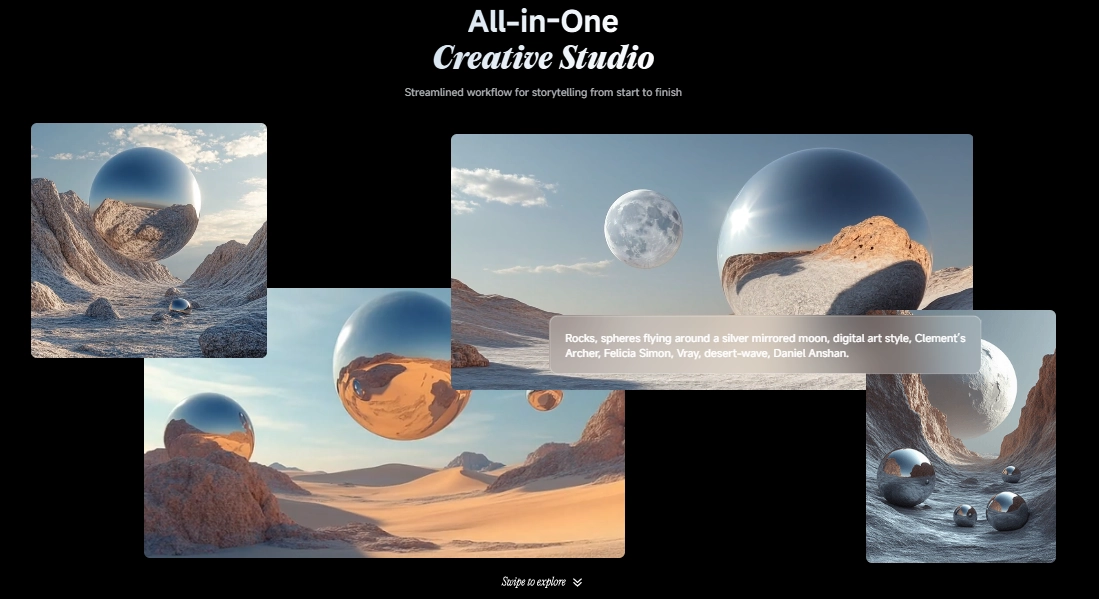
Kling AI is a user-friendly text-to-video generator created by Kuaishou (also behind KwaiCut). With simple text prompts, it transforms your ideas like “Bigfoot exploring a city” into 1080p animated clips, complete with natural movements and realistic settings. You can access it via the web or mobile app.
Pros
- Great Visual Quality: From Bigfoot’s fuzzy fur to the texture of trees, Kling produces detailed, high-resolution visuals.
- Flexible Prompt Controls: You can adjust camera angles, vibes, and shot types with the Brush tool.
- Budget-Friendly: Kling offers free trial and lower subscription costs, which is friendly for casual creators and beginners.
Cons
- Character Consistency: Bigfoot AI may look slightly different between scenes;
- Slow for Longer Clips: A 5-second clip generation can take around 1 hour.
- No Voiceovers: Kling doesn't generate narrative clips, so you need to add audios manually.
>> Dub Your Bigfoot AI videos easily with automatic lip-syncing on Vidnoz!
⭐Pricing: A single 5-second clip costs around 20 credits, depending on resolution and complexity.
- Standard Plan: $6.99/month for 660 credits;
- Pro Plan: $25.99/month for 3,000 credits;
- Premier Plan: $64.99/month for 8,000 credits.
You’ll need approximately 200–500 credits to make a 1-minute Bigfoot AI video (about 10–12 clips).
#3. Runway Gen 4
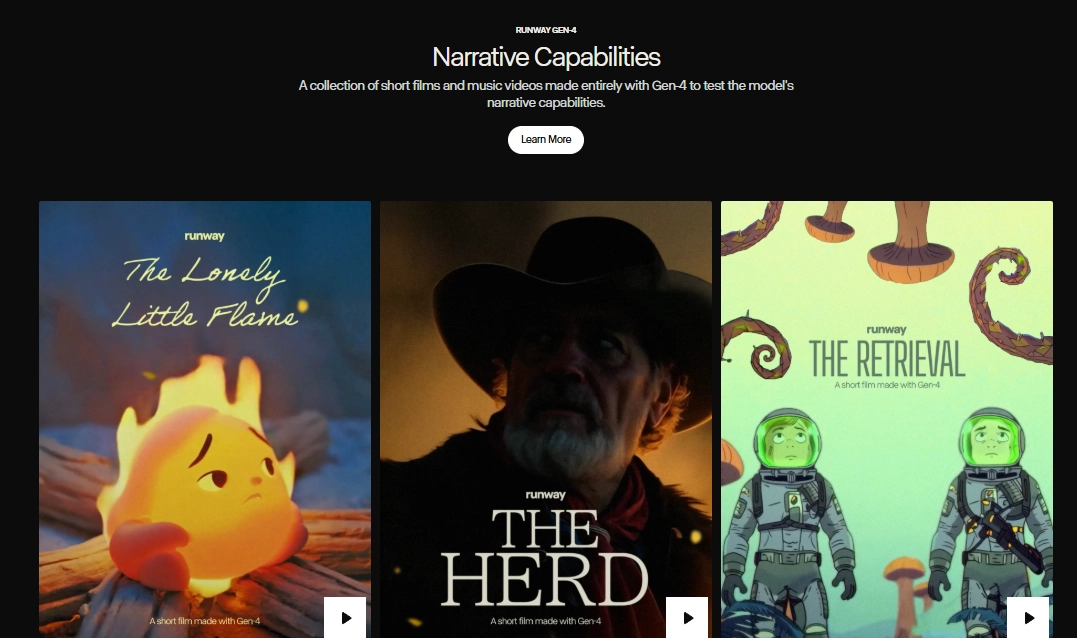
Runway AI video maker launches Gen 4 for creating cinematic narratives videos, which is ideal to make Bigfoot AI videos with voice.
Instead of merely random clips, it lets you generate sequential, story-driven scenes with consistent characters and coherent backgrounds. You can access it via Runway's web editor after signing up choose the Gen 4 or Gen 4 Turbo model depending on your needs.
Pros
- Character & Scene Consistency: By feeding in a reference image, Gen 4 ensures your Bigfoot AI maintains the same look across multiple scenes.
- Flexible Visual Styles: Gen 4 supports almost any visual style from fantasy to photorealistic.
- Narrative-Friendly Workflow: Gen 4 was built for storytelling. You can refine scenes and ensure characters stay satble as your story unfolds.
Cons
- Inconsistent When Pushed: Long multi-action prompts or elaborate scenes may lead to visual glitches or bizarre object placement.
- Slower Than Turbo Modes: Standard Gen 4 model can take much time to create short clips.
⭐Pricing: It gives 125 credits for one-time to test Gen 4 (good for 10–20 short clips)
- Standard Plan: $15/month for 625 credits;
- Pro Plan: $35/month for 2,250 credits;
- Unlimited Plan: $95/month for 2,250 credits.
Gen 4 uses 12 credits per second of video. For a 1-minute Bigfoot AI video (60 seconds), that’s about 720 credits.
Conclusion
Creating a Bigfoot AI is easier and more fun with advanced AI video generators. Whether you want cinematic realism with Veo 3, affordable creativity with Kling AI, or narrative storytelling using Runway Gen 4, there’s a tool for every style and budget. And the Vidnoz could be greatly helpful to polish simple clips to engaging videos with voiceovers, effects, and other details.
Try those AI tools out now and make hilarious Bigfoot AI videos(or any characters’) easily!