In a globalized world, the ability to communicate effectively and access information is impeded by language barriers in most cases. This applies especially in the process of translating text from images, either in a foreign-language text, a street sign, or an infographic. Luckily, the AI image translators have addressed those issues.
Combined OCR and AI translation, such AI image text translators are really great for you to understand what information on a picture is delivered in seconds. To help you find a proper AI image language translator, we will discuss 6 popular AI-based tools and include a step-by-step instructional in this post. Let’s explore now!
- On This Page
-
Who Needs an AI Image Translator?
-
How Does AI Translate Images?
-
Top 6 AI Image Translators: Make Images Understandable in Clicks!
1. ImageTranslate: Instant AI Image Text Translator for Commercial Uses
2. NoteGPT: AI Translates Texts in Image Smartly
3. Vidnoz AI Image Describer: AI Translate Images by Following Your Prompts
4. OpenL: AI Image Language Translator for Professional Uses
5. OCR Best: Get Web Images via Links & Make Accurate AI Translations
6. Google AI Photo Translator: Translate Image Language with AR Effects
Who Needs an AI Image Translator?
>> Tourists
When you are out of your country, you may observe menus, signs, pamphlets, or product labels written in a language you do not know. Applying AI to translate images will enable you to understand what you should pay attention to and sometimes make better decisions.
>> Cross-Culture Content Creators
When you share memes, infographics, or viral content in one language into another, you will be in a position to use an image language translator to localise the text that is contained in a picture and widen your reach.
>> E-Commerce Owners
Do you sell products with product images, posters, or packaging pictures in various markets that you would like to sell in different markets? Then an AI image text translator is used to translate those images into many different languages, so you can sell across borders more effectively.
How Does AI Translate Images?
The AI image text translation process is simple, here are the general steps:
Step 1.Upload an Image with Texts
Take a snapshot or upload a picture with text - it may be a receipt, product label, signboard, a screenshot, or even infographics.
Step 2.Tap to Translate the Texts in the Picture
OCR reads and extracts the text, then the AI translator converts it to your target language. Finally, the tool would overprint the translation or show you the translated text on the original picture.
Top 6 AI Image Translators: Make Images Understandable in Clicks!
1. ImageTranslate: Instant AI Image Text Translator for Commercial Uses
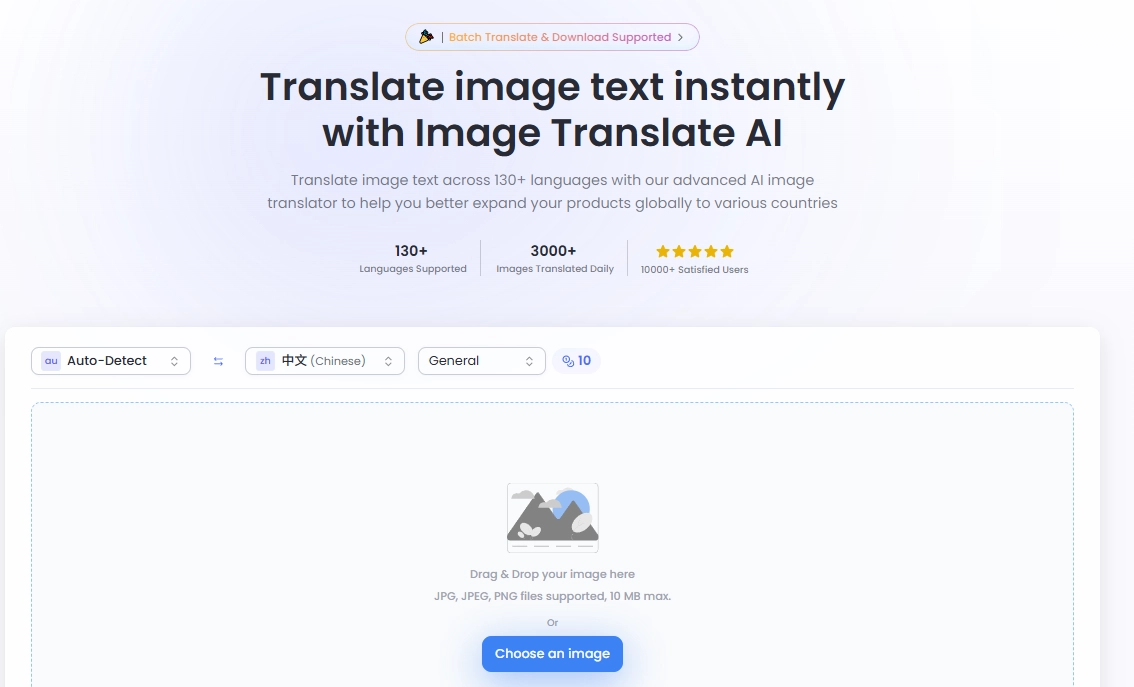
ImageTranslate.AI is an AI image language translator that can convert text that is embedded in many common image files to more than 130 different languages with text layout and style remaining.
It is perfect to use with global brands and multilingual content workflows, with one-click translation and e-commerce-enabled localization functionality.
>> Supported formats: PNG, JPG, JPEG (maximum of 10 MB)
>> Pricing: It costs 10 credits for each image text translation
- Free: 2 free image translations every day;
- Pro: $9.9/mo for 500 image translations;
- Premium: $19.9/mo for 1,200 image translations;
- Ultra: $39.9 for 2,500 image translations.
Pros
- It supports batch AI image translations;
- It offers higher accuracy, particularly in less complex phrases and signage;
- Quick translation within 30 seconds;
- Maintains original formatting like text fonts, colors, and layout;
- Convenient project-management tools for agencies/localisation teams.
Cons
- Limited free trial;
- Large batches can slack or require a premium plan;
- Some users complain of interface peculiarities or delays with heavy loads.
2. NoteGPT: AI Translates Texts in Image Smartly
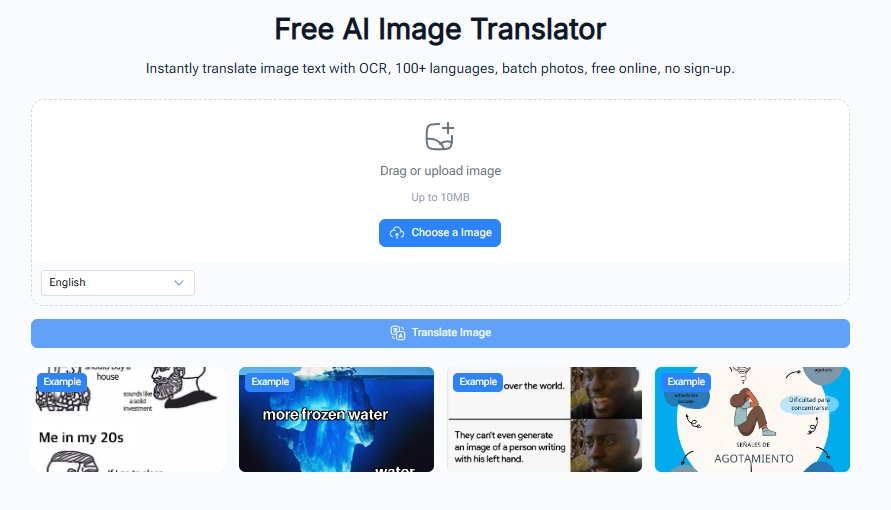
NoteGPT is being sold as a note-taking AI assistant mainly focused on summarising and translating all kinds of notes, including images. It has an image-to-text and translate option, and therefore is a handy AI translate image tool.
It is applying a new AI-based translation and OCR to automatically translate text in any image, such as a screenshot, scanned document, poster, or photo, into over 100 languages instantly. Also, it preserves the format and appearance of the original picture, allows uploading images in bulk, and can work without signing up.
Generally, it’s ideal in the case of travellers, students, content makers, and e-commerce sellers who require fast and precise image text translations.
>> Supported formats: Image formats (JPG, PNG) and PDFs documents are supportable to extract image text.
>> Pricing: Currently it’s free to use.
Pros
- Retrieve and convert text to other languages from pictures quickly;
- Maintains the format of the image during conversion of text and translation;
- Supports AI translates images in over 100 languages;
- Three-step simple workflow for easy image text translations;
- No sign-up requirements.
Cons
- Stable internet-connection is required;
- The free tier is limited in terms of quotas;
- Not as specialised for image translation at high volume.
3. Vidnoz AI Image Describer: AI Translate Images by Following Your Prompts
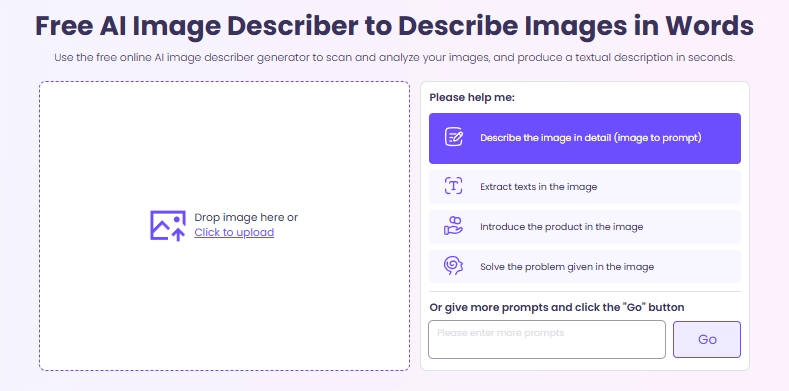
Vidnoz AI Image Describer will translate images and even explain texts as you wish. It automatically recognizes text or languages in a picture and gives understandable translations and detailed explanations.
You can also steer the output using custom prompts (such as: "Translate texts in images to English with the tone like a travel blog”), and so you have some control over tone and style. Notably, this AI image translator helps save time and workflow optimization, as most of the cases are free to use, and it allows one-click image language translation.
This tool is particularly useful when visual material is being translated into written form for SEO, product listing, accessibility, or multilingualism.
>> Supported formats: JPG, JPEG, PNG, BMP, WEBP, etc.
>> Pricing: 100% Free
Pros
- It detects and extract texts in pictures accurately;
- You can customisable prompts (like tone, focus, and any details) to flexibly translate image languages;
- Global languages support with unlimited AI translations;
- Free to use in any case.
Cons
- You have to write prompt to guide the AI image text translation;
- Stable net-connection is required.
How to Translate texts in Image:
Step 1.Head over to the Vidnoz AI Image Describer and upload an image with other languages you don’t understand. Like a Japanese recept:
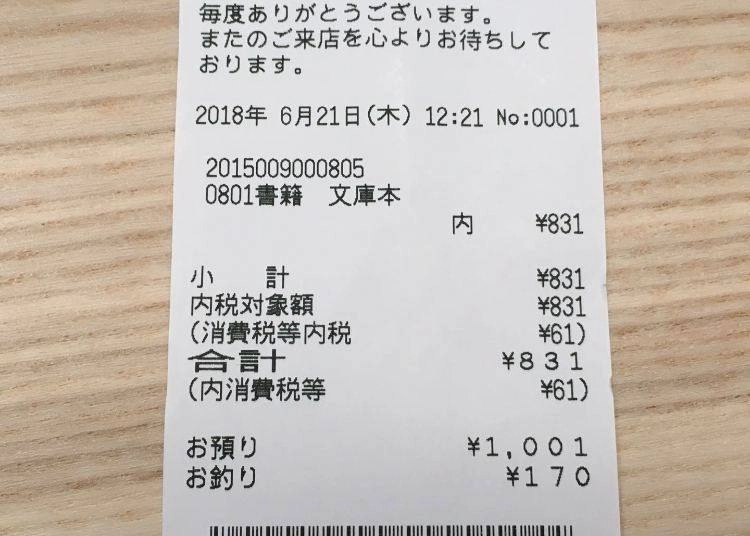
Image from thesmartlocal.jp
Step 2.Type in your requirements about the translation you want to get — for example, tell the tool to “translate the image”
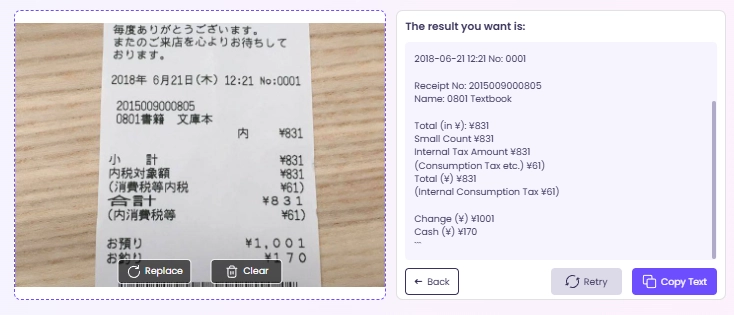
Step 3.Wait a few seconds and let the AI translate the image:
4. OpenL: AI Image Language Translator for Professional Uses
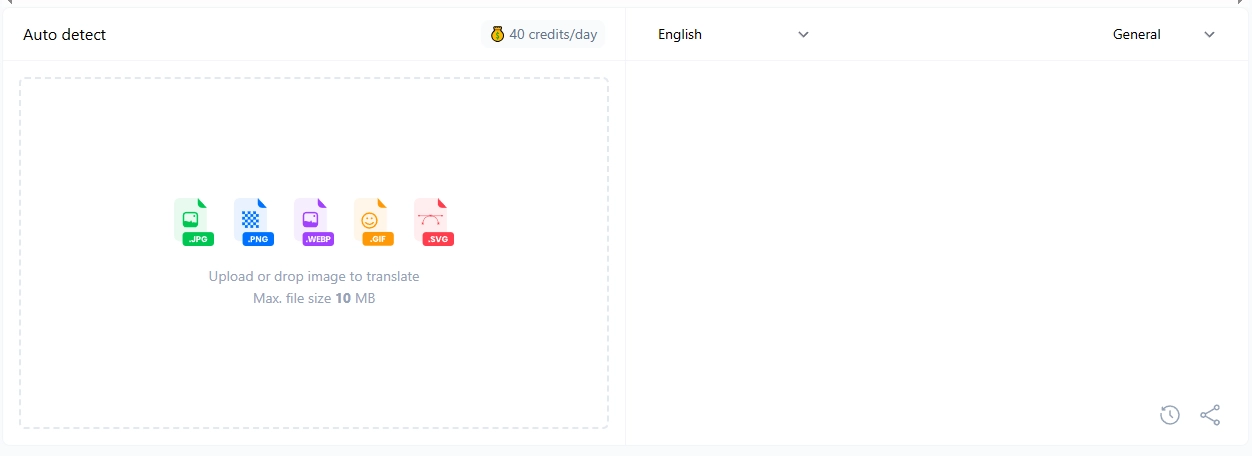
OpenL Translate allows you to upload images (and text and documents or audio as well) and almost instantly translate embedded text into more than 100 languages in AI-powered OCR and neural translation. The web-based interface has a free version (limited to daily credits) and a professional version for use by larger volumes or businesses.
>> Supported formats: WEBP, GIF, JPG, PNG, SVG, image uploads up to 100 MB.
>> Pricing: It costs 1 credit to translate an image.
- Free: 40 free AI image translation;
- Paid: starting from $9.90/mo with unlimited image language translation.
Pros
- High level of accuracy in translation and grammar;
- Catering to more than 100 languages;
- No translation information saved;
Cons
- Free tier restricts characters/number of credits;
- The output of image translation is plain text;
- Subscriptions across web/Android/iOS are managed separately.
5. OCR Best: Get Web Images via Links & Make Accurate AI Translations
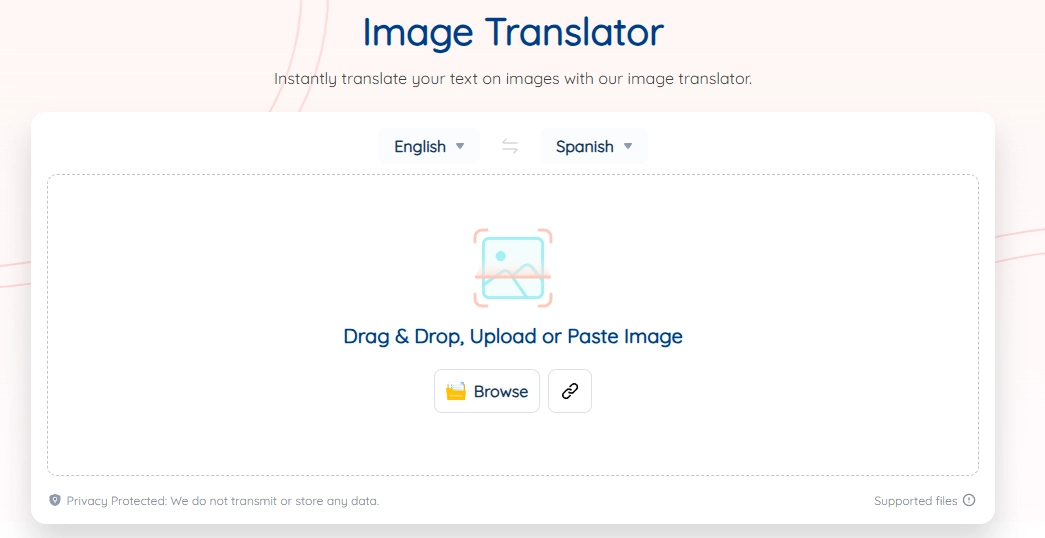
OCR Best’s AI Image Translator reads text on images and translates it into the language of your choice. It offers a free service that allows converting image languages without installing.
To quickly translate your images, it can access web images via URLs. After finishing the online image translation, the tool will get back translated texts that can be copied. Generally, this tool helps a lot for those who work in international companies.
>> Supported formats: JPG, PNG, PDFs, scanned documents, and URLs.
>> Pricing: Start from $2.49/week to $40.88/year.
Pros
- Translate images from URLs;
- One-click to do smooth AI image text translation;
- Supports over 100 languages.
Cons
- Fails to offer detailed image descriptions other than text translation
- Lacks developed features ( Layout, design embedding, formatting retention).
- Complex images might not be accurately translated.
6. Google AI Photo Translator: Translate Image Language with AR Effects
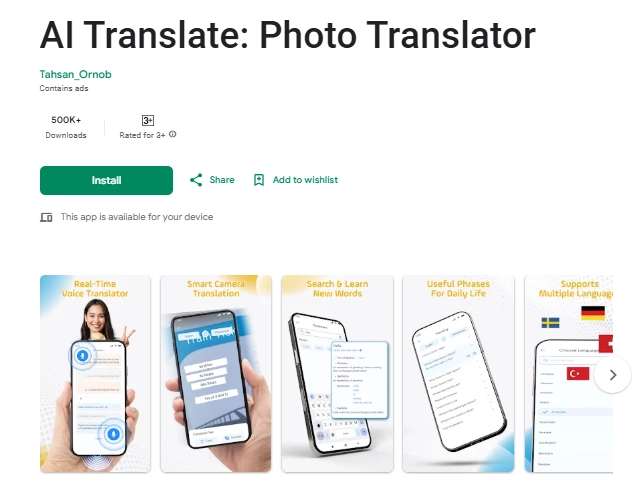
Google is available for AI image text translation now. Its mobile app whereby you can point your phone at a piece of text or a picture and translate it immediately through an augmented reality using a built-in camera, with the ability to translate in your native language.
It acts as an AI image translator on the go.
>> Supported formats: Live camera feed, captured photos, and uploaded images.
>> Pricing: Price varies for in-app purchases/ads.
Pros
- Real-time camera translation: instant camera translation;
- Supported by a lot of languages and works for menus, signs, and handwritten notes;
- Convenient to carry around, quick image-to-text translations on mobile.
Cons
- The free version can either have Ads or demand in-app purchases;
- Accuracy may dip in low light conditions, complicated backgrounds, or handwriting.
Conclusion
A trustworthy AI image translator offers different levels of image language changes. Whether you need to translate product visuals, infographics, travel signage, or content created on social media, AI tools enable you to close the language gap more quickly and precisely than ever before!
You can start with the business-ready feature-set of OpenL, or go all the way up to the utility level of Vidnoz AI, and mobile-friendly live translation by Google. To sum up, you can always find one that fits your situation.






![6 Best Sign Language Video Translators to Bridge the Gap [2026 Guide]](https://www.vidnoz.com/bimg/best-sign-language-video-translator.webp)
![4 Best Podcast Translators to Easily Change Pods’ Languages [With Practices]](https://www.vidnoz.com/bimg/podcast-translators.webp)