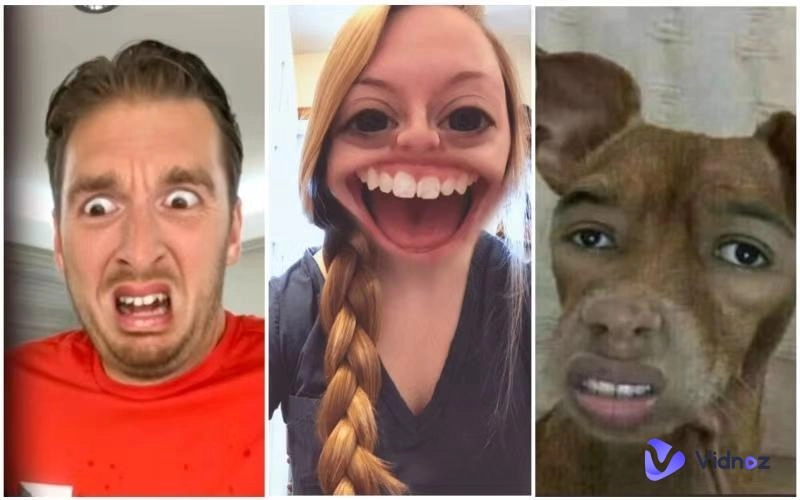
A yellow avatar is a playful digital character inspired by iconic cartoon characters that use bright yellow tones. Yellow characters have nestled into our hearts for generations, making their mark in pop culture and animated series. These avatars let you add creativity, humor, and a unique touch to your digital presence.
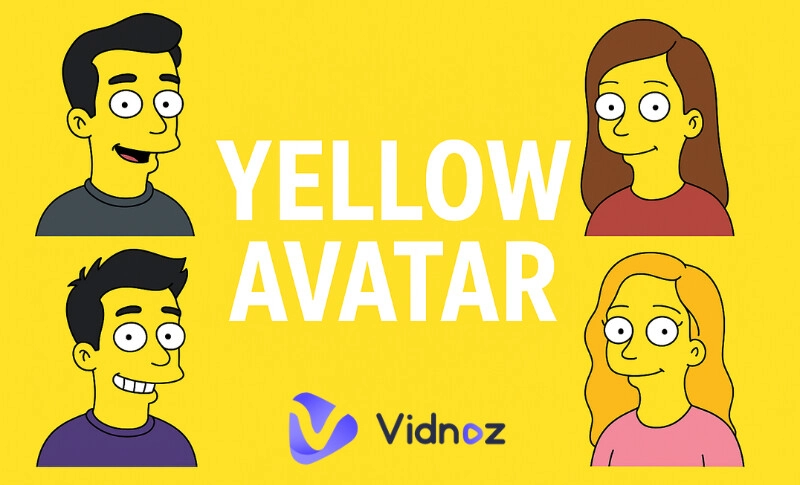
In this article, we will explore what a yellow avatar is and highlight iconic examples. This article introduces the 5 best yellow avatar face maker tools that let you create one in just minutes. Plus, one free online video tool to convert still photos into animated characters. So, why wait?
- On This Page
-
What Defines a Yellow Avatar?
-
Top 5 Iconic Yellow Avatars in Pop Culture
-
5 Best Yellow Avatar Face Makers to Create Yellow Avatars
#2. Vidnoz AI Image Generator
#4. Yellow Avatar Face Maker
-
Bring Your Yellow Avatar to Life: Make It Talk & Animate
What Defines a Yellow Avatar?
A cartoon character with a skin tone of yellow shades is typically referred to as a yellow avatar. They highlight features that make them instantly recognizable. The yellow color is integral to their design and personality. Their iconic yellow appearances symbolize equally bright personalities—optimistic, loyal, and endearingly quirky.
The yellow face avatar brings a unique flair and vibrant energy to our screens. They have left their golden imprint on popular culture and have emerged as a popular trend. They used to create iconic figures in animation. When it's creating eye-catching profile pictures or generating fun memes, everyone loves Yellow-hue characters.
Top 5 Iconic Yellow Avatars in Pop Culture
Pop culture is full of iconic yellow cartoon avatars. Each avatar inspires the yellow avatar anime trend in different ways.
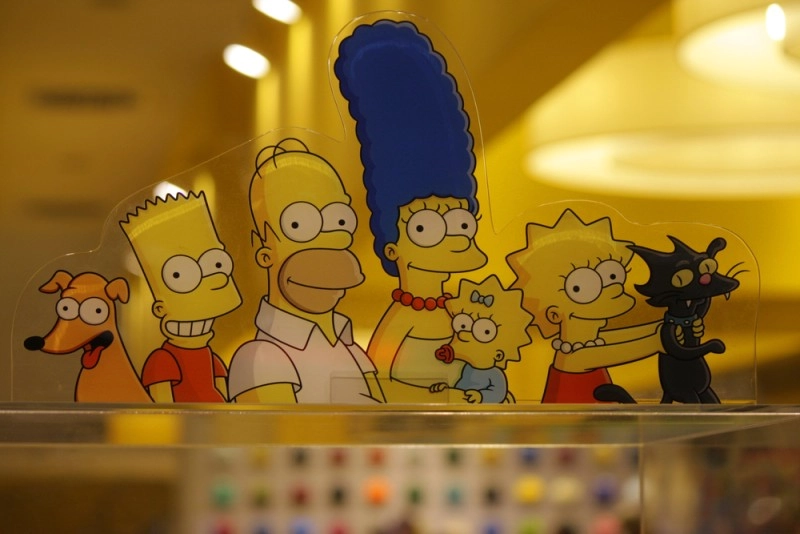
1. Homer Simpson (The Simpsons)
Homer Simpson is a true icon in animation known for his humorous antics, vibrant nature, and relatable everyman persona.
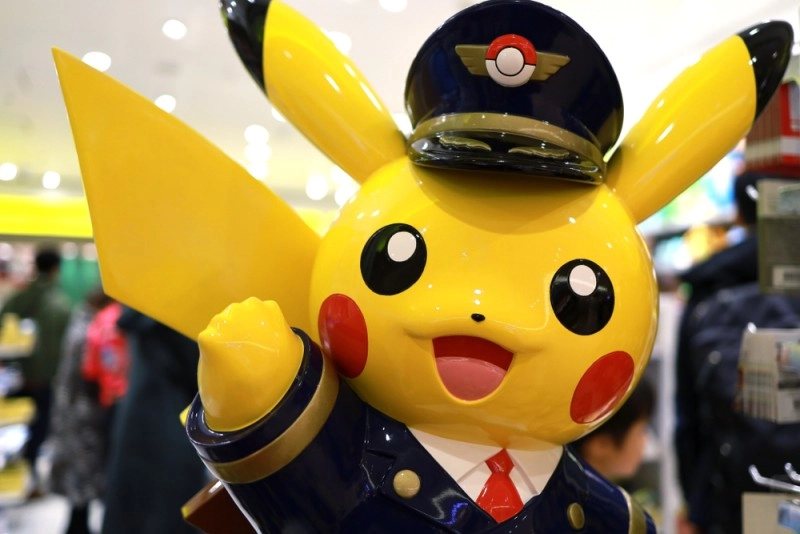
2. Pikachu (Pokémon)
Pikachu is a famous Pokémon yellow character in global pop culture. It is known for its red cheeks, bright yellow fur, and iconic lightning bolt tail.
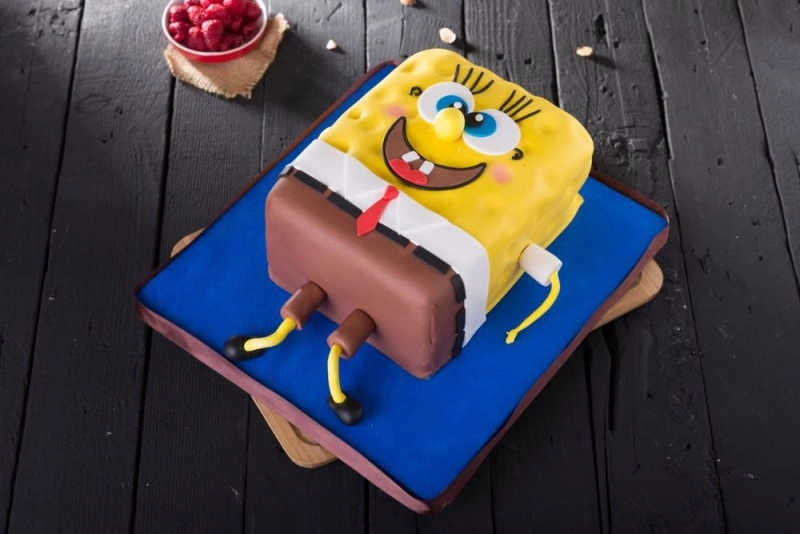
3. SpongeBob SquarePants
SpongeBob SquarePants is another famous yellow avatar anime character. His vibrant yellow square-shaped body makes him a memorable character in the animated world.
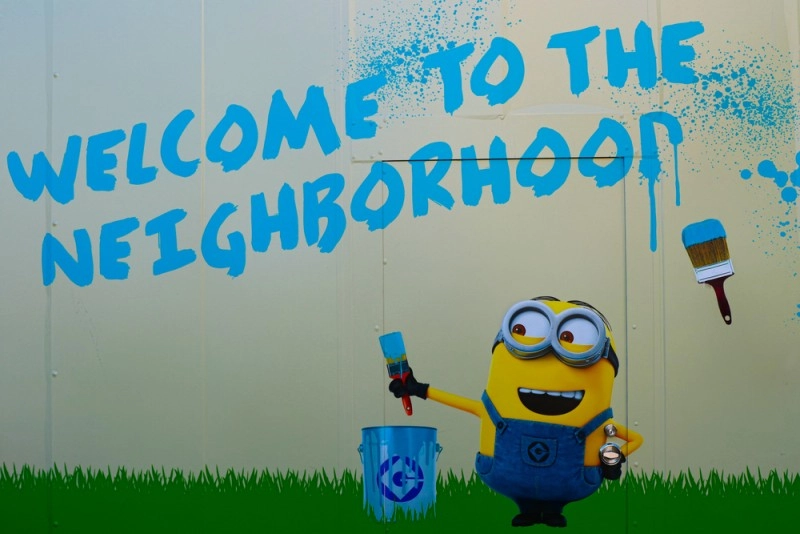
4. Minions (Despicable Me)
Minions, the small, yellow henchmen, emerged as the favorite among audiences of all ages. Their unique design, silly personalities, and comical antics have catapulted them to fame.
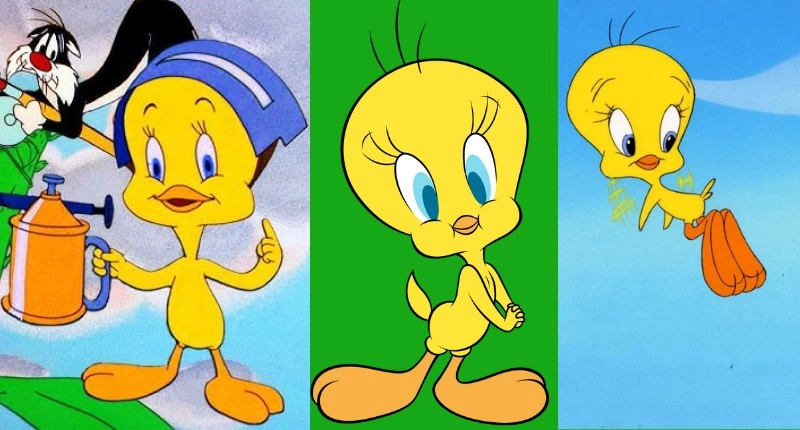
5. Tweety Bird (Looney Tunes)
Tweety Bird is also a prime example of a yellow face avatar. This iconic yellow animal cartoon character is sweet and cunning, famous for his soft yellow feathers and big, innocent eyes.
5 Best Yellow Avatar Face Makers to Create Yellow Avatars
With the rising demand for yellow avatar face maker tools, several platforms make it simple to design. If you are a huge fan of the yellow face avatar and want to create personalized yellow characters. From an in-game avatar editor, such as Yellow Avatar Roblox, to an AI avatar maker, here are the 5 best options you can try to create stunning yellow face characters:
#1. Roblox Yellow Avatar
Roblox is a free in‑game avatar editor that allows players to customize Roblox avatars according to their preferences. With unique skins and accessories, you can create a yellow avatar in Roblox in different styles to stand out in any game.
How to Make Yellow Avatar in Roblox?
Step 1. Log in to your Roblox account and go to the Avatar Editor by selecting ‘Avatar’ from the drop-down menu.
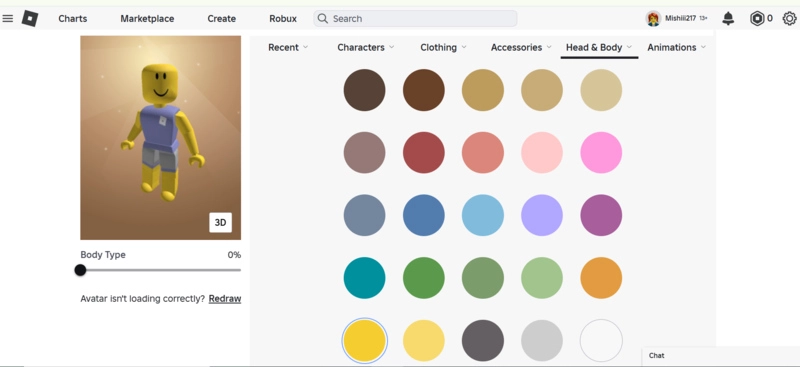
Step 2. Select the ‘Head & Body’ category and click on the ‘Skin tone’.
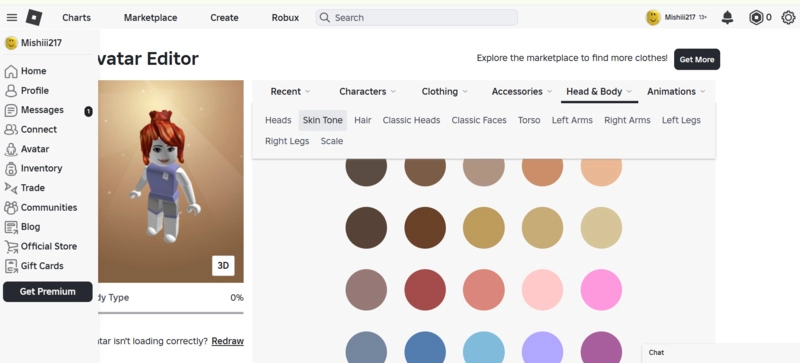
Step 3. Pick the yellow color to make your avatar yellow in Roblox. Roblox Avatar Editor automatically saves changes. See your yellow avatar Roblox is ready.
#2. Vidnoz AI Image Generator
Vidnoz is a dedicated online platform that offers advanced AI video and image tools. Its AI Image Generator is a free online tool that lets you create unique yellow face avatars in seconds. Using this free image generator, you can convert your ideas to vivid cartoon avatars instantly, simply from text. It's advanced language models understand the image description and create realistic avatars with one click.
How to Make a Yellow Avatar with Vidnoz AI Image Generator?
Step 1. Open the Vidnoz AI Image Generator tool and describe your yellow avatar idea in the ‘Image Description’ section.
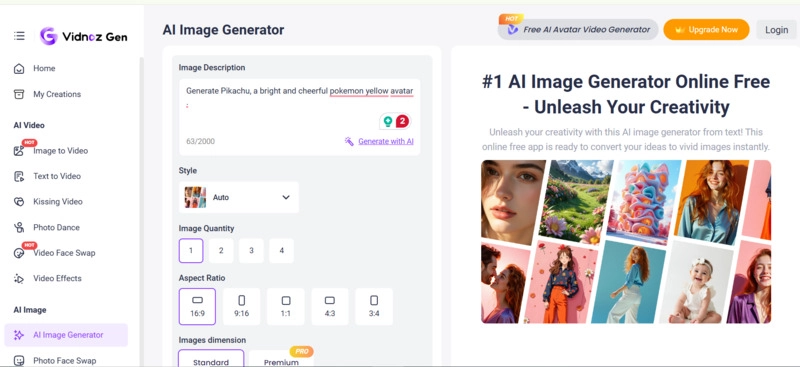
Step 2. Choose image style, aspect ratio, quality, etc, and click the ‘Generate Now’ button.
Step 3. Once the avatar is generated, download it for free.
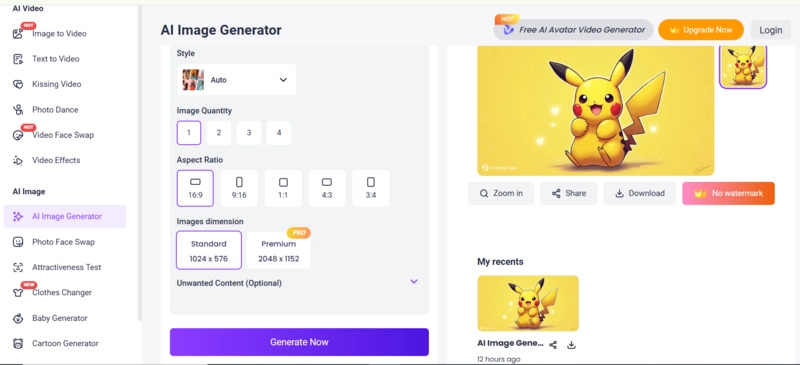
Apart from the online AI image generator, Vidnoz also offers a free AI video generator you can use to generate yellow face avatar videos for free.
#3. Make Me Yellow
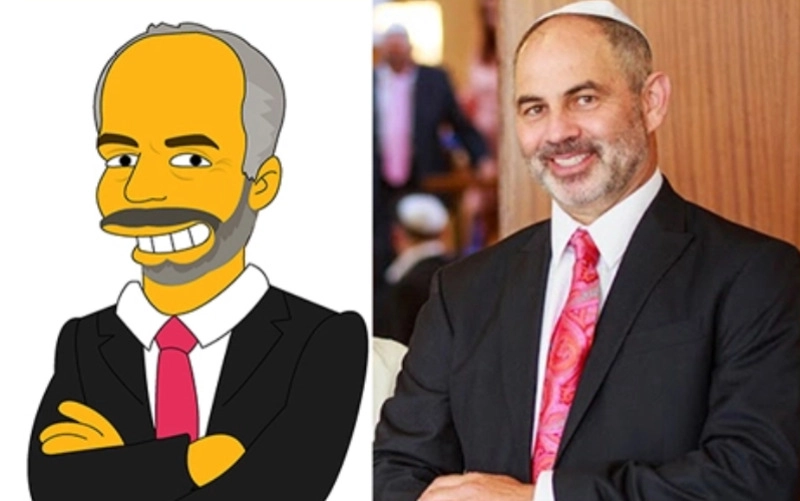
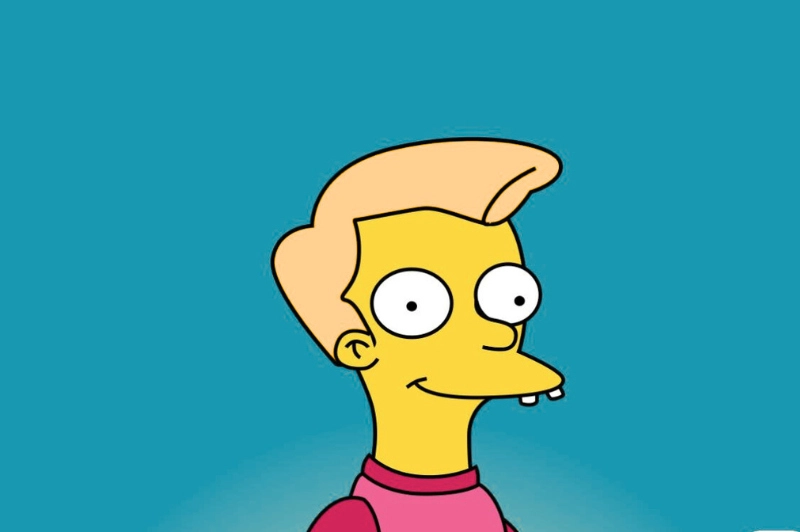
Make Me Yellow is a paid yellow avatar face maker that helps you make Simpsons avatar. This tool simpsonizes people, not just gives them a yellow color. Just need to select your photos, backgrounds, and the right instructions to create your personalized Simpsons-style avatars.
How to Make a Yellow Avatar with Make Me Yellow?
Step 1. Go to the Make Me Yellow site, pick a yellow face avatar portrait, select the package, and click the ‘Add to Cart’ button.
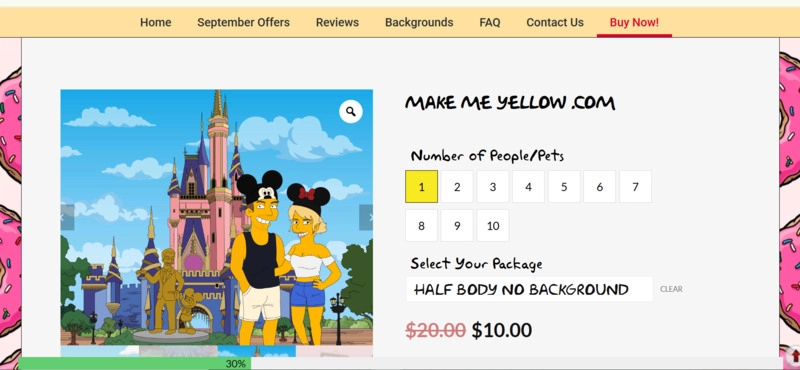
Step 2. Once the payment is processed, you will receive a form where you can upload your photos, select the background, and add your instructions.
Step 3. After that, request rush delivery and get your Simpsons-style avatar.
#4. Yellow Avatar Face Maker
Yellow Avatar Face Maker is another paid app for WhatsApp and Telegram that can create a Simpson character efficiently. You can use this Simpsons filter tool to create, customize, and personalize all your avatars with bright and colorful Simpsons-style cartoons.
How to Make a Yellow Avatar with the Yellow Avatar Face Maker?
Step 1. Open the App Store and download the app to your iPhone. Next, open it and upload your photo, background, and choose the portrait style.
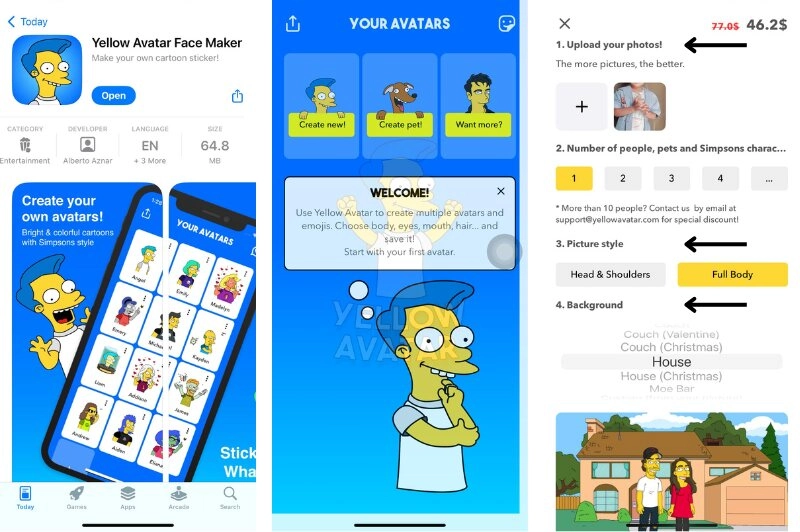
Step 2. Describe your avatar in detail, enter your email, and add payment details. You will receive your Simpsons avatar once the payment is processed.
#5. Bitmoji
Bitmoji is an AI cartoon generator that you can use to create your own personal emoji and expressive cartoon avatar. This app is known for customizable emojis. You use it on iOS, Android, and online to make a yellow-hued avatar. This yellow avatar face maker online is 100% free to use.
How to Make a Yellow Face Avatar with Bitmoji?
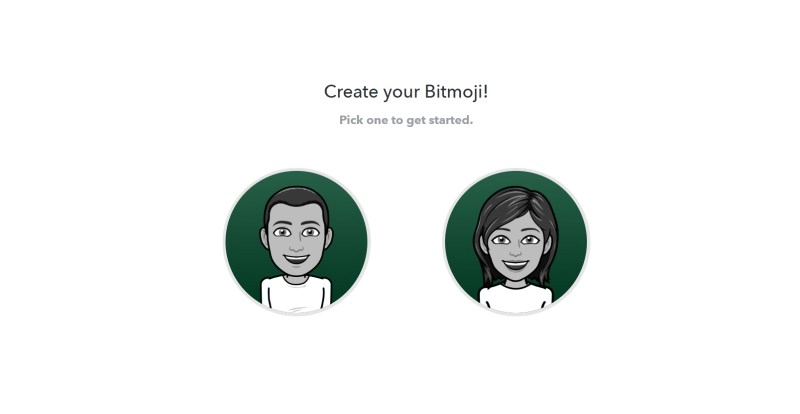
Step 1. Go to Bitmoji, sign up with Snapchat or email, and choose your gender. Download the app if you want to use it on iOS or a mobile device.
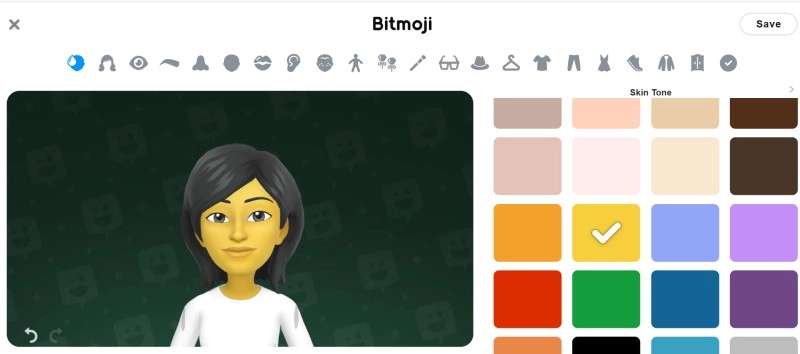
Step 2. Pick the color icon from the top menu and select the yellow color.
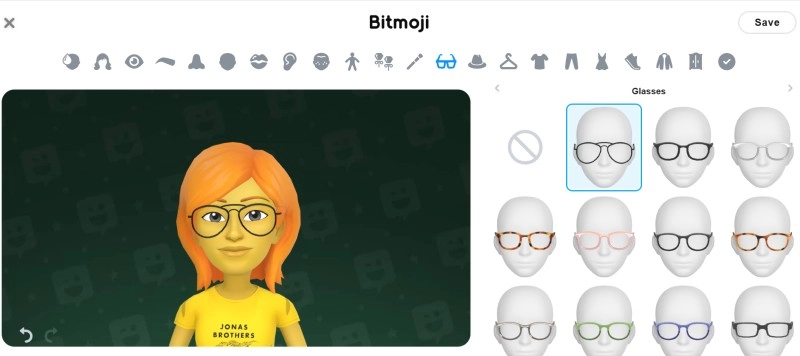
Step 3. Customize other features to add a personal touch to your yellow face avatar. Once you have done, save your avatar.
Bring Your Yellow Avatar to Life: Make It Talk & Animate
After creating your avatar, why not bring it to life? With Vidnoz Talking Photo, you can animate your yellow face avatar free in seconds. This tool processes your still images frame-by-frame and turns them into lifelike characters. You can create eye-catching videos with human voices in many scenarios using this talking photo AI tool.
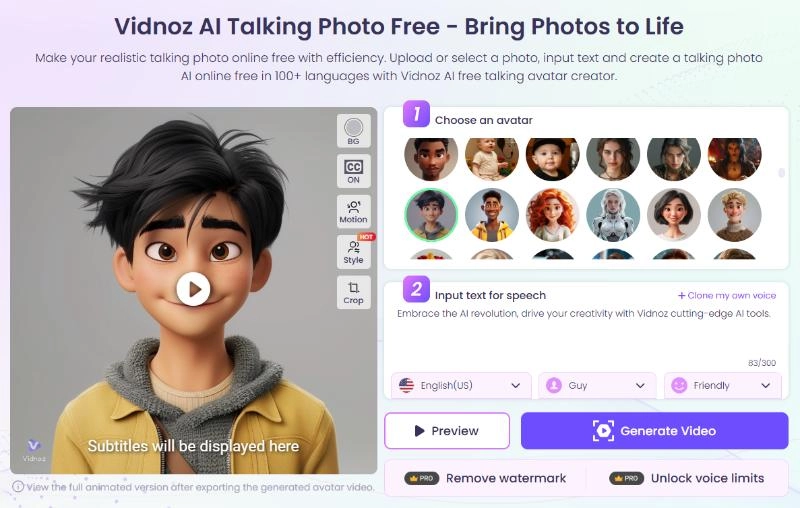
This Image to Video AI free tool offers a vivid way to turn your yellow portraits into a talking head video in a breeze. It automatically converts the text script into speech, allowing your avatar to speak emotively and naturally in over 140 languages.
Here is a step-by-step guide on how to create a yellow avatar that talks with Vidnoz Talking Photo.
Step 1. Open Vidnoz Talking Photo AI and click the ‘Upload’ button to upload your yellow face avatar, which you want to make speak.
Step 2. Enter your script and click the ‘Generate Video’ button to initiate the process.
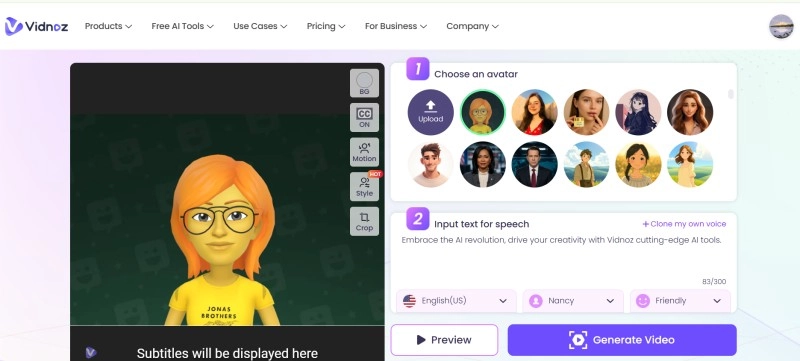
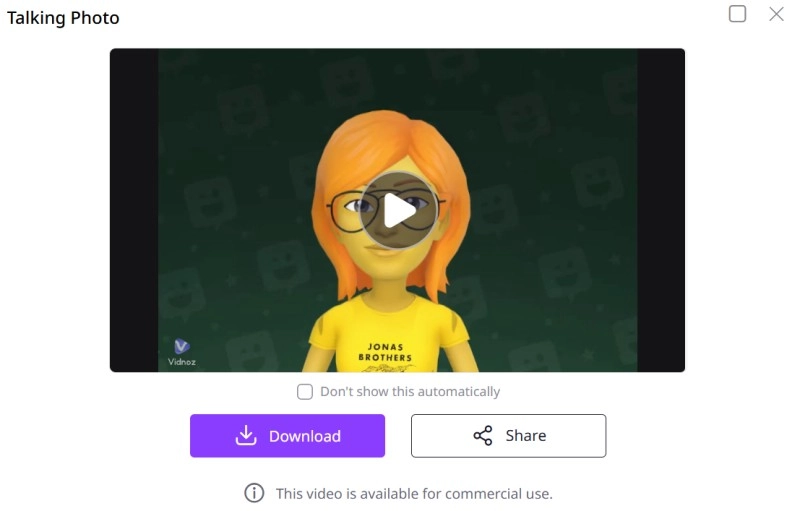
Step 3. Once the video is generated, download your talking head avatar for free.
The Bottom Line
In conclusion, creating a yellow avatar is a popular trend. With their rising demand, several yellow avatar face maker tools make it simple to design. You can try Roblox, apps, or AI tools like Vidnoz. Each option offers creative ways to express yourself digitally.
If you want an HD-quality avatar in no time for free, try Vidnoz AI Image Generator. Whether you turn yourself into a cartoon character like Pokémon or The Simpsons, or make a yellow avatar face to talk online, Vidnoz covers it all.

Vidnoz AI - Create Free Engaging AI Video with Talking Avatar
- Easily create professional AI videos with realistic avatars.
- Text-to-speech lip sync voices of different languages.
- 2800+ video templates for multiple scenarios.