Turn still images or text into dynamic videos in any style, with leading AI models readily. Try the smart AI video generator now - stunning, free, and instant!
Best 5 Dragon Ball Character Creators Online & App [2026]
Lane Maxwell
Updated on
SHARE THIS POST
Discover the best Dragon Ball character creator apps and online tools. Design custom OCs, try AI-powered generators, and unleash your Saiyan creativity.
A Dragon Ball character creator is a digital tool that lets fans design their own fighters, Saiyans, and villains inspired by Akira Toriyama’s legendary universe. Dragon Ball has been entertaining minds for decades as a result of the face-off battles and the characters. Suggesting characters to put in their own characters in this epic saga has been a dream of the fans worldwide. Today, it has become simpler, faster than before, and more thrilling with the breakthroughs in AI and design technology.
You will discover in this article the best places and applications where you can easily, powerfully, and even have fun creating your own character. Whether you’re a casual fan, a roleplayer, or an aspiring digital artist, using a Dragon Ball OC creator or a Dragon Ball Z character generator helps you bring your Saiyan visions to life.
On This Page
Why Use a Dragon Ball OC Creator?
Best 5 AI Dragon Ball Character Examples Generated by Dragon Ball OC Creator
Top 5 Dragon Ball Character Makers Online & App
1. BYLO AI – Best Dragon Ball Character Creator for AI Portrait
2. Vidnoz Image Generator – Best Free Dragon Ball A Character Generator
3. Komiko – Best Dragon Ball Character Creator Online
4. OpenArt – Best Quality Dragon Ball Z Custom Character Creator
5. CharacterMaker for Dragon Ball – Best Dragon Ball Character Creator App for iPhone
How to Use a Dragon Ball OC Creator to Make Your Own Dragon Ball Character
FAQs about Dragon Ball Custom Character Creator
The Bottom Line
Why Use a Dragon Ball OC Creator?
Creating your own warrior goes beyond casual fandom; it’s an experience that connects you directly with the Dragon Ball world. A Dragon Ball OC creator brings several advantages:
Accessibility and Ease of Use: Most platforms require no drawing experience and use simple interfaces, like an AI avatar maker, that generate professional-quality characters in just minutes.
Unlimited Creativity: Fans can build unique transformations, outfits, and fighting styles that match their imagination. With a Dragon Ball character maker, they can create anything: a Super Saiyan with new aura effects or a hybrid species, with the possibilities being literally limitless.
Community Sharing: Original characters can be exported and shared on social media, forums, and fanfiction sites, sparking discussions, fan battles, and collaborative stories.
AI-Powered Enhancements: Smart AI engines in a Dragon Ball character creator refine details like shading, lighting, and muscle definition, ensuring results that feel almost official without requiring manual edits.
Best 5 AI Dragon Ball Character Examples Generated by Dragon Ball OC Creator
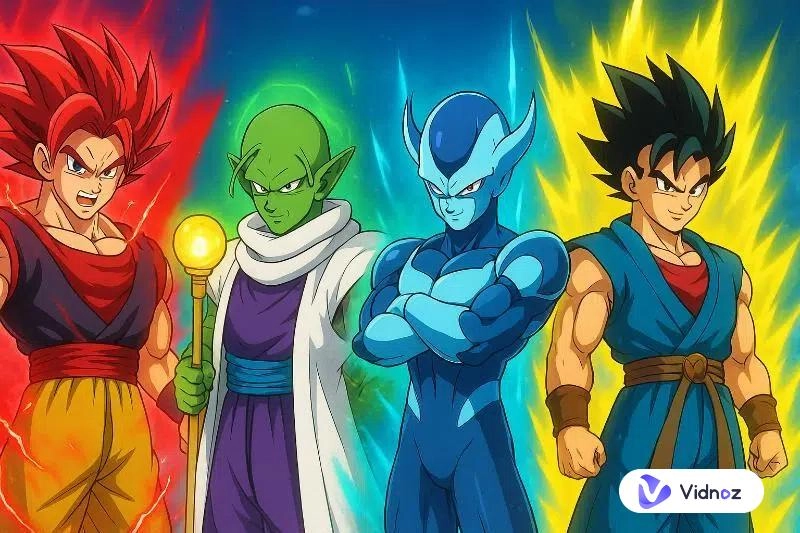
Using a Dragon Ball OC creator, fans have produced dazzling fighters that feel as authentic as official characters. Five of the examples below show the stunning variety of these tools:
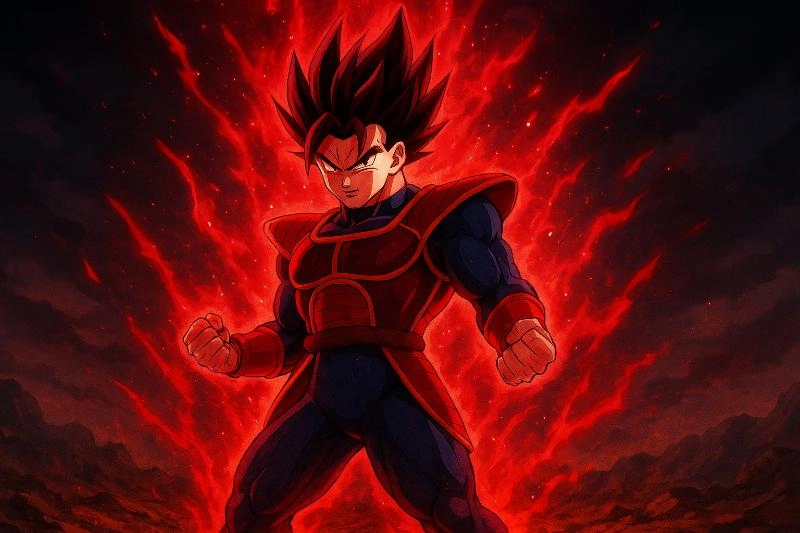
1. Saiyan Elite with Crimson Aura – A fierce Saiyan rival to Vegeta, glowing with red sparks and an experimental Super Saiyan Rage aura.
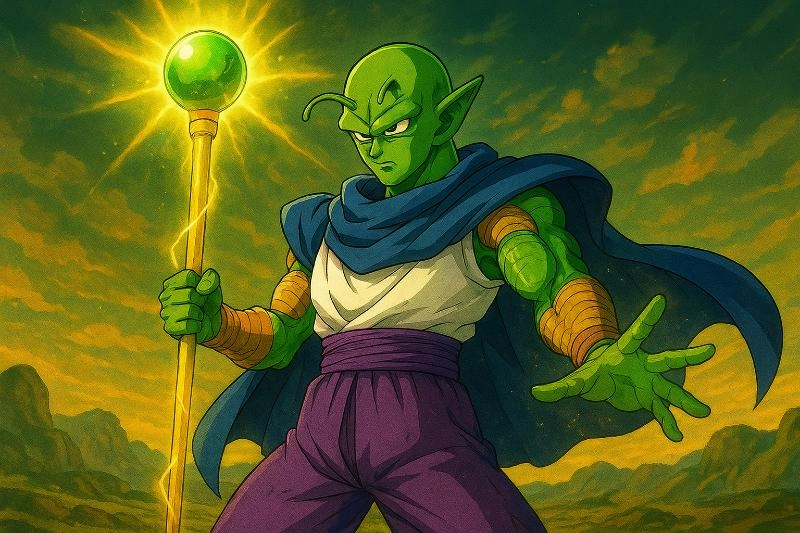
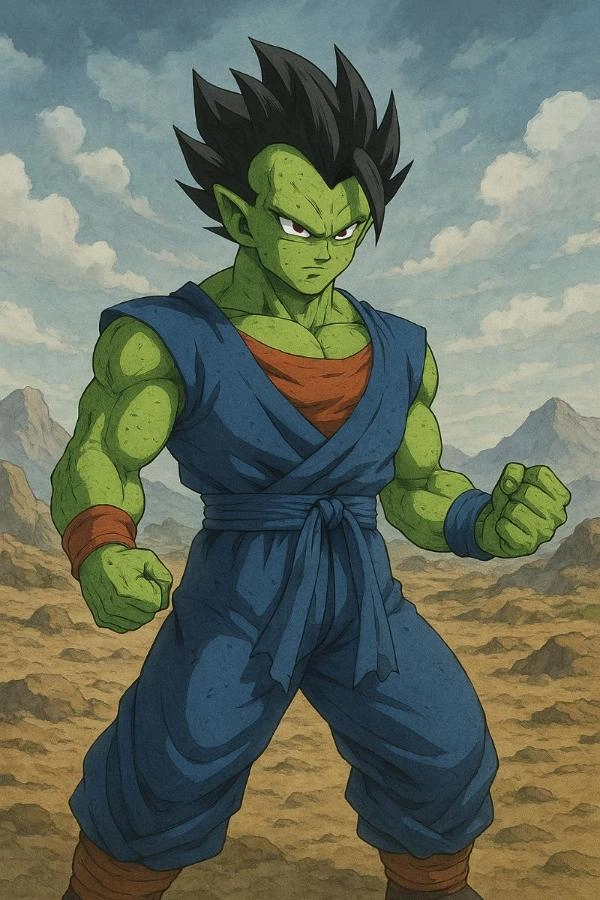
2. Namekian Healer Warrior – A green-skinned guardian who combines healing powers with strong combat skills, wielding a radiant staff.
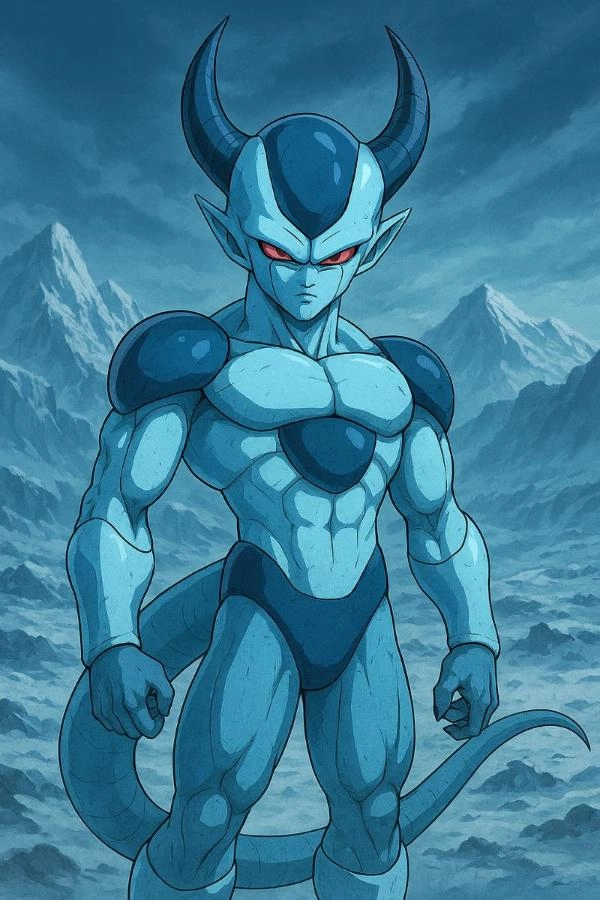
3. Frost-Demon Rival – An icy-blue villain inspired by Frieza’s race, with sleek armor, curved horns, and a deadly presence.
4. Fusion Experiment – A creative mix of Saiyan strength and Namekian resilience, producing unique traits and hybrid powers.
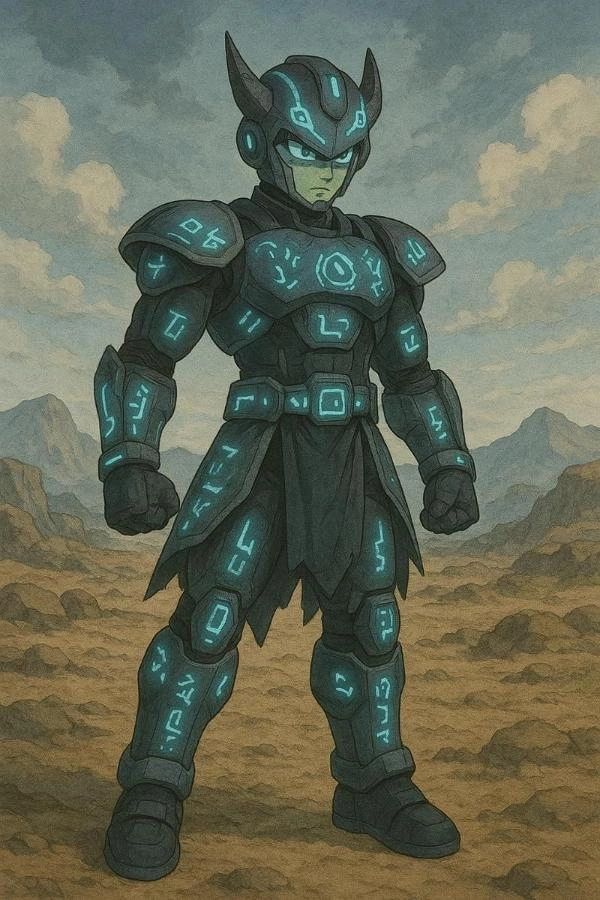
5. Time-Patroller Variant – A futuristic fighter with glowing runes and tech armor, built for alternate-timeline adventures.
Top 5 Dragon Ball Character Makers Online & App
From free AI platforms to mobile applications, these are the leading options in 2026 for fans who want to bring their heroes to life. Each Dragon Ball character maker is evaluated for quality, features, and ease of use.
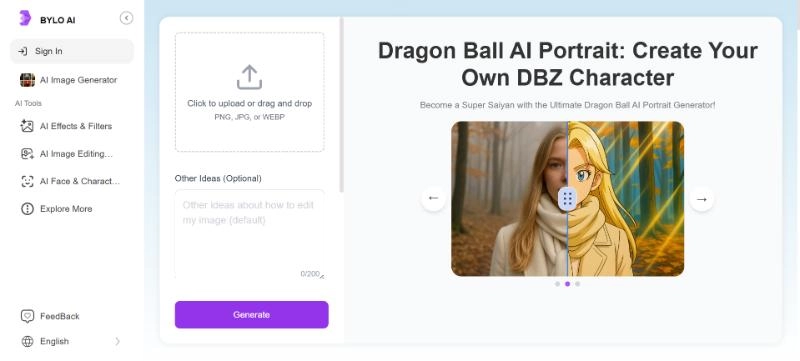
1. BYLO AI – Best Dragon Ball Character Creator for AI Portrait
BYLO AI has become a fan favorite thanks to its high-fidelity anime rendering. As a powerful Dragon Ball character creator, it produces portraits with shading and stylistic details nearly indistinguishable from official Dragon Ball artwork. What makes BYLO AI stand out is its balance of realism and flexibility: fans can fine-tune character expressions, hairstyle variations, and aura intensity with a professional finish. Many users enjoy it for creating OC posters, cover art, and even detailed profile portraits that look as if they came straight from the series itself.
Pros
Realistic anime rendering with Toriyama-style shading.
Advanced customization for facial expressions and auras.
Works as a pro-grade Dragon Ball character maker for posters.
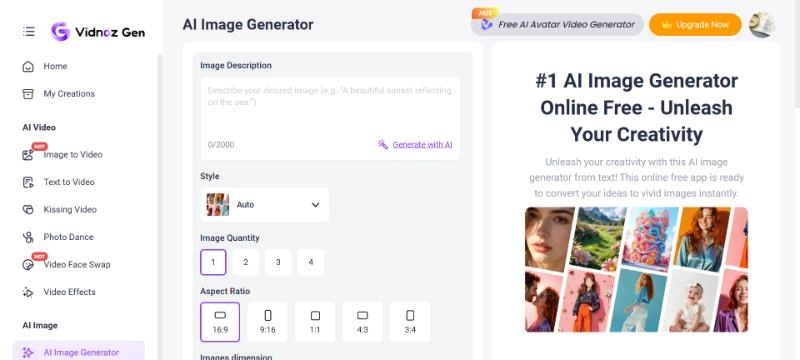
2. Vidnoz Image Generator – Best Free Dragon Ball A Character Generator
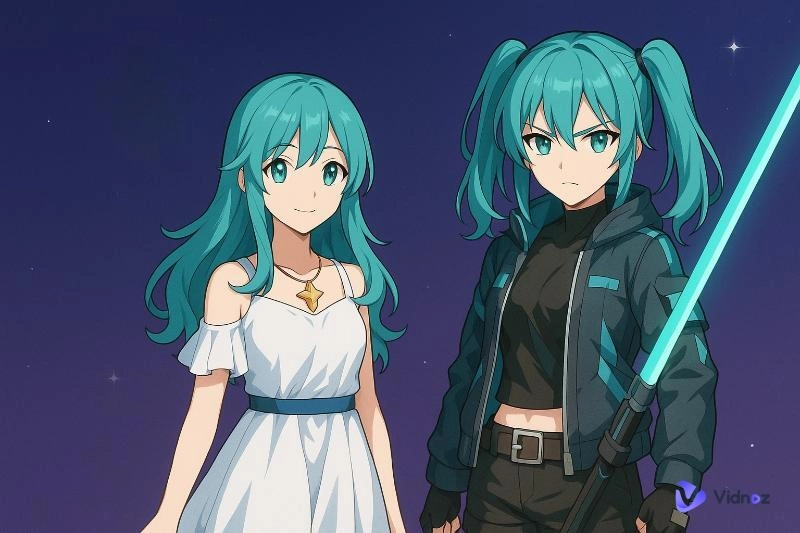
Vidnoz is especially popular among beginners because of its simplicity and user-friendly design. As a versatile Dragon Ball character maker, it leverages advanced text to image generator capabilities. Users simply type a description, and the AI instantly produces a unique custom character. Unlike many other tools, Vidnoz is designed with accessibility in mind. The free tier lets fans experiment endlessly, from designing Super Saiyan evolutions and hybrid forms to fun casual outfits.
Pros
Very easy to use for beginners.
Let's fans test multiple styles and poses.
Free tier supports casual creation.
Quick results in seconds.
Cons
Advanced backgrounds are paid-only.
Quality can vary with prompts.
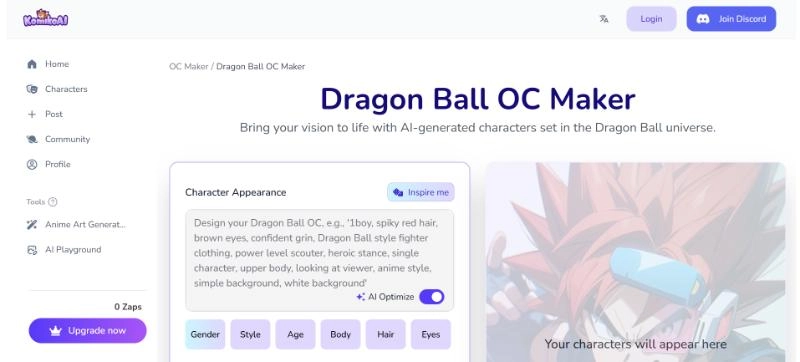
3. Komiko – Best Dragon Ball Character Creator Online
Komiko is one of the smoothest browser-based platforms available. As a Dragon Ball character creator online, it eliminates the need for downloads and works seamlessly across devices. The unique feature of Komiko is the slider-based customization, where fans can change minor details such as angles of hairstyle, clothing palettes, and aura glow in an environment that does not require complicated prompts. As a Dragon Ball OC creator, it’s a flexible option for fans who prefer hands-on control in a browser environment.
Pros
Browser-based, no downloads required.
Dozens of templates for Saiyans and hybrids.
Fast rendering for drafts.
Auto-save for logged-in users.
Cons
Needs an account for saving/exporting.
Less detailed than BYLO AI or OpenArt.
Some features are locked behind a paywall.
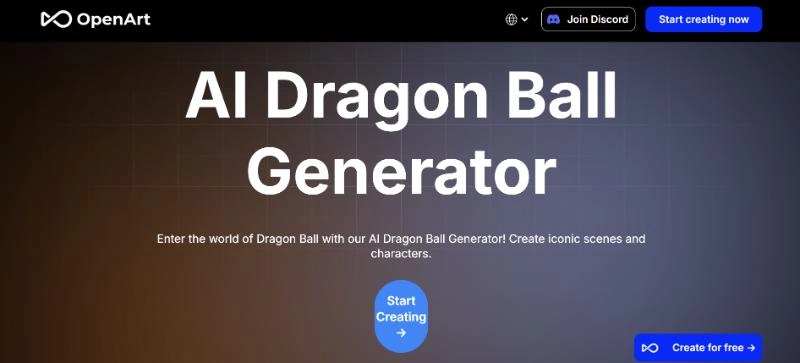
4. OpenArt – Best Quality Dragon Ball Z Custom Character Creator
If quality is your top priority, OpenArt is unmatched. As a Dragon Ball Z custom character creator, it produces high-resolution results designed to look professional enough for posters or digital prints. The AI of OpenArt is powerful in lighting and shading, and in maintaining a consistent style so that each design seems to be well refined. Others go further to produce their works alongside the use of text to video AI tools to create animated segments, which are used to animate their characters. As a Dragon Ball character creator, the platform also allows high-quality prompting to those users who like to describe very specific details, starting with the texture of clothes, to aura patterns.
Pros
Highly detailed rendering.
Consistent results across designs.
Perfect for large prints and wallpapers.
Supports advanced prompts.
Cons
Premium is needed for full resolution.
Slower processing than lighter apps.
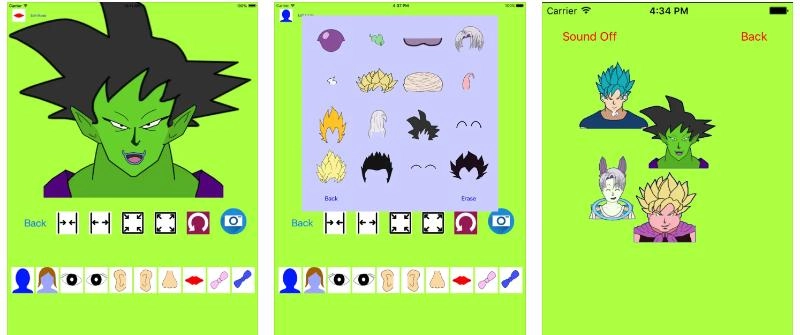
5. CharacterMaker for Dragon Ball – Best Dragon Ball Character Creator App for iPhone
For mobile-first users, this Dragon Ball character creator app provides the most practical option. Designed for iPhone, it delivers smooth, on-the-go customization with frequent updates that add new hairstyles, outfits, and even transformation effects. Its export features make sharing instant, whether to social media or fan groups.
Pros
Optimized for iOS devices.
Frequent updates with new items.
Quickly share to social apps.
Quick-save for edits later.
Cons
iOS-only, no Android version.
The free version has ads.
How to Use a Dragon Ball OC Creator to Make Your Own Dragon Ball Character
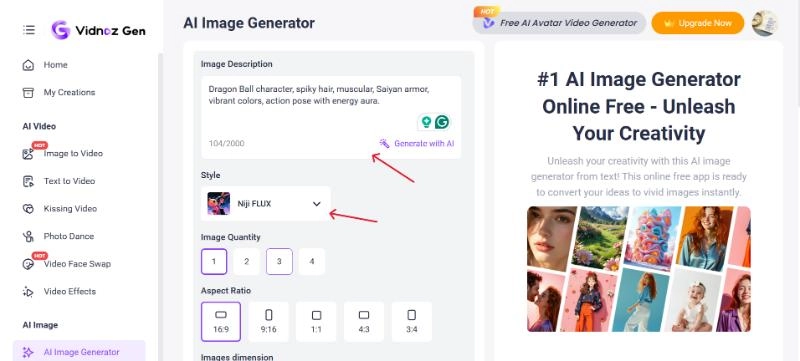
Well, with tools like Vidnoz AI, you can make your own Dragon Ball character in minutes. Let’s follow these steps and get it done:
Step 2: Enter your character prompt, including race, hairstyle, outfit, and aura. Then, select the style.
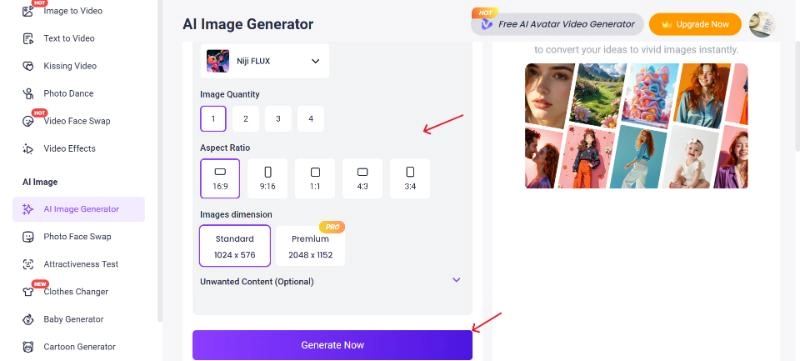
Step 3: Select the quantity, dimensions, and Aspect Ratio, and then click generate and wait for the tool to produce your design. This Dragon Ball character creator will then generate a design based on your inputs.
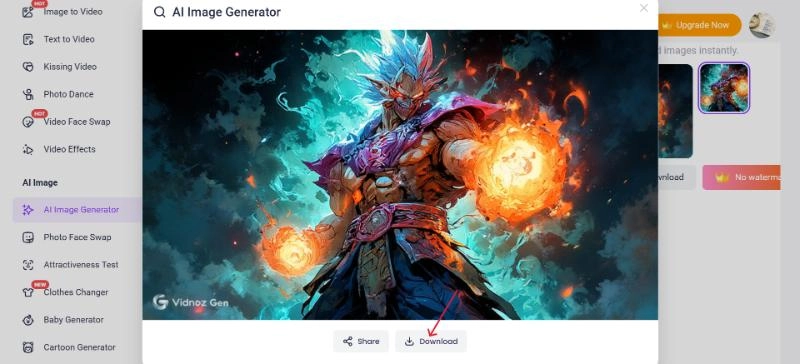
Step 4: Download your finished hero and share it with your community.
This Dragon Ball Xenoverse 2 character creator style process lets you explore limitless combinations, producing results that look official while staying fully customizable.
FAQs about Dragon Ball Custom Character Creator
Across Dragon Ball, Dragon Ball Z, Dragon Ball GT, Dragon Ball Super, and movies, there are more than 800 named characters. For fans, this vast roster highlights why using a Dragon Ball oc creator is so exciting; there’s always room to add a fresh OC into the mix.
Not all. Many offer free versions, but like a free AI video generator, advanced features such as HD exports, unique styles, or unlimited uses often require a paid subscription. Free tiers are excellent for casual experimentation, while pro tiers are better for fans aiming for polished, reusable results, especially those working with a Dragon Ball character creator to design long-term projects.
Yes. Character images generated here are often paired with animation software. Fans commonly use image to video AI free tools to create motion sequences. These might be short clips of their characters charging an attack or even full-length fan episodes. While not studio-level, they bring characters to life in ways static images cannot.
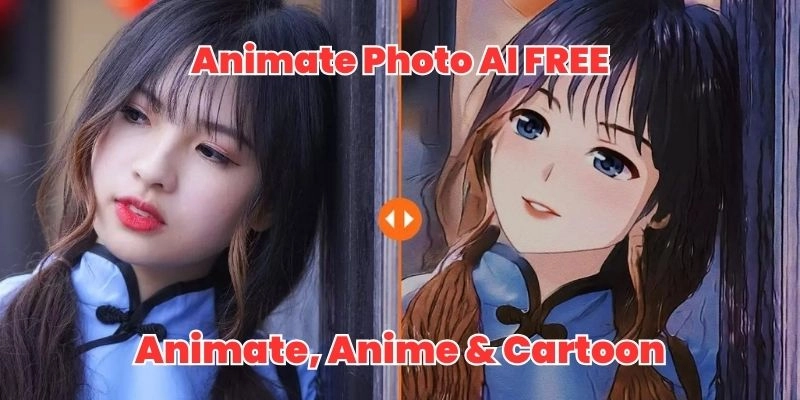
You can absolutely do that. An AI cartoon generator lets you simplify your OC into a more playful, comic-like style, which works great for profile pictures or casual fan art. These tools complement creators who inspire Dragon Ball since the results are more casual and fun.
Yes. Some tools allow Dragon Ball fusion character creation, where you merge traits of two or more characters into one design. For example, you could combine a Saiyan’s hair and aura with a Namekian’s skin tone and clothing. This process is further enhanced by the fact that using a Dragon Ball character creator enables the fans to play with endless combinations.
In After Effects, you can use the time remapping feature to manually sync audio and video by adjusting the speed of a clip. You can also use markers to match specific points in your audio and video. For lip sync, the Adobe Animate plug-in can be used, which offers automated lip sync options.
The Bottom Line
Fans have long dreamed of customizing their place in Toriyama’s world, and modern tools finally make that dream a reality. From browser-based platforms like Komiko to advanced apps such as BYLO AI, each Dragon Ball character creator offers unique ways to design original fighters.
Vidnoz, in particular, stands out for its balance of accessibility and quality, making it perfect for newcomers. Meanwhile, OpenArt and BYLO AI serve fans looking for professional-grade results. So, start using Vidnoz today as your go-to Dragon Ball character maker to design unique characters with ease.
Vidnoz AI - Create Free Engaging AI Video with Talking Avatar
Easily create professional AI videos with realistic avatars.
Text-to-speech lip sync voices of different languages.
Lane Maxwell is an experienced technology industry editor specializing in providing users with actionable advice and insights. Her articles have helped millions of readers find solutions easily.






![5 Best Italian Brainrot Generators for Hilarious Content [Free & Easy]](https://www.vidnoz.com/bimg/best-italian-brainrot-generators.webp)
