Turn still images or text into dynamic videos in any style, with leading AI models readily. Try the smart AI video generator now - stunning, free, and instant!
Veo3 AI Complete Guide & Best Alternatives for Stunning AI Video Generations
Mia Miller
Updated on
SHARE THIS POST
Veo3 AI is changing the AI video generation game! This guide will tell you how to access it & create really engaging AI videos by steps. Read it now!
Recently, you must find out that AI videos on social media platforms look more high-quality and engaging. What’s the difference? The sound. And the breakthrough made by Veo3 AI.
This next-gen video generator from Google is shaking up the creative world by creating cinematic clips with realistic sounds and dynamic camera movements. Veo 3 AI video generator is definitely a “game-changer”, then what makes it a standout? How can you use it? This article will guide you step-by-step.
On This Page
Viral Veo3 AI Videos: What’s Trending on Social Media?
What is Veo3 AI?
Veo3 Models: Standard VS. Fast
How to Access Veo3 AI? [5 Safe Veo3 Accesses]
Access 1: Google Vids
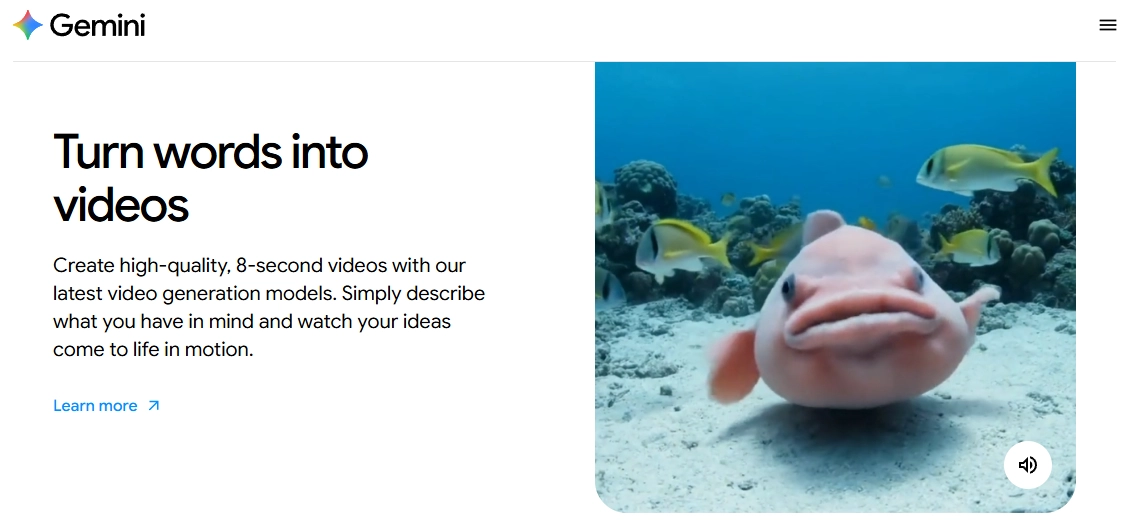
Access 2: Google Gemini
Access 3: Google Flow
Access 4: Google Vertex AI
Access 5: Third-Party Platforms
Veo3 AI Pricing: How Much Will It Cost?
How to Use Veo3 AI for Cinematic Video Generations?
Step 1.Open Your Premium Gemini Account
Step 2.Turn on the Video Generation Mode
Step 3.Wait for the Video Generation
Veo3 AI Alternatives for Captivating Video Making
#1. Vidnoz AI Video Generator - Best Veo 3 Alternative to Create Video with Sounds
#2. Kling AI Video Generator - Best Veo 3 Alternative for Image-to-Video Creations
#3. Luma Ray2 - Best Veo 3 Alternative for Ultra-Realistic Video Making
FAQs on Veo3 AI
Conclusion
Viral Veo3 AI Videos: What’s Trending on Social Media?
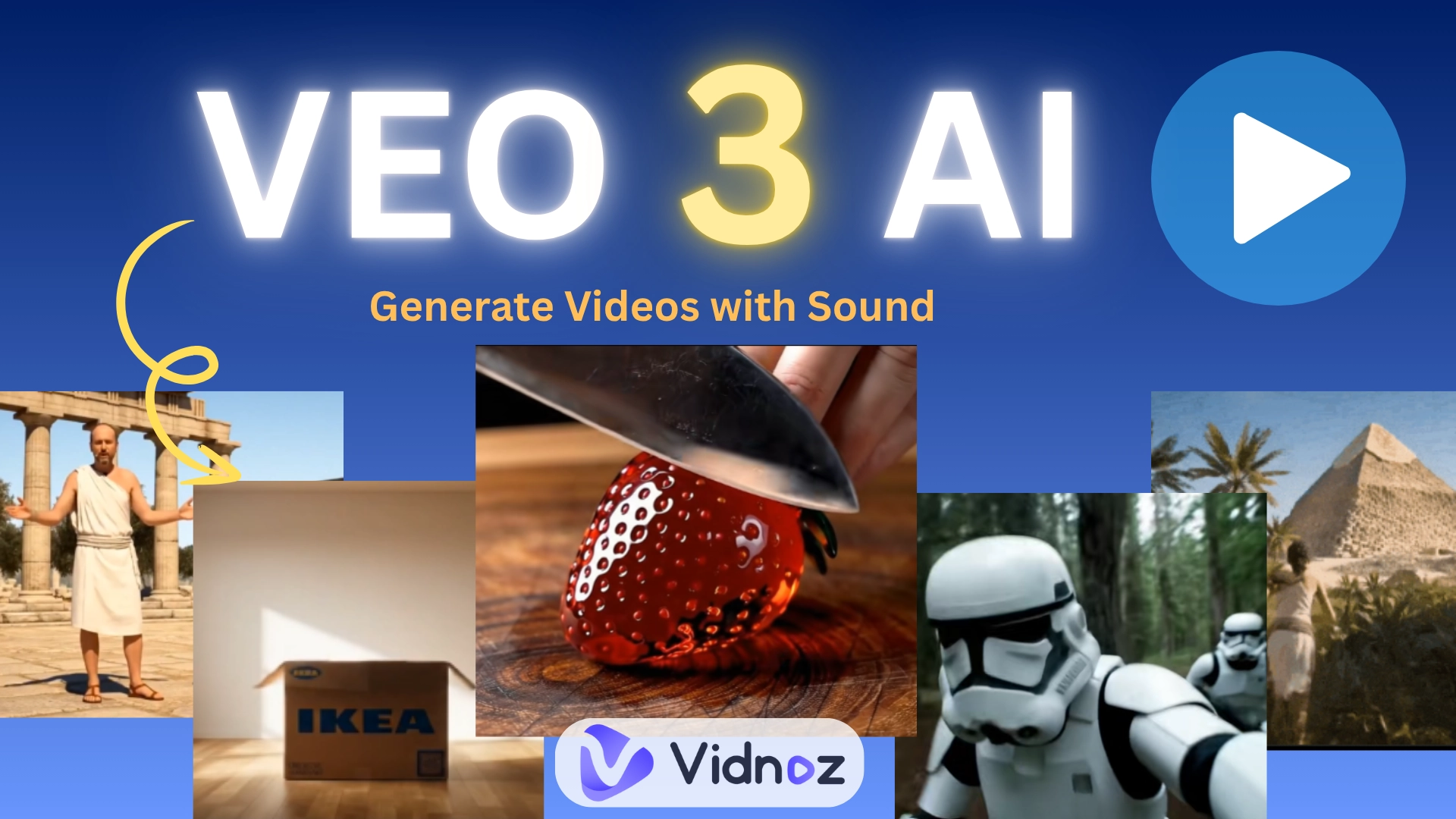
Firstly, let’s enjoy some viral videos made by Veo 3 AI:
ASMR Videos
With blending surreal visual effects and lifelike voices, such glass fruit cutting ASMR videos win many attentions:
Virtual characters (AI bigfoot or AI storm warrior) are going on mini adventures. These fictional vlogs feel real, thanks to Veo3’s lifelike animations and voice syncing:
One standout is the “exploding box” ad that grabs attention instantly. Marketers love such cinematic yet cost-effective advertisement made by Veo3:
@aisavvy Let's make the viral Box Explosion AI Trend. Prompt: { "description": "Photorealistic cinematic shot of an empty [ROOM_TYPE] *i.e. modern bedroom* with [FLOOR_TYPE] *i.e. dark wood floors* and [LIGHT_CONDITION] *i.e. soft daylight filtering in*. A sealed [BRAND] box *i.e. Nike shoebox* sits in the center. It [BOX_ACTION] *i.e. shakes and bursts open*, and [THEMED_OBJECTS] *i.e. sneakers, hats, posters* fly out and assemble rapidly into a complete [THEMED_ROOM] *i.e. sneaker vault*. No text.", "style": "photorealistic cinematic", "camera": "fixed wide angle, front-facing for symmetrical reveal", "lighting": "[LIGHT_STYLE] *i.e. ambient cool light with spotlight accents*", "room": "[EMPTY_ROOM_DESCRIPTION] *i.e. empty dark room with plain walls* transforms into [FINAL_ROOM_STYLE] *i.e. high-contrast Nike sneaker display room*", "elements": [ "[BRAND BOX WITH LOGO] *i.e. matte black Nike box with white swoosh*", "[OBJECT 1] *i.e. display shelves with Air Jordans*", "[OBJECT 2] *i.e. neon Nike wall light*", "[OBJECT 3] *i.e. bench with gym bag*", "...add more..." ], "motion": "[MOTION_DESCRIPTION] *i.e. box bursts open and items fly into place instantly*", "ending": "[MOOD_DESCRIPTION] *i.e. bold, high-energy showroom glowing with cool lighting*", "text": "none", "keywords": [ "16:9", "[BRAND] *i.e. Nike*", "[THEME] *i.e. sneaker vault*", "fast assembly", "no text", "[LIGHTING TAGS] *i.e. cool lighting, spotlight*" ] } #aivideo#aitrend#veo3#ai#aivideogenerator#aivideogeneration#texttovideoai♬ original sound - Victor C
AI video generation is going crazy, and undoubtedly, Veo3 AI is the reason. Now, let’s push boundaries with this amazing AI tool.
What is Veo3 AI?
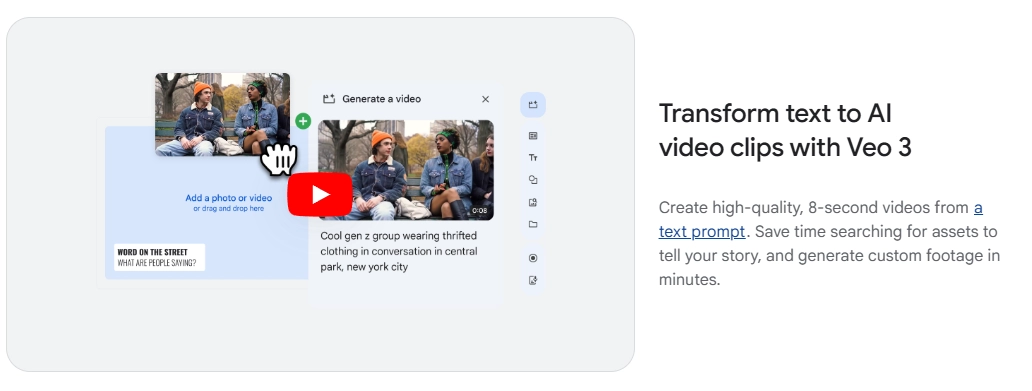
Veo3 is a cutting-edge video generator by Google that turns simple text or images into short, cinematic videos with sound.
Unlike other AI video makers, Veo3 AI doesn’t just animate visuals, it also adds voiceovers, ambient sounds, and even real-time dialogue to your scenes. Besides, if you provide detailed guidance on specific perspective changes, Veo3 can fully understand your needs and generate completely accurate camera movements.
Moreover, it generates 8-second clips, which is an ideal length for social media feeds and commercial ads.
Generally, Veo3’s ultrarealistic style is good for various commercial uses, like short filmmaking, AI advertising, or creative clips.
Pros
Directly Generate Videos with Sounds: It generates AI videos with voiceovers, background noise, and even auto lip-sync effects;
Consistent Visuals: It keeps characters and styles the same across all frames;
Ultra Realistic Style Like the Real Word: It mimics real-world lighting, shadows, and motion;
Supports Multiple Scene Switches in Videos: It shows different scenes and make natural transformations;
Make Videos from Texts/Images: It allows high-quality video generation from text or image.
Cons
Limited in Some Regions: It’s not yet accessible in many countries or regions;
Less Language Support: If you access Veo3 via Google flow, then you have to write a prompt in English only;
Subscription Required: Only available with Google AI Pro or Ultra subscriptions.
Veo3 Models: Standard VS. Fast
Currently, Veo3 AI video generator launches 2 models-Standard and Fast. Which one should you choose? Here are their differences:
Model
Veo3 Standard
Veo3 Fast
Cost
100 credits per 8-second clip
20 credits per 8-second clip
Speed
Slower, varies on the complexity of scenes
Within 3 minutes
Features
multiple scenes in a clip, camera movement, manual customization
Basic edits only: voice on/off, frame edits
Quality
Highly detailed: realistic lighting, textures, and physical effects
Decent but sometimes robotic in lighting and consistency
To sum up, you should use Standard Veo3 if you aim for cinematic storytelling, multi-scene videos, or professional-level projects (like branded ads and short films.)
Then you can go with Fast Veo3 if you need quick, simple generation for a fast social media feed or a rough visual draft.
How to Access Veo3 AI? [5 Safe Veo3 Accesses]
Access 1: Google Vids
You can use Veo3 AI in Google Vids to create short, cinematic videos directly from text prompts. You can create a video without much manual setup here.
Access 2: Google Gemini
The Gemini AI (available on mobile, desktop and browsers) offers Veo3 AI access under the Pro/Ultra plan. Within Gemini, you can generate up to 3 clips per day using text or image.
Access 3: Google Flow
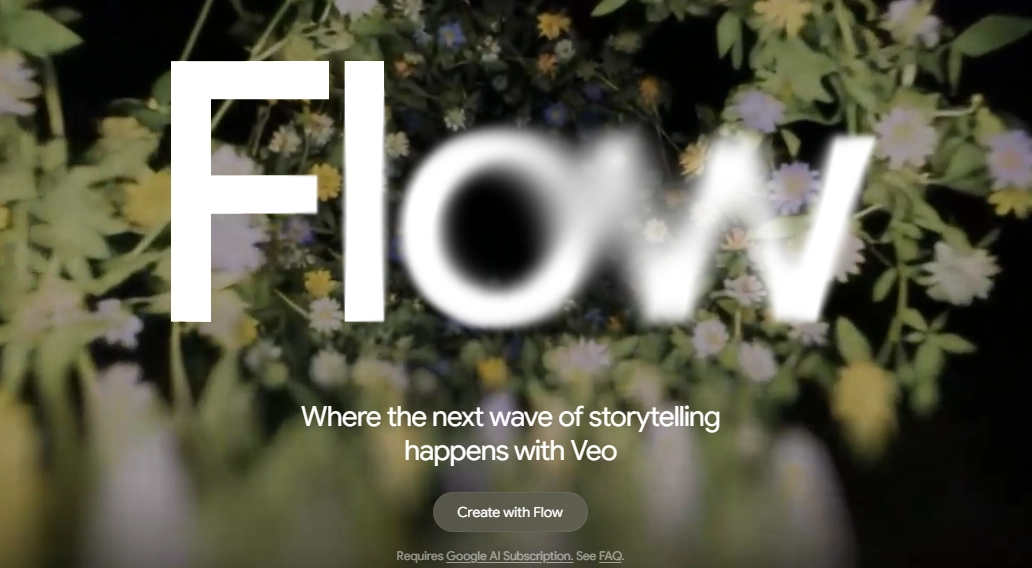
Google Flow is a more advanced and creative platform that lets you generate film-style content using Veo3 AI. It lets you put together amazing scenes with clever visual touches—think shifting camera angles and telling a story through more than one scene.
Access 4: Google Vertex AI
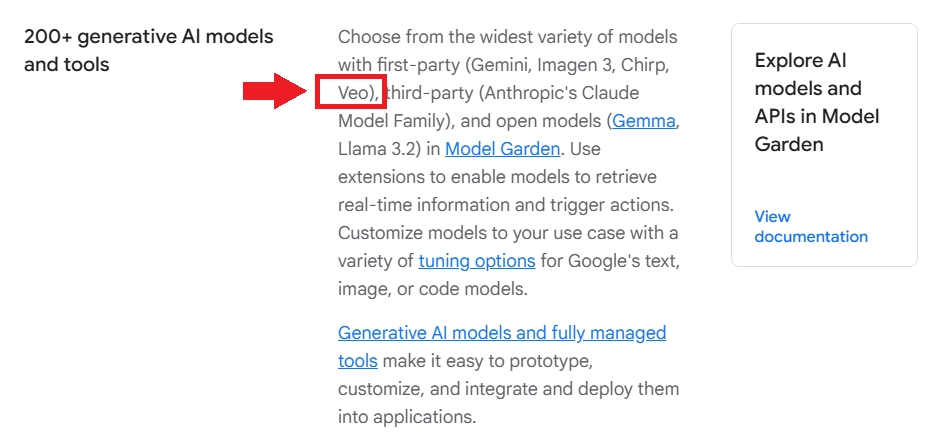
Veo3 AI is available to developers through the Vertex AI platform. This option charges users based on video length, typically $0.75 per second. This one’s for pros hoping to develop AI tools for video or cut down time spent on creating content.
Access 5: Third-Party Platforms
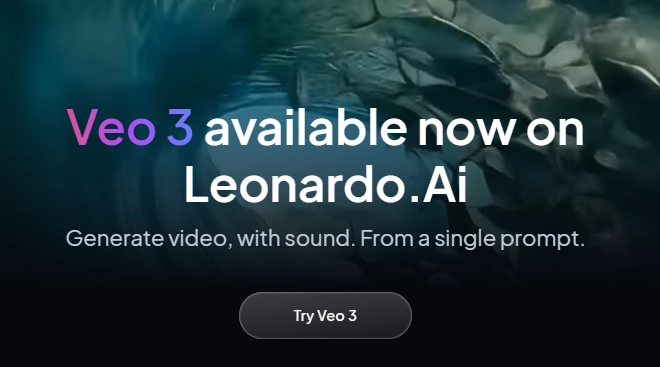
If you’re in a region where official access is restricted, trying third-party options is a wise solution. Platforms like Leonardo AI offer Veo3 Standard and Veo3 Fast accesses, making it accessible worldwide.
All Veo3 accesses require active subscriptions. For the safety of your property and personal information, please be cautious when using the "free" Veo3 AI on some third-party platforms.
Veo3 AI Pricing: How Much Will It Cost?
Generally, you can pay for Veo3 AI video generation in 3 ways, and the pricing depends on your the features and subscriptions you choose:
When generating a 8-second clip in 720p, Standard Veo3 will cost 100 credits and Veo 3 Fast will cost 20 credits.
Plans
Google AI Pro
Google AI Ultra
Google Vertex AI
Cost
$19.99/month
$249.99/month
Charges by video length:
$0.50/sec for visuals only
$0.75/sec for videos with sound
Veo3 Package
1,000 credits: about 10 standard/50 fast-mode clips
12,500 credits: about 125 standard/625 fast-mode clips
About $6 for an 8-second video with audio
Target Users
Personal creators who want make AI videos with sound for casual fun
Professional users/agencies/businesses creating high-quality AI videos
Tech creators/founders/developers who offers AI video generation services
How to Use Veo3 AI for Cinematic Video Generations?
If you’re curious how Veo3 AI transforms text into cinematic clips, here’s a quick walkthrough using Gemini.
Step 1.Open Your Premium Gemini Account
Please ensure your Gemini AI account in Pro/Ultra plan, or you won’t see the Vid option.
Step 2.Turn on the Video Generation Mode
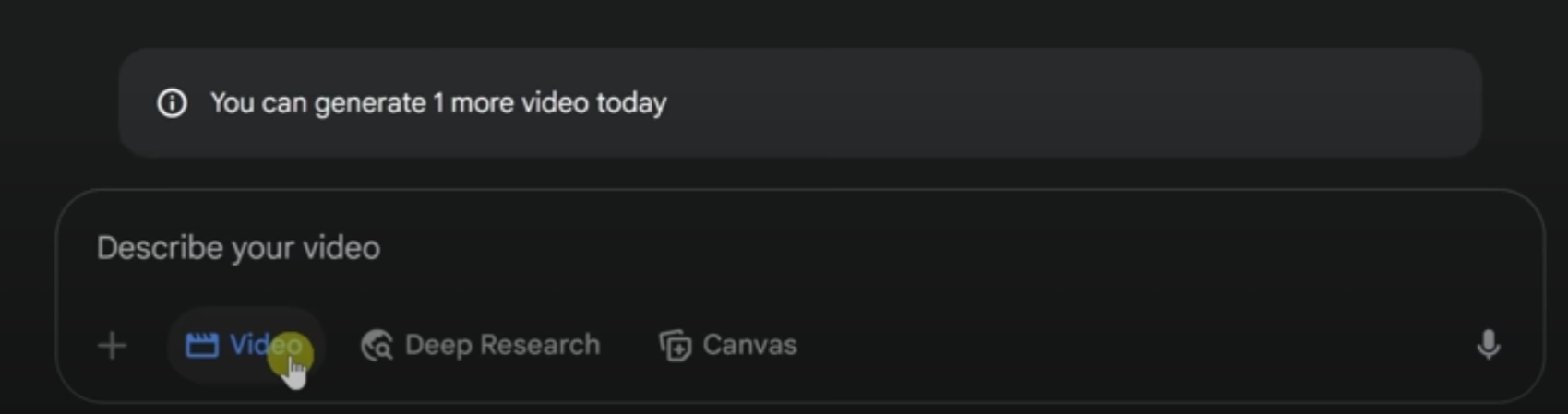
In the bottom of the chatbox, you can click the Vid icon to turn on video generation mode and describe the video scenes you want to create:
To make a perfect cinematic video, your prompt would better include the camera motion, visual subject, places, environmental details (surrounding, time, textures, or other necessary information), lighting, sound details.
Step 3.Wait for the Video Generation
After submitting the details, Veo3 Google starts rendering a realistic clip.
Veo3 AI can create stunning clips with sound easily, but since Google AI is not available in every region and requires expensive subscriptions, some users may be looking for alternatives. If you need a budget-friendly AI video generator, consider 3 top-rated Veo3 alternatives as follows.
Veo3 AI Alternatives for Captivating Video Making
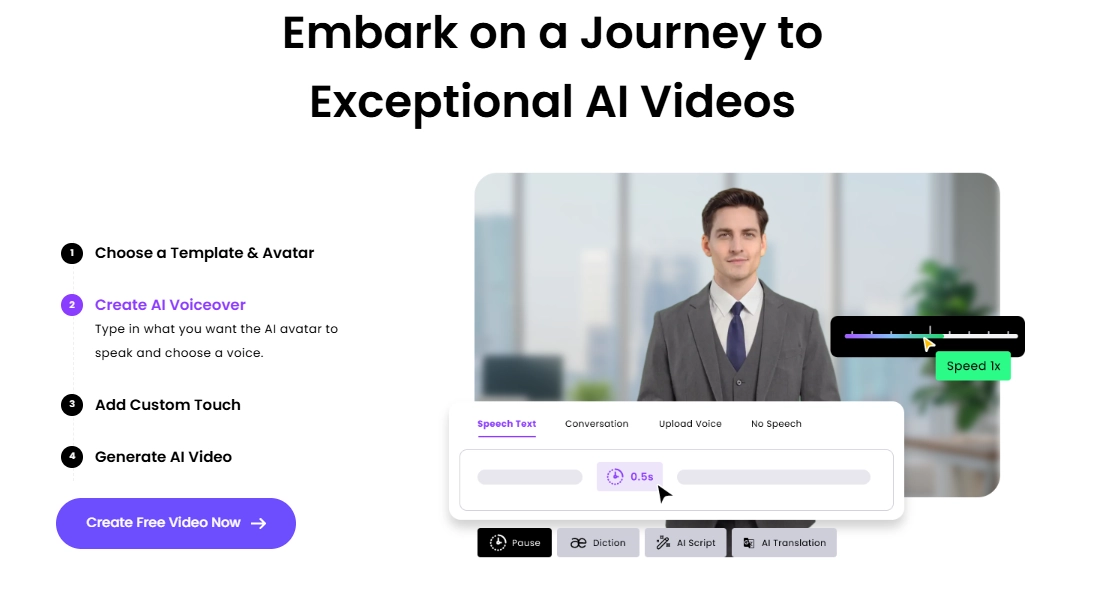
#1. Vidnoz AI Video Generator - Best Veo 3 Alternative to Create Video with Sounds
This free AI video generator makes video generation easy and expressive, especially when it comes to creating AI videos with sound.
With Veo3 AI, you need to write detailed prompts to make characters speak as you wish, which may cost many efforts to design the scenes. While using Vidnoz AI, you can specify the talking avatar by TTS—availabe for both monologue and conversations.
Key Feature
Offers Video Templates for Fast Generations: Accelerate your workflow with video templates designed for various topics—just plug in your content.
Automatic Lip Syncing: Avatars deliver lines with impressive realism, syncing every word with facial expressions and head gestures.
Multiple Languages: Supports over 120 languages and dialects, making it ideal for global audiences or localizing your content.
Vidnoz AI - Create Free Engaging AI Video with Talking Avatar
Easily create professional AI videos with realistic avatars.
Text-to-speech lip sync voices of different languages.
2800+ video templates for multiple scenarios.
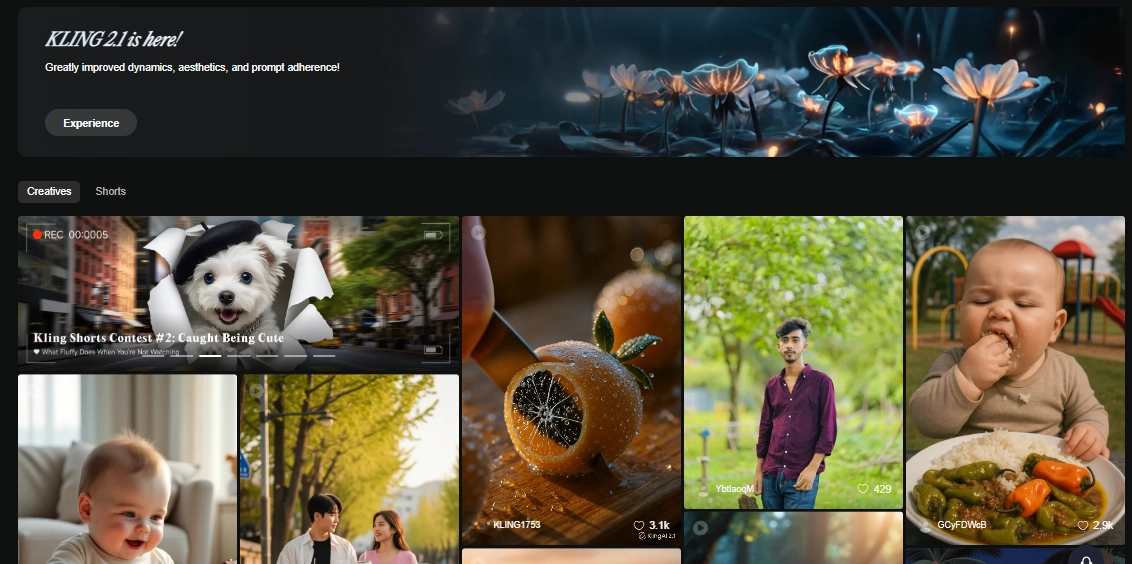
#2. Kling AI Video Generator - Best Veo 3 Alternative for Image-to-Video Creations
Kling AI is a powerful Veo3 alternative that shines at turning both text and images into ultra-realistic videos within 5 minutes.
Compared to the Veo3 AI video generator, Kling AI wins in turning images to consistent videos. Not only basic image to animation transformations, it allows users to put start and end pictures to ensure smooth “frame-to-video’ generations.
Text & Image to AI Videos: Enter a prompt or upload images, and Kling AI brings them to life with cinematic polish.
Flexible Generation Modes: Choose between Standard or High‑Quality modes depending on your need for smooth motion or detailed scenes.
Extended Output Duration: Supports video generation up to 120 seconds, making it ideal for longer narratives and storytelling.
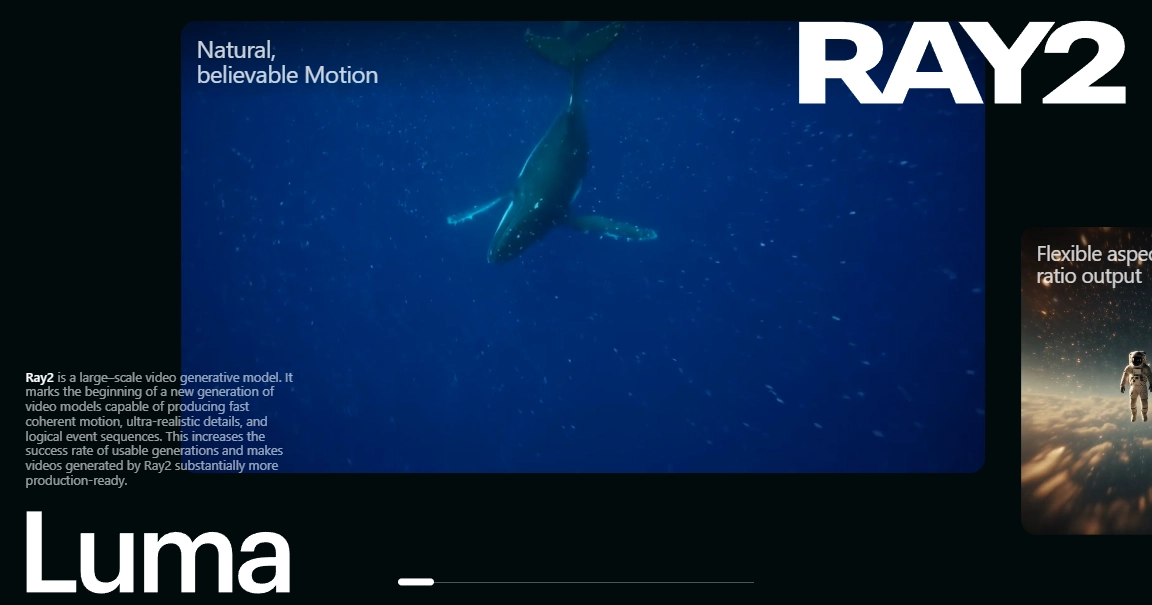
#3. Luma Ray2 - Best Veo 3 Alternative for Ultra-Realistic Video Making
Luma’s Dream Machine stands as a good Veo3 AI alternative, especially making ultra-realistic videos. This model can make dynamic videos that recreate an immersive world by adding realistic textures, motions and vibes.
If you're making film trailers or narrative shorts, it delivers remarkably lifelike video generations.
Key Feature
Fast & Realistic Outputs: Dream Machine generates clips with smooth motion, realistic environments.
Supports Motion-Aware Scenes: It handles subject movements, reflections, and even natural camera angle changes.
Free Access with Limits: You can try it for free with limited generations per day.
Yes, Veo3 access is available to the public through subscriptions. You can use it by subscribing to the Google AI Pro or Ultra plans. However, its accessibility may be limited in some regions.
No, Veo3 AI is not free. All current access options require a paid subscription or API credits.
No, Veo3 AI strictly prohibits generating any NSFW or harmful content.
It depends on your needs. For making videos with sounds, try Vidnoz AI; for cinematic video generation, Luma Dream Machine is a top choice; for natural image-to-video transformation, Kling AI stands out.
Conclusion
Veo3 AI really helps you turn ideas into realistic clips with natural sound, visual depth, and scene flow. Its stunning video generation makes it ideal for professional creators, but its paid access and regional restrictions limit some users.
Fortunately, you can find alternatives. Platforms like Vidnoz, Kling and Luma perform best in different ways. Now, enjoy your stunning AI video generations!
Vidnoz AI - Create Free Engaging AI Video with Talking Avatar
Easily create professional AI videos with realistic avatars.
Text-to-speech lip sync voices of different languages.
Mia is an SEO specialist focusing on AI applications. She‘s experienced at solving problems from the users' perspectives and helping them find AI tools that can truly improve efficiency.








![Viral Bigfoot AI: How to Make Hilarious Vlogs with AI? [Step-by-Step]](https://www.vidnoz.com/bimg/bigfoot-ai-videos.webp)

![Cute Cozypelt Cats: Is it Real Breed? How to Make a Vivid Crochet Cat?[FREE]](https://www.vidnoz.com/bimg/cozypelt-cats.webp)
