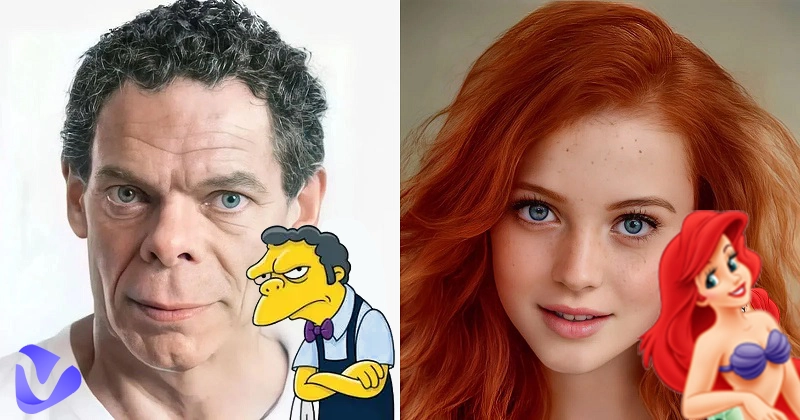
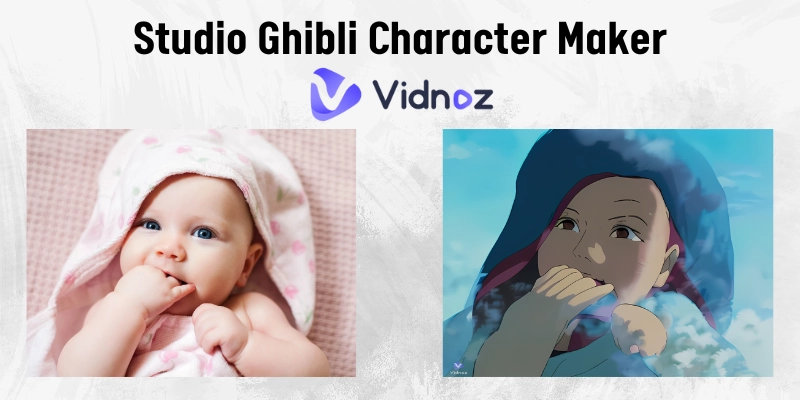
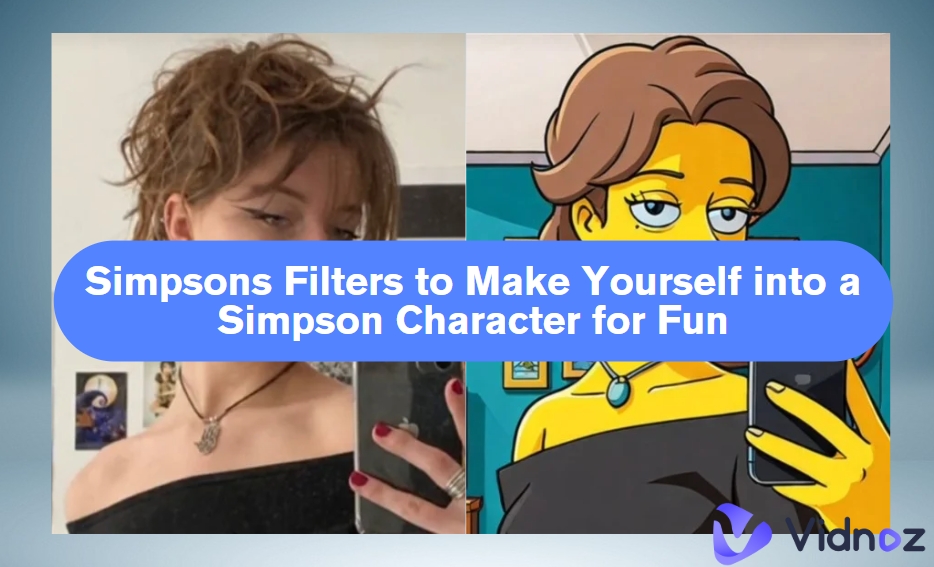
For over three decades, people around the world have loved The Simpsons for the light humour and reliability. However, now it has gone beyond just watching the Springfields' quirk. People are actually using Simpson styles in memes or creating fun portraits for online profiles.
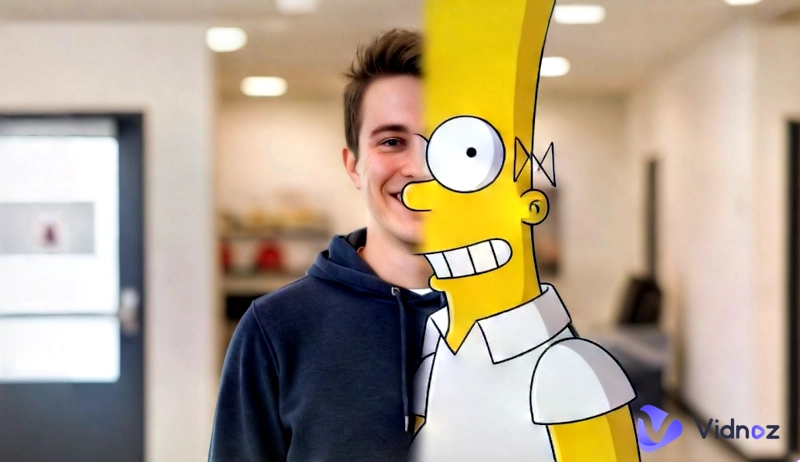
You can also become part of it by using the Simpsonize Me tool to turn your photo into a yellow carton version with just one-click. Whether you want to create a meme or a fun portrait, this ultimate guide is the right place to learn about the Simpsonize Me tool and its free replacements. Read on and explore your Simpsonized persona!
- On This Page
-
Simpsonize Me Review: Photo to Hand Drawing Transformation
-
Simpsonize Me from Photo Free Online in 2 Easy Ways
Simpsonize Me with an AI Simpsons Character Creator
-
Create Simpsonized Characters from Text Prompts
How to Turn Text into Unique Simpsonized Characters
-
Created Animated Simpsonized Me with Image-to-Video AI
How to Let a Still Simpsons Photo Talk and Move?
Simpsonize Me Review: Photo to Hand Drawing Transformation
One of the brilliant ways to make a custom Simpsonized character is to get your photos turned into hand-drawn photos from a professional artist. This might seem a bit 19s retro idea, but it can be a perfect gift idea to surprise your family members and friends.
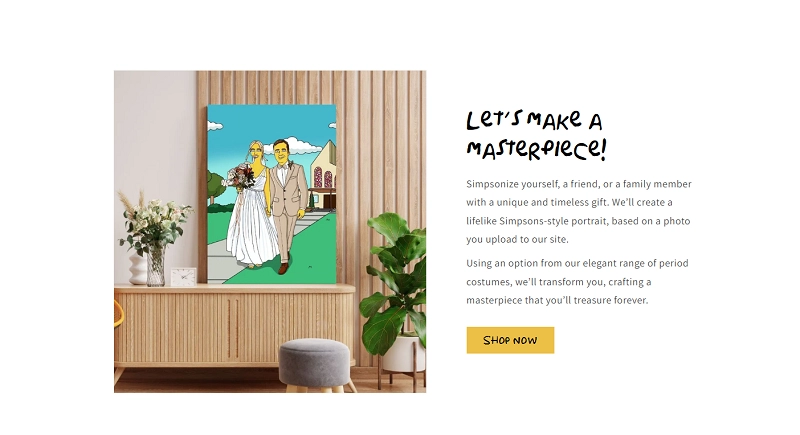
Simpsonize Me is designed for this intention. It is a reliable and famous website that allows you to place an order for transferring your photo of choice into a hand drawing. Supporting a range of backgrounds and scenarios, Simpsonize will turn your Simpson inspirations into elaborate paintings from Pro artists. Just upload your photo, select the number of people in your photo, style, background and they’ll deliver the masterpiece to your door step.
Main Features:
- A trusted service for hand drawn Simpsonize Me portraits and photographs.
- Supports a range of Yellow Cartoons versions, backgrounds, and styles.
- A total 3-step process from placing your order.
- 100% satisfaction guarantee, and provide as many revisions as needed until you’re completely satisfied.
Delivery Time:
Simpsonize Me claims 2-3 days on average to deliver your order. The best part is its delivery is free worldwide for all types of printed orders.
Pricing:
Two types of price packages Simsonize Me offers: 20$ for a shoulder-up portrait per person or animal, and 30$ for a full body portrait per person or animal.
This Simpsonize Me review has suggested the well-known platform for fans interested in the hand drawn masterpiece of their photographs. At the same time, there are also free tools for the style transformation.
Simpsonize Me from Photo Free Online in 2 Easy Ways
If you are just into creating quirky, relatable, and funny Simpsons characters, spending on Simsonize Me seems to be costly. Powerful AI alternatives on the Internet show you a better way. With AI Simpsonize Me generators, you can complete quick style tranformation. The best part? Most of them are free, and you can create unlimited Simpsonize Me photos without any restrictions.
Here are the two best Simpsonize Me free online tools to make yourself a The Simpsons avatar.
Simpsonize Me on ChatGPT
One of the easiest Simpsonize Me AI tools is the ChatGPT image generator. The steps are quite simple, and results can be achieved within a few prompts. Accidentally, you may fail to get it done directly by asking ChatGPT. If it happens, please seek the appropriate Simpsonize Me page on ChatGPT. We’ve also done the search for you - simply follow the steps below to learn how to Simpsonize Me GPT.
Step 1. Access the Simpsonize Me module on ChatGPT: https://chatgpt.com/g/g-fOk91oBaT-simpsonize-me
Step 2. Simply upload the photo, and click on the “Simpsonise this picture for me” button or type the prompt.
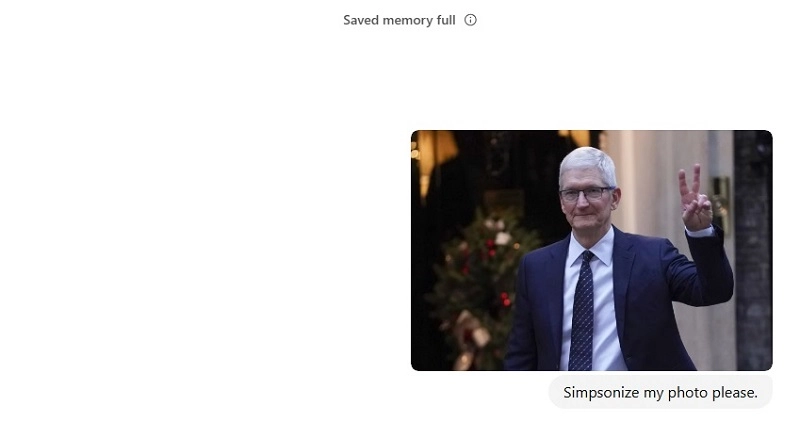
Step 3. It’ll take some time to transform the photo and generate the results.
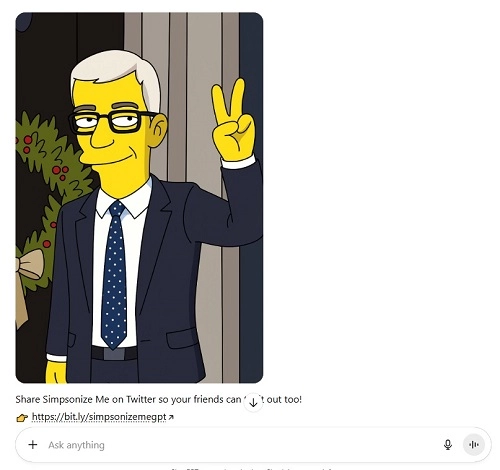
Step 4. Click the download button to save the image to your device.
Simpsonize Me with an AI Simpsons Character Creator
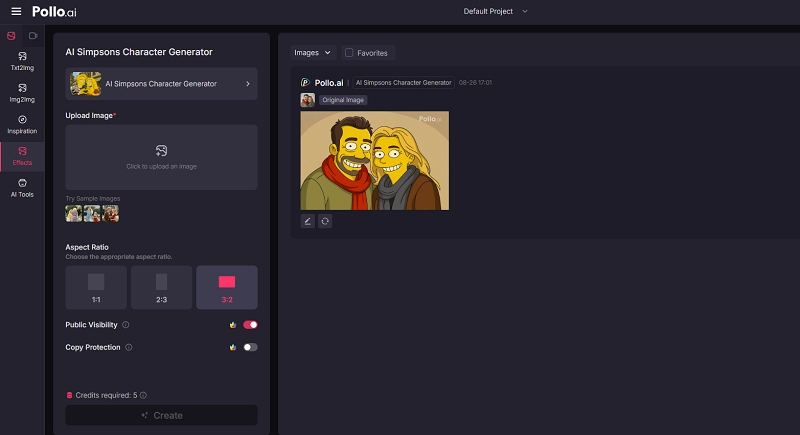
Pollo AI Simpsons Character Generator is another great AI tool to transform your photos and create a Simpsonize Me version of yourself. This AI tool is featured with an intuitive user interface compared to the ChatGPT but offers limited free trials. You’ll have to buy the credits to transform more photos into an AI Simpsonize version or you can earn them by claiming the daily free credits.
Follow the steps below to learn how to use this Simpsonize Me free AI tool:
Step 1. Go to Pollo AI Simpsons Character Generator.
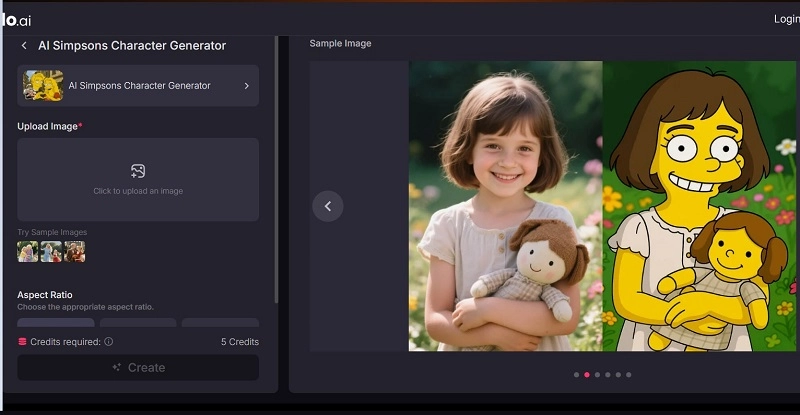
Step 2. Sign up using your account and upload the photo you want to convert.
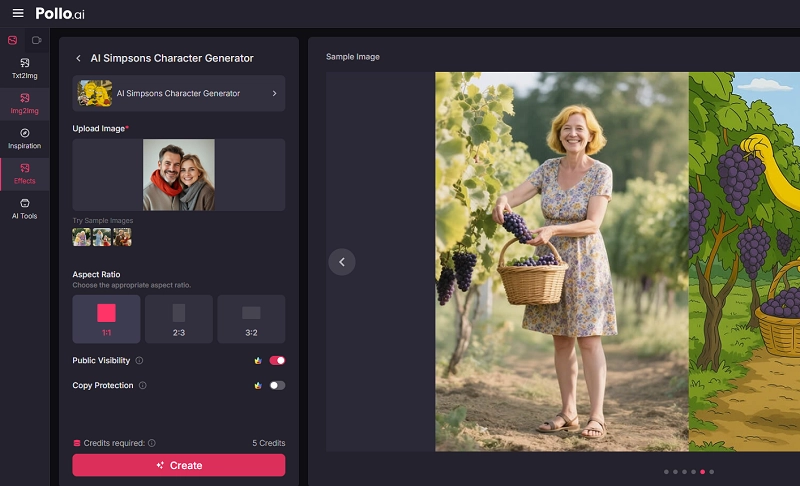
Step 3. Click on the Create button to start the transformation, and in a few seconds it’ll load the final results.
Create Simpsonized Characters from Text Prompts
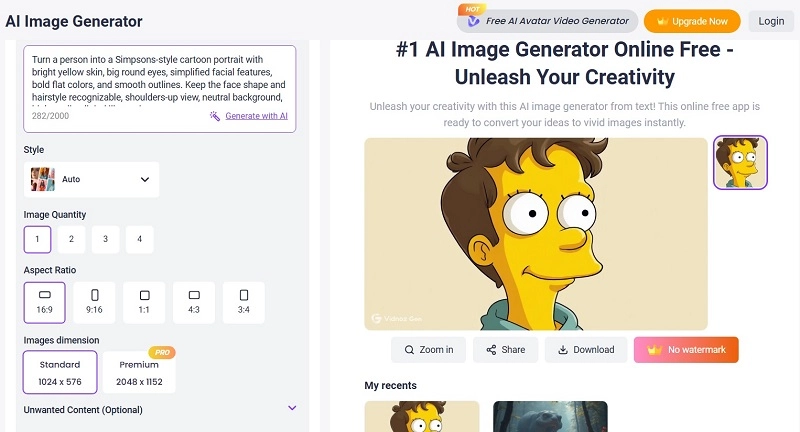
While reading this guide, if you ever wished there was a tool allowing you to generate Simpsonized photos without any prior visual input, Vidnoz AI image Generator is all you need. This tool lets you create Simpsonized photos instantly directly from simple text prompts.
All you need to do is describe the content, the looks, background, and style you want, and Vidnoz AI will instantly give life to your idea. With a range of customization options, it allows you to select the number of images required to be generated, the aspect ratio, and image dimensions. You can control the final results with just single clicks.
How to Turn Text into Unique Simpsonized Characters
Step 1. Visit Vidnoz AI Image Generator and describe your requirements in the image description box.
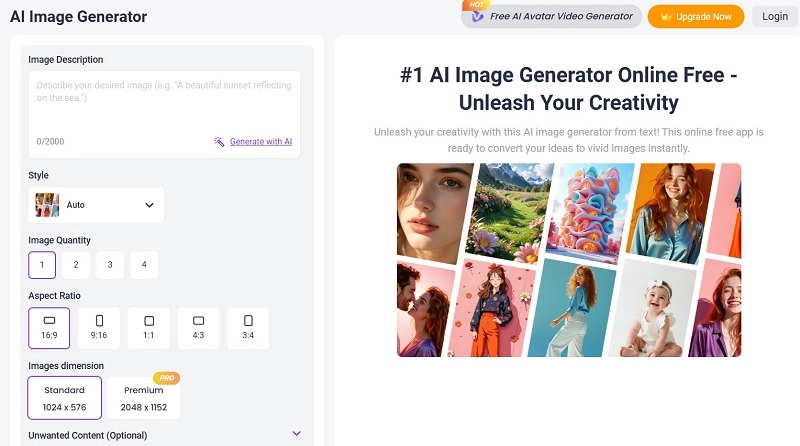
Step 2. Select other settings as per need, and click on the Generate Now button.
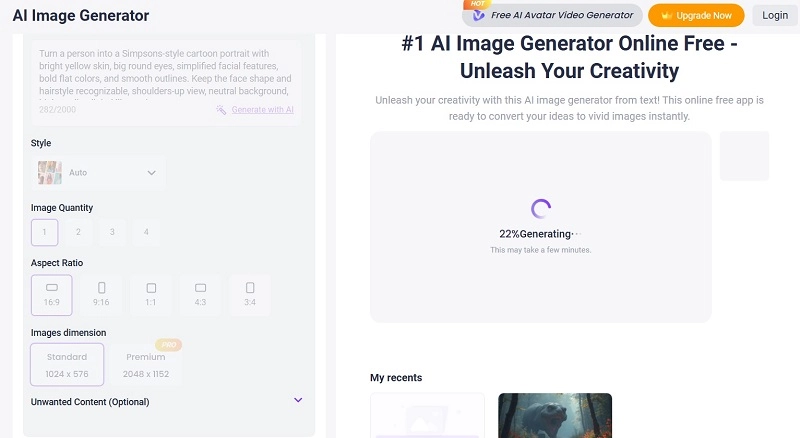
Step 3. After a few seconds of processing, it’ll show the results like shown below.
Created Animated Simpsonized Me with Image-to-Video AI
Besides generating Simpsonize Me photos, Vidnoz AI lets you turn The Simpsons photos into fun and animated videos. With its image to video features, you can make still Simpsons photos talk and move with just a few clicks.
Convert Image to Video AI Online - Free
- Create a video from an image quickly for free.
- Use various AI models to turn photos into videos.
- Download and share the AI-generated video at no cost.
Convert Image to Video
All you need to do is upload the images to give the AI reference, and describe the details in the texts. The tool will start processing your commands and generate animated Simpsons-style videos.
How to Let a Still Simpsons Photo Talk and Move?
Step 1. Open the Vidnoz Image to Video tool.
Step 2. Click on the Upload Image button. Define the video information like the length and the AI model. Emter text description for customized content generation.
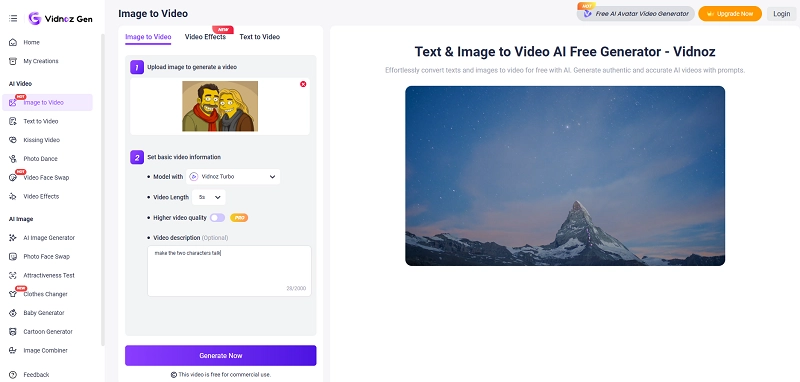
Step 3. Click on Generate Now and wait for it. Once done, it’ll show the results, along with download and share buttons.
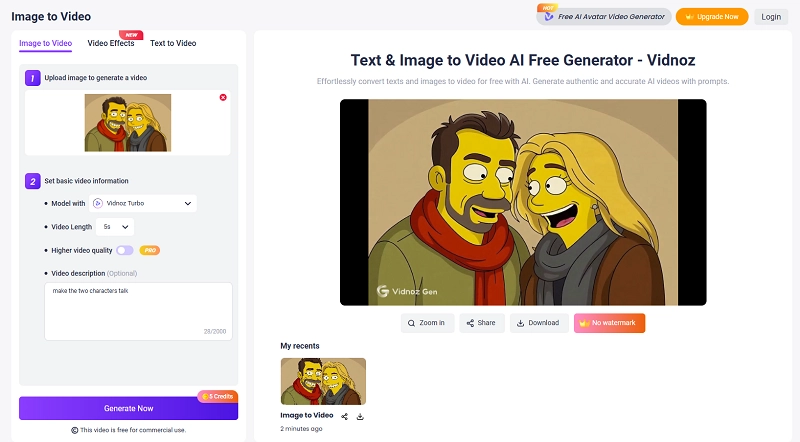
Why People Love Vidnoz AI Image to Video:
- Add Animation to Any Photo: Create animated versions of any photo, such as realistic portraits, animated characters and 3D cartoons with just a few clicks.
- Natural looking Movement effect: This free AI video generator adds smooth and realistic action/motion to the still Simpsonize Me photos to give life to the characters.
- Easy and instant animation: No technical skills required. Just upload your photo, describe your requirements, and generate high quality animated videos within a few seconds.
- Define the animation via text prompts: Control the final results just by describing it in the text. Whether it’s the style, character movements, or expression, the AI will customize it accordingly.
The Bottom Line
As social media memes have once again made The Simpsons viral, fans wants to make their own version to express their love for the iconic cartoon series. This Simpsonize Me guide has explored the best ways you can implement the conversion without any technical skills. How to turn me into a Simpsons character? Hopefully, you find the simplest way here.