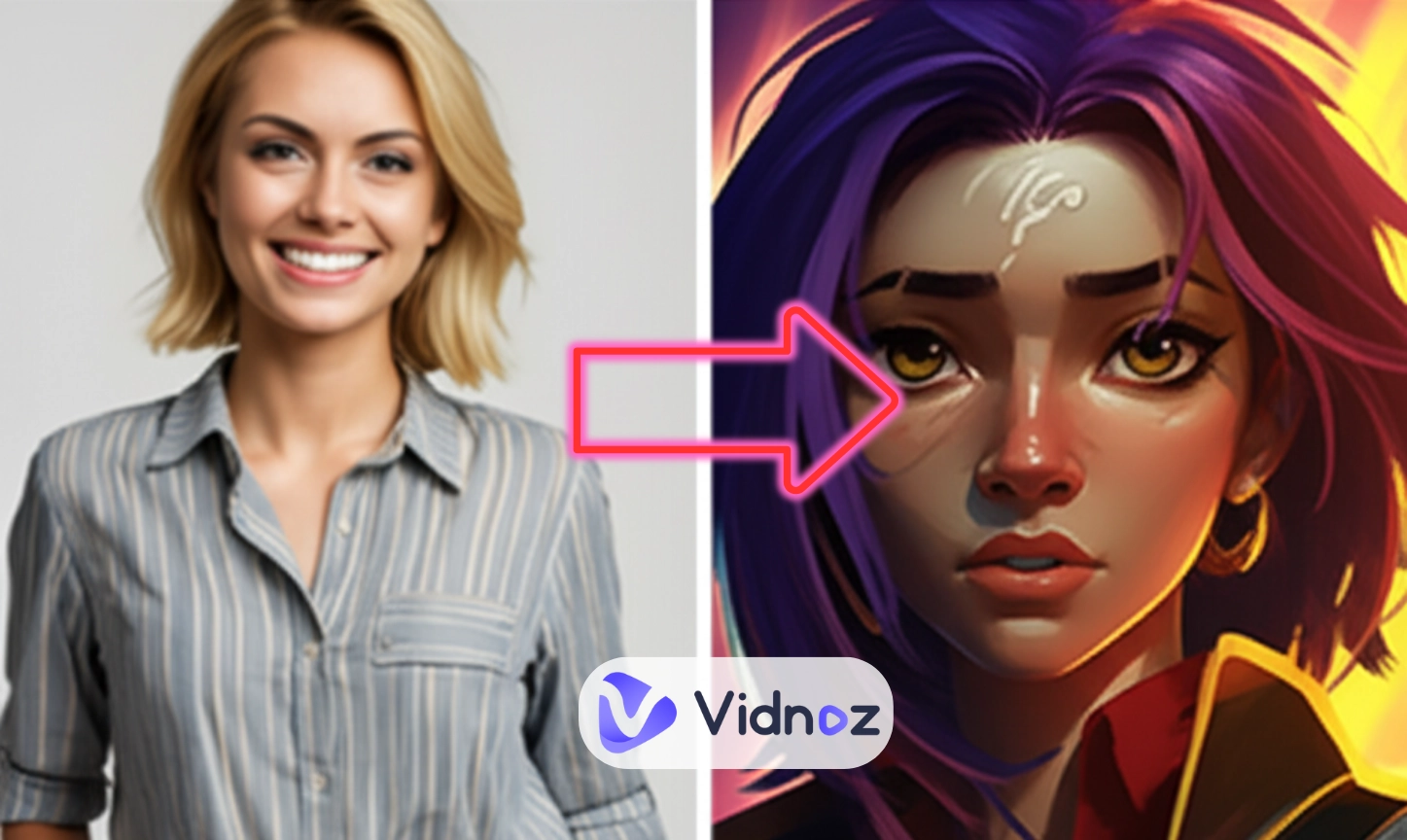
Turn still images or text into dynamic videos in any style, with leading AI models readily. Try the smart AI video generator now - stunning, free, and instant!
Stunning Sailor Moon AI Art Creation: Filters, Images, Videos & Chatbots
Griffin
Updated on
SHARE THIS POST
Explore Sailor Moon AI images, videos or chat with characters from Sailor Moon with advanced AI tools.
The popular 1990s Japanese anime Sailor Moon by Naoko Takeuchi has enchanted generations of viewers around the globe with its story of how the teenage girls change into superheroes to fight the evil. It is localized in many countries worldwide, in Europe, North America, etc., and its themes of friendship, love, and justice still motivate the fans.
Today, as the era of artificial intelligence comes to fruition, the fans are introducing new life to the classic by remaking Sailor Moon AI art. Either you are an old fan or a new one, these materials allow you to dive into the world of magic as never before, with a feeling of nostalgia and the use of innovation.
On This Page
What is Sailor Moon AI?
Sailor Moon AI Art Generator: Customize Dreamy Shenshi in Secs!
#Vidnoz Free AI Sailor Moon Image Generator
#OpenArt: AI Sailor Moon Images Stocked
Sailor Moon AI Filter: Step into the World of Sailor Moon
AIEASE AI Sailor Moon Filter for Photos
Media.oi AI Sailor Moon Filter for Videos
Design Unique Sailor Moon Journey with AI Video Generator
Talk to Your Digital Sailor Moon Character with AI Chatbot
Conclusion
What is Sailor Moon AI?
Sailor Moon AI is a vivid combination of the nostalgia and the new technologies as a new life to the iconic anime series. It's not just one gadget or app—think of it as a big catch-all for all sorts of AI-powered stuff drawn from Usagi Tsukino's wild adventures and her Sailor Senshi crew.
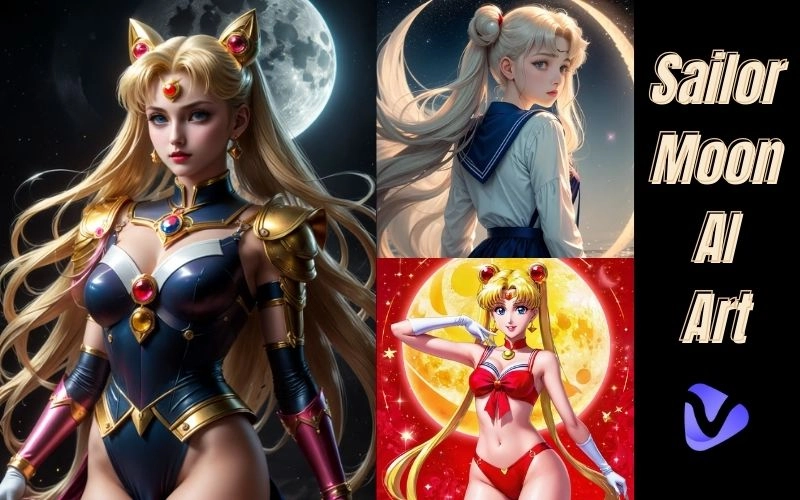
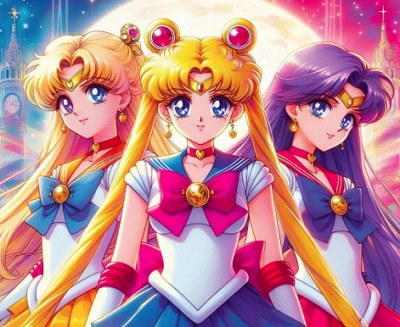
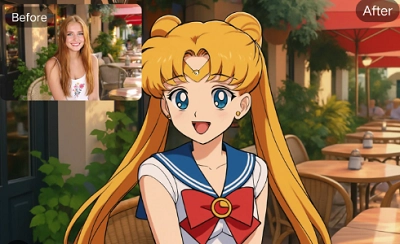
At the heart of Sailor Moon AI art is image generation, where AI creates stunning visuals based on the series' distinctive aesthetic. In anime style, these images capture the bold colors, expressive faces, and dynamic transformations. For a twist, realistic styles reimagine characters like Sailor Mercury or Sailor Mars as if they stepped into the real world.
With high-tech AI, a Sailor Moon filter will add details such as glittering tiaras, pleated skirts and ethereal glows to your portraits making you look like a Senshi who is about to save the universe. It fits perfectly with what is trending in social media, where you can post the transformed versions of yourself for fun.
Beyond the area of static arts, AI Sailor Moon videos make the characters come alive in new stories. The video that serves as a good example is the following YouTube video, which has been created entirely using such AI tools as MidJourney and Runway AI.
To be immersive, the AI chatbots enable you to talk to your favorite characters. They are natural language processing bots that will answer like you are talking to Luna the cat, or Tuxedo Mask and are using the lore of the show to suggest advice, jokes, or plot synopses.
Let’s dive into the Sailor Moon AI art creation journey!
Sailor Moon AI Art Generator: Customize Dreamy Shenshi in Secs!
There has never been an easier way to unlock the magic of Sailor Moon AI with the help of AI image generators allowing you to create a personalized portrait of a Senshi in a few minutes. With anime flair or hyper-realistic renders, Sailor Moon AI art generators enable the fans to combine nostalgia and creativity and create shareable works of art that reflect the empowering spirit of the series.
#Vidnoz Free AI Sailor Moon Image Generator
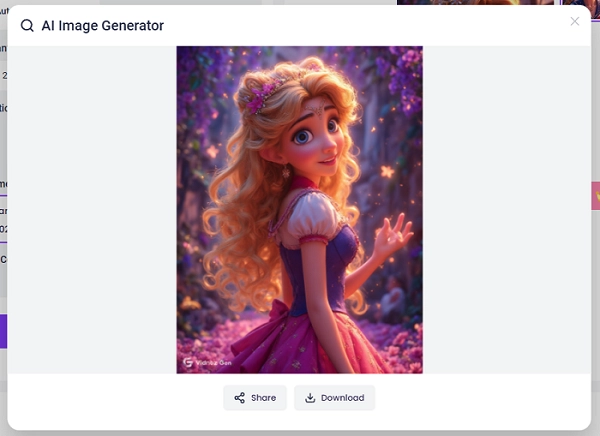
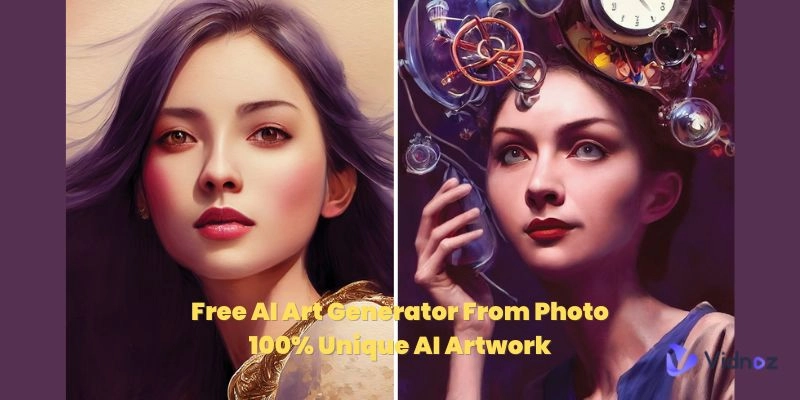
Vidnoz offers an all-in-one free online AI image generator that is ideal among Sailor Moon AI fans. It can understand the input text descriptions and create high-quality images without watermarks, which can be used commercially. It offers a great number of styles to choose from, generates 1 to 4 images simultaneously, supports adjusting aspect ratios (such as 16:9 or 1:1), enables high-definition downloads for easy sharing, and offers upgrade options.
How to get started:
Step 1 Visit the site and enter a detailed prompt in the "Image Description" field, like "Sailor Moon in a starry gown, anime style with glowing tiara." For better results, use vivid descriptors—add emotions, settings, or crossovers, and avoid vague terms.
Step 2 Select quantity, aspect ratio, and specify unwanted elements to refine outputs, excluding things like modern backgrounds.
Step 3 Hit "Generate Now" for instant results, then download or upgrade for faster processing.
>> Enhance your creations further with Vidnoz's AI image-to-video tool. This free feature animates static Sailor Moon AI images into dynamic clips using styles like Anime, adding smooth motions to make characters move like real heroes—ideal for short fan videos.
#OpenArt: AI Sailor Moon Images Stocked
OpenArt is like a hidden gem for anyone diving into Sailor Moon AI art. Visit and type a quick search for "sailor moon" unlocks thousands of images whipped up by fellow fans. You'll find everything from those timeless classic poses to wild, imaginative takes on the characters, all brought to life by some of the sharpest AI models out there.
And it's not just about scrolling through what's already there; you can fire up their custom generation feature to create your own stuff on the fly, making it a breeze to grab unique pieces that spark ideas or drop straight into your projects.
Convert Image to Video AI Online - Free
Create a video from an image quickly for free.
Use various AI models to turn photos into videos.
Download and share the AI-generated video at no cost.
Sailor Moon AI Filter: Step into the World of Sailor Moon
Sailor Moon AI filters turn the magical world of the Senshi into real life by turning your photos and videos into stylized dedications to the show.
AIEASE AI Sailor Moon Filter for Photos
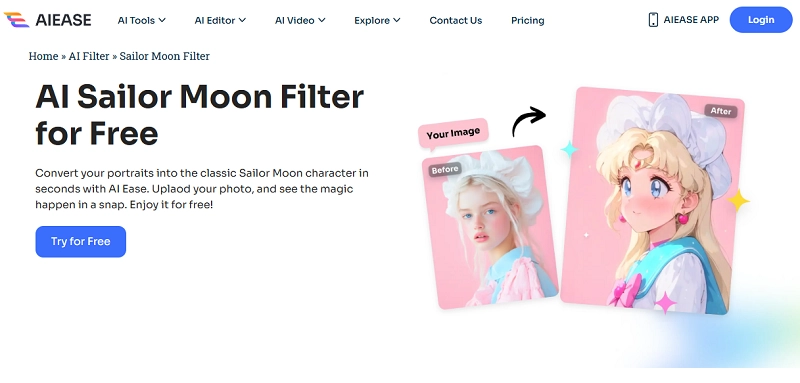
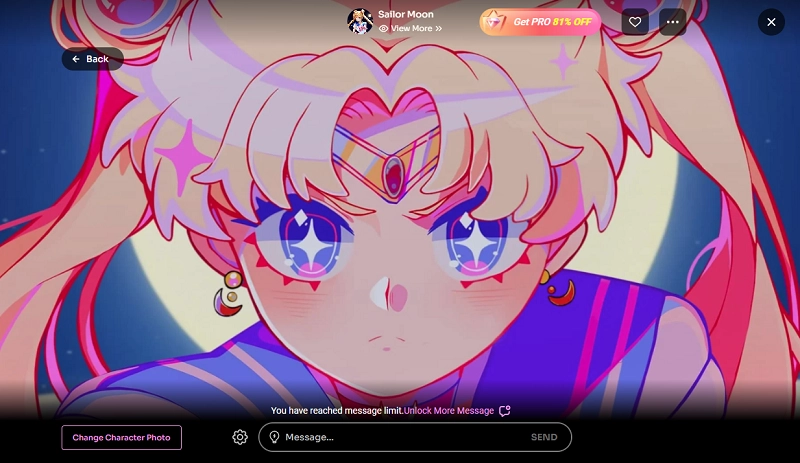
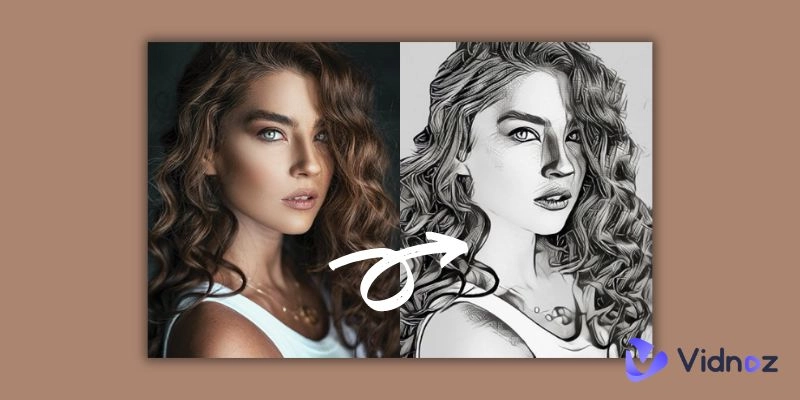
The AIEASE tool provides a collection of free AI filters to transform portraits into other styles, including the Sailor Moon-specific filter called Retro Shoujo (Explore trendy AI TikTok Filters >>). It functions by processing uploaded photos to detect facial features, and recreating them in the traditional anime style- mimicking the cuteness of Usagi, her enormous eyes, and bright outfits. It is completely free, can process transformations within seconds and accepts such formats as JPG, PNG and WebP.
Media.oi AI Sailor Moon Filter for Videos
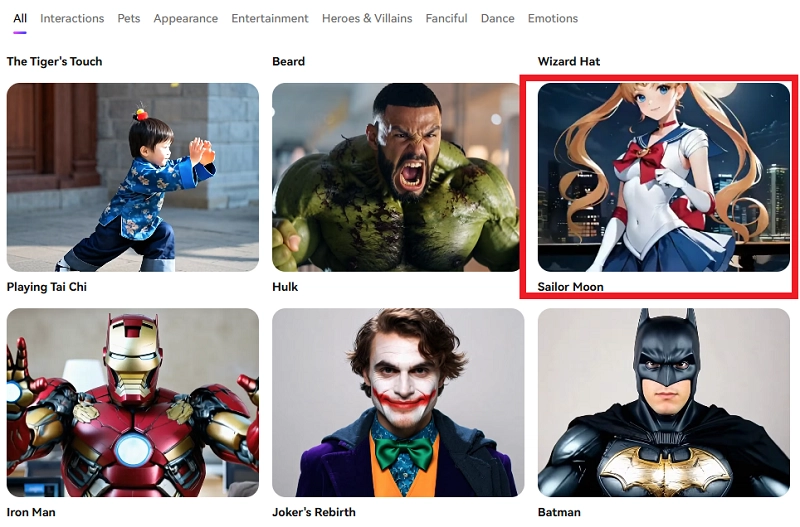
Media.io’s Sailor Moon AI filter turns static photos into dynamic Sailor Moon-style videos, generating animated clips with vibrant anime effects. It operates via AI-driven animation, adding movements and details for realistic outputs. Additional filters, like AI yearbook styles, increase choice and make things more flexible.
Design Unique Sailor Moon Journey with AI Video Generator
The creation of a unique Sailor Moon AI video is an empowering process that can use smart resource allocation in AI systems to deploy computational power effectively to create dynamic content. Then how can you create one by yourself?
Step 1Draft a script for the video
Start with a story that sums up the spirit of Sailor Moon- recreating the tale of Usagi's conversion against dark kingdom villains or creating a new plot, such as the Senshi venturing into a holographic moon world. In case scripting can be intimidating, use AI scripts generators, like ChatGPT: Type a 2-minute Sailor Moon fan fiction, with friendship and justice themes. Pace, dialogue, and scene cut, making sure that they can be explained by referencing canon lore to have some authentic excuses.
Step 2Generate video clips with AI
Switch to visual production with the help of an AI video clip generator such as the text-to-video tool of AIVideo. This platform combines a variety of AI models (e.g., Google Veo, Luma) to turn text prompts into clips, and intelligently allocate resources toward high-fidelity outputs.
Enter the tool, choose the instructions which are specific to a scene, choose the styles with which to be consistent and create clips in seconds
Step 3Combine all the video clips, add voiceover and sound
Vidnoz free AI video generator is a web-based application that provides 1,830+ realistic voices in 140+ languages, which can be used in Sailor Moon AI multilingual dubs. Functionalities such as AI voiceover with lip-syncing and voice cloning are resource-efficient in the integration of natural audio.
Vidnoz AI - Create Free Engaging AI Video with Talking Avatar
Easily create professional AI videos with realistic avatars.
Text-to-speech lip sync voices of different languages.
2800+ video templates for multiple scenarios.
Drag your Sailor Moon video clips into the editor and speak the text: Type dialogue, select voices (e.g. youthful tones in Usagi), add effects, music and transitions. This justifies immersive results by using explainable algorithms, which are trained on global voice datasets to give an improvement in emotional depth.
Step 4Generate and download
Check it with a preview, and create the entire video. Download in HD formats or share directly. This can lead to a refined Sailor Moon AI experience, where each of the elements is rationalized by optimized AI processes to get innovations that are fan-driven.
Talk to Your Digital Sailor Moon Character with AI Chatbot
The interaction with Sailor Moon AI on chatbots is an example of intelligent resource allocation in conversational AI. The Vidqu AI Chatbot, provides hundreds of pre-configured models, including anime-style girlfriends. You can also create your own Sailor Moon AI characters such as Usagi or Rei. This is a free platform where explainable results are guaranteed because the responses are justified by training personas, and resources are assigned to uncensored and immersive conversations without queuing.
Conclusion
When it comes to closing the whole story, Sailor Moon AI is truly shaking the table when it comes to returning to the fun, intelligently balancing resources between creating images, videos, and chatbots to ensure that every slice of computing power gives its best without any drop of its price.
Revisit the shine of the show and experience an innovative masterpiece that seamlessly blends traditional charm with modern technology with Sailor Moon AI Art!
Griffin, a former software engineer and technology enthusiast, has over 5 years of writing experience about technology. He is always looking for and sharing tools that promote creativity, productivity, and teamwork.








![AI Dark Fantasy Art Trends, Process & Tools You Must Know [Ultimate Guide]](https://www.vidnoz.com/bimg/ai-dark-fantasy-art.webp)