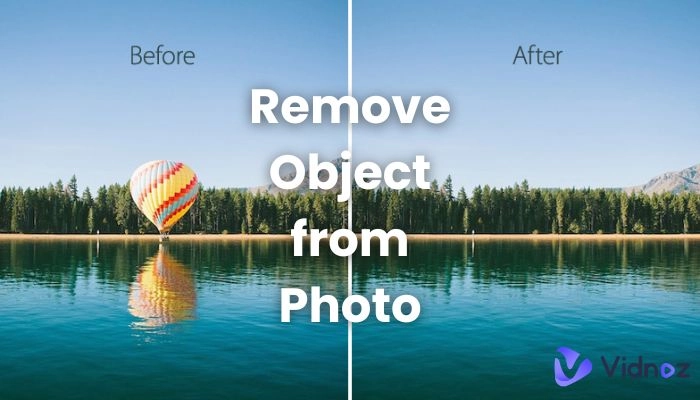
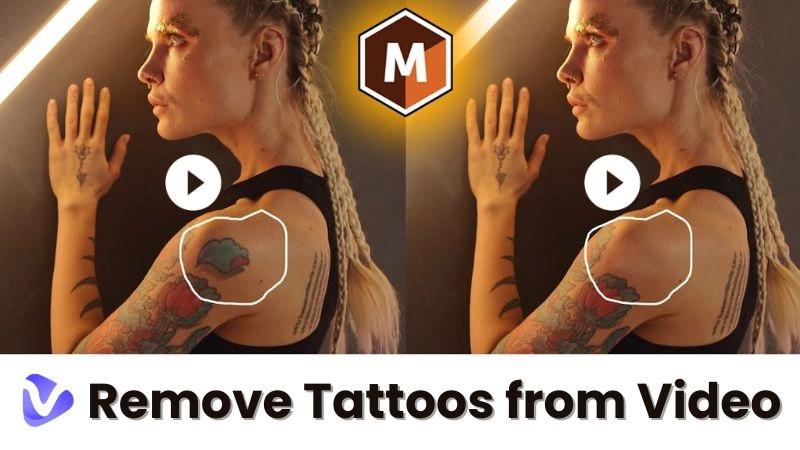
We’ve all been there. You take a great photo. Then you notice a date stamp, logo, or text in the corner. It pulls focus from your picture. Luckily, you don't need to be an editing expert to fix this. Modern AI tools can remove a stamp from a photo easily. Whether you need to remove stamp from photo for personal use or a quick photo stamp remover online, this guide will help. You can get clean, natural-looking results.

- On This Page
-
Why Remove Stamp from Photo?
-
8 Top Tools to Remove Stamp from Photo
1. Vidnoz AI Image Remover
3. AiEase.ai Stamp Remover
4. Picsman AI Watermark Remover
5. PxBee Watermark Remover
6. FlexClip Stamp Remover
8. Kaze.ai Photo Stamp Remover
-
How to Use Vidnoz AI Image Remover
-
FAQs About Removing Stamps from Photos
Why Remove Stamp from Photo?
Stamps like dates, logos, or text can be distracting. They take attention away from your photo's main subject. Removing them makes your personal albums, social media posts, or professional work look better.
Now, AI tools let you remove stamp from photo online quickly. For example, Vidnoz AI uses smart tech. It studies textures and patterns. Then it fills in the removed area smoothly. You can't even tell something was there.
8 Top Tools to Remove Stamp from Photo
Here are the best online tools for removing stamps, watermarks, and logos. We ranked them for ease of use, accuracy, and speed.
1. Vidnoz AI Image Remover
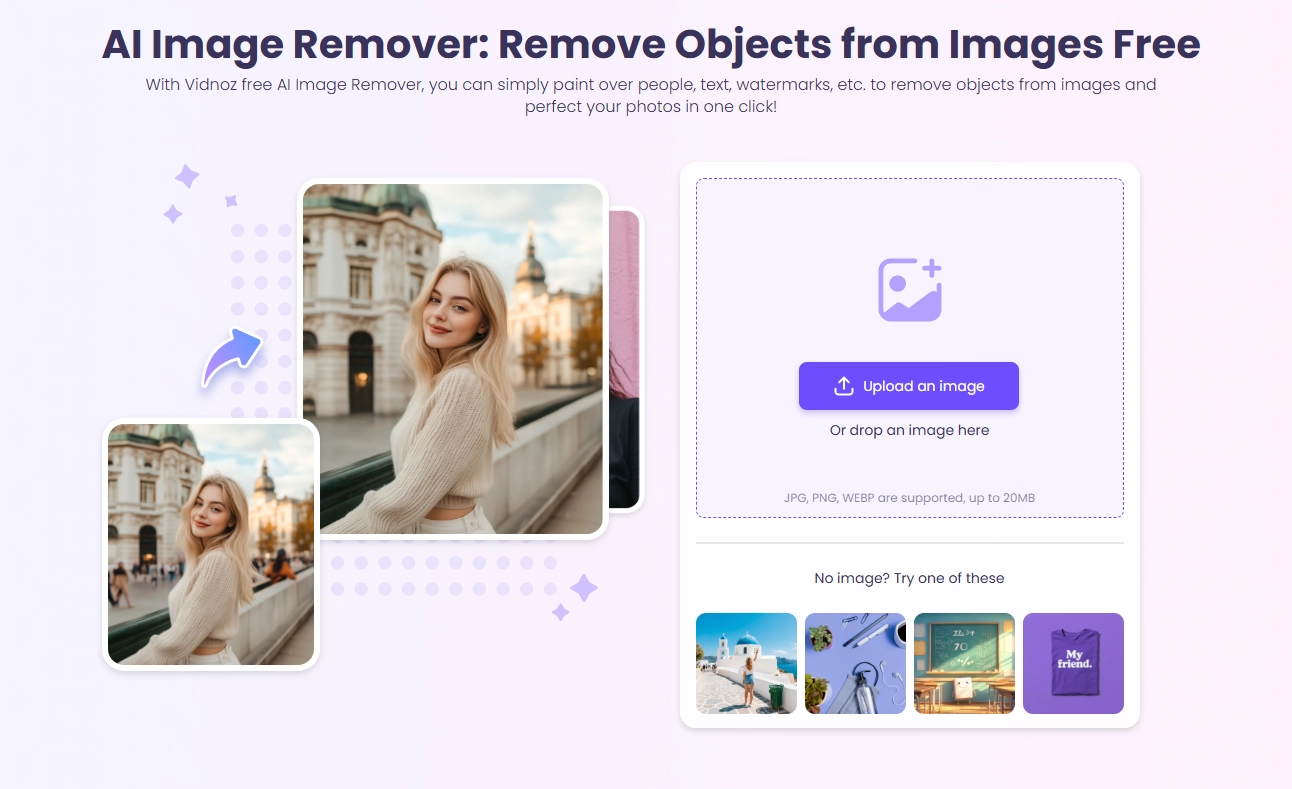
Vidnoz AI Image Remover is a powerful tool. It helps you remove stamp from photo easily. It finds edges, fills textures, and fixes the background naturally. Beginners and pros will like its simple design.
Pros
- Very accurate AI cleanup
- Works fast
- Remove watermarks, logos, and stamps
- Easy for beginners
- Outputs HD images
Cons
- Needs internet
- May lower quality on low-res images
2. Fotor Stamp Remover
Fotor offers an easy photo stamp remover online. It rebuilds the background well after removing stamps. It's good for quick fixes. Since it's web-based, you can start editing right away without any software download.

Pros
- Clean and simple design
- Rebuilds background effectively
Cons
- Can blur complex textures
- Free version has lower resolution
3. AiEase.ai Stamp Remover
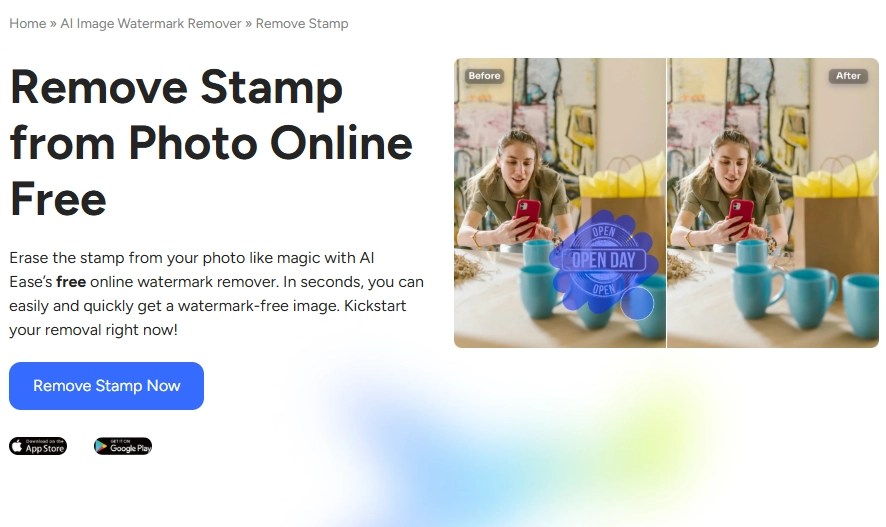
AiEase.ai is fast and automatic. It focuses on erasing watermarks and date stamps. It's perfect if you want a photo stamp remover that's simple. You get results in seconds, which is ideal when you're in a hurry.
Pros
- Gives instant results
- No sign-up needed
Cons
- Struggles with complex backgrounds
- Very few extra editing tools
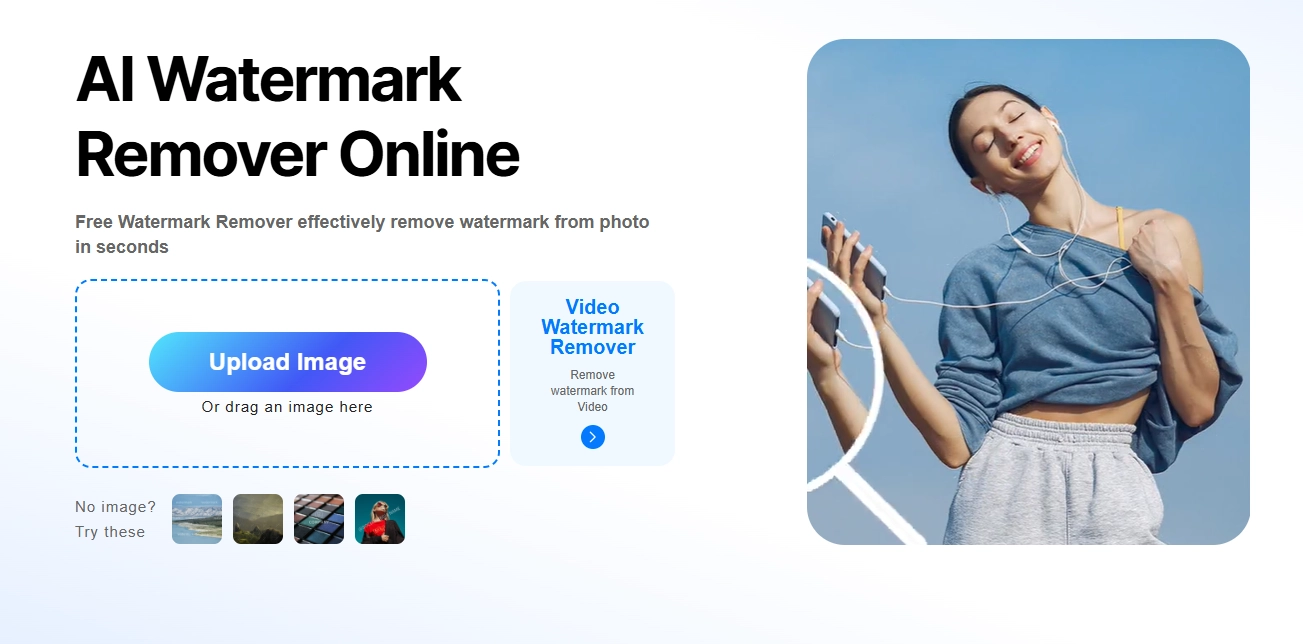
4. Picsman AI Watermark Remover
Picsman AI brings back colors and textures well after removal. The results look natural. It works on many stamp types. This versatility makes it handy for a wide range of photos, from portraits to landscape shots.
Pros
- Great for beginners
- Handles many stamp types
Cons
- Can blur fine details
- Free version shows ads
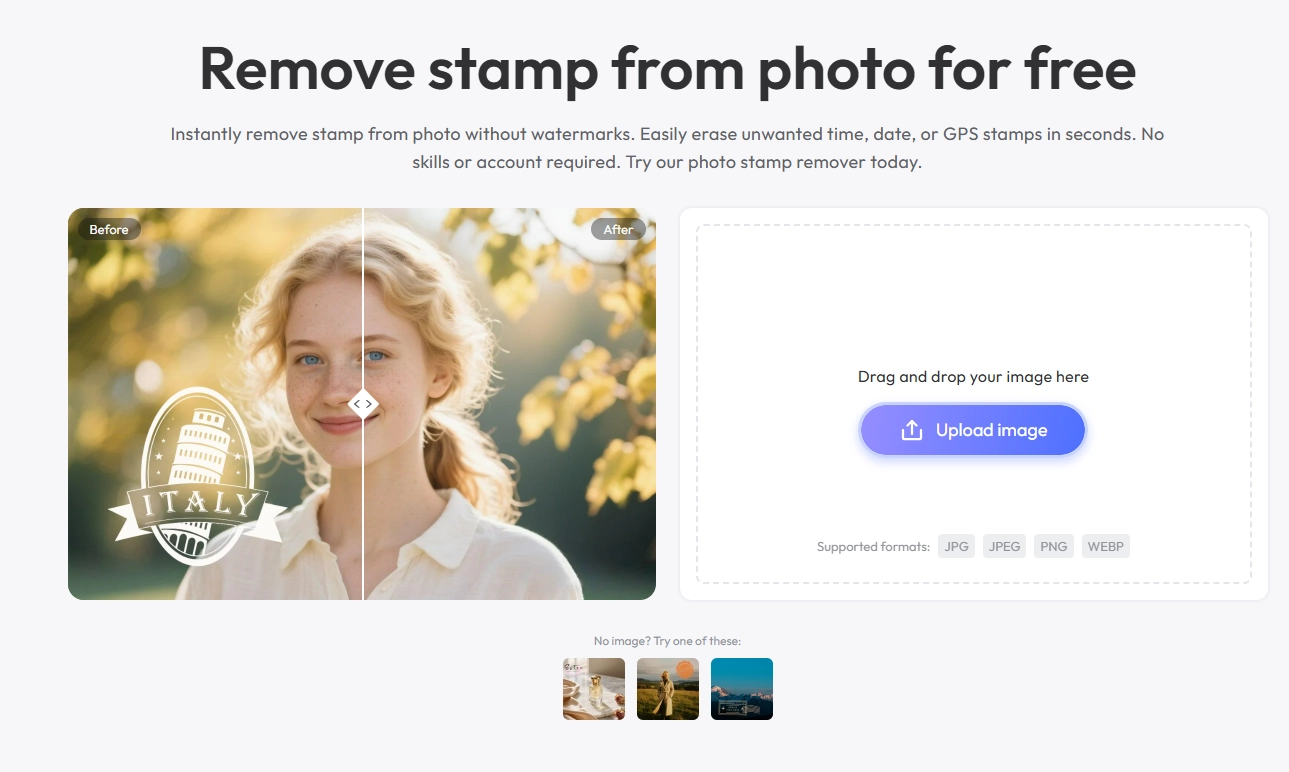
5. PxBee Watermark Remover
PxBee makes it easy to remove logos, text, or dates. Its drag-and-drop style is very simple. It's a good photo stamp remover online. The tool is very gentle on your original image, keeping the overall look and feel intact.
Pros
- Keeps textures intact
- Smooth and easy to use
Cons
- Speed can vary
- Free tier has limited features
6. FlexClip Stamp Remover
FlexClip is an all-in-one photo editor. It includes a good stamp removal tool. It's useful if you edit both photos and videos. This is perfect for content creators who need a single platform for all their editing tasks.

Pros
- Offers AI and manual removal
- Good for multimedia projects
Cons
- Offers AI and manual removal
- Good for multimedia projects
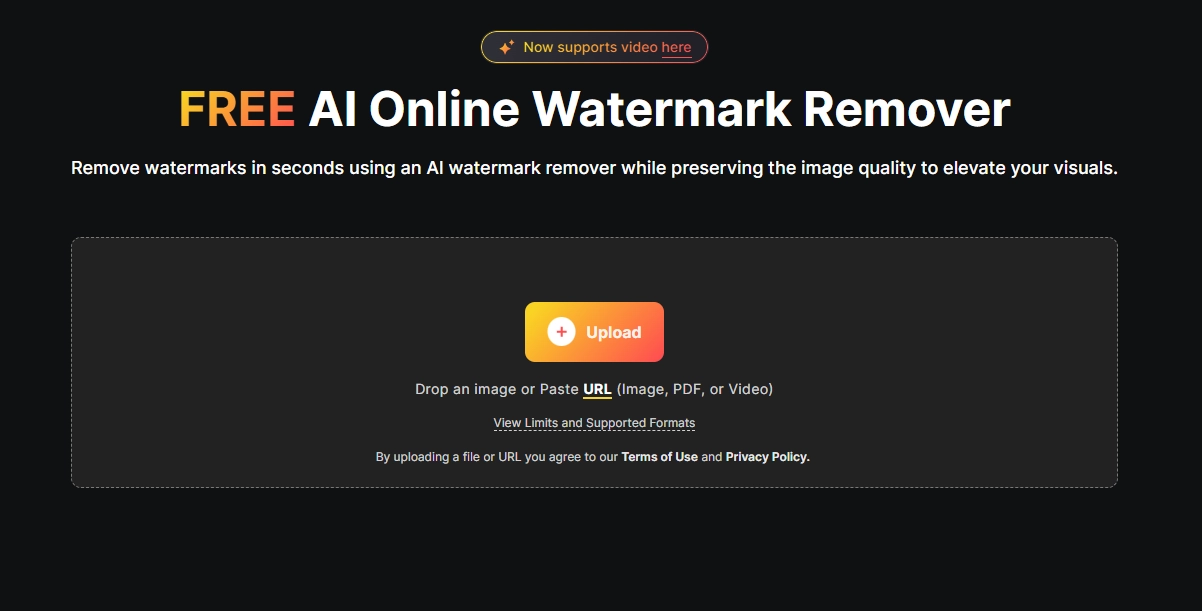
7. WatermarkRemover.io
This is a fast tool to remove watermark from photo that needs no login. It finds and removes stamps automatically. Great for simple, quick edits. This is perfect for content creators who need a single platform for all their editing tasks.
Pros
- Very fast
- Automatic detection
Cons
- Output quality isn't always the same
- No manual editing options
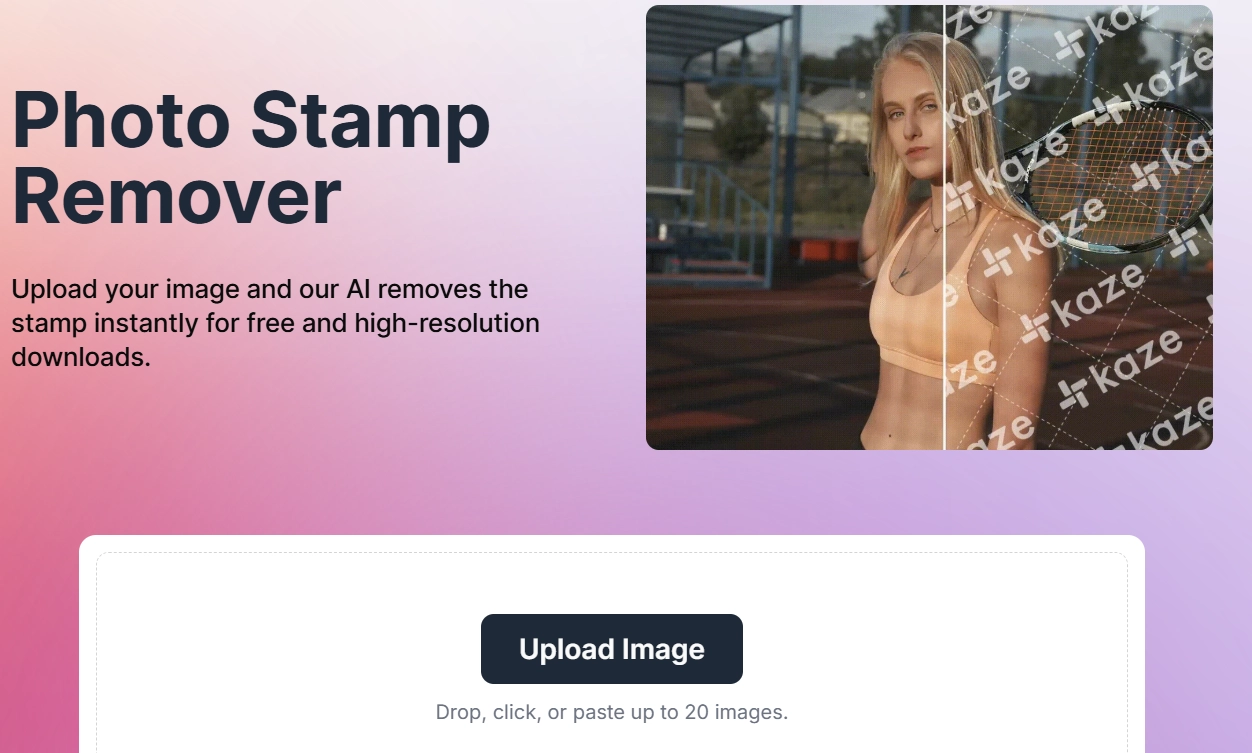
8. Kaze.ai Photo Stamp Remover
Kaze.ai is best for precise stamp removal. It looks at depth, color, and nearby pixels to keep textures. Works well on tough images. If you have a detailed background like grass or fabric, this tool does an exceptional job.
Pros
- Accurate on complex areas
- Easy to use
Cons
- A bit slower
- Needs good internet
How to Use Vidnoz AI Image Remover
Among all the tools, Vidnoz AI Image Remover gives the best and smoothest results. Here’s how to use it:
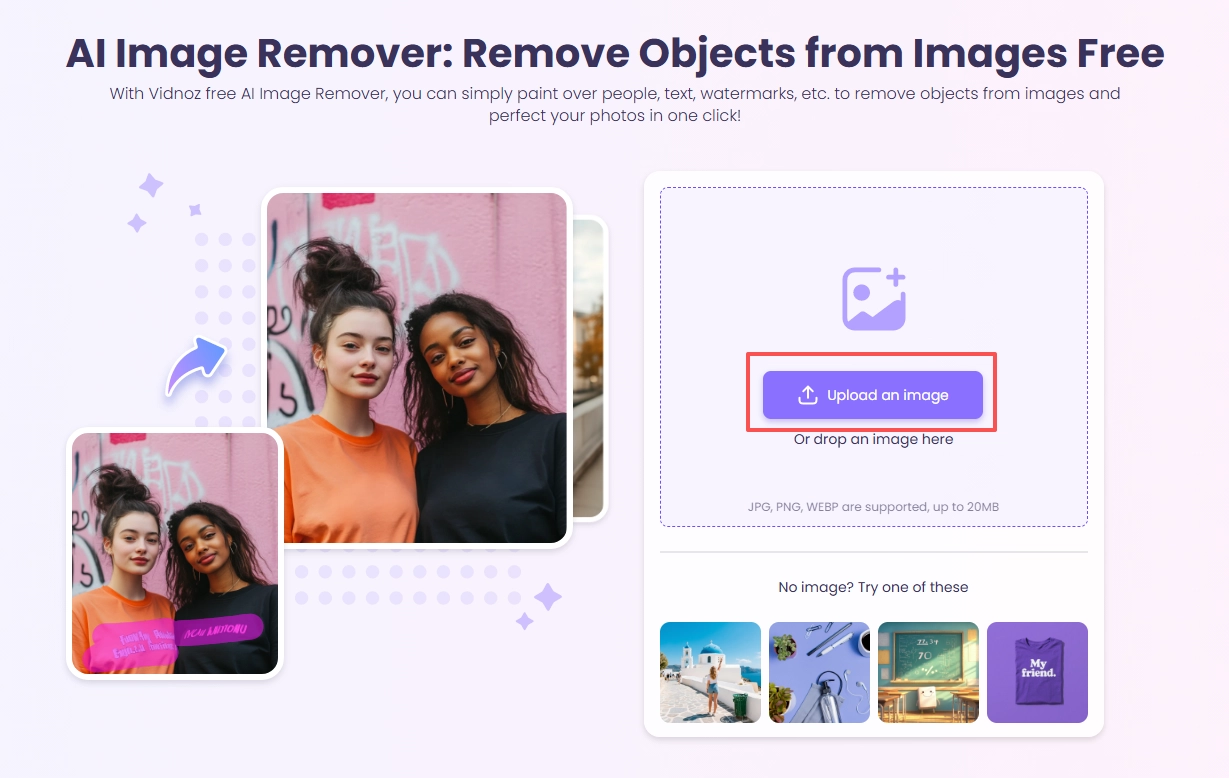
Step 1: Upload Your Image
Go to Vidnoz AI Image Remover. No sign-up is needed. Click “Upload an image” or drag your photo into the box.
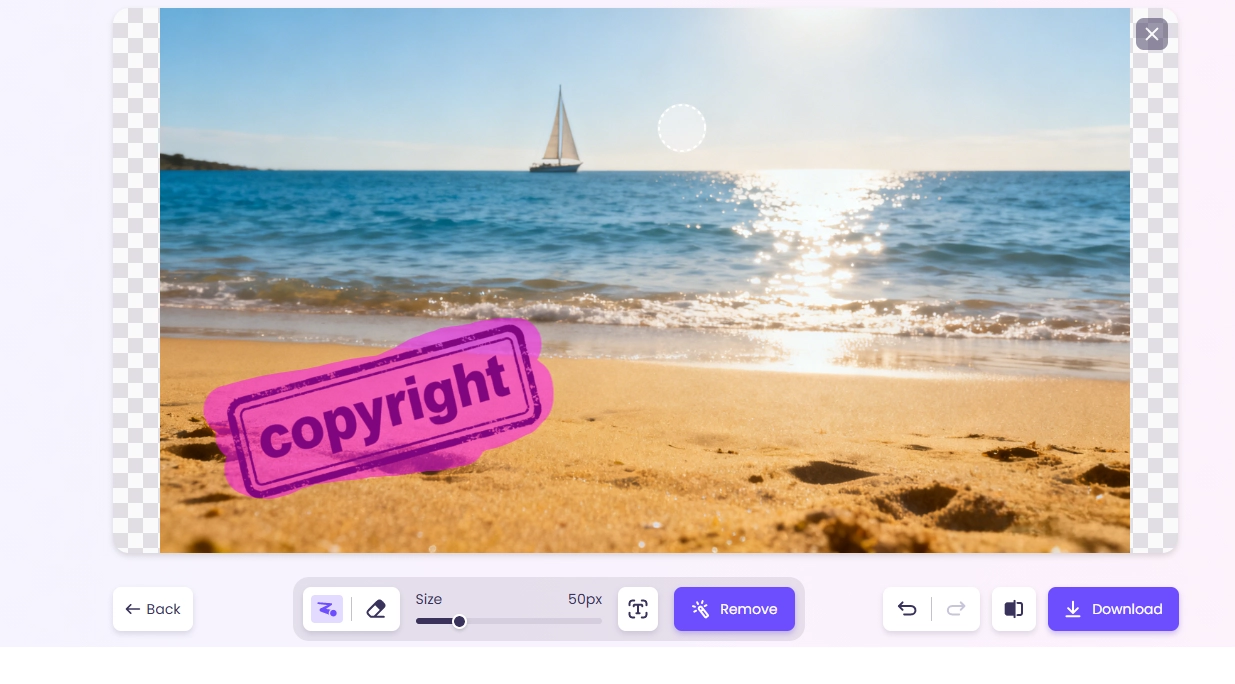
Step 2: Mark the Stamp to Remove
Use the “Magic Pencil” to brush over the stamp. For text, use the “Auto Text” feature for better accuracy. You can change the brush size for small or large stamps.
Step 3: Start AI Removal & Download
Click “Remove.” The AI will erase the stamp and fill the background to match. It leaves no traces. When done, download your clean image.
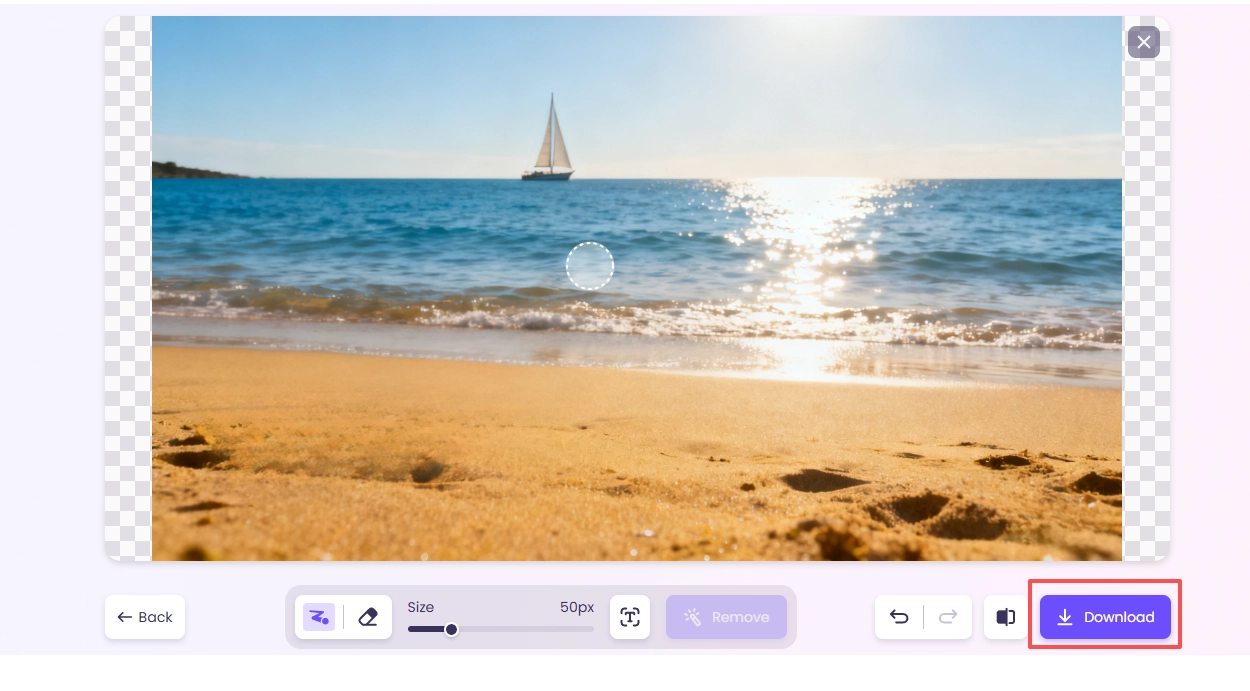
Vidnoz AI fills textures well. It keeps the lighting right. It handles tricky backgrounds too. You can also try their AI Image Combiner or photo to video AI for more creative projects.
FAQs About Removing Stamps from Photos
Q1: What’s the best free photo stamp remover online?
A1: The best free tool is Vidnoz AI Image Remover. It uses AI for precision. It doesn't lower quality and has no hidden fees. Good for personal and basic professional use.
Q2: Can I remove a stamp without losing quality?
A2: Yes! Tools like Vidnoz AI and WatermarkRemover.io use AI to keep quality. They fill the background to match the original. This avoids blur or odd marks.
Q3: Is it legal to remove stamp from photo?
A3: It depends. For personal use, like family photos, it's usually fine. But removing copyright stamps or logos for business without permission may break copyright laws. Always check you have the right to edit the image.
Q4: Do I need editing skills to use these tools?
A4: No! Most photo stamp remover tools, like Vidnoz AI and Picsman, use AI. You just upload, select the stamp, and let the tool work. No skills needed.
Q5: Can I remove stamps from many images at once?
A5: Yes. Some tools, like PxBee and WatermarkRemover.io (premium plans), let you process multiple images together. This is great for sellers or photographers with lots of photos to edit.
Conclusion
Removing unwanted stamps, logos, or text is now simple. Among them, Vidnoz AI Image Remover is one of the most effective ways to remove stamp from photo with precision and speed. The other seven tools in this guide are also great photo stamp remover online choices.
With these tools, your photos can look clean and professional. Now you can share them without any distractions.
Convert Image to Video AI Online - Free
- Create a video from an image quickly for free.
- Use various AI models to turn photos into videos.
- Download and share the AI-generated video at no cost.
Convert Image to Video







![Best 5 Tools for How to Remove Backgrounds from GIFs - [Detailed Steps Included]](https://www.vidnoz.com/bimg/remove-backgrounds-from-gifs.webp)