Creating a digital twin is trending again, and the DoppelMe avatar maker is right at the center of it. People everywhere are designing cartoon versions of themselves online. It looks simple, maybe even nostalgic. But many users still wonder how good it really is. In this article, we’ll give a full review of DoppelMe Avatar Maker, explain how to make a custom animated avatar, and explore the best AI-powered alternatives available today.
- On This Page
-
What Is DoppelMe Avatar Maker?
-
DoppelMe Avatar Maker Features
-
Popular Examples of DoppelMe Avatar
Example 1. Casual Forum Character
Example 2. Simple Cartoon Avatar
Example 3. Social Media Cartoon Twin
-
How to Make a Doppelganger Avatar of Yourself on DoppelMe
-
DoppelMe Avatar Maker Review: Is It Good to Use?
-
Best DoppelMe Alternative to Cartoon Yourself Online Free with AI
-
Convert Your Photo to Dynamic Avatar GIF & Video with AI
What Is DoppelMe Avatar Maker?
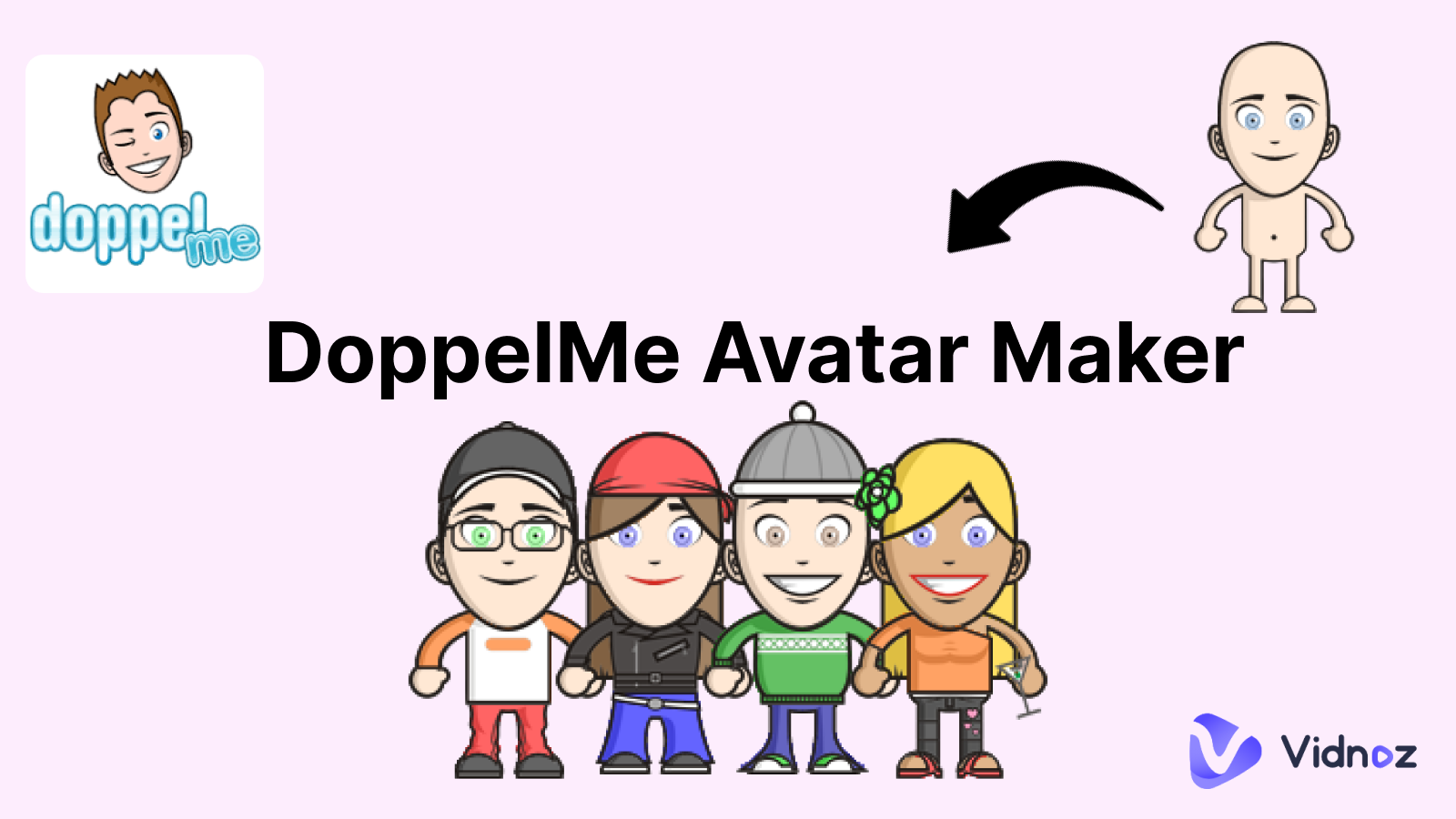
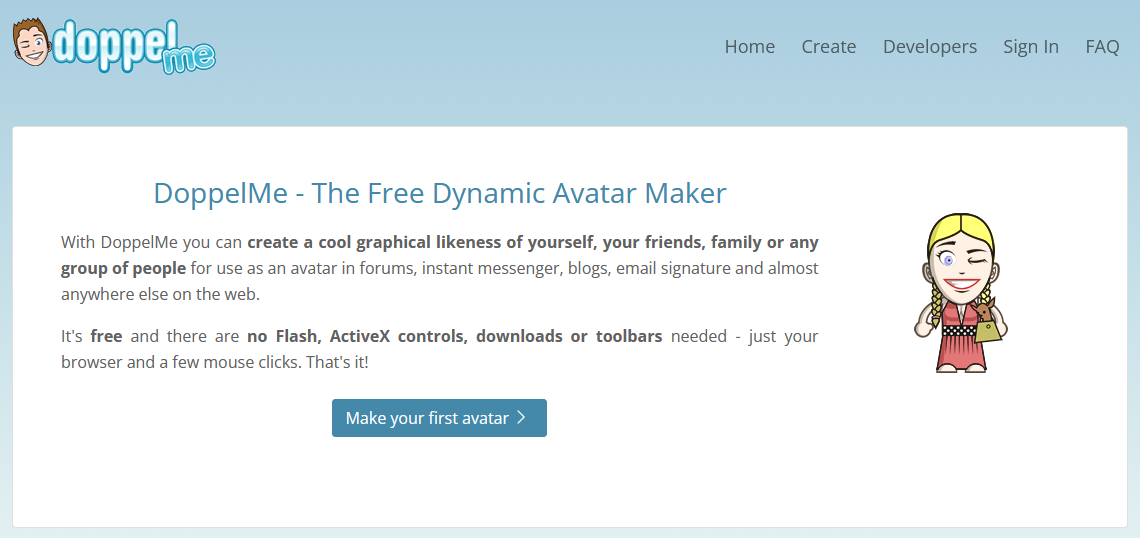
The DoppelMe avatar maker is a browser-based tool that allows users to design a cartoon version of themselves without needing to upload an actual photo. It works through manual customization. Unlike Picrew, which relies on artist-made templates, DoppelMe keeps a consistent built-in style. It’s simple. Browser-based. And focused mainly on static avatar creation rather than advanced animation.
DoppelMe Avatar Maker Features
Now that we understand what it is, let’s look at what the DoppelMe avatar maker actually offers. The platform keeps things simple. That’s both good and limiting.
- First, it provides detailed character customization. Your DoppelMe avatar can feel personal, though the art style stays consistent. It’s cartoonish. Clean. Not hyper-realistic.
- Second, it works completely online. No software installs. Just open the site and start designing. That makes the DoppelMe dynamic avatar maker accessible for beginners who don’t want complicated tools.
- Another feature is easy export. You can download your avatar and use it across platforms. However, it doesn’t directly create a dynamic avatar GIF, which some users expect today.
- There are also privacy benefits. You don’t need to upload a real photo to convert photo to avatar, since everything is manually customized.
Overall, it focuses on simplicity over advanced AI automation. That works for some people. But not everyone.
Popular Examples of DoppelMe Avatar
So what do people actually create with the DoppelMe avatar maker?
Example 1. Casual Forum Character
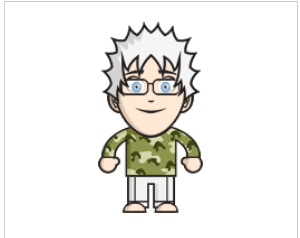
This avatar has spiky hair, glasses, and a camouflage shirt. It gives a relaxed forum or blog profile look while still feeling personal.
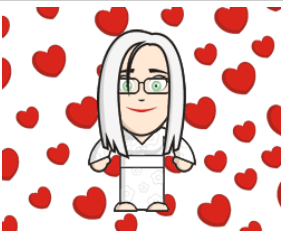
Example 2. Simple Cartoon Avatar
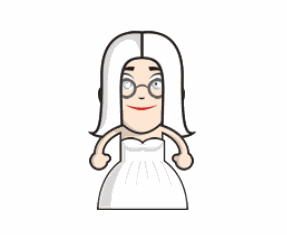
This one is very clean. Long hair, glasses, and a white dress. The character looks soft and friendly, almost like a casual online persona. Many people use this kind of DoppelMe avatar for profiles on blogs or social platforms.
Example 3. Social Media Cartoon Twin
This playful avatar is surrounded by heart icons, making it perfect for social media profiles or fun online identities.
How to Make a Doppelganger Avatar of Yourself on DoppelMe
Creating your character with the DoppelMe online dynamic avatar maker is pretty straightforward. No tech skills needed.
Step 1. Go to the official DoppelMe website. Open the avatar editor in your browser. You’ll see customization panels right away.
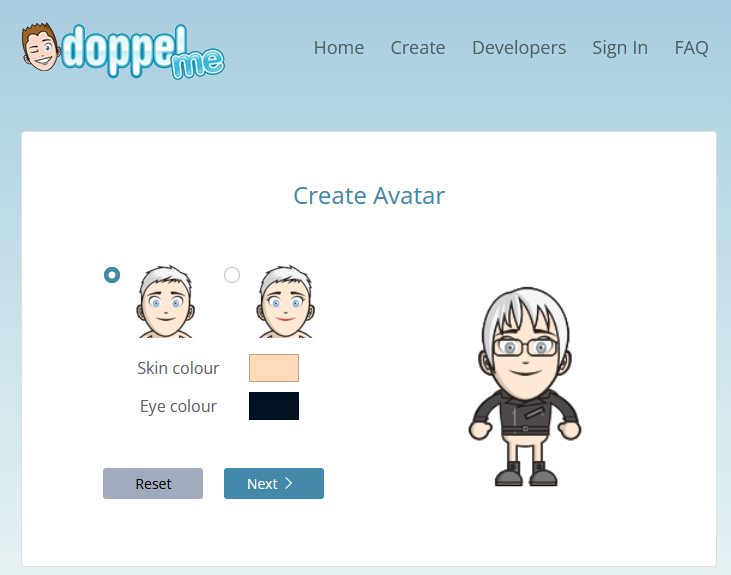
Step 2. Start adjusting facial features. This is where your DoppelMe avatar begins to look like you. Or the cooler version of you.
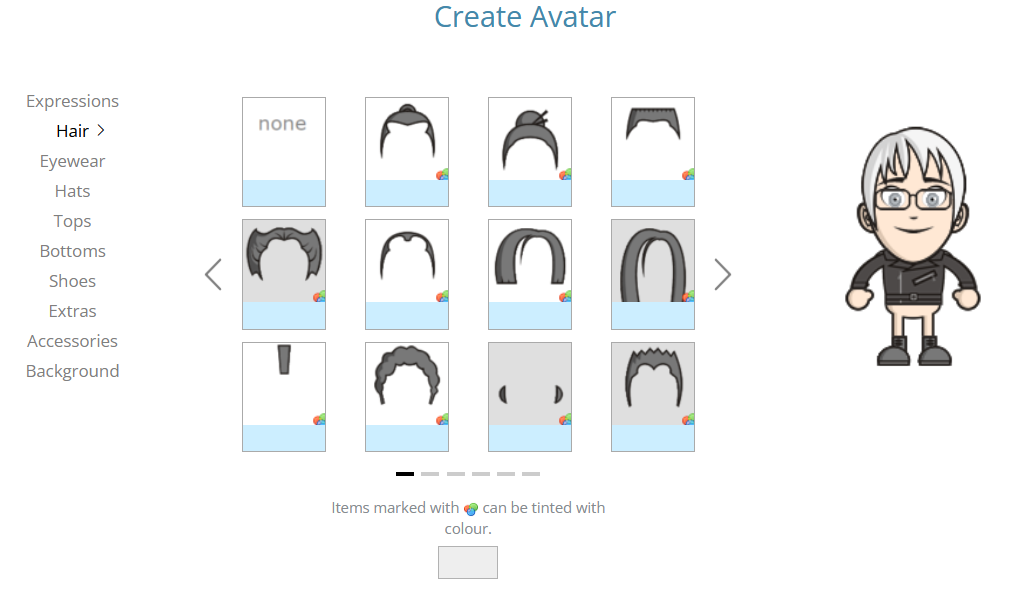
Step 3. Preview everything carefully. Make final tweaks. Then click “I’m done”, download your avatar image and use it anywhere you like.
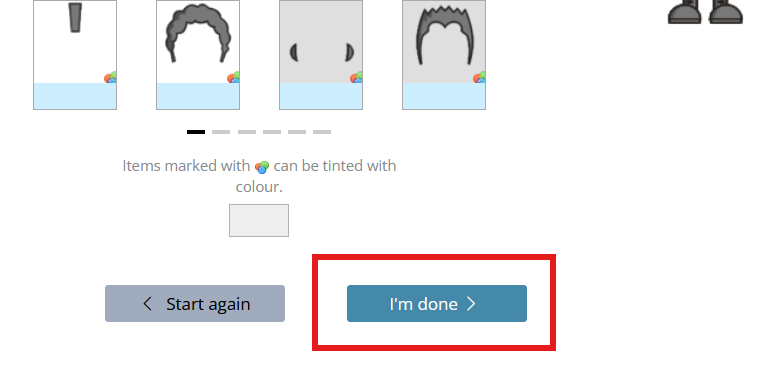
It’s not a tool that automatically answers “how do i make an avatar that looks like me” using AI detection. You manually design it. That can be fun, though some users may prefer smarter automation. More interesting, you can convert text to speech avatar with AI free.
DoppelMe Avatar Maker Review: Is It Good to Use?
So after testing the DoppelMe avatar maker, what’s the real verdict? The tool is lightweight. It loads fast. You don’t need to upload photos, which some users actually prefer. Your DoppelMe avatar is created fully through manual customization. That means more control, but also more effort. There’s no smart AI to automatically convert photo to avatar, so accuracy depends on how well you adjust the details.
Pros
- Easy to use.
- No sign-up required for basic creation.
- Works directly in browser.
- Good for simple profile avatars.
Cons
- Limited art style.
- No AI automation.
- No animation or lip sync ai online free features.
- Feels slightly outdated compared to modern AI avatar tools.
Is DoppelMe Avatar Maker Free to Use?
Yes, mostly. You can create and download basic avatars without paying. Some features or custom options may require registration, depending on updates.
What Can I Use DoppelMe for?
It’s ideal for forums, blogs, gaming profiles, and simple branding. If someone asks, “how do I make an avatar that looks like me” without uploading a photo, this tool is a decent starting point.
Is It Safe to Use DoppelMe Avatar Maker?
Since you don’t need to upload personal photos, it feels relatively safe. No sensitive data required. Still, users should always check privacy policies.
Best DoppelMe Alternative to Cartoon Yourself Online Free with AI
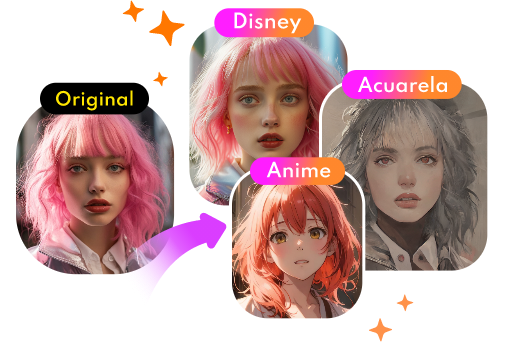
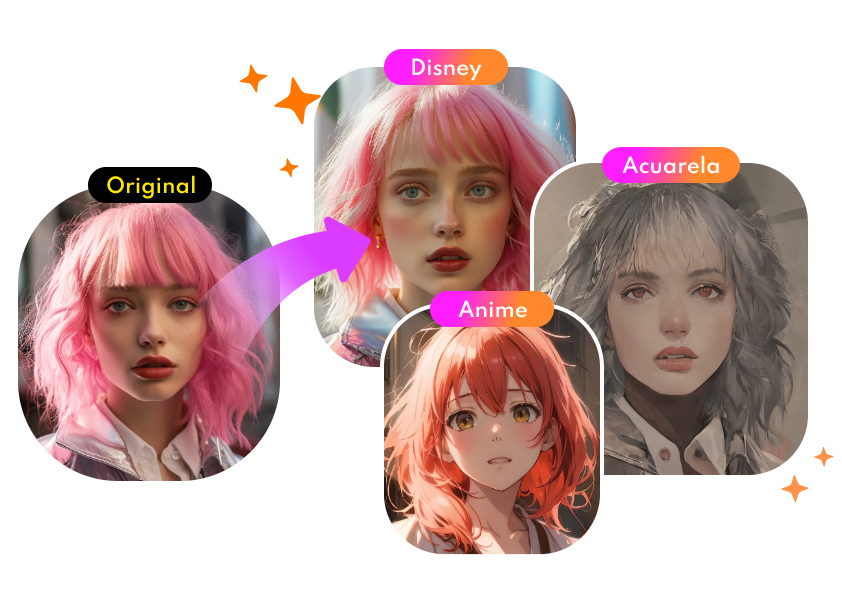
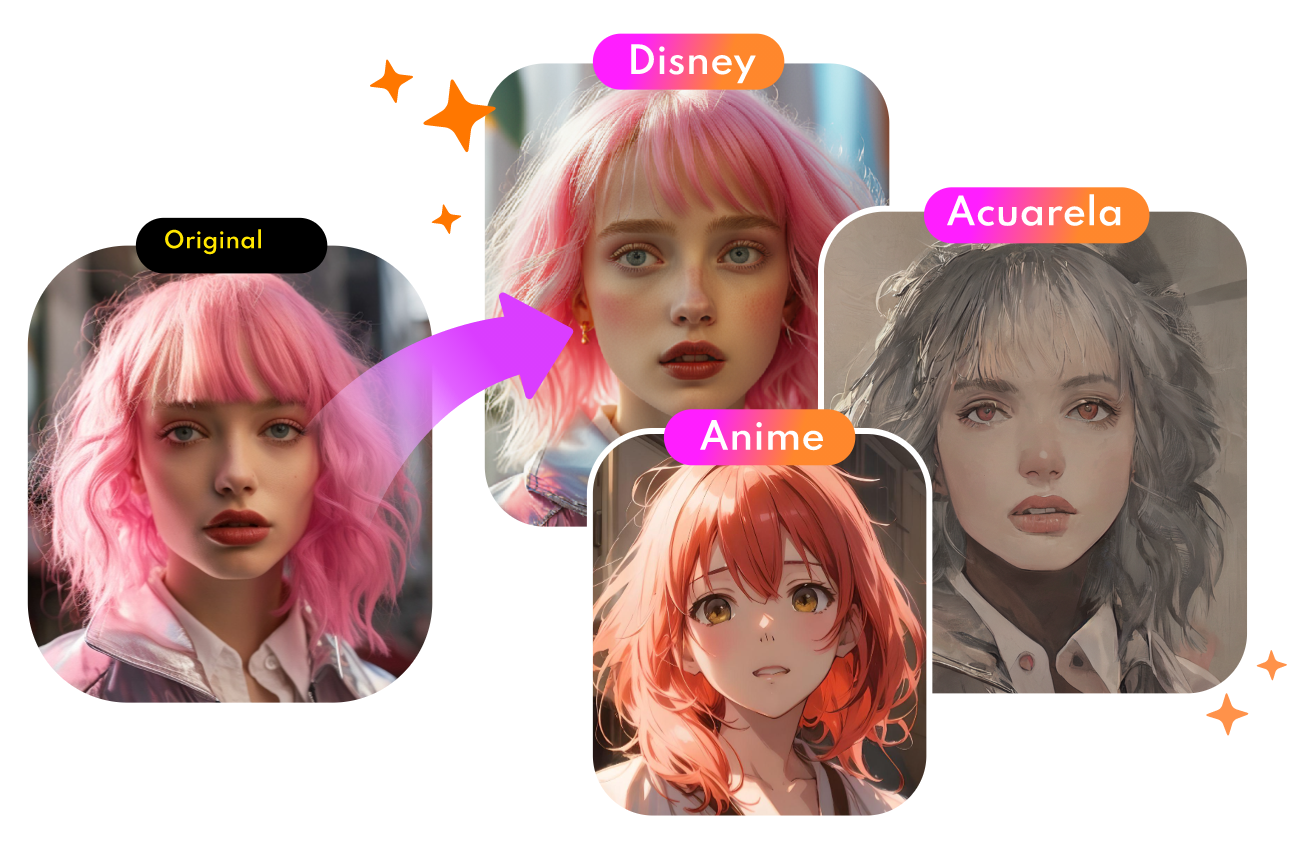
If the DoppelMe avatar maker feels a bit too manual for you, there’s a smarter option. Vidnoz AI Cartoon Generator makes the process automatic and much quicker. Just upload your image, choose a style, and let the AI baby face generator feature handle the rest.
Convert Photo to Cartoon - FREE
- Convert any photo into a high-quality cartoon version for free. Choose from a variety of styles. Instant and Natural!
Turn Photo into Cartoon
Main Features of Vidnoz AI Cartoon Generator
- Free Photo to Animated Avatar by 1 Click: Once uploaded, it will generate a stunning animated avatar instantly.
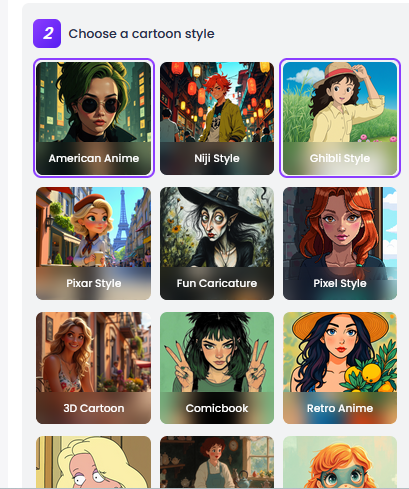
- Various Types of Cartoon Style: Vidnoz gives multiple visual personalities for your avatar: ghibli / 3D / pixel / anime and more.
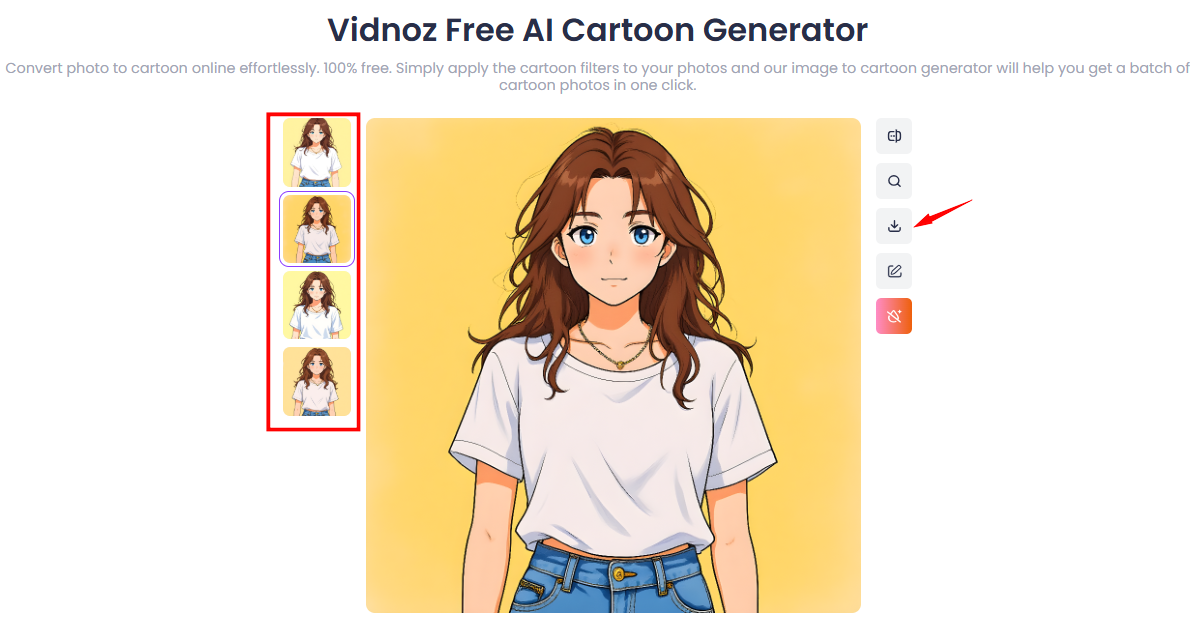
- 4 Avatar Outputs for Each Generation: Instead of one result, you’ll receive four marvelous variations for each cartoon conversion.
- AI Edition for Custom Avatar at No Cost: Advanced AI processing without paying upfront. It feels modern and flexible.
How to Create Your Own Cartoon Avatar Online Free
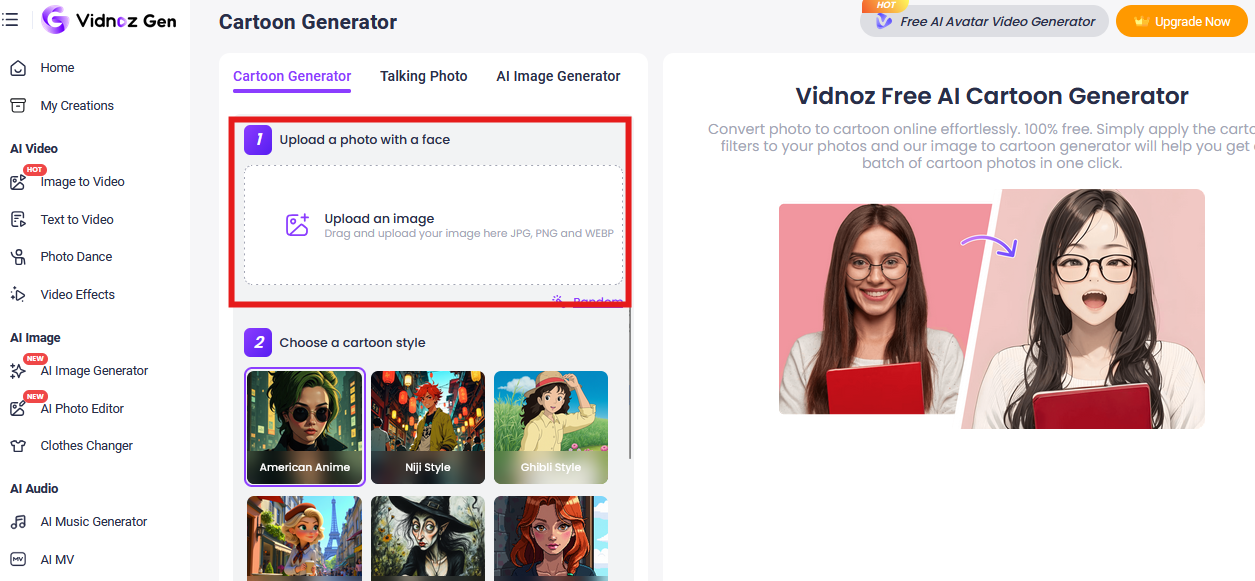
Step 1. Visit the Vidnoz AI Cartoon Generator page and upload your photo.
Step 2. Select your preferred cartoon style.
Step 3. Click Generate Now and download your new avatar.
Convert Your Photo to Dynamic Avatar GIF & Video with AI
Static avatars are fine. But in 2026, people want motion. They want something that feels alive. That’s where newer AI tools step in. If you liked the DoppelMe avatar maker for static design, Vidnoz has tools that bring avatars to life.
1. Image to Video AI
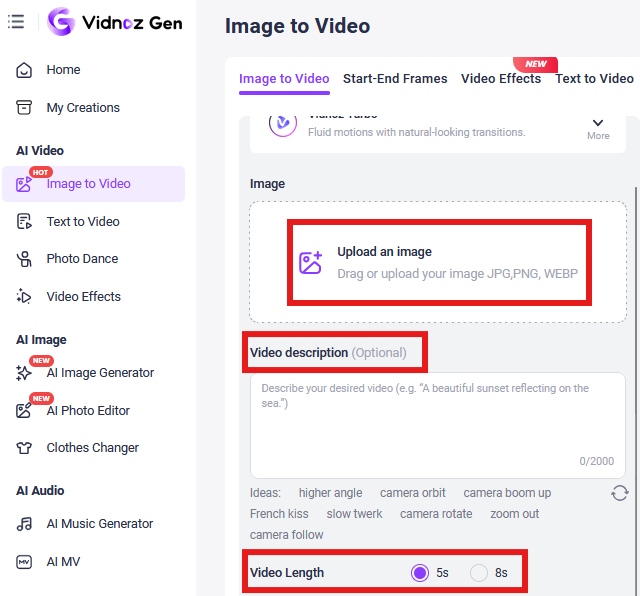
Vidnoz Image to Video AI takes your static avatar or photo and turns it into short animated clips in seconds. It works like a smart free AI video generator, using advanced text to video AI technology to create smooth motion without manual editing.
Step 1. Go to Vidnoz Image to Video AI, upload your avatar or photo. You can create a 5s or 8s video.
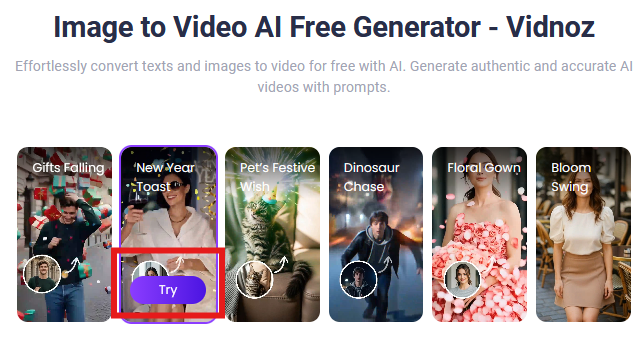
Step 2. Pick an animation style or dynamic template.
Step 3. Generate your animated video and download it.
2. AI Talking Avatar
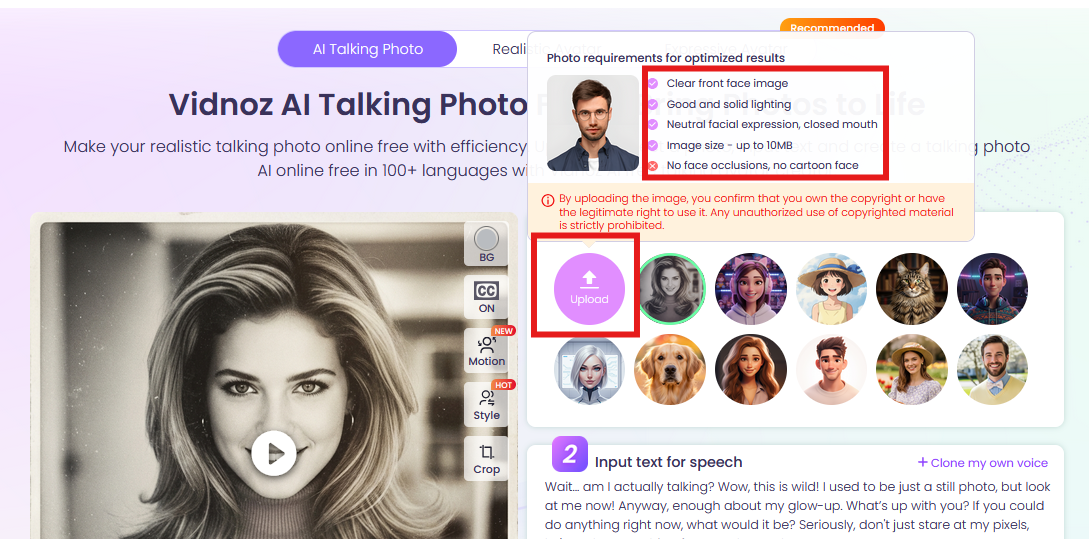
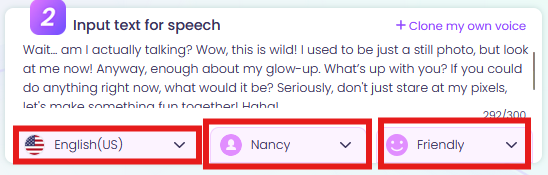
This tool turns a still image into a talking avatar video. Upload a photo, type your script, and choose a voice. It generates a speaking clip using smart text to speech avatar technology with built-in lip sync AI online free features for natural voice matching.
Step 1. Go to Vidnoz AI Talking Avatar page and upload your image. Take a look at the requirements for the picture then upload accordingly.
Step 2. Enter your text and set your preferences.
Step 3. Preview your talking avatar video and then download.
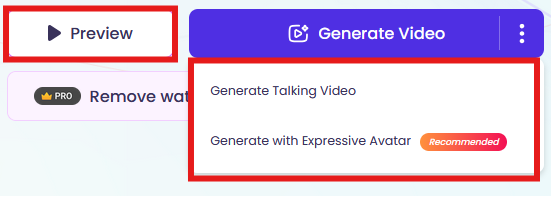
3. AI Dancing Photo
Want something playful? Vidnoz AI Dancing Photo animates avatars or photos with rhythmic movement. Pick music or a dance style, and the AI creates fun animated clips.
Step 1. Visit the Vidnoz AI Photo Dance page and upload your image.
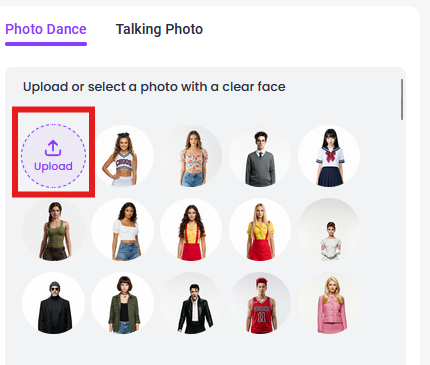
Step 2. Choose a background music and dance style or motion.
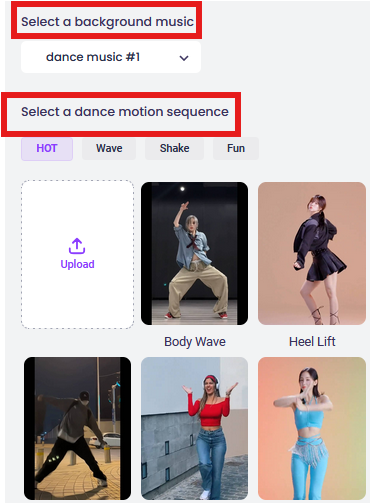
Step 3. Generate and save your animated result.
The Bottom Line
The DoppelMe avatar maker does what it promises. But digital identity has evolved. People now expect movement, voice, personality. Tools like Vidnoz AI Cartoon Generator bring a more advanced approach to avatar creation. You’re not just editing features one by one. The AI handles the heavy work and delivers polished, animated-ready results in seconds. If you want something beyond a basic still image, exploring AI-powered alternatives like paper animator makes sense. Try it free and give your digital identity a more dynamic edge.

Vidnoz AI - Create Free Engaging AI Video with Talking Avatar
- Easily create professional AI videos with realistic avatars.
- Text-to-speech lip sync voices of different languages.
- 2800+ video templates for multiple scenarios.