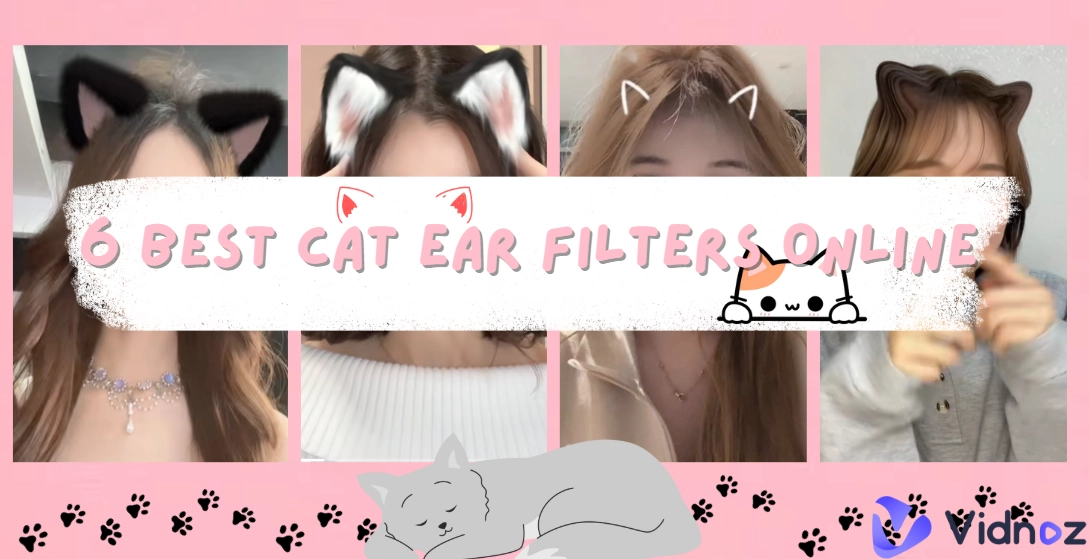
Have you ever wondered what you would look like with a pair of flurry cat ears? This is what the cat ear filter is all about. This online AI video and image effect will add different pairs of cat ears to your image and videos, so you can share your cute appearance on social platforms. In this post, we’ll talk about why the cat ear filter went viral and share 6 best options for you to make fun videos and images.
- On This Page
-
Why Does Cat Ear Filter Go Viral?
-
How to Make Stunning Images or Videos with Cat Ear Filters?
-
3 Fun AI Cat Ear Filters for Appealing Video Making
1. TikTok - Multiple Real-Time AI Cat Ear Filters
2. Snapchat - AR Cat Ear Lens for Sharable Videos
3. Instagram - Hilarious Big Cat Ear Filters
-
3 Cat Ear Filters for Photos Free to Try
1. OpenArt: Add Cat Ears to an Image by Prompts
2. Filmora: Take Photos with Cat Ear Stickers
3. A1.Art: 4 Styles of Cat Ear Filters for a Cute Image
-
Laugh Louder: Make a Unique AI Avatar with Cat Ear!
Why Does Cat Ear Filter Go Viral?
The cat ear filter is an AR effect that adds cat ears to a photo or video. It first gained attention on Instagram and Snapchat, and soon after, the filter found its way to TikTok which is exactly when this filter started to go viral.
But why exactly has the cat ear filter gone viral? For one, it taps into universal appeal: cats are among the most adored animals online. Adding cat ears feels playful yet flattering, as it softens people’s facial features. Another factor is shareability. When someone posts a video using the instagram cat ears filter, others immediately want to try it themselves. Viral AI filters based on imitation, and the cat ears trend is no exception.
How to Make Stunning Images or Videos with Cat Ear Filters?
Creating memorable image or video content with cat ears filters doesn’t require technical knowledge. The process is straightforward:
Step 1. Select a suitable AI cat ear filter platform - for image or video.
Decide whether you want to work with a static photo or an animated video. Then choose platforms like TikTok or Snapchat for short clips, while other tools focus on still images.
Step 2. Upload the target photo or video.
Upload the target image or video, then the cat ear filter will detect the face and add the cat ear automatically.
Step 3. Get an image or video with cat ears.
Within seconds, you’ll have a cat ears image or video ready to download. The results can be hilarious or unique often.
3 Fun AI Cat Ear Filters for Appealing Video Making
For people who want to add cat ear filters to videos or photos in seconds, Here are the 3 top picks.
1. TikTok - Multiple Real-Time AI Cat Ear Filters
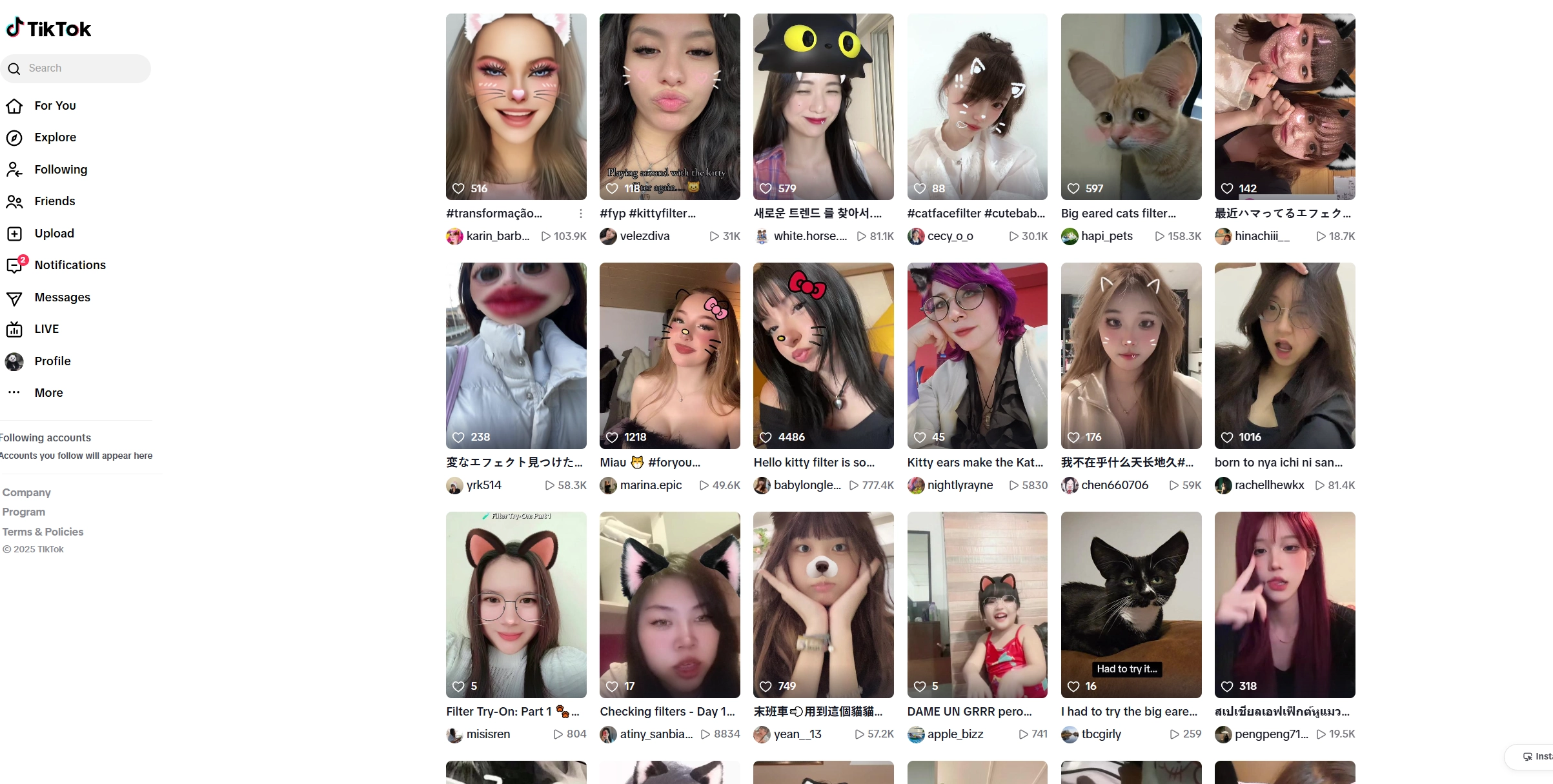
TikTok provides diverse trendy AI video filters, including the cat ear filter. Users can pick from subtle cat ears to oversized cartoon-style ones, instantly applied in real time while filming. No editing skill is needed, just press record and the filter does the work. Other interesting AI TikTok filters are also available for making hilarious videos, such as the Pixar AI filter, Lion face filter, Dog ear filter, and so on.
Key Feature
- Wide range of cat ear filters to choose from.
- Real-time preview while recording videos.
- Seamless sharing on TikTok or saving for other platforms.
2. Snapchat - AR Cat Ear Lens for Sharable Videos
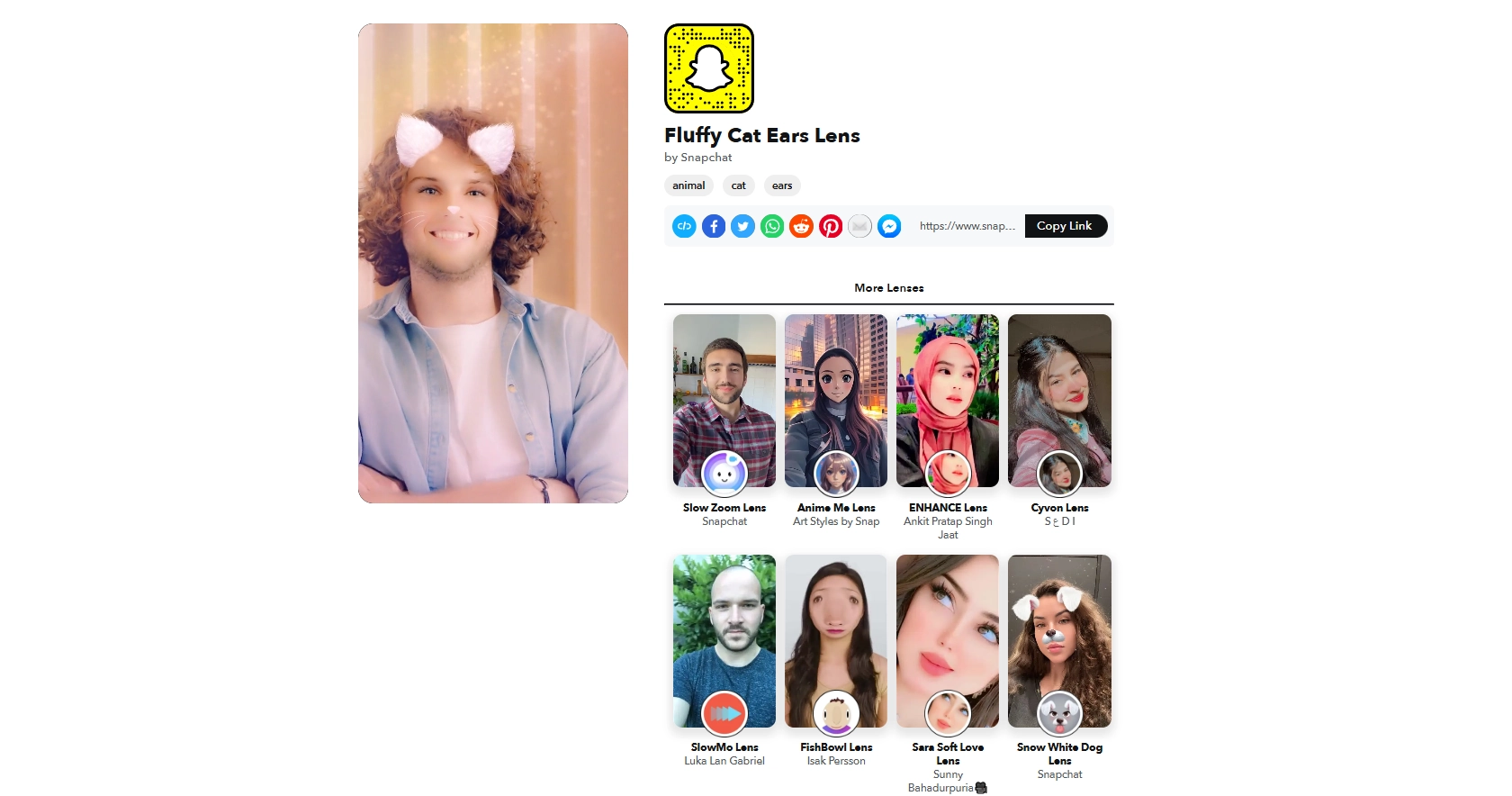
Snapchat pioneered AR lenses/filters, and its cat ears Snapchat filter remains one of the most popular AI filters on the platform. The fluffy ears look soft and realistic, making them perfect for casual selfies. In addition to that, the platform lets users easily copy the video link to share beyond Snapchat. Users can also share their cat ear filter snaps directly to friends on the platform and also choose from many more lenses available on the app.
Key Feature
- Realistic and fluffy cat ear lens effect.
- Seamlessly add cat ears to the videos.
- Easy link sharing to Facebook, Pinterest, and more.
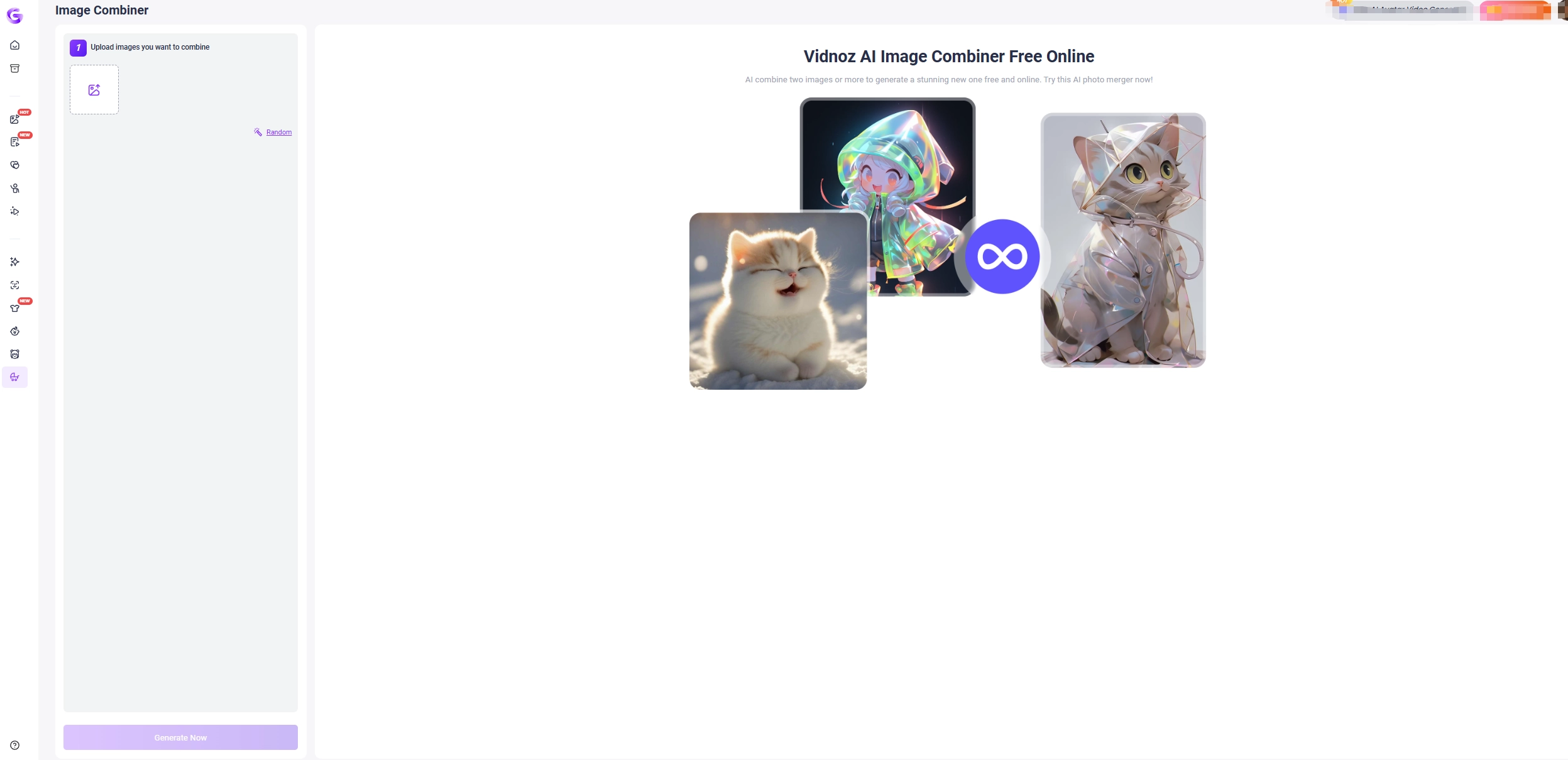
>> Try to combine images of yourself with your beloved pet for free!
3. Instagram - Hilarious Big Cat Ear Filters
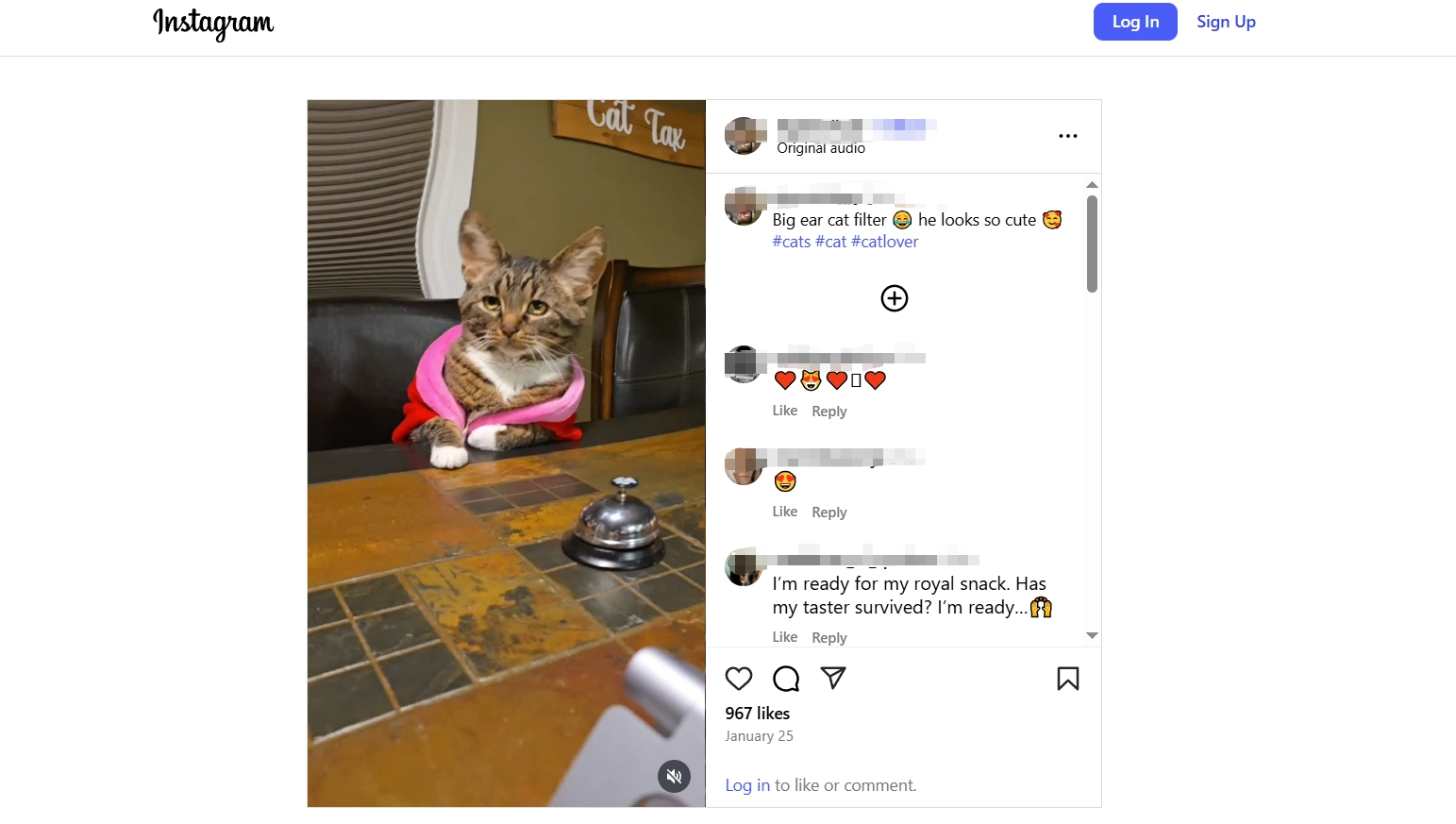
The cat ears filter on Instagram offers oversized ears for comic effect. Perfect for reels and stories, this filter turns an ordinary moment into something instantly shareable with friends or followers. Users can also upload the image or video created with this filter onto their instagram profile for anyone to view, even non-followers.
Key Feature
- Enlarged cat ears for comical effect.
- Easy posting to Instagram stories and reels.
- Works well with group selfies for fun reactions.
3 Cat Ear Filters for Photos Free to Try
If you prefer polished images over short clips, several platforms provide cat ears filter online tools tailored for photos.
1. OpenArt: Add Cat Ears to an Image by Prompts
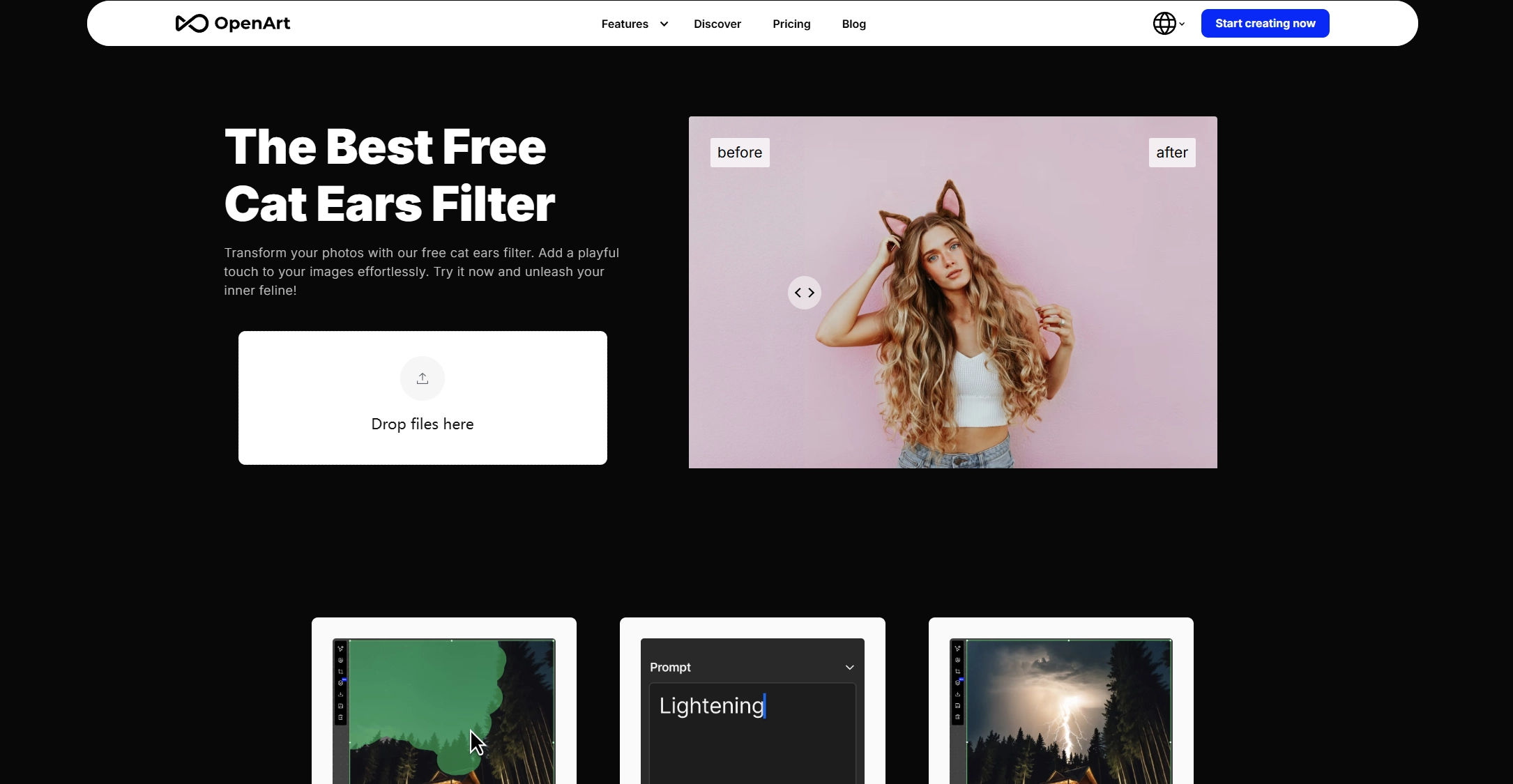
OpenArt stands out for its powerful image editing functions. Instead of simply choosing a pre-made overlay, the tool allows users to guide the AI with text prompts to generate a highly customized result. Simply upload a photo, brush over the head area and type in a command like “cute pink cat ears” or “anime-style cat ears”. Within seconds, the AI photo editor analyses the image and naturally adds the ideal cat ears on it. While traditional apps limit users to a single look, OpenArt lets them explore countless styles by adjusting prompts.
Key Feature
- Prompt-based image editing for endless variations.
- Brush tool for precise placement of cat ears.
- Extra editing options like expand, remove, and in-paint.
2. Filmora: Take Photos with Cat Ear Stickers
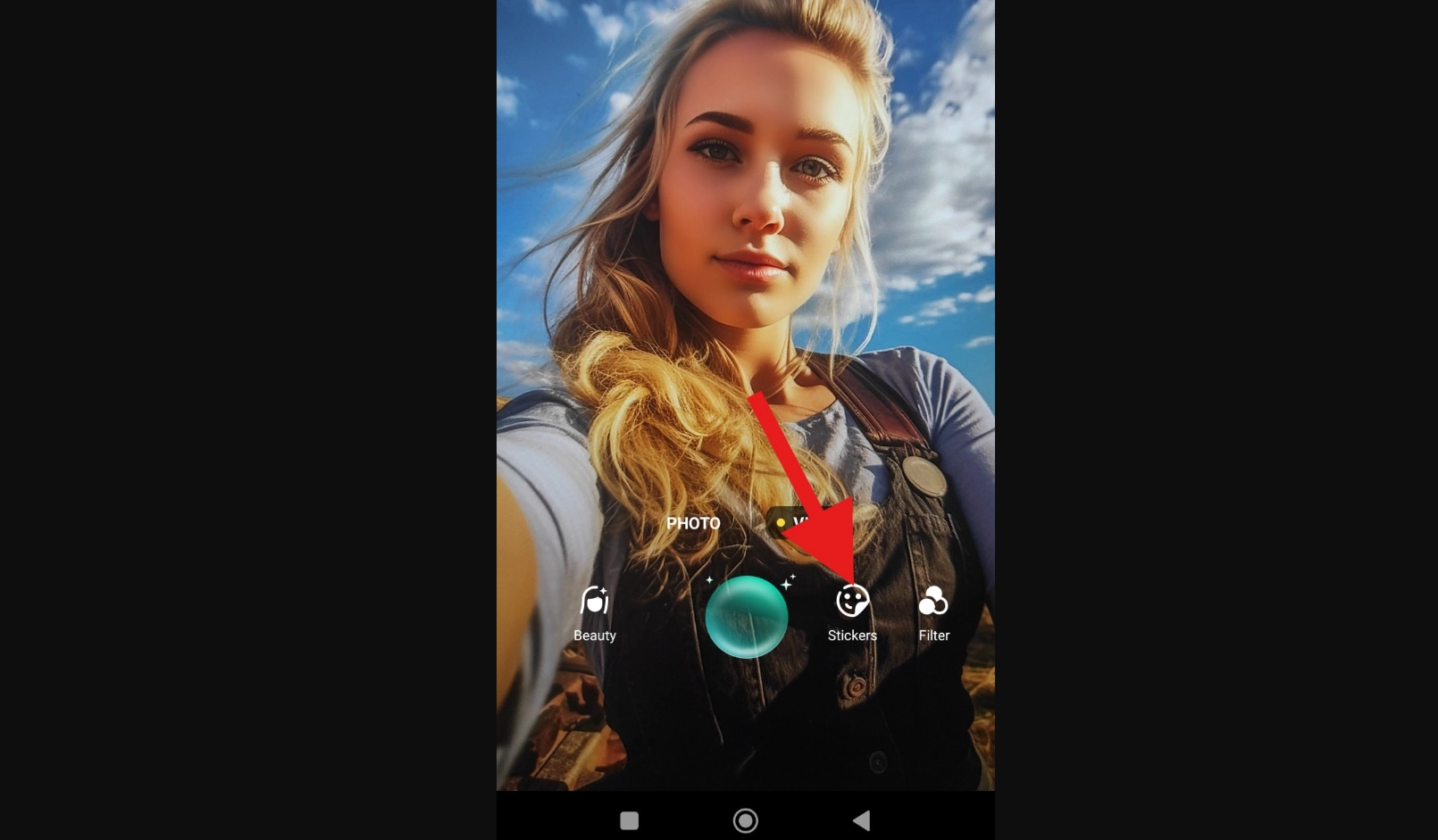
Filmora offers a straightforward way to capture playful moments with cat ears stickers. The mobile app works like a regular camera, but with the added fun of stickers in real time. That means you can strike a pose, smile and instantly see yourself with adorable ears before even pressing the shutter. For desktop users, Filmora lets them upload images and apply an AR cat ear filter with 1 tap.
Key Feature
- Cat ear stickers applied in real time for photos.
- Works on both smartphones and desktop PCs.
- AR overlays for uploaded content.
- Need to download and install the app on the devices.
3. A1.Art: 4 Styles of Cat Ear Filters for a Cute Image

A1.Art is another platform with AI cat ear filters worth exploring, which provides four distinct cat ears filters online. Users can go for realistic ears with soft fur, an anime-inspired look with exaggerated lines and even a whimsical cartoon style. The platform doesn’t stop at just cat ear filters. A1.Art provides AI-powered generators for kawaii AI emojis, fractal art, and fairy-like portraits. It’s a playground for digital creativity where cat ears are just the beginning.
Key Feature
- Four unique styles of cat ear filters can be tried.
- Quick browser-based image editing, no app required.
- Additional AI generators for emojis, fractals, and art styles.
Laugh Louder: Make a Unique AI Avatar with Cat Ear!
Users can also make realistic or casual AI avatars with cat ears and share them with your friends and followers or use them to represent your own unique identity.
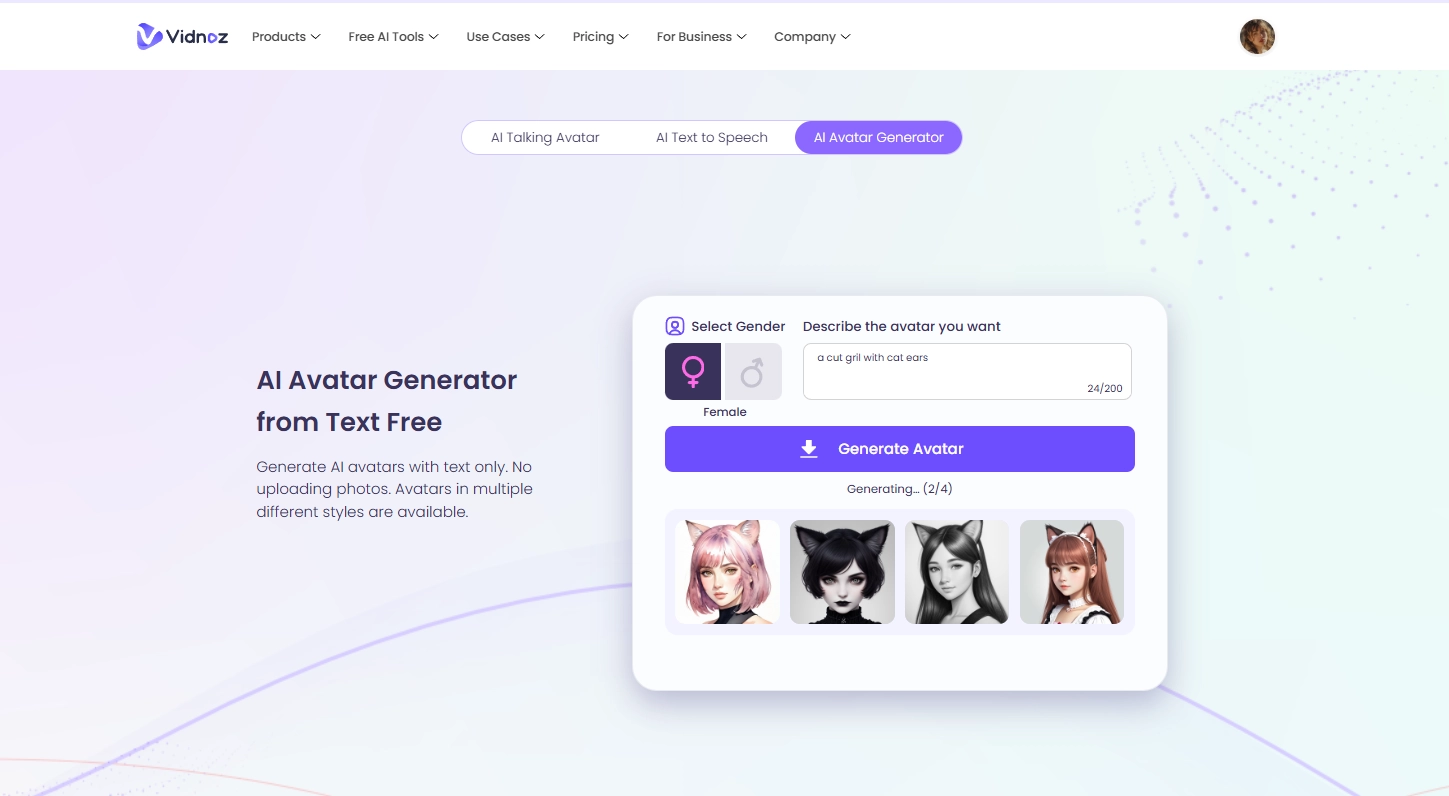
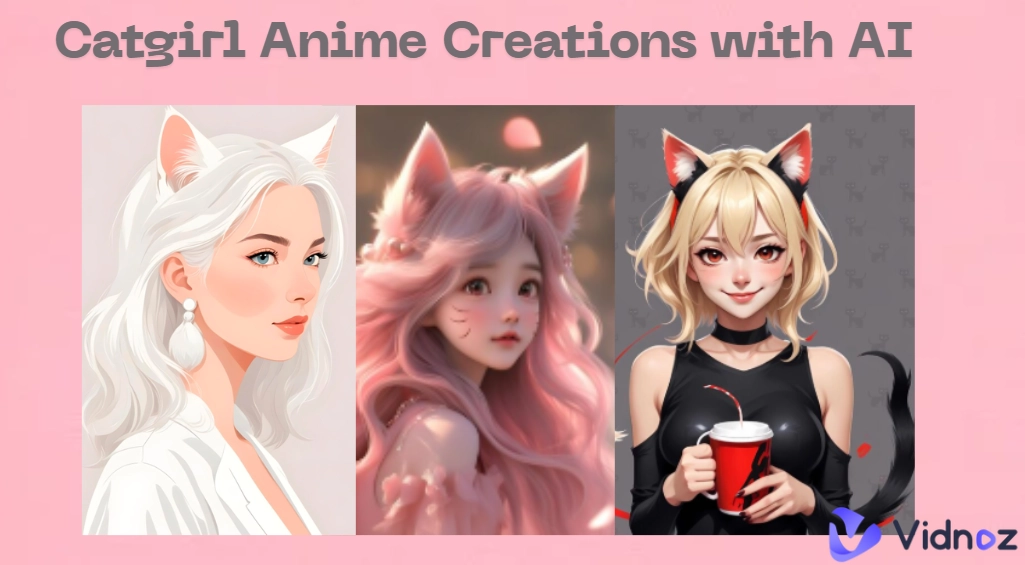
Vidnoz AI avatar generator allows you to create 4 cute AI avatars with cat ears and other playful modifications. This ensures you’ll find at least one that matches your taste, whether you want a subtle touch or something more exaggerated. Unlike stickers or overlays, these AI avatars are generated from scratch, totally based on their users’ imagination and text description.
Steps to Create a Cat Ear Avatar
Follow the steps below to make your own AI cat ear avatar.
Step 1. Open the Vidnoz avatar generator.
Step 2. Select the gender of the avatar, then enter the prompt and best describe how you want the avatar to look like.
Step 3. Click “Generate Avatar” and wait for a while, 4 avatars will begin processing.
Step 4. Download your favorite results and use them across social profiles, stickers and marketing content.
Conclusion
The cat ear filter is one of the most entertaining ways to create fun photos and videos online for free. Platforms like TikTok, Snapchat and Instagram make it easy to add a pair of cat ears to a video. And for more customization on images, OpenArt, Filmora, and A1.Art provide creative options, including the cat ears filter online with multiple styles. Plus, the Vidnoz AI avatar generator can generate up to 4 original AI cat ear avatars from texts. Try out each tool one by one and see what you like best!
Vidnoz AI - Create Free Engaging AI Video with Talking Avatar
- Easily create professional AI videos with realistic avatars.
- Text-to-speech lip sync voices of different languages.
- 2800+ video templates for multiple scenarios.



![Cute Cozypelt Cats: Is it Real Breed? How to Make a Vivid Crochet Cat?[FREE]](https://www.vidnoz.com/bimg/cozypelt-cats.webp)