Music doesn’t always fit your project perfectly. Whether you need to speed up a track for a workout, slow music down for practice, or sync audio with video, tempo control matters. That’s why a BPM changer is such a useful tool. For those looking for AI-powered solutions, Vidnoz AI offers innovative tools that complement traditional audio editing workflows.
In this guide, we’ll explain how BPM changers work, compare the best online BPM changers, and clearly list the pros and cons of each tool. We’ll also explain when BPM changers aren’t enough and how AI music generators like Vidnoz AI Music Generator can help create original music.
- On This Page
-
What Is a BPM Changer?
-
Why Use an Online BPM Changer?
-
Best Online BPM Changer Tools (With Pros and Cons)
#1. SongPeel Tempo Changer
#2. AudioAlter Tempo Changer
#3. VocalRemover Pitch Tool
#5. EaseUS Online Pitch Changer
#6. VEED Audio Speed & Tempo Changer
-
Creating Original Music with Vidnoz AI Music Generator
What Is a BPM Changer?
To start with the basics, BPM stands for beats per minute, which measures the speed of a song. A BPM changer, also known as an audio tempo changer, allows users to increase or decrease the speed. Tools like a pitch changer focus specifically on adjusting pitch, which is often paired with tempo changes in music editing.
These tools work by modifying existing audio files. They do not create music from scratch, but instead help refine tracks for specific purposes such as workouts, practice sessions, or video background music.

Why Use an Online BPM Changer?
Compared to desktop audio software, an online BPM changer is faster and easier to use. There’s no need to install complex programs or learn advanced controls. Many creators also combine these tools with AI-based solutions like AI Celebrity Voice Generator to add unique vocal effects to their music.
Online BPM changers are ideal for beginners, content creators, and anyone who needs quick results. Most work directly in a browser and support common audio formats, making tempo changes accessible to everyone.
Best Online BPM Changer Tools (With Pros and Cons)
Below are some of the most useful online BPM changers and related tempo tools, each with a detailed overview and a balanced pros-and-cons breakdown.
#1. SongPeel Tempo Changer
Website: https://www.songpeel.com/tempo-changer
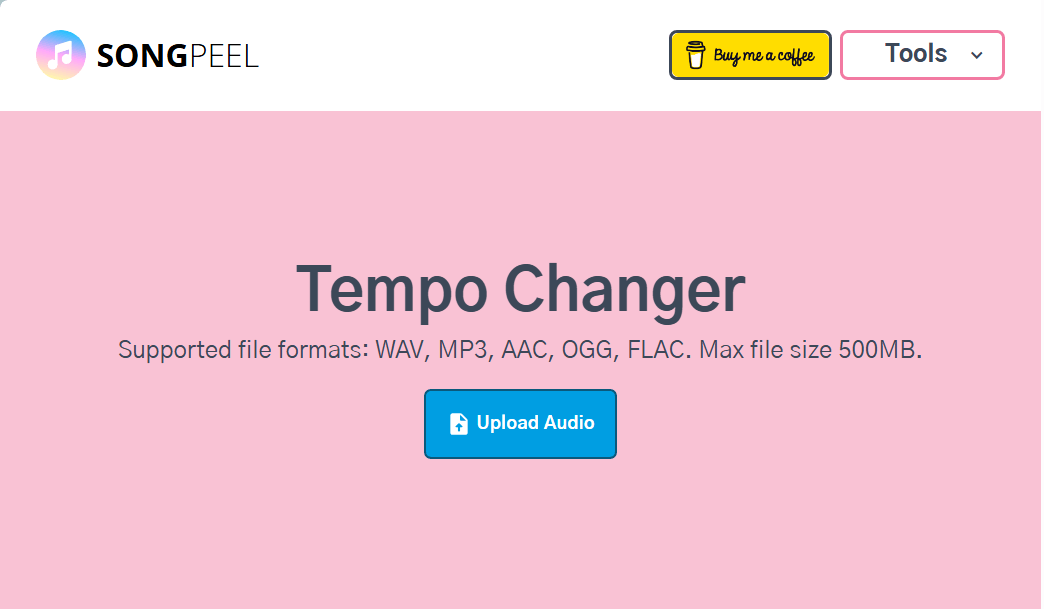
SongPeel is a lightweight, browser-based AI BPM changer designed for fast and simple tempo adjustments. Users can upload an audio file, change its speed, and download the edited track in just a few steps. It’s ideal for quick, casual audio edits and works well for beginners exploring tempo modification.
Pros
- Extremely easy to use
- Fast processing with minimal setup
- No installation required
Cons
- Limited advanced controls
- Not suitable for professional editing
#2. AudioAlter Tempo Changer
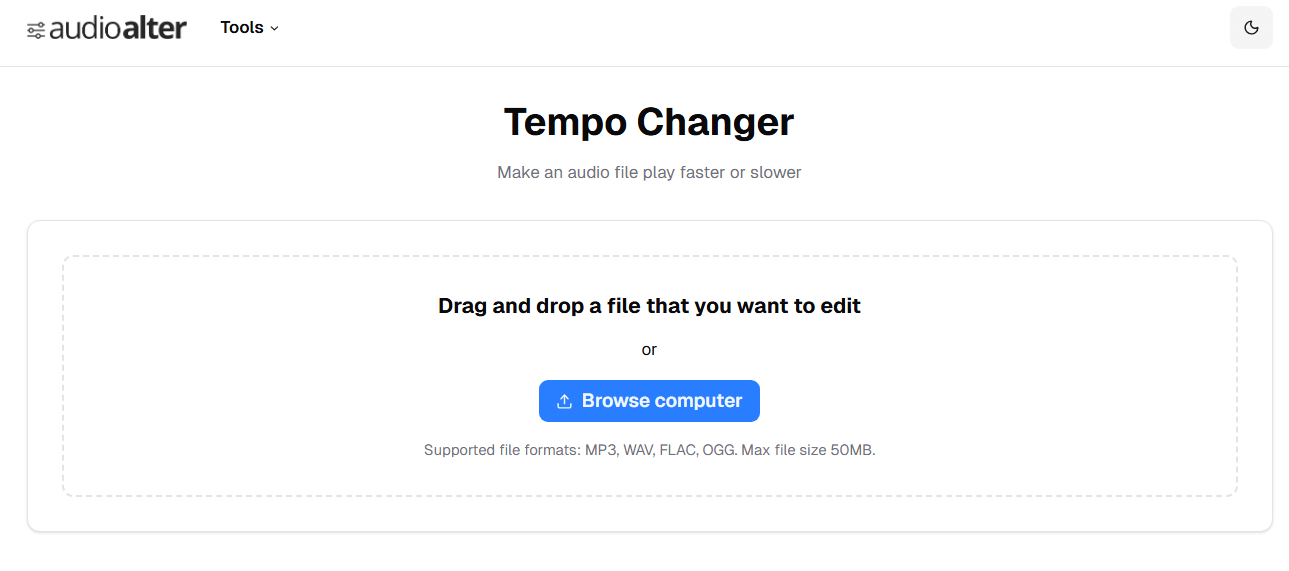
Website: https://audioalter.com/tempo
AudioAlter offers precise tempo control using percentage-based adjustments. Its flexibility makes it suitable for musicians, audio editors, and content creators who want accurate tempo changes without installing desktop software. Combining AudioAlter with tools like kid voice changer can enhance creative projects further.
Pros
- Precise percentage-based tempo control
- Good balance of simplicity and accuracy
- Browser-based and widely accessible
Cons
- Interface may feel technical for beginners
- Limited features beyond tempo adjustment
#3. VocalRemover Pitch Tool
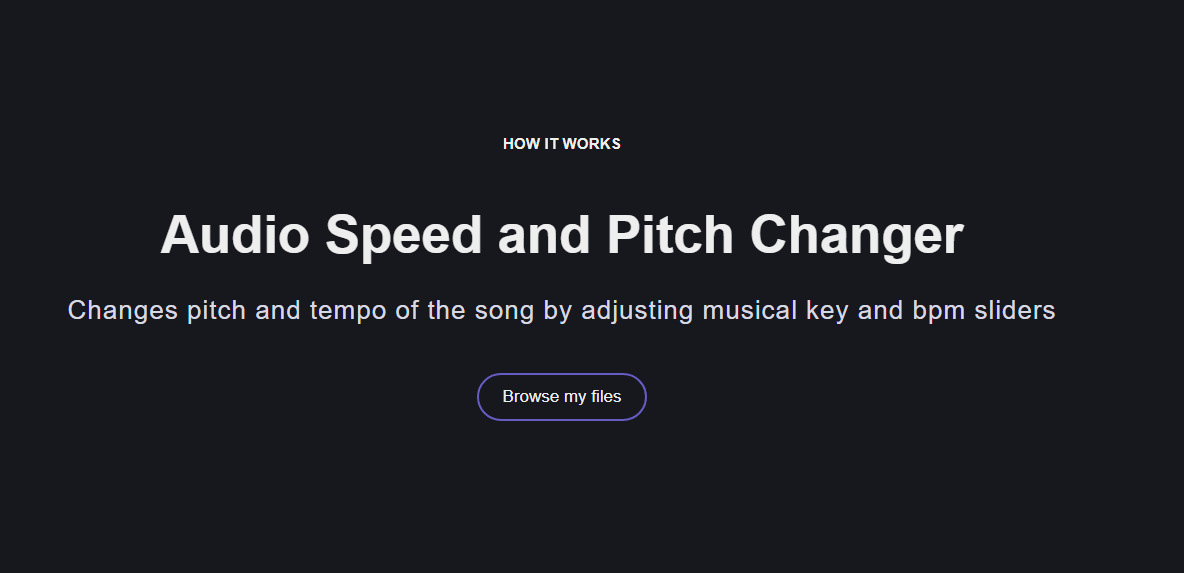
Website: https://vocalremover.org/pitch
VocalRemover combines tempo and pitch adjustment in a single online tool. It is commonly used for vocal practice, covers, and karaoke preparation. While not a dedicated AI BPM changer, it’s useful for users experimenting with both speed and pitch changes.
Pros
- Supports both tempo and pitch changes
- Simple upload-and-edit workflow
- Useful for vocal practice and covers
Cons
- Not focused solely on BPM control
- Limited fine-tuning options
#4. Tunebat Changer
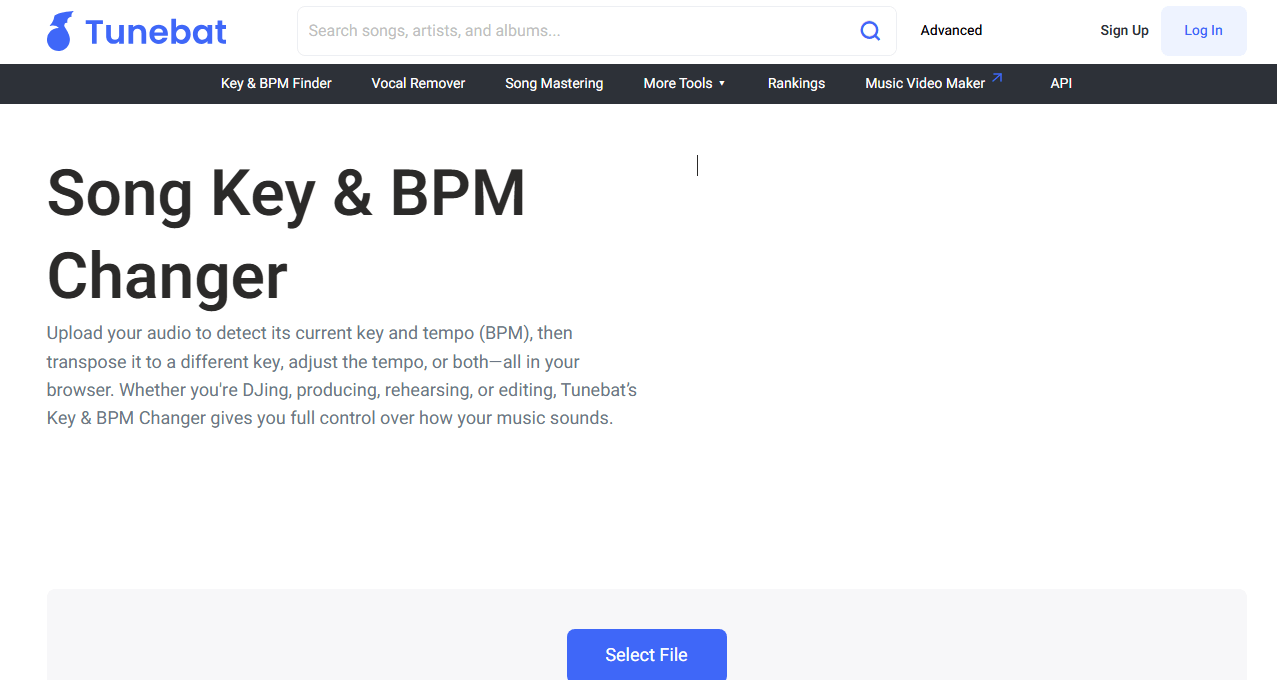
Website: https://tunebat.com/Changer
Tunebat focuses on BPM detection and analysis rather than editing. Instead of modifying audio, it helps users understand tempo and musical characteristics, which is valuable for DJs and producers planning mixes. Pairing Tunebat with a text to song tool can allow for unique music creation after BPM analysis.
Pros
- Accurate BPM analysis
- Excellent for DJs and music discovery
- No audio upload required
Cons
- Cannot change audio tempo
- Not an audio editing tool
#5. EaseUS Online Pitch Changer
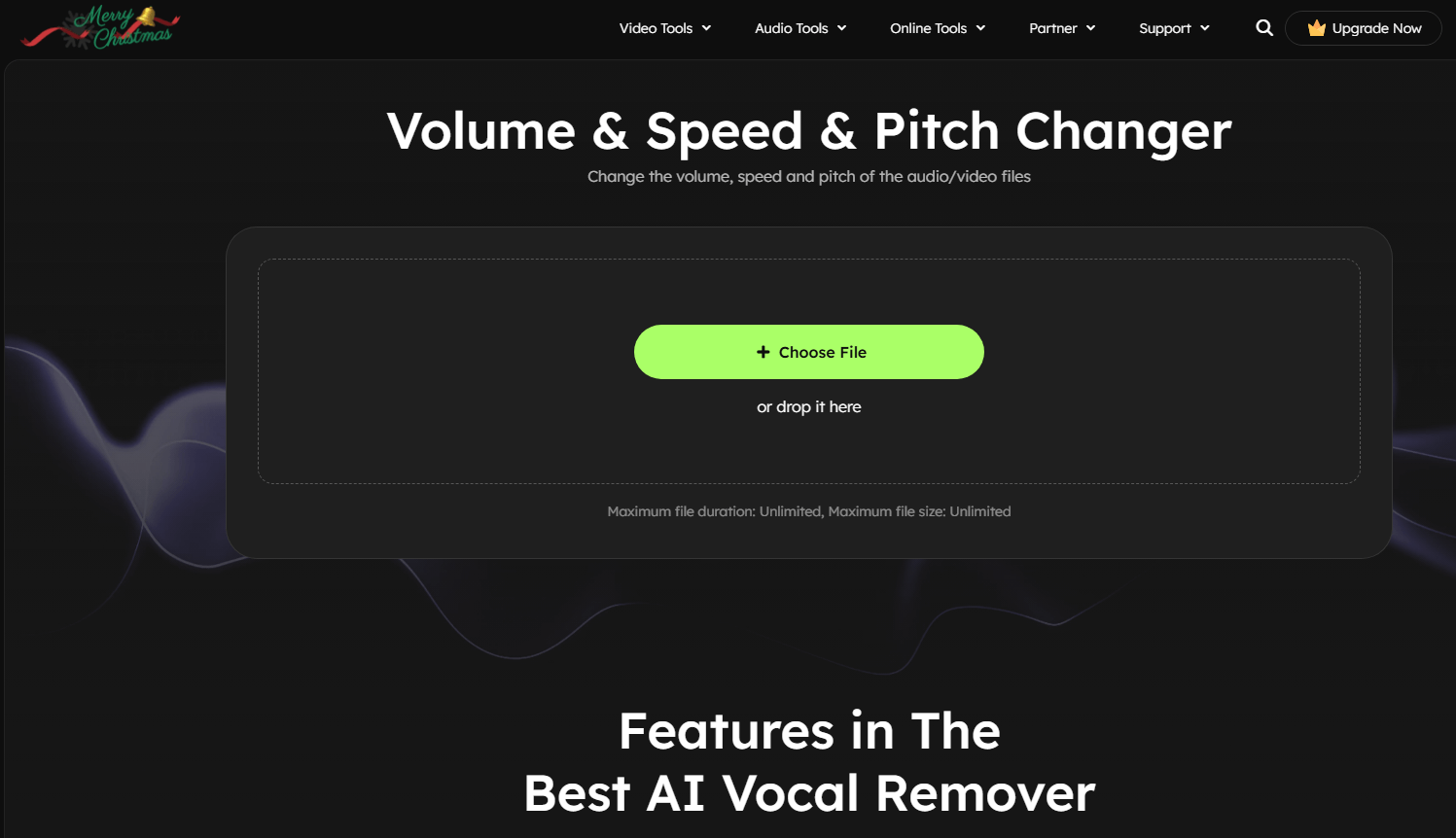
Website: https://multimedia.easeus.com/pitch-changer/
EaseUS provides a beginner-friendly online editor that supports tempo and pitch adjustments. Its clean interface makes it simple to use for basic edits, though it lacks the advanced features needed for professional audio production. It pairs well with Vidnoz AI Music Video Generator for creators producing video content.
Pros
- Simple, intuitive interface
- Supports tempo and pitch changes
- Suitable for beginners
Cons
- Limited professional-level controls
- Not ideal for complex audio projects
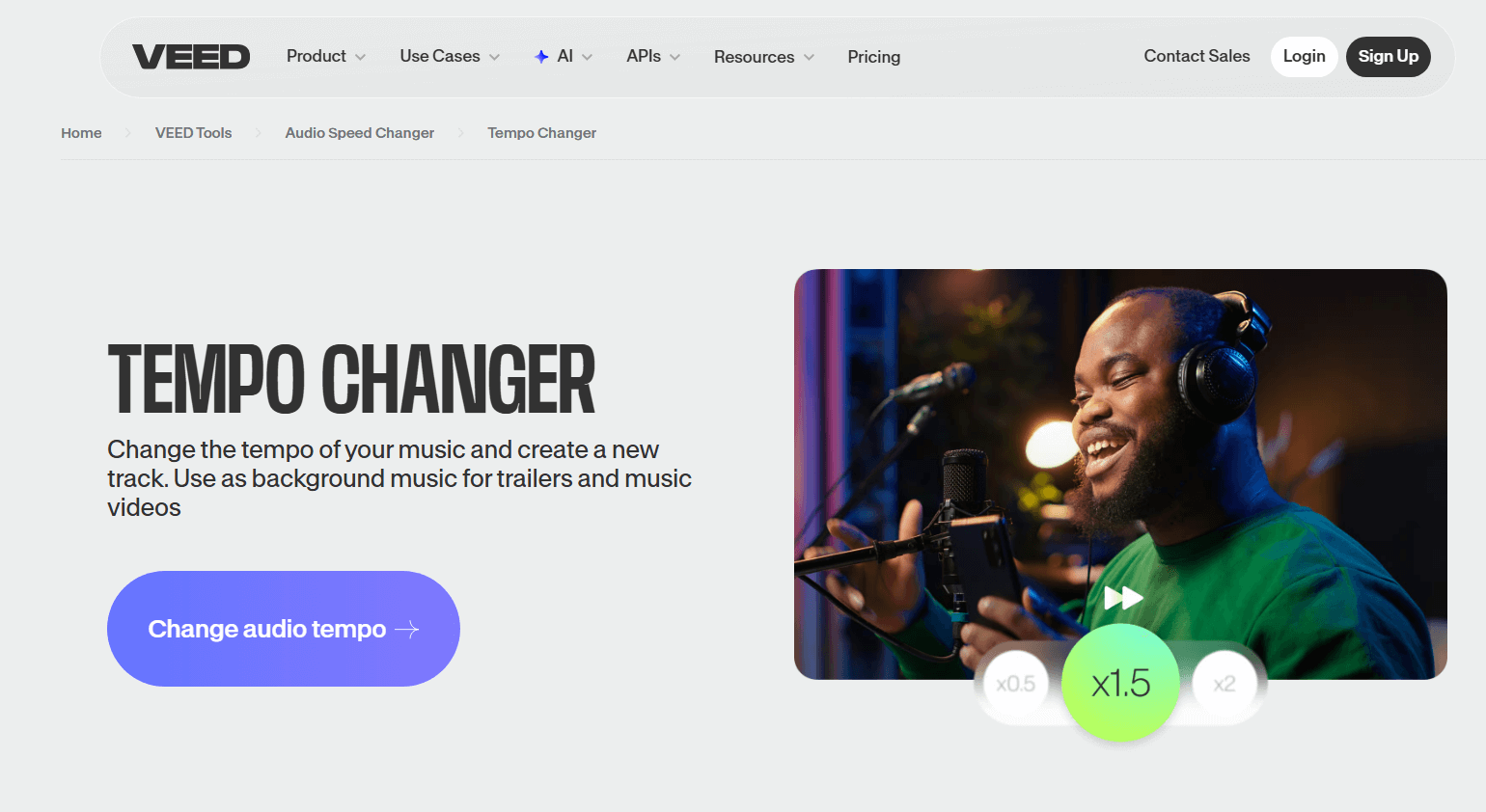
#6. VEED Audio Speed & Tempo Changer
Website: https://www.veed.io/tools/audio-speed-changer/tempo-changer
VEED is designed for creators working with both audio and video. In addition to tempo changes, it allows users to sync music with visuals within a broader editing workflow. It is particularly useful for social media, marketing content, and short-form videos.
Pros
- Excellent for video-based projects
- Easy audio–video synchronization
- Cloud-based and accessible
Cons
- Advanced features may require a paid plan
- Less precise audio control than dedicated tools
Creating Original Music with Vidnoz AI Music Generator
Although Online AI BPM changers are effective, they can only modify existing music. If you don’t already have a suitable track, changing tempo won’t solve the problem. In these cases, creating original music becomes a better option, especially for videos or branded content requiring royalty-free audio.
Unlike BPM changers, Vidnoz AI Music Generator focuses on creating original music from scratch. It does not edit uploaded audio files or function as an AI BPM changer. Instead, it uses AI to generate complete songs with automatically determined tempo and rhythm, making it ideal for fast, original background music.
Vidnoz Free AI Music Generator
Free to generate & download for commercial use!
- 100+ combinations of musical styles, moods and themes
- Turn your texts into songs and music videos
- AI to create an original song with your lyrics
Create Music with AI
Key Features of Vidnoz AI Music Generator
- AI-generated original music
Automatically creates unique music tracks from scratch, ensuring originality without reusing existing audio.
- Multiple styles and moods
Offers a wide range of genres and emotional tones, allowing users to match soundtracks perfectly to projects.
- Automatically generated tempo and rhythm
AI determines suitable tempo and rhythm, removing the need for manual BPM adjustments.
Produces royalty-free music suitable for commercial use, helping creators avoid licensing issues.
- No music production experience required
Designed for beginners, allowing anyone to generate professional-sounding music without technical knowledge.
- Ideal for videos, ads, and social content
Perfect for marketing, presentations, social media posts, or background music in various projects.
How to Create a Song Using Vidnoz AI Music
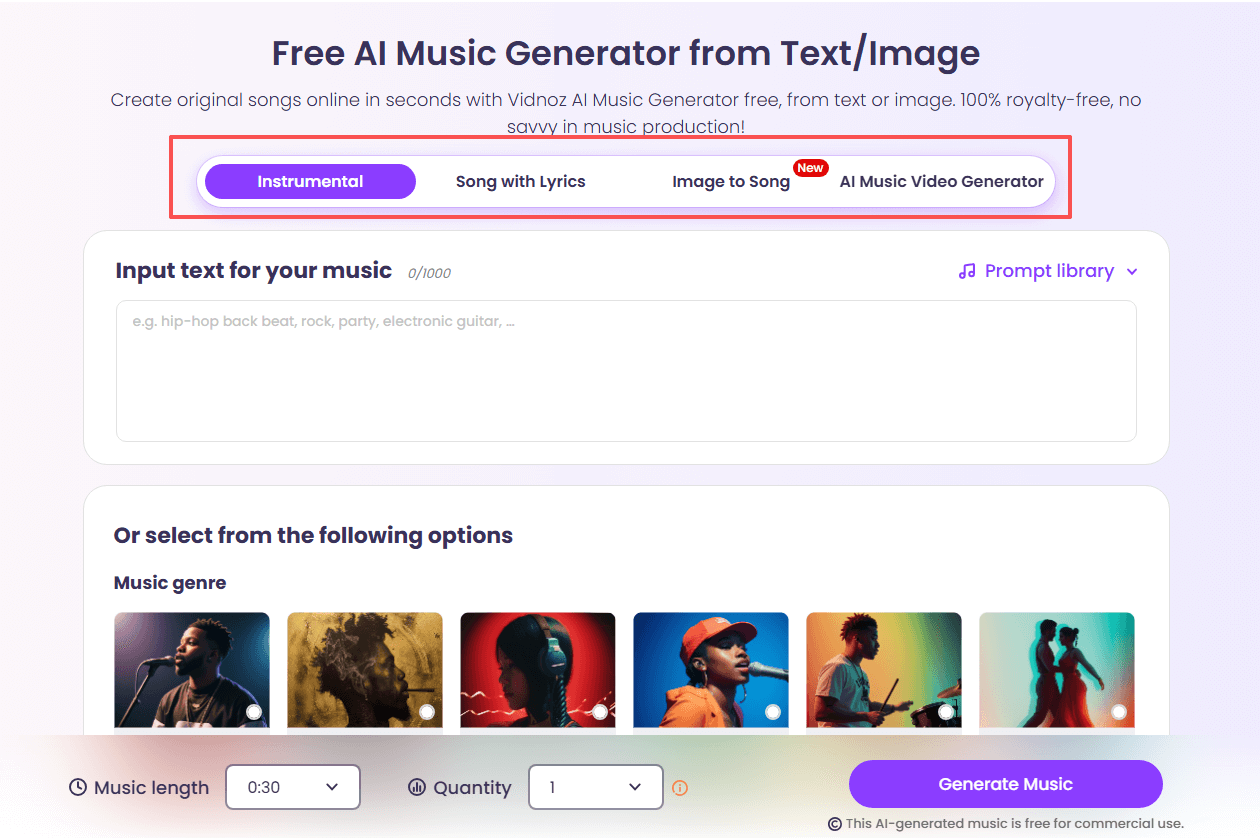
Step 1. Visit the Vidnoz AI Music Generator website.
Go to the official Vidnoz AI Music Generator website. Vidnoz offers multiple ways to create original music, including Instrumental, Song with Lyrics, and Image-to-Music. Choose the AI music creation mode that best fits your needs.
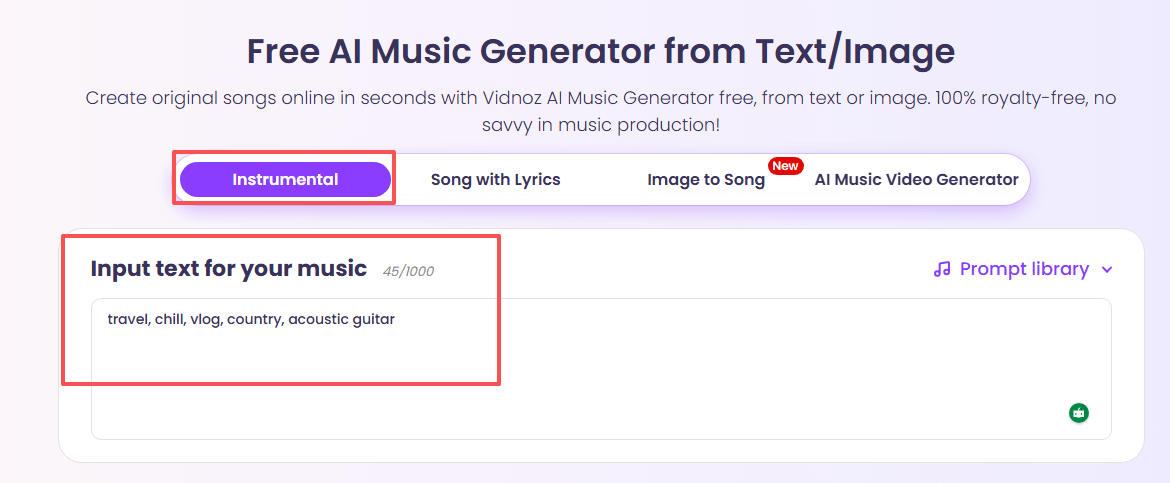
Step 2. Enter Your Text or Prompt.
For this guide, we’ll use the Instrumental option as an example. Simply enter a text prompt or customize music parameters such as genre, mood, or style to guide the AI in generating your desired sound.
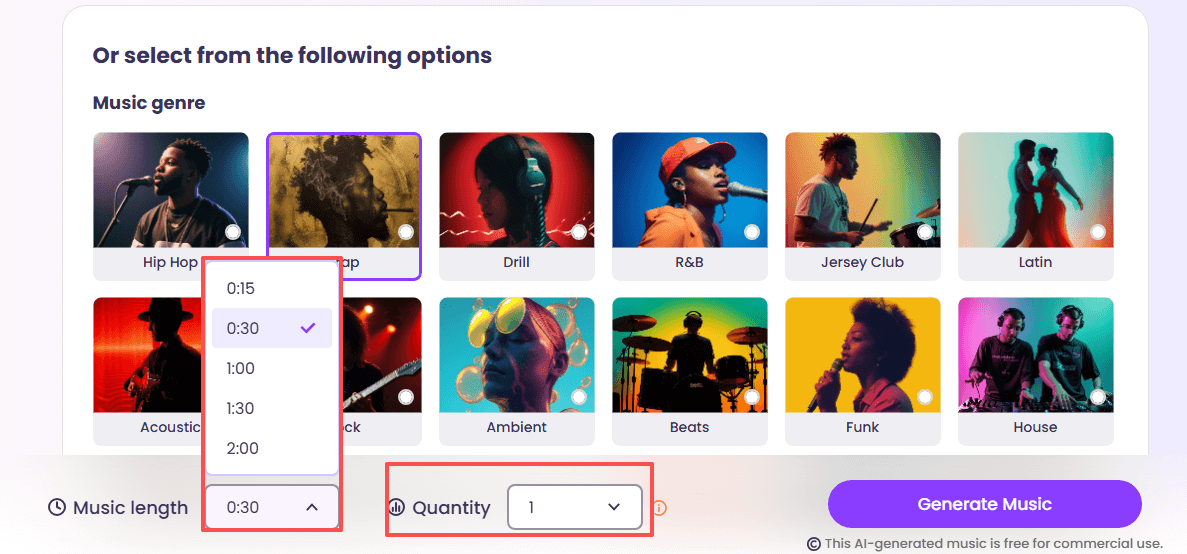
Step 3. Choose Music Length and Quantity.
Select your preferred track length, ranging from 15 seconds to 2 minutes. You can also choose to generate up to three versions at once for more creative options.
Step 4. Generate and Download Your Song.
Click the Generate button and let Vidnoz AI create a complete, unique music track based on your inputs. Once the music is ready, click Download to save it to your device in MP3 or WAV format.
Conclusion
Online BPM changers make it easy to adjust audio tempo without complicated software. With clear pros and cons, users can choose the tool that fits their needs. At the same time, AI music generators such as Vidnoz AI provide a powerful alternative when music creation - not editing - is the goal. Knowing when to use each ensures better results for any project.

Vidnoz AI - Create Free Engaging AI Video with Talking Avatar
- Easily create professional AI videos with realistic avatars.
- Text-to-speech lip sync voices of different languages.
- 2800+ video templates for multiple scenarios.