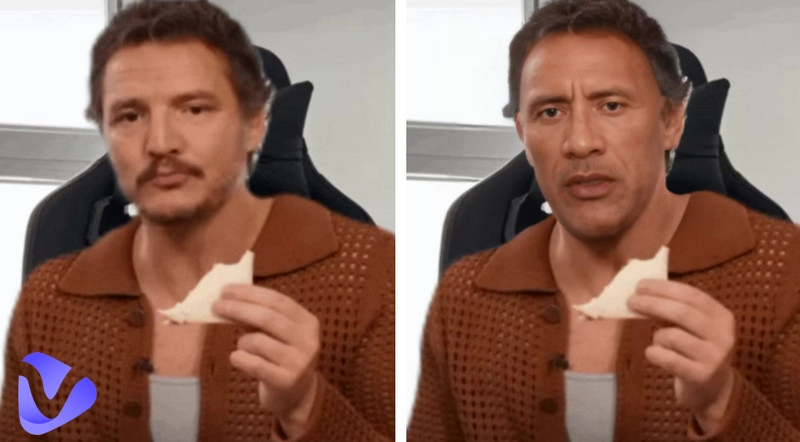
You may encounter some situations where you have to hide or blur the face in the picture. These can be some public location photos or even personal ones where you want to share the image of an object, but it has the people’s face. Since there are many privacy concerns associated with it, hiding them is a must for most of the time. Yet, if you have no idea how to blur a face in photos online with AI tools, don’t worry.
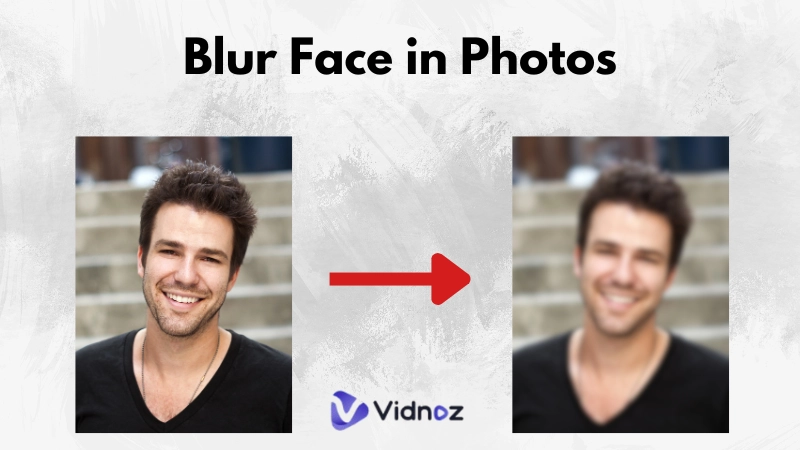
Here in this guide, we’ll explore these steps on how to blur face in photos and even in batches instead of doing it one by one. We will also utilize the AI photo filters and free tools that are available with no hassle. So, let’s explore these tools to gain maximum perks out of them.
- On This Page
-
Online Tools to Blur Face in Photos with AI
Watermarkly: Blur Face in Photos Instantly
iLoveImg: Automatic Face Detection and Blur
IMG2GO: Blur Group Photos with AI
Blur.me: Video & Photo Face Blur AI
Picdefacer.com: Face Detection and Anonymization with AI
-
How to Blur a Face in a Picture Online Free?
-
Blur Face - Censor Image for iPhone
-
PutMask - Censor Video & Image for Android
-
Bonus: Create AI Videos with Digital Avatars
Online Tools to Blur Face in Photos with AI
The internet is flooded with face-blurring tools, but as you know, not all of them offer the same level of uniqueness and features. Some of them are efficient, while others pretend to be smart, but in practice, they lack the basic functionalities. Thus, we’ve picked the top 5 blur face AI tools just for you to make your experience more seamless and struggle-free.
Watermarkly: Blur Face in Photos Instantly
First, we have the Watermarkly, an online web tool that allows users to blur images for free. The interface is so minimalistic that you won’t struggle to find the tools used for image blurring. Its batch feature allows multiple faces to be blurred at once, selecting each one separately, saving time and effort.
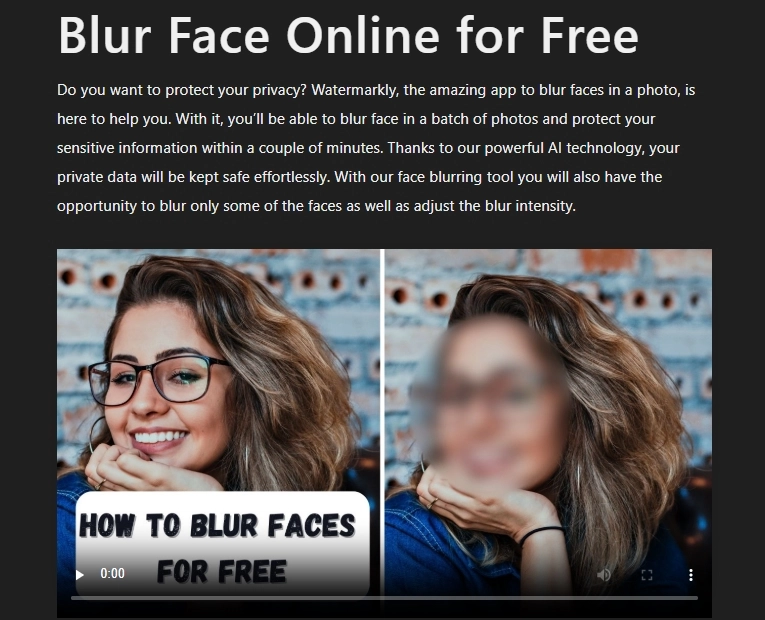
Meanwhile, you can also adjust the intensity of the blur for different contexts. The shape objects allow you to blur with special shapes, such as ovals, rectangles, or circles, that fit the need of the hour.
iLoveImg: Automatic Face Detection and Blur
Secondly, we have the iLoveImg, which is simple to use to adjust the blur on images. Once you land at the tool’s interface and upload the picture, you’ll have the option to select automatic detection, which blurs the face instantly. However, this may not always be accurate. The other option is customized detection, which stamps the images by hiding them precisely.
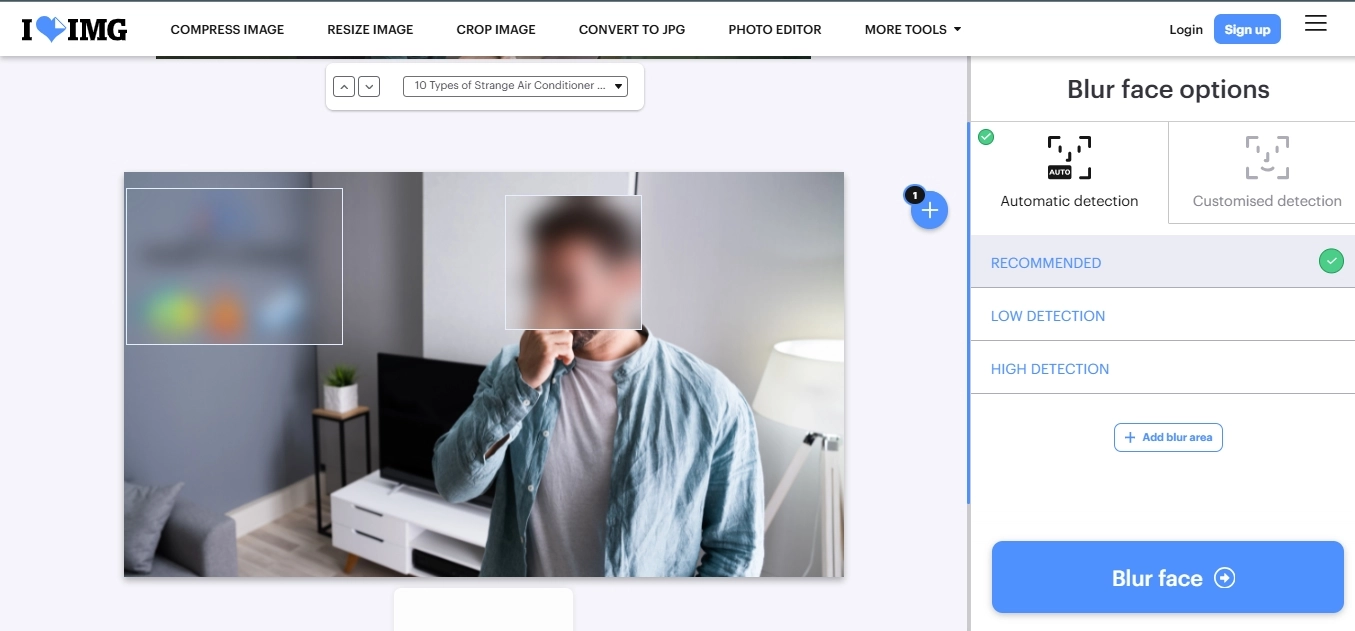
Plus, you have the option to utilize the detection modes of low and high based on the image depth. Or add a custom blur face in photos on any area if you want to do this process manually on your own.
IMG2GO: Blur Group Photos with AI
The third on our list to blur face in photos is the IMG2GO, a versatile tool for online face blurring. As soon as you add your picture, you can choose the blur level and size to match the object. Once assigned, it will take some moments to process the image, and then you can preview it and save it on your device.
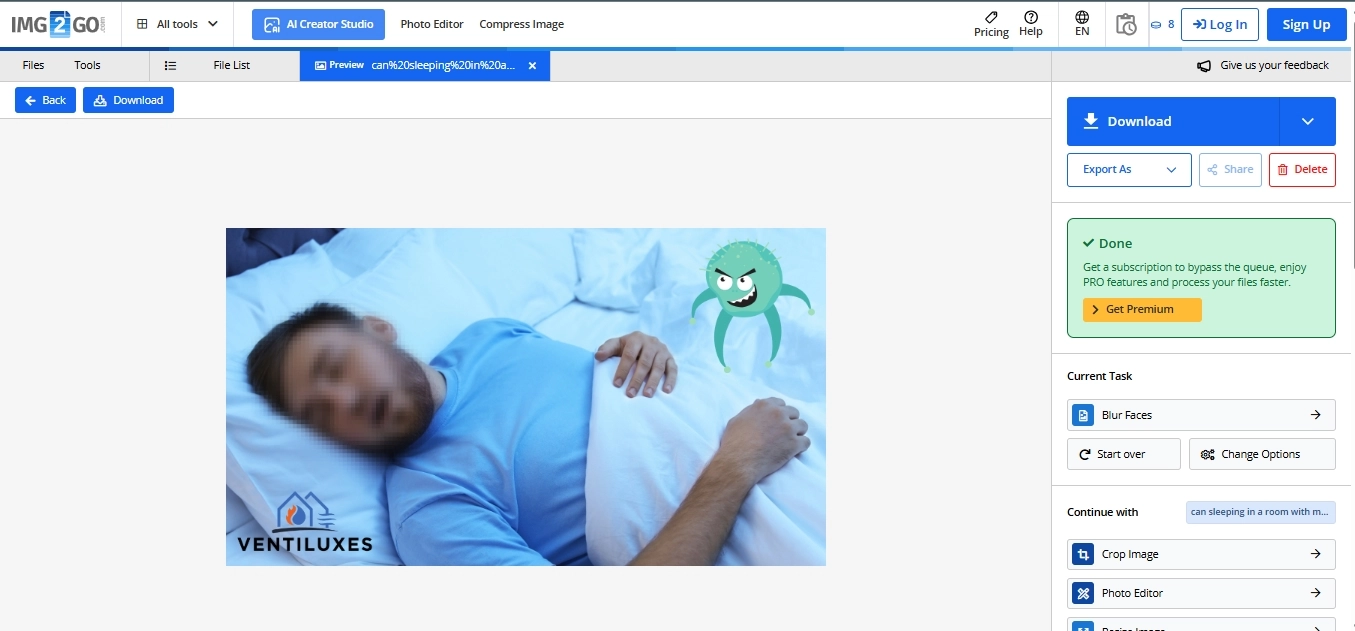
Similarly, there’s a Chrome and Firefox browser extension available, which is a one-time integration on your laptop’s browser that you can use later on. You don’t have to get into the hassle of manually visiting the tool again and again; just click on the extension, and you’re on the go with blurring images.
Blur.me: Video & Photo Face Blur AI
Another high-end tool with unique features is that it allows you to categorize blurred objects by car, face, body, license plate, or even more. Since it’s a professional-grade tool, it allows you to blur images, videos, and even CCTV recordings for safety purposes, such as hiding an individual's face when investigating a street incident.
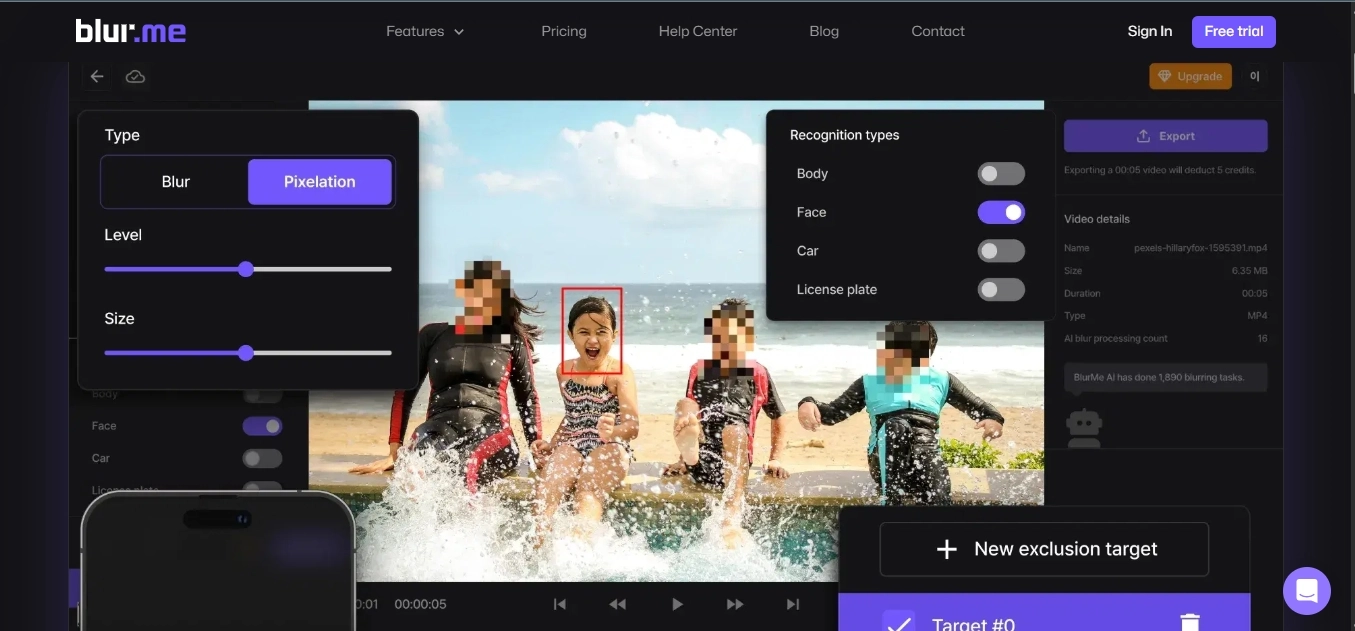
However, it has two options: pixel and blur to add the one that suits you best at the moment you’re editing. This tool is so quick that you won’t have to wait more than 3 seconds to get your desired results without installing any software on your device.
Want to use it now? Make sure you read the guide in the next part on how to use this tool.
Picdefacer.com: Face Detection and Anonymization with AI
Lastly, we have the picture defacer, which can handle up to 100 images at once. It has three major options: pixelation, blurring, and blackout. You can add any of these based on the input demands. The interface is simple and quick to use, with no signup. You just add your picture, select the area and that’s it. Or the algorithm will auto-detect the face and cover it.
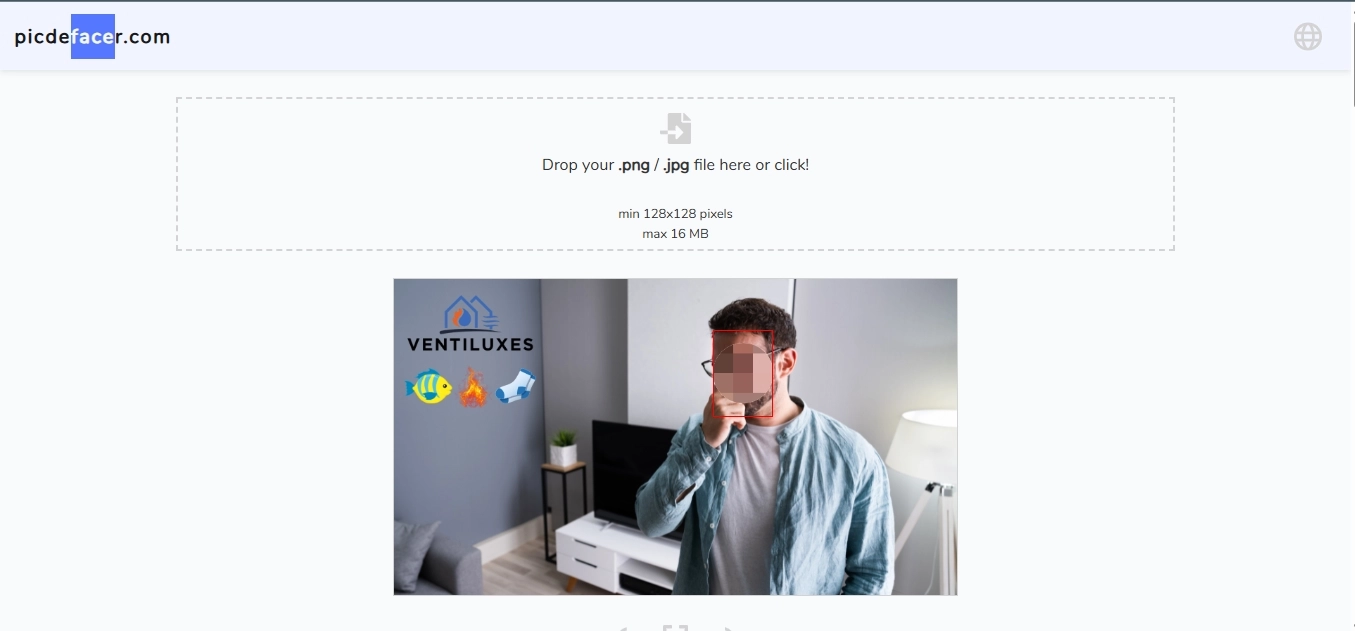
Furthermore, the unique feature of this tool is the removal of EXIF data, which completely vanishes your GPS coordinates, date and even the important details. So, when you download the images, all of these things are gone, and your image will be safe to send to anyone with no privacy concerns at all.
How to Blur a Face in a Picture Online Free?
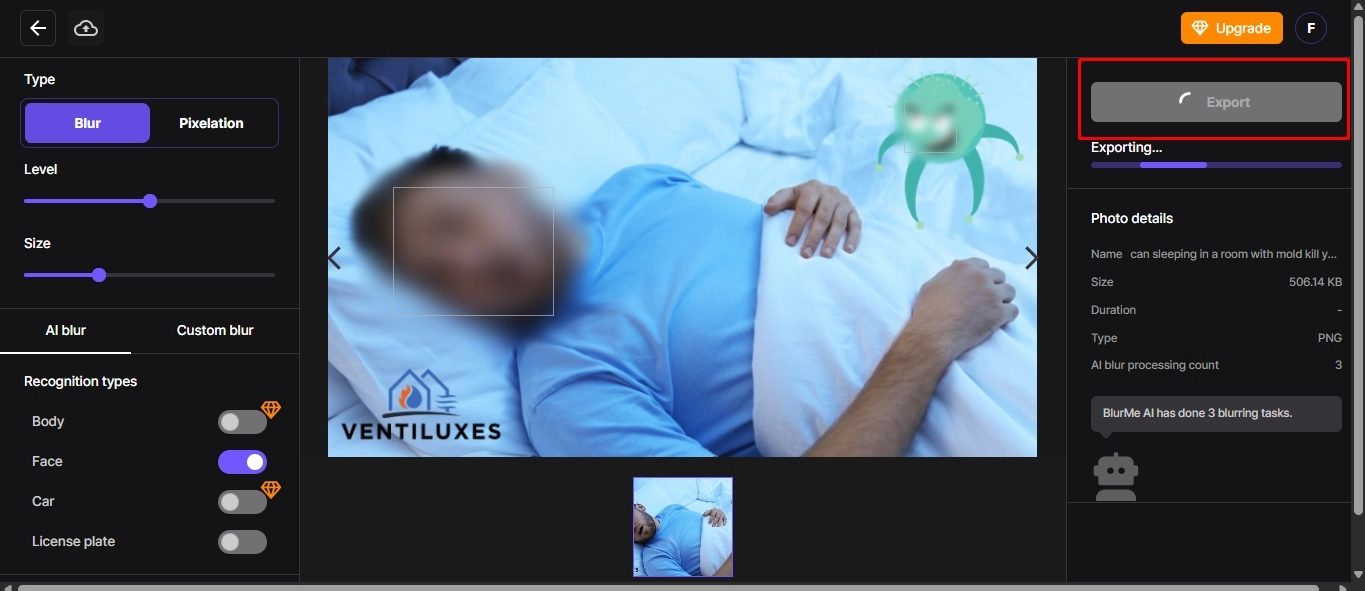
As explained in the features of this tool earlier, here are the steps to use Blur.me to blur face in photos.
Step 1: Simply open the blur.me official tool and sign up if you haven’t made an account before.
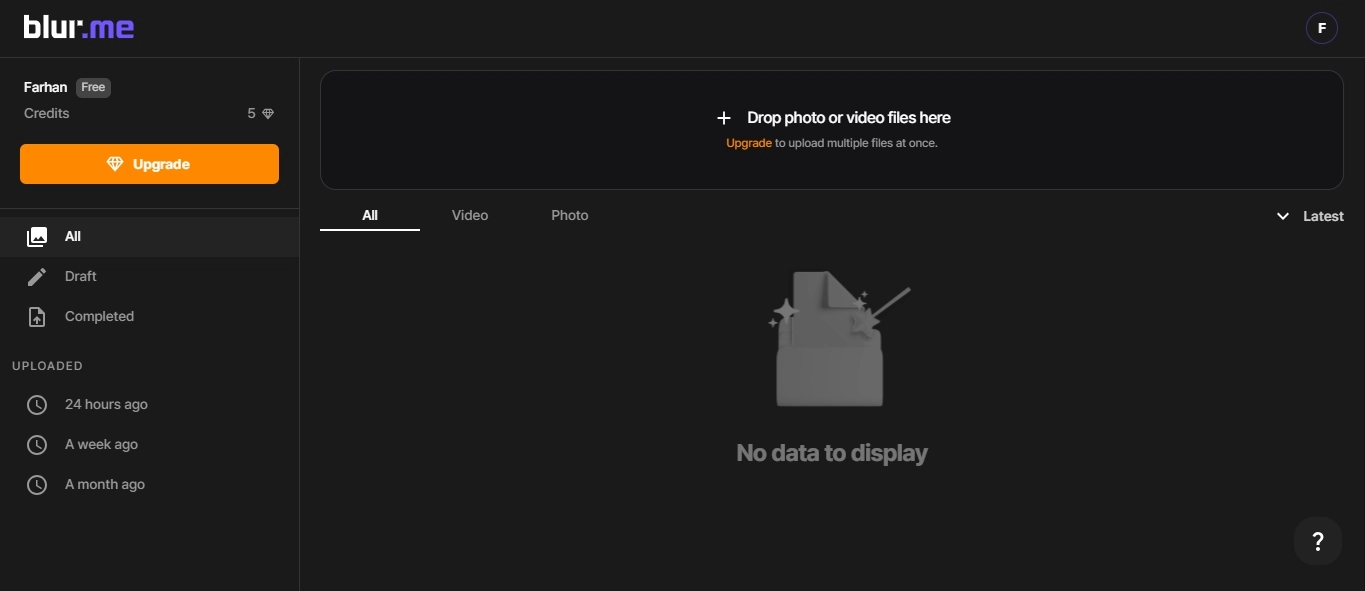
Step 2: Upload the input, select it, perform the blur task, adjust the levels, and click the export button. That’s it; your picture is now safe to share with a blur face in photos.
If you use your smartphone and don’t want to use web-based apps, there is a dedicated app for iOS and Android users. Each app is compatible with its operating system and turns your pictures into high-end privacy content within moments.
Also, you don’t have to sit on your laptop to process the images; just open the apps on your phone, and you’ll be ready to go.
So, let’s explore them.
Blur Face - Censor Image for iPhone
As the name sounds, the Blur Face - Censor Image app is dedicated to iOS users and capable of blurring any part of the image with its AI detection algorithm. The blur will be so seamless with a click away that you won’t need to get into the hassle of selecting every millimetre of the object or face. Some of its amazing features include:
- Secure data storage (no safety concerns)
- Manual + automatic detection modes
- Compatible with iPhone, iPad and Mac OS devices
PutMask - Censor Video & Image for Android
You’re not an iOS user? No worries. We have a great alternative for you that runs on your Android smartphone. This app's name is PutMask, which is capable of blurring not only images but also videos.
Yes, now you can hide the important elements from the media you want to send to other than your friends and family. With over 500k+ downloads on the Google Play store, it’s one of the most reliable apps when it comes to face blurring.
- Blur from micro spot from 10x10 pixels
- Auto car’s license plate detection
- Advanced video editing to blur the motion objects
Bonus: Create AI Videos with Digital Avatars
Beyond hiding or blurring the face and sensitive object in images and video, There are some scenarios where you have to show your face or present yourself virtually to meet the requirements of the client or any project where communication is involved.

Vidnoz AI - Create Free Engaging AI Video with Talking Avatar
- Easily create professional AI videos with realistic avatars.
- Text-to-speech lip sync voices of different languages.
- 2800+ video templates for multiple scenarios.
In this case, we have a great alternative for you, which is to allow you to bring your avatar-based character instead of the original picture. We’re talking about a free AI video generator with digital avatars developed by Vidnoz AI to replace blurred faces. Some of its unique features are:
1500+ prepared digital avatars to replace blurred faces: With a huge library of pre-made digital avatars, you won’t run out of the perfect match for yourself. Explore, pick and generate your content with them.
Massive AI video templates to use for free: The vast video templates are free to use, which means you don’t have to pay for each template separately, just like some expensive tools available in the market.
Landscape and portrait video templates suitable for any social media: Regardless of the dimensions you want to generate the content, you have the option to produce quality content for all of your social platforms.
Built-in AI tools for AI avatar, AI voice, and auto subtitles: Want to add voiceover without having a professional quality mic? We’ve covered you with an AI voice algorithm that produces human-level sounds with no errors at all.
How to make AI videos with a digital avatar using Vidnoz AI?
Let’s explore how to utilize this tool and get the most out of it.
Step 1: Open the official Vidnoz AI video avatar platform and log in or sign up to proceed.
Step 2: Now go to the templates section and explore one avatar which fits your personality.
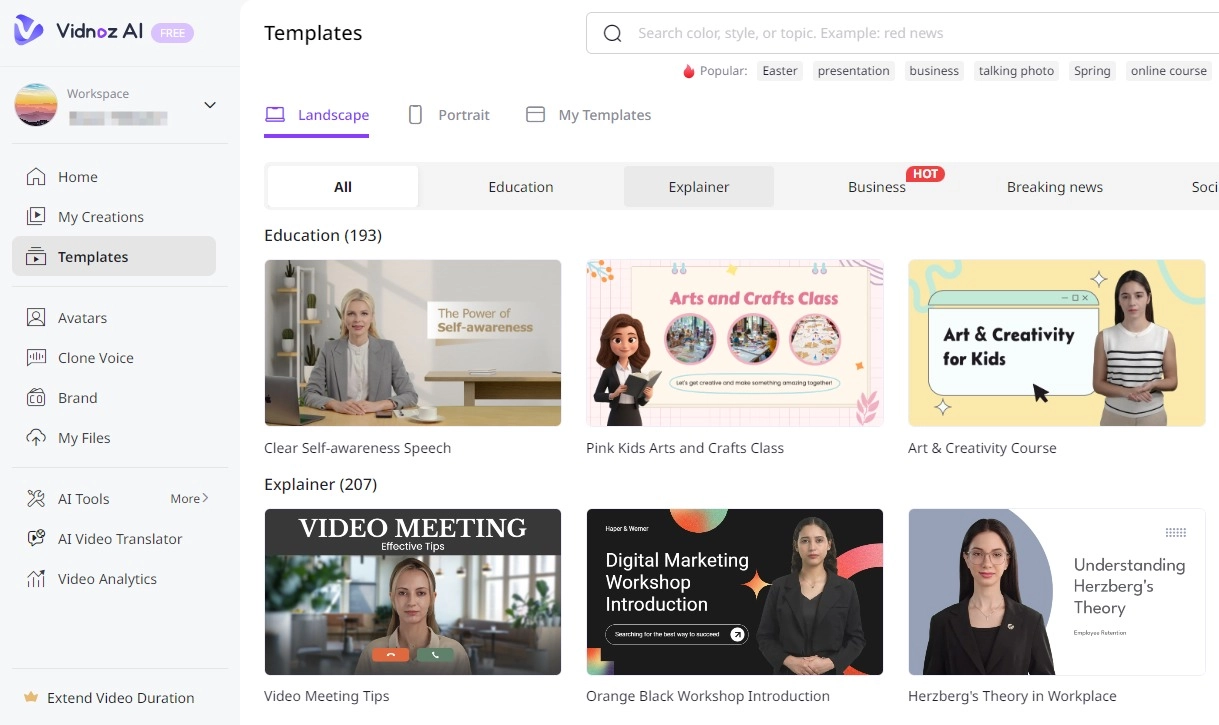
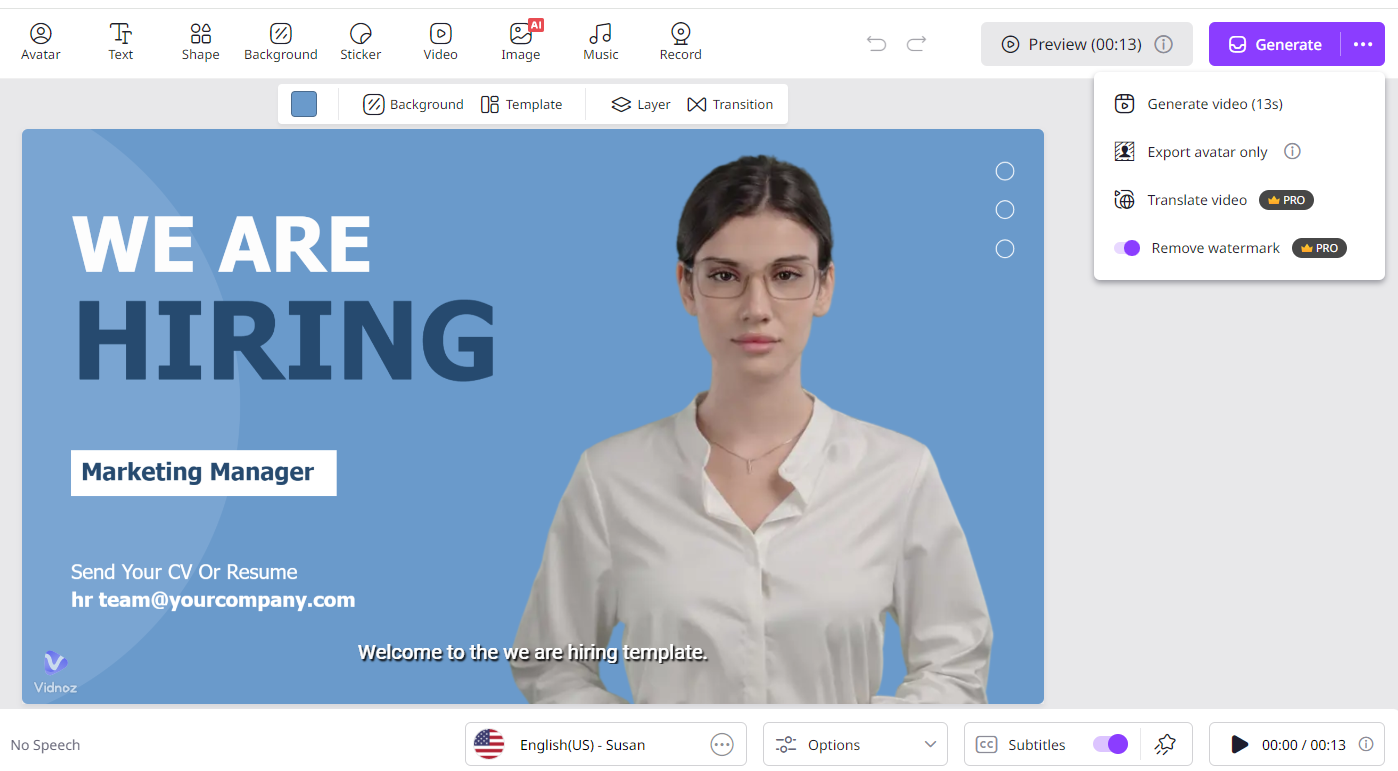
Step 3: That’s your digital version of the AI video ready to upload on social media and get engagements from your followers.
Conclusion
All in all, we hope you now understand how to blur face in photos. But you may not need to do this because you’re also equipped with the skill of generating AI videos with digital avatars and don’t have to worry about blurring the faces anymore. Also, having access to high-end tools like Vidnoz free AI video generator with digital avatars allows you to create the videos you want with no credit card requirements and hefty charges. So, try it today and explore a whole world of creativity with it.