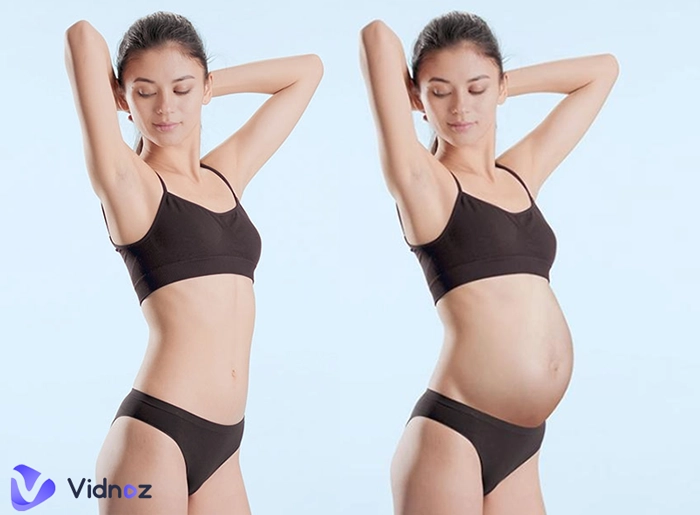
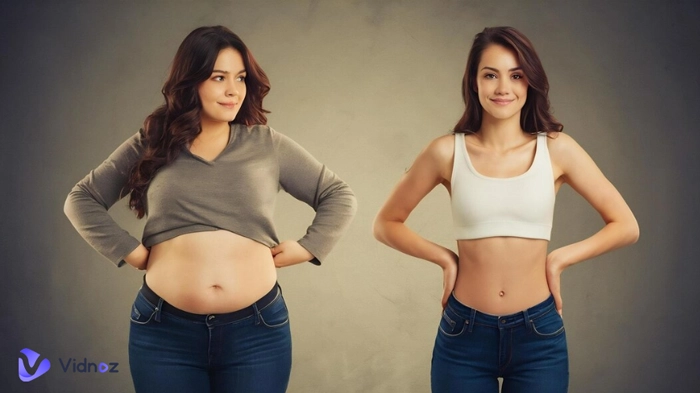
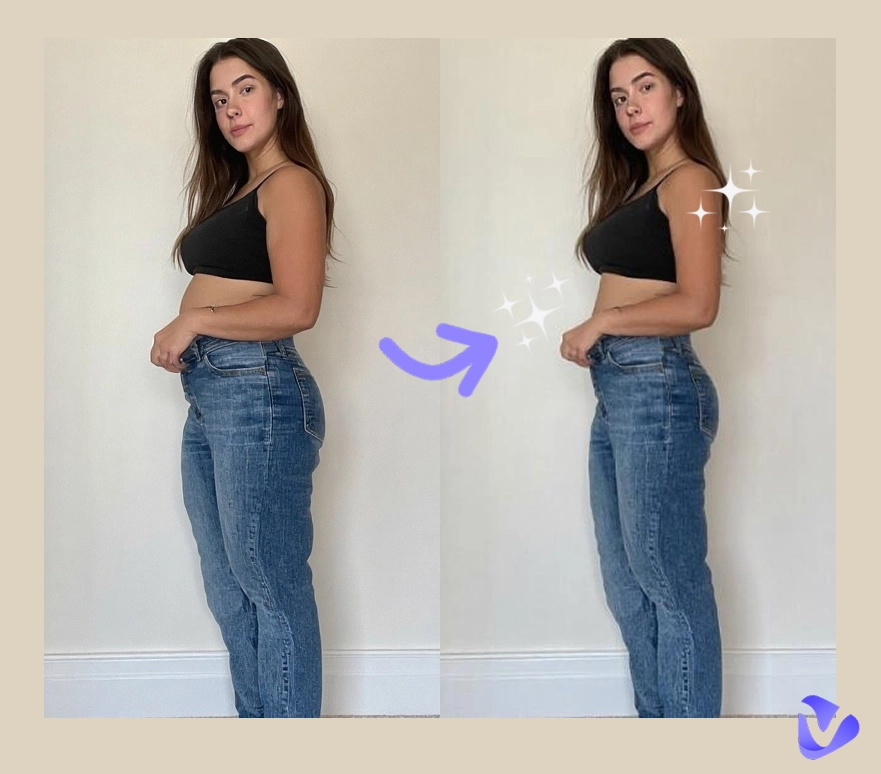
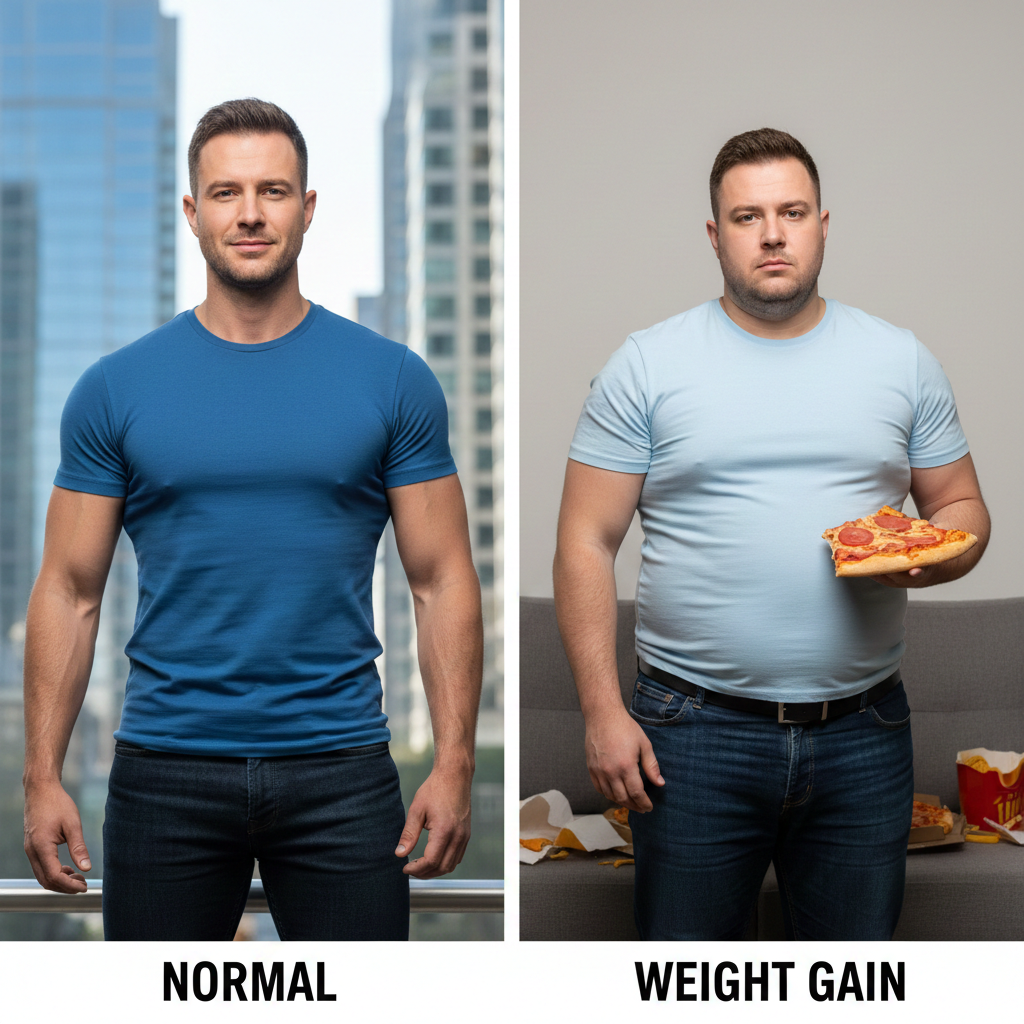
Have you ever wondered what you might look like with a few extra pounds? Or perhaps you're seeking visual motivation for a health-related weight gain goal? Today, we're exploring an emerging field of digital tools—the AI weight gain generator. Often nicknamed a fat maker, this technology allows you to safely and privately preview potential changes to your physique, whether for a specific purpose or simply out of curiosity. Let's explore the mysteries of weight change together.
- On This Page
-
What is an AI Weight Gain Generator?
-
Make Me Fat AI Free Online from Text Prompt
-
Easy and Fast Fat AI Maker Online in One Click
-
Make Yourself Fat & Customize Appearance with Fatify App
-
Fat Filter AI – See the Body Change Directly
-
From Fat to Fit: Transform Fat AI Images into Muscle Videos
-
Make Fat AI Images Dance for Playful Videos
What is an AI Weight Gain Generator?
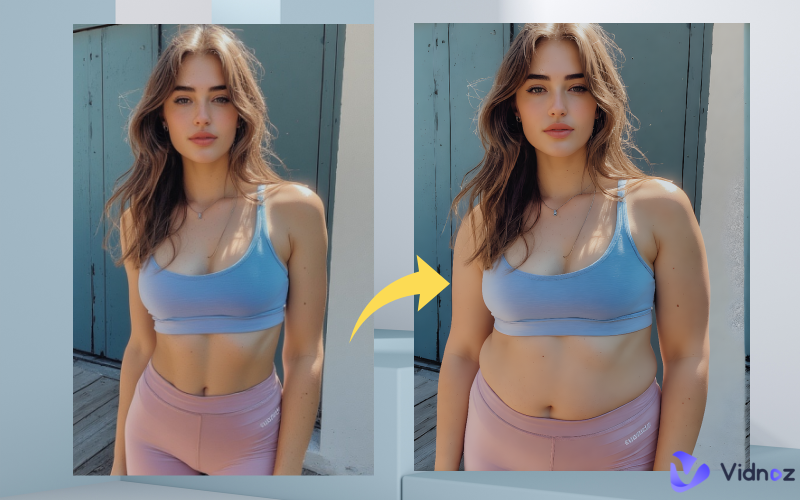
An AI weight gain generator is an AI-powered tool that transforms portraits or full-body photos into realistic depictions of increased body mass—think rounder cheeks, fuller limbs, or a softer silhouette. Unlike basic photo editors, a quality fat AI generator uses advanced algorithms to maintain facial features and body proportions, ensuring the result looks natural rather than distorted. This tool is often paired with a fat maker function, which lets you adjust the “gain” intensity, from a subtle softening to an exaggerated, playful look. Eager to see how to make me fat AI free? Here it is!
Make Me Fat AI Free Online from Text Prompt
Want to gain any weight or any part of your body at will? Vidnoz is an image to image AI fat generator designed for users who want to control weight gain through simple text instructions. Instead of relying on presets, it allows you to upload a photo and describe how you want the body to change—making it ideal for users searching for a make me fat AI free experience with creative flexibility.
How to make a fat AI image from text:
Step 1. Open Vidnoz AI image generator. Then switch to Image to Image.
Step 2. Upload the photo you want to gain weight. Input the image description you want to customize. For example, developing a beer belly or a double chin, or becoming obese overall. Select the image quantity and aspect ratio.
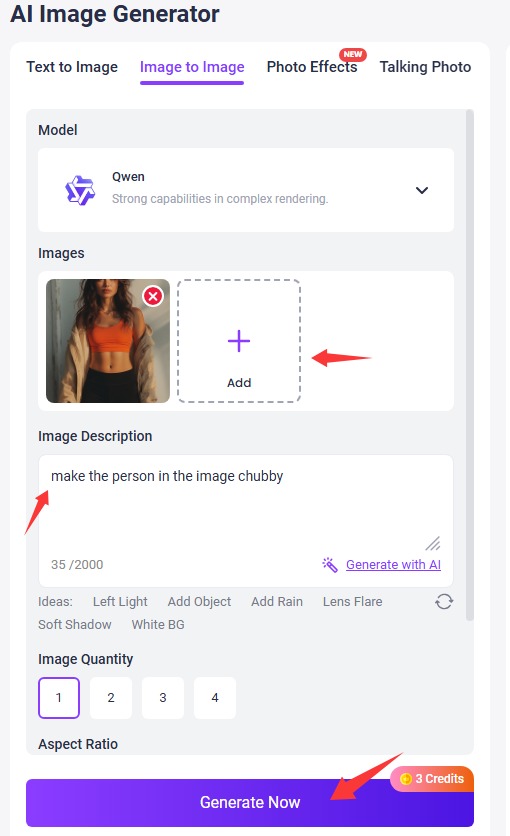
Step 3. Click Generate and wait a second. Then your fat AI image is ready to download or share.
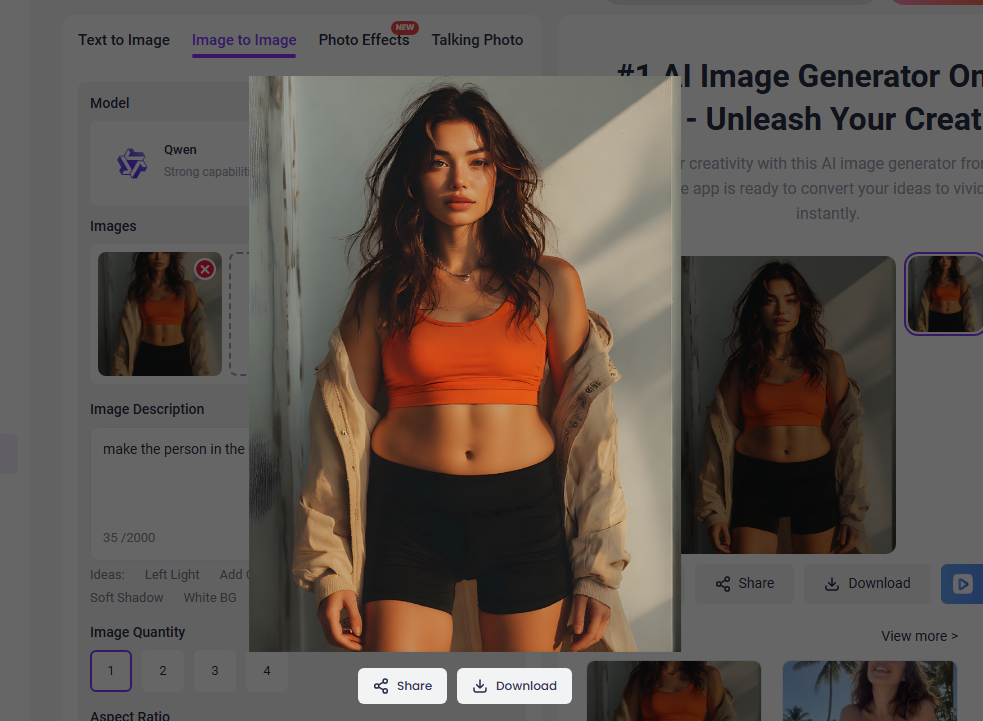
Key features of Vidnoz AI:
- Image upload with text-prompt control
- Adjustable weight gain intensity at will
- Realistic body proportion analysis
- Batch image process in HD
Pros
- Daily free trial for batch image creation
- High creative freedom using text prompts
- Natural-looking weight gain results
- Easy to use for beginners
Cons
- Prompt quality affects final results
In addition, you can turn the generated weight gain image into an AI talking photo to create fun videos.
Easy and Fast Fat AI Maker Online in One Click
Another AI fat maker you can have a look at is Media.io. It is a lightweight online fat AI maker built for speed and simplicity. You only need to upload a photo and click once to see the weight gain AI fat man or woman, making it ideal for people who want instant results without writing prompts or adjusting settings. While this method limits customization, it delivers fast and consistent output.
How to use this AI fat maker:
Step 1. Go to the fat AI generator interface. Upload the image you want to become fat.
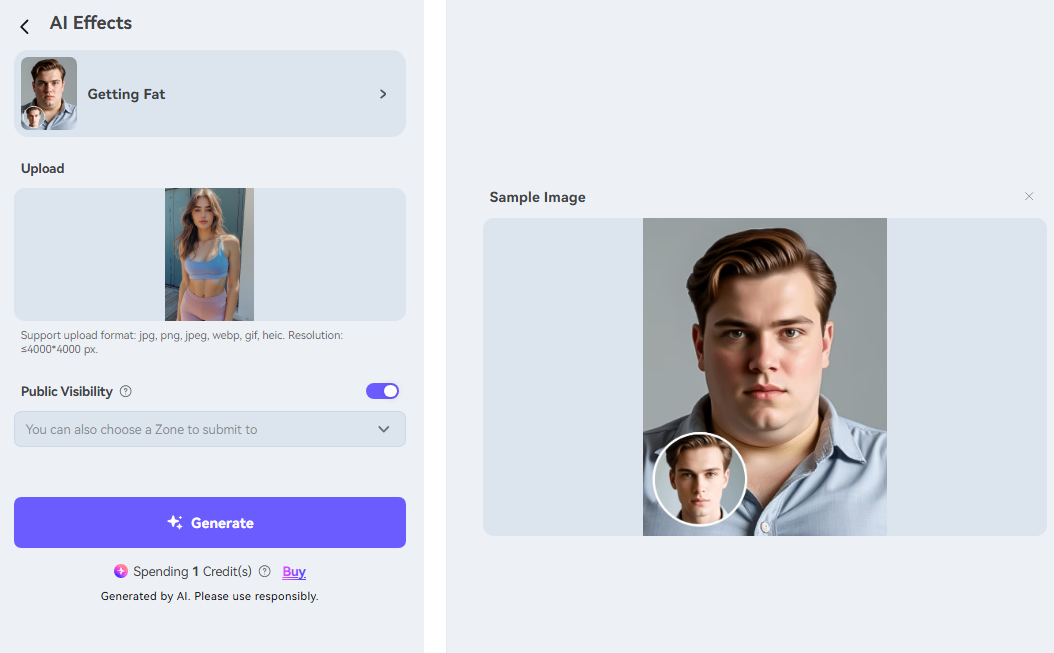
Step 2. Click generate and wait for the AI weight gain image process for you.
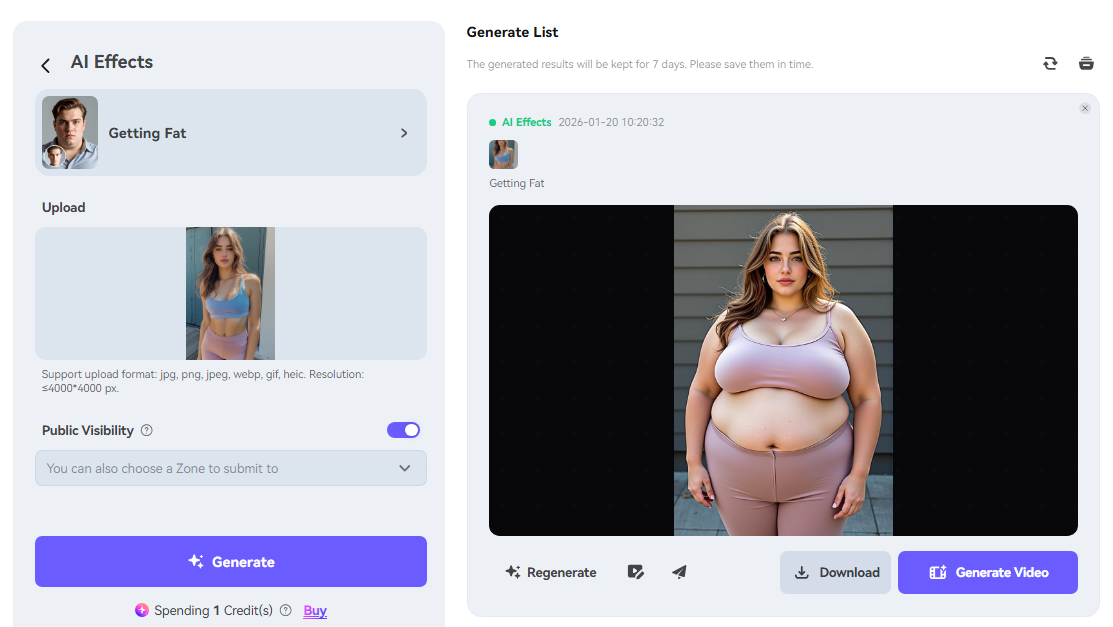
Key Features:
- One-click fat transformation
- Automatic body detection
- Fully online, no installation required
Pros
- Extremely easy to use
- Fast processing speed
- Clean and intuitive interface
Cons
- Limited free usage
- Less control over fat distribution
Also Read: Am I Fat Quiz Tests Overview: Fat, Skinny, or Just Bloated? >>
Make Yourself Fat & Customize Appearance with Fatify App
Fatify is a multi-functional mobile app focused on interactive and customizable weight transformation. Rather than generating a single result, it allows users to explore body changes dynamically, making it popular for entertainment and social sharing.
The weight gain process in Fatify is slider-based. As users increase the weight value, the app adjusts facial fullness, body size, and proportions in real time. It also supports live video recording, turning static fat changes into playful animations.
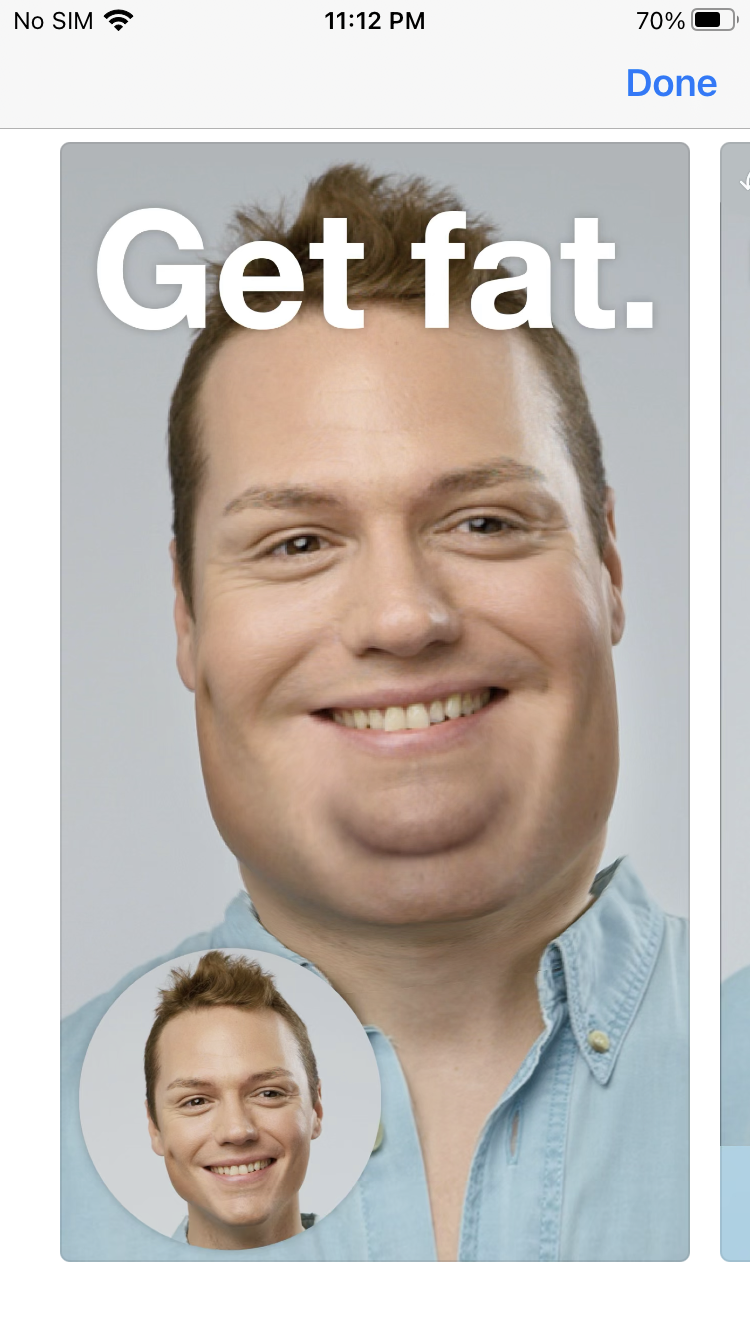
Key Features:
- Weight slider for gradual gain
- Real-time fat preview
- Live video recording
Pros
- Highly interactive experience
- Supports video and live effects
- Fun and engaging for social content
Cons
- Mobile-only experience
- Some features may require payment
Fat Filter AI – See the Body Change Directly
For users who want to instantly experience the effects of weight gain, social media platforms like TikTok and Snapchat offer a variety of AI chubby filters. These filters adjust body proportions in real time via the camera, allowing users to preview the results without uploading photos. Instead of generating new images, the filters track body movements and adjust proportions in real time.
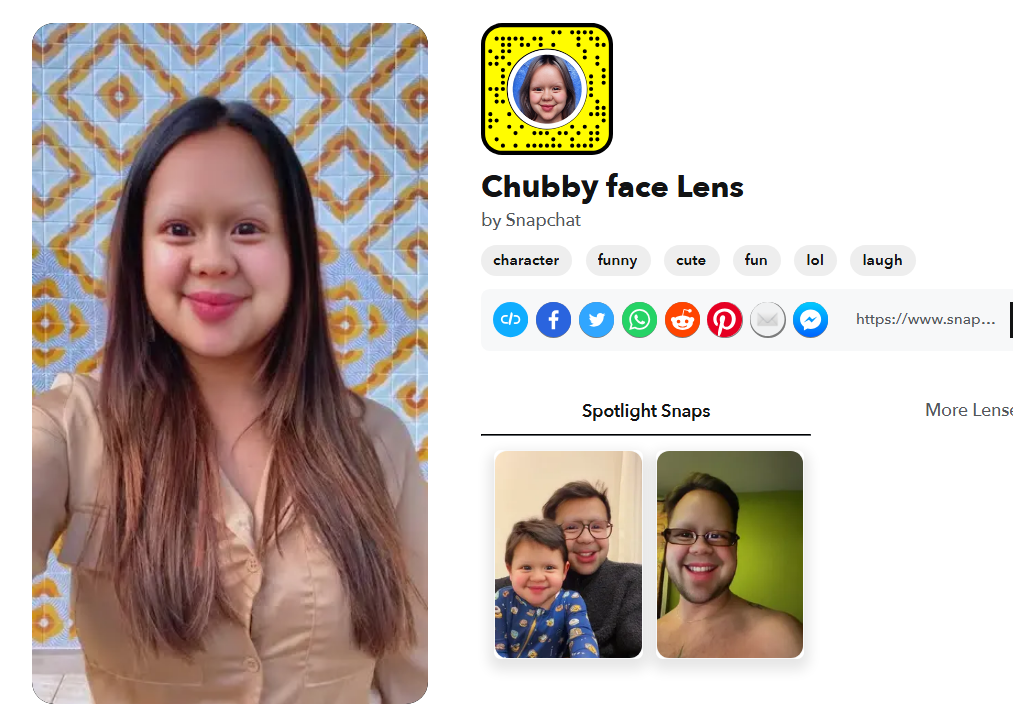
Key Features:
- Real-time fat transformation
- Works with photos and videos
- No upload required
Pros
- Instant visual feedback
- Extremely easy to use
- Great for short-form video content
Cons
- Limited realism
- No high-resolution image export
- Minimal customization options
From Fat to Fit: Transform Fat AI Images into Muscle Videos
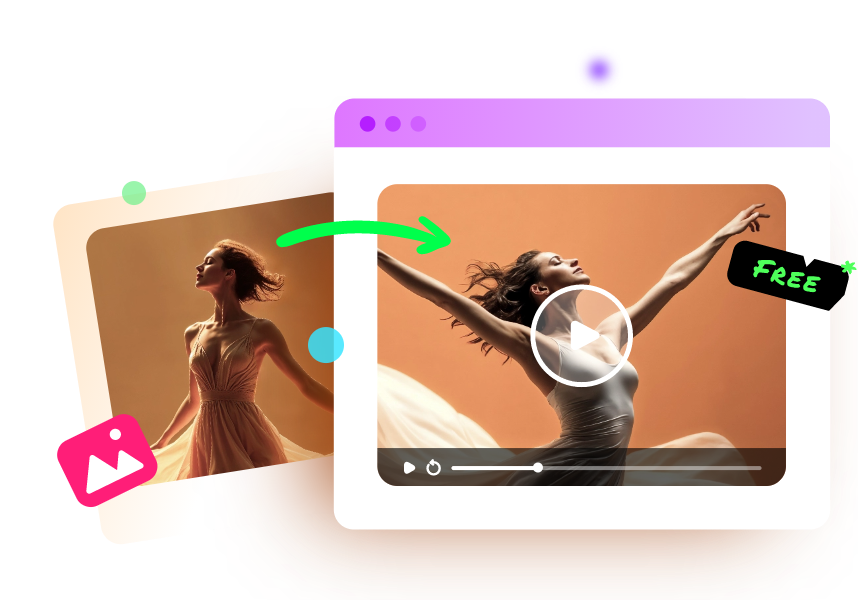
Now, with the help of a fat AI maker, achieving your weight gain is easier than ever. So, what if you aspire to a fit physique? Vidnoz offers a fun exploration. You can create animations showcasing the transformation from obese to fit.
Convert Image to Video AI Online - Free
- Create a video from an image quickly for free.
- Use various AI models to turn photos into videos.
- Download and share the AI-generated video at no cost.
Convert Image to Video
With just a basic image, regardless of body type, the AI muscle filter allows you to create short videos demonstrating the gradual change from obese to fit.
How to make muscles video from fat image:
Step 1. Go to Vidnoz Image to Video AI tool, switch to Video Effects. Scroll down to find the Muscles video effect from the list.
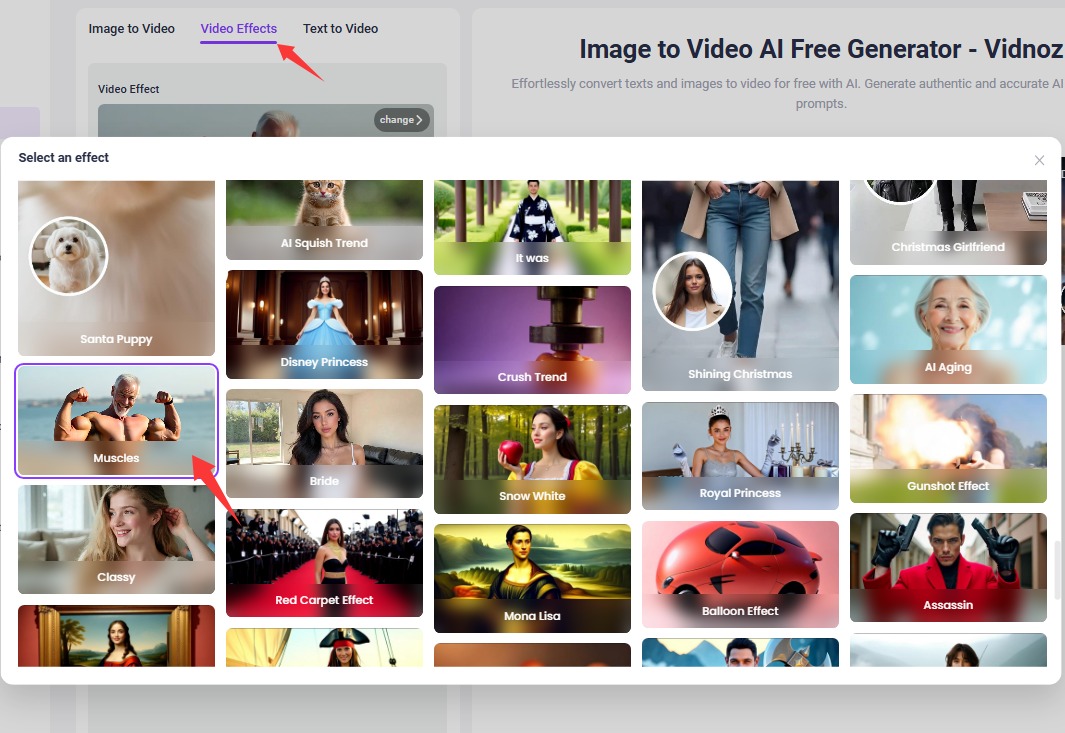
Step 2. Upload the image you want to turn into a muscle video without effort.
Step 3. Start creating a video transformation from fat to fit. Then you can download your video for free.
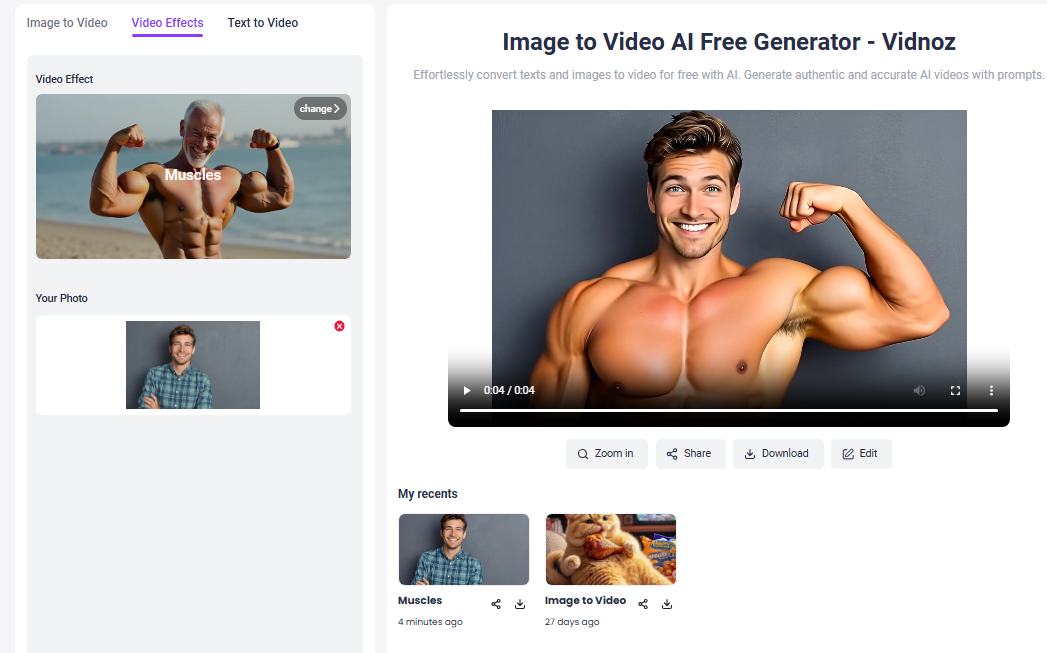
See the natural video effects brought to you by Vidnoz:
Make Fat AI Images Dance for Playful Videos
The fascinating explorations that AI can offer you don't stop there. Imagine your slightly "fatify" -ed virtual self doing the latest popular dance move or swaying to music at a family gathering. This fatify-style creative fun is perfect for making light-hearted, funny birthday greeting videos or social media content, ensuring no one is offended.
Vidnoz Photo Dance - AI Make a Photo Dance FREE
- Create a smooth AI dance video from a photo.
- Animate a photo with diverse dance moves.
- Generate and download the video for free in seconds.
Make a Photo Dance Now
How to make AI weight gain body dance with music:
Step 1. Open Vidnoz AI dance generator. Start creating with your free account.
Step 2. Upload the fat image you want it to dance. Choose a dance motion from the massive list. Then select the background music.
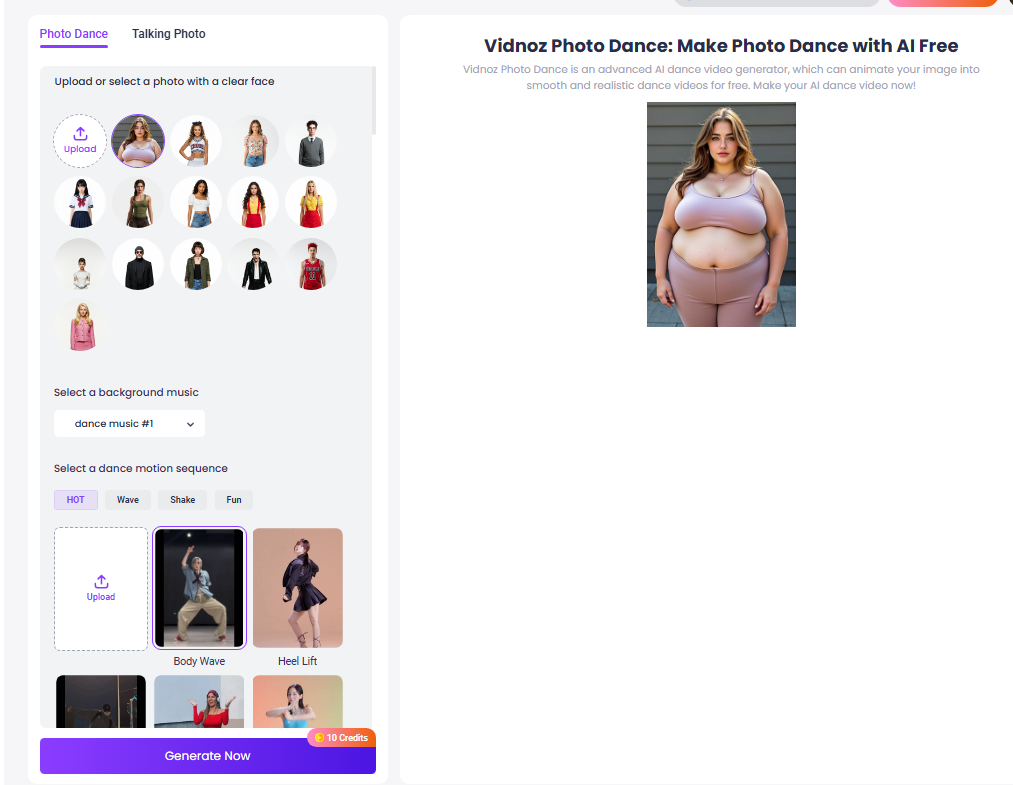
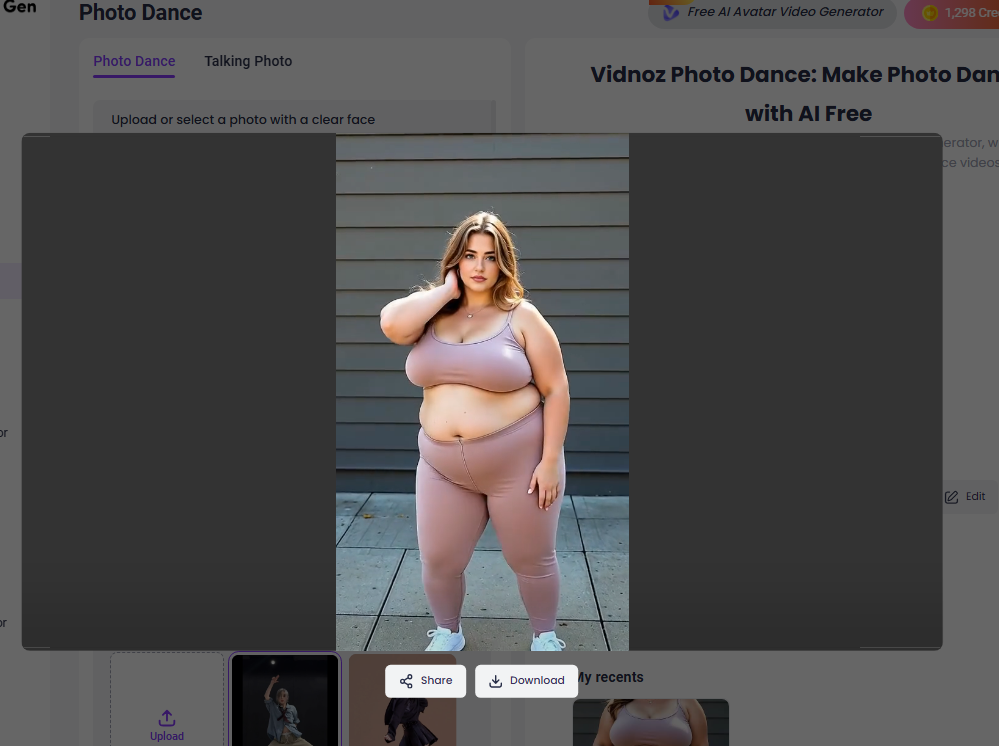
Step 3. Click Generate and let Vidnoz animate the image to a vivid dancing video.
Conclusion
From simple curiosity to creative exploration, AI weight gain tools have reshaped how people visualize body changes. A modern AI fat maker removes technical hurdles, offering realistic previews powered by fat AI technology. Whether you’re experimenting with appearance, building characters, or just having fun, these tools provide a fast and accessible entry point into visual transformation. Feel free to use the tools above to explore the secrets of body transformation, and don't forget to experience the fun of the free AI video generator!