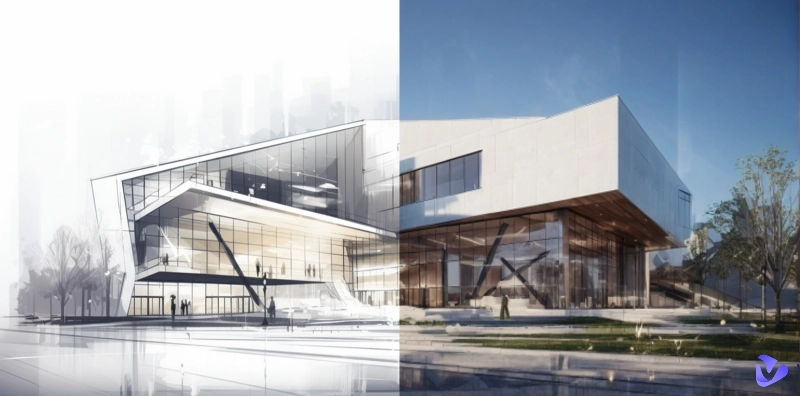
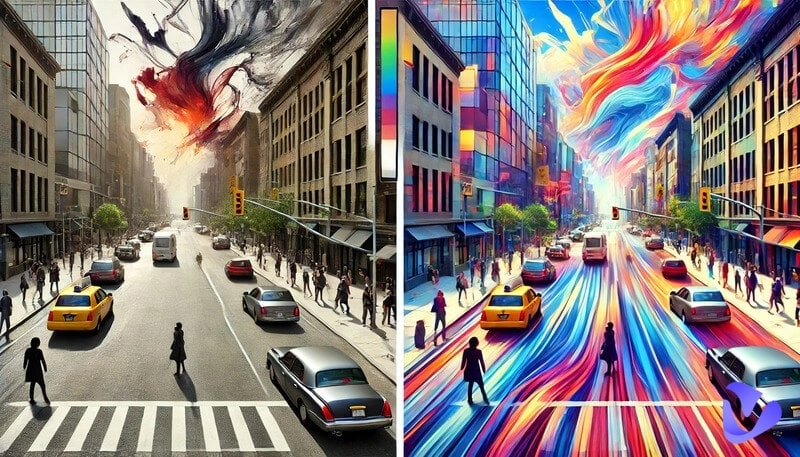
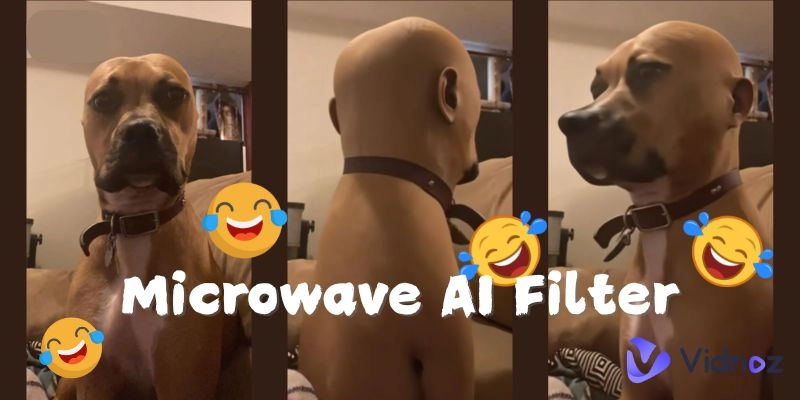
Image redesign takes time-you need efforts for both the planning and the actual work. But what if you could re-edit images or videos to more stunning visuals within clicks, will this kind of task still be a challenge? Yes, you can deal with such works using AI reimagine.
Add creative ideas into an existing image/video, get infinite variations, then finally create more amazing creations. Now, let’s explore!
- On This Page
-
What Does AI Reimagine Mean?
Reimagine AI Image Example
-
5 AI Reimagine Image Free Tools: Redesign/Replicate Images to Innovative Ones
1. Clipdrop: Create AI Reimagine Images for Idea Explorations
2. Vidnoz AI Image Combiner: Reimagine a New Variant from Multiple Pictures
3. Pincel: AI Reimagine Images and Make Partial Changes
4. Freepik: Reimagine the Specific Element in Pictures
5. Motion Elements: Reimagine & Modify Base Images in Details
-
Go Further: AI Reimagine for Image to Stunning Video Transformations
What Does AI Reimagine Mean?
According to the dictionary, the word "reimagine" means to imagine something again in a new, different, or improved way. So you can tell the subtle details: It's not about creating something completely new, but rather improving an existing thing.
Usually, the ability to “reimagine” is developed by learning about various works and training from many practices…It looks difficult for humans, while too easy for AI. So that’s why AI reimagine comes up.
AI's learning and processing speed makes it extremely easy to quickly turn images or videos in different styles. It rethinks and redesigns visuals to make improved or innovative themes with some original characteristics remaining.
Reimagine AI Image Example
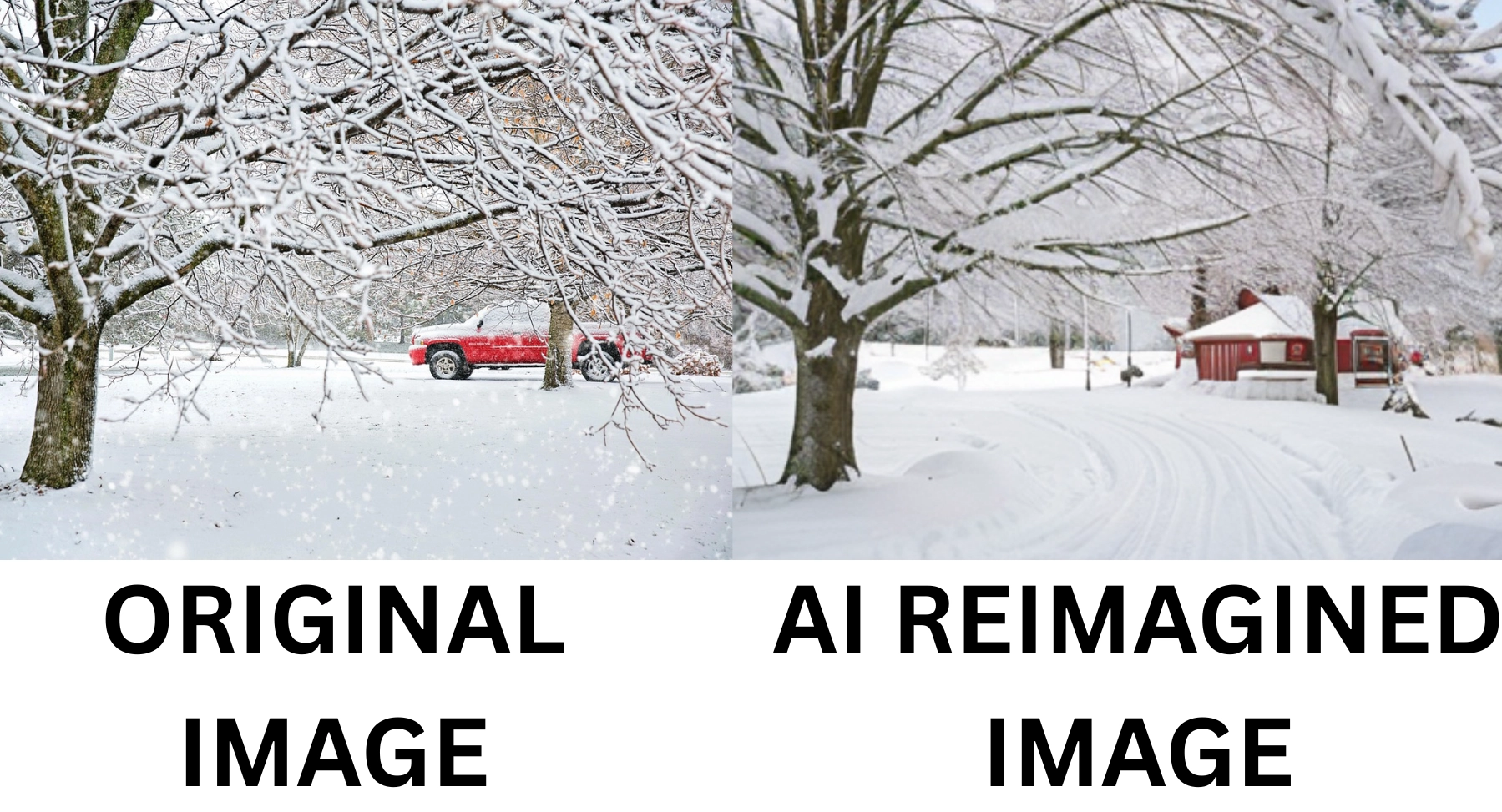
The image below is the result of AI reimagined: it keeps the snowy theme, while replacing the car in the original picture with a cottage. To make the image more dynamic and spacious, the AI algorithm adds natural tracks and other details in the final output:
How Can AI Reimagine?
Currently, AI reimagines by following 3 ways:
- AI Reimagines images from images: This type reimagine AI tools changes the original picture's style or creates variations of the results.
- AI Reimagines images from texts: You can describe which part you want to reimagine, then AI will make changes in the image accordingly.
- AI Reimagines videos: For video modification, AI can reimagine from color grading, adding or removing elements to even change the movement of objects.
5 AI Reimagine Image Free Tools: Redesign/Replicate Images to Innovative Ones
1. Clipdrop: Create AI Reimagine Images for Idea Explorations
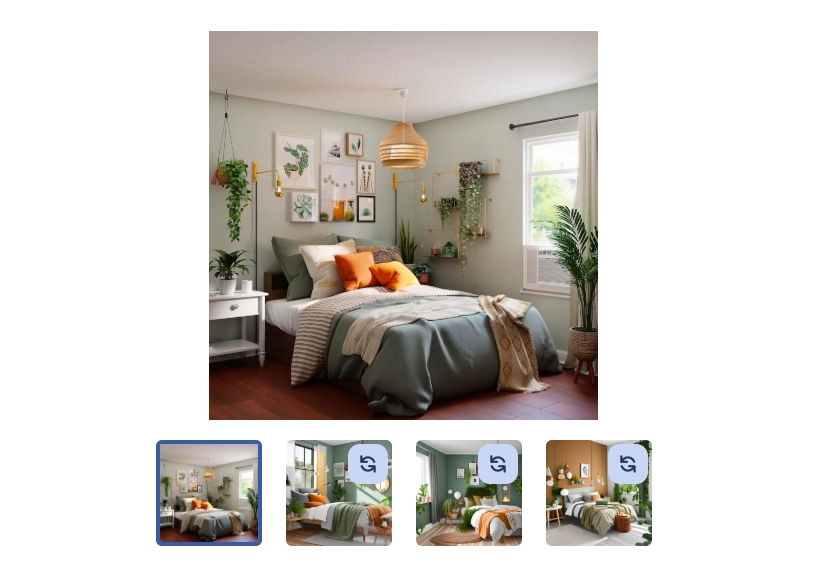
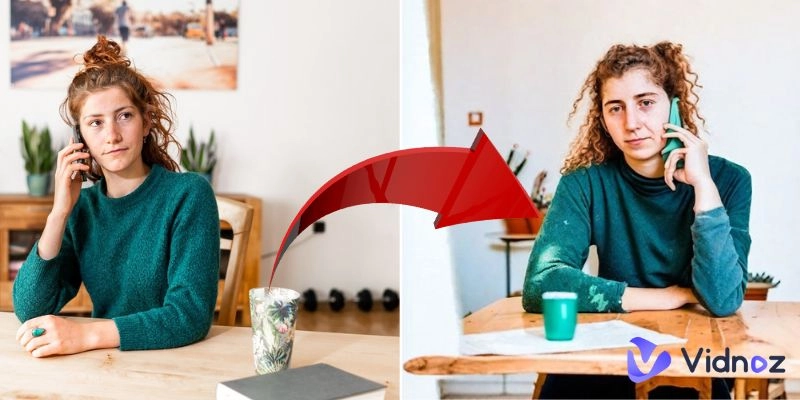
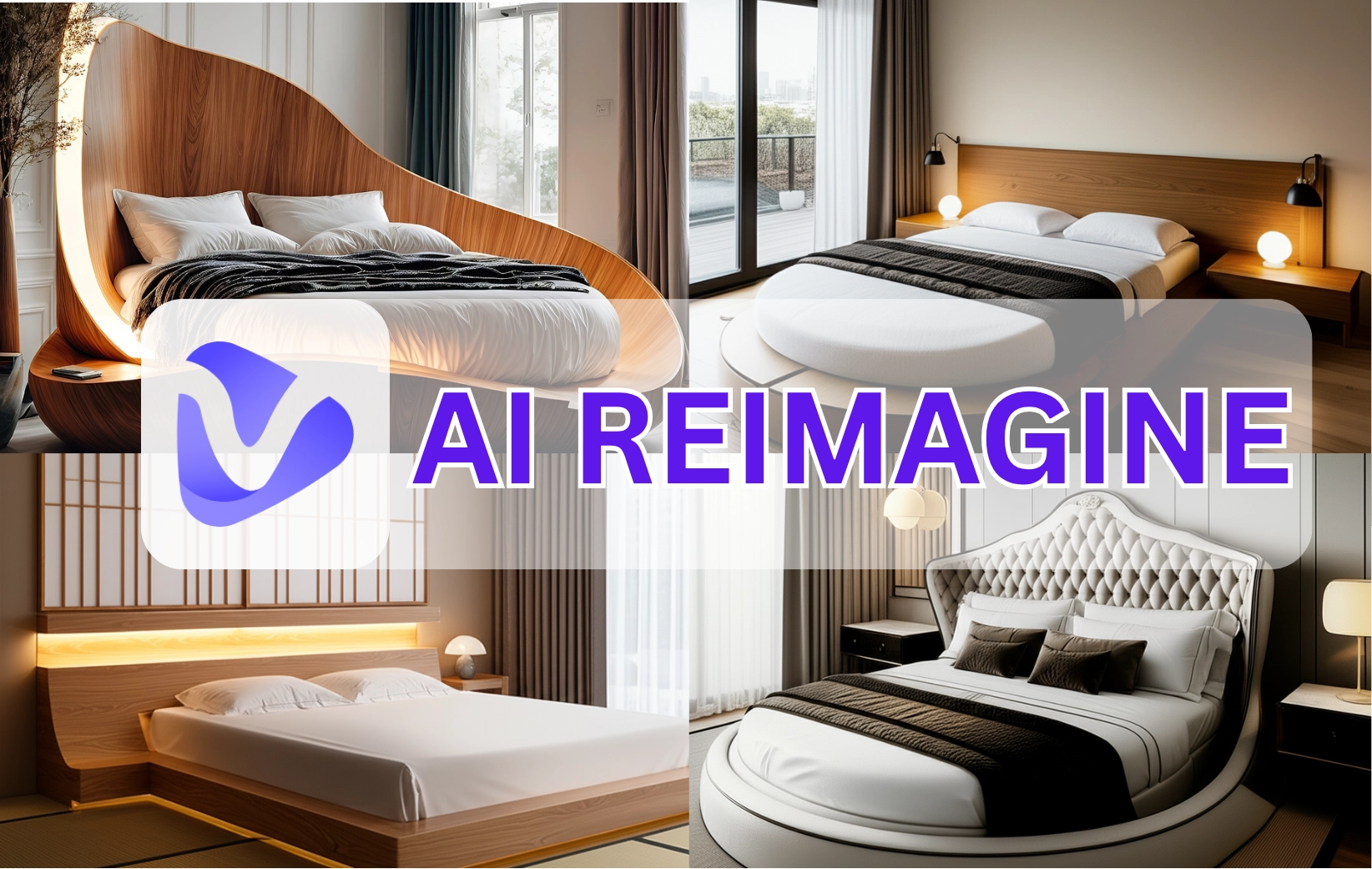
If you have an image but want a newer, fresher version with a slightly different touch, yet still maintaining the same theme? If so, Clipdrop is the perfect website to visit. The process is quite simple: AI will generate four new images based on your uploaded photo.
The results are photos with new angles that still maintain the same theme and include AI reimagine image free. It’s suitable for those who need to make matching images for websites, or decorating a room.
Key Feature
- Maintain basic elements of the original image;
- Reasonable AI reimagine images generations;
- Generate results from different angles.
2. Vidnoz AI Image Combiner: Reimagine a New Variant from Multiple Pictures
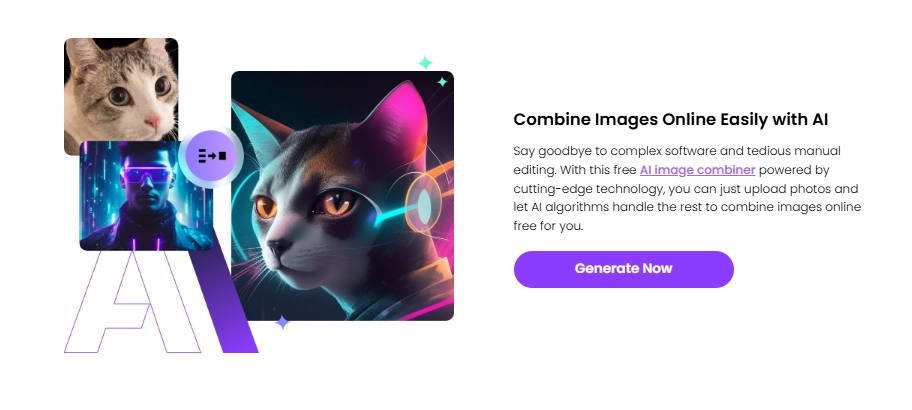
Vidnoz AI image combiner can reimagine multiple images and create a new one. You just simply drop some photos, and the AI will capture special elements or styles from them, finally it will finish reimagining by blending all those elements into a picture. This reimagine AI image generator is ideal for those who want to mix ideas.
Key Feature
- Merge many styles creatively from multiple images;
- Give reimagine strength adjustment option;
- Combine multiple photos and reimagine a new one at once;
- Generate AI-reimagined images online;
- Bring a new perspective to your photo collages.
3. Pincel: AI Reimagine Images and Make Partial Changes
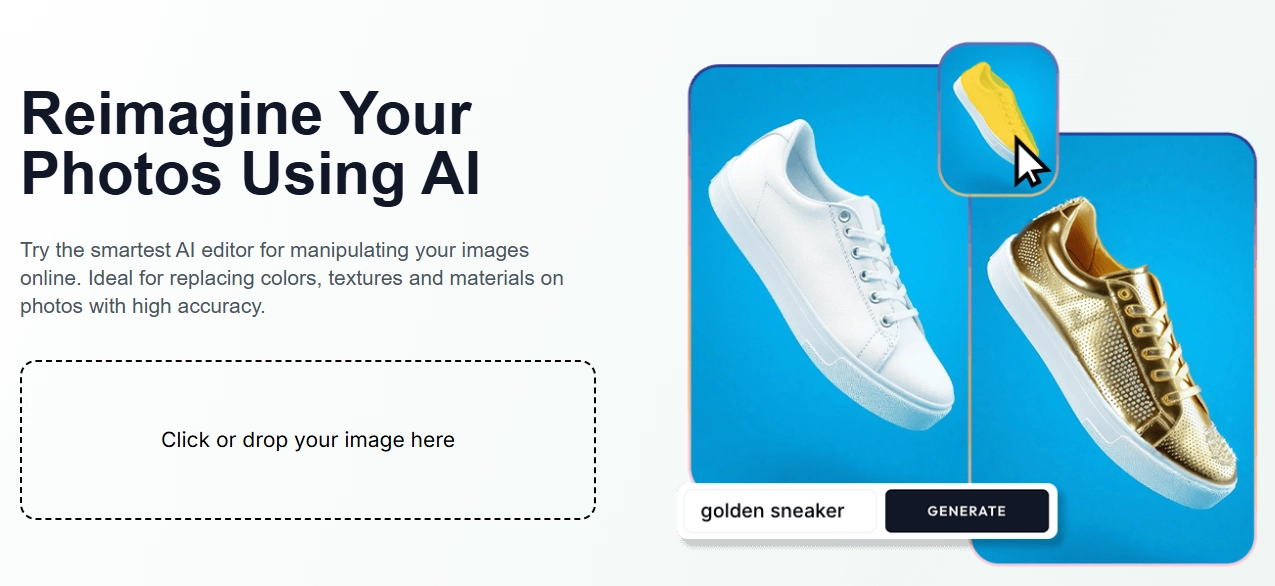
Pincel offers an AI reimagine feature that assists partial changes by following your requirements. You can use the brush panel to select the specific parts you want the AI to do reimaginations. It performs great in reimagining product images, and will generate reimagined results with body poses matching. So this tool is more suitable for e-commerce uses.
Key Feature
- Effective assistance in reimagining product image from prompts;
- Brush to select the parts you need AI to reimagine.
4. Freepik: Reimagine the Specific Element in Pictures
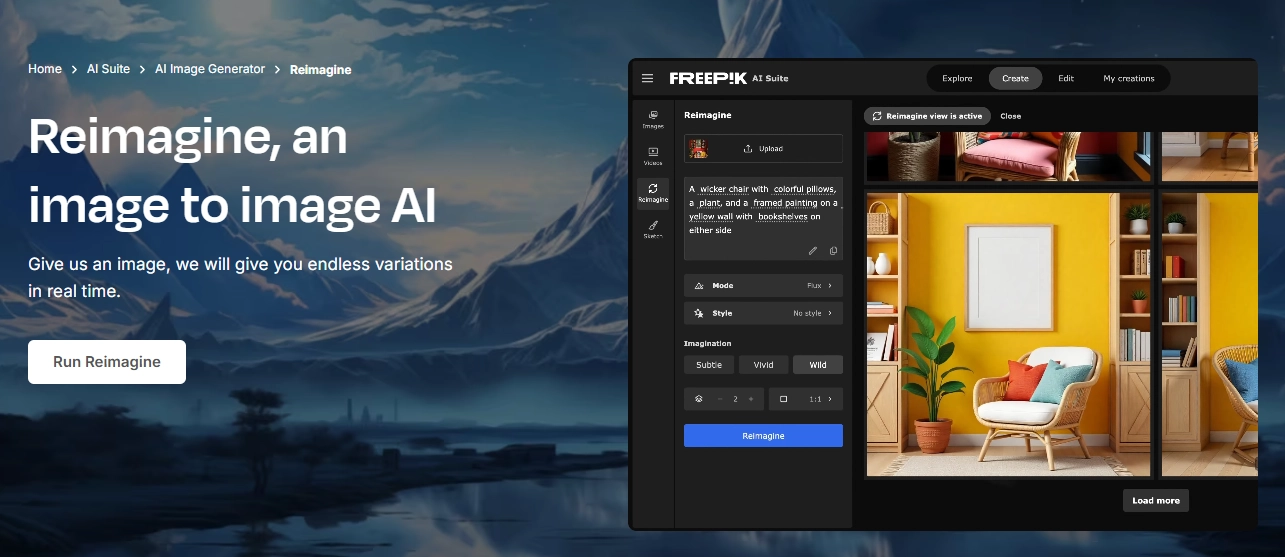
Freepik is a popular microstock platform. It now offers the reimagine style AI feature. Generally, it can do reimaginations from the original photo you provided. To ensure the final outputs meet your requirements, this AI tool allows you to write simple prompts to guide the reimagine process.
You can specify the element, add or remove objects from photos, and others, then the AI will make changes and give multiple AI reimagined images.
Key Feature
- Allow prompts input to guide the AI reimagination;
- Offer a wide reimagine selection, like styles and modes;
- Three free AI reimagine image generations per day;
- Natural reimagine effects.
5. Motion Elements: Reimagine & Modify Base Images in Details
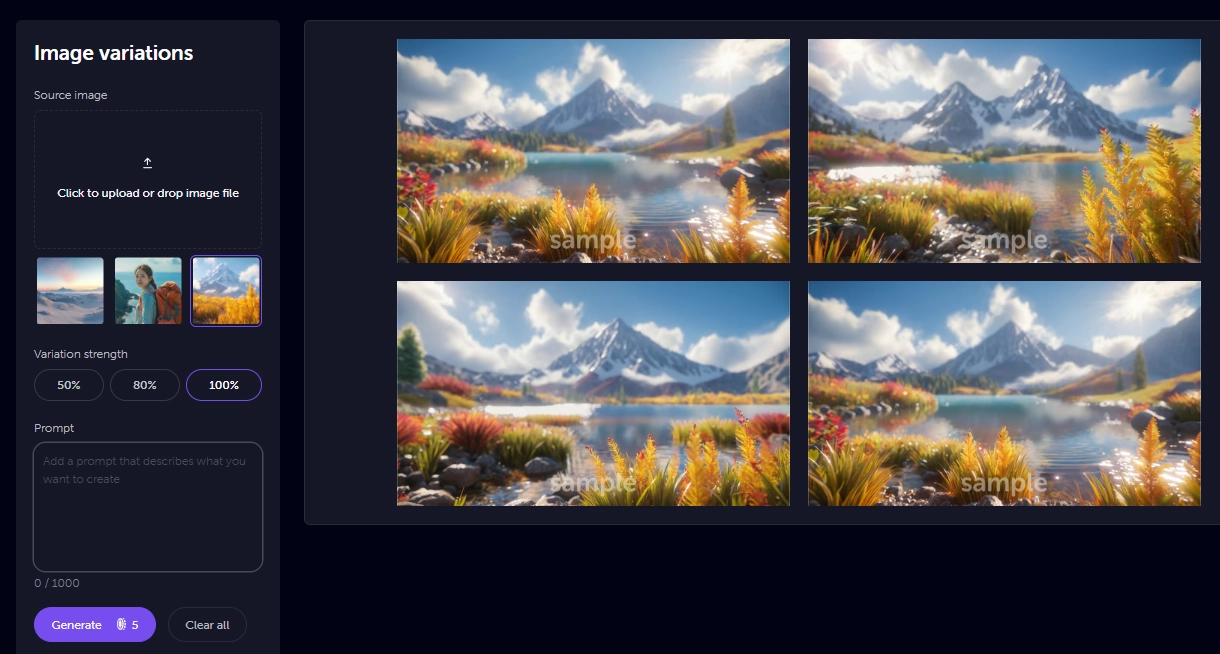
If you're looking to redesign an image with sophisticated details and various perspectives, check out this tool. This AI generator could create image variations with detailed visuals based on your base photos. It works by understanding your imagination/inputted images, then reimagine and generate new images in a batch with nuances.
But it’s more good at reimagining natural scenery, so it is ideal for artists to get inspiration or for writers to visualize imagination.
Key Feature
- Reimagine images from existing images;
- The variation strength can be manually set for natural details;
- Smooth detail changes while keeps basic elements;
- Generate AI-reimagined images in batches.
Now, AI can not only reimagine still pictures, it also works on improving motion visuals. Do you remember those viral images to video transformation? (Just Like the AI squish effect) Keep scrolling to explore more fun video reimaginings!
Go Further: AI Reimagine for Image to Stunning Video Transformations
Redesign your videos with the reimagine style AI feature on the Vidnoz image-to-video AI tool. The tool offers many viral video effects, so you can add more hilarious vibes into your static photos.
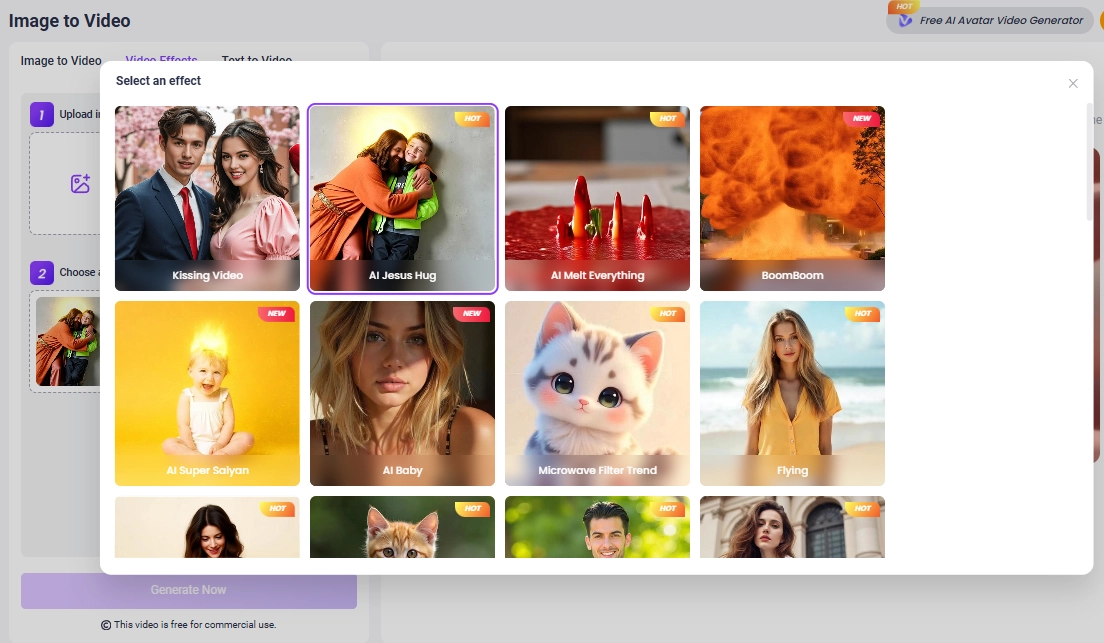
Similar to the AI photo reimagining process, Vidnoz allows you to reimagine still pictures to clips or add video effects to images. Generally, it is ideal for making creative videos, especially when you lack video materials.
Key Feature
- Reimagine images to videos;
- Provides many trendy video effects;
- No prompt required, the AI does reimaginations automatically.
Convert Image to Video AI Online - Free
- Create a video from an image quickly for free.
- Use various AI models to turn photos into videos.
- Download and share the AI-generated video at no cost.
Convert Image to Video
Conclusion
Creative design is always in high demand, but you can get inspired easier with AI tools. Rendering interior decorations, changing product images or merging multiple elements, AI reimagine becomes your assistant and helps you explore more. And not limited in image-to-image variations, Vidnoz free AI video generator makes reimaginations by turning photos to stunning videos! Try magical AI reimagine to achieve innovative and stunning visuals now!