Vidnoz AI Image Sharpener: Sharpen Images Free Online
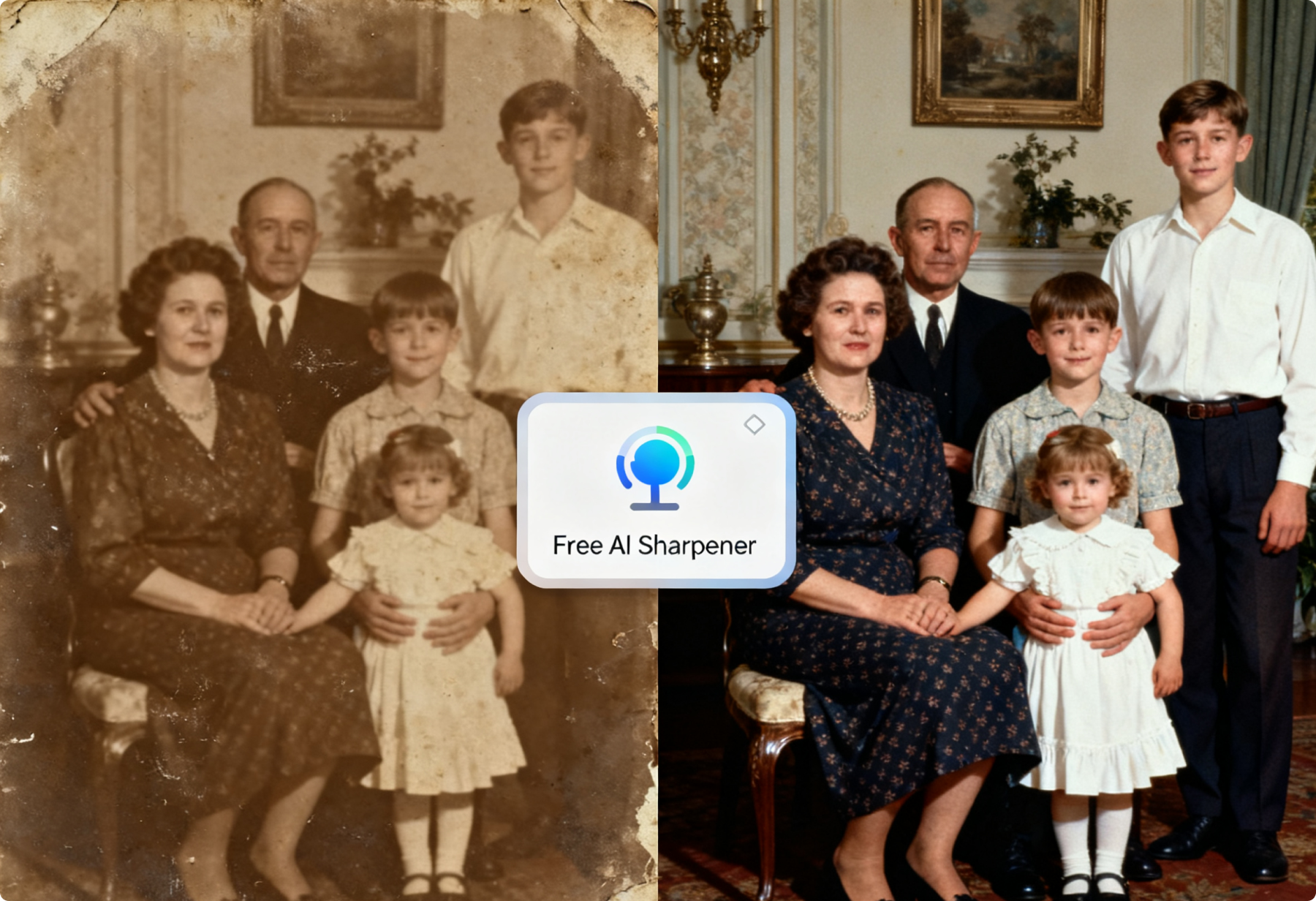
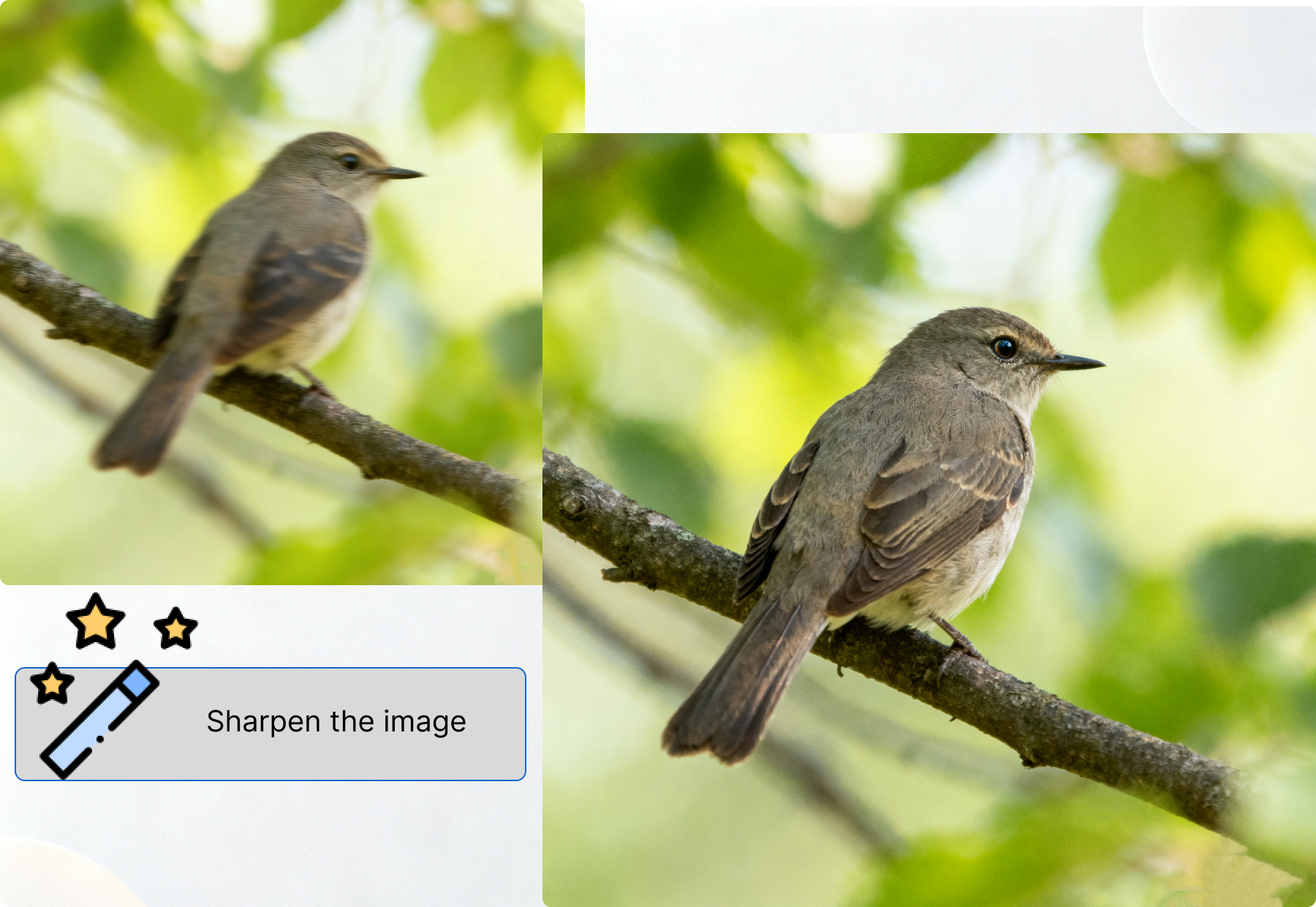
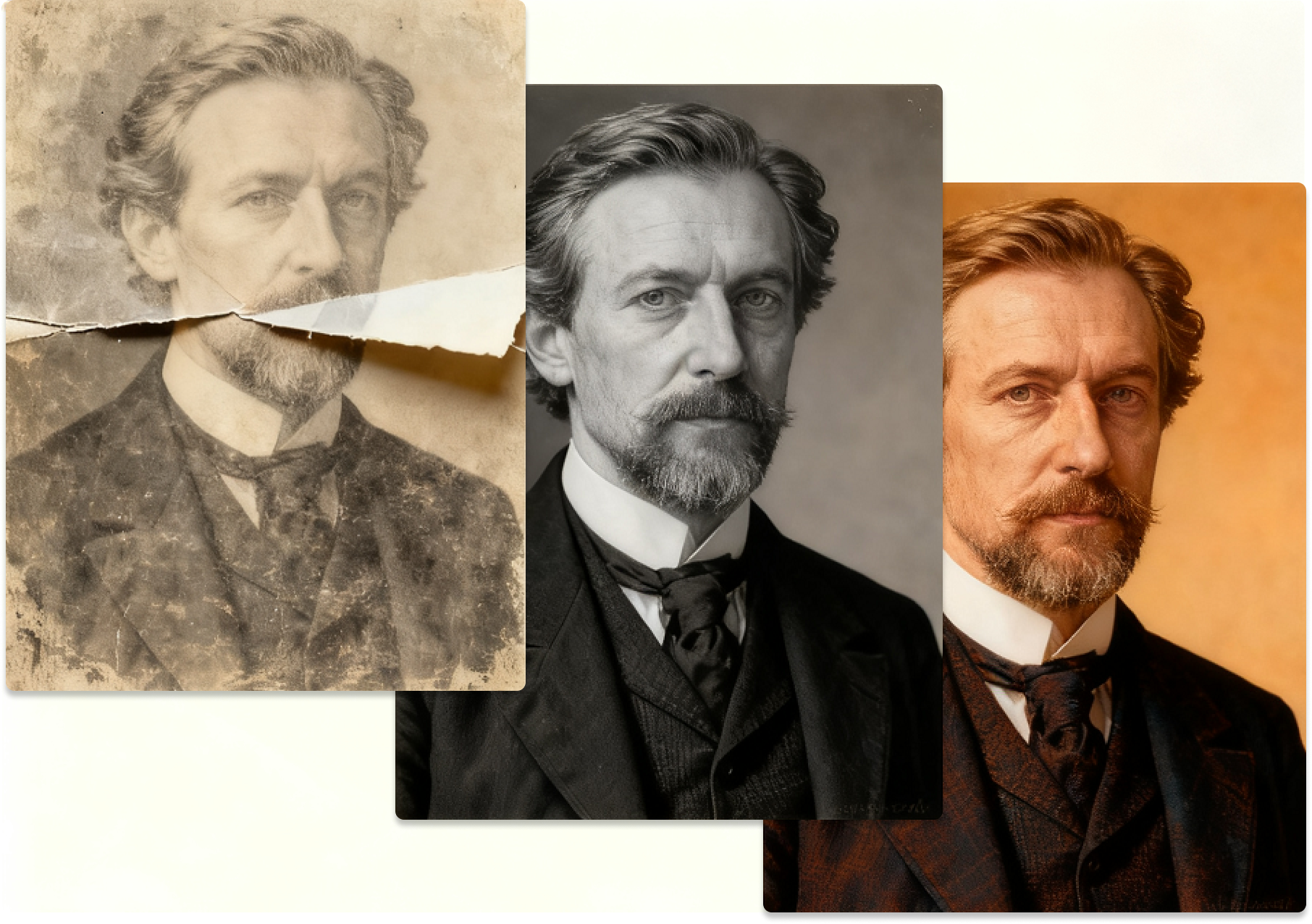
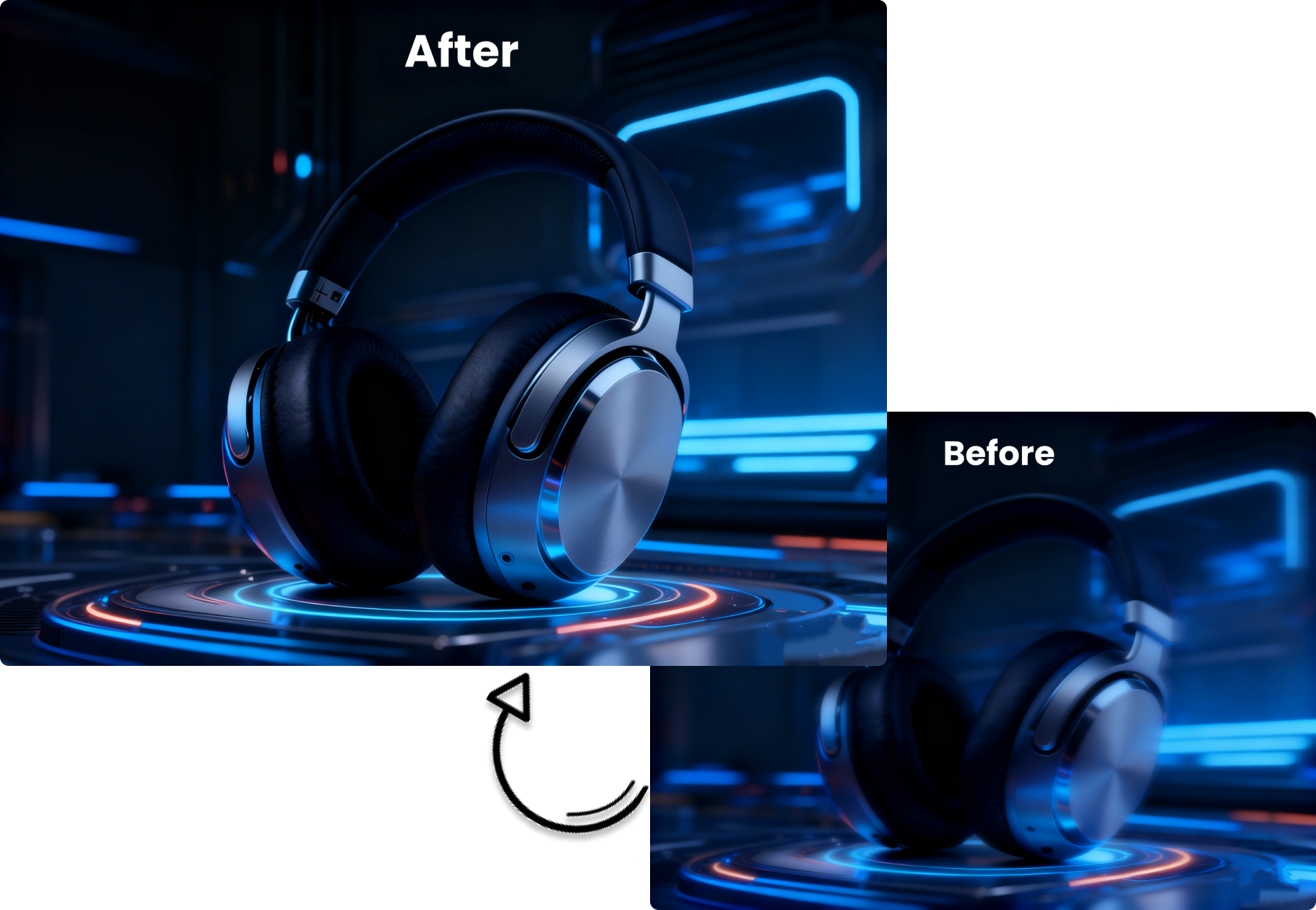
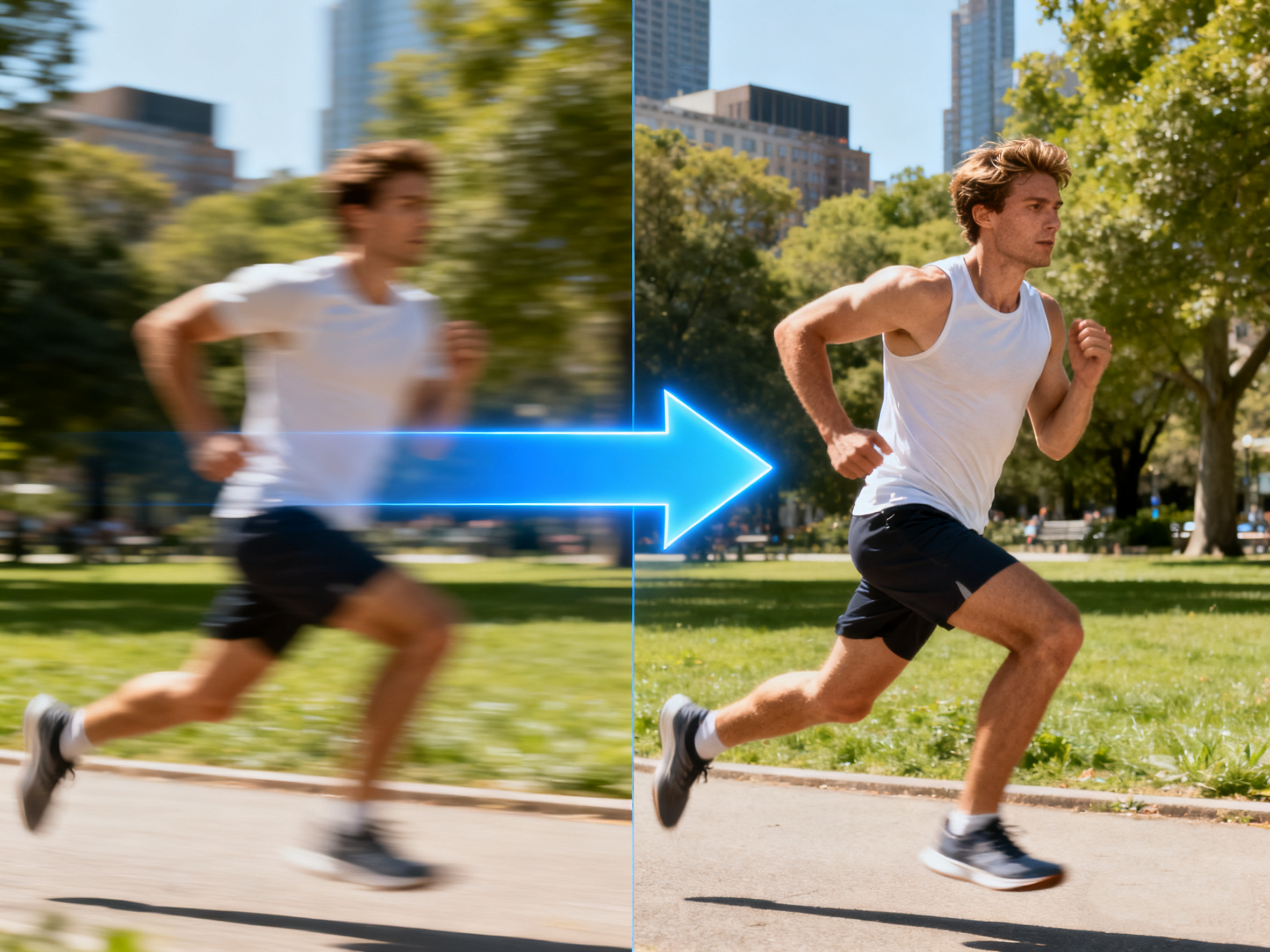
Vidnoz AI Image Sharpener fixes motion-blurred images, restores old photos, and removes out-of-focus or lens blur.
Vidnoz AI offers a free online AI image sharpener to better serve its users. As long as there's an internet connection, you can use the tool on either a mobile phone or a computer. Simply upload your photo and enter text prompts to specify the desired changes. If you're satisfied with the generated photo, you can log in and download it; otherwise, regenerate it.
Compared to similar tools, Vidnoz AI Image Sharpener differs in its usage. While other sites generate images directly after uploading, Vidnoz AI generates an image only after you input text prompts. This allows you to not only improve photo sharpness but also edit specific objects, such as text or brand logos. You can use Vidnoz AI as a comprehensive AI image editor, not just an image sharpener.
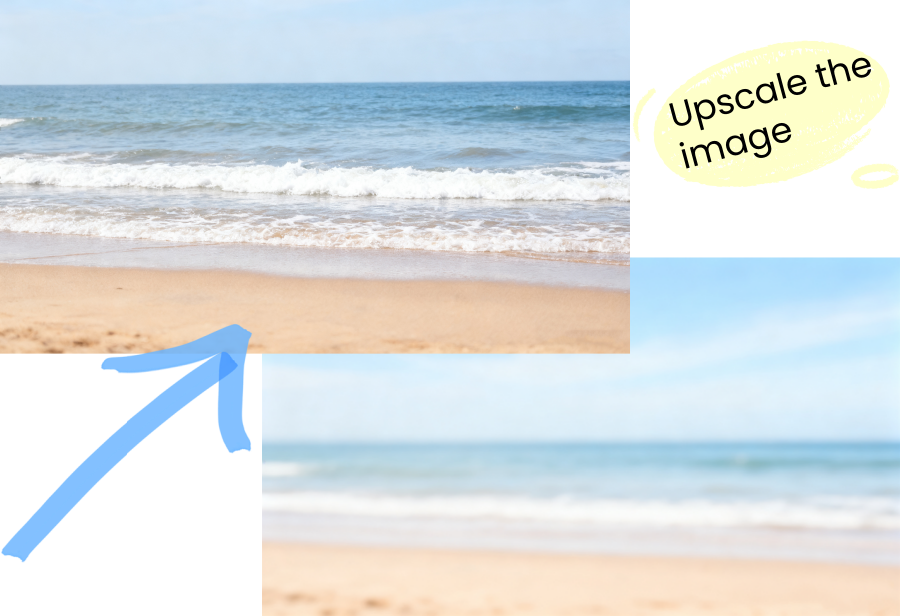
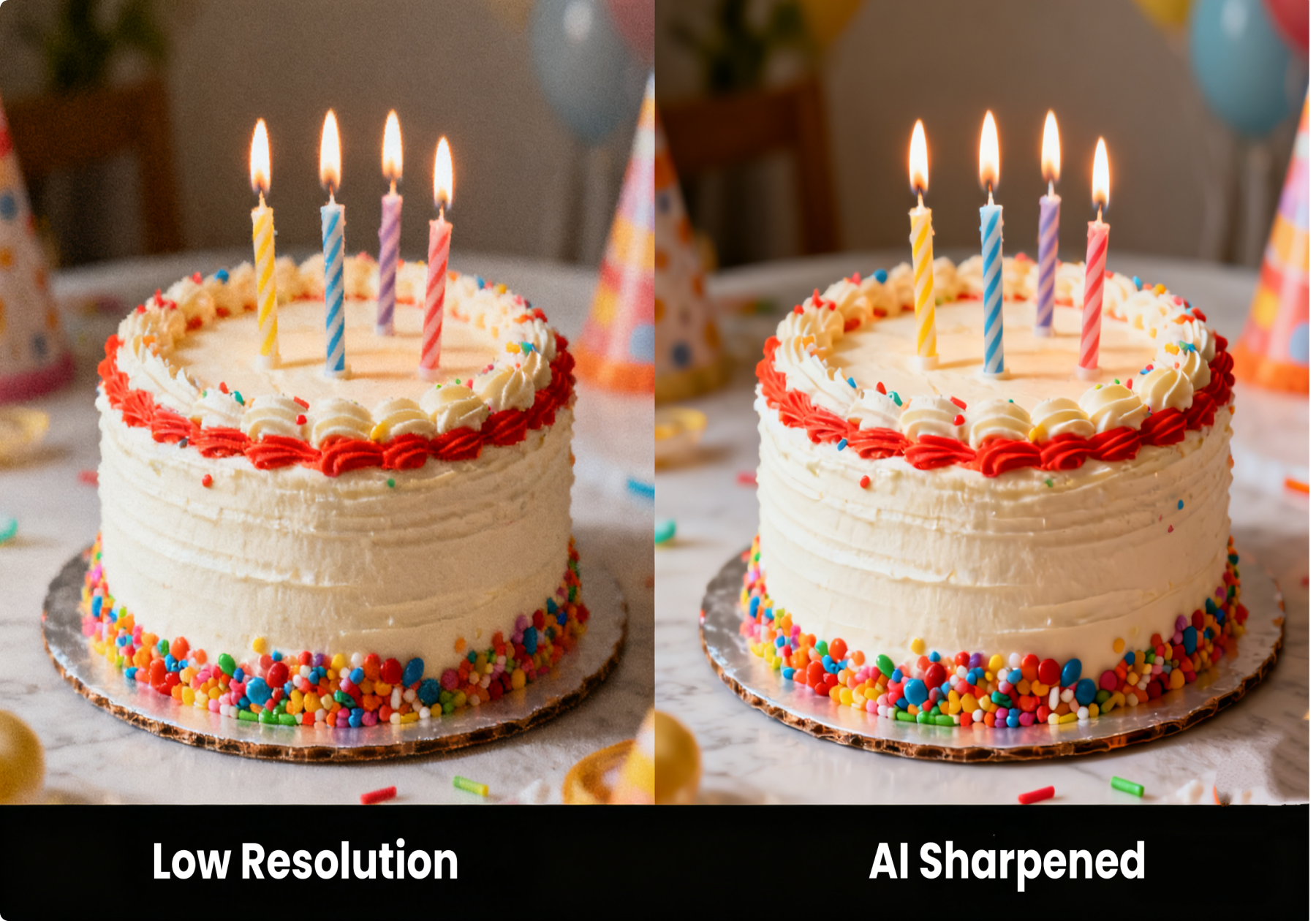
Vidnoz AI uses advanced AI technology to process images. Input texts such as "upscale the image" or "make the image clear", and it will make your entire image look incredibly clear. Furthermore, the generated images are in PNG format with lossless compression, resulting in good quality. More than that, there is no watermark on your generated photo after download.
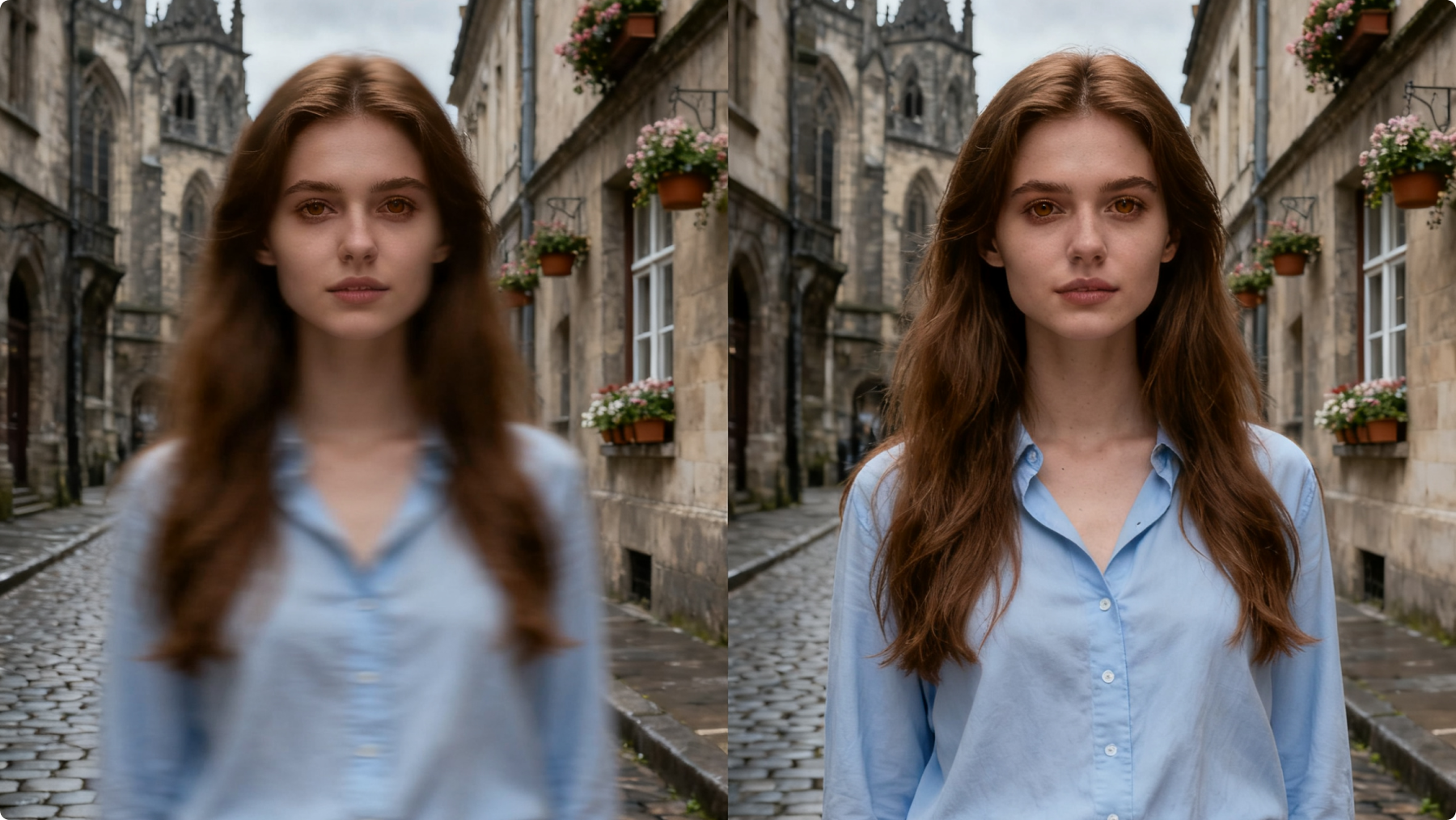
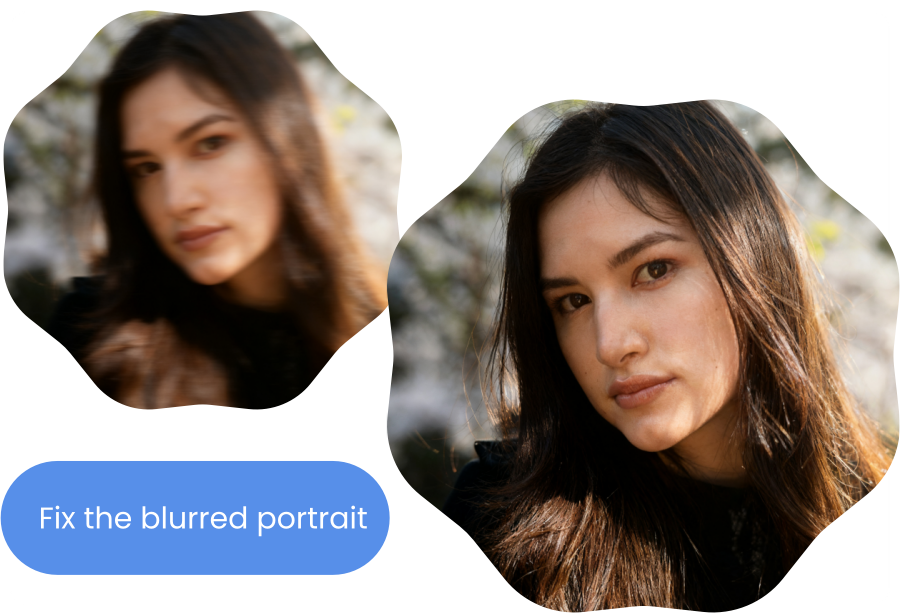
Blurry portraits are a common problem. It could be due to insufficient device resolution or being shot while moving. Vidnoz AI Image Sharpener can quickly repair blurry images of people caused by various reasons. And the AI processing is very fast. Just edit your portraits with this tool and share on social media to get instant likes.
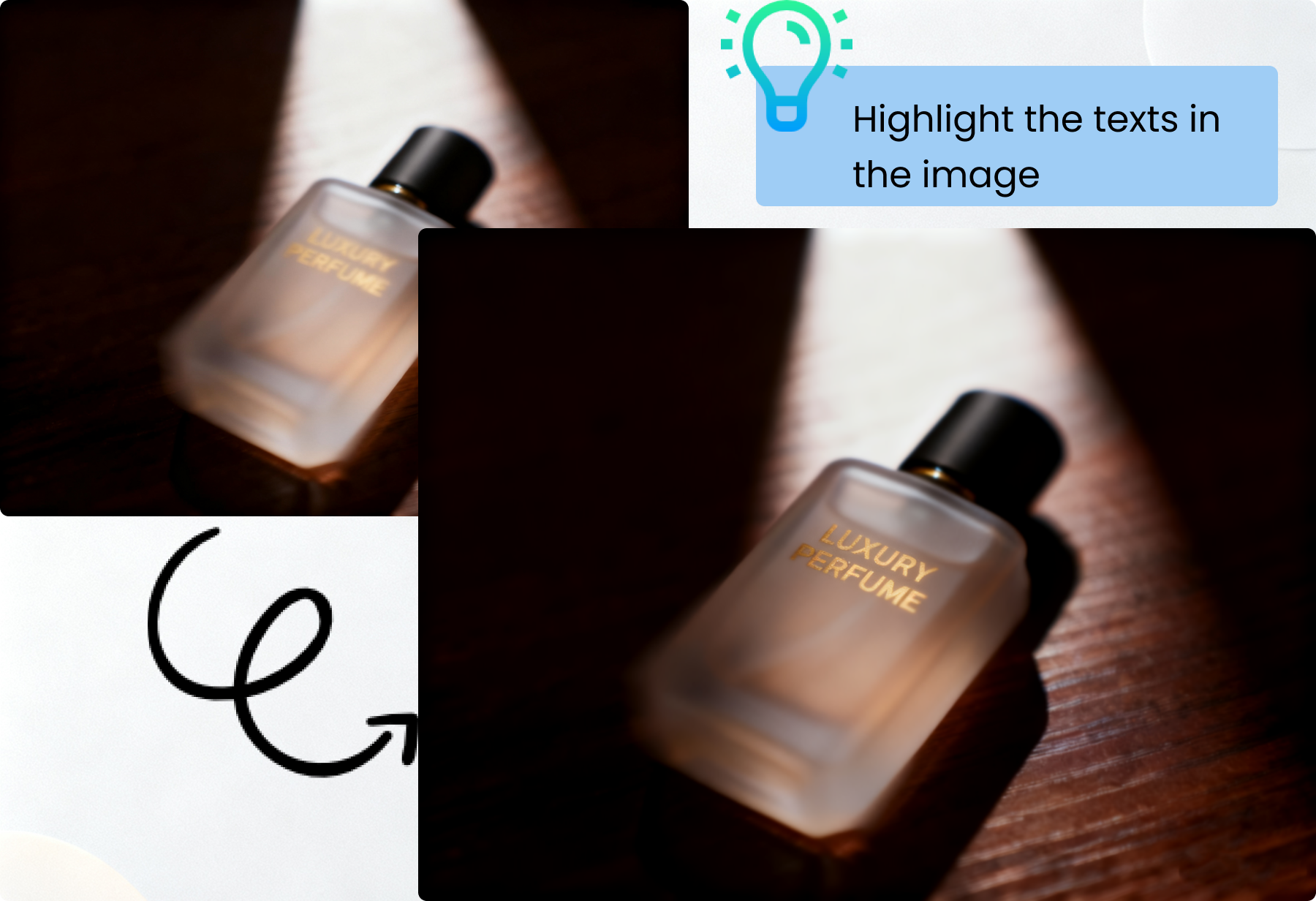
Compared to traditional AI sharpening tools, one of Vidnoz's biggest advantages is that it allows you to highlight only a single important element without amplifying other elements. Most tools can only sharpen the entire image, while Vidnoz's AI can sharpen a brand logo, text, flying kite in the sky, or any other element in an image.
AI image sharpener is an AI online app that uses deep learning models to analyze blur types, identify content in images, distinguish details from noise, and resolve photo blur issues to reveal the true subject of the photo. It's primarily used to repair motion-blurred photos, out-of-focus photos, or old photos. Vidnoz AI Image Sharpener and Topaz Sharpen AI are excellent products in this field.
Vidnoz AI Image Sharpener analyzes your uploaded photos first, diagnosing the blurred part. Then it processes your photos and reconstructs details. After noise suppression and refinement, you can get an AI sharpened photo.
Yes. Vidnoz AI is totally free to use to sharpen images, without any hidden cost. You don’t have to spend any credits as well.
Step 1. Upload your blurred photo.
Step 2. Input prompts like “sharpen the image" or “fix the blurred part”.
Step 3. Click the button to fix the blurred image and download it freely.
No. You get a watermark-free image generated by Vidnoz AI Image Sharpener. Preview or download it without the Premium version.
Up to now, we support images in regular formats, including JPG, PNG, and WEBP.
No. Currently, Vidnoz AI Image Sharpener online doesn’t support batch processing.
Yes. You can use text prompts to sharpen a specific part.
No. All your uploaded images will be deleted in the coming days.
Sharpen images and turn them into high resolution with Vidnoz AI now.