Turn still images or text into dynamic videos in any style, with leading AI models readily. Try the smart AI video generator now - stunning, free, and instant!
Titanic Filters: What Would You Look Like on the Titanic?
Mia Miller
Updated on
SHARE THIS POST
Let's go back to the 1900s with the viral Titanic filters. What would you look like on the Titanic? Here’s a ticket for you, try it to snap a photo with the ship!
As an amazing love story, the Titanic is still talked about and praised decades later. The rich scenes and unforgettable aesthetics remind us of the gorgeous 1900s. Have you ever wondered how you’d look aboard the Titanic? Or who are you in the movie? The viral Titanic filters stirring nostalgia and playful curiosity is the answer.
This is a trendy filter on social media, many users engage in and show their elegant or hilarious transformations. So if you want to catch up the breeze, you should definitely read this post and discover more about the captivating Titanic inspiration.
On This Page
What is a Titanic Filter?
5 Popular Titanic Filters Free to Transform Your Looks into Titanic Styles
1. TikTok Titanic Face Filters: Become a Titanic Character
2. Snapchat Titanic Lenses: Try Various Funny Titanic Filters
3. BuzzFun AI Titanic Filter Online: Transform Your Photos to Titanic-Style Portraits
4. YouCam AI Titanic Filter: Convert Your Photos into Titanic-Style Based on Your Imagination
5. Photo Lab: AI Titanic Filters to Merge You into the Scene
Let Titanic Filter Go On: 3 Scroll-Stopping Ideas to Win More Likes
#1. What Would Rose and Jack's Baby Look Like?
#2. Let Jack and Rose Kiss in Videos
#3. Cartoonize Your Titanic-Style Photos
FAQs on Titanic Filters
Conclusion
What is a Titanic Filter?
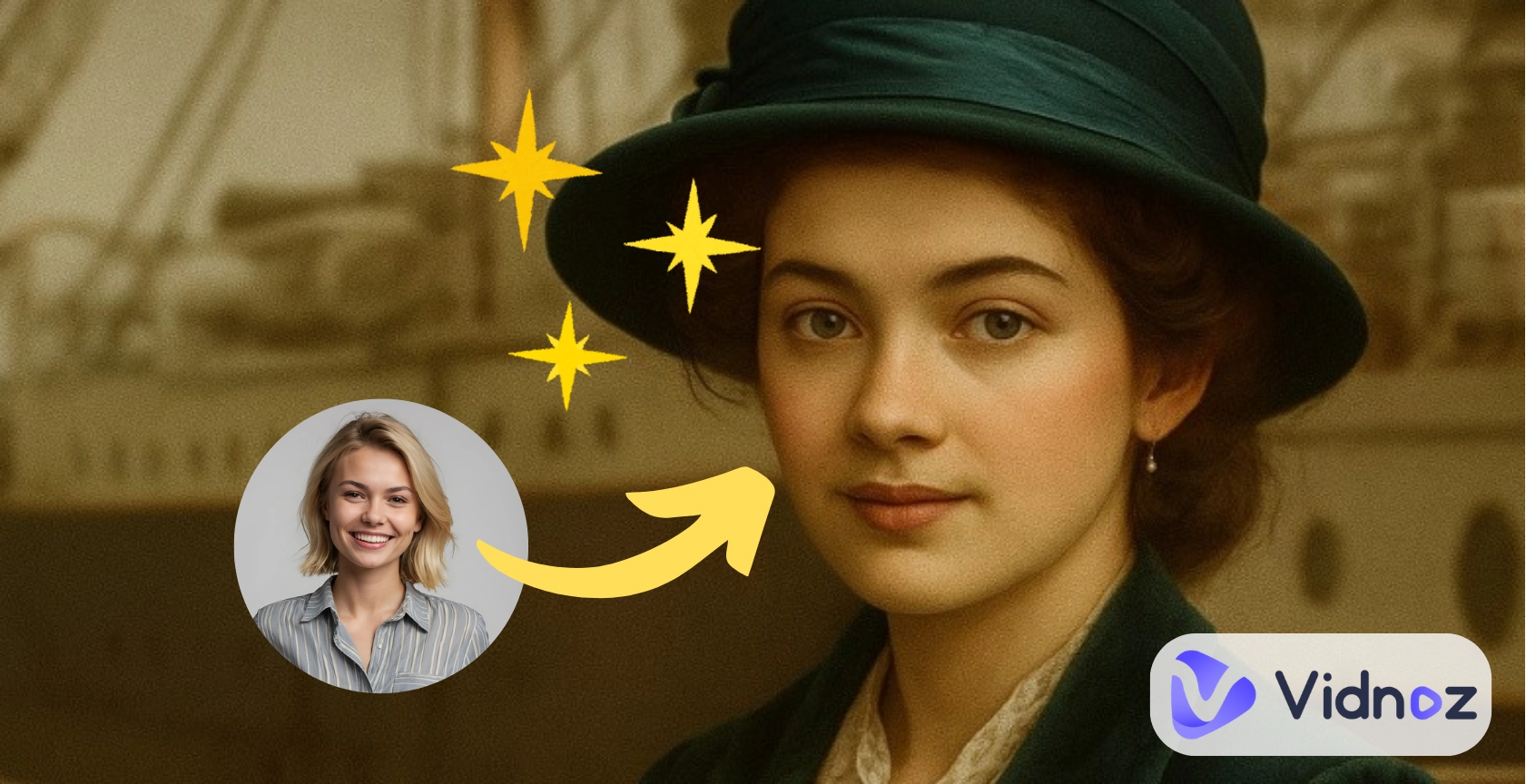
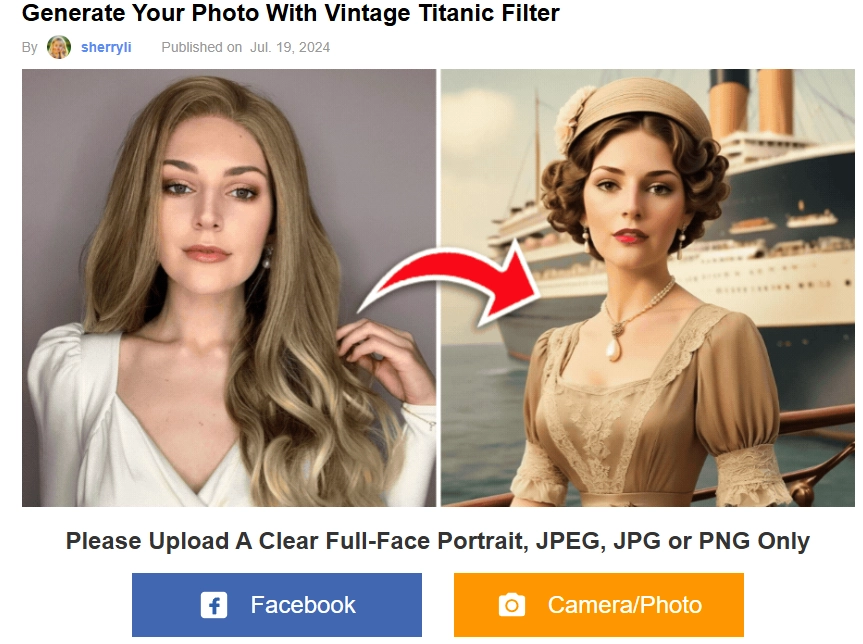
A Titanic filter will transform your selfie into the 1900s style, especially matching the aesthetic in the movie. The filter will bring us back to the 1900s (with the ship backdrops) and will add grainy effects to revive the vintage vibe.
After applying it, you will wear Victorian-era clothes, swap to a vintage hairstyle, and stand in front of the Titanic. Also, the Titanic effect adds a grainy, nostalgic effect with dramatic effects.
5 Popular Titanic Filters Free to Transform Your Looks into Titanic Styles
There are diverse Titanic filters to transform your looks. Below is a list of the top 5 free Titanic effect tools you can try:
1. TikTok Titanic Face Filters: Become a Titanic Character
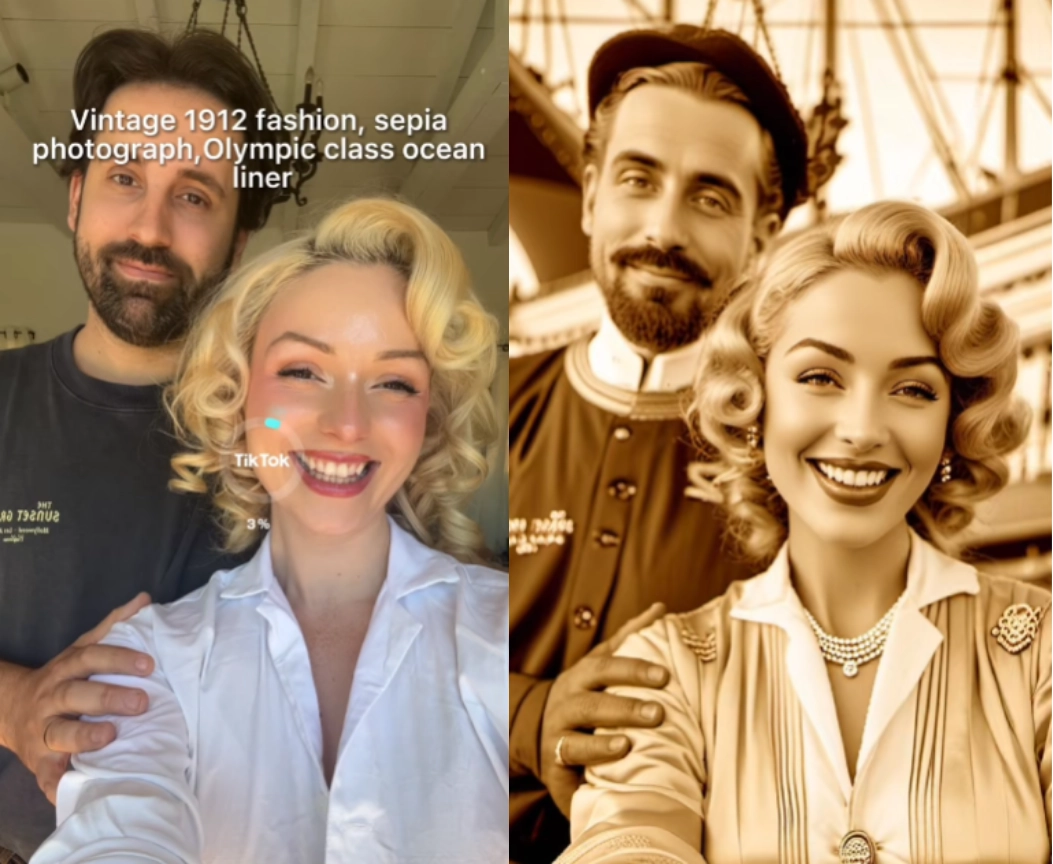
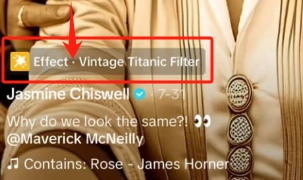
Screenshots from TikTok @jasminechiswell
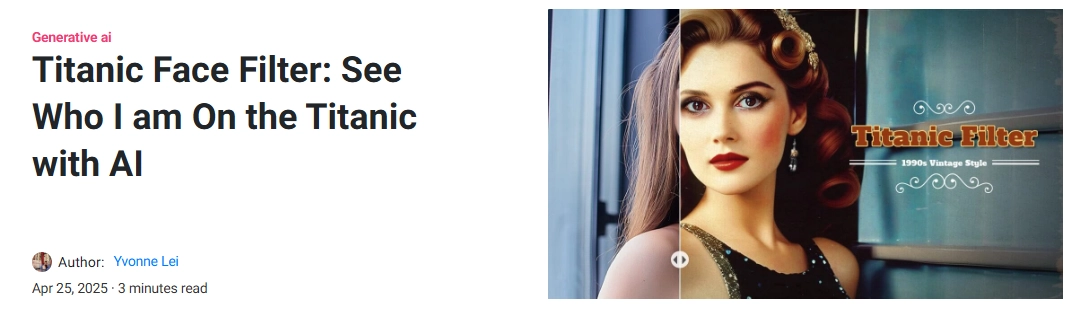
TikTok’s Titanic face filter transforms your selfie into a dramatic 1900s portrait. It performs great in detail. To enhance the vintage vibe, this titanic filter generates a monochrome photo. Besides, it even changes your looks like a real 1900s resident: stylish outfits, old-style hair, and classic ship backdrop take center stage.
If you prefer a funnier try, you can just use the “Who am I on Titanic?” filter and get matched with a character.
How to Use TikTok Titanic Face Filter:
Step 1.Open TikTok and search for the Titanic face filter;
Step 2.Watch any video and tap the filter to activate your camera:
Step 3.Center your face and follow the style prompt;
Step 4.Snap a picture and wait for magical transformation.
2. Snapchat Titanic Lenses: Try Various Funny Titanic Filters
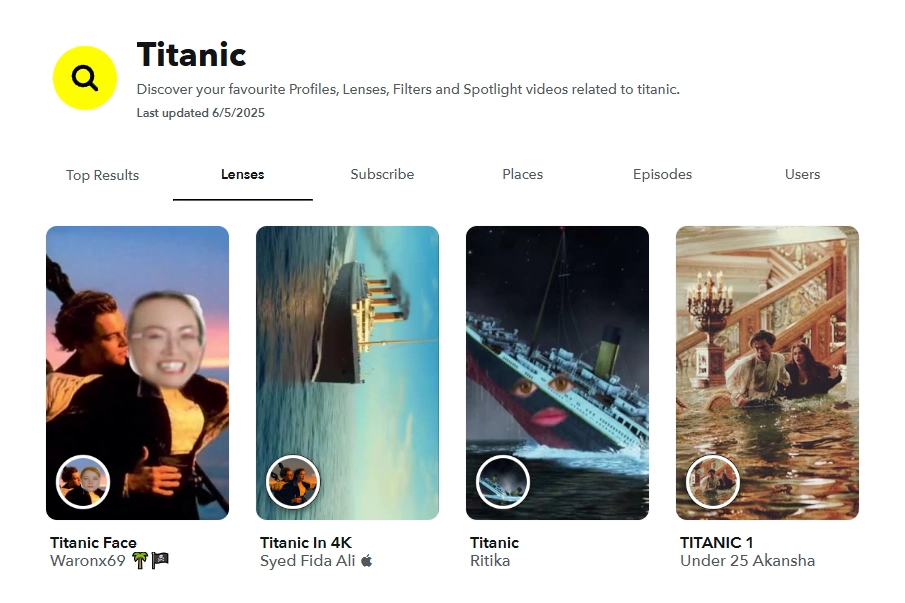
As always, Snapchat users create a set of Titanic snapchat filters with playful twists. Those lenses allow you not only insert your face into the classical poster but also merge into the Titanic-themed backgrounds. If you don’t want to make a troll creation, you can also just try those Titanic-aesthetic filters to personalize your selfies.
How to Use the Titanic Snapchat Filter:
Step 1.Launch Snapchat and go to Explore;
Step 2.Search “Titanic” directly;
Step 3.Tap any Titanic-related lens and give it a try.
3. BuzzFun AI Titanic Filter Online: Transform Your Photos to Titanic-Style Portraits
Not only fun quizzes, BuzzFun is also available to make you a titanic-style portrait. This online Titanic filter uses predesigned templates and gives you an impressive swap in seconds. This time, the retro image is more sophisticated with grainy textures and realistic colors.
Step 3.Get your retro portraits with the Titanic behind.
4. YouCam AI Titanic Filter: Convert Your Photos into Titanic-Style Based on Your Imagination
Compared with other Titanic filters, YouCam AI gives more custom options. It can turn you into any movie character based on your description. So you would make each of your portraits unique and highly stylized. For example, you can wear the priceless "Heart of the Ocean" necklace like Rose does.
How to Use the Titanic Filter:
Step 1.Download and open the YouCam AI app on mobile;
Step 2.Describe your ideal Titanic style, you can input prompts like "Titanic voyage elegance, wearing the ‘Heart of the Ocean’ necklace"
Step 3.Upload your own selfie;
Step 4.Select the “Movie Persona” style;
Step 5.Tab to process the generation.
5. Photo Lab: AI Titanic Filters to Merge You into the Scene
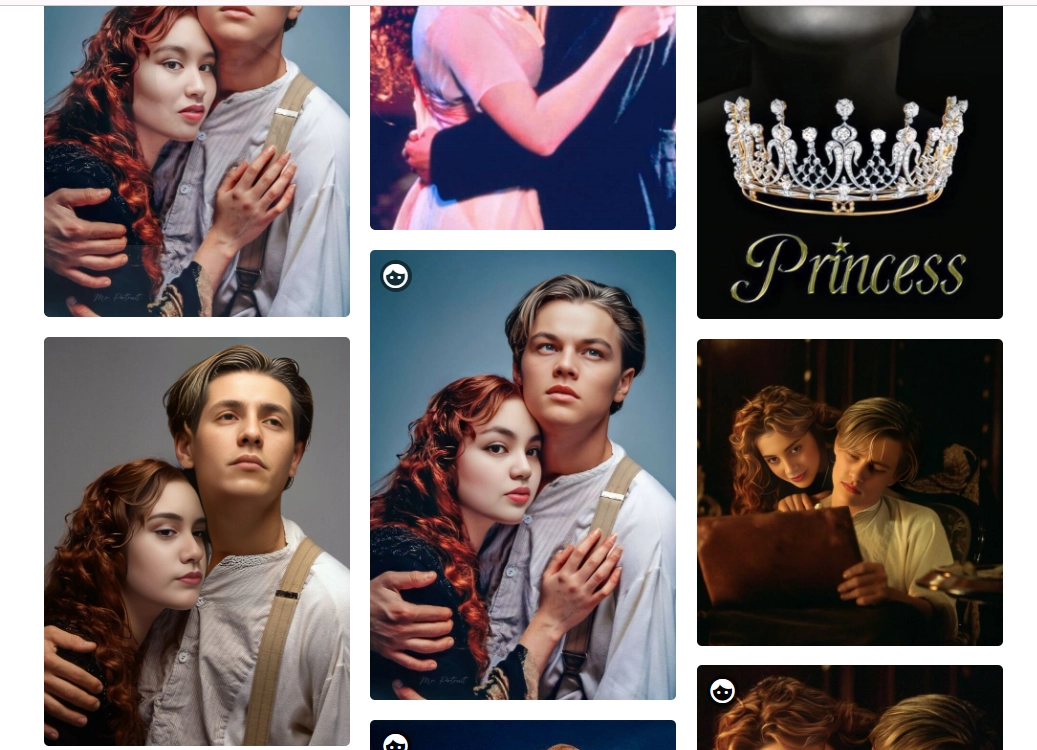
You can get into the romantic scenes with the Photo Lab Titanic filter. You could become Rose, Jack, or any character by merging your face into famous movie posters or ship backdrops. This online tool offers ready-to-use poster templates with realistic effects, so you can quickly experience the change.
Step 3.Adjust the photo alignment for the best swap;
Step 4.Review the merged scene, save, and share.
You can take your Titanic filter photo and turn it into pure internet gold with ideas that go beyond basic edits. They help you turn one still image into content people will remember. So what are these ideas?
Let Titanic Filter Go On: 3 Scroll-Stopping Ideas to Win More Likes
We scrolled many trendy posts under #thetitanic on Instagram and below are the 3 best ideas that may win your more views:
#1. What Would Rose and Jack's Baby Look Like?
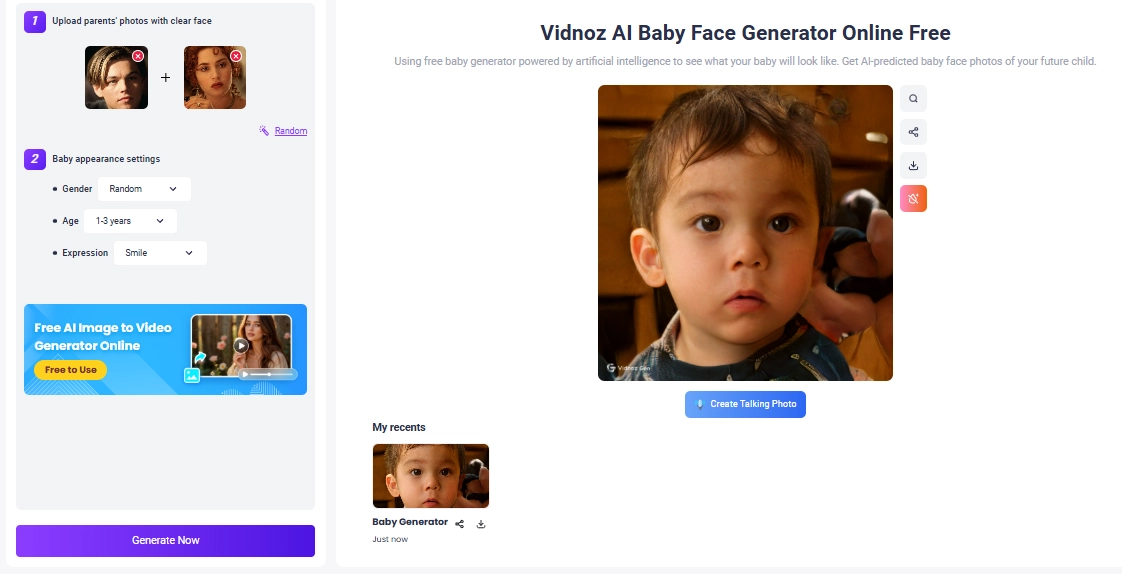
The bad ending breaks many viewers’ hearts. People can't help to wonder: what kind of life do Rose and Jack live? Will they live happily like a fairy tale? Will they have some children? Well, now you can meet their baby using the Vidnoz AI baby generator.
Key Feature
Fun prediction of any couple’s future baby;
Generate a future baby image quickly;
Free to have fun with it.
How to Do it:
Step 1.Access the Vidnoz AI Baby Generator feature;
Step 2.Upload Jack and Rose’s photos;
Step 3.Select the baby you want to see:
A boy or a girl (or anyone)
How old is it?
What is it doing?
Step 4.Click “Generate now” and wait for seconds.
#2. Let Jack and Rose Kiss in Videos
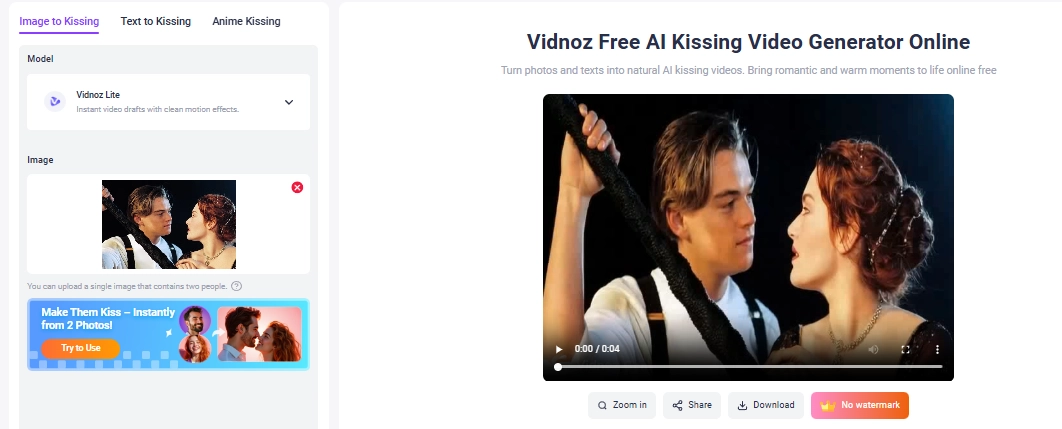
Stop crying, you can finally give your favorite couple the kiss they deserve! Turn the still Titanic-themed portraits into short kissing clips using the Vidnoz AI Kissing Video Generator.
Key Feature
Turn still images to romantic kissing videos smoothly;
Free and online to do the easy transformation.
How to Do It:
Step 1.Go to Vidnoz AI kissing video generator tool;
Step 2.Upload your preferred couple image;
Step 3.Click to finish the transformation.
#3. Cartoonize Your Titanic-Style Photos
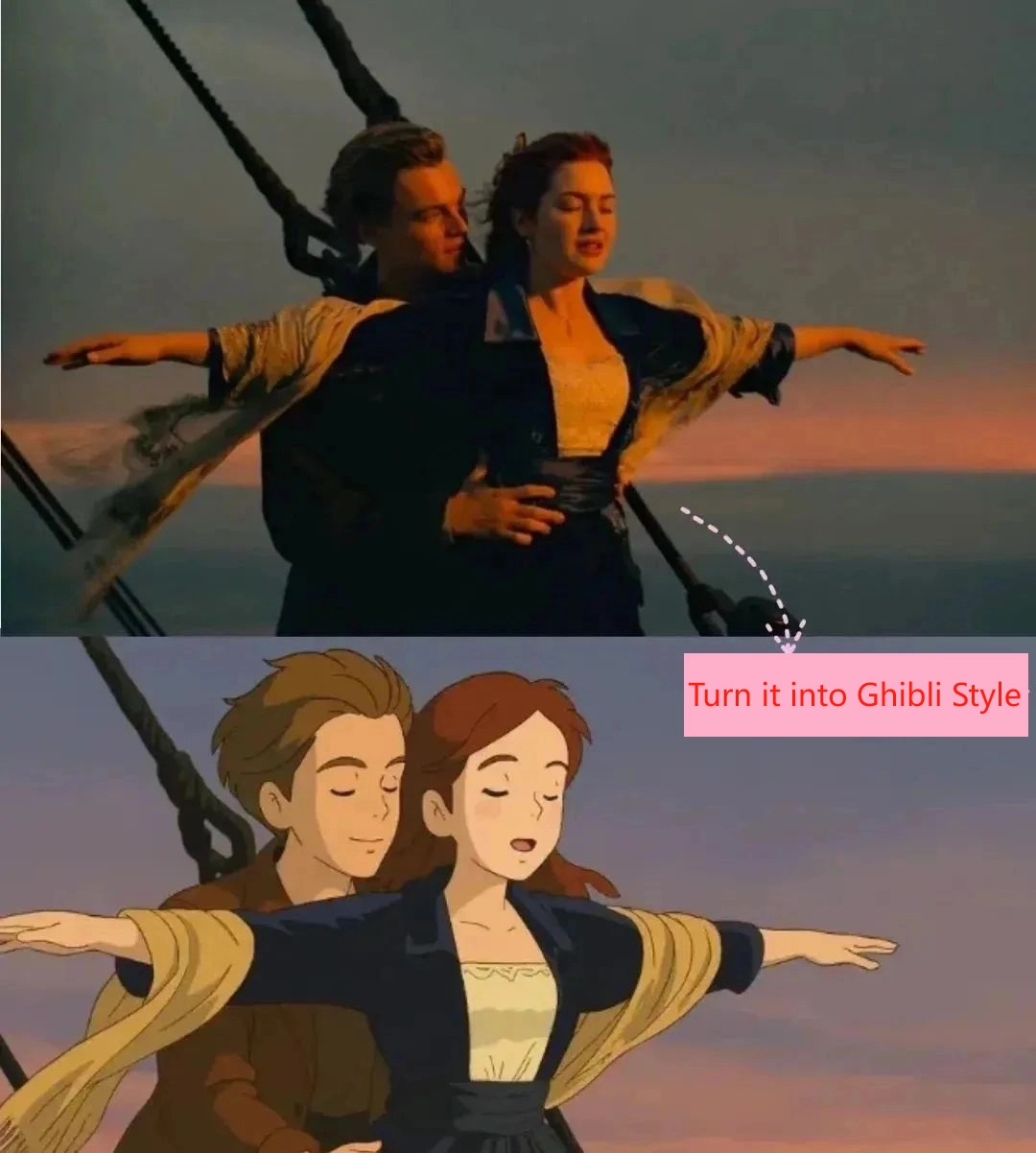
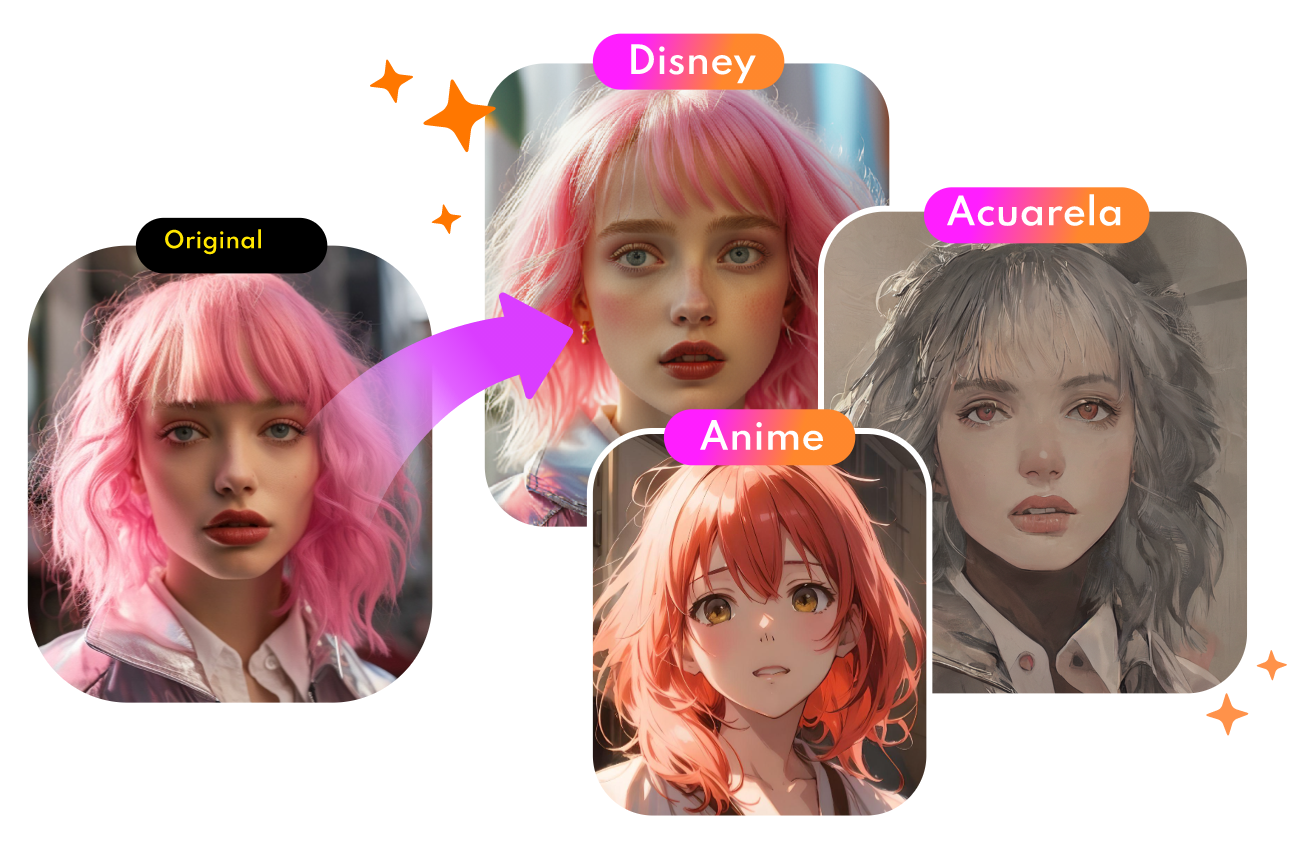
Obviously, funnier visuals can draw more attention, and cartoonizing some classic movie scenes is a good shot. So you can consider turning a Titanic scene into anime style, like the viral Ghibli filter.
Yes, Vidnoz offers the useful AI cartoon generator and Ghibli style for free. So you could make creative anime arts without limit.
Key Feature
Accessible on any device;
Free to cartoonify images;
Easy and quick swaps.
Convert Photo to Cartoon - FREE
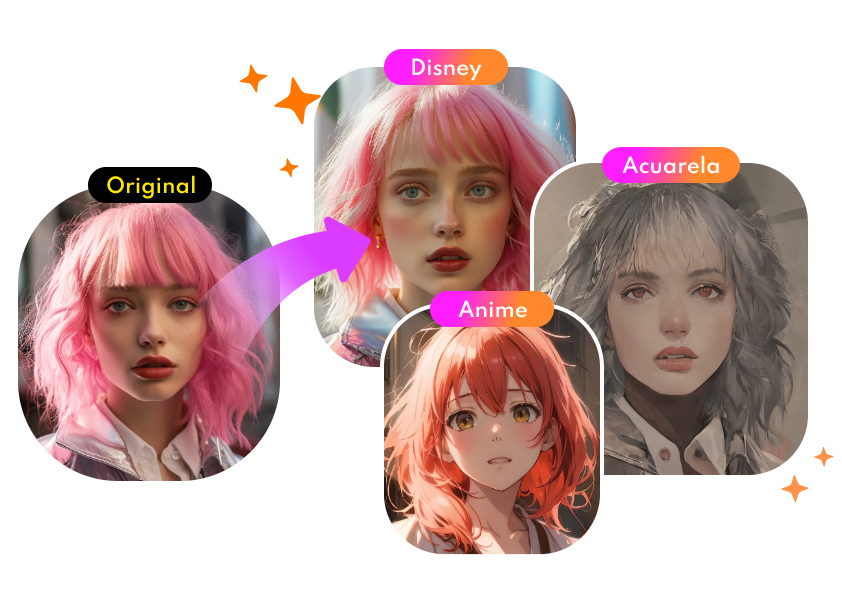
Convert any photo into a high-quality cartoon version for free. Choose from a variety of styles. Instant and Natural!
No, you can’t. Due to copyright rules on movie-related content, the Titanic filters aren’t available on Instagram.
You can search for Titanic filters in TikTok or Snapchat. These two platforms offer popular Titanic face filters for free.
You can try the TikTok filter. This Titanic filter will match you with a Titanic character instantly (you may get a hilarious answer: you are the Titanic LOL)
Ships may sail away, but love and creativity never fade, and that’s why the Titanic filter goes viral. More than just a throwback, the filter gives us a chance to become part of a story.
And with AI features (like Vidnoz free AI video generator), you can meet a future baby, let the couple’s romantic kiss, and create eye-catching cartoon images of those classical moments.
Mia is an SEO specialist focusing on AI applications. She‘s experienced at solving problems from the users' perspectives and helping them find AI tools that can truly improve efficiency.