Ever wondered if you’re destined to be a billionaire or which animal matches your "vibe"? Welcome to the world of prediction filters, the viral AR trend taking social media by storm. These interactive effects use randomized logic to "predict" your future—from your wedding date to your 2026 mood—providing a perfect mix of suspense and comedy for your followers.
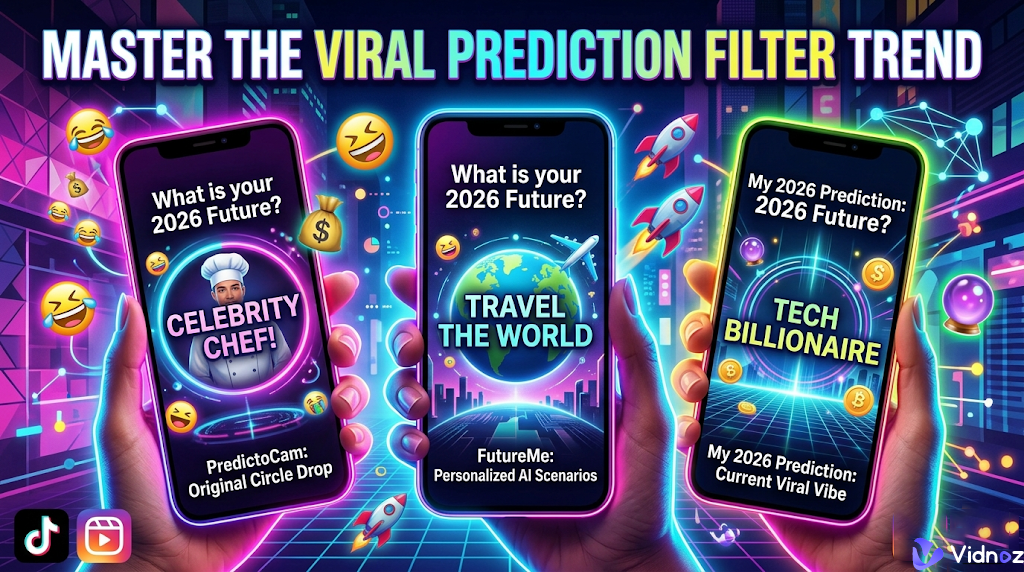
In this blog, we’ll break down how these digital fortune-tellers work and dive into three prediction filter free apps—PredictoCam, FutureMe, and My 2026 Prediction—so you can start creating your own viral destiny today!
- On This Page
-
How Did the Prediction Filter Video Go Viral
-
Best 3 Prediction Filter Free Online
-
Bonus: AI Future Me Video Generator
How Did the Prediction Filter Video Go Viral
The rise of the prediction filter wasn't just luck—it was a perfect storm of interactivity and suspense. Unlike static filters that just change your hair color, prediction filters turn the viewer into a participant. They rely on a "randomized selector" mechanic, where a digital reel spins above your head before landing on a result.
This creates a "slot machine" effect that keeps people watching until the very last second. Whether the result is shockingly accurate or hilariously wrong, it sparks an immediate emotional reaction. This makes the content highly shareable; users love posting their "fails" or celebrating a lucky "win."
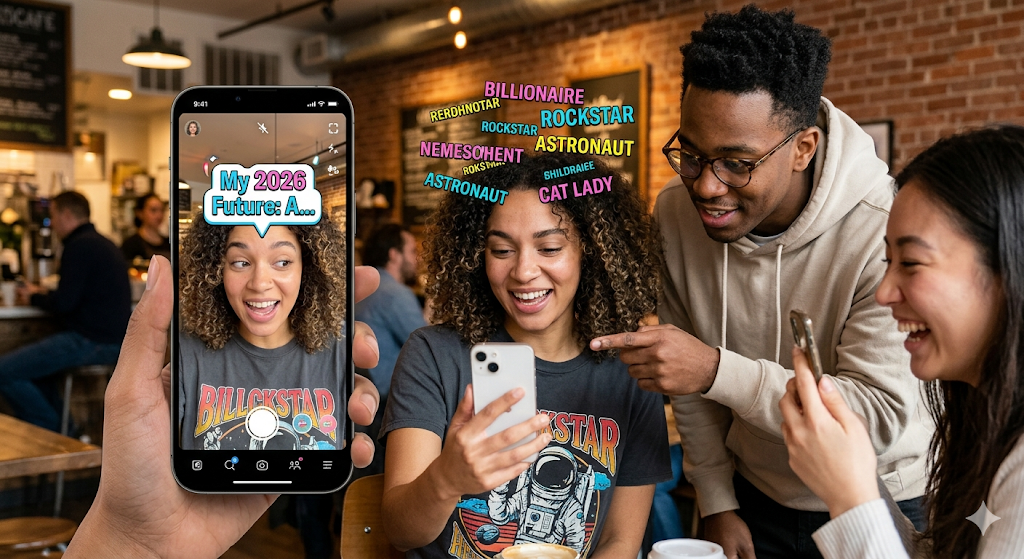
By tapping into our natural curiosity about the future and providing a low-effort way to create high-stakes comedy, these filters turned every smartphone user into a potential viral sensation. It’s quick, it’s relatable, and most importantly, it’s addictive. You can create your viral future prediction filter videos by using the 3 apps below. Keep reading.
Best 3 Prediction Filter Free Online
The best 3 prediction filter video making apps are listed below. Check them now!
1. PredictoCam
If you’ve seen the "Circle Drop" challenge on your feed, you’ve seen PredictoCam. This AI TikTok filter app is widely considered the go-to for prediction filters because of its simple, game-like interface. It focuses on high-suspense visuals where a glowing object bounces through a digital maze to land on your "destiny." From guessing your future salary to revealing your spirit animal, PredictoCam specializes in the high-energy, randomized content that the TikTok and Reels algorithms crave. It’s perfect for creators who want to jump on trends without needing any professional editing skills.
How to Create Your Video:
Step 1. Open the app and browse the library for popular challenges like "What Animal Are You" or "Future Me."
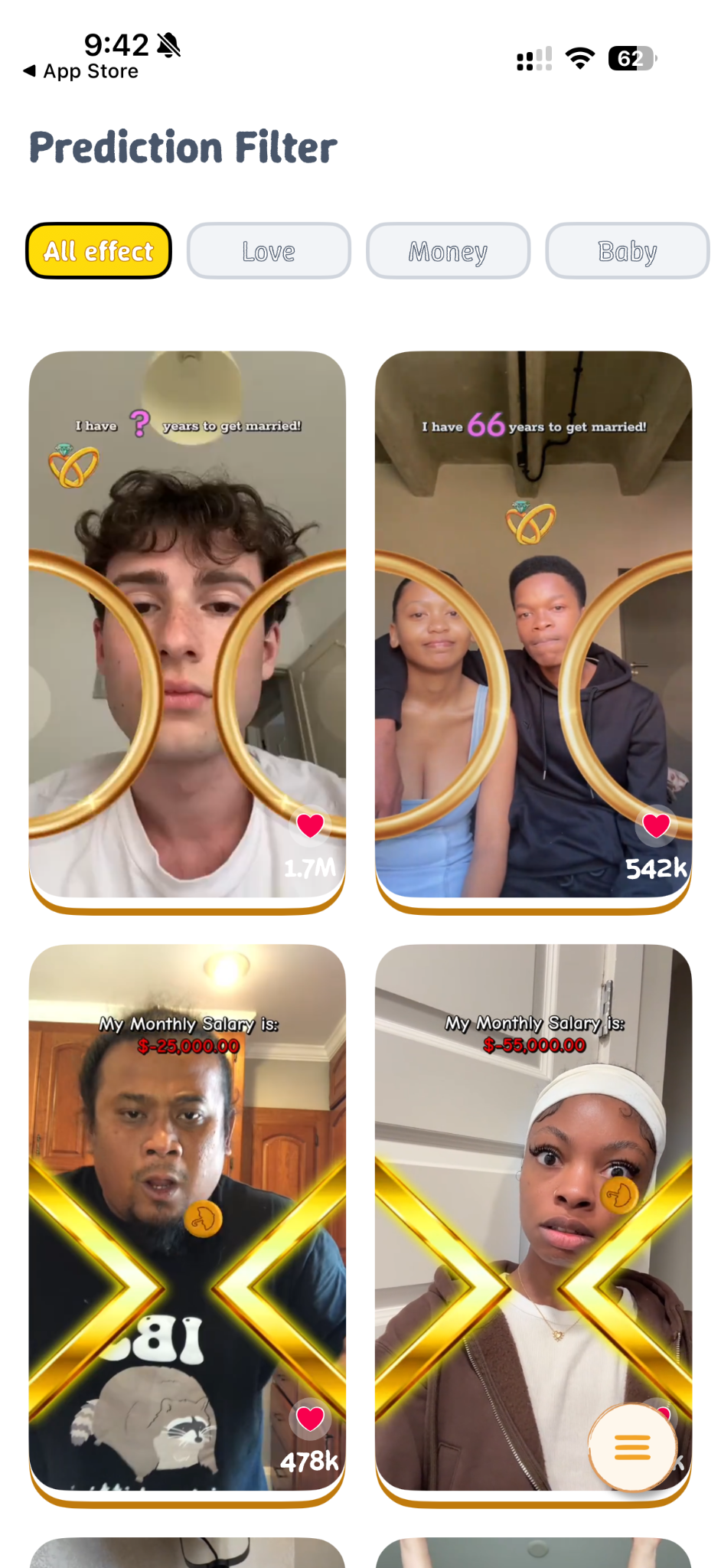
Step 2. Choose one filter and tap Try Now.

Step 3. Hit the record button. In many filters, you’ll need to tap the screen to "drop the circle" or start the randomizer.
Step 4. Once finished, save the video to your gallery or use the share buttons to post directly to TikTok, Instagram, or Snapchat.
Here is a quick breakdown of the pros and cons to help you decide if PredictoCam is the right tool for your next video:
Pros
- Super simple
- Multiple Viral prediction filters
- Instant sharing
- Free to use
Cons
- Ad-heavy
- Occasional glitches
- Limited customization
2. FutureMe
While other prediction filter free apps focus on quick games, FutureMe takes a more personal approach to the prediction trend. It’s famous for its "Letter to the Future" feature, but it has recently exploded on social media thanks to its viral Prediction Filter mode. This app blends AI-driven "destiny" reveals with a sentimental twist, allowing you to record videos where the filter predicts major life milestones—like your future career, relationship status, pregnancy or even your "2026 vibe." It’s the perfect choice if you want to create content that feels a bit more meaningful (or hilariously ironic) to share with your future self.
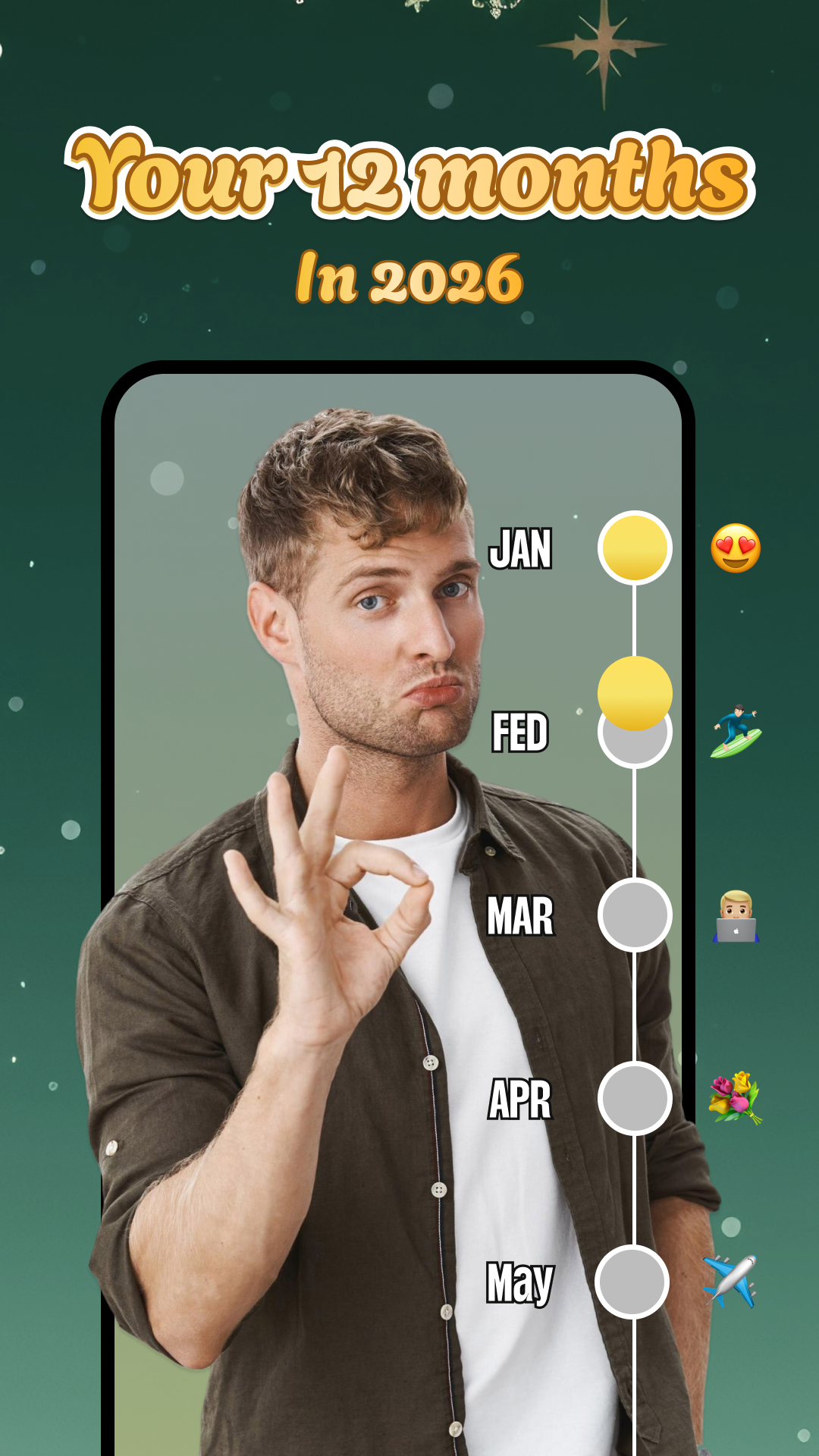
How to Create Your Video:
Step 1. Choose "Prediction Mode": Open the app and tap the camera icon, then swipe to the Prediction Filter tab.
Step 2. Pick Your Category: Select from trending prompts such as "Marriage Prediction," "Billionaire Status," or "My 2026 Future."
Step 3. Record Your Reaction: Press and hold the record button. The randomized reel will spin above your head; make sure to stay in the frame for the "reveal" moment!
Step 4. Add a "Message to Self": A unique feature of FutureMe is the ability to add a text overlay or a quick voice note to your future self based on the result.
Step 5. Export and Post: Save the video to your device or share it directly to your Stories, TikTok, or Reels with the integrated share menu.
Before you hit record, here is a quick look at the pros and cons of using FutureMe for your prediction videos:
Pros
- Emotional depth for storytelling
- AI-powered predictions
Cons
- Subscribe to use
- Technical Bugs from time to time
- App interface is a little complicated
3. My 2026 Prediction
As we move further into the year, My 2026 Prediction (often listed as My Future Prediction Filter) has become the definitive prediction filter app for capturing this year's specific vibes. This app is designed specifically for viral "main character" moments. It features a specialized "Our 2026" filter that uses randomized emojis and text to forecast your year. Whether it's predicting a surprise trip, a career milestone, an old age look or a hilarious "fail," this app is packed with the exact templates currently trending on social media. It even includes unique "Beat Challenges" to keep your content fresh and rhythmic.
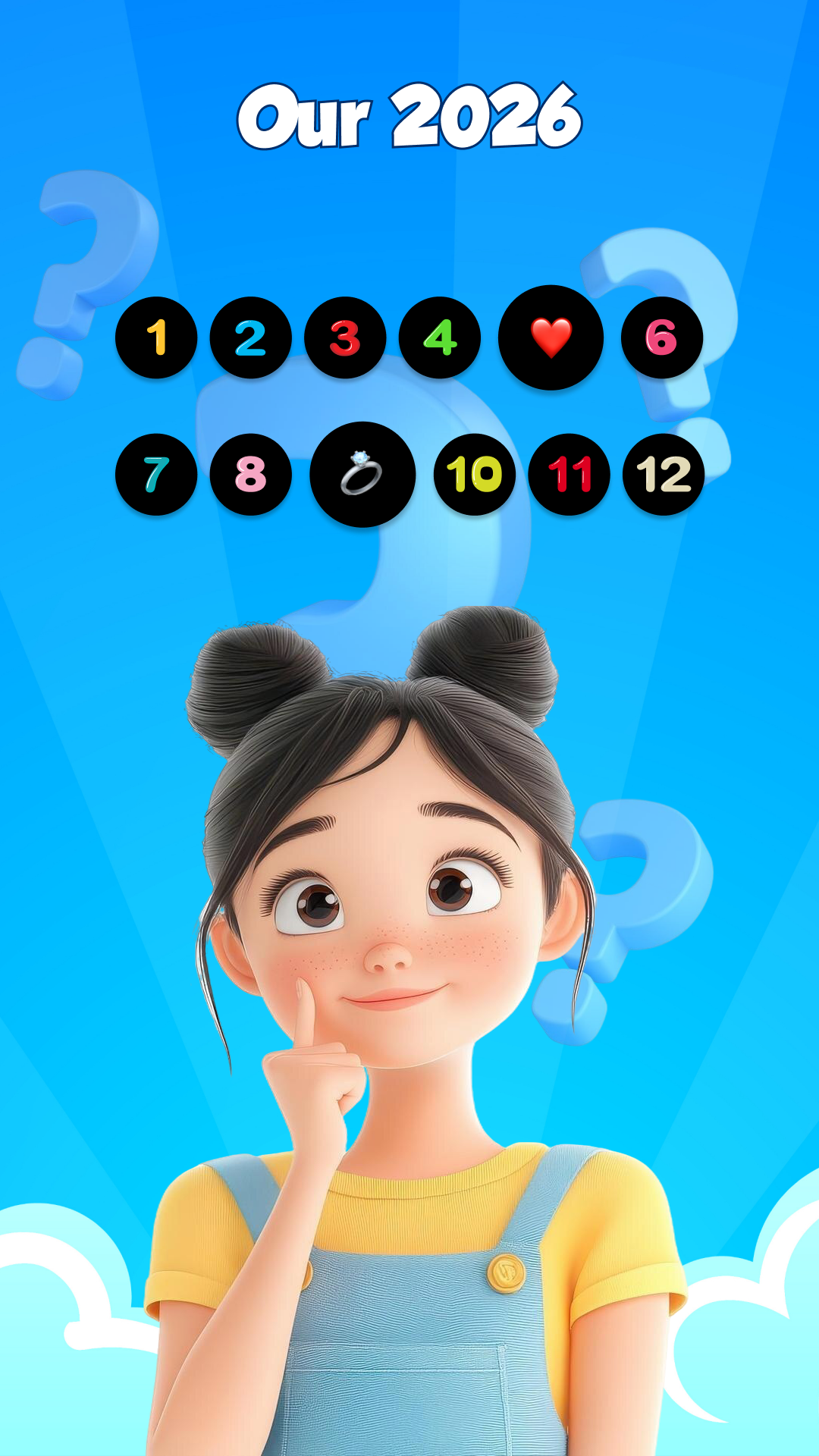
How to Create Your Video:
Step 1. Pick the "Our 2026" Filter: Launch the app and select the 2026 Prediction tile from the main dashboard.
Step 2. Get Into Character: Center your face in the camera. You’ll see a randomized reel of emojis or text bubbles floating above you.
Step 3. Tap to Spin: Hit the record button and tap the screen to start the randomizer. The suspense builds as the icons cycle through various 2026 destinies.
Step 4. The Big Reveal: Wait for the filter to stop on your result. Make sure to capture a big reaction—whether it’s a shocked face or a celebratory dance!
Step 5. Edit and Export: Use the built-in "Quick Edit" tools to trim the beginning or end, then save it to your gallery or upload it directly to TikTok or Instagram Reels.
Pros
- Perfect for 2026 viral challenges
- Funny "savage" results spark comments
- Includes beats and whirlpool effects
- Optimized for TikTok and Reels
Cons
- Frequent unskippable interruptions
- No actual AI logic involved
- Can lag on older phones
Bonus: AI Future Me Video Generator
Ready to take your "Future Me" videos beyond simple filters? Meet Vidnoz AI image to video, a powerful browser-based tool that opens up entirely new creative possibilities. Unlike standard AR apps, Vidnoz allows you to become the architect of your own predictions using cutting-edge AI.
You can use the platform to generate unique, personalized content for the "What will I be in 2026?" trend or write complex scenarios about your destiny. It gives you full control over the narrative, moving past random chances to craft high-quality, professional-looking AI videos that are perfect for going viral on TikTok, YouTube, and beyond.
Image-to-Video AI: This feature lets you upload a current photo of yourself and use AI to animate it into a dynamic future version, perfect for revealing a prediction in a cinematic way.
Here are the steps for you to use this feature:
Step 1. Open Vidnoz AI image to video and choose the Video Effects tab.
Convert Image to Video AI Online - Free
- Create a video from an image quickly for free.
- Use various AI models to turn photos into videos.
- Download and share the AI-generated video at no cost.
Convert Image to Video
Step 2. Choose a prediction video filter and upload your photo.
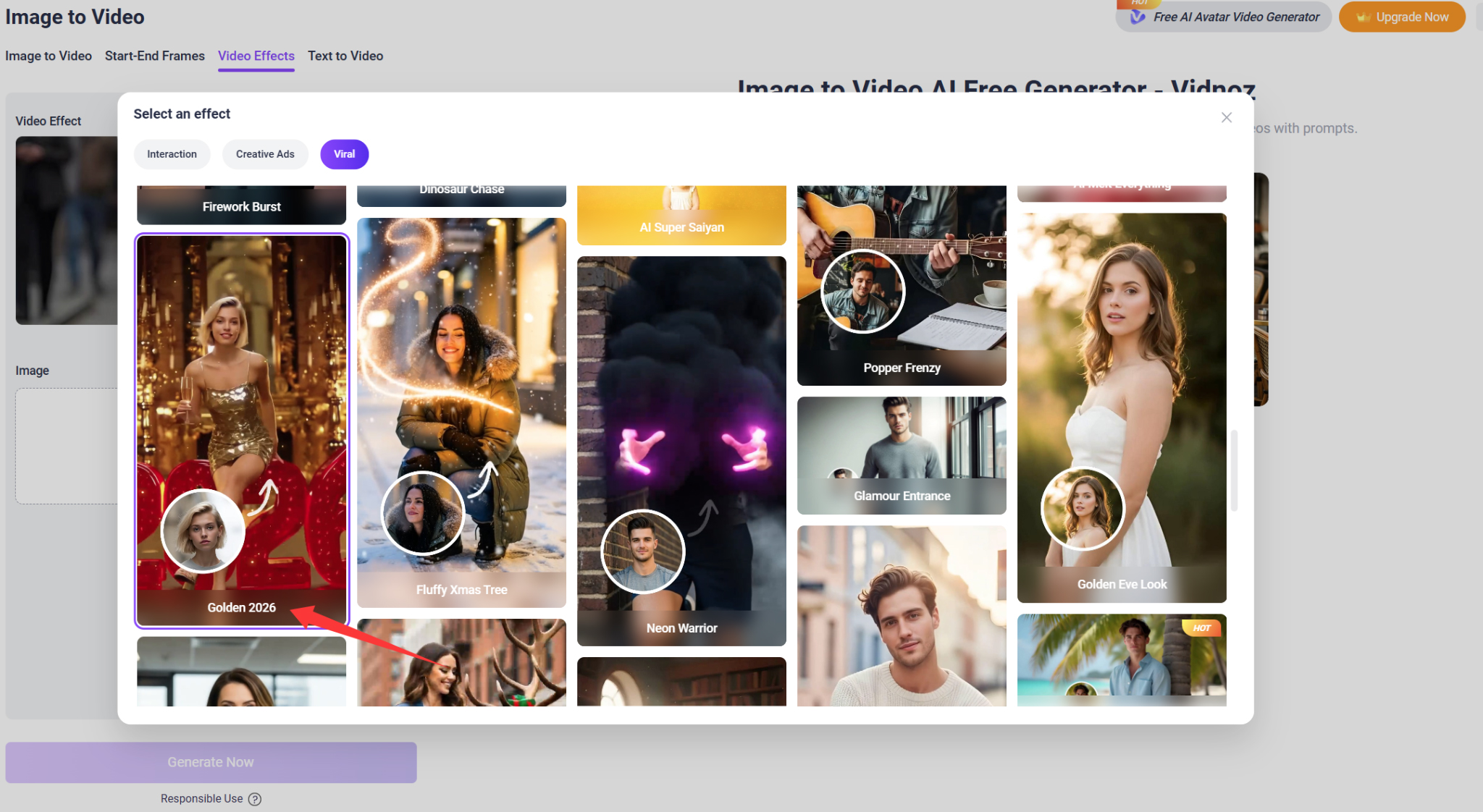
Step 3. Click Generate Now, then a perfect prediction filter video will be generated.
Besides image to video, the Text-to-Video feature of this enables you just type out prediction (e.g., "In 2026, I will be a CEO driving a supercar in Monaco") and Vidnoz AI will generate a high-quality video that brings that exact scenario to life, complete with an AI voiceover.
The Bottom Line
That’s all about the viral prediction filter. You can start creating your videos now. The 4 tools mentioned above are all easy to use, just choose one to unleash your creativity right away! Vidnoz AI tools, especially the image/text to video generator, deserve to be mentioned again here. They have outstanding services and a generation quality above the average. No hesitation and try them today!

Vidnoz AI - Create Free Engaging AI Video with Talking Avatar
- Easily create professional AI videos with realistic avatars.
- Text-to-speech lip sync voices of different languages.
- 2800+ video templates for multiple scenarios.








![How to Remove Filter from Video Online | AI Video Filter Remover Online Free [Lossless]](https://www.vidnoz.com/bimg/remove-filter-from-video.webp)
