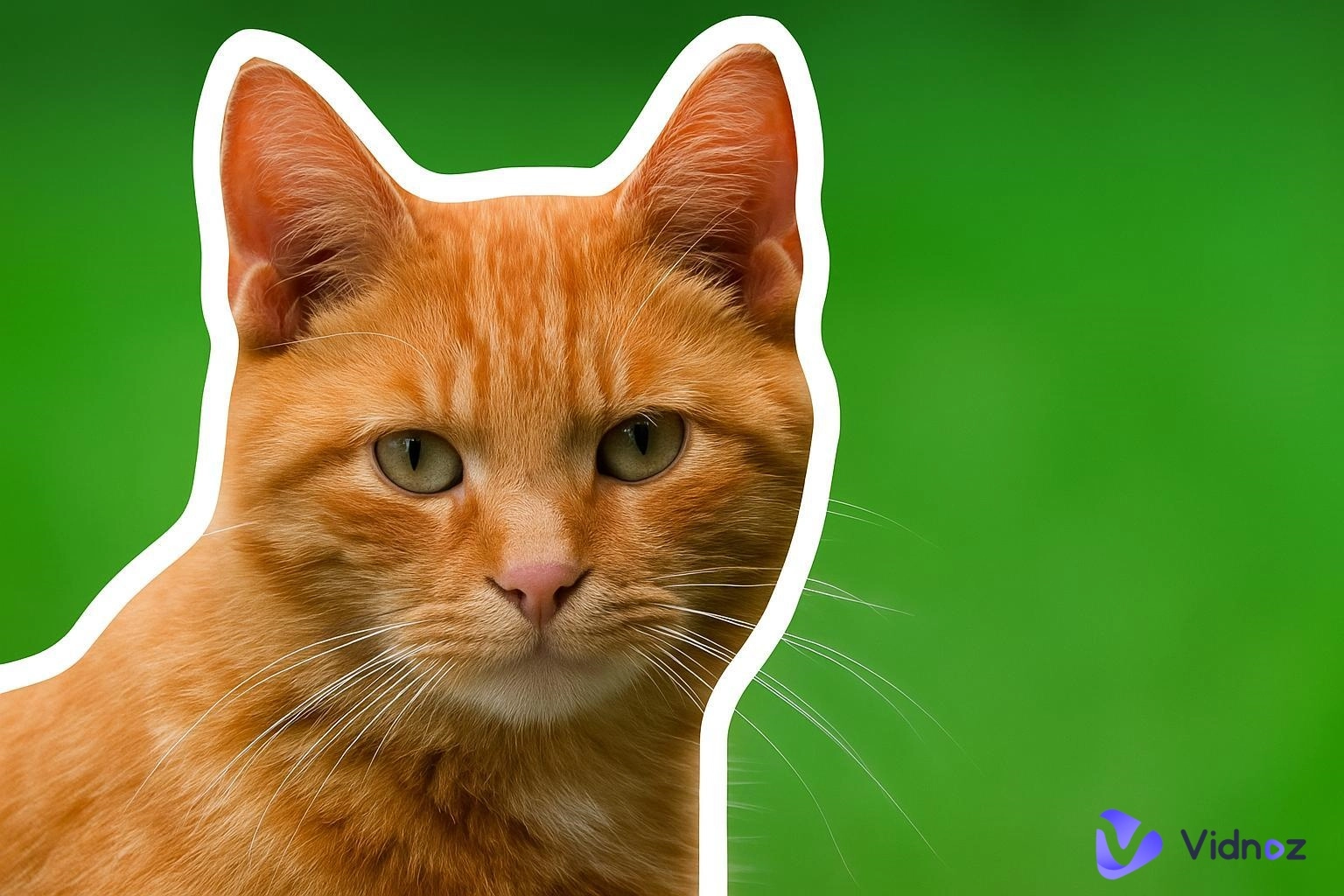
Striking visuals are the key to creating a strong online presence on social media, and adding outlines is one way to make your visuals pop. The visual appeal created by outlined images compels the users to explore your profile further, and a picture outline maker helps you do that. Content creators, social media marketers, e-commerce sellers, and designers have hopped onto the trend to align their profiles with the current digital trend because it is quick and professional. In this article, we will cover the 6 best picture outline maker online free tools and a bonus tool, Vidnoz AI, for image and background clean-up.
- On This Page
-
Top 6 Picture Outline Makers to Try in 2026
#1. Photoroom Picture Outline Tool
#2. Insmind Picture Outline Maker
#3. Vheer Outline Image Tool
#4. LogoAI Image Outline Border
#5. OnlinePNGTools Add Outline to PNG
#6. Fotor Outline Pictures Tool
-
Bonus Pick: Vidnoz AI Image Remover for Cleaner Outlines
Vidnoz AI Image Remover – Perfect for Polished Outlines
Vidnoz AI Background Remover – Clean Backgrounds in One Click
-
How to Use Vidnoz AI Tools (Step-by-Step Guide)
Steps to Use Vidnoz AI Image Remover
Steps to use Vidnoz AI Background Remover
Top 6 Picture Outline Makers to Try in 2026
The various picture outline maker tools available on the internet offer distinguishing features. Some of these have also integrated AI in their software to refine the image quality, similar to how a free AI video generator helps enhance video creativity through automation.
Whether you are looking for professional pictures for your e-commerce brand or trendy pictures for your content creation blog, the following 6 reliable picture outline makers are worth trying!
#1. Photoroom Picture Outline Tool
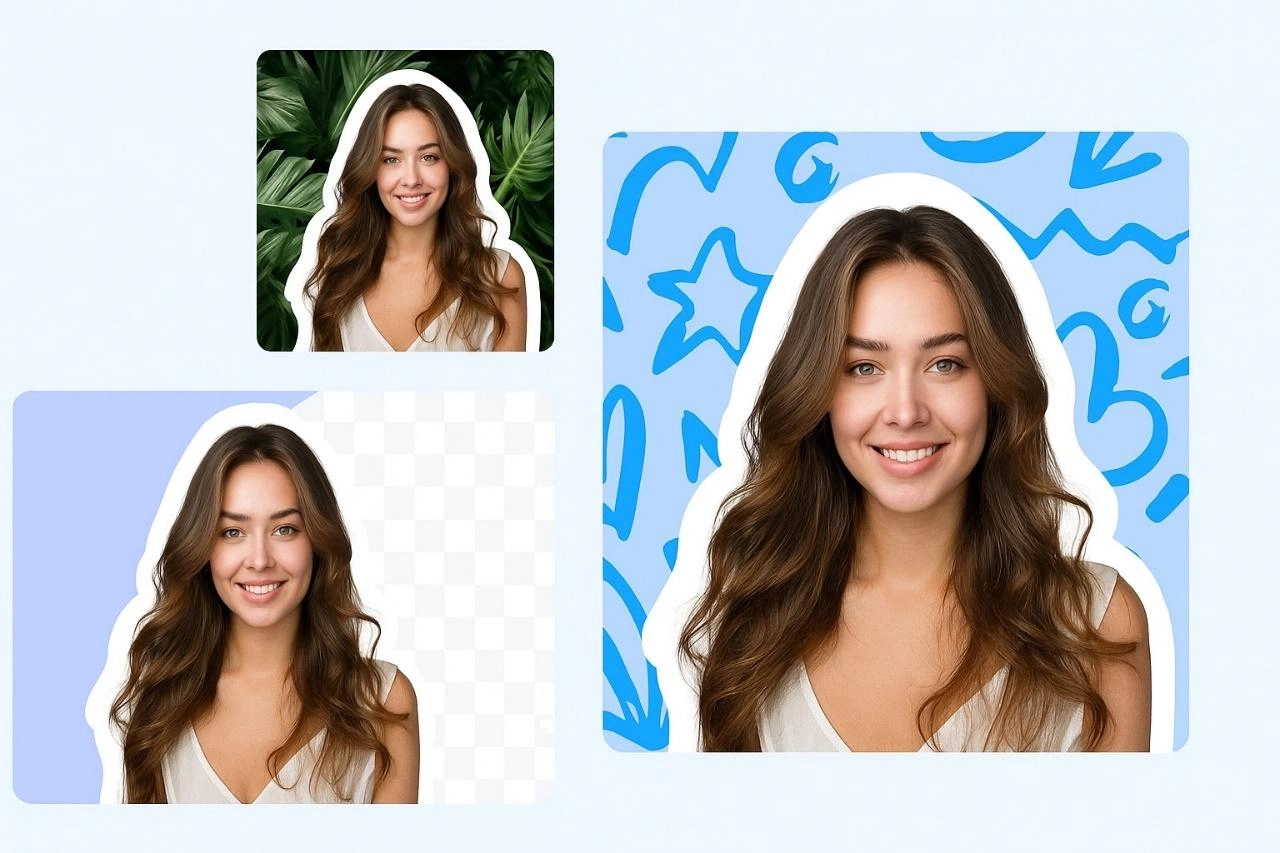
Photoroom is a sleek, user-friendly picture outline maker carefully designed to meet the requirements of designers. Its AI-powered editing ability gives instant results, allowing the designer to export the image without compromising the quality.
Pros
- Allows for adjusting the color, thickness, and blurriness of the outline
- Retains the quality of the image
- For its paid version, users can edit multiple pictures at the same time
Cons
- Images can only be exported in the JPEG, PNG, and WEBP formats
- Struggles with images in low contrast
#2. Insmind Picture Outline Maker
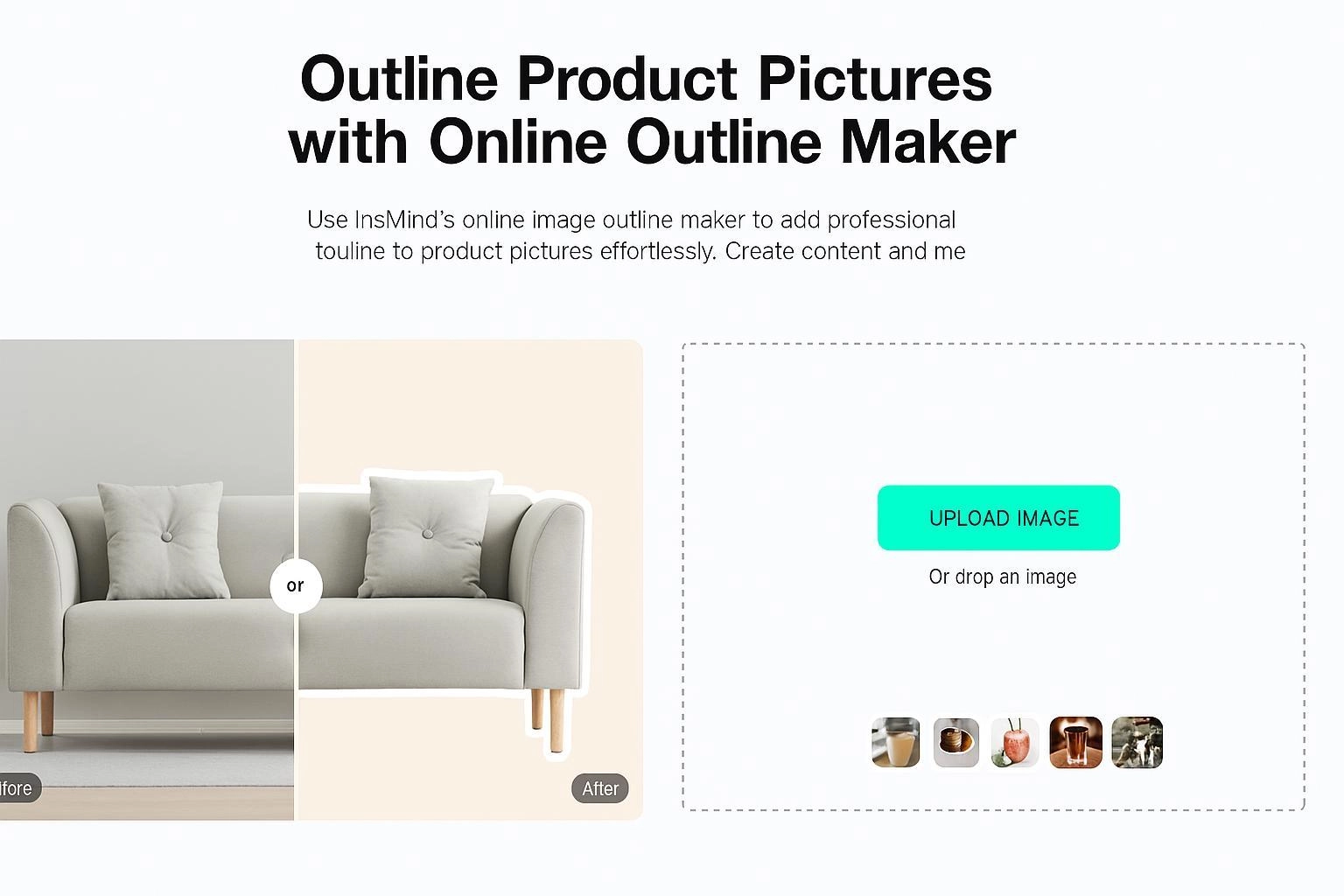
Insmind is another AI image outliner that creates trendy and artistic pictures in line with the current social media trends. This picture outline maker is perfect for users who want quick, eye-catching outlines without spending hours on manual edits.
Pros
- Free access for beginners to explore the platform
- AI-Automated picture outline maker
- Simplified process
Cons
- Some users report that the platform fails to complete the task and becomes “unavailable” or “Busy”.
- Watermark included in the free plan
#3. Vheer Outline Image Tool
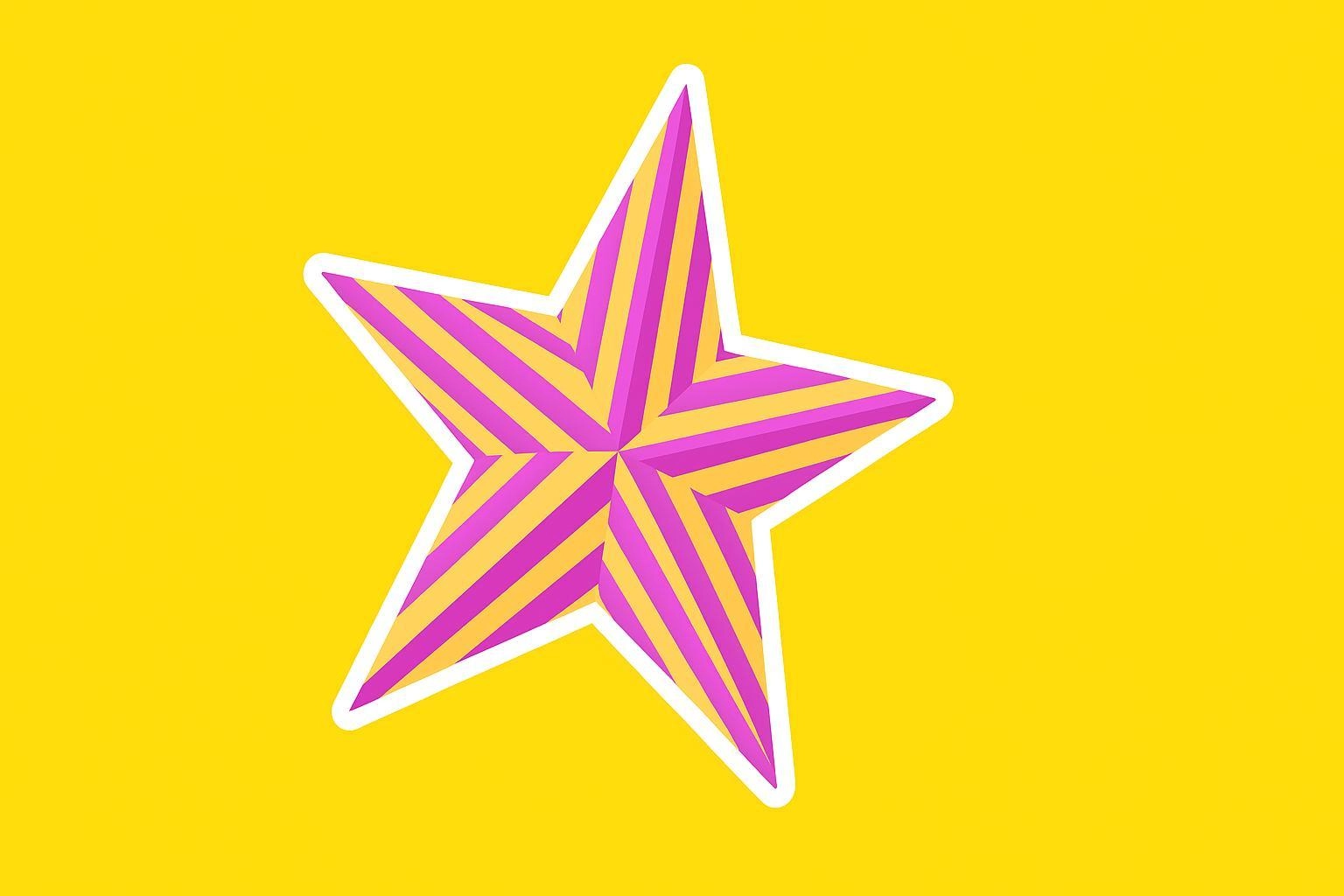
Vheer is an easy-to-use, free picture outline maker that does not require sign-up and allows users to transform their images without going through the complex sign-in process. It is preferred by its users due to its quick results and user-friendly interface.
Pros
- Free platform allowing beginners and one-time users to experiment and explore
- Does not require a sign-up
- Faster image border generation
Cons
- It offers less advanced customization and might not be user-friendly for more professional users.
#4. LogoAI Image Outline Border
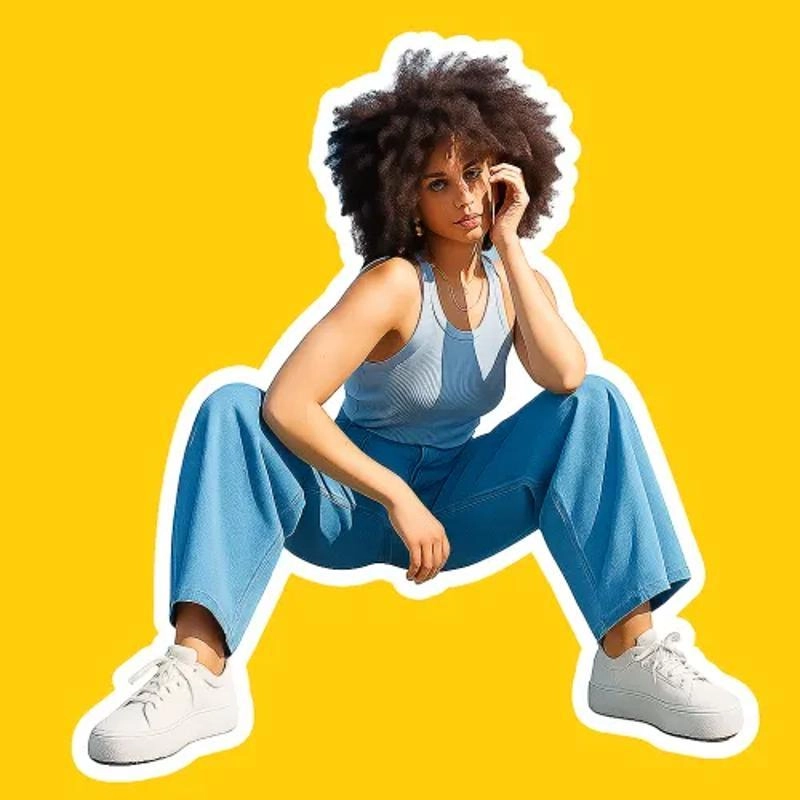
Logo AI is an advanced AI image outliner suitable for marketing professionals, logo designers, and branding experts. It is a high-performing platform that neatly highlights the image outline border with precision.
Pros
- It has a vast template library, which allows automated design generation
- User-friendly interface allowing beginners to create high-quality graphics
- High-resolution images suitable for printing
Cons
- High-resolution downloads are only available in specific paid versions
- The designs might be generic since many users avail the same templates
#5. OnlinePNGTools Add Outline to PNG
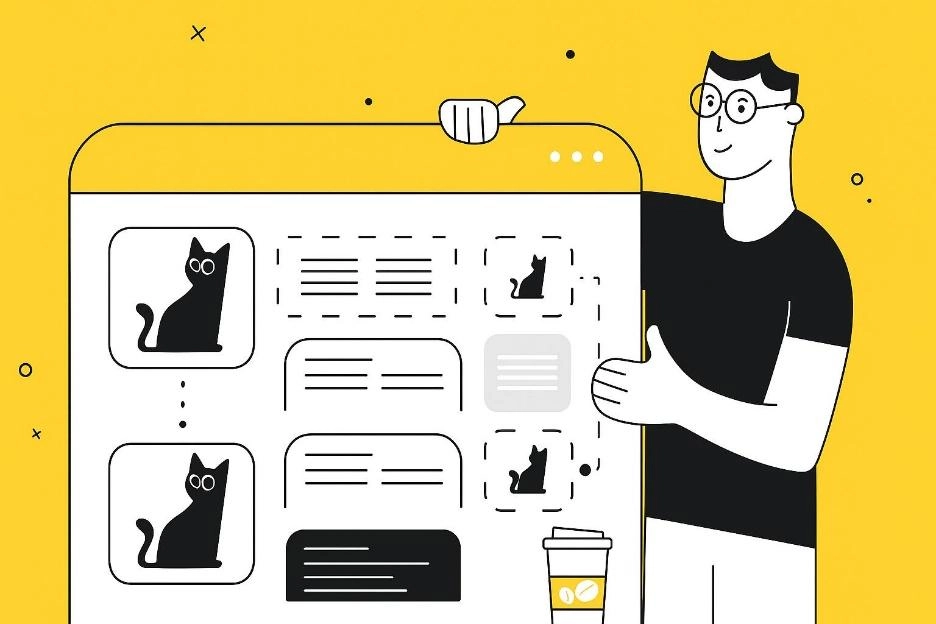
OnlinePNGTools is yet another powerful picture outline maker free for users, especially designed to outline PNG-formatted images. It’s ideal for creators who value simplicity and polished results without any setup.
Pros
- The site is completely free
- No sign-up is required
- Converts the image quickly and is hassle-free
Cons
- It is not AI-powered and hence lags behind its competitors
- Since it is based on PNGs, it might not support some other formats
#6. Fotor Outline Pictures Tool
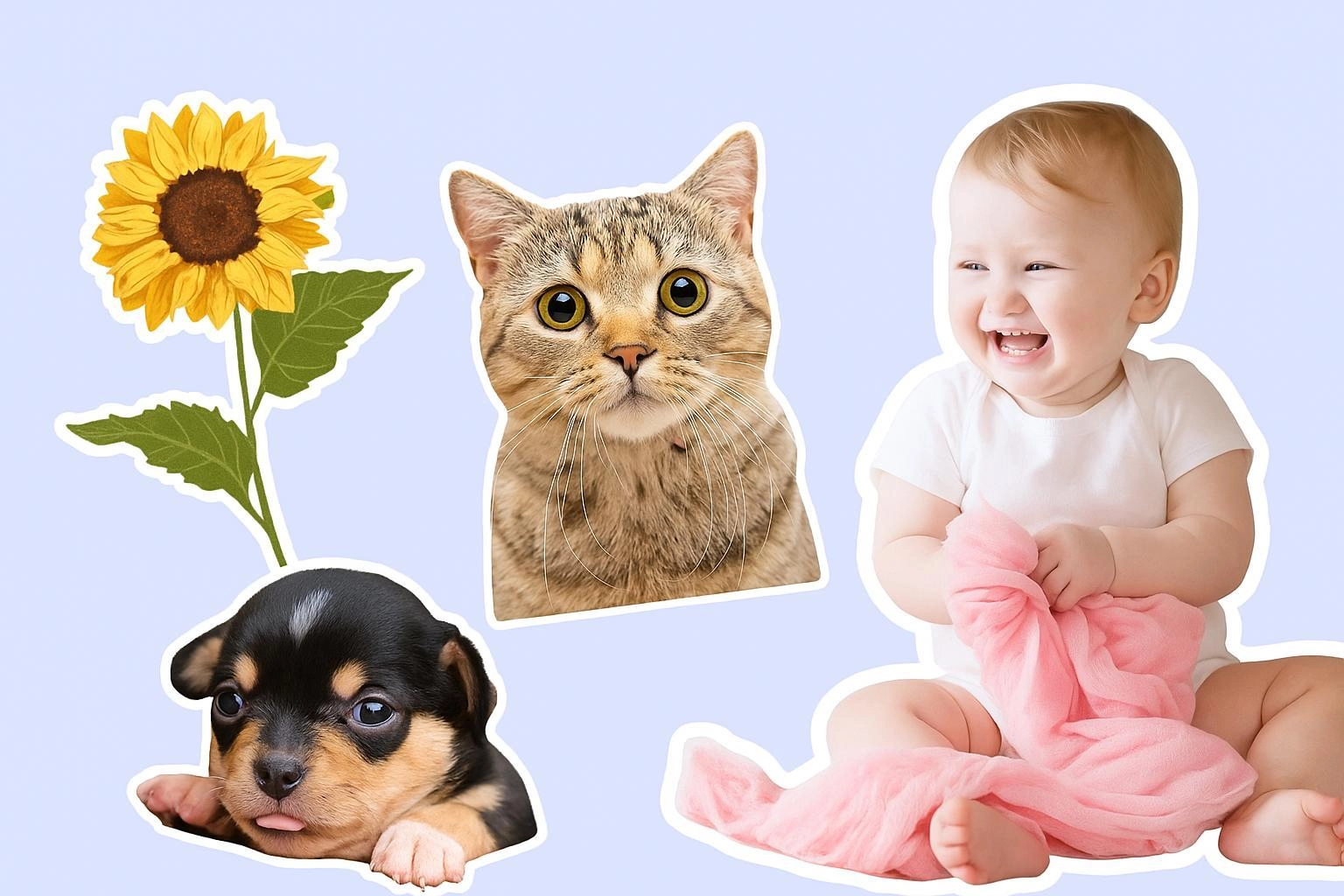
Fotor is a more complex picture outline maker online free mostly utilized by creators and businesses. Due to its complex user interface and fancy features, it is not beginner-friendly, yet it is still trusted by businesses looking for branding, designing, and marketing services.
Pros
- AI integration makes it more efficient
- It allows multiple images to be generated in one go
- Available on browsers as well as mobile, making it more dependable
Cons
- It is a paid platform
- Users report lagging and slowness in the browser version
Bonus Pick: Vidnoz AI Image Remover for Cleaner Outlines
Before adding outlines to their pictures, users might want to clean their background and remove distractions, which is where Vidnoz AI comes in. Vidnoz AI is a sophisticated AI platform that complements picture outline maker, but also provides a range of other services such as image removal, background deletion, photo to line drawing, and photo to video AI conversion to its users. It has 2 standout features: AI Image Remover for removing unwanted objects and AI Background Remover for instant image background clean-up.
Vidnoz AI Image Remover – Perfect for Polished Outlines
Vidnoz AI Image Remover is used to remove any unnecessary clutter from the background, which disturbs the overall visual appearance of the outlined image. Key features include:
- Lightning Fast Removal: It cleans up your image almost instantly, saving maximum time
- High Resolution Exports: The pictures are exported in high resolution, retaining the image quality
- No Design Skills Needed: The tool is beginner-friendly, and no special design skills are required.
- Versatile Application: Vidnoz AI caters to a vast market, from E-commerce businesses to graphic designers.
- Free and Accessible Online: It is a completely free web-based tool that foregoes subscription payments.
Vidnoz AI Background Remover – Clean Backgrounds in One Click
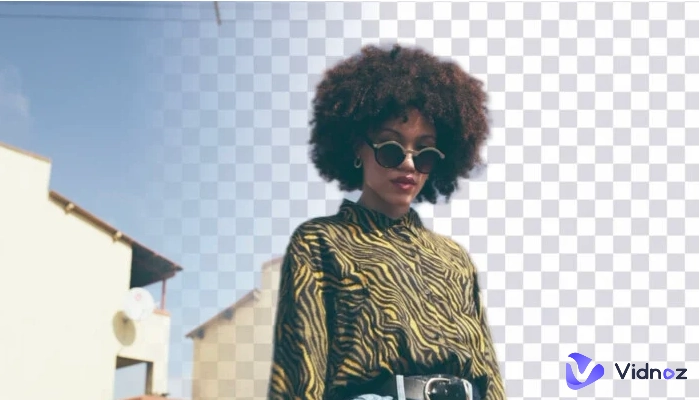
Vidnoz AI Background Remover is an efficient tool that allows you to instantly remove the background of your outlined image, giving you a professional and crisp picture ready for further editing. It is an ideal tool for creating transparent PNGs and replacing the background immediately.
- One-Click Background Removal: You can remove the background within seconds with one click.
- Crystal-Clear Cutouts: The cutouts have no undefined edges or blurred parts, maintaining the quality of your image.
- Multiple Export Options: You can export your final output in various formats.
- Boosts Creative Freedom: Gives designers confidence to create their own images.
- Free & Accessible Anytime: Unlike other tools in the market, Vidnoz AI is completely free and accessible to users.
How to Use Vidnoz AI Tools (Step-by-Step Guide)
Now, we will be exploring the steps to use both tools powered by Vidnoz AI advanced algorithms.
Steps to Use Vidnoz AI Image Remover
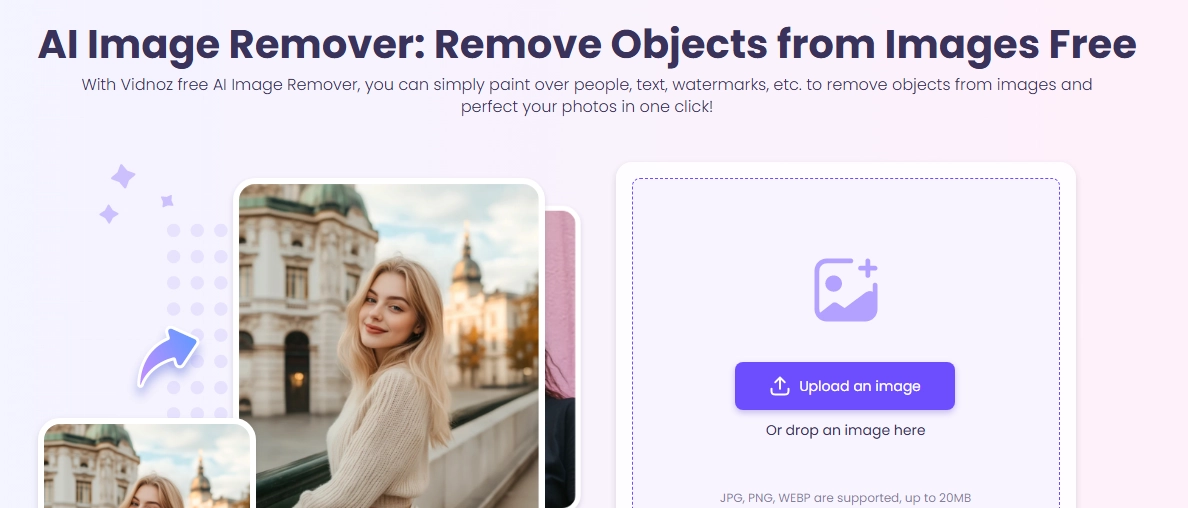
Step 1: Go to the Vidnoz AI image remover page and upload your image.
Step 2: Now, use the eraser to remove any unwanted objects.
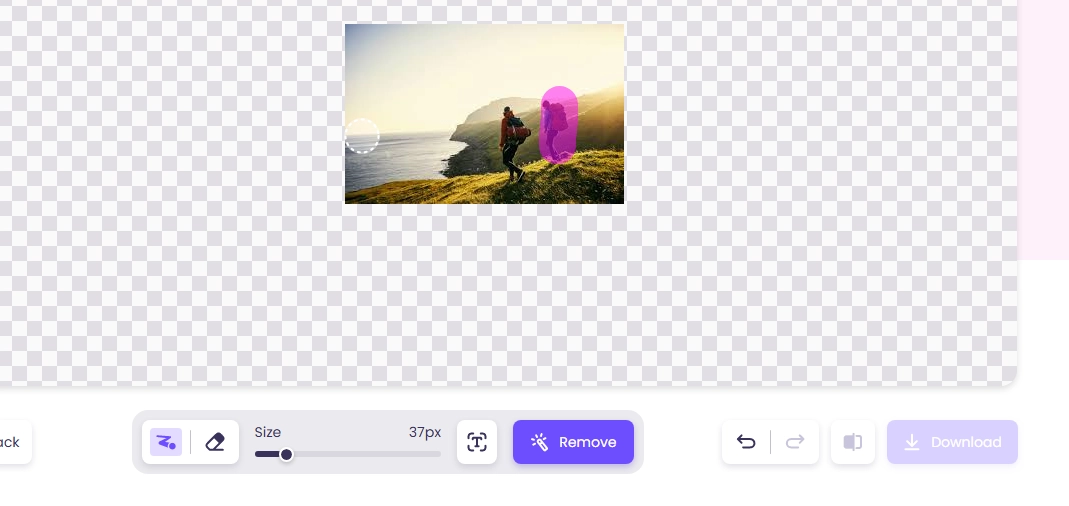
Step 3: Once done, download your final picture.
Steps to use Vidnoz AI Background Remover
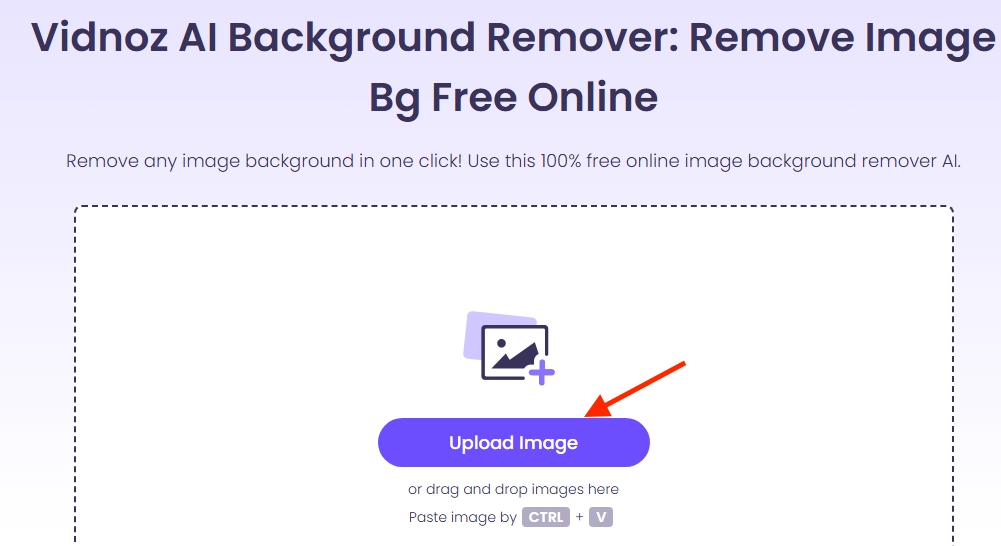
Step 1: Go to your browser and open the Vidnoz AI Image background remover page.
Step 2: Upload your image to the website and wait for it to remove background promptly.
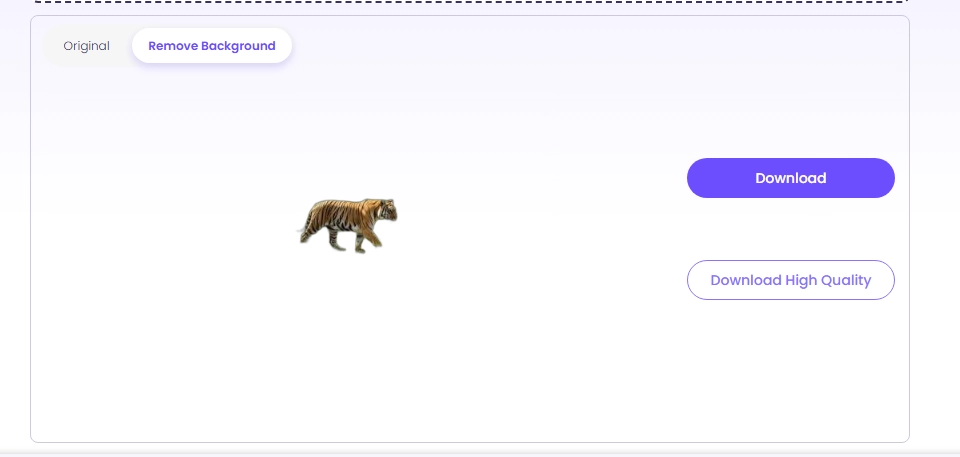
Step 3: When done, download the final image with the deleted background and use it to add an outline later, utilizing our recommended tools.
Final Thoughts
Picture Outline makers have become a crucial tool for designers, branding experts, and marketing professionals nowadays. If you want to add outline to image, explore these 6 tools to make your visuals stand out, whether it is for logos, product photography, or social media posts. While a picture outline maker meets your everyday branding, creativity, and design needs, Vidnoz AI works alongside them not only as an AI image combiner but also to remove unnecessary details and provide clean backgrounds. So, give Vidnoz tools a try and see the changes they bring!





![5 Free Ways to Add a Picture to a Picture [Step-by-Step]](https://www.vidnoz.com/bimg/add-a-picture-to-a-picture.webp)