Digital stickers are getting trendy and trendy on messaging apps, like WhatsApp, iMessage, Discord, and on social media platforms, like Instagram, TikTok, and Snapchat. An appealing sticker can enhance engagement, branding, identity, and provide more fun.
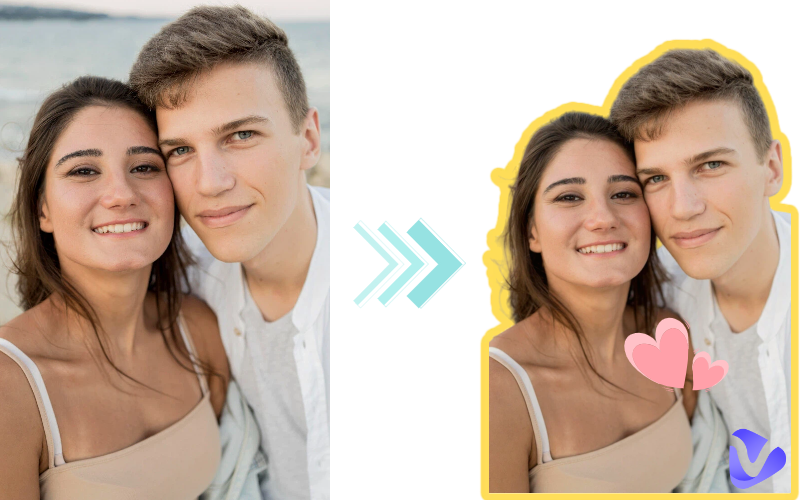
Have you ever thought about or tried making your own funny stickers? Thanks to AI, you are able to convert a photo to a sticker with simple clicks now. In this ultimate guide, I’ll introduce the best photo to sticker makers powered by AI to turn any photo into custom stickers effortlessly. Keep reading to access the most helpful photo to sticker apps.
- On This Page
-
What is a Photo to Sticker Maker
-
Best Photo to Sticker Makers [Online Tools & Apps]
1. Most Intelligent Photo to Sticker Maker Online - Vidnoz AI Image Generator Free
2. Quick Photo to Sticker Creation Online Free - Vidnoz Image Background Remover
3. Popular Sticker Maker App for iOS & Android - Sticker.ly
4. Customize Photo to Sticker Online - Canva
5. AI Photo to Sticker Maker - Picsart Sticker Maker
-
Best Photo to Sticker Makers: Overall Comparison
-
Benefits of Using Photo to Sticker Tools
What is a Photo to Sticker Maker
A photo to sticker maker means exactly what it says. It transforms photos into available stickers for messaging, social media, and other platforms. Commonly, it provides the following effective features:
- Background Removal: Remove the clutter background from your photo and keep the core person, character, or other objects only.
- Sticker Formatting: Generate a sticker in PNG or WebP formatting, which are best for messaging apps.
- AI Sticker Generation: Allows you to customize your photo sticker based on your text prompts. It combines both photo editing and sticker generation, which means you can modify the current photo and create a perfect sticker according to your thoughts.
In this overall guide, I’ll recommend both advanced photo to sticker AI makers and quick photo to sticker converters with background removal features to you. Let’s dive into how they can help turn pictures into stickers.
Best Photo to Sticker Makers [Online Tools & Apps]
Below is a list of top photo to sticker makers, including online free photo to sticker makers as well as the best photo to sticker apps for mobile users. Quickly access their features, pros and cons, and how to turn pictures into stickers with them.
1. Most Intelligent Photo to Sticker Maker Online - Vidnoz AI Image Generator Free
Vidnoz is well-known as a powerful online free AI tool collection, especially for video and image creation. Its AI Image Generator allows you to make any modification to the reference photo or simply create an original sticker from text only. By simply uploading your photo and inputting your text prompts, you can convert your photo to a customizable sticker in seconds. It will automatically recognize your photo, cut it out, transparent the background, add elements you want, and more.
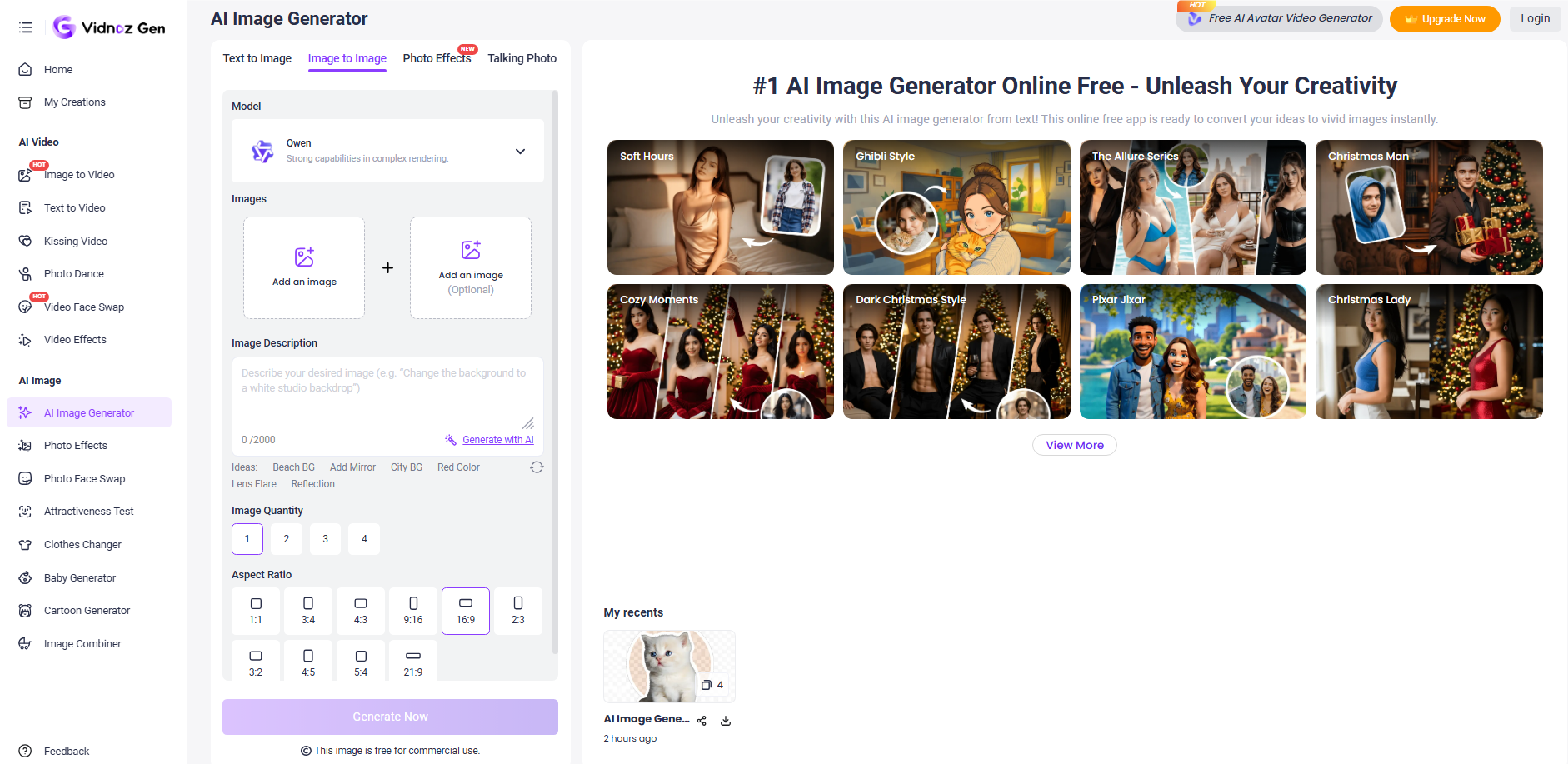
Check the detailed features of this online free photo to sticker maker
- Totally free to convert picture to sticker: Vidnoz offers a daily free quota for you to create a sticker from a photo at no cost. With this online free photo to sticker maker, you can create multiple stickers at ease.
- Generate custom stickers from prompts: Simply type a prompt like “cute cartoon cat sticker with transparent background and add heart stickers,” and the AI will instantly generate an adorable sticker for you.
- Transform a photo into a sticker in seconds: The whole picture to sticker process only takes seconds. It is best for batch sticker generation.
- High-quality photo sticker output: You can save the generated sticker with a transparent background in PNG. The high-resolution stickers are perfect for websites, social media, messaging apps, branding, and other uses.
How to Turn Pictures into Stickers with Vidnoz AI Image Generator:
Follow these easy three steps to create a sticker from a photo online for free with Vidnoz:
Step 1. Open Vidnoz AI Image Generator online and switch to Image to Image.
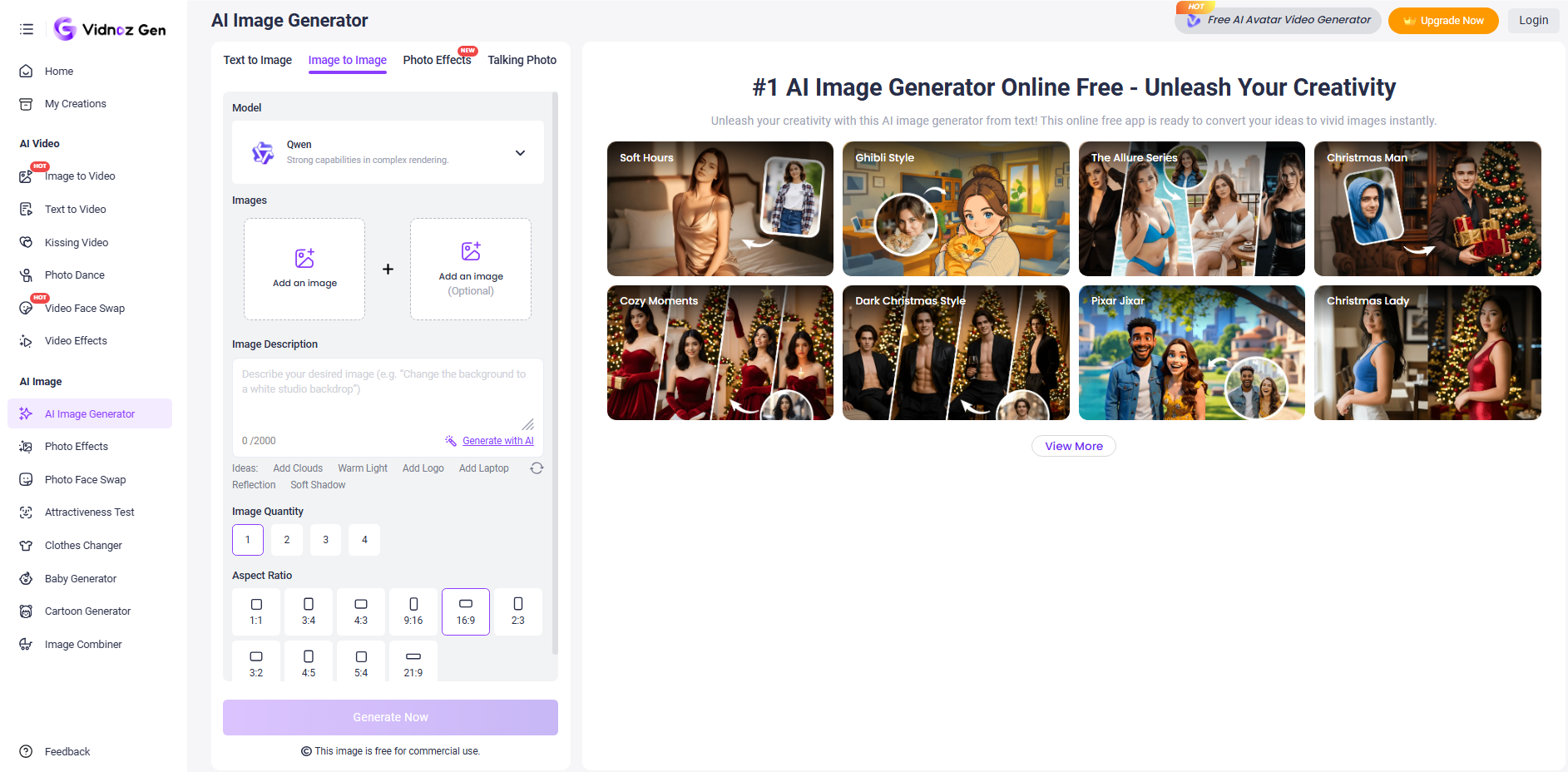
Step 2. Upload your photo. Input your text prompt. Select an AI model, the image quantity you want to create, the photo size, and other parameters.
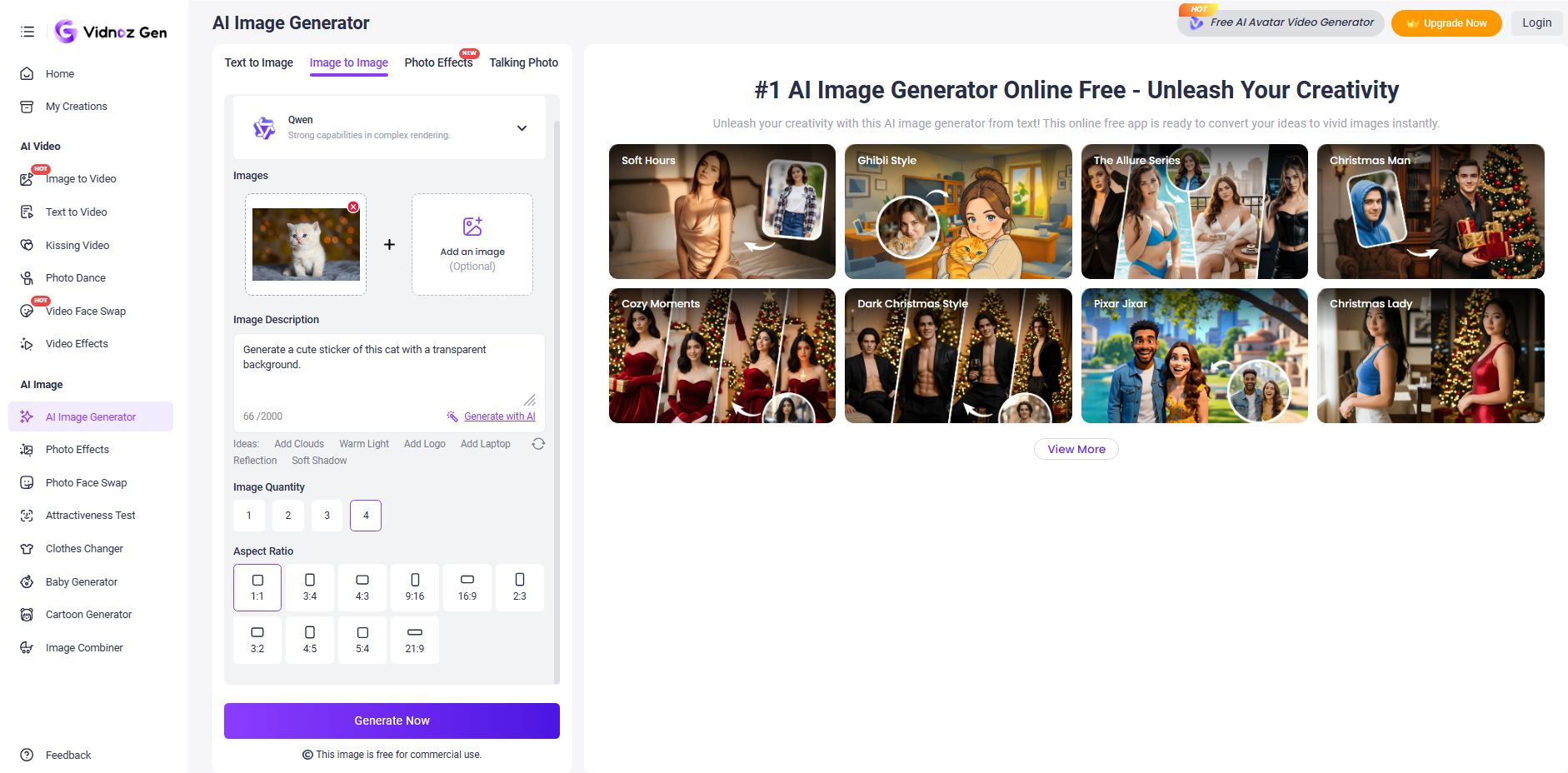
Step 3. Press Generate Now. Check the result and download or share the one you prefer, or regenerate more options.
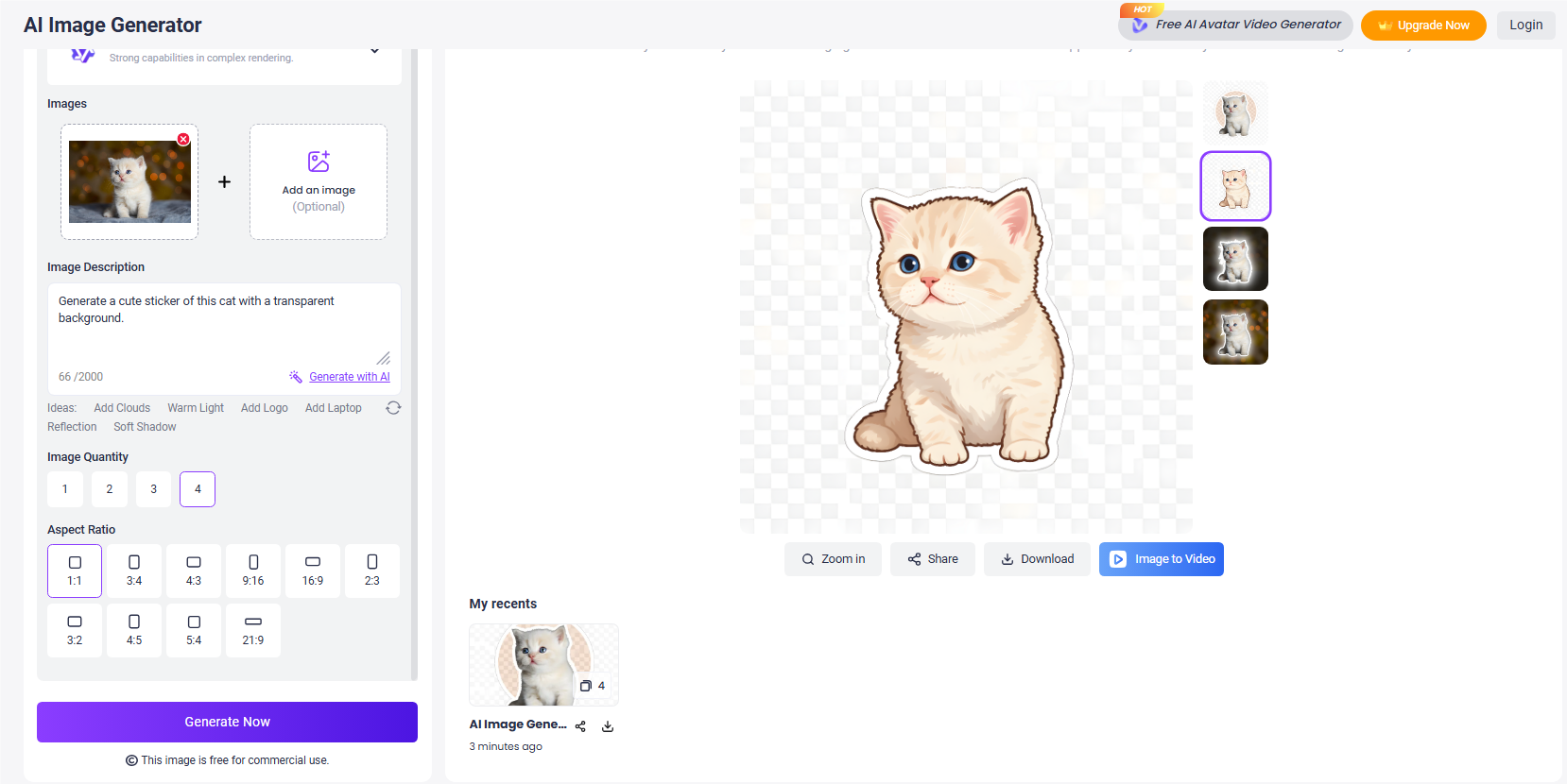
You can also further create an image to video with the sticker. To have more fun, you can try the AI talking photo feature to let your sticker speak.

Vidnoz AI - Create Free Engaging AI Video with Talking Avatar
- Easily create professional AI videos with realistic avatars.
- Text-to-speech lip sync voices of different languages.
- 2800+ video templates for multiple scenarios.
2. Quick Photo to Sticker Creation Online Free - Vidnoz Image Background Remover
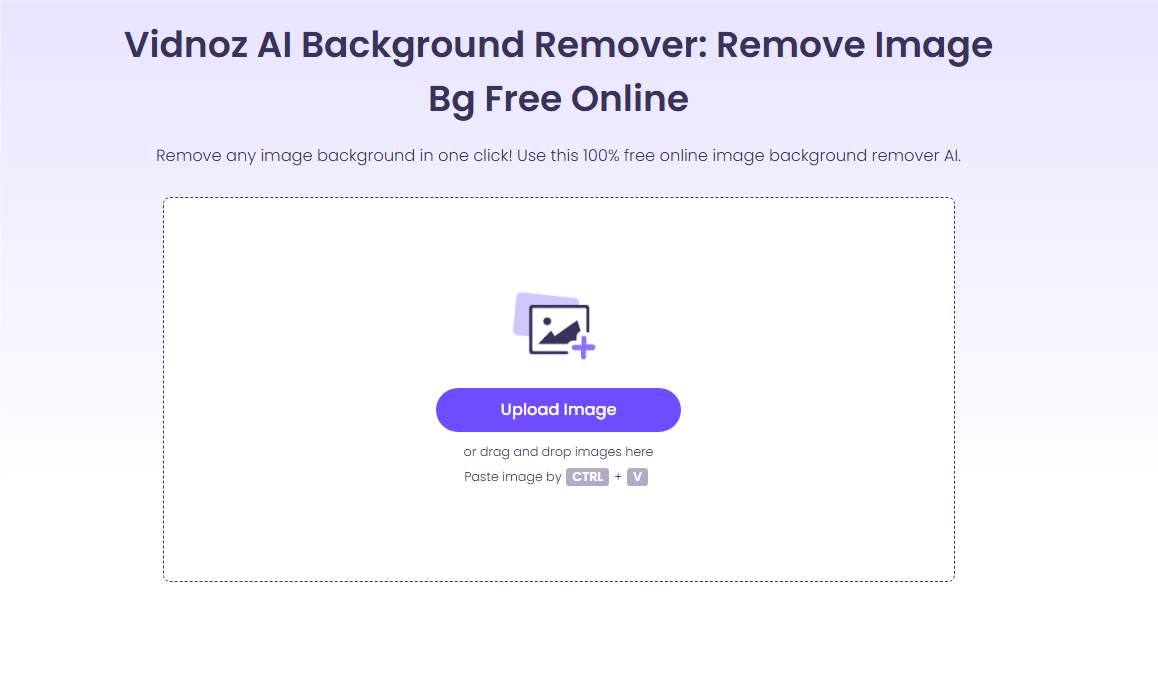
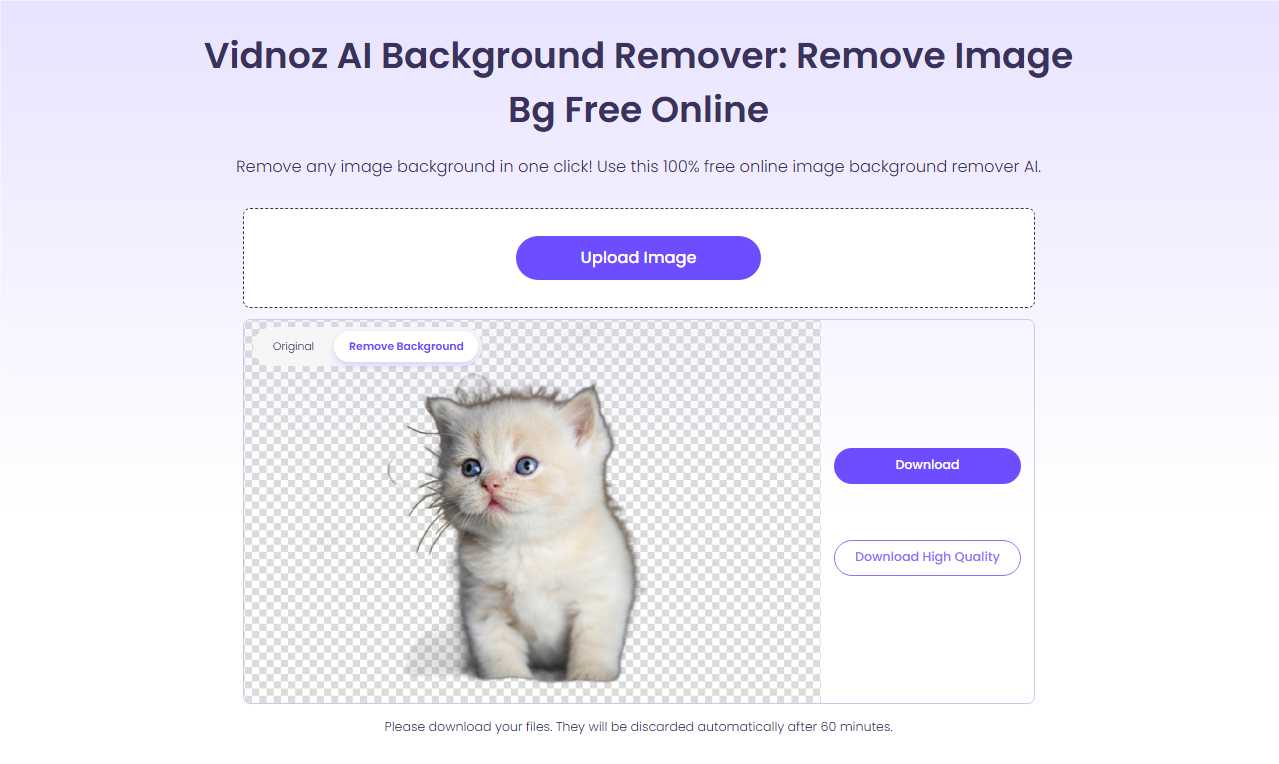
If you just want to cut the image out and create a transparent sticker, Vidnoz Image Background Remover is your first choice. Embraced with auto AI background removal, it helps create high-precision stickers with smooth edges in one click. But note that this photo to sticker converter doesn’t support any AI customization to your sticker.
Pros
- Free photo to sticker maker online
- Auto AI background removal
- Save sticker in high-quality PNG
- One-click photo sticker creation
How to Turn Pictures into Stickers with Vidnoz Image Background Remover
- Step 1. Open the online Vidnoz Image Background Remover and upload your image.
- Step 2. It will automatically cut the image out and create a sticker.
- Step 3. Download the generated sticker to your device.
3. Popular Sticker Maker App for iOS & Android - Sticker.ly
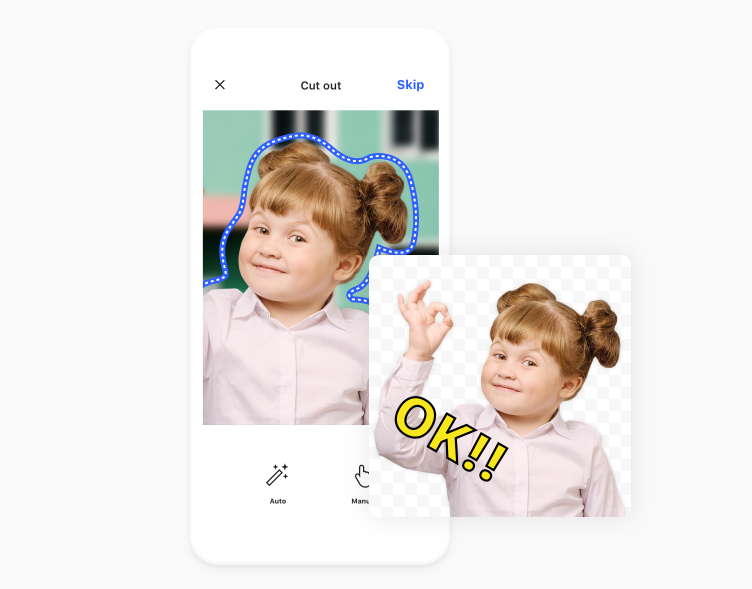
Sticker.ly is a popular all-in-one photo to sticker app for both iOS and Android. It lets you browse, create, and share custom stickers for messaging apps like WhatsApp and Telegram. Sticker.ly provides a large sticker library of community-made stickers. Meanwhile, it offers auto-crop and simple photo editing features for sticker creation. You can directly share your created sticker in your chats.
Pros
- Huge sticker library
- Share stickers in chats
- Add funny text to stickers
- Auto cut tools
Cons
- Less customization
- Not AI-generated
How to Turn Pictures into Stickers with Sticker.ly
- Step 1. Open the Sticker.ly app, and upload your photo to the sticker pack.
- Step 2. Design your sticker with funny texts and remove the background.
- Step 3. Export or share the generated sticker.
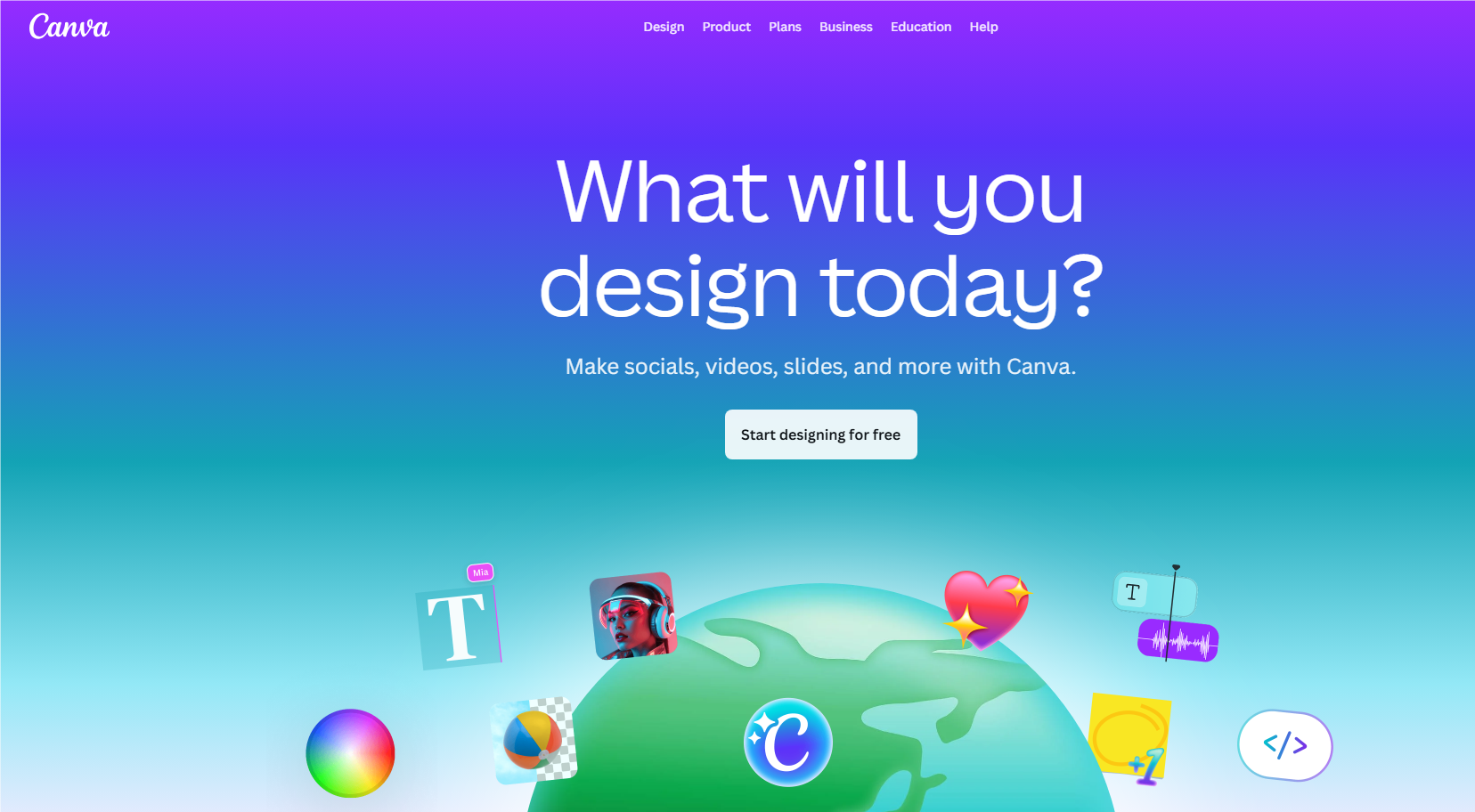
4. Customize Photo to Sticker Online - Canva
Canva is a popular online design tool for PowerPoint presentations, posters, resumes, etc. It also works as an online photo to sticker maker, providing numerous sticker templates for you. It also provides built-in AI features that allow you to customize your photo sticker. However, compared to other photo to sticker makers, the operation may be confusing for new users, and the background removal is a paid feature.
Pros
- AI-powered photo editing
- Templates + graphics
- Save images as PNG
Cons
- BG removal requires a subscription
- Manual tweaking
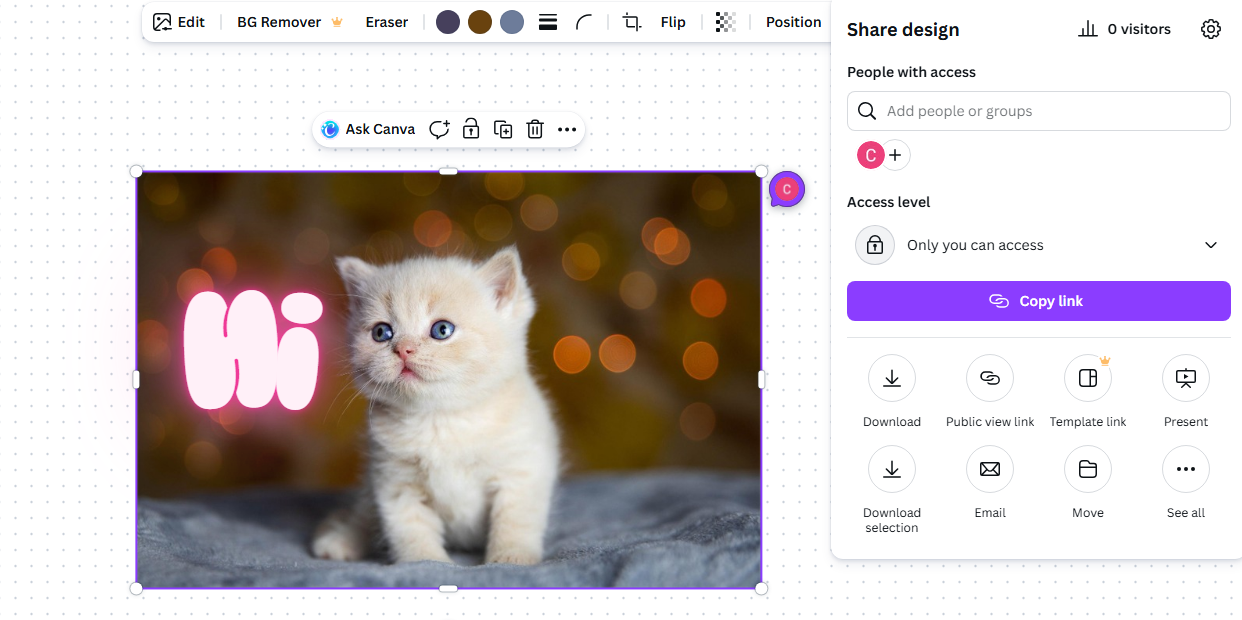
How to Turn Pictures into Stickers with Canva
- Step 1. Open Canva online and log in to or create your account.
- Step 2. Create a new whiteboard design and upload your photo.
- Step 3. Use the background removal tool and add other designs to your sticker.
- Step 4. Click the Share button to share or download your sticker.
5. AI Photo to Sticker Maker - Picsart Sticker Maker
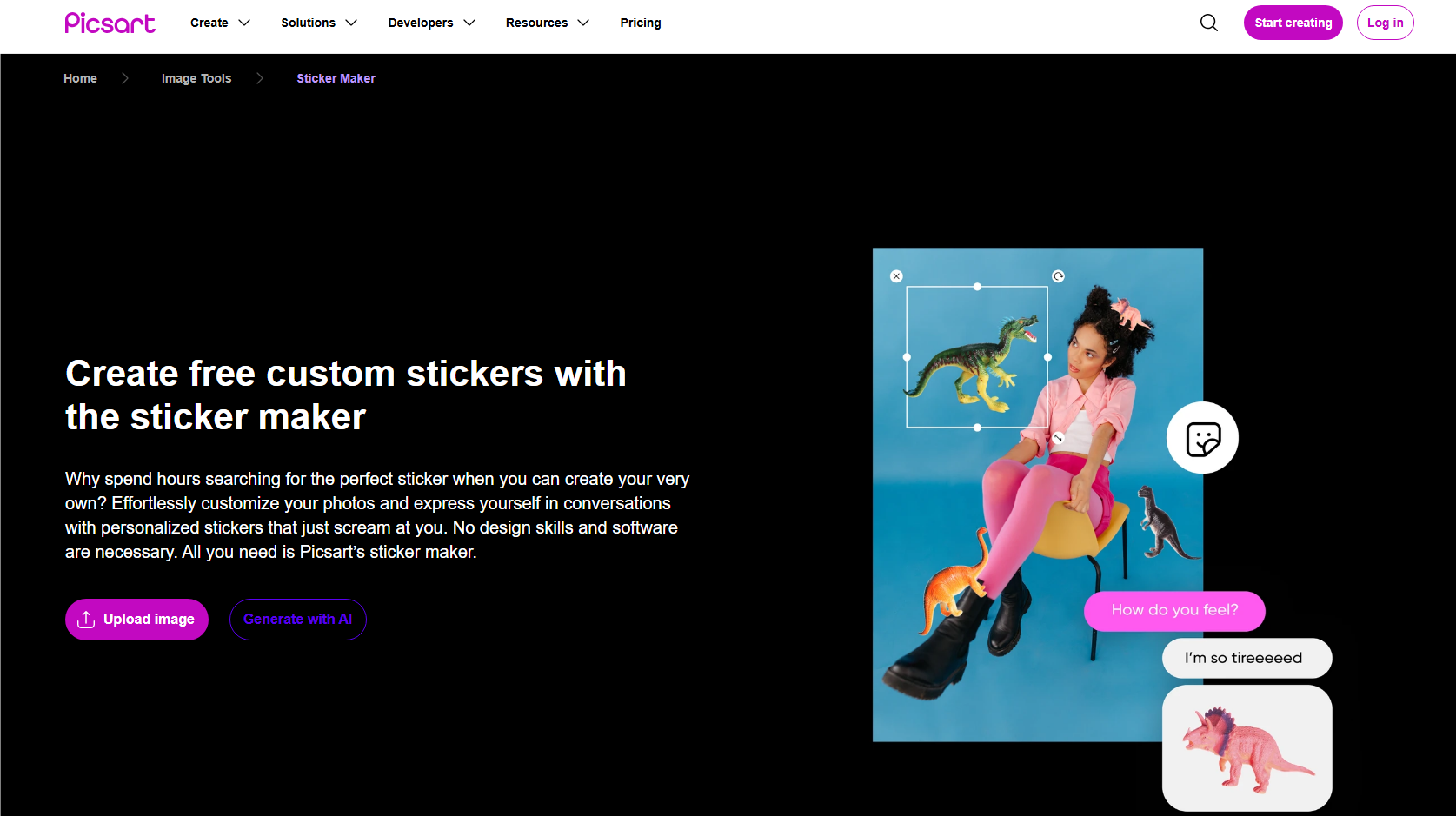
Picsart is an all-in-one AI photo editor online. It offers versatile sticker creation features, like background removal, AI photo enhancement, photo effects, AI image replacement, and more. Moreover, it has pre-made materials for sticker customization, like fancy fonts, stickers, backgrounds, etc. Those comprehensive tools make creating your photo sticker effortless. However, most of its pro features require a subscription, including the background removal.
Pros
- AI sticker creation features
- Full sticker art customization
- Huge sticker creation element library
Cons
- Background removal is a pro feature
- Extra ads/features locked behind paywalls
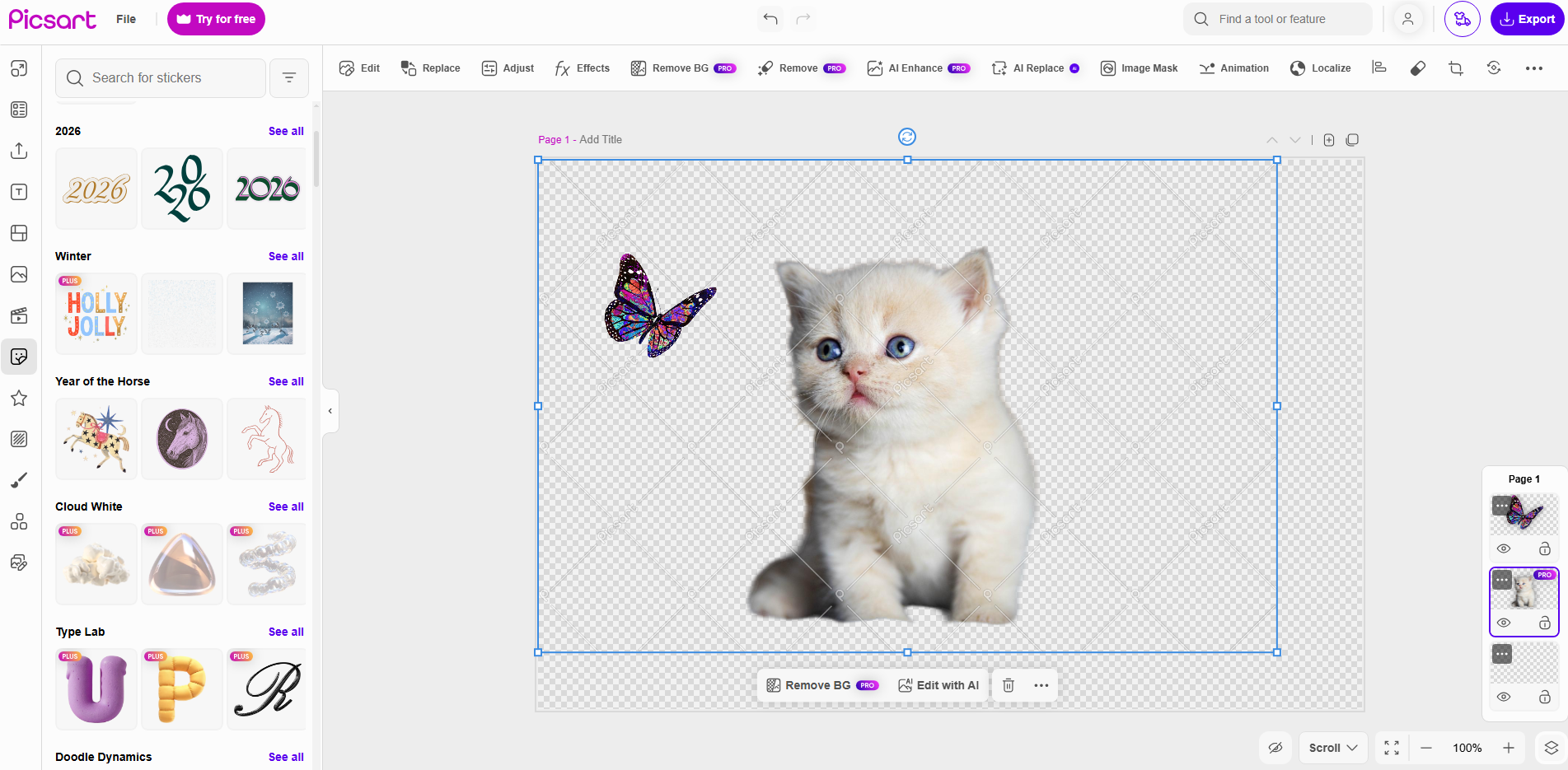
How to Turn Pictures into Stickers with Picsart Sticker Maker
- Step 1. Upload your photo to the online Picsart Sticker Maker.
- Step 2. Use the background remover to erase the background.
- Step 3. Customize your sticker with AI effects, texts, and other stickers.
- Step 4. Click the Download button to save your sticker.
Best Photo to Sticker Makers: Overall Comparison
|
Tool / Feature
|
AI Sticker Generation
|
Free Background Removal
|
Sticker Export (PNG/WebP)
|
Sticker Customization
|
Best For
|
|
Vidnoz AI Image Generator
|
Yes (Generate with text prompt)
|
Yes
|
Yes
|
Yes (Any modification with prompt)
|
Custom AI art stickers
|
|
Vidnoz Background Remover
|
No
|
Yes
|
Yes
|
No
|
Quick cut-out stickers
|
|
Sticker.ly
|
No
|
Yes
|
Yes
|
Less
|
Community & mobile stickers
|
|
Canva
|
No
|
No
|
Yes
|
Yes (With versatile materials)
|
Customized designs
|
|
PicsArt
|
Yes (AI features)
|
No
|
Yes
|
Yes (With materials and AI tools)
|
Artistic stickers
|
Benefits of Using Photo to Sticker Tools
Compared to traditional sticker-making methods, like using Photoshop or other manual cut-out tools, a photo to sticker maker offers plenty of benefits, including the following:
- Zero Design Skills Required with AI
Photo to sticker AI tools can automatically detect subjects on the photo, remove backgrounds, and create suitable image formatting for stickers. No photo editing tech-savvy, and AI will do anything for you, making the picture to sticker conversion accessible to everyone.
- Save Time for Batch Creation
Traditional photo editing for stickers may take several minutes, even hours, to make a sticker, especially when dealing with hair, edges, and transparent backgrounds. Conversely, AI-powered photo to sticker makers can process dozens of images in seconds. They extremely save your precious time and boost productivity.
- Create Unique & Personalized Stickers
An AI photo to sticker permits you to customize a photo into a sticker and create your own personalized sticker. You can turn your face into an emoji-style sticker, your pet into a cartoon character, your product into branded visuals, and make more innovative creations.
Most photo to sticker makers listed here are free or affordable compared to professional design software. You can generate a bulk of copyright-free stickers to increase brand recognition, improve engagement, or just for fun at the lowest cost.
Conclusion
Digital sticker creation is now super easy with those dedicated photo to sticker makers. Compare the listed tools and pick one to generate your personalized stickers! Among those solutions, Vidnoz stands out with AI sticker customization, auto background removal, and high-quality PNG sticker output. Far more than an image generator, Vidnoz provides more attractive video and photo editing features that are worth your exploration. You can turn your still sticker into an animated video, for example, make a dancing cat.
Vidnoz AI - Create Free Engaging AI Video with Talking Avatar
- Easily create professional AI videos with realistic avatars.
- Text-to-speech lip sync voices of different languages.
- 2800+ video templates for multiple scenarios.