For business reasons or personal needs, some users want to convert photos into pencil drawing style. Modern generative artificial intelligence has revolutionized traditional image conversion, making the entire process quick and convenient. It's no longer simply about adding grayscale filters. Professional photo to pencil drawing AI tools can understand line thickness, intersecting shadows, and edge detection, even determining the direction of light to decide the shadows and depth of the drawing. Here, we'll explore some of the best AI photo to pencil drawing converter tools available to help you quickly convert images into pencil drawings.
- On This Page
-
5 Best Photo to Pencil Drawing Converter Free No Sign Up
VisualGPT: Photo to Pencil Sketch Free Online
Pencilsketch: Photo to Sketch Online Free
Picturetodrawing: Limited Photo to Sketch Converter
-
How to Transform Photo to Pencil Drawing with Ease
Vidnoz AI: More AI Tools Other Than Photo to Pencil Drawing
-
Tips for Enhancing Pencil Drawing Effect
-
Why Image to Pencil Drawing AI is Replacing Manual Drawing
5 Best Photo to Pencil Drawing Converter Free No Sign Up
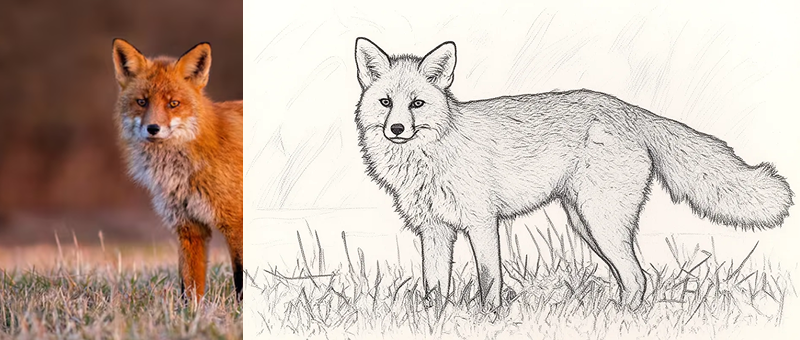
Here we choose 5 best photo to pencil drawing AI tools that are free online. Similarities of the 5 AI tools include: free to use, online photo to pencil drawing converter, no sign up.
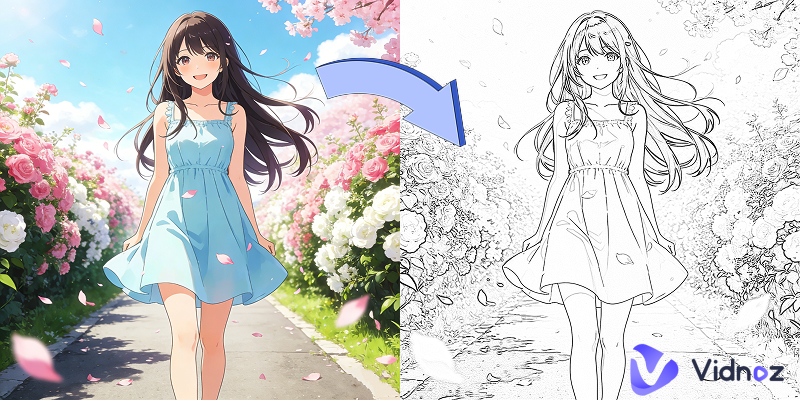
Vidnoz AI Photo Editor
With the amazing AI Photo Editor developed by Vidnoz, you can transform images into artistic portraits of any style, including but not limited to pencil drawing, ghibli, and anime. Different from other traditional AI photo editors, Vidnoz AI Photo Editor adopts text prompts to edit images without limits. In other words, just input words to guide how to change your photo and AI do the rest. Go to the page now and start your easy image editing experience now.
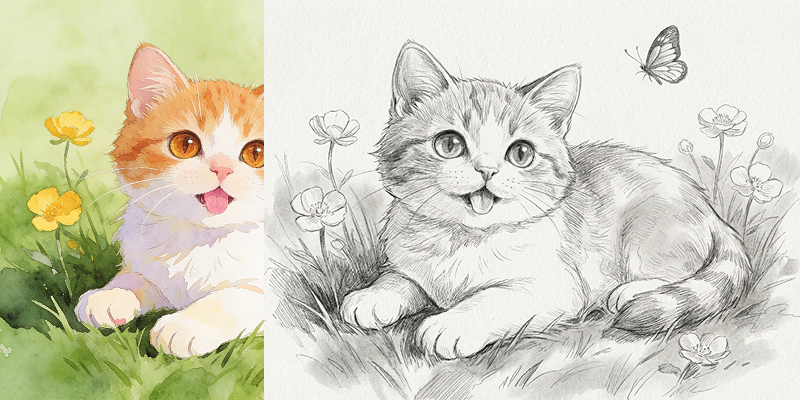
VisualGPT: Photo to Pencil Sketch Free Online
VisualGPT is an AI photo studio, both AI image generator and AI image editor available. It allows users to convert any image into a pencil sketch with just a few clicks with advanced algorithms. By analyzing the original photo, it transforms it into a realistic pencil-drawn version. During the process, it captures intricate details such as shading, textures, and contrasts. Except for pencil drawing, it also enables you to transform photos to different kinds of sketch, charcoal sketch, ink sketch, comic sketch, concept sketch and so on. Get impressive outputs with the free photo to pencil sketch.
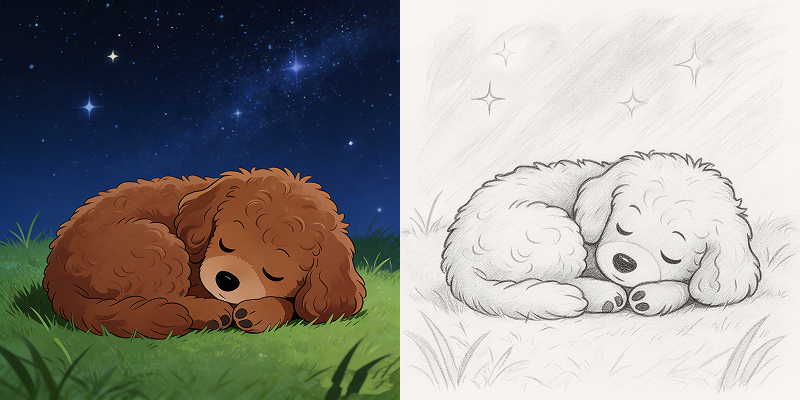
Pencilsketch: Photo to Sketch Online Free
PencilSketch offers an AI-powered tool that effortlessly converts your images into pencil sketches. Upload any photo, adjust the sketch shadow, and AI turns it into a detailed and lifelike pencil-draw sketch, which captures the essence of the original image. Whether you're looking to add an artistic touch to your photos or create custom sketches for personal projects, this tool makes it easy to explore the beauty of hand-drawn illustrations. Convert photo to pencil drawing online free!
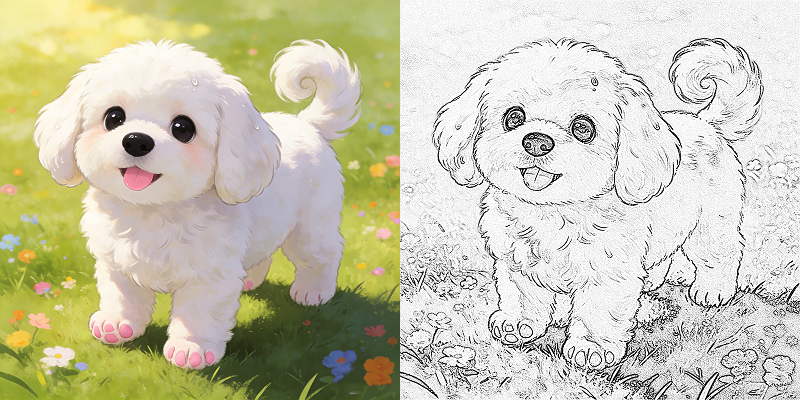
Picturetodrawing: Limited Photo to Sketch Converter
PictureToDrawing is a limited free photo to pencil drawing converter. You have 3 free trials daily. For more conversions, pay for it or try other unlimited free photo to pencil drawing converters. As a unique and creative way to turn photos into beautiful hand-drawn sketches, PictureToDrawing satisfies your every need from adding an artistic touch to your personal photos to creating a special gift.
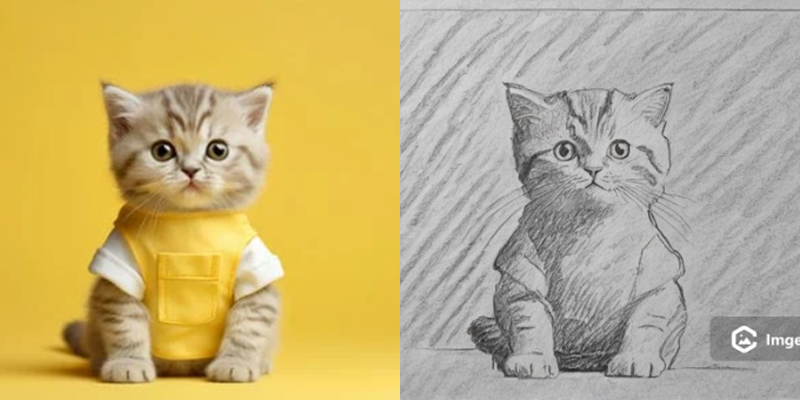
Imgedit
Over 10 kinds of sketch options including pencil sketch, the photo to pencil drawing generator offered by ImaEdit transforms photo to pencil sketches effortlessly. Although its generated photos are attached with watermark, details can be presented in the sketched photo. Perfect for anyone who wants to make personalized artwork or enhance your memories with the free online tool. Make creative artwork now in pencil sketch, manga sketch, anime sketch, in painting, and other styles!
How to Transform Photo to Pencil Drawing with Ease
Here we take the free online Vidnoz AI Photo Editor as an example to show how to transform a photo to pencil drawing on PC and mobile.
Step 1. Go to the Vidnoz AI Photo Editor page.
Step 2. Upload your photo, choose an AI model (Nano Banana better), and input text descriptions, such as “transform the photo to pencil sketch style”. Then choose the orientation and output numbers.
Step 3. Click the Generate Now button.
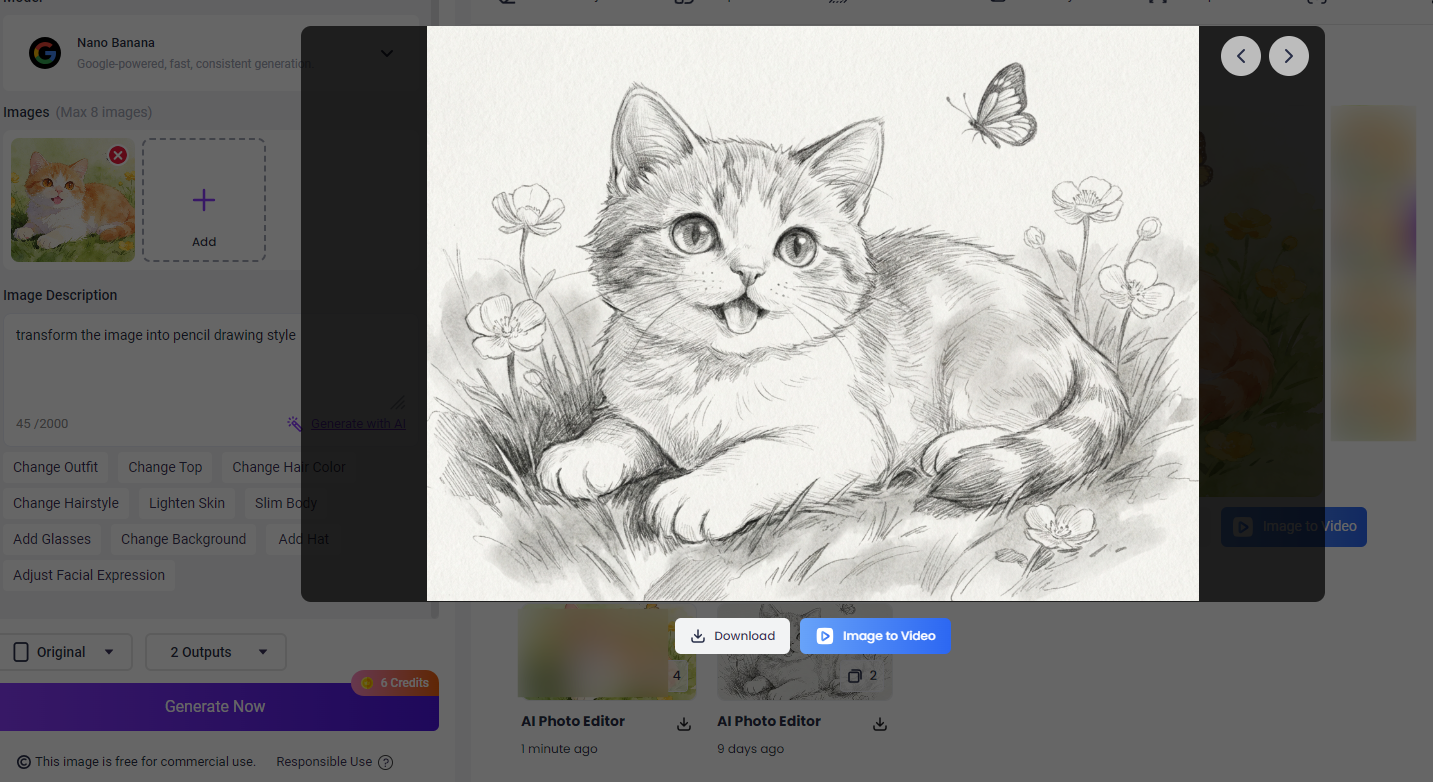
Tip 1. Choose Nano Banana AI model for better image generation results.
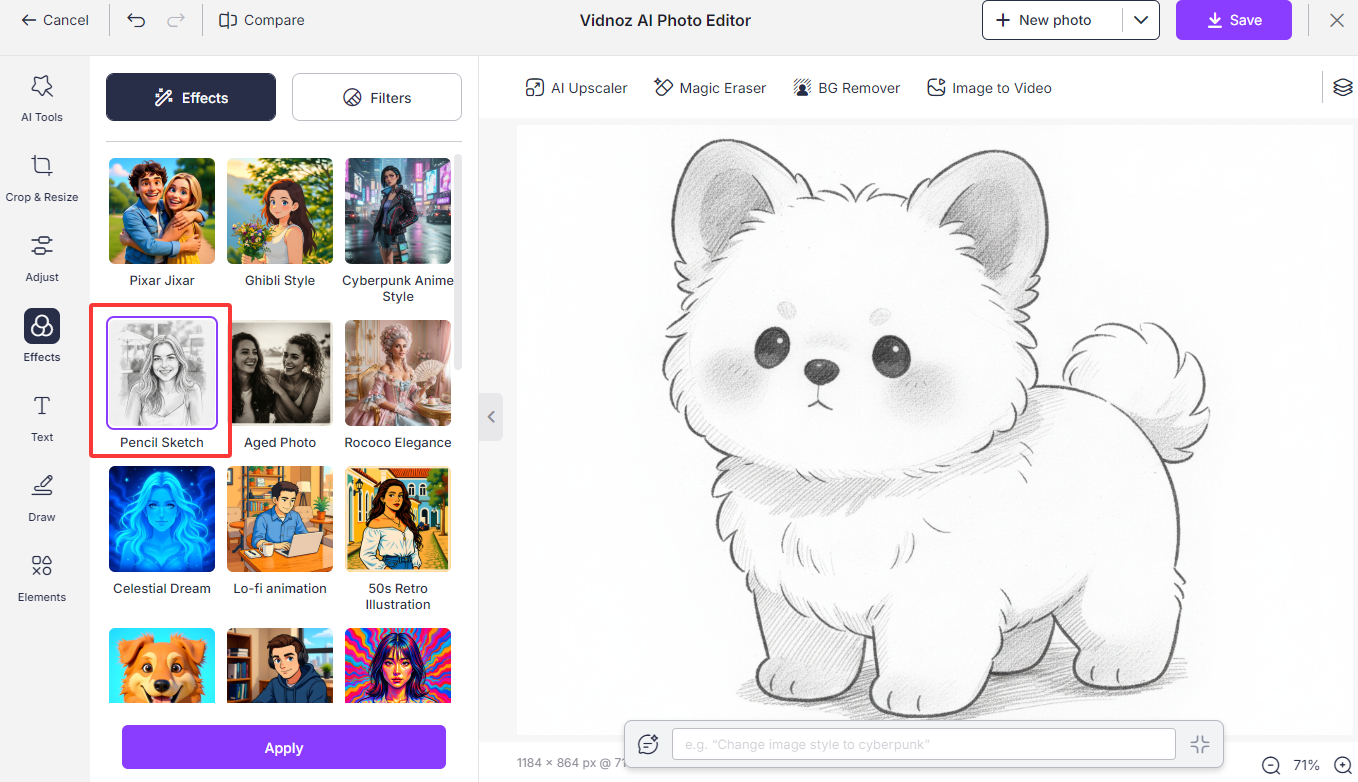
Tip 2. After the image is generated, you have the option to edit it by clicking the “AI Edit” button. In the Effects tab, there is a Pencil Sketch that allows you to turn an image into pencil drawing. And more AI tools are offered in the free AI photo editor to satisfy various needs.
Vidnoz AI: More AI Tools Other Than Photo to Pencil Drawing
AI Image to Video
Vidnoz AI Image to Video is a cutting-edge tool that transforms static images into dynamic and engaging videos. It automatically apply cinematic movements, camera angles, and background effects and output stunning videos.
Convert Image to Video AI Online - Free
- Create a video from an image quickly for free.
- Use various AI models to turn photos into videos.
- Download and share the AI-generated video at no cost.
Convert Image to Video
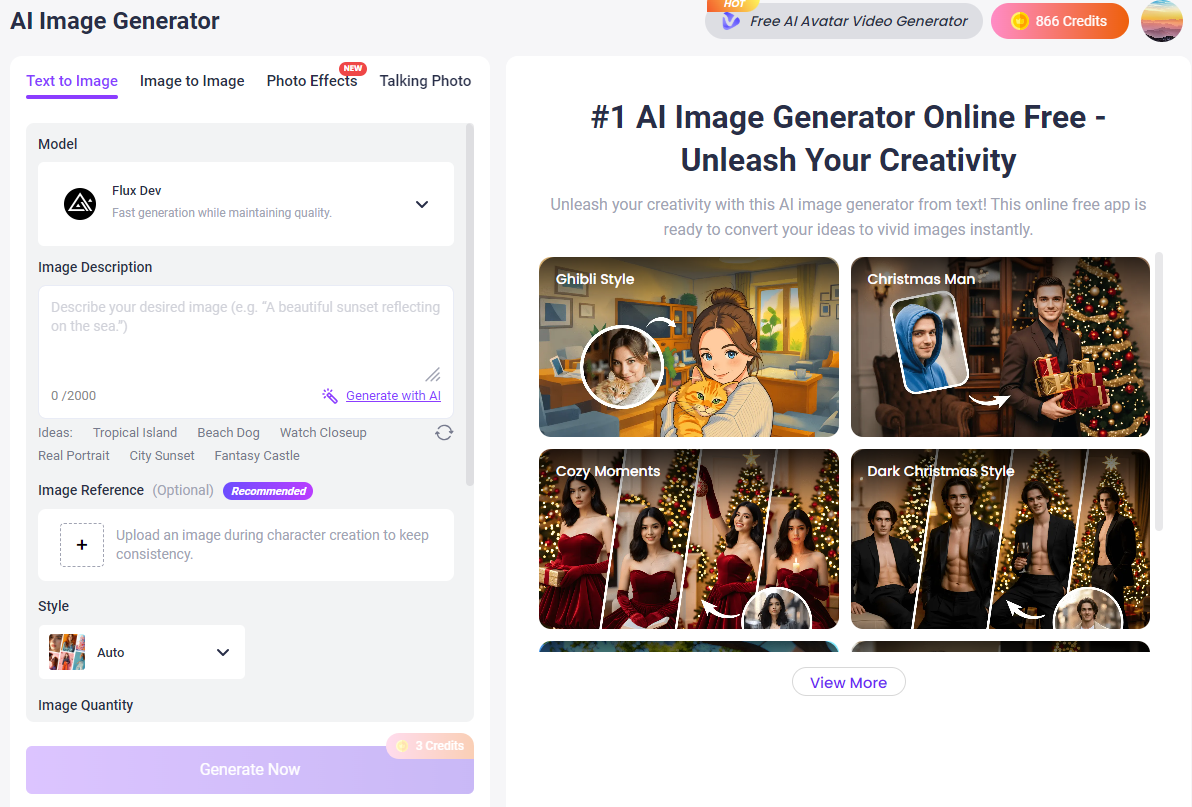
AI Image Generator
Generate AI images from brilliant text ideas instantly with free AI image generator. Advanced AI models and multiple styles are optional. Or get a new image by changing the original image. Whether you're a digital artist, designer, marketer, or hobbyist, Vidnoz offers an intuitive and easy-to-use platform that transforms imagination into reality without effort.
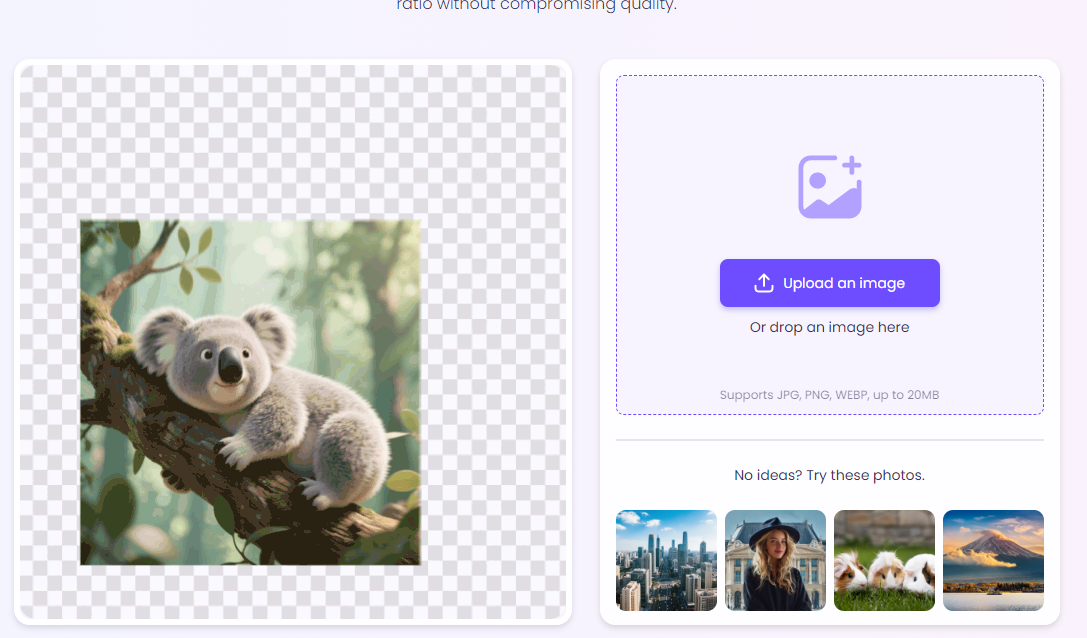
AI Image Extender
This free AI image extender uses artificial intelligence to allow users to seamlessly extend images, predicting and generating only the missing parts. Whether for photo-sharing or video-sharing platforms, it can be expanded to a specific ratio to achieve the most suitable size.
Tips for Enhancing Pencil Drawing Effect
To make your photo present a better pencil drawing effect, refer to the tips below.
Shading and Texture
Shading and texture are crucial in a pencil drawing because they create depth, form, and realism. With proper shading, the drawing can look attractive and 3-dimentional.
Contrast Adjustments
Contrast helps distinguish between light and shadow areas, making the drawing more dynamic and visually striking.
Use of Layers
Multiple layers helps you to control various parts of your drawing separately, which provides greater flexibility and depth. Layers can help separate foreground, background, and detailed areas, allowing for easier adjustments and refinements.
Why Image to Pencil Drawing AI is Replacing Manual Drawing
Speed: AI can convert an image into a pencil drawing in seconds, while hand-drawing might take hours or even days.
Applicability: Online AI tools require no user skills and have simple, user-friendly interfaces. Hand-drawing, on the other hand, requires some training.
Affordability: Many online platforms offer free AI tools, and even subscription versions are relatively affordable. Furthermore, no paper, pencils, or other materials are needed.
Style Diversity: AI tools offer not only pencil drawings but also ink sketches, manga sketches, anime sketches, and more.
Conclusion
For free image to pencil drawing AI tools, try Vidnoz and other four online AI tools. Of course, some of them are offering high-quality while limited free trails, such as PictureToDrawing and Vidnoz. For more AI style transformation for images (cartoon, watercolor, Ghibli), Vidnoz AI is recommended for its affordable prices and a series of AI tools for image and video (such as free AI video generator, free AI video translator), satisfying every need.






.webp)
