If you've ever wished to extract the instrumental or vocal tracks from a song for re-creating, an instrumental remover can help you obtain a clean split between the two. AI technology will save you time and help you remove instrumental from songs with great efficiency and accuracy.
In this article, we will explore the 5 best online free AI instrumental remover tools to help you find the best instrumental removal free solution for easily splitting tracks.
- On This Page
-
What is an Instrumental Remover?
-
Top 5 AI Instrumental Removers Online Free
Vidnoz AI Vocal Remover - Intuitive Online Instrumental Remover Free

HOT
LALAL.AI - Next-generation AI Vocal Remover and Instrumental Splitter
Remusic AI - AI Instrumental Remover with High-Precision Separation
Media.io - Instant AI Vocal and Instrumental Remover Online
BandLab - AI Instrumental Separator with no Song Limits for Any Device
-
How to Remove Instrumental from Songs with AI
-
Additional: Use Cases of Instrumental Removal
What is an Instrumental Remover?
An instrumental remover is an AI-powered tool that can separate instrumental (background music) from vocals in an audio track. Using neural networks, the tool can discern unique frequency patterns and separate stems, including vocals, drums, bass, and melody instruments.
The outcome allows you to have a neat instrumental ("karaoke version") or a standalone vocal cappella. Integration with AI audio isolation technology, most modern instrumental removers deliver a speedy and precise performance. Those online tools even make the job approachable for the non-expert.
Top 5 AI Instrumental Removers Online Free
Vidnoz AI Vocal Remover - Intuitive Online Instrumental Remover Free
Perfect for:
- Users needing quick vocal or instrumental separation
- Content creators aiming for lossless audio output
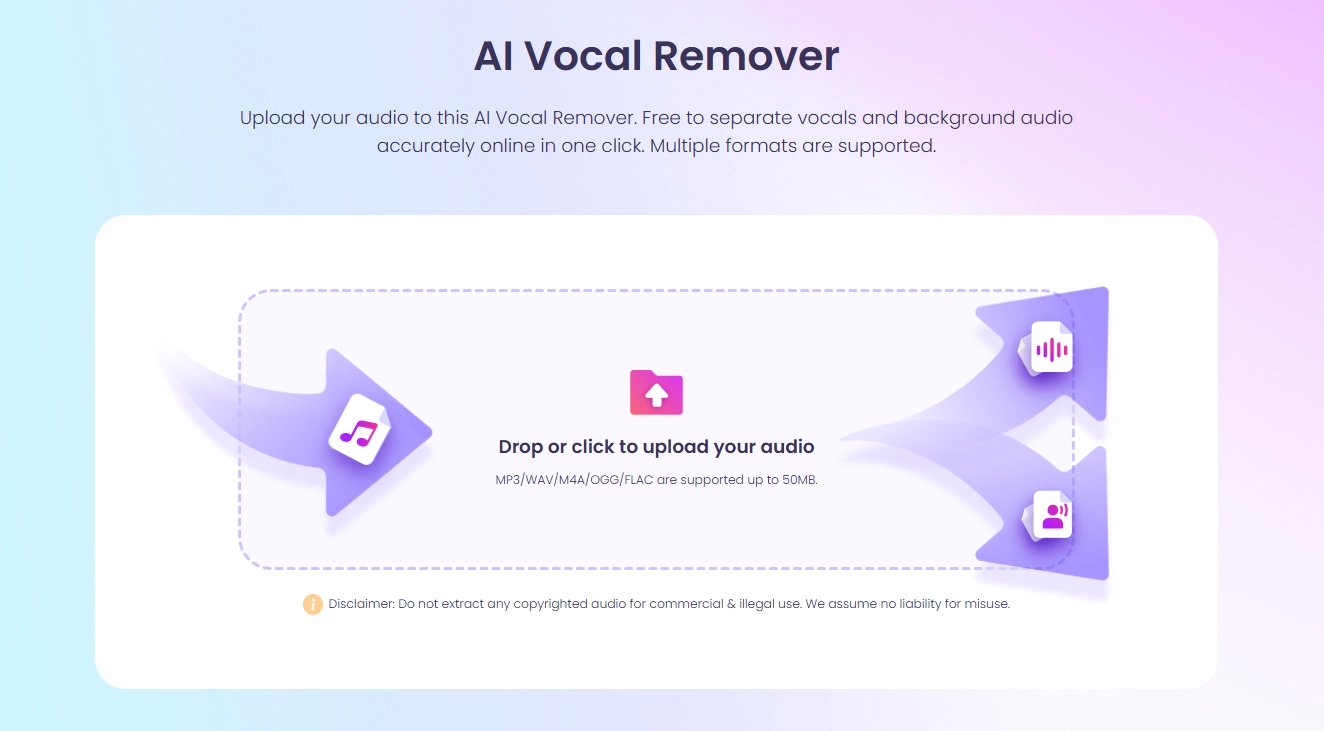
Vidnoz AI Vocal Remover designs an easy-to-navigate interface to separate background music and vocals from any audio track without guesswork. It leverage the most advanced AI algorithms to guarantee the precision and lossless quality of split instrumental tracks.
It is tested to be an ultra-fast AI music splitter. Within a minute, it can output the isolated instrumental and vocal tracks from an uploaded audio file. It supports multiple audio format, like MP3, WAV, M4A, OGG and FLAC, so that you can process almost all music hassle-free.
Pros
- Supports multiple audio formats
- Offers lossless WAV downloads
- Fast and precise vocal separation
- Free with no fees or subscriptions
Cons
- Requires sign-up/login
- Limited to 50MB file uploads
Vidnoz also designs an AI music generator that allows you to generate instrumental, songs with lyrics from text accross a wide range of genres, like pop, rock, hip-hop and more. Try this online music maker to craft unique melodies and songs for free.
Vidnoz Free AI Music Generator
Free to generate & download for commercial use!
- 100+ combinations of musical styles, moods and themes
- Turn your texts into songs and music videos
- AI to create an original song with your lyrics
Create Music with AI
LALAL.AI - Next-generation AI Vocal Remover and Instrumental Splitter
Perfect for:
- Musicians and DJs needing precise stem separation
- Users wanting detailed control over noise and echo removal
- Professionals seeking batch uploads and high output quality
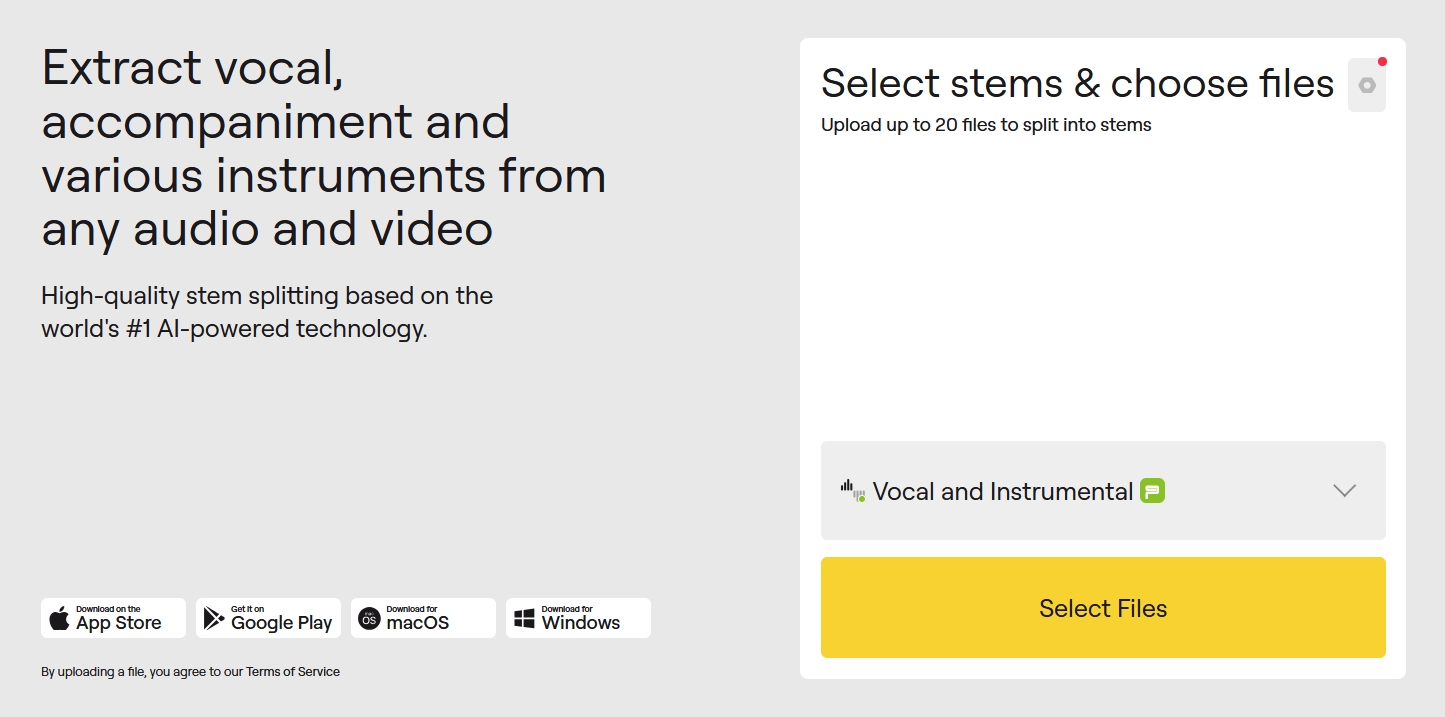
LALAL.AI is built using transformer-based AI technology to provide stem separation from vocals, drums, bass, and guitars without losing the quality of the audio. The user has two processing modes (Fast and Relaxed) to choose from based on how much load they want to put on-server and speed.
The users can remove most background noise with adjustable noise-cancelling settings and de-echo settings. Once users submit a track, they have a preview option and can then also pick which output formats they want.
Pros
- Multiple stem types extraction
- Adjustable noise canceling and enhanced processing
- High-quality output mimicking original audio
- Supports batch uploads and many audio/video formats
Cons
- Requires sign-up and subscription for premium features
- Limited fast processing minutes and upload size for free users
Remusic AI - AI Instrumental Remover with High-Precision Separation
Perfect for:
- DJs, karaoke fans, and remix artists looking for free, easy-to-use tools
- Users needing fast processing and clean instrumental tracks
- Those wanting support for multiple audio formats
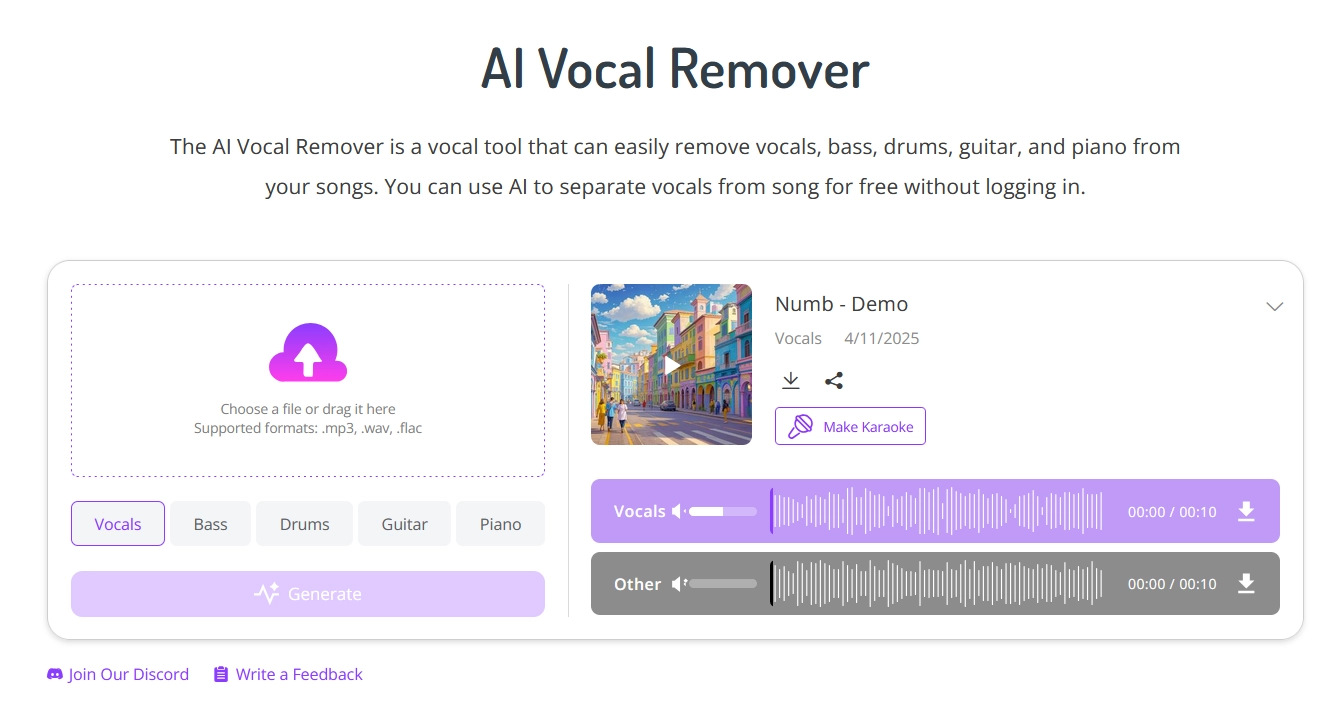
Remusic AI Vocal Remover is another option that utilizes high-precision AI to provide quick separation in a browser environment. It allows audio file uploads and/or song URLs, in most cases using popular audio formats in MP3 and WAV.
The interface is simple, user-friendly, and does not require you to download the app or configure any settings. The site separates vocals in very little time while also leaving a clean instrumental track for karaoke or music remixing, and this is free.
Pros
- Clean instrumental extraction
- Fast and intuitive
- Supports URL input and local uploads
- Completely free
Cons
- Dependent on the internet connection
- File size limitations not clearly stated
Media.io - Instant AI Vocal and Instrumental Remover Online
Perfect for:
- Karaoke enthusiasts and video creators
- Users wanting quick, reliable vocal removal
- Individuals needing wide format support for audio and video files
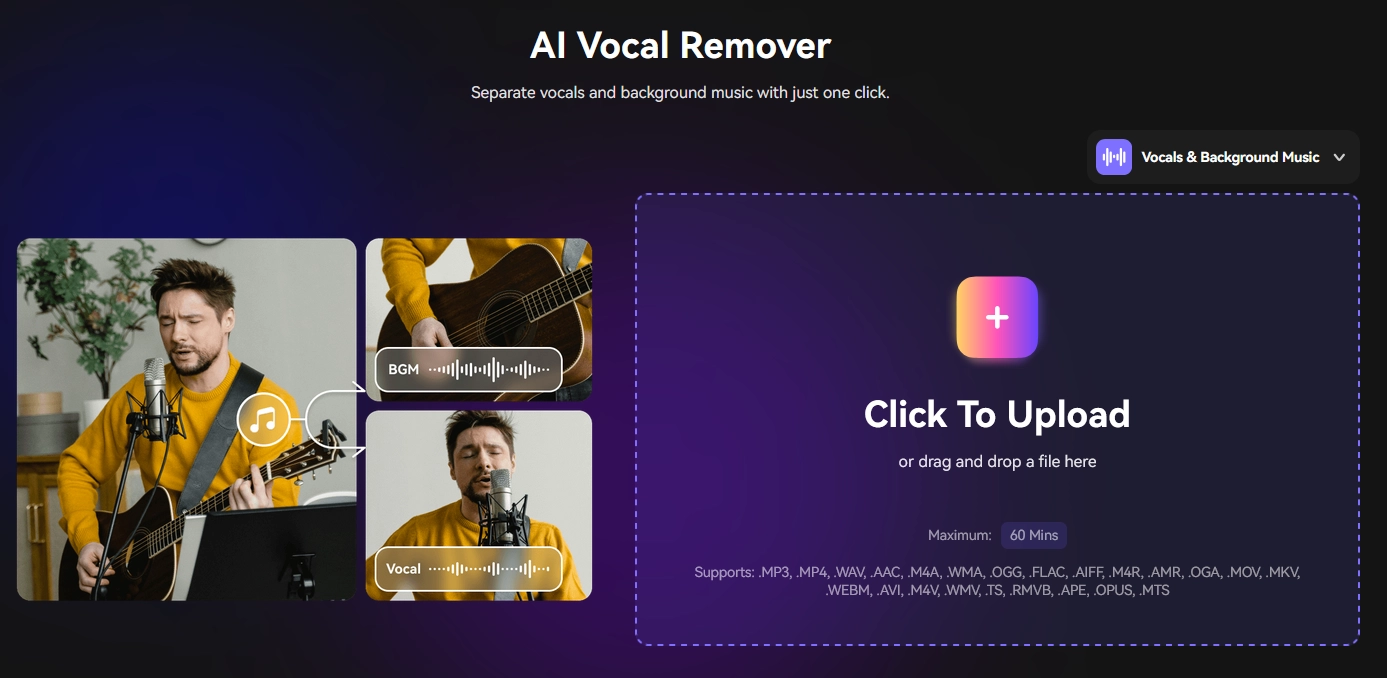
Media.io Vocal Remover boasts instantaneously removing vocals from songs, giving you high-quality instrumentals that are great for karaoke performances or remix projects. It handles audio files as well as video files in many formats, including MP3, WAV, MP4, MOV, and more.
The instrumental splitter has a fast and simple uploading process and a fast processing engine, with no software installation. It has additional audio editing and remixing functions, which means it can be used for different content creation purposes.
Pros
- Supports audio and video files
- High-speed processing
- Includes extra editing features
- Free and accessible online
Cons
- Some features may require account creation
- Occasional audio artifacts in complex tracks
BandLab - AI Instrumental Separator with no Song Limits for Any Device
Perfect for:
- Musicians and producers wanting free, unlimited stem splitting
- Users preferring cross-platform access on web and mobile
- Creators who want pitch and speed adjustment features
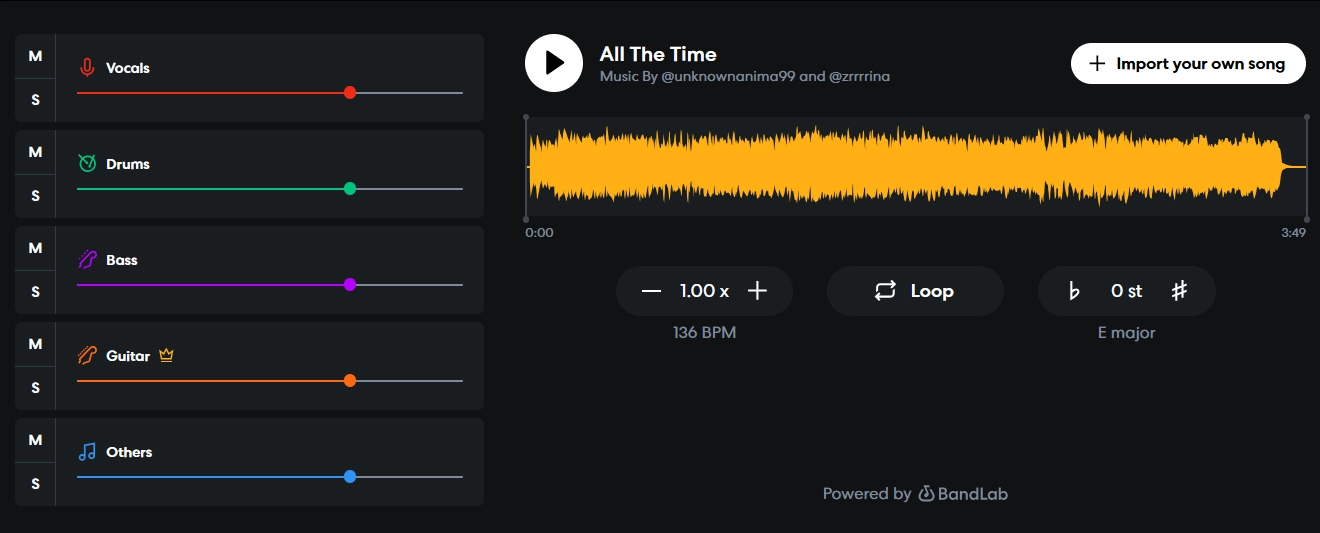
BandLab's AI Splitter tool is the simplest way to separate vocals, drums, bass, and other instruments from an MP3 file and any audio/video format. It has unlimited splits with no size limits, and it is very beginner-friendly with beginner. You can also use pitch and speed adjustment on your tracks. Cloud storage is included with BandLab, too, by signing up.
BandLad is a cross-platform AI instrumental remover accessible in a browser or mobile app. You can use the free tool for any music production circumstance.
Pros
- Unlimited free usage
- Cross-platform compatibility
- Voice, drums, bass, and other stems separation
- Includes pitch and tempo controls
Cons
- Split quality may vary with complex mixes
- Occasional background noise in stems
How to Remove Instrumental from Songs with AI
All AI-powered instrumental removers have a simple interface that includes a familiar and easy process to separate instrumentals from original songs. As an example, we will break down the steps needed to use Vidnoz AI Vocal Remover as follows.
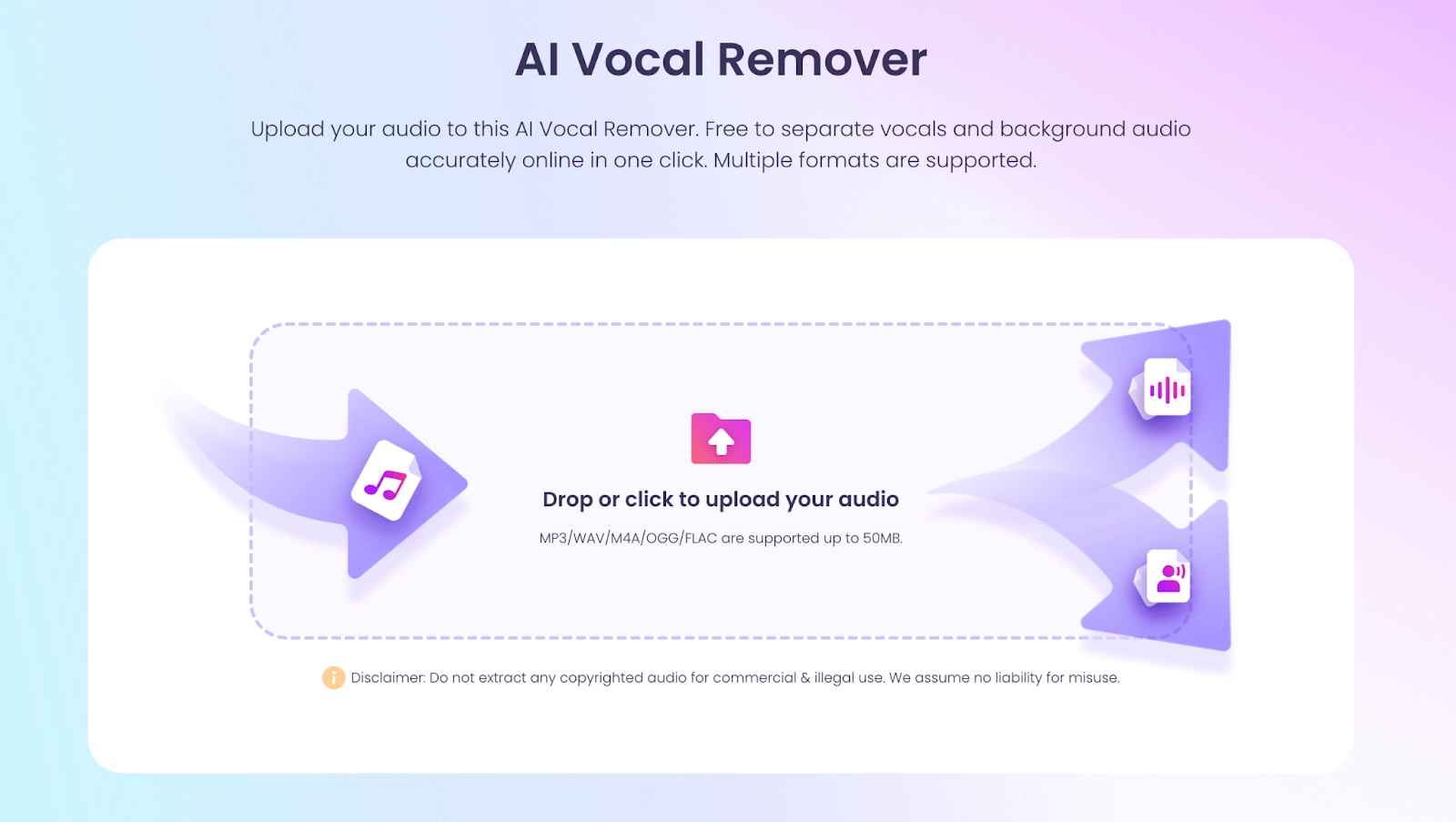
Step 1: Upload Your Song
Head to Vidnoz > Free AI Tools > AI Voice Tools > AI Vocal Remover. Sign up your account and upload an audio file. Please make sure that the format and size of the audio are supported.
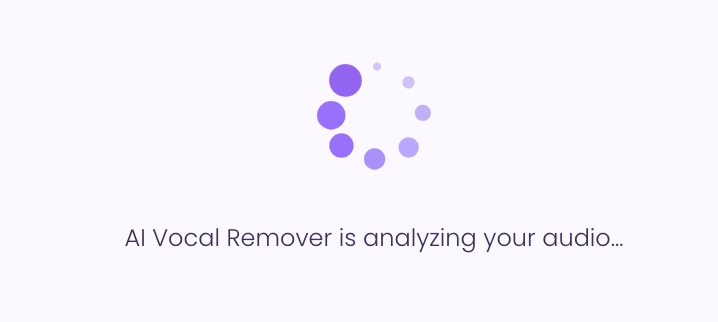
Step 2: AI Analyzes Your Track
The AI analyzes your uploaded source song by detecting unique frequency patterns, separating your song into the vocals, instrumental, bass, drums, and other elements.
Step 3: Preview Both Tracks
Before you download the instrumental track, make sure to listen back to the now isolated vocal track (which is super cool) and instrumental track to ensure that they both sound decent.
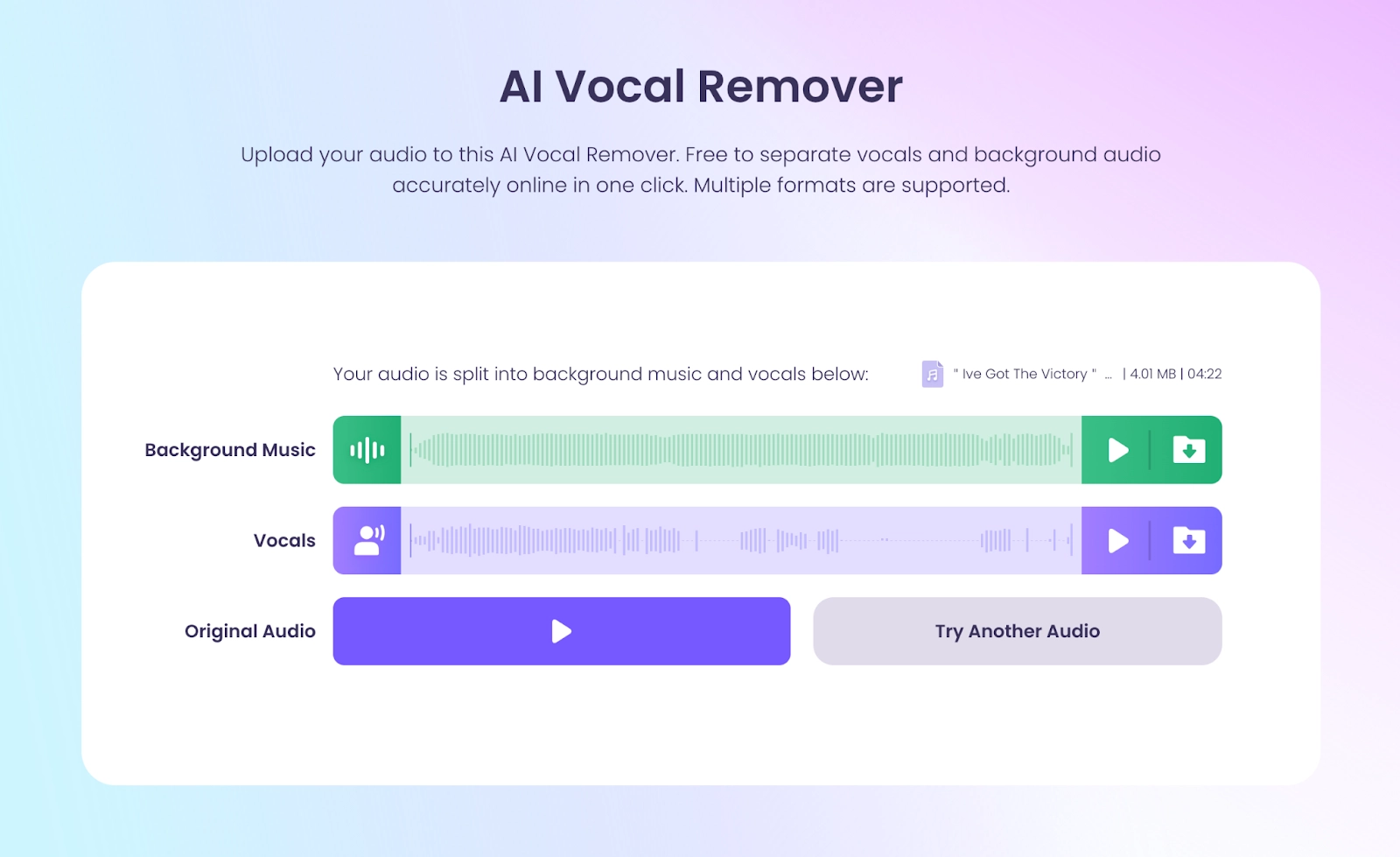
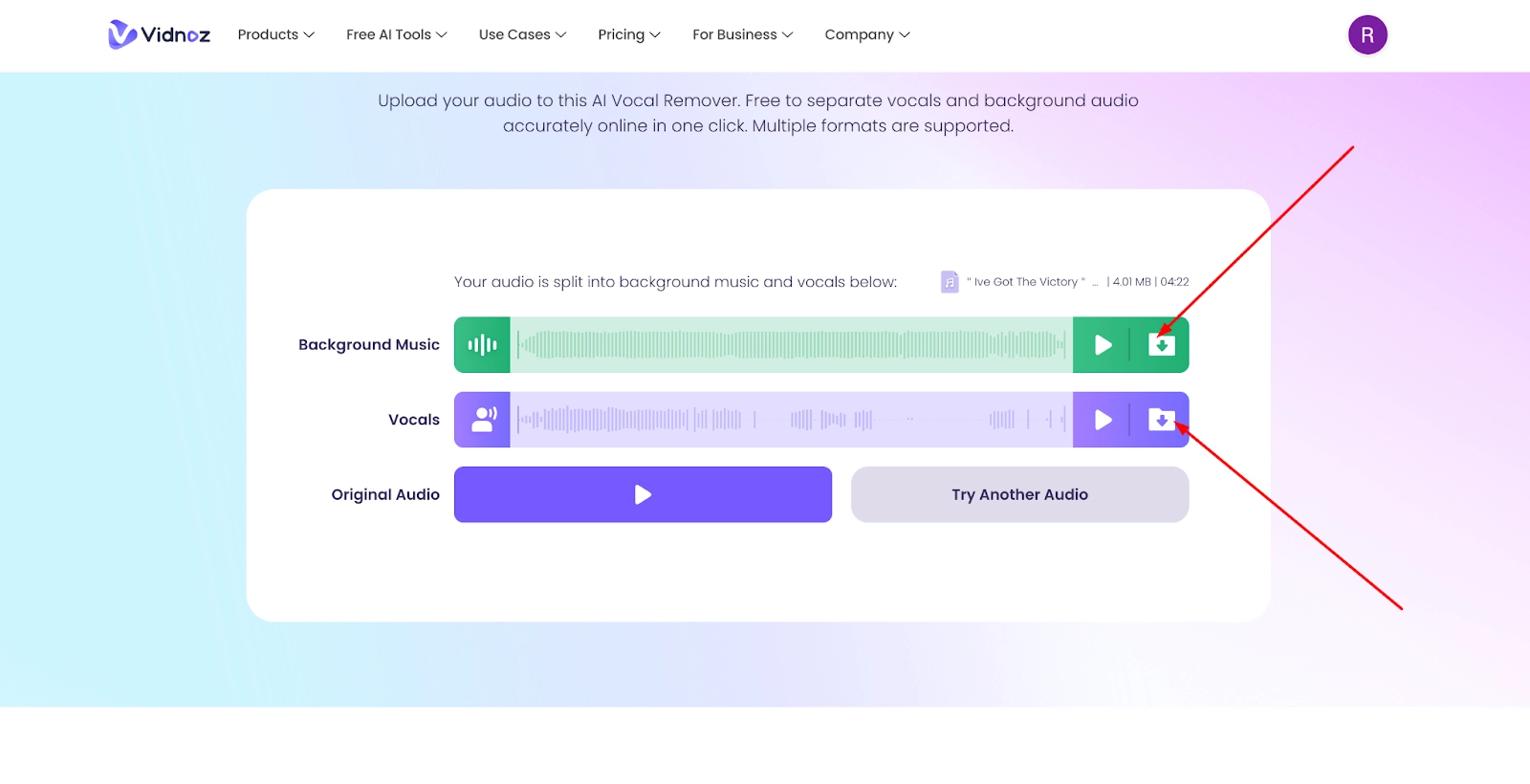
Step 4: Download Your Option
Finally, download either the instrumental track or the vocal track in either high-quality lossless WAV or MP3 format.
Overall, this simple yet powerful workflow allows any users entry-level, intermediate, and advanced users to produce karaoke tracks, remixes, or practice songs right away.
Tip: Besides this AI vocal removal tool, Vidnoz offers a set of music and voice tools, like AI music generator, AI voice changer, etc., helping you create more engaging music and audio content with high efficiency.
Vidnoz Free AI Music Generator
Free to generate & download for commercial use!
- 100+ combinations of musical styles, moods and themes
- Turn your texts into songs and music videos
- AI to create an original song with your lyrics
Create Music with AI
Additional: Use Cases of Instrumental Removal
With an instrumental remover software, the creative possibilities are endless, once you've broken apart your songs into vocals and background tracks! Here are a few of the most common use cases:
- Karaoke: The easiest way to create a karaoke version of any song! Stuck for a karaoke track? No problem! Remove the track with promo vocals and you've just created a karaoke version for your next party, practice, or live performance.
- Custom BGM: Extract clean instrumentals from any song for background music to allow your video, podcast, or live stream to play uninterrupted without other vocals.
- Remix or Sample Tracks: DJs and music producers can separate one or more stems from the original track and use those stems to remix, sample, rearrange, or utilize the stems in any way they choose or can imagine.
- Analyze for School/Education: Students and teachers can separate tracks to more thoroughly analyze vocal techniques, mixing styles, instrumentation, or anything they need to accomplish.
In a nutshell, an AI instrumental splitter can not only save you time but also provide you with creative possibilities with music, entertainment, or education, too.
Conclusion
An AI instrumental remover is now faster, easier, and more effective than ever. This article has shown you 5 powerful tools that allow you to remove instrumental and keep vocals from songs. Whether you want karaoke tracks, custom background music tracks, or remix material, any of these online instrumental remover services provides its own flexibility for creating. Check out the options that most align with your needs to unravel your music.







![[AI Mashup Maker] Use Mashup AI to Mashup Two Songs in 3 Steps](https://www.vidnoz.com/bimg/ai-mashup-maker.webp)