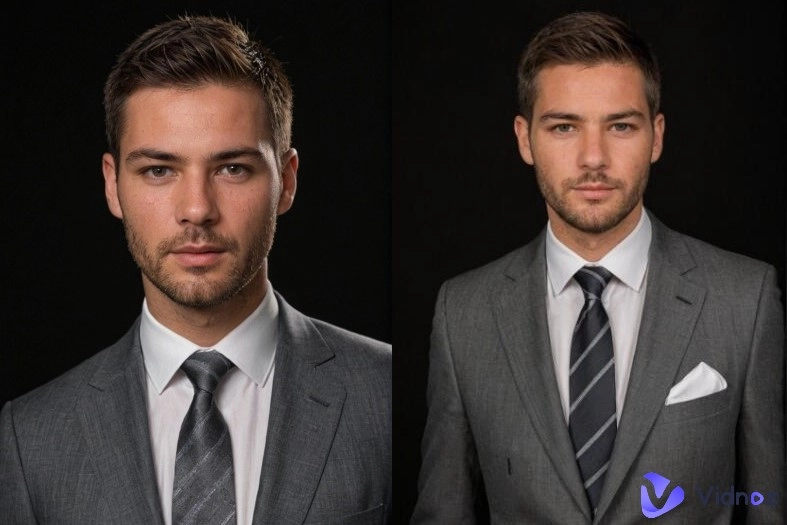
Want to upload an image to the internet but are afraid of exposing private information? Need to pixelate an image to blur faces, license plates, or other sensitive details, but no suitable software? Or just want to pixelate a photo to make a retro or artistic effect?
An image pixelator is just what you need. Traditional photo editors provide such features, but may be complicated to use or have several limitations, such as watermarks or subscriptions. This is where tech-savvy AI image pixelators come in. In this guide, you will access the best free online image pixelators powered by AI and learn how to pixelate an image with simple clicks.
- On This Page
-
What Is an AI Image Pixelator
-
Why Pixelate an Image
Produce artistic and retro effects
Make marketing and social Media visuals pop
Blur license plates and locations
-
Best Image Pixelator Online Free to Easily Pixelate Your Photo
-
How to Pixelate an Image Free Online Step by Step
-
Other Related Uses of an AI Image Pixelator
Pixelation for video thumbnails and social media posts
Pixelated images in memes, game design, and digital art
Pixelation to meet privacy laws and content guidelines
Pair pixelation with other AI editing tools
What Is an AI Image Pixelator
AI image pixelator is a smart photo editor that can pixelate your photo automatically. It can analyze the uploaded photo to understand objects, faces, text, and the background components. Users can pixelate the full image with a single click, or add a simple image description prompt like “pixelate the face”, “blur the background”, or “blur the license plates.” The AI processes the command, determines the relevant component, and blurs it out automatically. No manual editing is needed; the AI image pixelator will do everything for you.
Unlike traditional pixelation tools (for example, Photoshop, basic photo editors, etc.), which require manual masking, layer adjustments, or trial and error, the AI image pixelator empowers users to pixelate images with ease. Traditional tools need a lot of input from the user, but AI-based pixelators are able to accurately recognize the photo you upload and pixelate it.
Why Pixelate an Image
People may choose to pixelate an image for several hidden reasons, from privacy to compliance to visual design. Check the following common reasons why you need to pixelate an image.
Protect personal privacy
Pixelation is often used to obscure faces, phone numbers, ID cards, or other sensitive information before a photo is posted on the internet. It prevents the exposure of identity whilst making it usable.
Produce artistic and retro effects
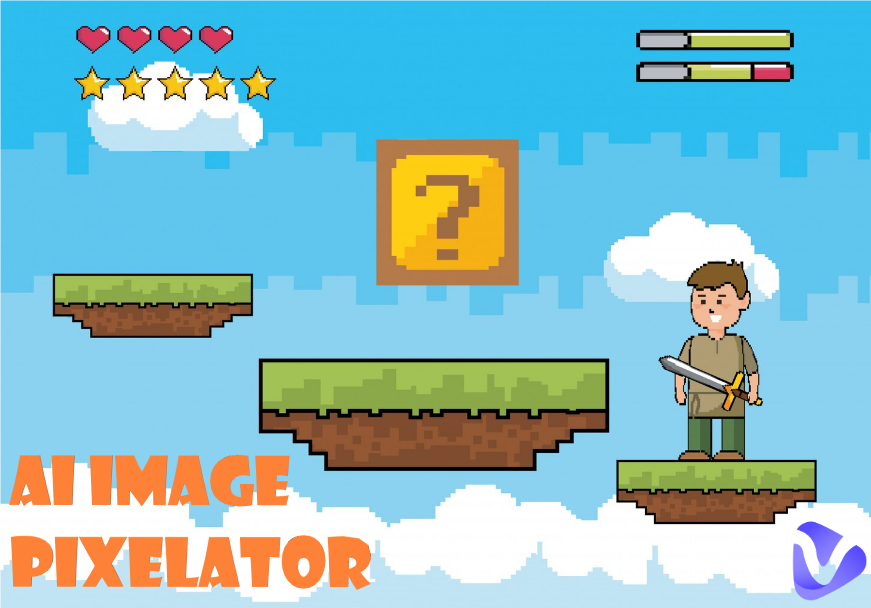
Pixelated images are a staple of digital and gaming art, retro-inspired designs, and pixelated art styles, which can instill personality and charm into graphics.
Make marketing and social Media visuals pop
Marketers use pixelation to create anticipation, tease products, reveal or highlight one part of a visual in ads and promotions.
Blur license plates and locations
Pixelation is useful for photos of cars and public places, too, since you can use it to blur out license plates and other details that can give away your precise location.
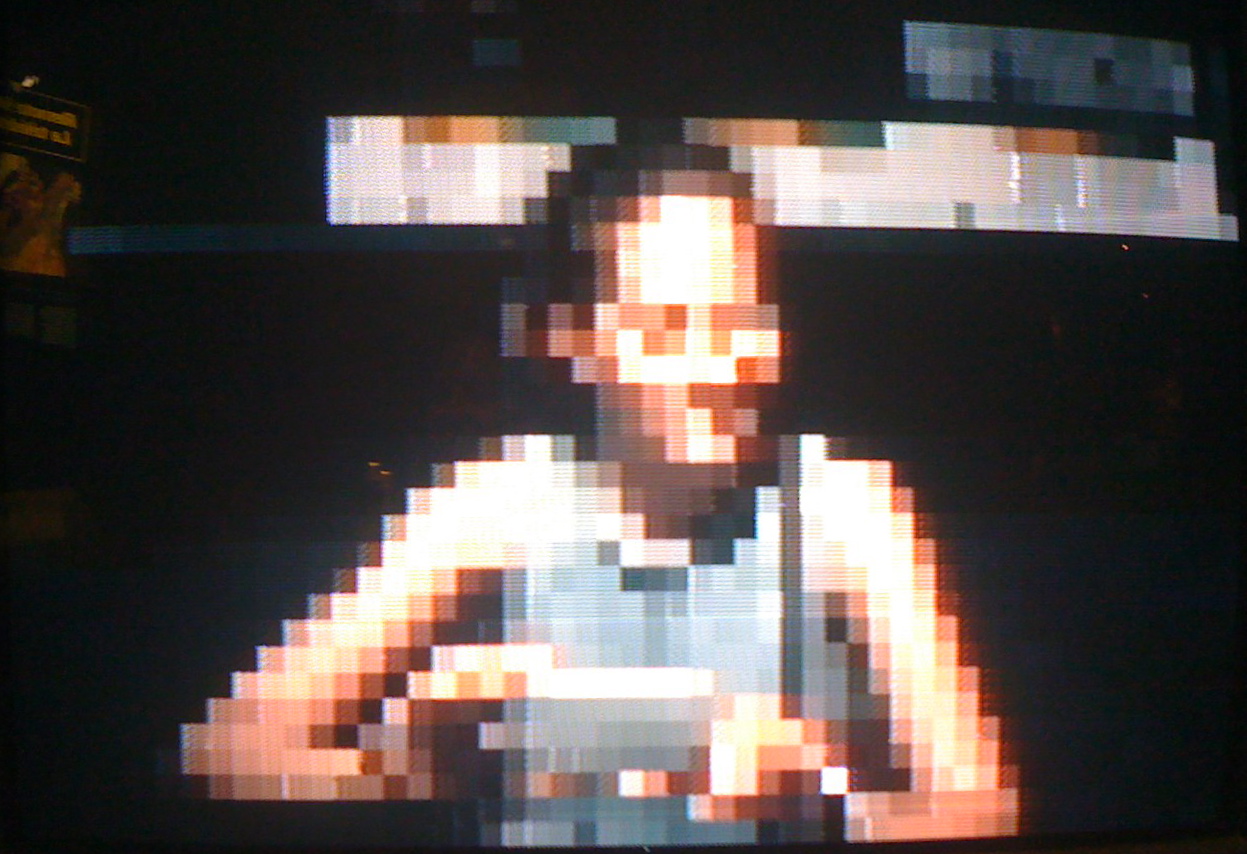
With such varied demands, powerful image pixelators allow you to pixelate your photo online without knowing any professional editing skills. AI-based image pixelators turned the procedure into a non-technical, time-saving, and easy-to-do task.
Best Image Pixelator Online Free to Easily Pixelate Your Photo
After knowing the reasons to pixelate an image, it is time to dig into the best online free image pixelator powered-by AI. Here is the top choice that is carefully selected for you, Vidnoz Gen AI Image Generator.
It is a high-end free online AI-powered photo editor that doubles as an image pixelator. Without the need for adjusting complex controls or manual selections, users just explain what they want with a simple text prompt, and the AI takes care of the rest. With its AI precision, fast image processing, and flexible free access, the tool allows you to create great-looking pixelated images without hassle.
Here are some of the features why you should pick Vidnoz:
- Text-prompt pixelated image editing: The advanced AI image pixelator allows you to pixelate images by typing simple instructions, and you do not need to apply masking manually or have any editing know-how.
- Smart object and face detection: The AI automatically detects objects, elements, and faces in the uploaded photo, so it knows what to pixellate and make natural results.
- Fast cloud-based image pixelation processing: The online free image pixelator saves your precious time and increases your productivity. No need to download and install any software and apps. Your images are pixelated in seconds online.
- Free image pixelator with a user-friendly workflow: Vidnoz Gen free image pixelator provides daily free usage with an intuitive platform that brings AI image pixelation to all. Beginners with no tech-savvy can effortlessly pixelate an image.
How to Pixelate an Image Free Online Step by Step
Follow this easy how to pixelate an image online for free tutorial with Vidnoz Gen AI Image Generator.
Step 1. Open the online Vidnoz Gen AI Image Generator, switch to Image to Image, and upload your photo.
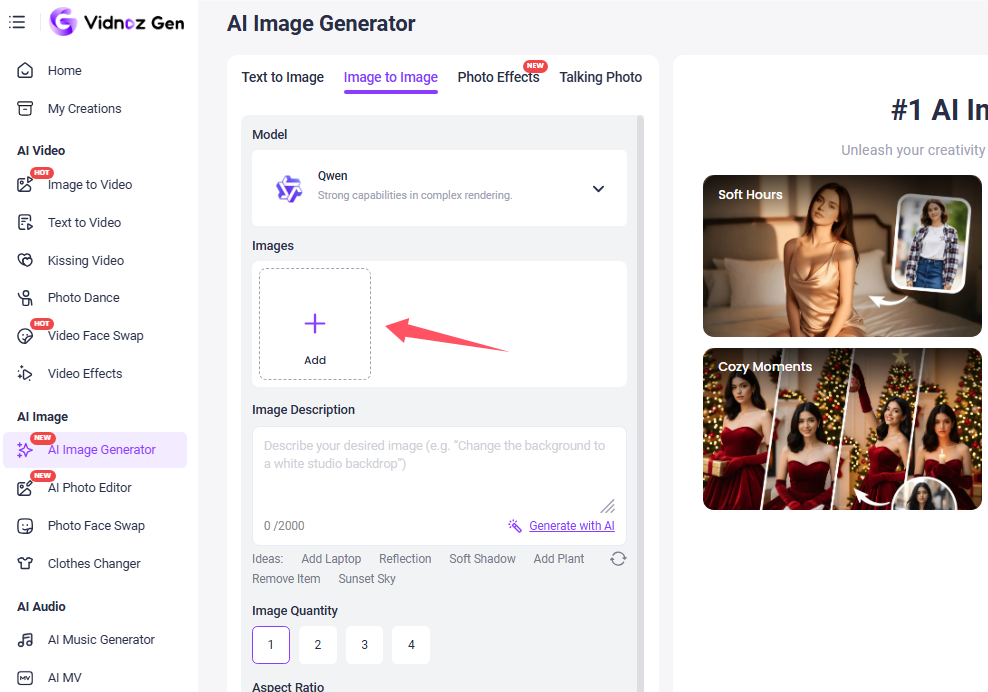
Step 2. Describe how you’d like to pixelate the image. Use specific text prompts. Select the AI model, image ratio, and image quality you want to generate.
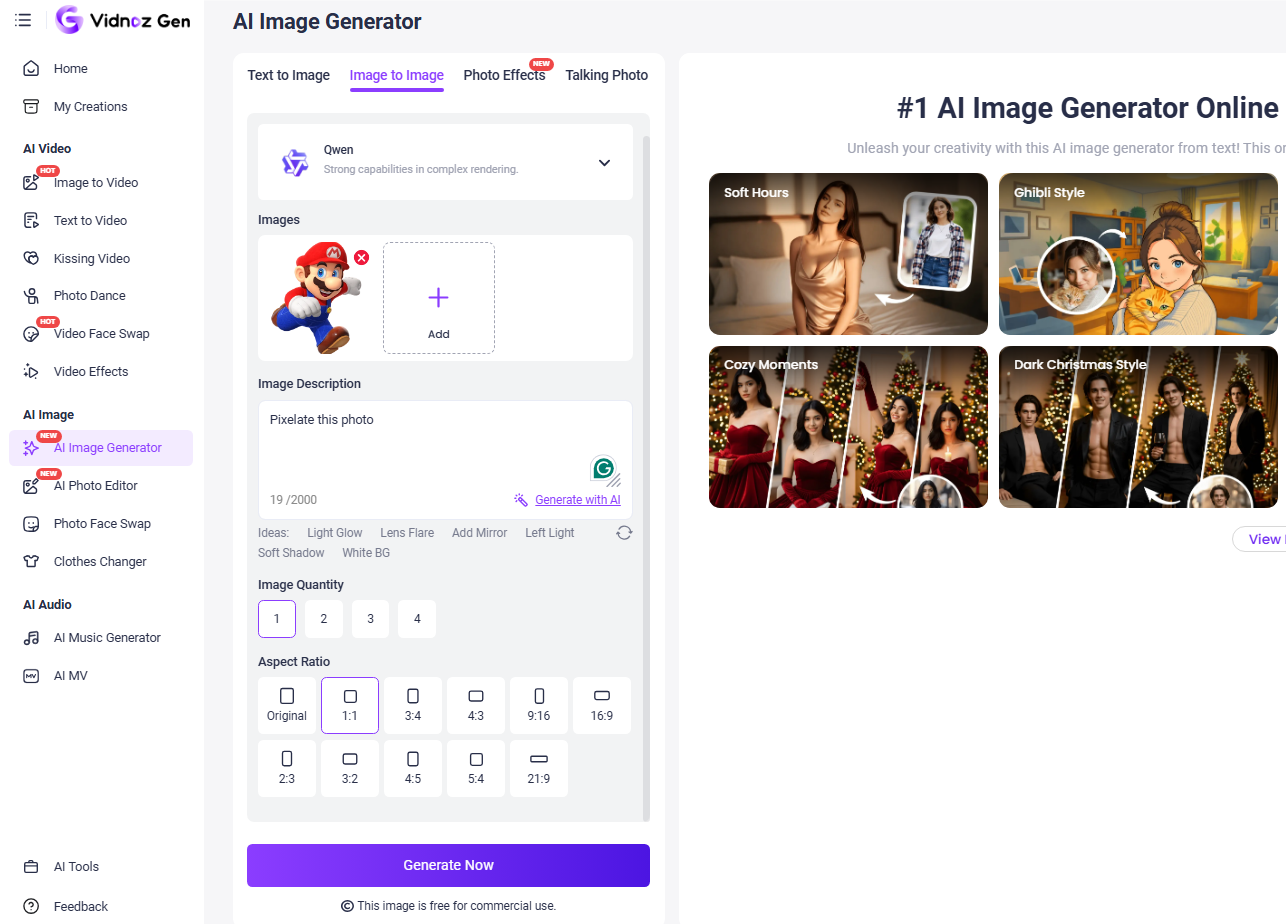
Step 3. Press Generate Now and check the result. Download or share the generated pixelated image.
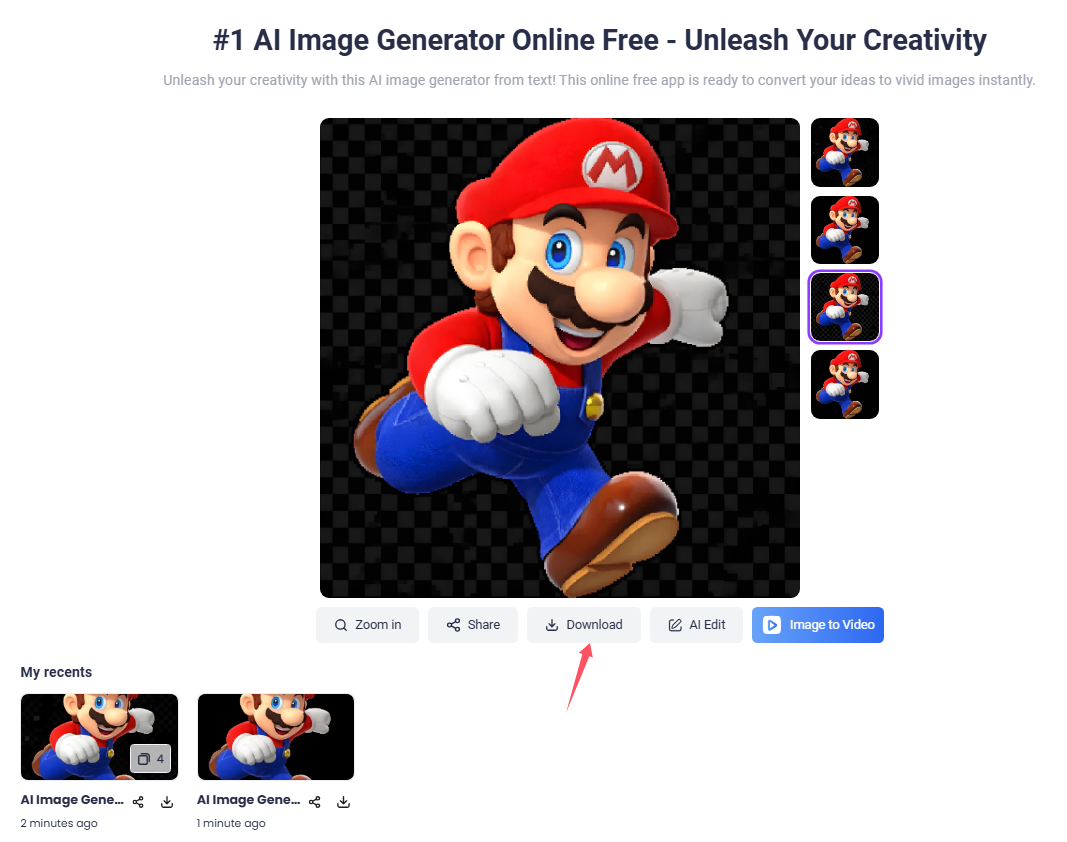
That is how to pixelate an image with simple steps. Beyond an AI image pixelate, Vidnoz Gen AI Image Generator can help you make any changes to the uploaded photo according to your description, like changing clothes, creating a photo avatar, etc.
Other Related Uses of an AI Image Pixelator
A powerful AI image pixelator provides a variety of helpful uses. Here is where you can utilize it:
Pixelation for video thumbnails and social media posts
Pixelization is frequently applied to thumbnails and social posts to mask details, which makes users curious and want to tap or interact. It can also hide faces and information, while making the visuals attractive and safe for the platform.
Pixelated images in memes, game design, and digital art
Pixelation is a trendy visual treatment in memes, retro video games, and digital art pieces, conjuring a nostalgic or fun look. Creators employ it to establish recognizable styles, to highlight humor, or to pay homage to classic pixel-art visuals.
Pixelation to meet privacy laws and content guidelines
Pixelation aids in keeping privacy laws and platform policies by hiding personal information, faces, or potentially sensitive material. And that is critical for journalism, education, surveillance tape, and even for content that users themselves generate.
Pair pixelation with other AI editing tools
Pixelation can also be coupled with AI background removal, image upscaling, or style transfer. It empowers users to craft polished, professional imagery while retaining their privacy and creative control. You can also combine an AI image editor with AI video generators, like making AI talking photos with the pixelated image.
Conclusion
With the addition of AI, an image pixelator has become more intelligent and faster for pixelating images, either for fun or for business use. Combining with prompt-based editing, Vidnoz Gen AI Image Generator simplifies the complexity of photo pixelation. From blurring faces or other privacy concerns to creating modern pixel art styles, it has made it easier and faster for everyone. Despite AI image generation and editing, Vidnoz also provides plenty of powerful AI tools. Explore more creative tools for free AI video generation and photo editing in it today!

Vidnoz AI - Create Free Engaging AI Video with Talking Avatar
- Easily create professional AI videos with realistic avatars.
- Text-to-speech lip sync voices of different languages.
- 2800+ video templates for multiple scenarios.