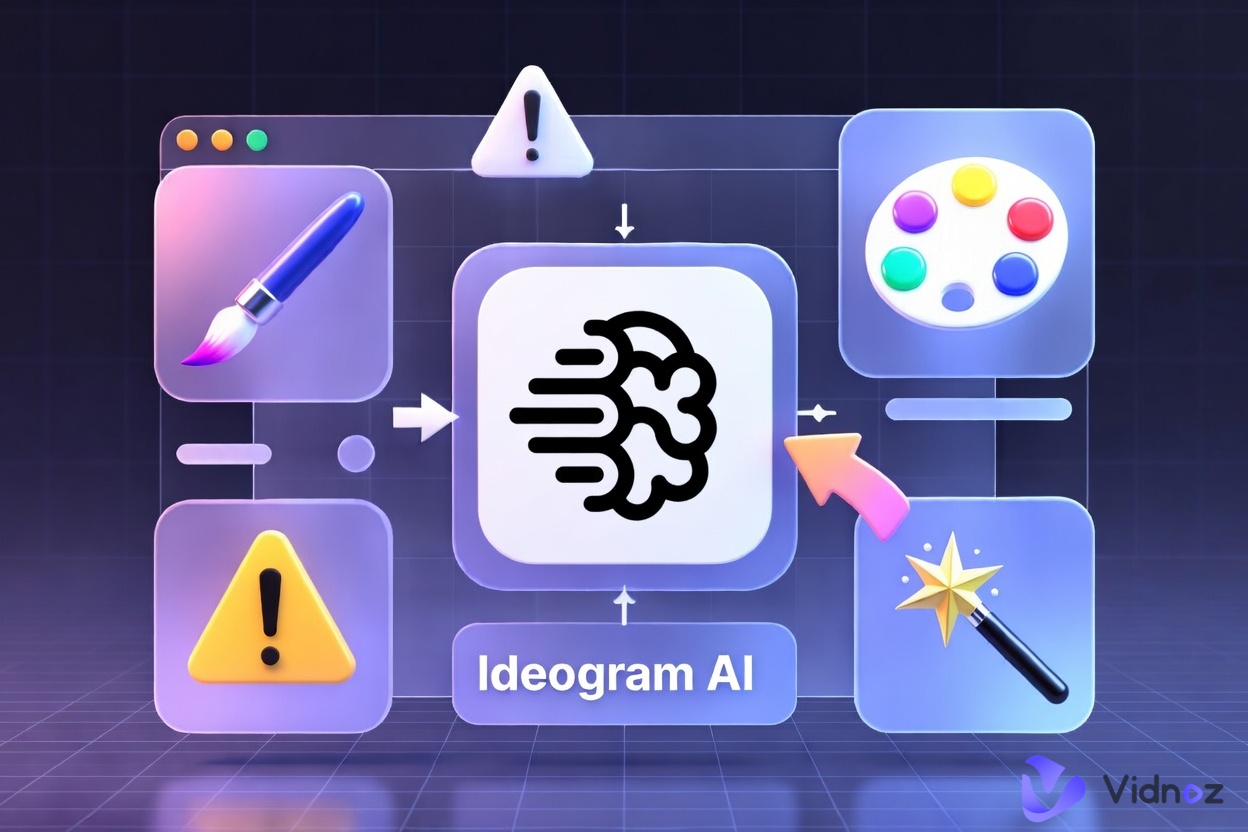
AI image tools have transformed the way people create visuals online. Instead of spending hours using complicated design software, users can now type a prompt and generate a usable image in seconds. That is one of the main reasons Ideogram AI has become such a popular topic.
Many people are interested in the Ideogram AI image generator because it is known for producing visuals that combine artwork with readable text. This makes it especially useful for posters, ads, title graphics, and social media content. In this guide, you will learn what Ideogram AI is, what it does well, how to use it, whether the Ideogram AI free plan is enough for your needs, and why Vidnoz AI Image Generator is a strong alternative worth considering.
- On This Page
-
What Is Ideogram AI Image Generator?
-
Main Features of Ideogram AI Image Generator
How to Use Ideogram AI Image Generator
-
Limitations of Ideogram AI Image Generator
-
Vidnoz AI Image Generator as an Ideogram AI Alternative
How to Use Vidnoz AI Image Generator
What Is Ideogram AI Image Generator?
At its core, Ideogram AI is a text-to-image platform that turns written prompts into visuals. What makes the Ideogram AI image generator stand out is not just its ability to create AI art, but its strong association with design-focused outputs such as posters, logos, and images that include embedded text.
This gives Ideogram AI an edge for users who need more than abstract or purely artistic results. It can be useful for creators, marketers, entrepreneurs, and small business owners who need fast visuals with words built directly into the design. Ideogram’s positioning is closely tied to creative exploration, graphic design, typography, and image generation workflows, which explains why it continues to attract users looking for text-heavy visual content.
Main Features of Ideogram AI Image Generator
If you are trying to decide whether Ideogram AI is the right tool for you, its main features are easiest to understand one by one.
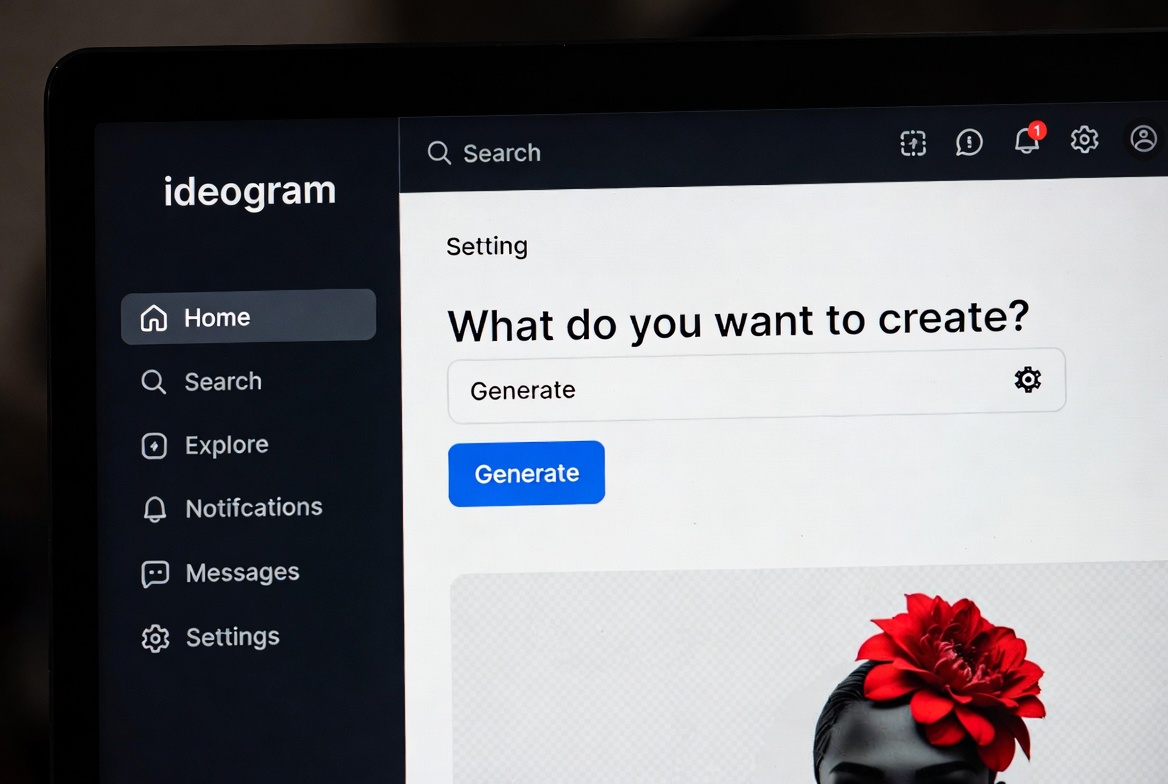
- Readable text inside images: One of the biggest reasons people search for Ideogram AI is its reputation for rendering text more clearly than many other AI image tools. This makes it particularly useful for posters, ad creatives, greeting cards, and title-based graphics.
- Fast text-to-image creation: The platform helps users move quickly from idea to visual output, which is ideal for brainstorming, rapid testing, and early-stage design exploration.
- Design-friendly outputs: Ideogram is often associated with logos, posters, and creative design generation rather than only experimental art styles.
- Editing and enhancement tools: Paid plans include more advanced features such as image upload for Remix and Describe, original-quality PNG downloads, and access to the Ideogram Editor.
- Scalable generation options: Higher-tier plans also support features like batch generation for users who need to produce visuals at greater volume.
Together, these features make Ideogram AI especially appealing to people who want to generate visual concepts quickly without sacrificing layout quality or text clarity. Instead of manually creating multiple versions of a banner, poster, or social graphic, users can test several creative directions much faster and refine the strongest one.
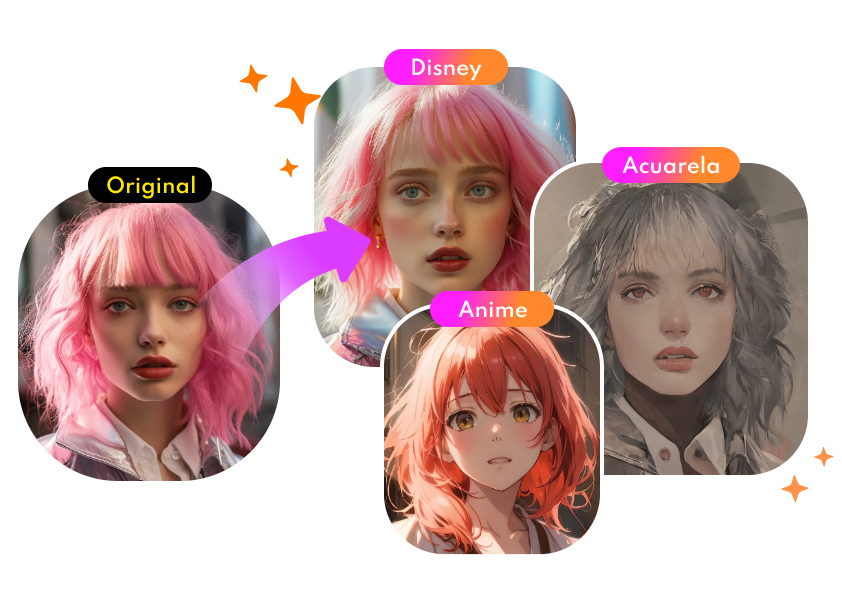
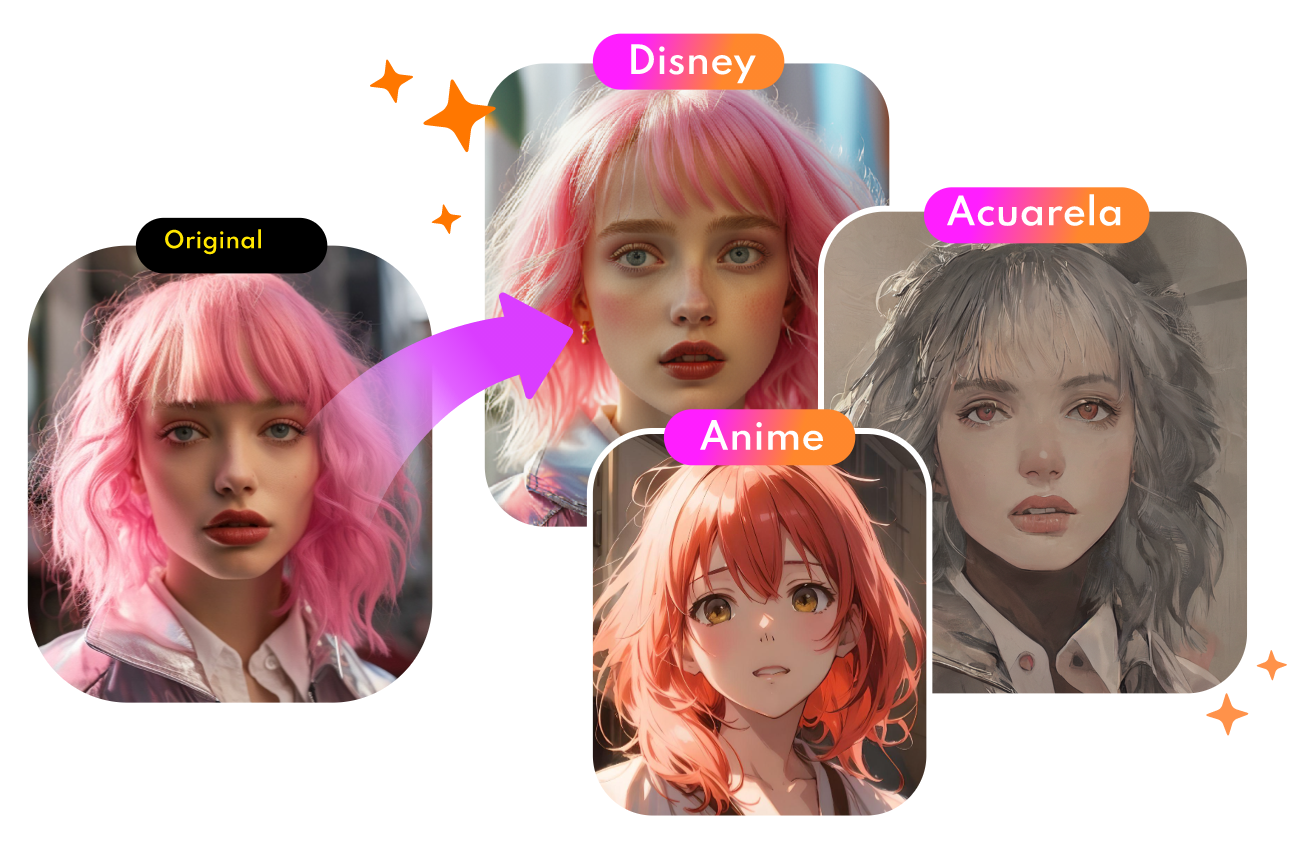
For users who want to explore a wider range of visual styles beyond text-heavy layouts, an AI cartoon generator can also be a useful option for creating more stylized and playful image content.

Convert Photo to Cartoon - FREE
- Convert any photo into a high-quality cartoon version for free. Choose from a variety of styles. Instant and Natural!
Turn Photo into Cartoon
How to Use Ideogram AI Image Generator
Using Ideogram AI is relatively simple, especially for beginners.
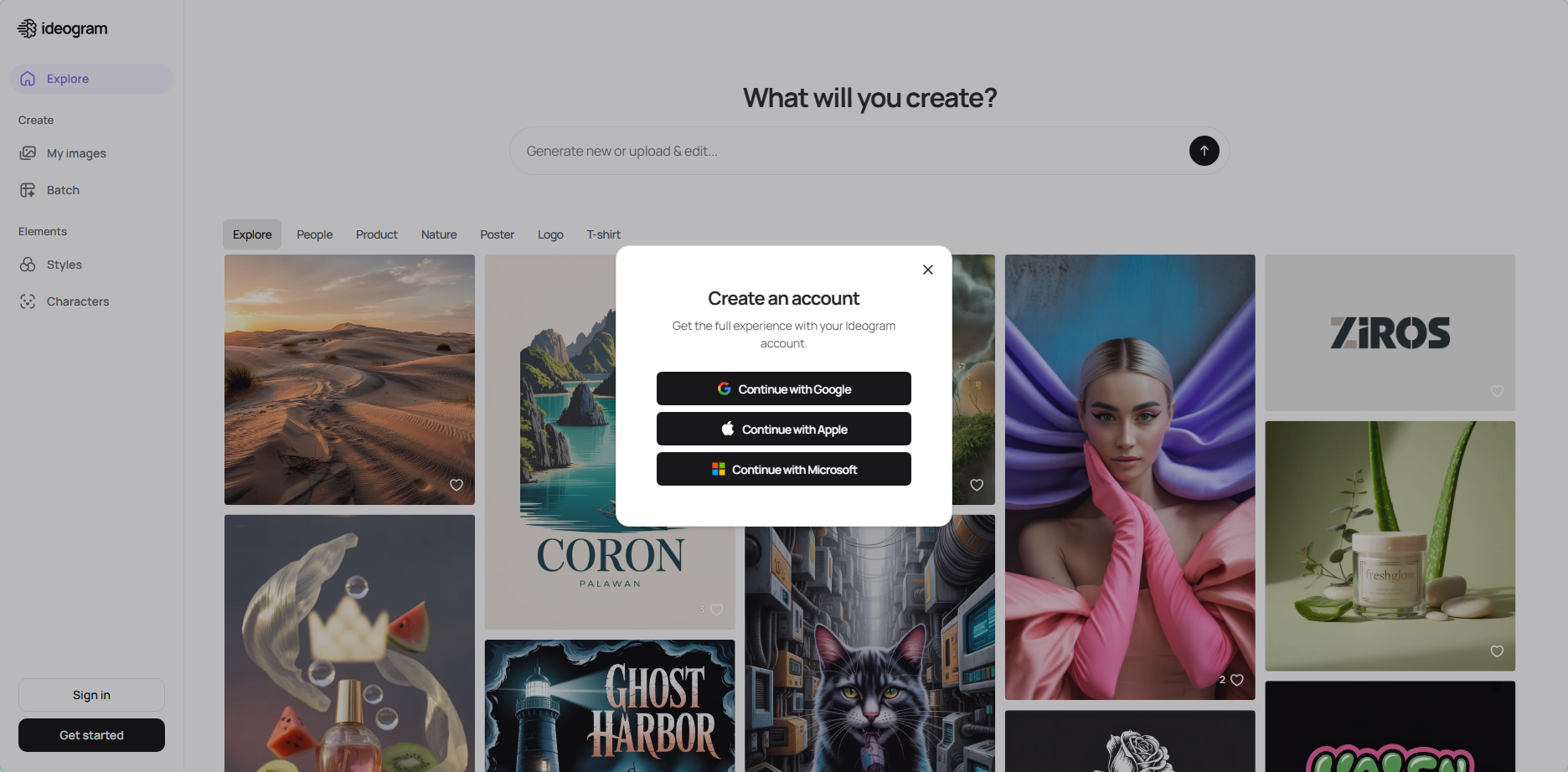
Step 1. Create an account
Go to Ideogram and sign up for an account. According to the official documentation, free users can start directly from the web platform.
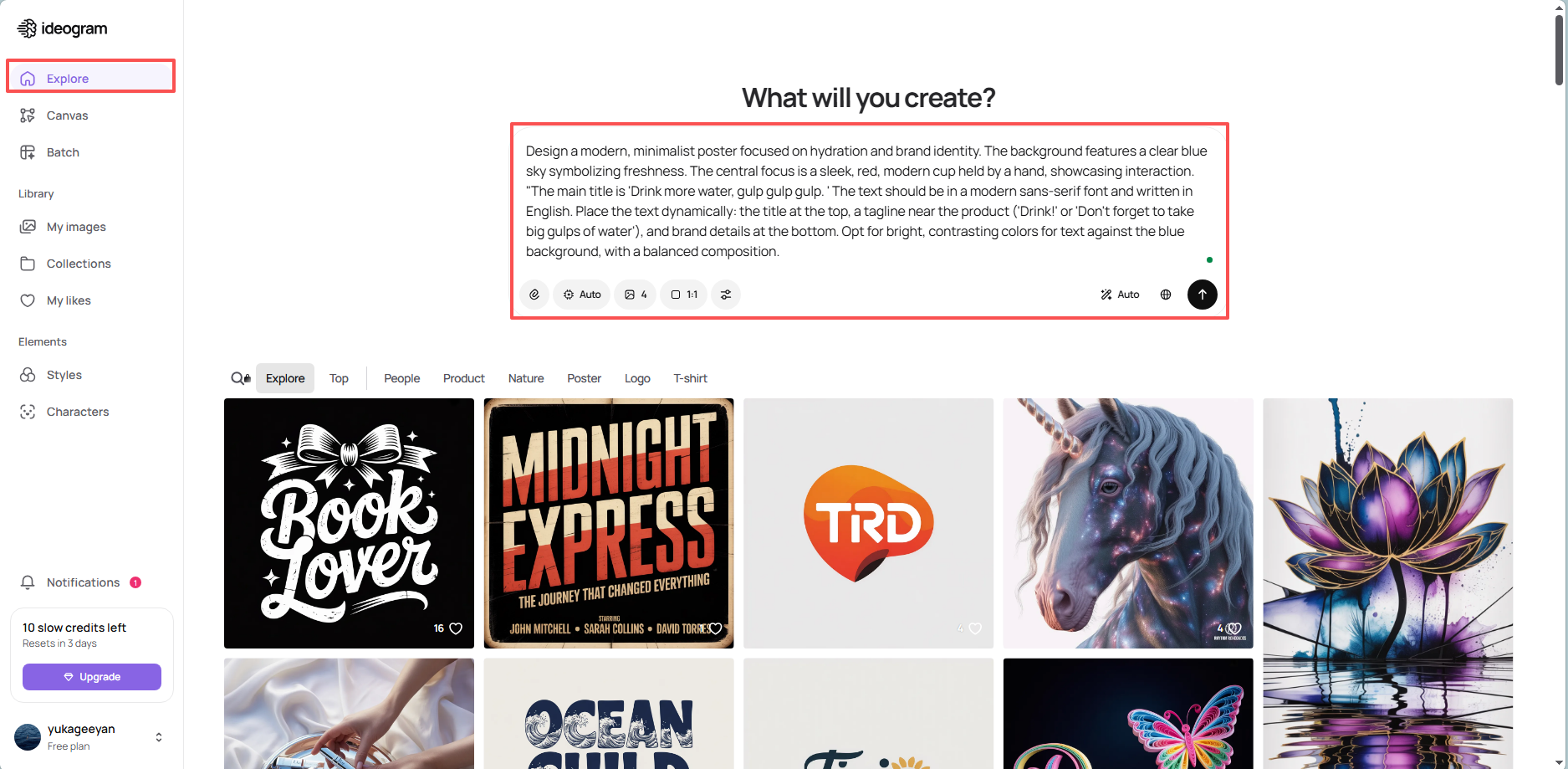
Step 2. Enter a detailed prompt
Describe the subject, style, colors, atmosphere, and any words you want displayed in the image. This step matters because Ideogram AI tends to perform best when prompts are specific and well-structured.
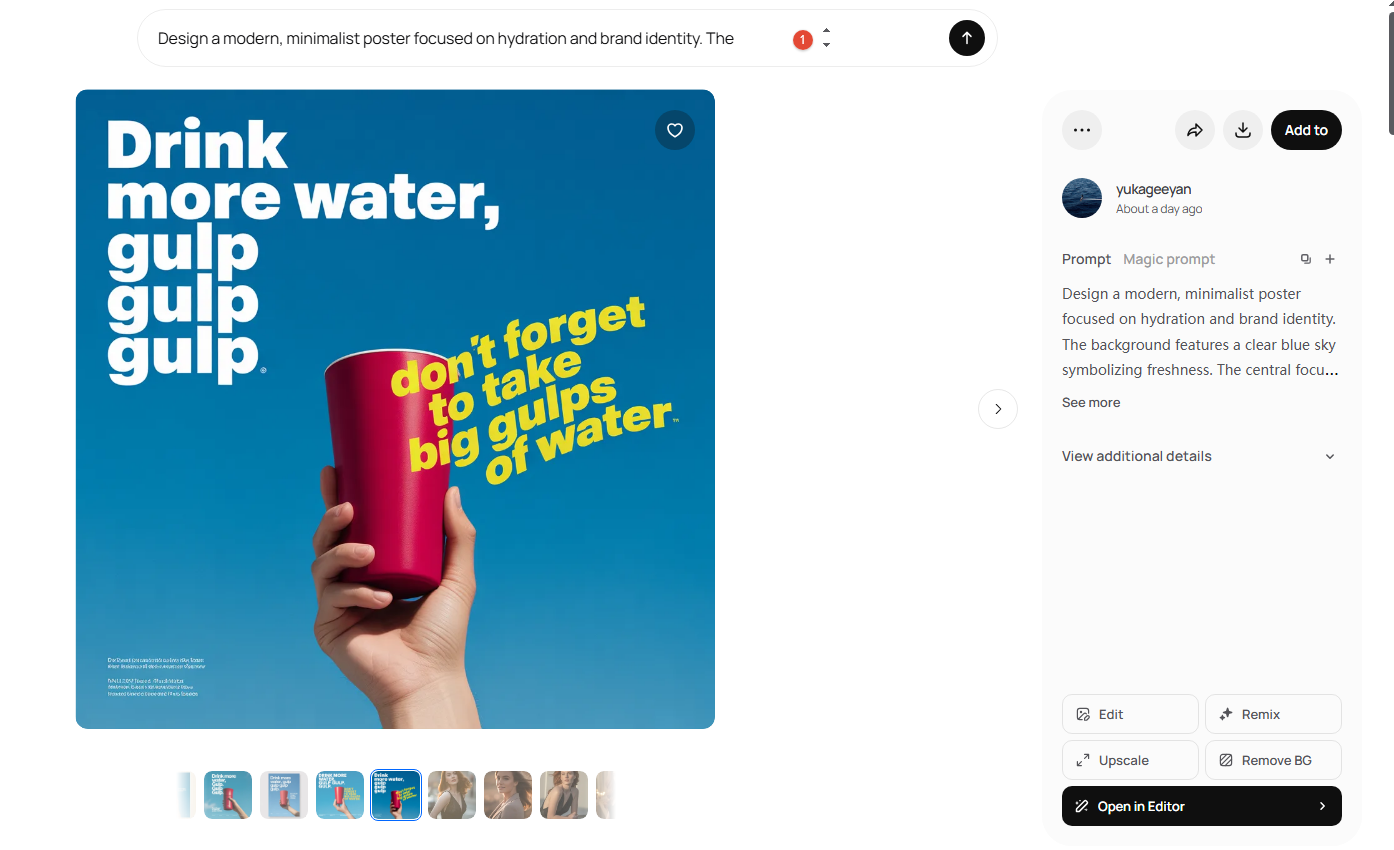
Step 3. Generate, compare, and refine
Create the image, review the results, and refine your prompt if needed. Once you find the version that fits your project, download it. Paid users can also access additional options such as private generation and image upload-based features.
Limitations of Ideogram AI Image Generator
Although Ideogram AI is a useful tool, it is not the perfect solution for every user or workflow. Its main limitations become clearer when viewed point by point.
- Prompt quality matters a lot: Like most AI image generators, Ideogram AI depends heavily on the quality of the prompt. If your description is too vague, the result may be off target.
- The free plan is limited: Many users ask, is ideogram free or is Ideogram AI free. The answer is yes, but the Ideogram AI free plan is limited rather than fully open-ended. Free access may be enough for casual testing, but not always for consistent content production.
- Premium tools require payment: Some of Ideogram’s more advanced capabilities, including private generation, upload-based workflows, original-quality downloads, and editing tools, are reserved for paid plans.
- Model variety is not its main strength: If you want to compare outputs across multiple model types in one workflow, Ideogram AI may feel narrower than platforms that emphasize broader model selection. That is one reason some users begin looking for alternatives after trying the Ideogram AI free version.
So while Ideogram AI is a strong option for text-focused visuals, it may not be the best fit for users who want a wider creative toolkit within a single platform.
Vidnoz AI Image Generator as an Ideogram AI Alternative
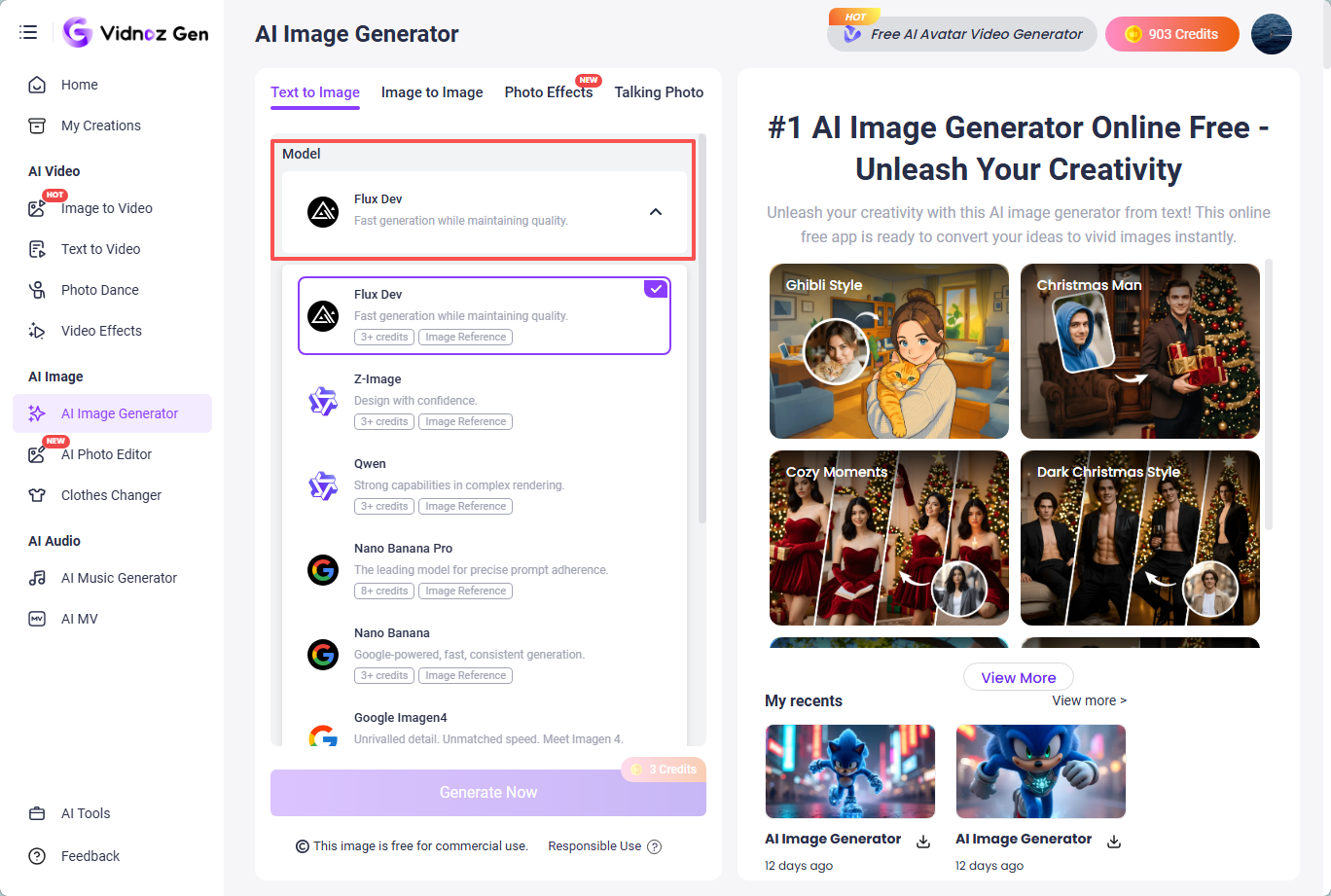
If you like the concept behind Ideogram AI but want more flexibility, Vidnoz AI Image Generator is a practical alternative to explore. It supports both text-to-image and image-to-image creation, offers adjustable output settings, and includes multiple AI models such as Flux Dev, Google Nano Banana, Nana Banana Pro, Google Imagen4, Z-image, and Qwen.
This makes it a strong choice for users who want results similar to Ideogram AI while also having more room to experiment with different model behaviors and visual styles. Instead of relying on a narrower workflow, users can test more creative directions in one place.
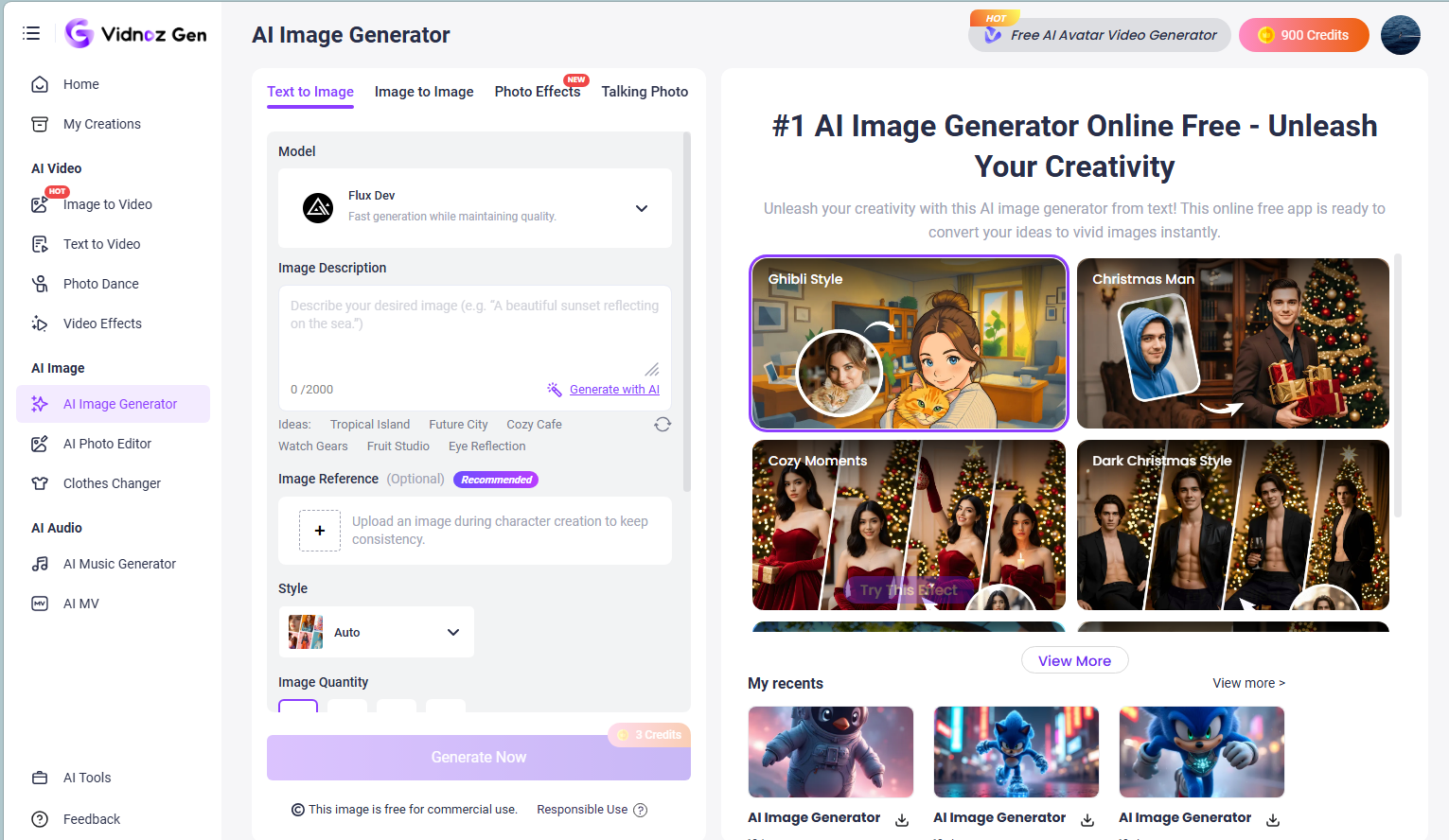
Key Features of Vidnoz AI Image Generator
- Multiple AI models: Vidnoz supports several model options, including Flux Dev, Google Nano Banana, Nana Banana Pro, Google Imagen4, Z-image, and Qwen. This gives users broader creative flexibility.
- Text-to-image and image-to-image workflows: Users can either create a new image from a text prompt or upload an existing visual and transform it into something different.
- Fast generation speed: The platform emphasizes quick creation, which is useful for users who want visual results without a long wait.
- Wide style variety: Vidnoz supports multiple visual directions, including realistic, cartoon, 3D, artistic, and futuristic styles. That makes it suitable for a wider range of content needs.
- Custom settings: Users can adjust dimensions, aspect ratios, output quantity, and other generation preferences for use cases such as thumbnails, posters, banners, and social posts.
Beyond the image tool itself, the broader Vidnoz platform is also attractive for users who care about ease of use, speed, and accessibility. Its workflow is designed to be straightforward, which may feel more flexible for users who want more than the limited Ideogram AI free experience.
For people who want to extend their creations beyond still images, tools like Talking Photo can turn portraits into speaking visuals, while make photo dance adds another creative way to animate static photos.
How to Use Vidnoz AI Image Generator
Getting started with Vidnoz AI Image Generator is also straightforward.
Step 1. Choose a model
Open the Vidnoz AI Image Generator and select the model that best matches the kind of image you want to create.
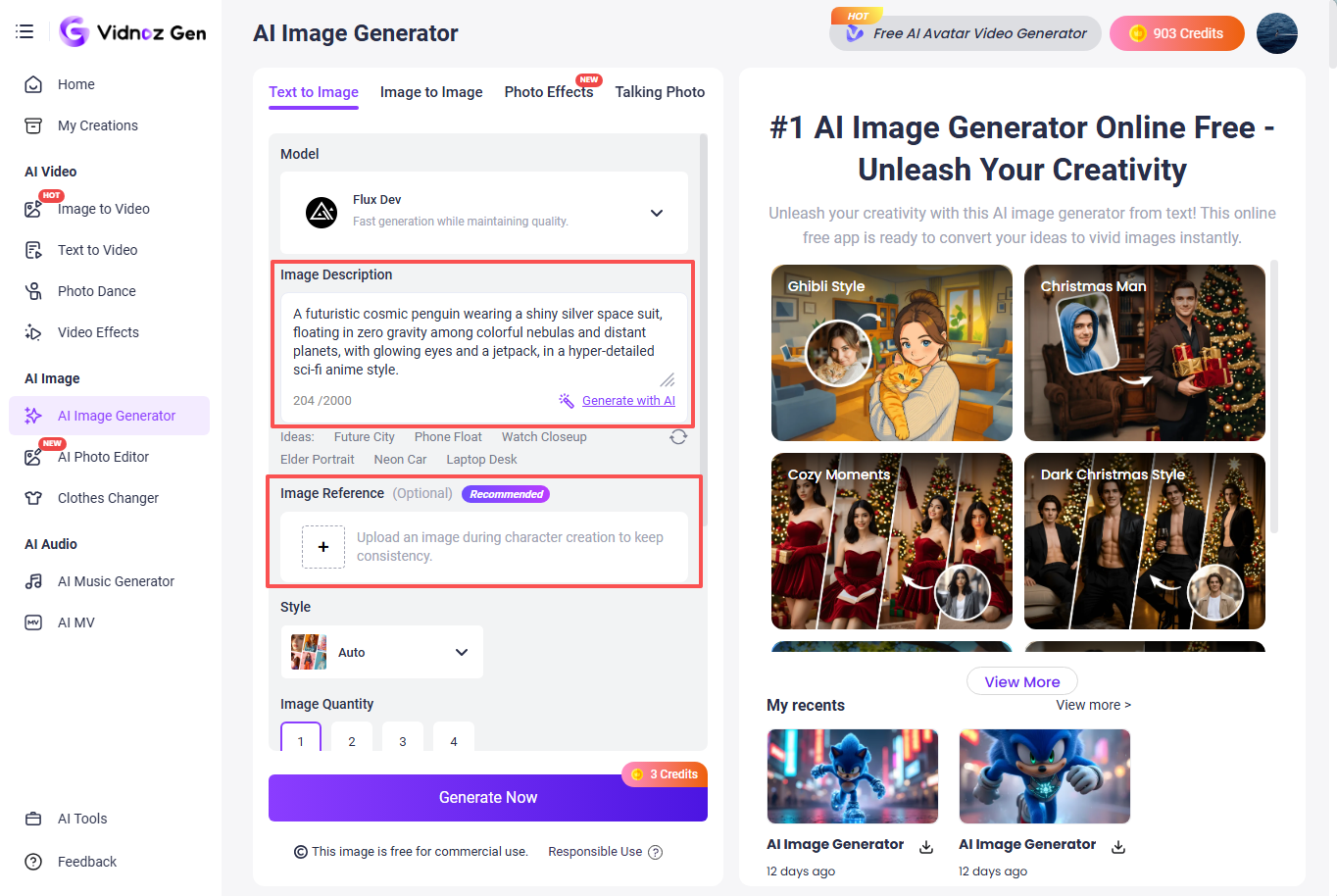
Step 2. Enter a prompt or upload an image
You can either type a text prompt to create something from scratch or upload an image to generate a variation. This gives users more flexibility than a prompt-only workflow.
Step 3. Adjust settings and generate
Set your preferred options, such as image ratio, size, number of outputs, and any unwanted elements to exclude.
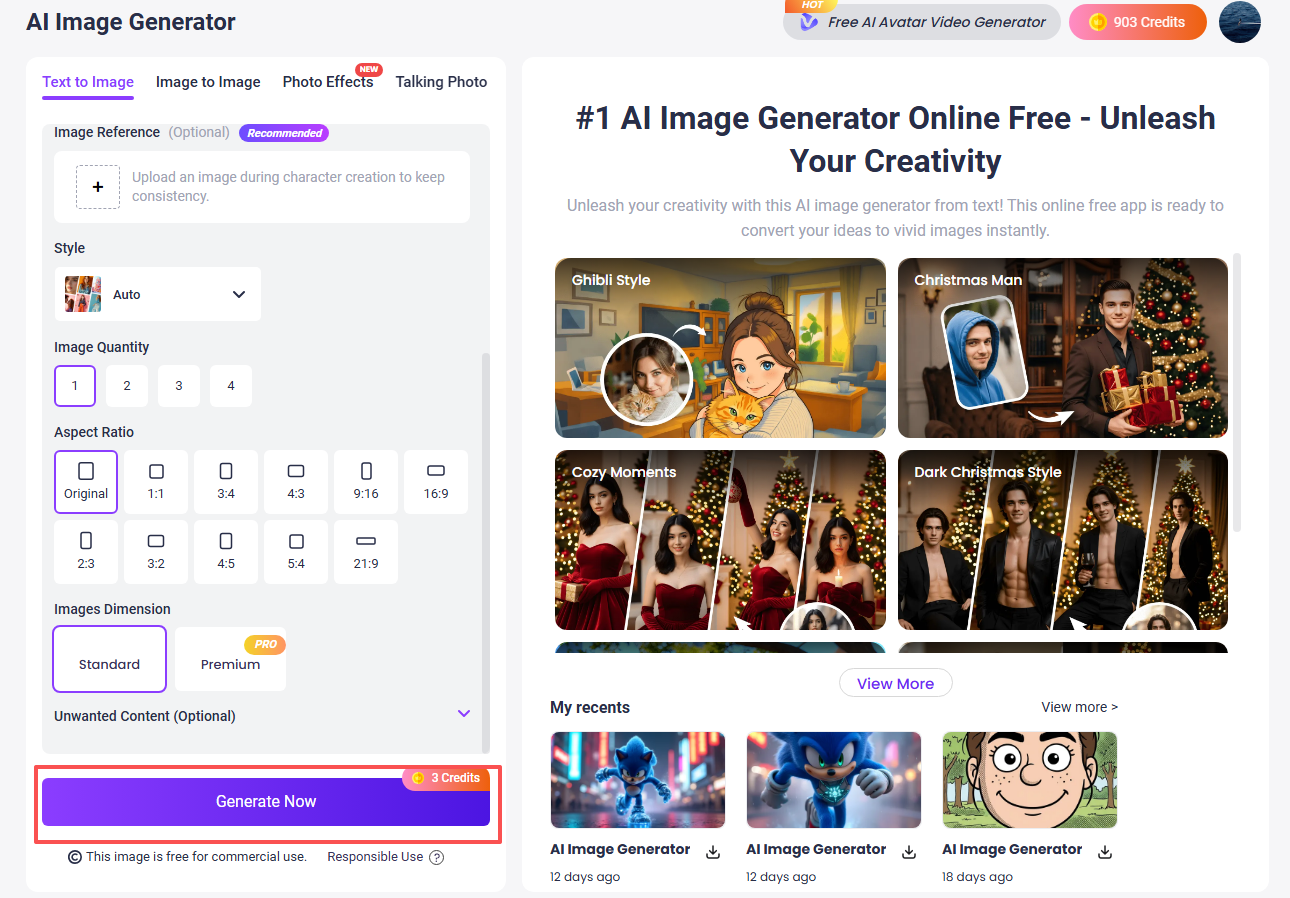
Then generate the image and download the result that fits your needs best.
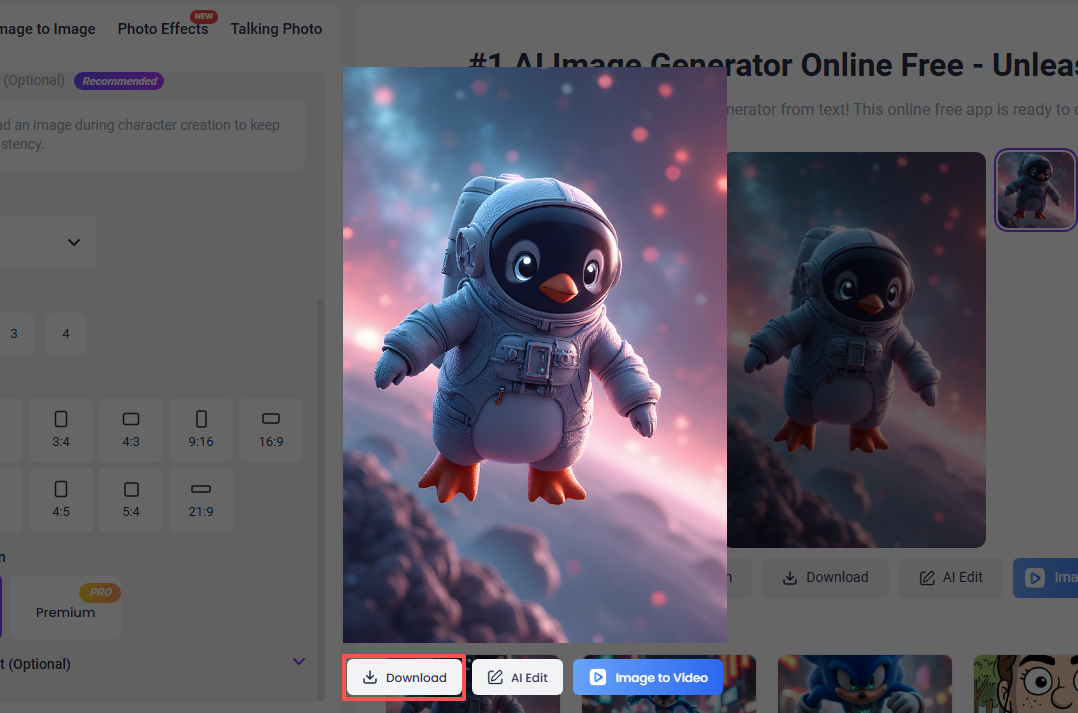

Users who want to go further than static images can also explore Image to Video AI to turn generated visuals into more dynamic and engaging video content.
Convert Image to Video AI Online - Free
- Create a video from an image quickly for free.
- Use various AI models to turn photos into videos.
- Download and share the AI-generated video at no cost.
Convert Image to Video
Final Thoughts
The Ideogram AI image generator remains a solid option for users who care most about typography, poster-style design, and visuals with readable embedded text. It has earned its reputation because it performs especially well for text-heavy creative tasks, and the Ideogram AI free plan does allow new users to try the platform before committing to a subscription.
At the same time, the answer to is Ideogram AI free comes with an important limitation: the free version is restricted, and several of the more flexible features are locked behind paid plans. For users who want image creation similar to Ideogram AI but with more model variety, broader workflows, and a larger creative toolkit, Vidnoz AI Image Generator is well worth trying.
Turn Text into Video with AI - FREE
Generate high-quality videos from PDFs, PPTs, and URLs in one step!