Blurry images with unreadable text can be frustrating, especially when the information is important. Many people search for how to unblur text in an image, hoping to make the words clear again without wasting time. Thanks to AI tools, it’s now possible to sharpen unclear text and bring back lost details in just a few clicks.
Whether you need to read a screenshot, a scanned document or a photo taken in a hurry, there are online AI tools that can be helpful for you. In this guide, we’ll look at the 5 best AI image unblur tools to make text in an image more readable online for free.
- On This Page
-
What Causes Blur Texts in Images?
-
How to Unblur Texts in an Image – 2 Solutions
Solution 1. Ask Professional AI Image Editors for Help
Solution 2. Unblur Text in Page Images on Websites
-
5 AI Image Enhancers to Unblur Texts in Images
1. Fotor: One-Click for Image Texts Unblurring
2. Photogrid: Unblur Texts in Any Image without Login
3. YouCam Online Editor: Powerful AI Image Enhancer to Remove Blurry from an Image
4. PicWish: Make a Photo Clearer on Android Devices
5. Unblur Photo Image Enhancer AI: An iOS App to Turn a Blurred Image to Clear One
-
Bonus! Unblur a Video with a Free AI Video Enhancer
What Causes Blur Texts in Images?
Many people struggle with blurry texts in images and feel annoyed when the words they need are unreadable. This problem shows up in scanned files and photos taken with phones. The reasons behind it are usually simple but very common.
Camera Out of Focus: If the camera lens isn’t focused properly while taking photos, then the text may look fuzzy.
Motion Blur: Shaky hands or moving objects while snapping a photo can cause smeared text.
Low Resolution: Screenshotting or compressing images often let them lose sharpness, making the words look unclear.
Poor Lighting: Taking photos in dim light can result in unclear text since the camera struggles to capture details.
Image Editing: Over-editing can also damage text image clarity.
How to Unblur Texts in an Image – 2 Solutions
If you often struggle with unreadable screenshots or unclear scanned files, you’re not alone. Many people look for quick and simple ways on how to unblur text in an image without advanced editing skills. Below are 2 simple solutions that actually work and can help restore text clarity.
Solution 1. Ask Professional AI Image Editors for Help
When people want to unblur text in an image online or on mobile devices, the easiest option is to use AI image editors. Such tools include the AI enhancers, sharpen filters, denoisers and even AI unpixelate image editors, which are built to bring back clarity with the least effort.
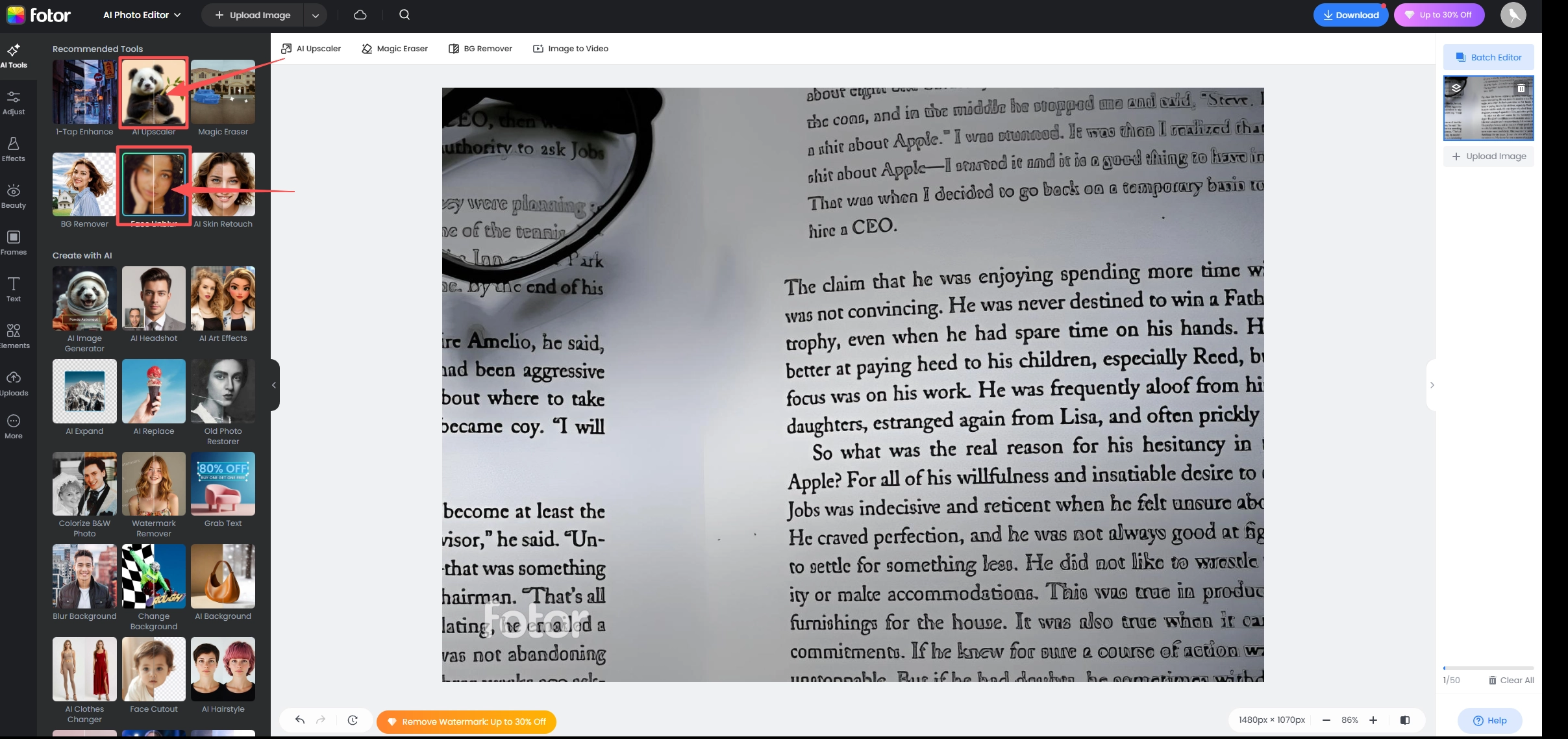
How to Unblur Text in an Image Online with Fotor AI
One of the most popular AI image editors to unblur texts in an image is Fotor AI, which has both an AI Upscaler and Image Unblur tool. Here’s how you can use it:
Step 1. Open the Fotor website and upload your blurry image.
Step 2. Select the AI Upscaler to improve the resolution of the photo.
Step 3. You can also use the Image Unblur tool to sharpen the text further.
Step 4. Preview the results and download the clearer version.
Solution 2. Unblur Text in Page Images on Websites
Another way to handle blurry words in an image is asking help from the websites. Sometimes, websites intentionally blur text in images or page sections to hide content until you sign up or pay. In such cases, you can try simple tricks to make the text readable.
➤ Modify or remove CSS property of the blur texts: Open the developer tools of the website (Right click the target unblur texts and click “Inspect”), look for the CSS style that applies blur effect, and delete it to show the clear text.
➤ Install and apply “Unblur” browser extensions: Some browser add-ons are made to unblur text in image or webpage sections. Installing one can quickly solve the issue.
➤ Disable JavaScript in Settings: Certain sites use scripts to blur content. Turning off JavaScript may show the hidden text without the blur effect.
Vidnoz AI - Create Free Engaging AI Video with Talking Avatar
- Easily create professional AI videos with realistic avatars.
- Text-to-speech lip sync voices of different languages.
- 2800+ video templates for multiple scenarios.
5 AI Image Enhancers to Unblur Texts in Images
How to unblur text in an image? If you want a faster way to make blurry words readable, AI tools are the best choice. Below are 5 trusted AI image enhancers that can unblur text in images effectively.
1. Fotor: One-Click for Image Texts Unblurring
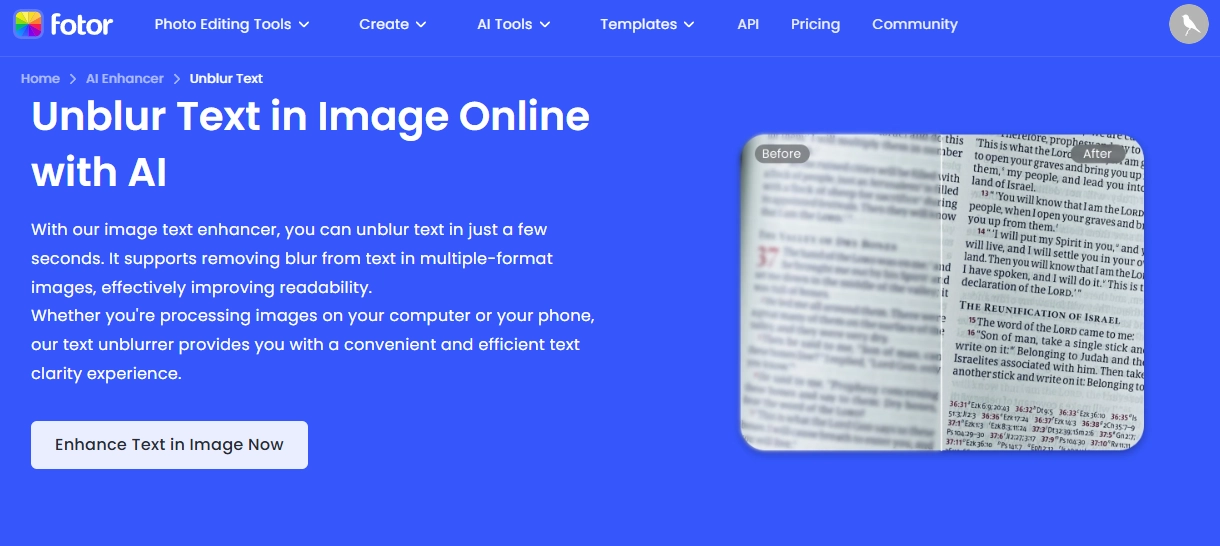
Fotor is an online AI image editor that makes it simple to unblur text in an image. How to unblur text in an image online free? It offers several built-in AI tools that can improve image clarity in seconds, including Face Unblur, AI Upscale and 1-Tap Enhance. Whether your file is a scanned page or a photo, this AI tool supports multiple formats and helps you make the words readable again. It also offers AI-assisted extras, including image background remover, old photo restorer, and the others in addition to help you make your image much better.
Pros
- Multiple AI image editors to unblur text in an image.
- Works online without downloads.
- Offers other AI tools in one platform, such as AI image generator and AI headshot generator.
Cons
- The free version has limited features.
- Watermark may appear on free edits.
2. Photogrid: Unblur Texts in Any Image without Login
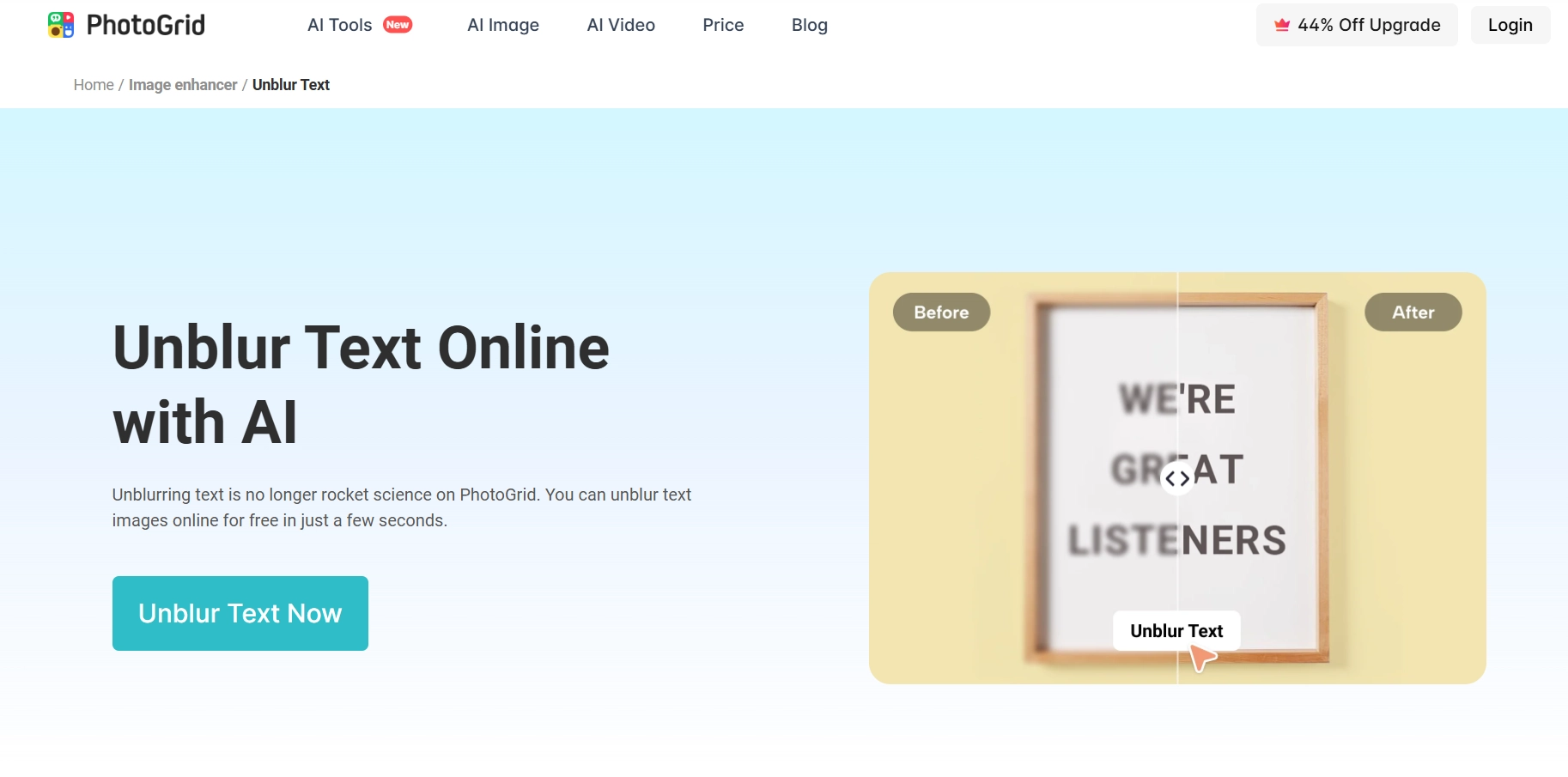
How to unblur text in an image? Photogrid is a straightforward AI photo retouching tool that helps you unblur text in image files quickly. You don’t need to sign up or create an account, which makes it convenient for one-time image fixes. Photogrid works by scanning blurred parts of the image, restoring sharpness, and then boosting readability automatically. It’s especially useful for handling blurred notes, scanned papers or text-heavy photos.
Pros
- No account or signup required.
- imple interface suited for beginners.
- Quick results with automatic AI image unpixelate processing.
Cons
- Few customization controls.
- Free users may face processing limits.
- Works only online, no offline version.
3. YouCam Online Editor: Powerful AI Image Enhancer to Remove Blurry from an Image
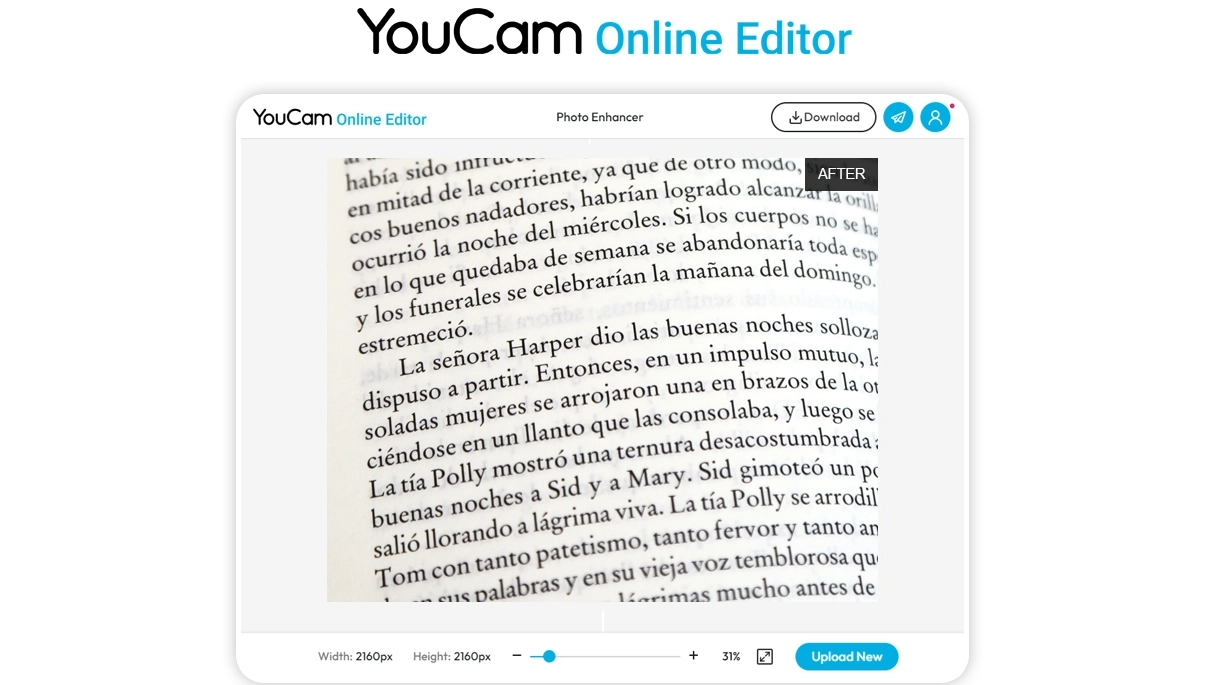
If you are curious about how to unblur text in an image online, then you can try the YouCam Online Editor, which is a versatile online tool that helps unblur text in an image within seconds. No matter if the blur comes from low light, quick camera shots or compression issues, the advanced AI algorithm instantly sharpens details, improves resolution and clears up text for easy reading of the texts in images. Besides, it provides other powerful AI tools like AI Text to Image and Image Extender to boost your art creation.
Pros
- Fast results with AI-powered sharpening.
- Works on various types of image files.
- Useful for both personal and professional needs.
Cons
- Output quality can vary depending on the blur level.
- Free access limits the number of images you can process.
4. PicWish: Make a Photo Clearer on Android Devices
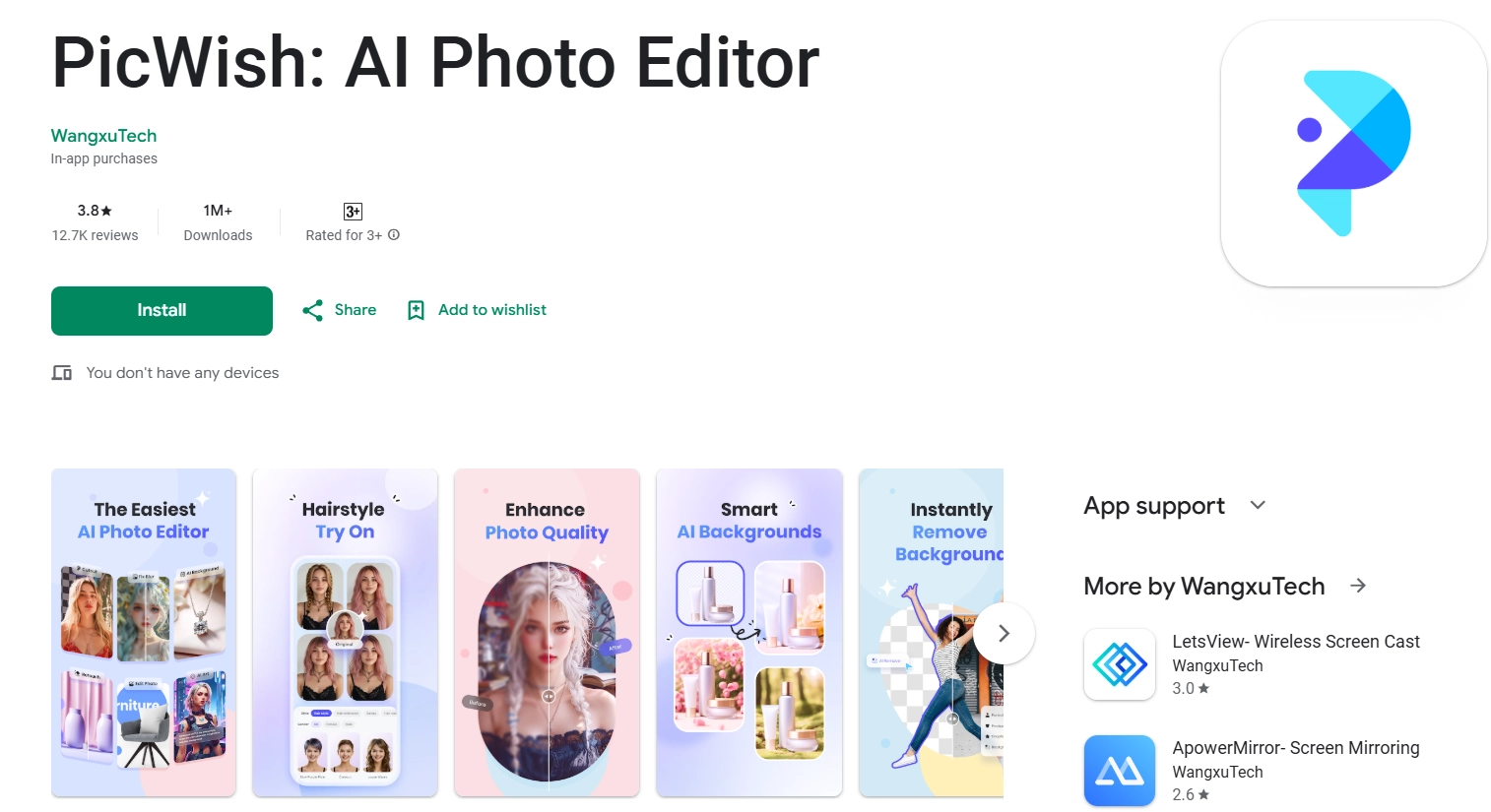
PicWish is a handy AI image editor app for Android users who want to unblur text in an image quickly. With the photo backgrounds removing function, users can easily get a transparent image within seconds. In addition, the diverse attractive templates that are wonderful for users to design social media posts. Its AI background generator is another unique feature that allows the users to create entertaining seasonal or theme-based designs within a few seconds.
Pros
- Powerful image unblurring app for Android users.
- It supports automatic background removal.
- Provides creative templates for social media and sales.
Cons
- Large files may process slowly on older phones.
- Free version exports may reduce image resolution.
5. Unblur Photo Image Enhancer AI: An iOS App to Turn a Blurred Image to Clear One
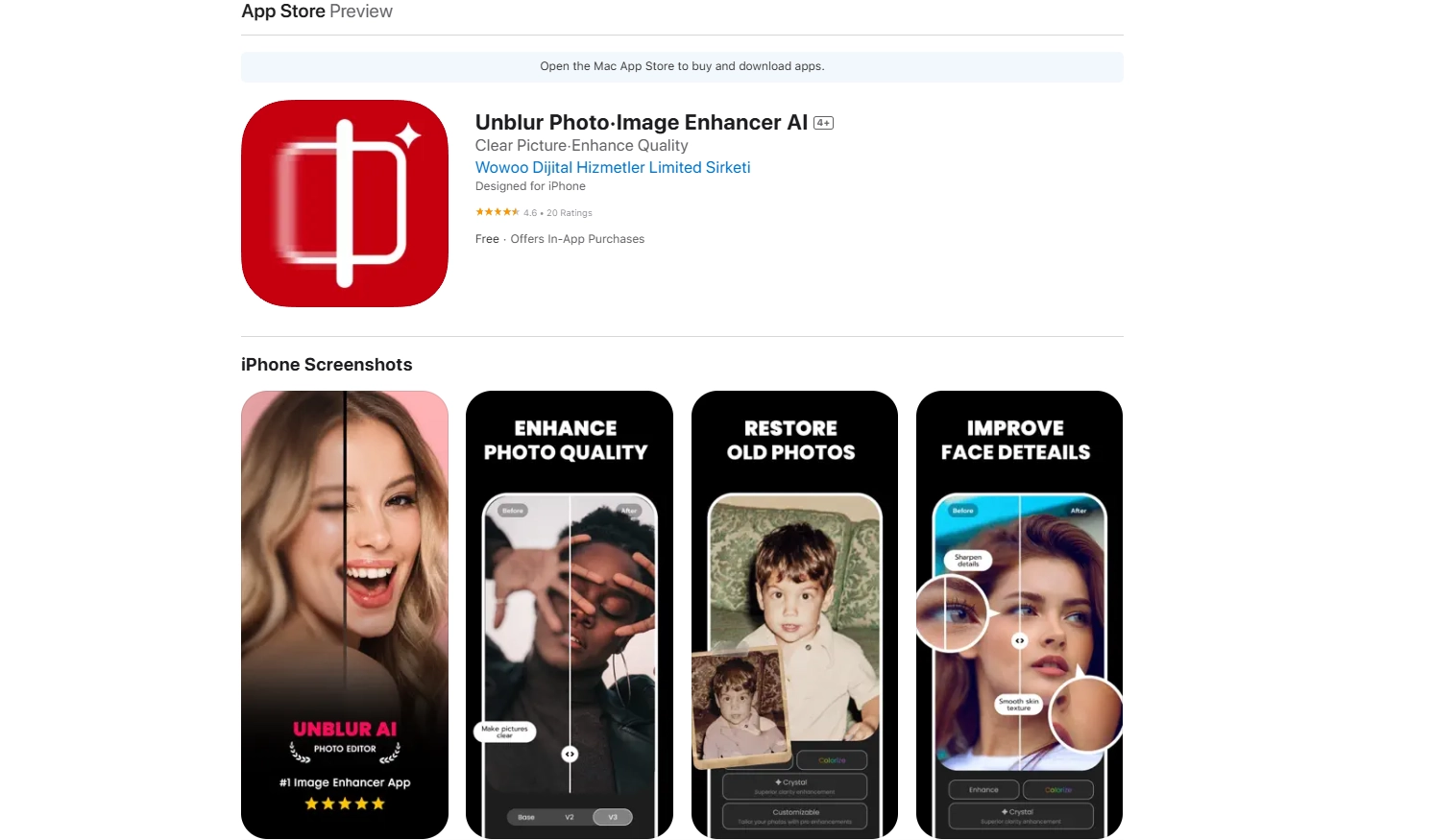
How to unblur text in an image on an iPhone? Unblur Photo Image Enhancer AI is a dedicated iOS app that helps users unblur text in an image and restore photos in high definition. This smart app allows multiple photos to be enhanced, which is convenient in everyday and professional purposes. It is also possible to download results in HD and share them using the application on social platforms. For portraits, its crystal enhancement feature can sharpen the facial details, giving photos a polished look.
Pros
- Optimized for iOS devices.
- Supports batch image enhancement and colorizing.
- Crystal enhancement improves facial details.
Cons
- Only available for Apple users.
- Advanced edits may require subscription.
- Can take up significant storage space on devices.
Bonus! Unblur a Video with a Free AI Video Enhancer
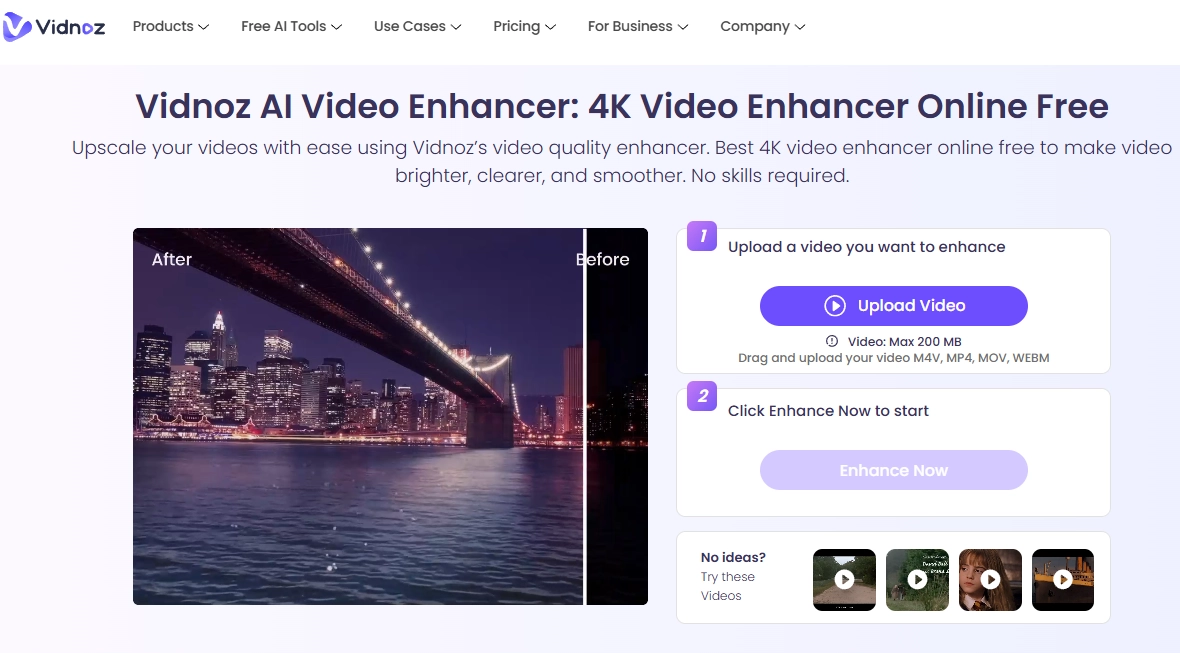
Sometimes it’s not just photos but also videos that suffer from blur effect, making text or details hard to see. In such cases, an AI video enhancer can help. Vidnoz AI Video Enhancer is a free online tool that lets you unblur a video without installing any software. It supports videos up to 200 MB and works with popular formats like M4V, MP4, MOV, and WEBM.
Key Feature
- 100% free for video enhancement with no watermark.
- Works on multiple video formats.
- Improves video clarity and sharpness in seconds.
- Diverse video examples are provided for a free trial.
Steps to Unblur a Video with Vidnoz AI
How to unblur a video with Vidnoz AI? Here are the detailed steps:
Step 1. Visit the Vidnoz AI video enhancer.
Step 2. Upload the target video that you want to enhance, then click “Enhance Now”.
Step 3. Wait for the tool to process your file, then download the enhanced video for free.
Conclusion
How to unblur text in an image? Blurry text in photos is a common issue, but it doesn’t have to stay that way. With the help of AI image editors, you can quickly fix unclear words and restore sharpness of an image in just a few steps. Whether you’re using online editors like Fotor and Photogrid, mobile apps such as PicWish and Unblur Photo AI, or web tricks for blurred site content, there’s always a solution to try. You can also go further with Vidnoz AI Video Enhancer to sharpen videos. If you’ve been searching for how to unblur text in an image online, these options cover every device and need.
Vidnoz AI - Create Free Engaging AI Video with Talking Avatar
- Easily create professional AI videos with realistic avatars.
- Text-to-speech lip sync voices of different languages.
- 2800+ video templates for multiple scenarios.




![5 Best Image Maskers to Achieve Amazing Visuals 2026 [Full Guide]](https://www.vidnoz.com/bimg/image-masker.webp)