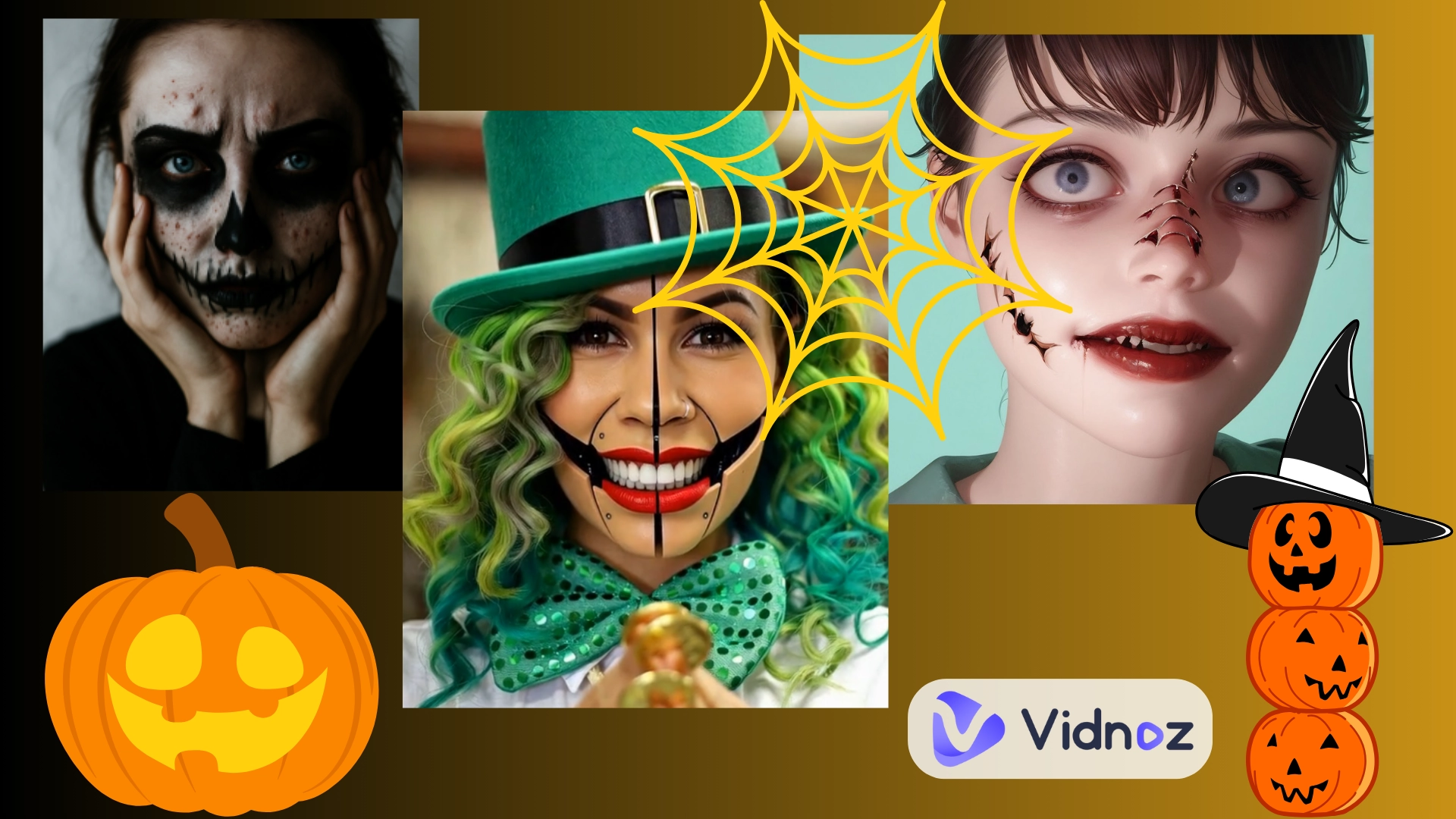
Now you can have fun this Halloween by giving your pictures a little creepy, funny, and creative twist. By applying a Halloween filter, it is possible to give a spooky, hilarious, or creepy look to your selfies and photos very quickly. No matter if you want to resemble a zombie, a ghost, or just want to catch the Halloween vibe, these AI filters make it easy.
In this article, let's find out how to make amazing Halloween-themed photos and take part in Halloween with fun memories with 5 simple AI tools!
- On This Page
-
What Can You Do with Halloween Filters?
-
Get Spooky Halloween Filters with 5 AI Tools
1. Vidnoz AI Video Effect - AI Halloween Filter for Video
2. Snapchat - Real-Time Halloween Camera Filters
3. OpenArt - Halloween Filter for Pictures
4. Bylo AI - Add Customizable Halloween Face Filters to Photos
5. LightX Editor - Creative Halloween Filters for Batch Generation
-
Bonus: More AI Tricks to Deepen Your Halloween Experience!
#1. Try-On Halloween Costumes for Virtual Cosplay
#2. Add Immersive AI Voice for Engaging Halloween Games
#3. Make Unique Halloween Party Invitation Videos
What Can You Do with Halloween Filters?
- For Fun: A Halloween filter for pictures can turn your selfies into spooky, funny, or creepy characters. You can experiment with different Halloween looks, like ghosts, zombies, vampires or other cool effects.
- Get Halloween Inspirations: Try different AI halloween filters to see which costume or cosplay idea fits your style. You can mix and match looks to find the perfect Halloween vibe for yourself.
- Enhance the Halloween Experience: Use Halloween face filters to create cool Halloween photos and videos, share them with friends, and join in the festive fun online or in your chats.
Get Spooky Halloween Filters with 5 AI Tools
1. Vidnoz AI Video Effect - AI Halloween Filter for Video
Convert Image to Video AI Online - Free
- Create a video from an image quickly for free.
- Use various AI models to turn photos into videos.
- Download and share the AI-generated video at no cost.
Convert Image to Video
Vidnoz AI offers many easy-to-use filters for fun vibe enhancement. With diverse AI effects, you can quickly transform ordinary images into a themed video perfect for Halloween. No matter what your style is, you can always find a Halloween filter to match your imagination. For costs, you don’t need to spend much on the dynamic changes. This web-based online tool provides free generation trials everyday.
Generally speaking, Vidnoz AI video effect feature is perfect for creating viral reels, social media stories or any appealing creative content.
How to Apply the AI Halloween Filter:
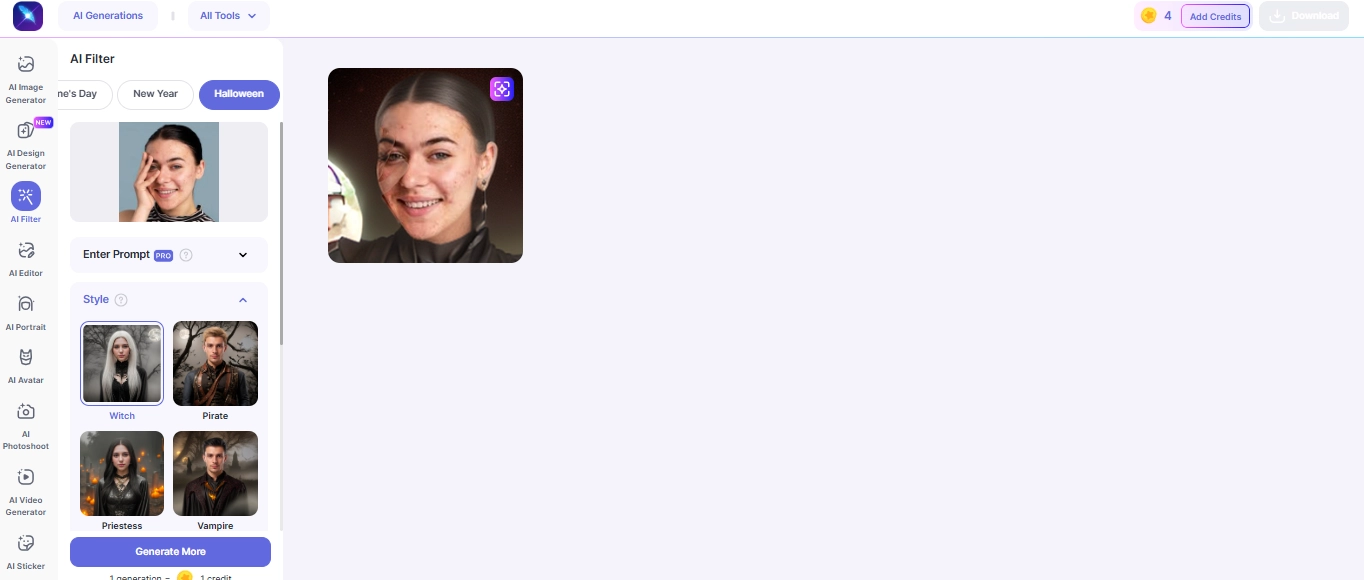
Step 1.Upload your image and select a Halloween filter:
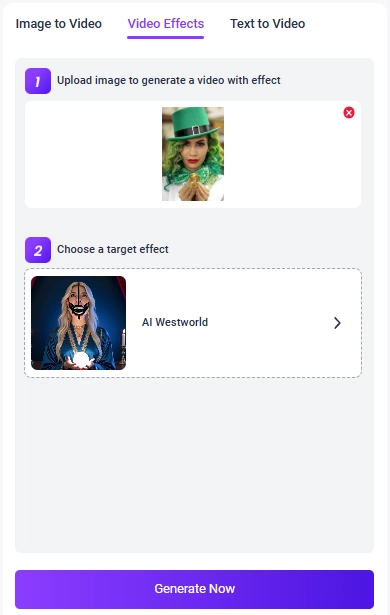

Vidnoz image-to-video AI supports JPG, PNG, and WEBP formats, so you can drop your pictures directly without format transfer.
Step 2.Finally, click “Generate Now” and wait 5–10 seconds to get a filtered clip:
2. Snapchat - Real-Time Halloween Camera Filters
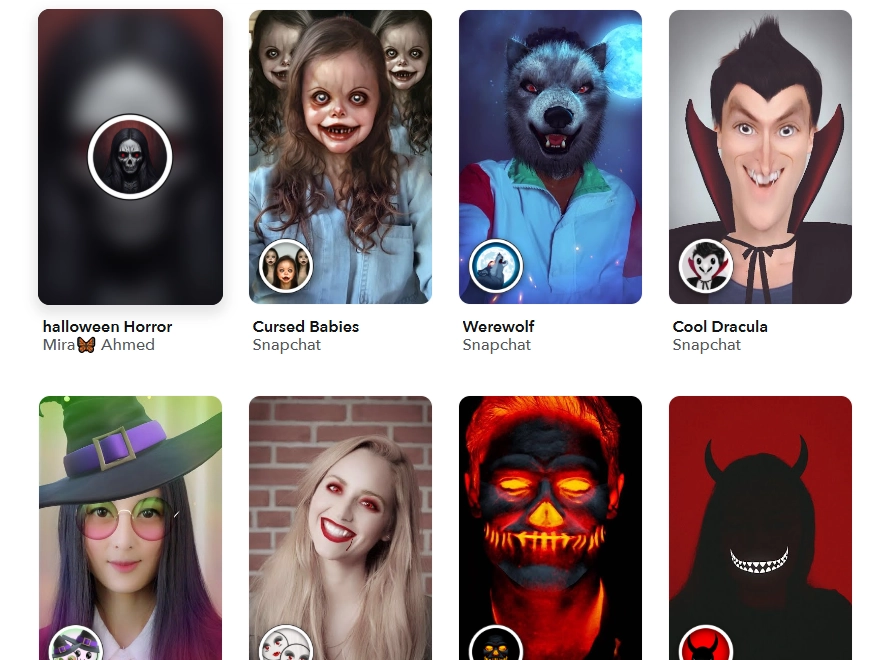
Snapchat is a popular Halloween filters app that lets you add spooky effects to your photos and videos in real-time. Its Halloween lenses are realistic, fun, and perfect for creating a festive vibe instantly. From animated ghosts and creepy masks to playful zombie transformations, you can apply those trending Halloween filters for both photos and videos.
How to Apply the AI Halloween Filter:
Step 1.Open Snapchat and tap the camera screen.
Step 2.Swipe through the available Halloween-themed lenses or search in the Explore section.
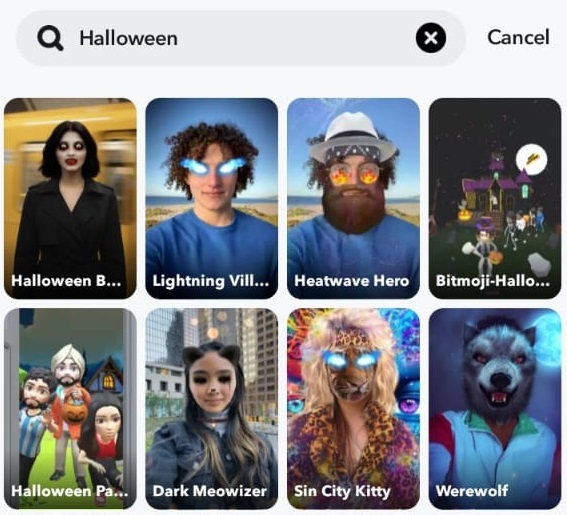
Step 3.Point the camera at your face or subject, tap to capture a photo or hold to record a video.
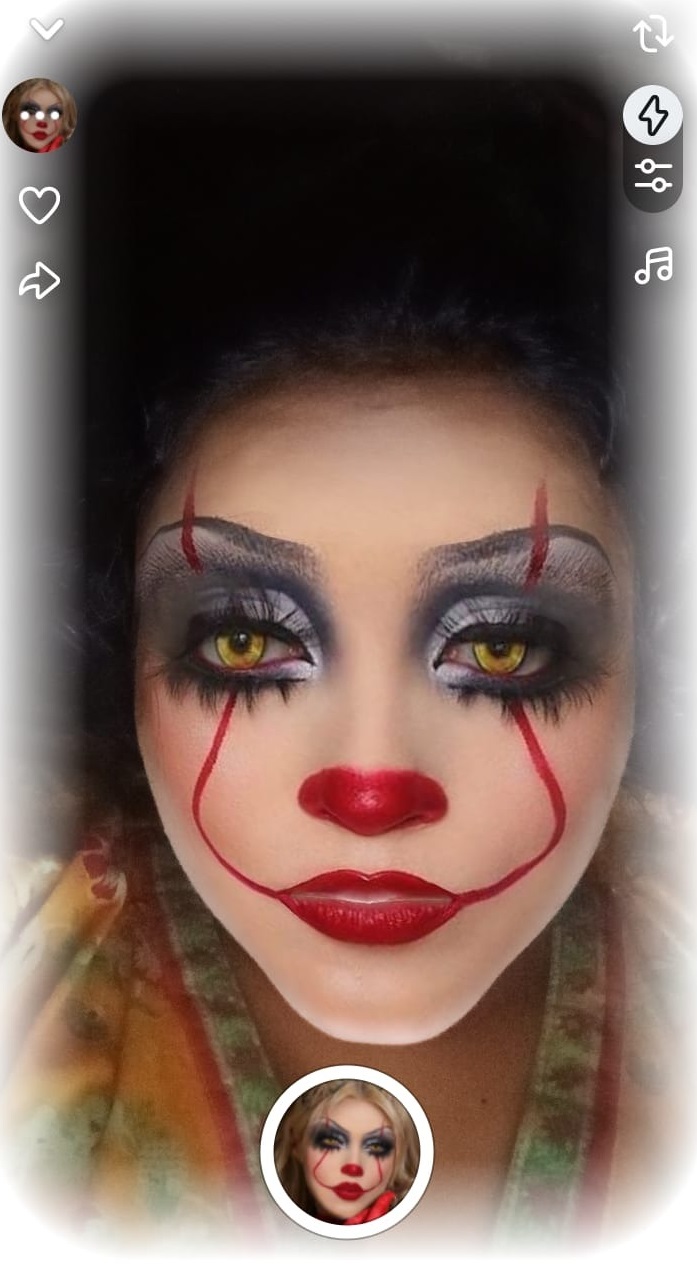
Once applied, you’ll see your photo or video come alive with Halloween effects. It is a fun and interactive experience that is instantly shareable, and thus, makes your Halloween memories more captivating!
3. OpenArt - Halloween Filter for Pictures
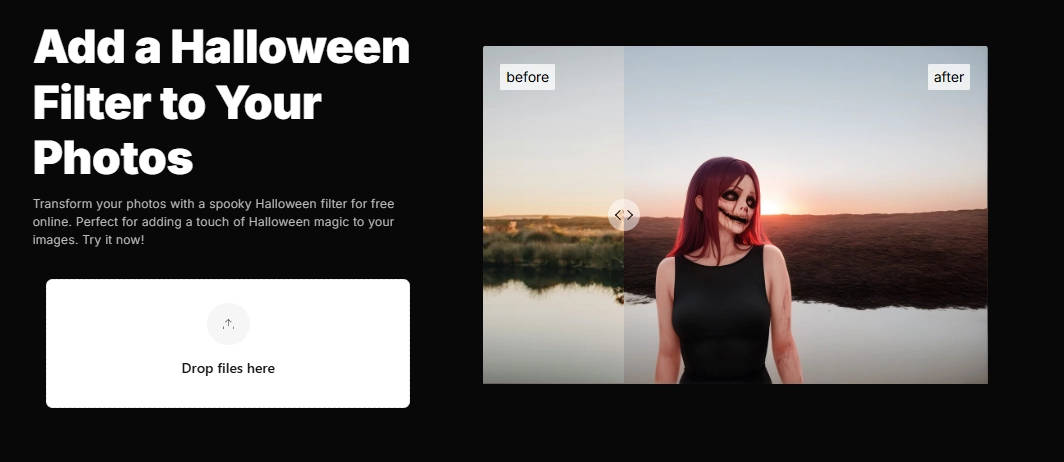
OpenArt is a creative tool that lets you add an AI Halloween filter to photos easily. It can turn regular images including pets and animals into spooky or fun Halloween-themed artwork. The AI changes your pictures to be spooky and festive and thus they can be used for social media, digital invites, or personal projects.
How to Apply the AI Halloween Filter:
Step 1.Click to upload your image, then you will be navigated to the edit interface;
Step 2.Click on Style, select a Halloween style, then create it:
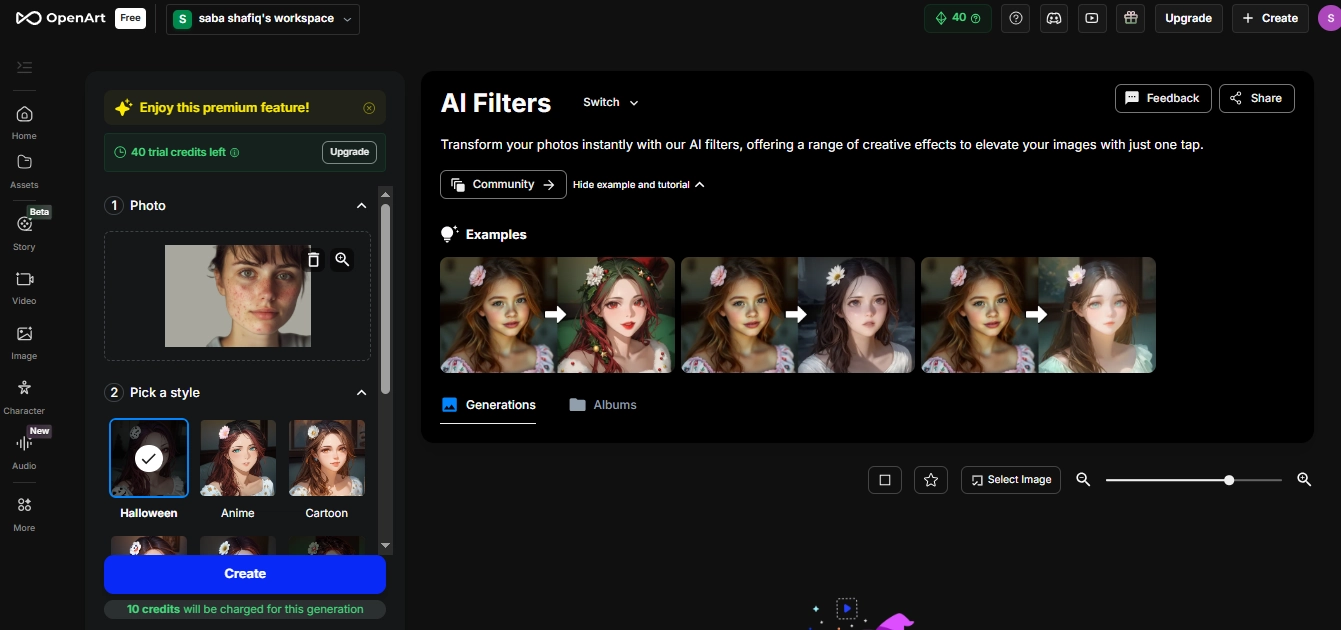

You’ll be prompted to sign up for diverse edits.
Step 3.The final AI generates your Halloween-style image:
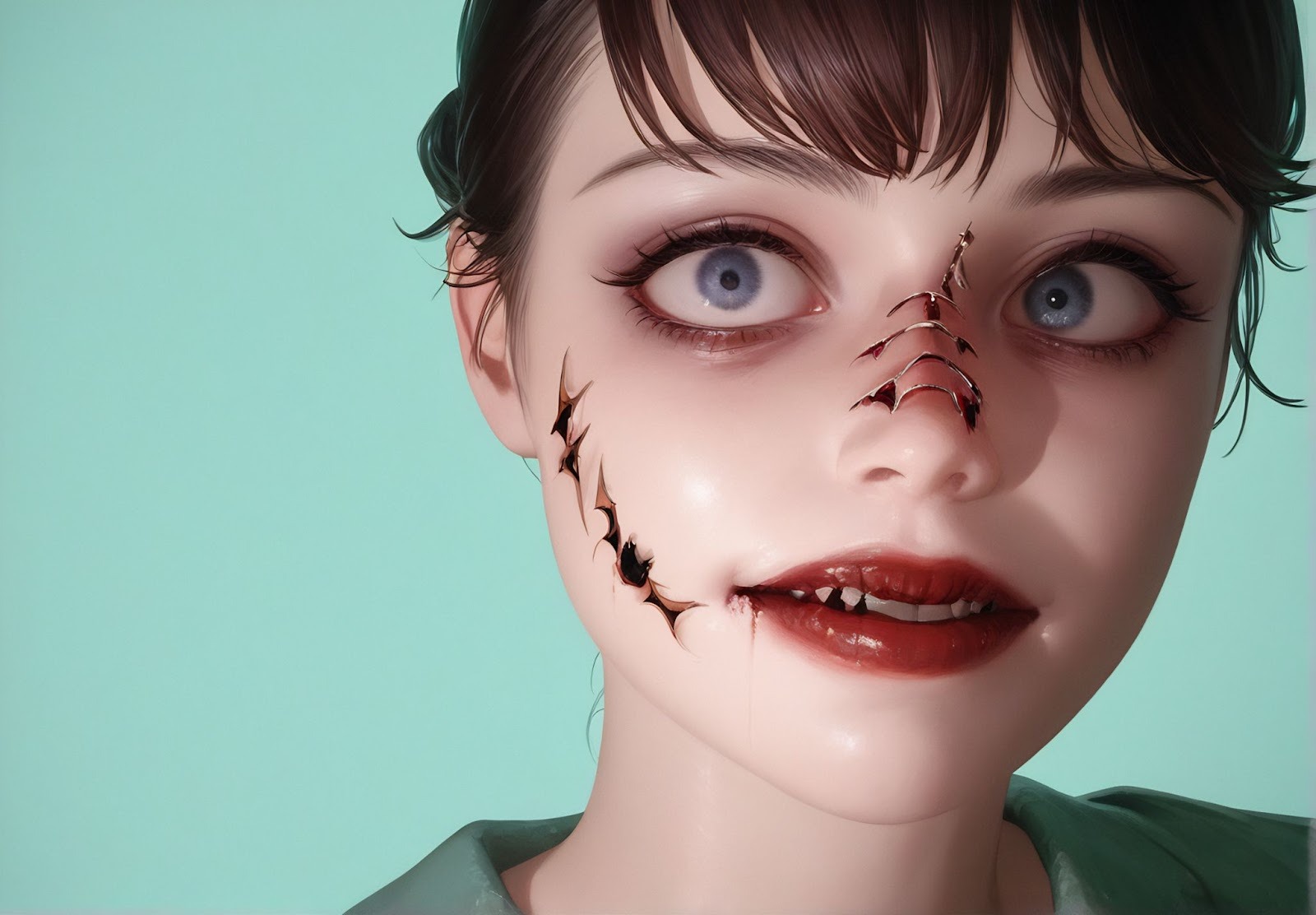
The result is fun and creative. It may not look fully realistic, but it turns your photo into a unique AI-generated character with a Halloween twist.
4. Bylo AI - Add Customizable Halloween Face Filters to Photos
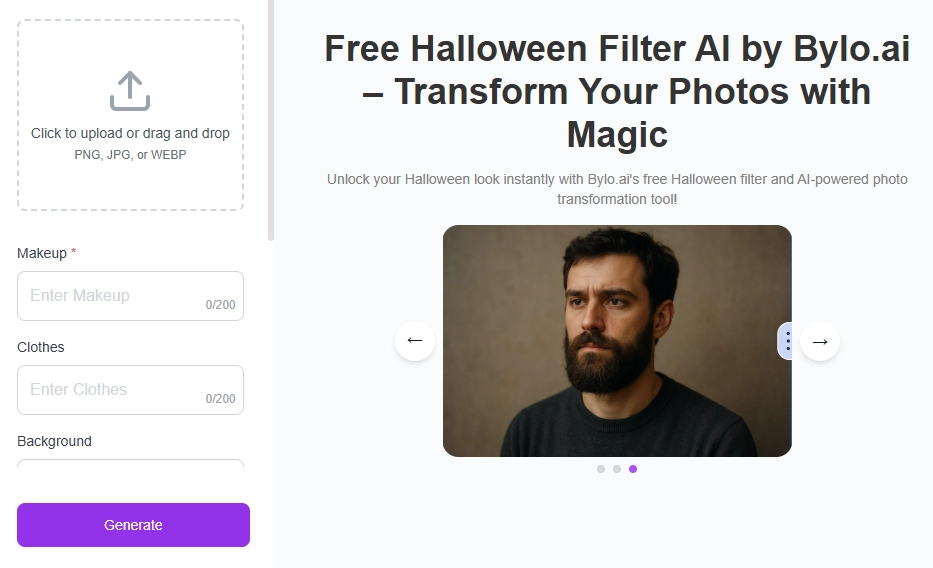
Bylo AI is a fun tool that lets you add a Halloween filter to a photo exactly the way you want. You can turn any selfie or picture into a spooky or playful Halloween look by simply describing the makeup, mask, or outfit you want. Its Halloween face filter makes it easy to bring your ideas to life without needing any editing skills.
How to Apply the AI Halloween Filter:
Step 1.Upload your own photo;
Step 2.Type the makeup or Halloween look you want and choose clothing:
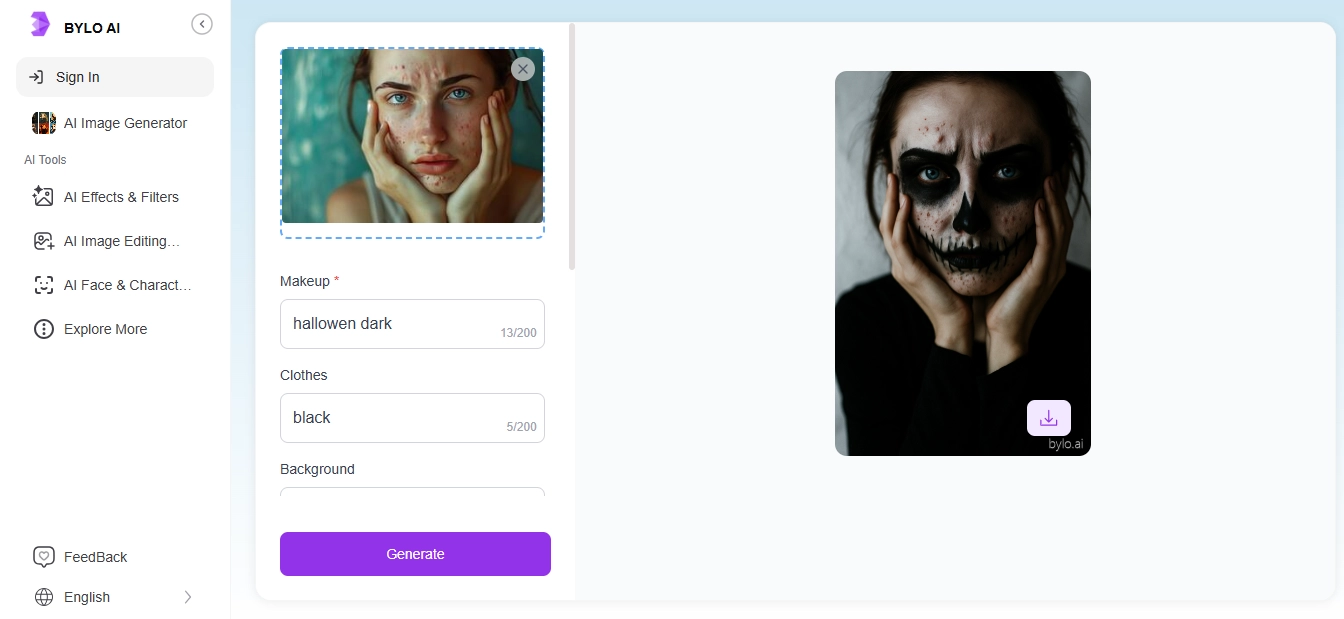
Step 3.Wait for the final generation:

You get a realistic result that matches what you type. For example, if you write “horror makeup, black clothes, white background,” the AI creates the image just like that.
It may take a bit, or sometimes an error may happen.
5. LightX Editor - Creative Halloween Filters for Batch Generation
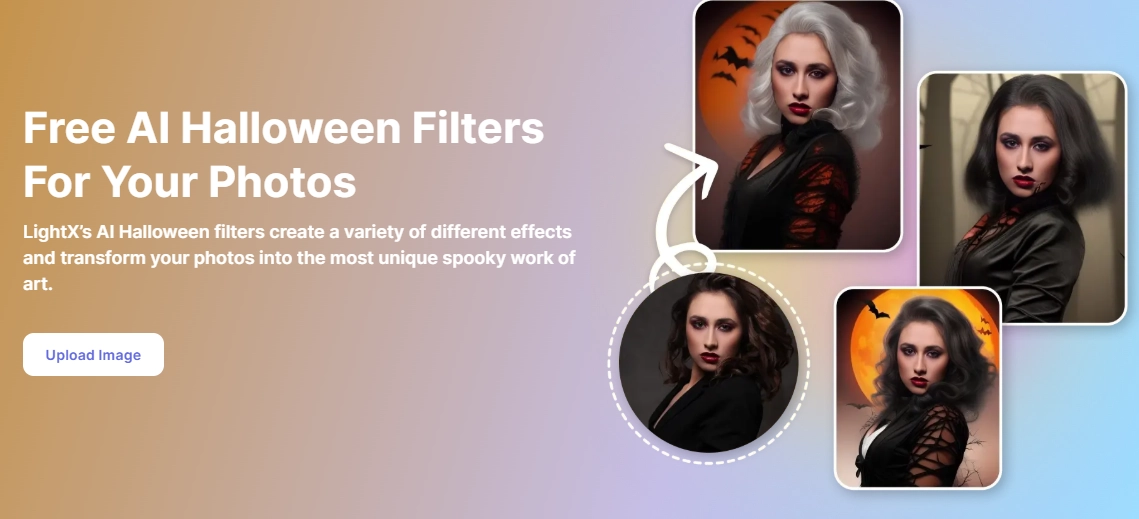
LightX Editor is a versatile tool that lets you apply Halloween filters to images quickly and easily. Whether you want spooky, fun, or creative effects, LightX makes it simple to experiment with different looks in one go.
You can use LightX for social media posts, Halloween projects, or to create fun, themed content quickly.
How to Apply the AI Halloween Filters:
Step 1.Go to LightX Editor Halloween Filter and upload your image;
Step 2.Choose a style and click to add Halloween filter to photo;
Step 3.Once generated, you can save the image, edit it, or add text to enhance it.
Bonus: More AI Tricks to Deepen Your Halloween Experience!
More than applying Halloween filters, you can also try more AI tools to create tricky surprises. Here are some ideas:
#1. Try-On Halloween Costumes for Virtual Cosplay
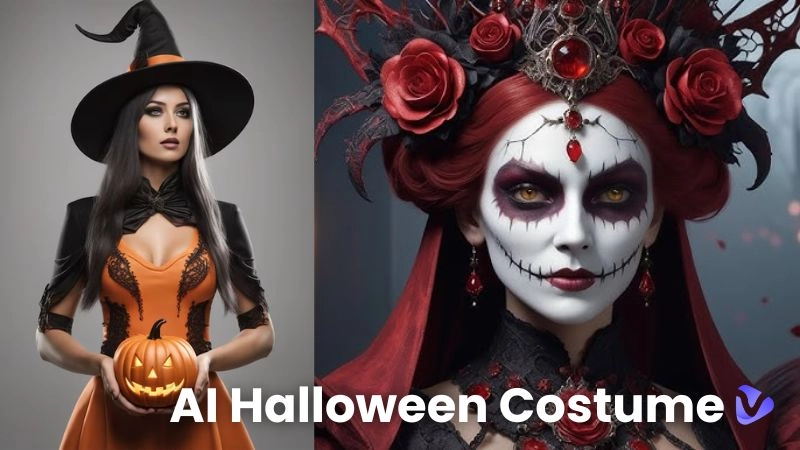
You can change outfits, try on creepy costumes, or add little eerie details to make each picture stand out with the AI clothes changer. Keep it simple, creative, and full of Halloween spirit. You can change your outfit completely or just parts of it tops, pants, skirts, or full sets right on your photo.
How to use it:
- Upload your full-body photo.
- Pick the Halloween outfit you want to try on.
- Click to instantly see your Halloween look:
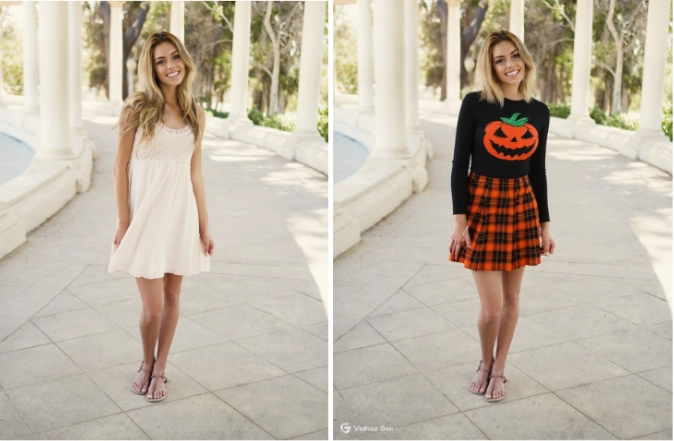
You can virtually try on any Halloween costumes for inspiration or saving time!
#2. Add Immersive AI Voice for Engaging Halloween Games
Bring your Halloween games to life with Vidnoz AI Voice Changer. You will find and use fun and creepy voices, or sound like your favorite characters, to make your Halloween games more lively and engaging!
Clone Anyone’s Voice with AI - Free
Make realistic voices of famous people and characters.
Clone anyone's voice to create personalized voiceovers.
Support 2000+ languages and accents.
Change Voice Now
How to use it:
- Select the AI voice you want from the library.
You can also clone any character’s voice easily!
- Enter the text you want the voice to speak out:
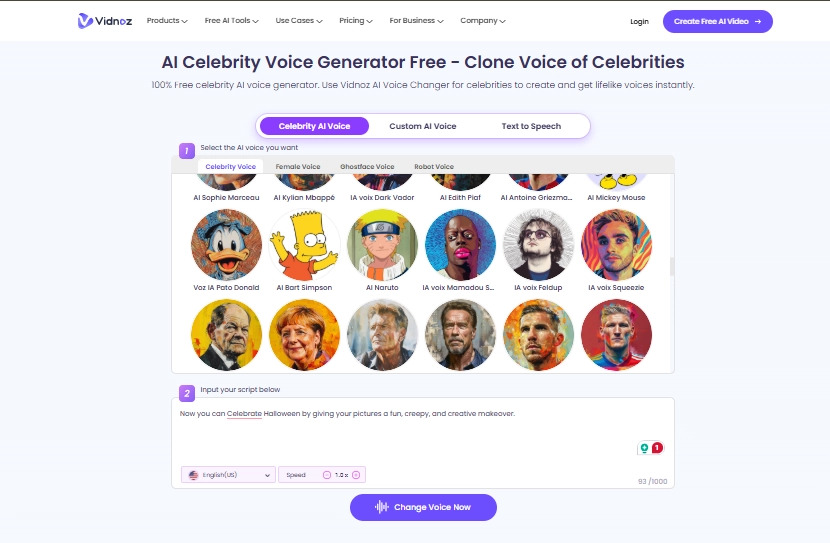
- Click change voice now and download the generated voice for free.
It’s easy, free, and adds a whole new level of immersion. Your friends will love the spooky or funny voices you create!
#3. Make Unique Halloween Party Invitation Videos
Create engaging and fun Halloween invitations with Vidnoz AI Talking Photo. Turn a still image into a realistic talking character using AI voices, lip-syncing, and expressions.
How to use it:
- Upload a photo (or generate one with Vidnoz AI image generator)
- Enter your text or script for TTS.
- Click to make a Halloween party invitation video:
You can make Halloween greetings, spooky announcements, or interactive invites in minutes!
Conclusion
With Halloween filters, your photos and videos can be transformed instantly. Whether you want to add eerie effects, transform selfies, or create themed videos, these tools make it super easy. Among them, Vidnoz free AI video generator stands out with high-quality, realistic filters that turn any image into a Halloween masterpiece.
Try these AI Halloween filter tools now and make your Halloween moments fun and unforgettable!