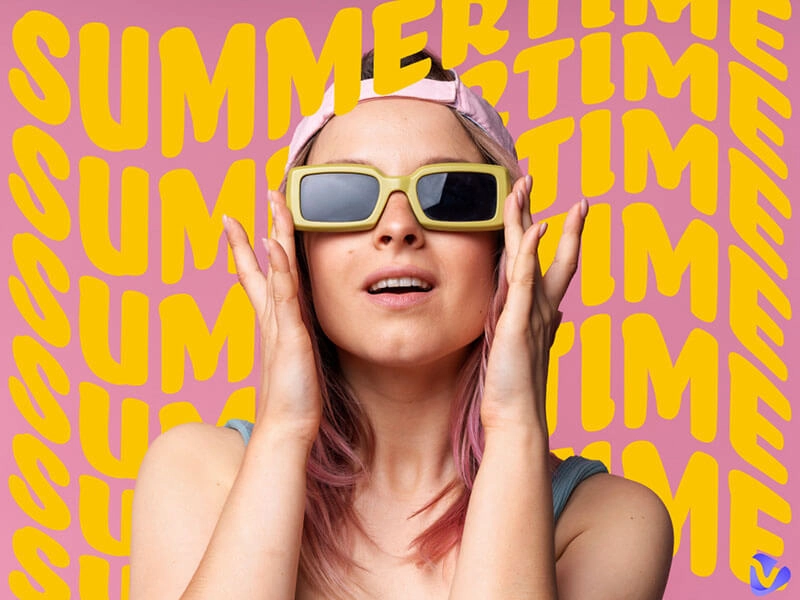
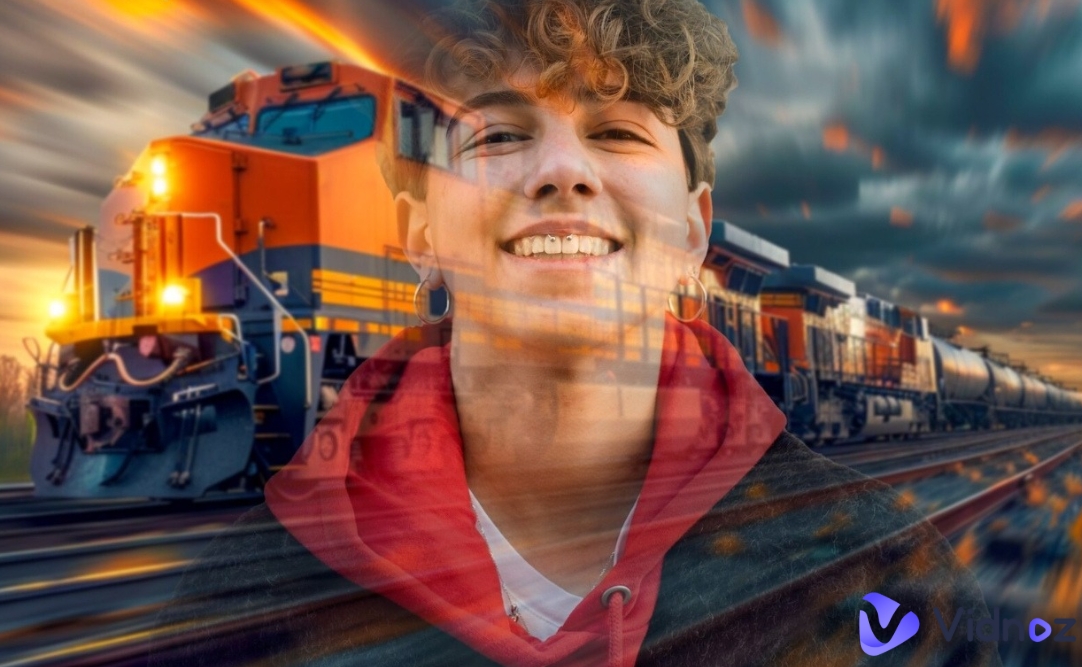
AI image tools are changing how we make art images online, and Flux AI Image Generator is one of the best for making realistic images fastly. Whether you need pictures for work or fun, Flux AI makes it simple. Since some tools offer free AI image generation, you can convert your imagination to visualizable AI art without paying.
In this post, we’ll show you 6 Flux AI image generators that give the AI image generating results in the top level. If you’re ready to immerse yourself in the happiness of Flux AI image generation, you are in the right place.
- On This Page
-
Flux AI Image Generator – What Is It?
-
Common Types of Flux AI Model
-
6 Best Flux AI Image Generators to Make Unique AI Images from Prompts
#1. Vidnoz AI: Make Realistic Flux AI Images in Batch
#2. Flux1.AI: Generate AI Images with High-Resolution
#3. Vidqu AI: Customize Your Own AI Images with Detailed Settings
#4. FluxAIimagegenerator: Precision Text-to-Image AI Tool
#5. Getimg AI: Create & Enhance Images with Flux AI
#6. Monica AI: Versatile Image Generation with Flux AI Models
-
Applications of Flux AI Image Generators
-
Fun Play: Make a Flux AI Generated Image Move Naturally
Flux AI Image Generator – What Is It?
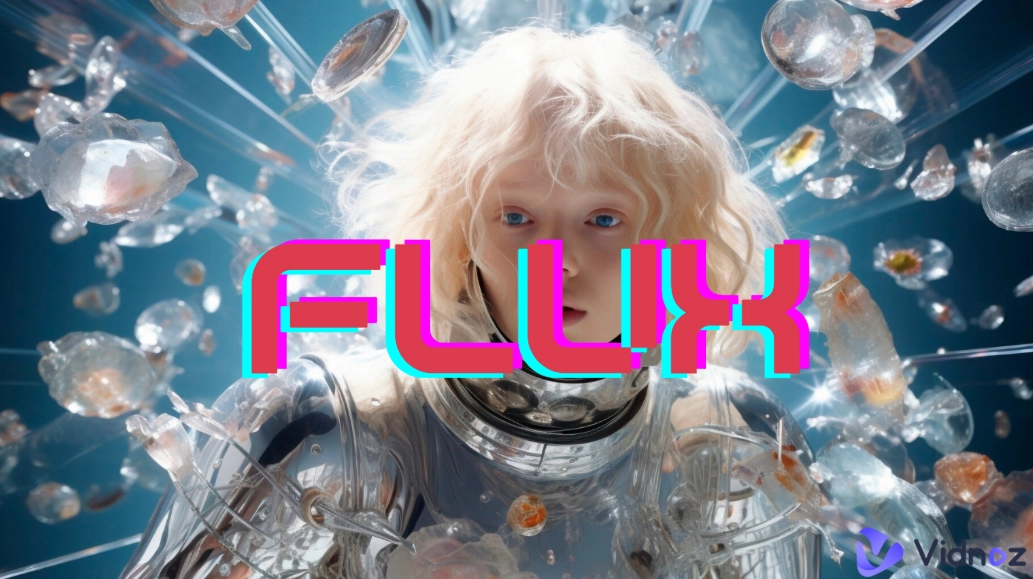
The Flux AI Image Generator is a tool that creates images from texts with AI technology. It runs with the Flux AI model, a smart system trained to understand words and turn them into high-quality and realistic visuals in a shorter time than the other AI models.
Here’s how this kind of text to image generator works: Users type a description (like "sunset over mountains"), then the Flux image generator AI understands it in depth and generates a unique AI picture in seconds. Whether for art, ads or social media, AI image generator Flux tools make digital creation fast and easier than ever before.
Common Types of Flux AI Model
The free Flux AI image generator comes in different versions, each designed for specific needs. Here are the main models available online:
● FLUX.1 [dev]: Built for testing and development, this version of AI model allows users to experiment with advanced settings. It’s great for those who want more customization over AI image generation.
● FLUX.1 [schnell]: Optimized for speed, this AI model generates images quickly without sacrificing the high quality. If you need faster results, then it is ideal for you.
● FLUX.1.1 [ultra]: The highest-quality version, perfect for making detailed and professional-grade images. Some platforms even offer a free AI image generating trial of this model.
Vidnoz AI - Create Free Engaging AI Video with Talking Avatar
- Easily create professional AI videos with realistic avatars.
- Text-to-speech lip sync voices of different languages.
- 2800+ video templates for multiple scenarios.
6 Best Flux AI Image Generators to Make Unique AI Images from Prompts
Looking for the perfect Flux AI image generator to bring your ideas to life? Below are the top 6 tools that make Flux AI image generation simple and effective.
#1. Vidnoz AI: Make Realistic Flux AI Images in Batch
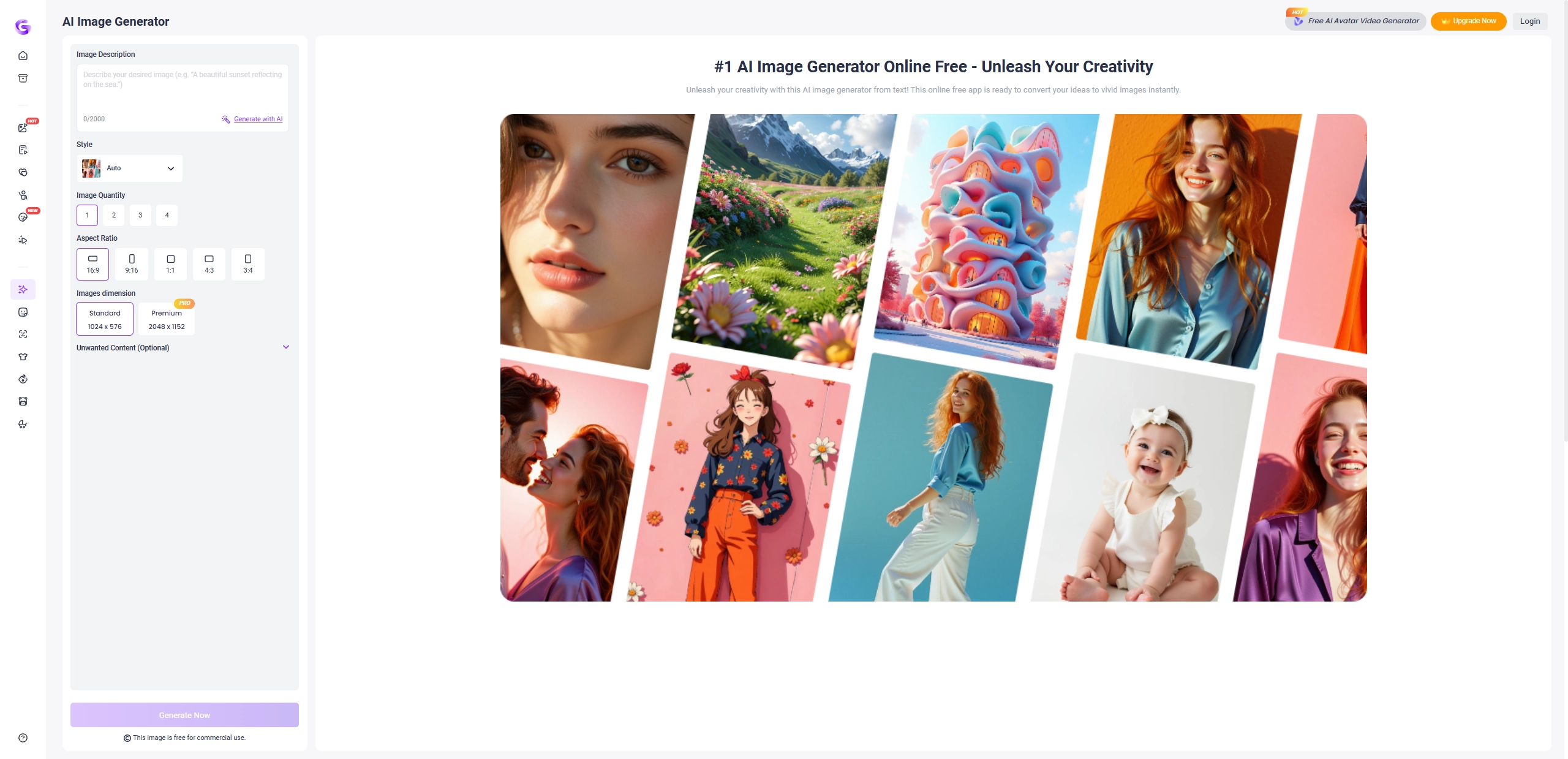
If you’re seeking a worth-using Flux AI image generator free online, then Vidnoz AI image generator can be a great choice to generate an AI image from the prompts without any difficulty. No sign up or paying process is required - users can directly input descriptions about the images they want, and then the Flux Image generator AI will give the results back in just seconds. In the clear interface, users can customize the aspect ratio (square, portrait, or landscape) and even specify unwanted elements to exclude from their Flux AI image generation results.
Pros
- Batch Flux AI image generation (4 images at once).
- Custom aspect ratio options free for editing images.
- Allow users to add descriptions about unwanted content.
Cons
- Requires sign-up for full access.
How to Generate an Image with Vidnoz Flux AI Image Generator
Follow these simple steps to create AI images:
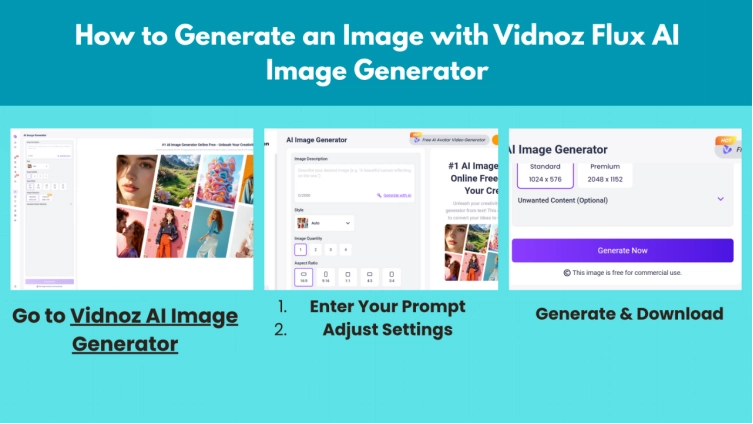
Step 1. Go to Vidnoz AI Image Generator, type a detailed description (e.g., "a futuristic city at sunset").
Step 2. Select the style, aspect ratio (e.g., 16:9 for widescreen) and image dimension.
Step 3. Add descriptions about unwanted things in your target image.
Step 4. Click "Generate Now" and wait a few seconds. Then you can preview and download your AI image generator Flux results.
#2. Flux1.AI: Generate AI Images with High-Resolution
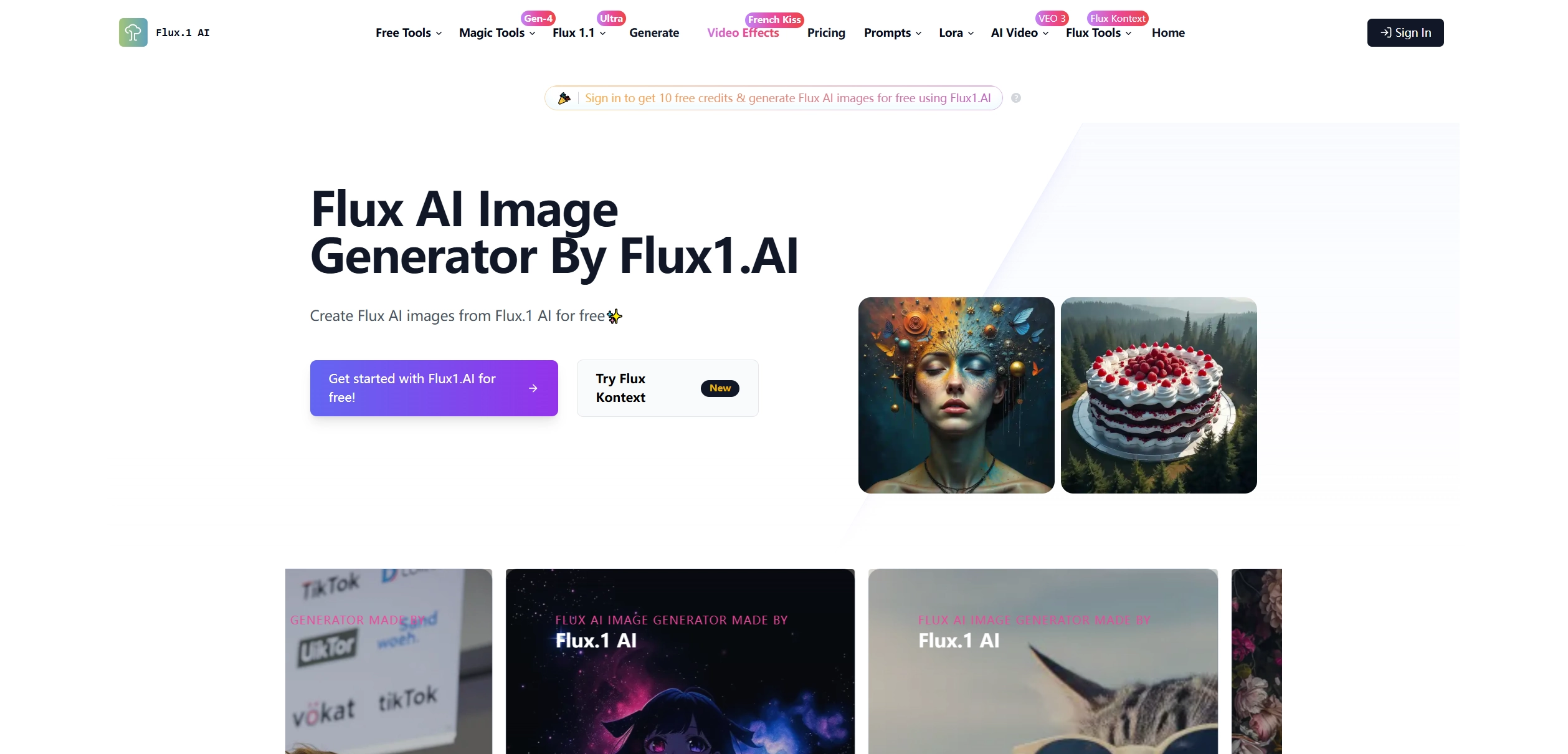
Flux1.AI stands out as a powerful Flux AI image generator, specializing in high-quality outputs up to 2.0 megapixels. Whether you need social media posts or marketing materials, it shares satisfying results with selectable aspect ratios. It provides three specialized models: FLUX.1 [pro] with balanced quality and speed, FLUX.1 [dev] for experimental prompts and FLUX.1 [schnell] for Ultra-fast AI image generation. Flux1.AI offers a credit system for Flux AI image generation.
Pros
- High-resolution 2MP AI image outputs.
- Three distinct AI models: FLUX.1 [pro], FLUX.1 [dev] and FLUX.1 [schnell].
- Clean and user-friendly interface.
Cons
- Requires credits for generations.
- Free tier has limited credits.
- No batch processing.
How to Generate an Image with Flux1.AI
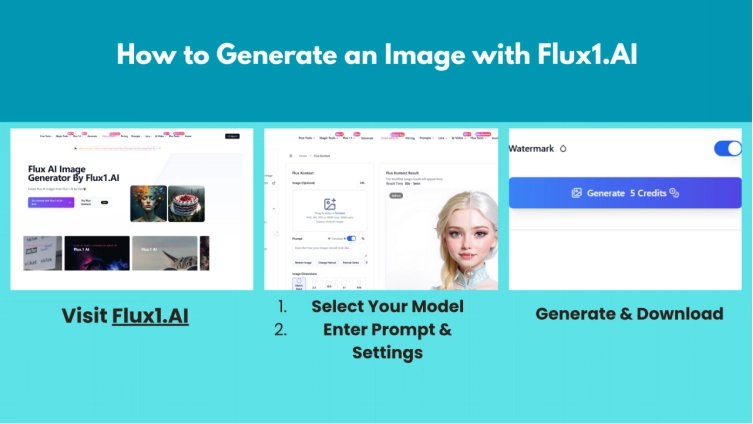
Step 1. Visit Flux1.AI, Choose Flux AI models between [pro], [dev], or [schnell].
Step 2. Type your description (e.g., "cyberpunk street at night"), set resolution and aspect ratio.
Step 3. Click "Create Image 1 Credit" to make your AI Flux image. After the generation, you can edit or regenerate if needed. Then download the AI image when you're satisfied with it.
#3. Vidqu AI: Customize Your Own AI Images with Detailed Settings
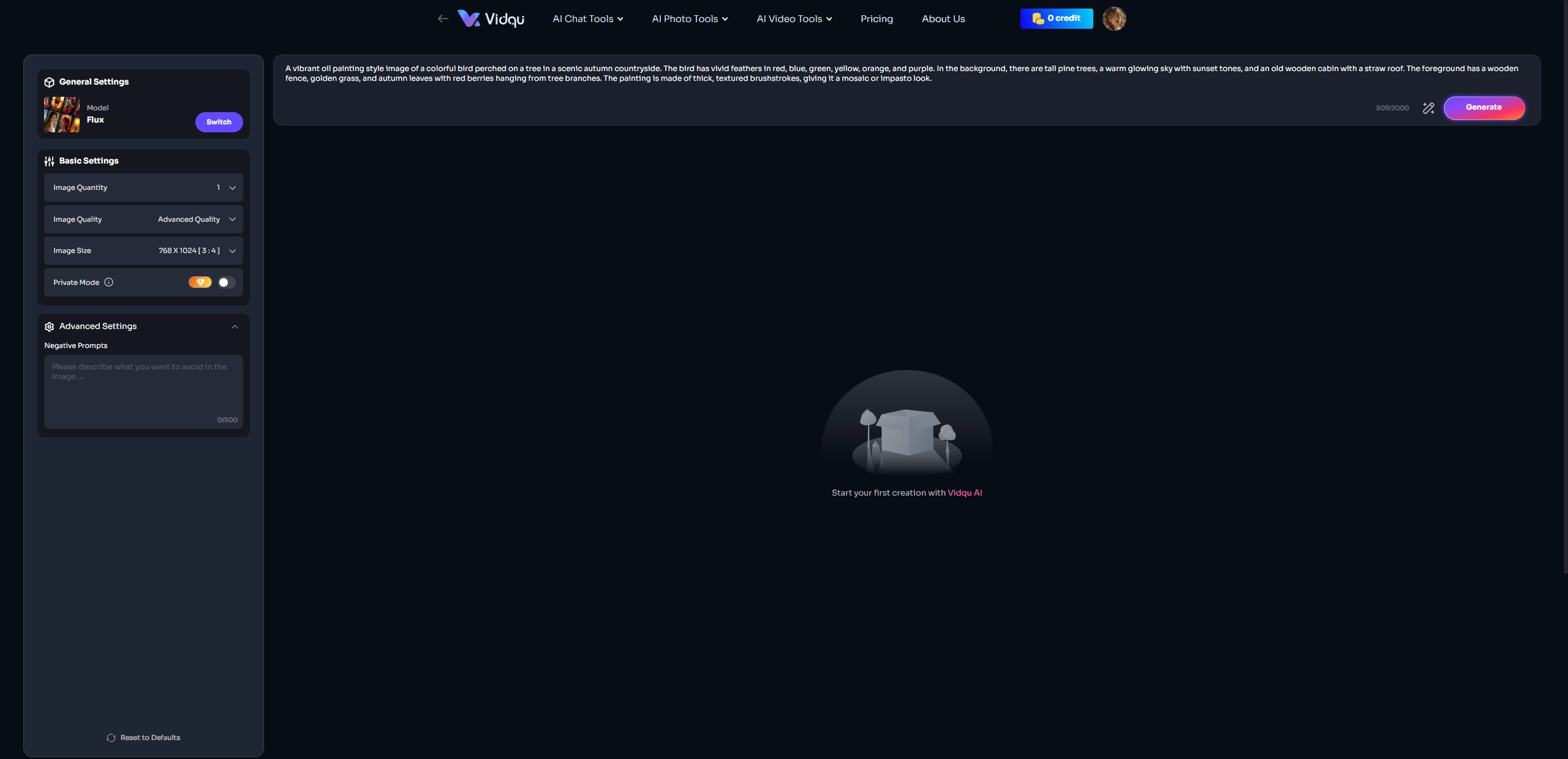
Vidqu AI offers a versatile Flux AI image generator free function that easily converts your thoughts into visual images. The best part of the tool is its free tier, which allows users to generate 1-4 images simultaneously - perfect for testing different themes of images quickly. Also users can get precise customization with 4 quality levels (from draft to ultra HQ), multiple size presets (social media, print, custom dimensions) and rapid generation under 30 seconds.
Pros
- 1-4 image batch creation.
- Granular quality/size customization according to different needs.
- Easy-to-follow working process for even beginners.
Cons
- Watermarks on the free version.
#4. FluxAIimagegenerator: Precision Text-to-Image AI Tool
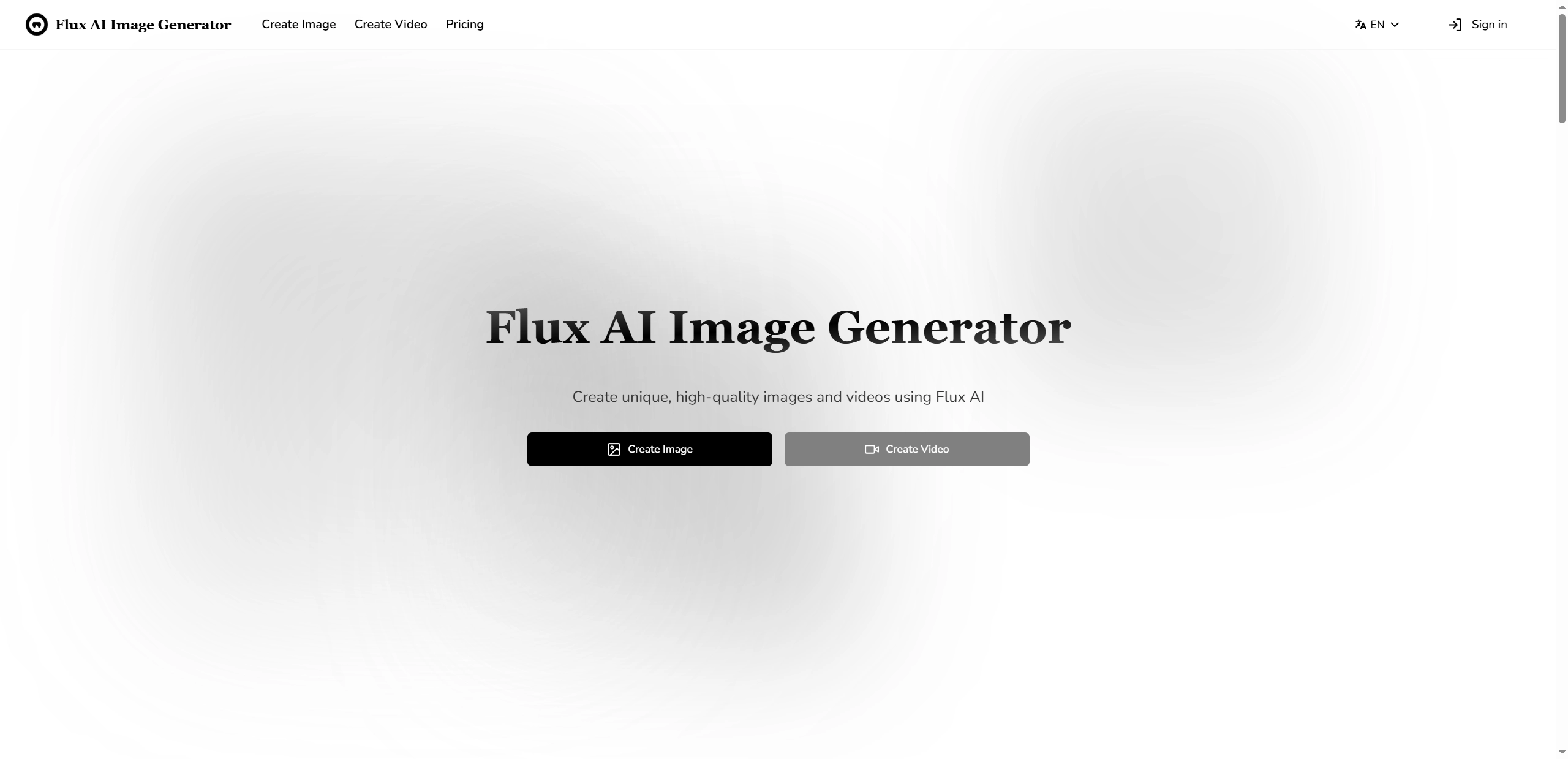
FluxAIimagegenerator is popular among the users online for its accurate Flux AI image generation, powered by an advanced T5 text encoder that closely matches images to their prompts. The powerful AI image generator works professional at both text-to-image and image-to-image conversion with the AI models, which also offers bonus features like AI image repair, style transfer and HD upscaling. If you want a fast and high-quality image generating process with a Flux AI model, FluxAIimagegenerator delivers.
Pros
- Superior prompt understanding with AI.
- Multi-functional image editing tools.
- Fast process of making an image (under 15 sec).
- Support text to video and image to video functions.
Cons
- No free tier (paid credits only).
- Complex interface for beginners.
- Limited output customization.
#5. Getimg AI: Create & Enhance Images with Flux AI
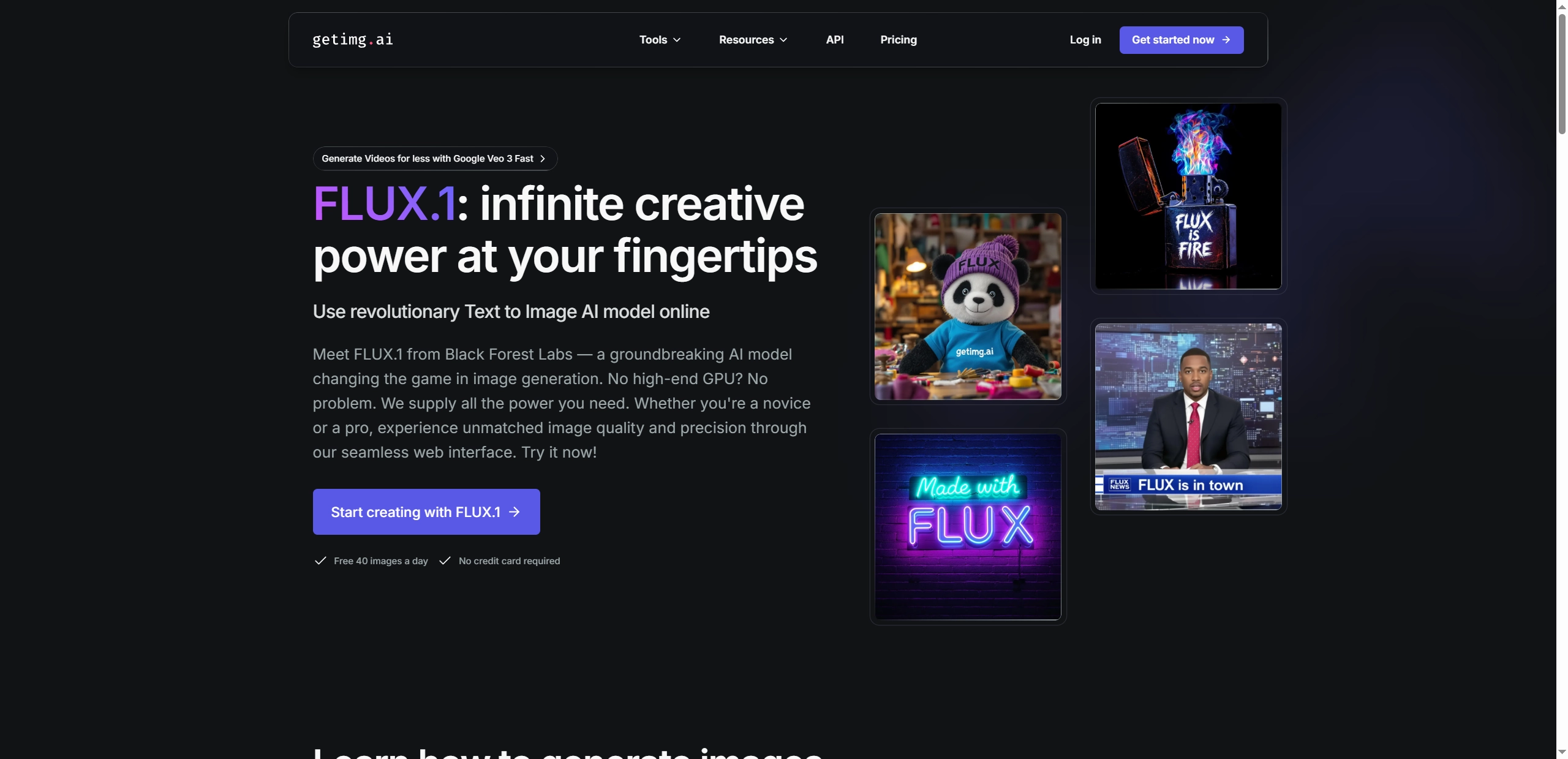
Getimg AI gives users complete control when they create an image with the free Flux AI image generator. Users can input prompts about their thoughts and select from the given AI models to match their AI image imagination. From the AI anime portrait to professional scene images, it works well in bringing your ideas to visual art works in just 7 to 11 seconds. However, you need to notice that 5 credits are required for generating each image.
Pros
- Support batch size from 1 to 10.
- Built-in image editing features for the perfect images.
- Precisely control the colors of the generated images.
Cons
- Limited free generations (only 40 credits are provided in the free version).
- Watermarks on free outputs.
- Fewer customization options than some competitors.
#6. Monica AI: Versatile Image Generation with Flux AI Models
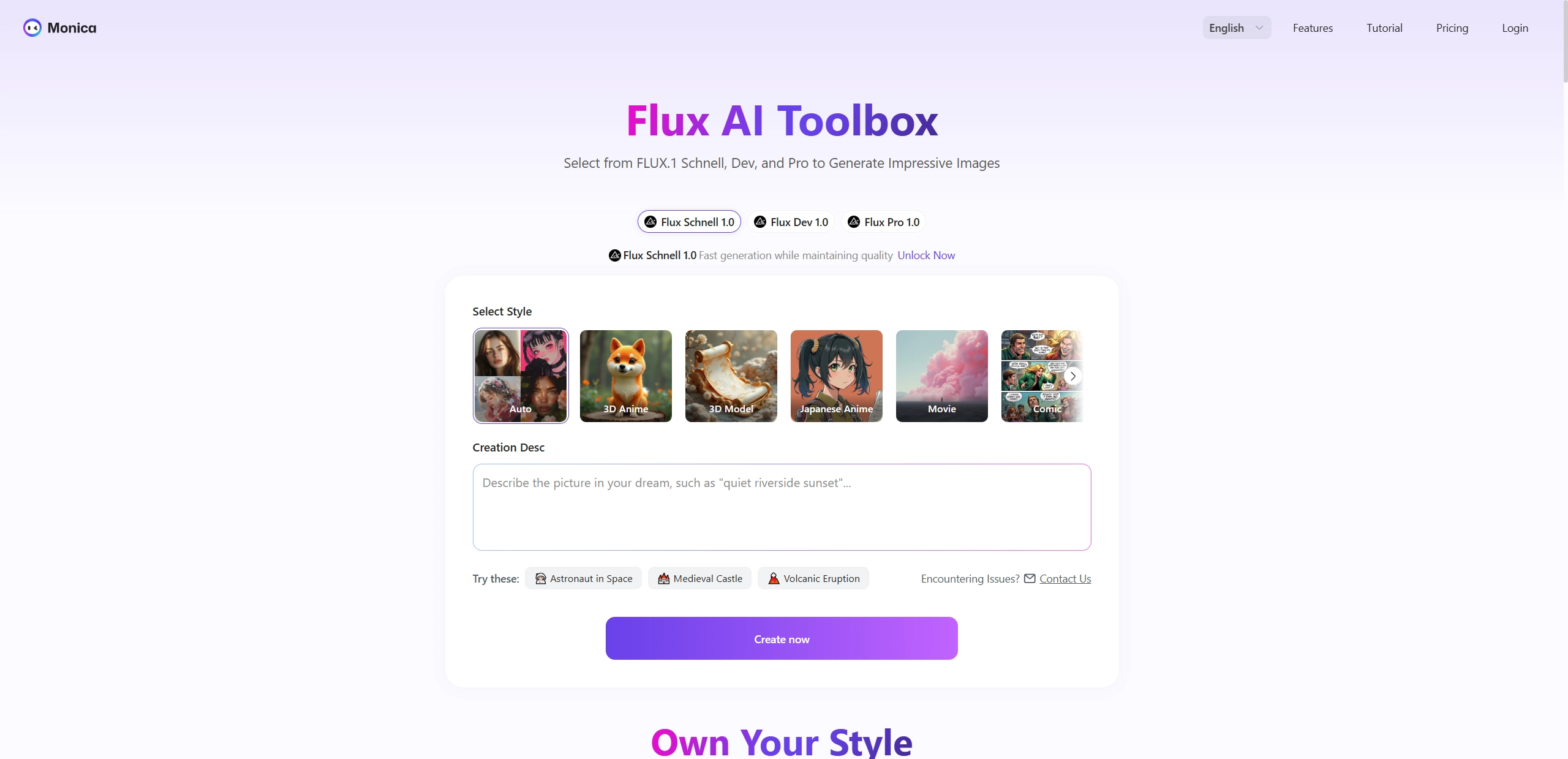
Monica AI takes the online art creation to the next level with the multi-functional options. Users can generate the images in their mind with multiple AI art styles, including Realistic, Colored Pencil Drawing, 3D Modeling, etc. If you have no idea on what image to make, this tool shares some examples for inspiration. Moreover, there are other AI models for you to explore the magic of AI image generation, such as DeepSeek-R1 and Ask OpenAI o1.
Pros
- 3 popular Flux AI model options are available.
- Provide various AI art styles.
- Additional AI models to deeply explore AI image generating.
Cons
- Requires subscription for full access.
- Generation limits on free plan.
Applications of Flux AI Image Generators
Flux AI image generators are versatile tools with countless creative and practical uses. Here are 5 key applications of such AI tools:
1. Social Media Content: Quickly generate eye-catching posts, ads, and banners for platforms like Instagram and Facebook.
2. Concept Art: Bring character designs and storyboards to life for games, films, and animations.
3. Marketing: Create logos, product mockups and promotional visuals without expensive designers.
4. Blog & Website Graphics: Produce custom featured images, illustrations, and infographics in seconds.
5. Personal Art Projects: Experiment with digital art styles, from photorealistic to abstract.
Fun Play: Make a Flux AI Generated Image Move Naturally
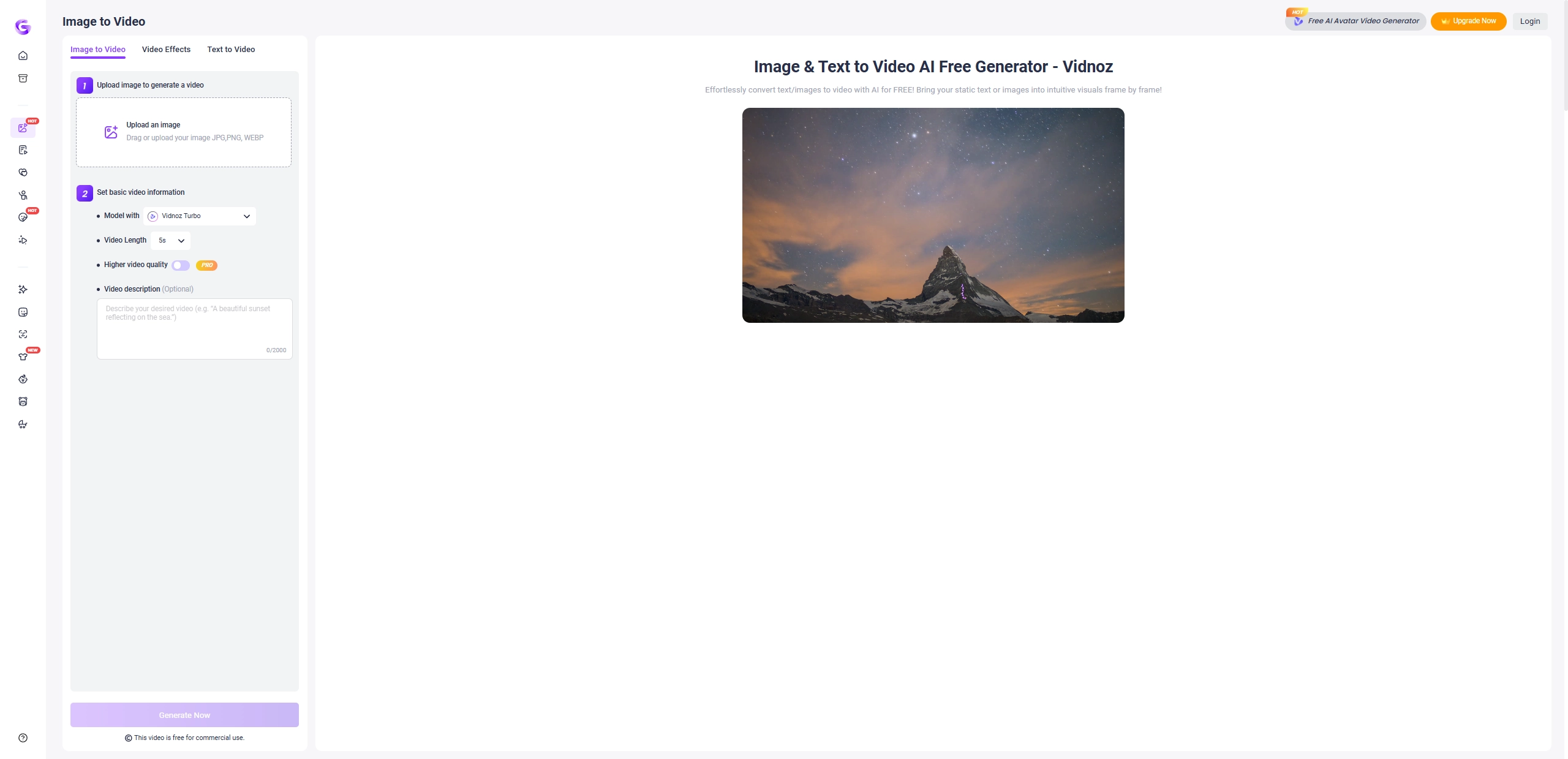
Take your Flux AI image generation to the next level by transforming static pictures into captivating videos! With Vidnoz AI Image to Video tool, you can animate any AI-created artwork in seconds, turning landscapes into flowing scenes or making portraits come alive with natural movement.
Key Feature
- High-Quality Image Animation: Smooth and realistic motion for 2D images.
- Multiple AI Models: Choose 3 AI models for varied video effects.
- Customizable Video Length: Videos can be up to 8 seconds.
- Enhanced Content Control: Add text prompts to guide movements.
How to Animate Your Flux AI Image
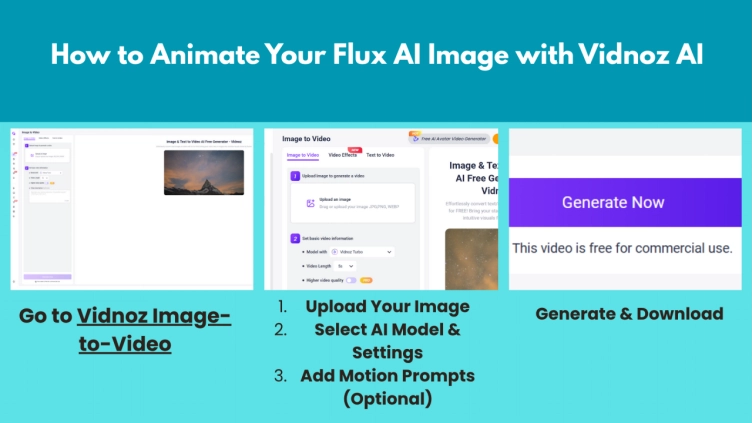
Step 1. Go to the Vidnoz Image to Video tool, drag & drop your Flux AI-generated image.
Step 2. Pick an animation AI model (e.g., "Vidnoz Turbo," "Vidnoz Ultra"), then set video duration (1-8 seconds)
Step 3. Describe how elements should move (e.g., "waves crashing," "hair blowing in wind").
Step 4. Click “Generate Now” to turn the image to a video and preview the animated clip. Export as MP4 when everything is down.
Conclusion
The Flux AI Image Generators help users for easy and high-quality AI art creation. From Vidnoz AI batch generation to high-resolution outputs of the Flux1.AI, these tools make Flux AI image generation accessible online to everyone. Ready to start creating? Pick your favorite AI image generator Flux tool and turn your ideas into stunning visuals today!
Vidnoz AI - Create Free Engaging AI Video with Talking Avatar
- Easily create professional AI videos with realistic avatars.
- Text-to-speech lip sync voices of different languages.
- 2800+ video templates for multiple scenarios.