Turn still images or text into dynamic videos in any style, with leading AI models readily. Try the smart AI video generator now - stunning, free, and instant!
Get An Accurate & Free Facebook Video Transcript with AI Tools!
Griffin
Updated on
SHARE THIS POST
Are you looking for a free yet highly accurate Facebook video transcript? Try the top 5 Facebook video transcription tools for free!
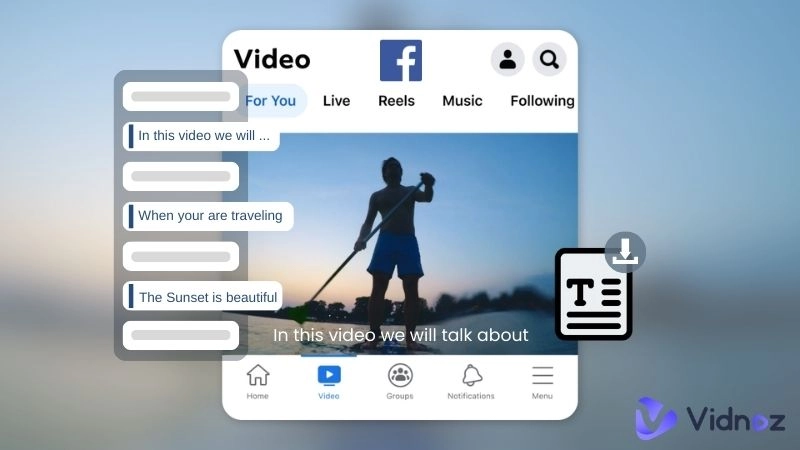
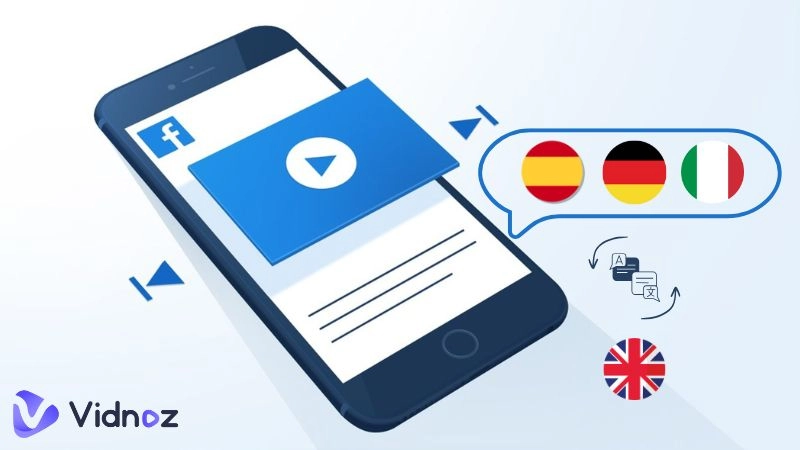
Facebook has more than 3 billion active users on a monthly basis, ranking it as the top social media site. Thus, Facebook videos are widely viewed and shared globally. Adding a transcript to a plain video automatically enhances its reach and engagement with users. Facebook video transcription has become an easy process with the latest advancements in technology. Nowadays, video creators and viewers who want a Facebook video transcript can use the best free online tools available. Read on below to know how to convert a Facebook video to a text transcript with the right, easy tools.
On This Page
Why Get the Facebook Video Transcript?
5 FREE Online Facebook Video Transcription Tools
#1. ScreenApp Facebook Transcript Generator
#2. Vidnoz AI Audio & Video Transcription
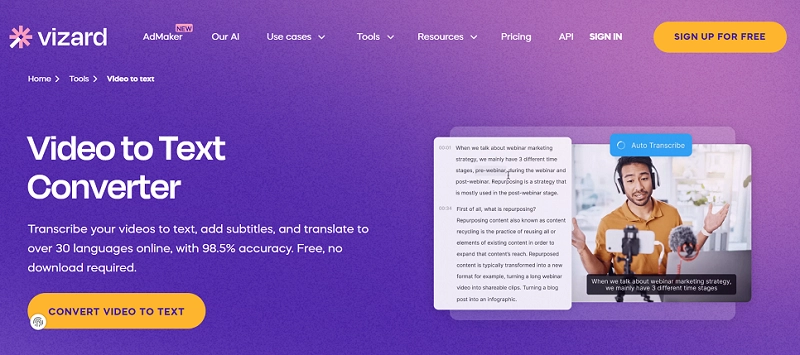
#3. Vizard Video to Text Converter
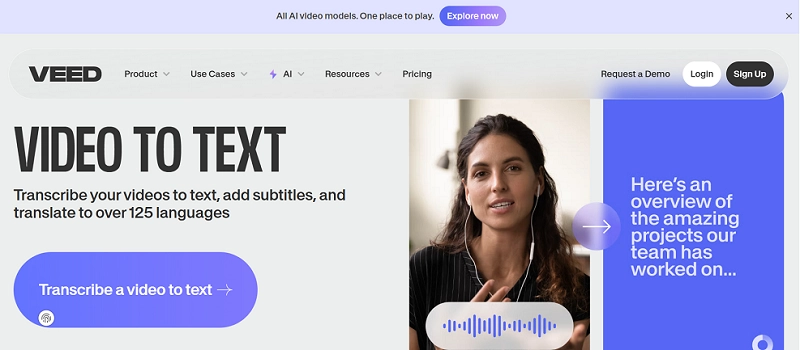
#4. Veed.io Video to Text
#5. Evernote Link to Text
Facebook Video Transcription FAQs
Conclusion
Why Get the Facebook Video Transcript?
People opt for Facebook video transcription for numerous reasons. Some of the main ones are listed below:
For Video Owners!
Enhanced Engagement With Captions: Facebook’s internal caption generation function is inaccurate compared to the tools listed further ahead, which offer about 98% accurate Facebook video transcripts.
More Professional-Looking Videos: Adding captions raises the content’s appeal and readability.
Improves the SEO friendliness of Video: Search engines and the Facebook platform rank video according to set standards. Adding a transcript to a video improves its SEO score.
Video Translation For Global Viewers: Global marketing becomes easy by making a multilingual video using transcript tools.
For Video Viewers!
Information Learning Becomes More Accurate: You get a better understanding of lectures, a speech, or a tutorial.
Quick Scanning For the Whole Content Without Watching: A quick appraisal of a written transcription of a video saves the time and energy of a person viewing a video, by providing a fast understanding of the content.
5 FREE Online Facebook Video Transcription Tools
Confused as to how to obtain a transcript of a Facebook video? Think no more. Just use these 5 hand-picked tools to get an accurate transcript of Facebook video. Below are all their minute details, including their descriptions, pros and cons, pricing, and in some cases, how-to tutorials.
#1. ScreenApp Facebook Transcript Generator
Best for: Easy online Facebook video & audio transcription
Sign-in: Yes | Accuracy rate: 99% | Language: 50+
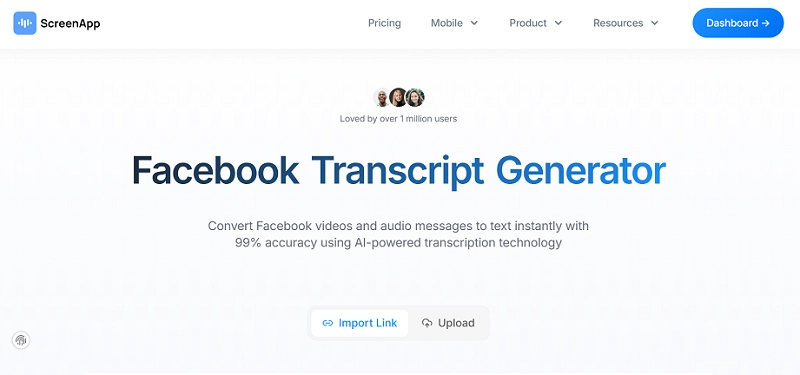
ScreenApp Facebook Video Transcript Generator is a fantastic AI video transcription tool. It enables free video-to-text conversion. You can easily utilize it for online Facebook video and audio transcription that takes only minutes. Furthermore, you can download the transcribed text in multiple formats (PDF, Word, TXT) for easy sharing. In pricing, you get monthly and annual plans with special discounts for students and non-profits.
How to Get A Transcript of an Online Facebook Video?
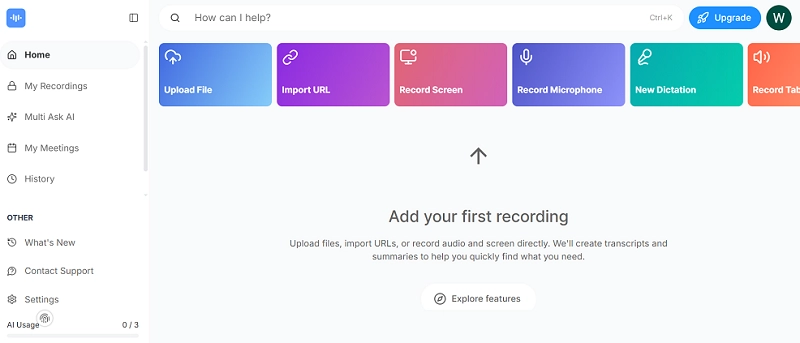
Step 1 Copy the Facebook video link and paste it on the platform. Be sure to use one that allows copying from a public group with open access on FB. You may even use your device library to upload a link.
Step 2 Produce a video transcript. You may also share it.
Pros
Intuitive online service with high accuracy
Sectional transcript
Allows automatic speaker identification for multi-person conversations
Cons
The transcript file download will require payment
#2. Vidnoz AI Audio & Video Transcription
Best for: Facebook video owners to transcribe local video files fast
Sign-in: Not required | Accuracy rate: 99.99% | Language: 25
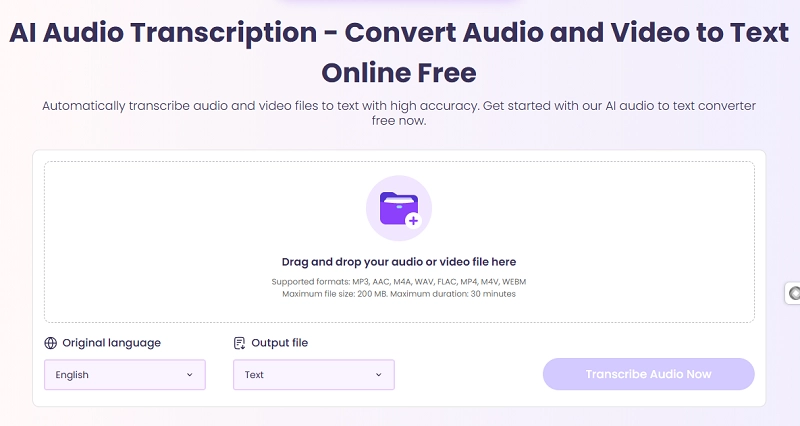
Vidniz AI Video Transcription offers users a highly accurate Facebook video transcript, no matter what the original language is. Uploading an online video might take more time, so for video owners who have the original Facebook video file, it’s more suggested to upload an offline video for faster transcription. Vidnoz accommodates long videos, up to 200MB and 30 minutes, unlike many free link-to-text transcription tools that have a limit on video length.
Transcribe Any Audio to Text with AI - Free
Ultra-fast transcription for any audio at one click
How to Get A Transcript of an Offline Facebook Video?
You can get a Facebook video transcription with Vidnoz AI by following these steps:
Step 1 Upload the offline video, already downloaded on your device.
Step 2 Choose the Origin language and Output File format from the available three options of TEXT, JSON and SRT.
Step 3 Convert the video’s audio to text by clicking on the Transcribe Audio Now option.
Step 4 Download/Share the transcript of the Facebook video file.
Pros
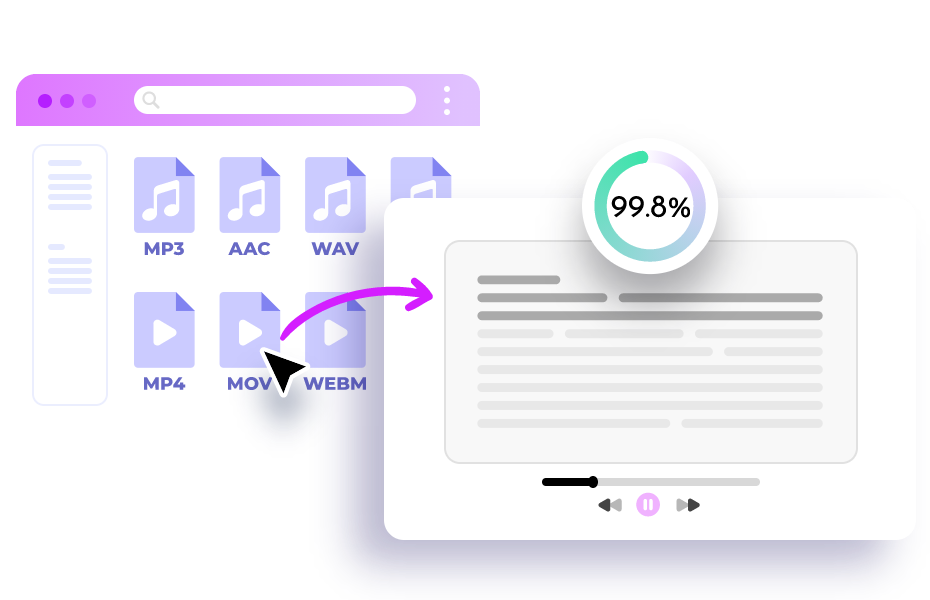
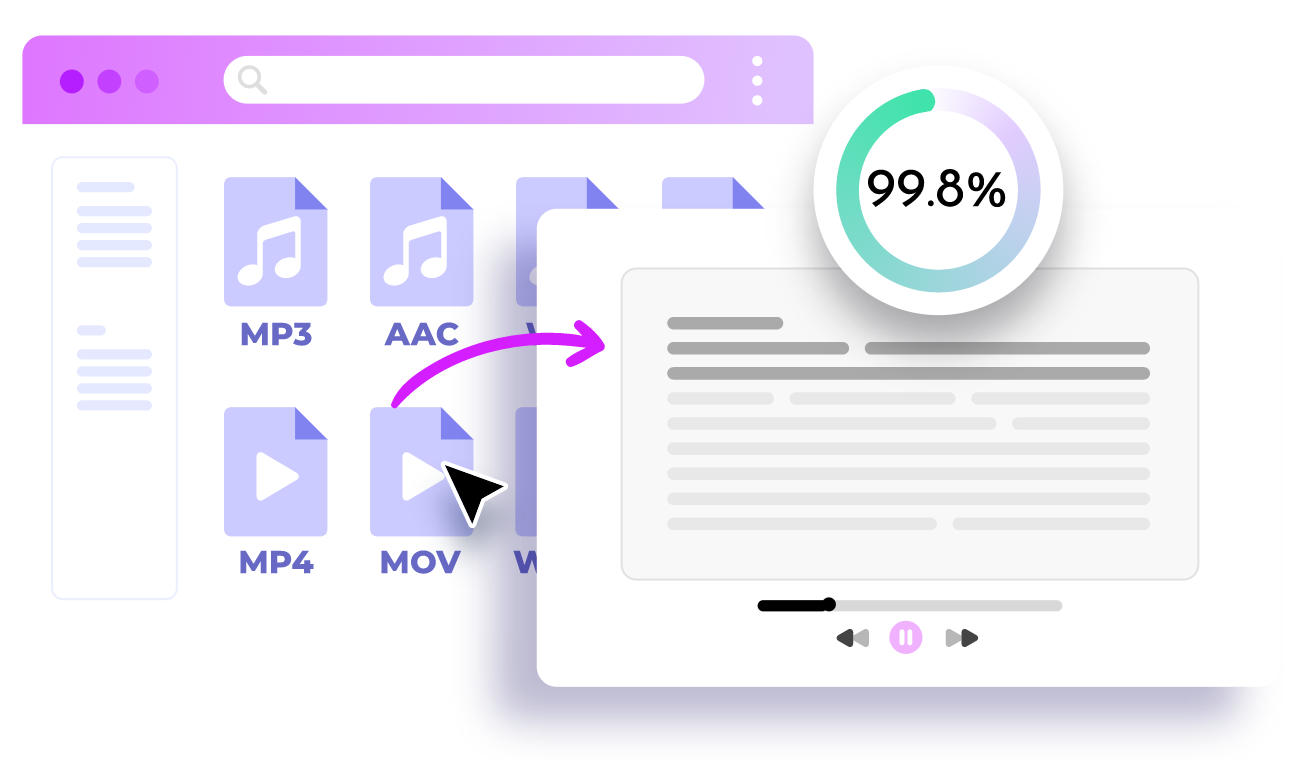
Free AI tool with a really high 99.8% accuracy
A 30-minute-long video allowed
Mainstream language text file type support
Easy free text share and download
Cons
No Facebook video link to text function
Transcription download requires an account Sign up
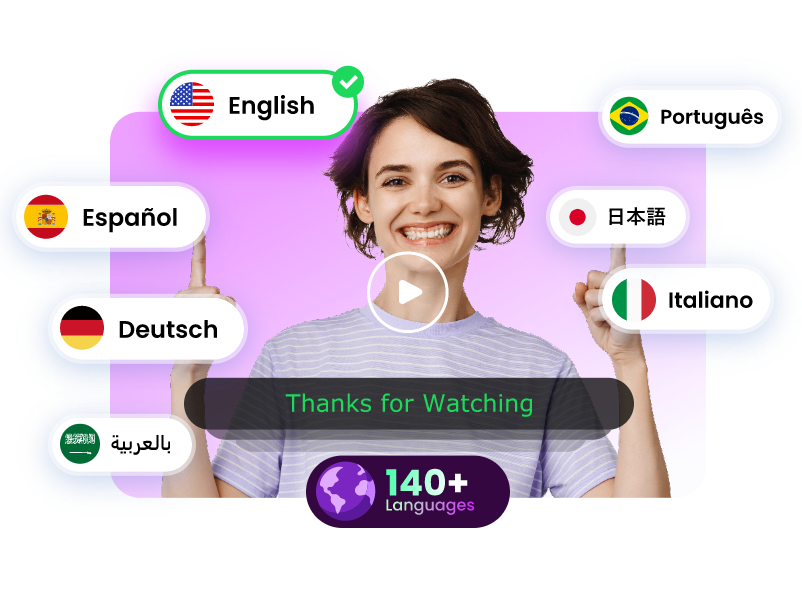
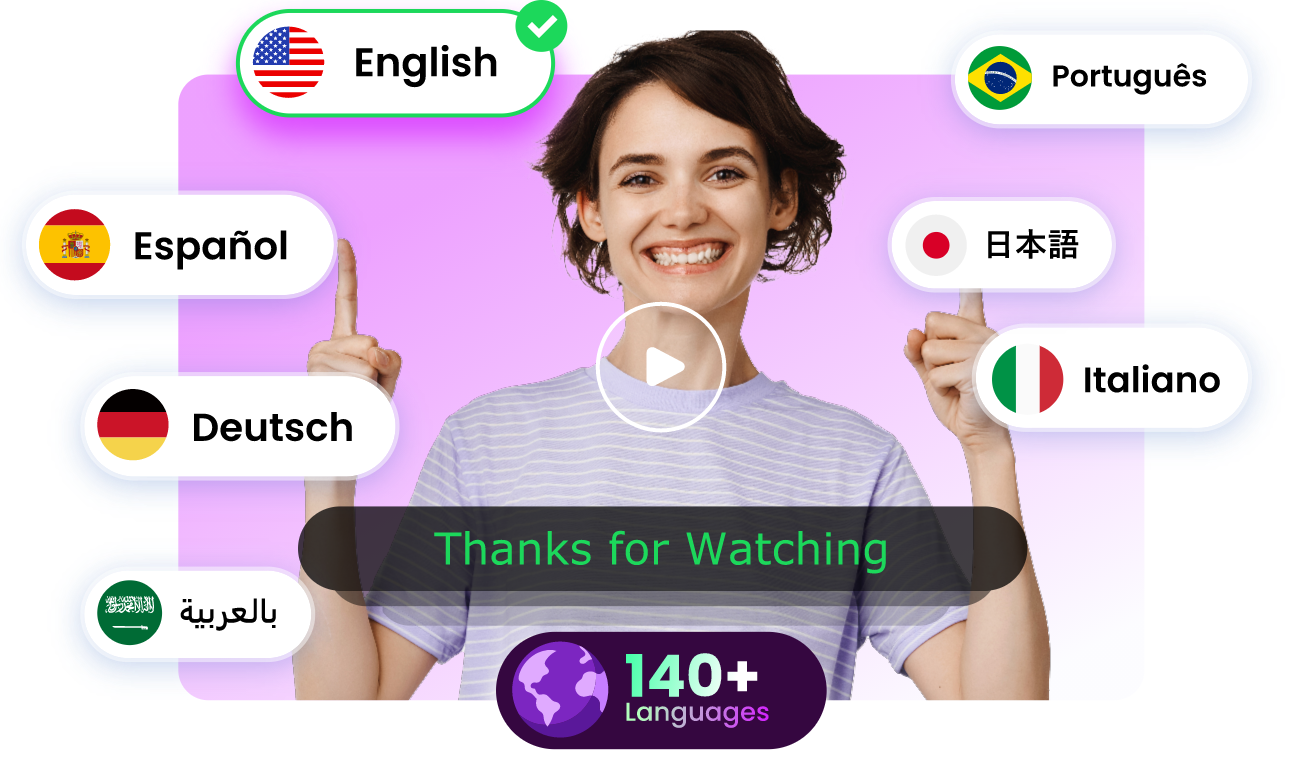
If you wish to directly translate a Facebook video, you can use the Free AI Video Translator of Vidnoz. It supports over 140 languages with natural voice cloning, preserving the authentic speaking style. It also allows an upload of up to a 500 MB file.
Translate Videos in One Click with AI - Free
Instantly translate local files and video URLs in 1 minute.
Accurate translation in 140+ languages for global reach.
Perfect lip sync and speech rate for authentic results.
Best for: Getting and repurposing the Facebook video transcript
Sign-in: Yes | Accuracy: 98.5% | Language: 30
Want a quick transcript of a Facebook video? Use the Vizard Video To Text Converter. Compared to other general video transcription tools, this great tool offers a chance to get and leverage the Facebook video transcript at one go. It supports files up to 1GB in length, with a maximum duration of 1 hour, in its Free version.
Pros
Fast video upload and transcribing speed
Editor-style dashboard for further edits or video creation
Supports multiple file formats
Cons
The .srt subtitle file download is not free
Requires an upgrade to the paid version for bigger file uploads
Transcribe Any Audio to Text with AI - Free
Ultra-fast transcription for any audio at one click
Best for: Content creators globally, requiring more language options
Sign-in: Not required for usage | Accuracy rate: 99.8% | Language: 125
Veed Video to Text offers a quick Facebook video transcript with a higher transcribing rate. It also supports over 125 languages, with highly accurate transcription results. It also automatically adds subtitles to the transcript of a Facebook video. The free version comes with a Veed Watermark on the downloaded file.
Pros
Offers really fast transcription
Provides edit options during transcription
Cons
The Facebook video link is not supported now
10-minute limit for a trial version
Free download of transcribed video requires Signing Up
#5. Evernote Link to Text
Best for: Converting both finished or real-time recorded Facebook audio to text
Sign-in: Not required | Accuracy rate: 95% | Language: 50
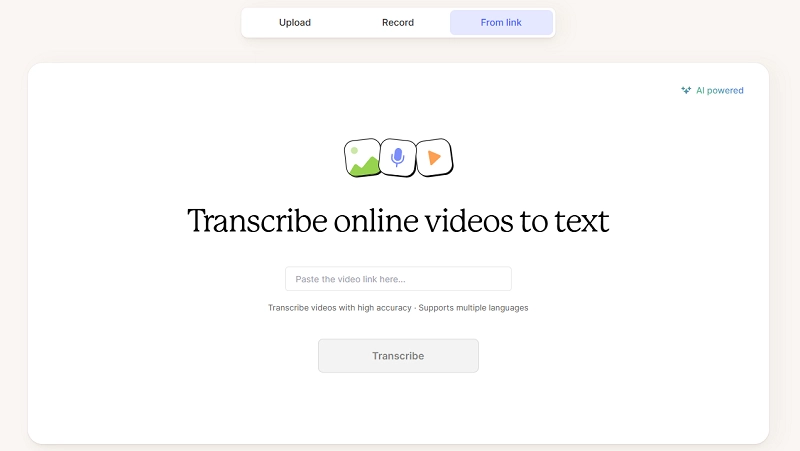
Evernote AI Transcribe supports transcription in over 50 languages, making it suitable for international users and multilingual teams. It offers fast transcription in its free trial, which lasts a week, with transcription support for a monthly 250MB file size. For extensive usage, you can upgrade to higher pricing levels, each labelled separately for Personal, Professional and Teams.
Pros
Transcribe Facebook video, audio or image
7 days free trial without limits
Cons
Requires Signing In with an email to download the transcribed file
For perfect accuracy and a highly user-friendly interface, Vidnoz AI audio/video to text converter is the ideal tool. It is free, with no signup required and supports 140+ languages with quick response.
In the absence of the internet, you may use great software or an app like CapCut to do the offline transcript work. However, the premise is that the video is stored locally. If one doesn’t have the original file, they need to download the Facebook video beforehand.
Yes. You may need to consider upgrading to premium service if you are transcribing too many videos or if the video is too long/big in size for free tools to handle.
Achieving 100% accuracy in AI-based transcription is challenging due to factors like background noise, accents, and overlapping speech. However, in controlled environments with clear speech and minimal background noise, AI achieves near-perfect accuracy, as demonstrated by tools such as Vidnoz AI and Facebook Transcript Generator.
Conclusion
Still wondering how to get a transcript of a Facebook video? Use any of the 5 tools mentioned above to get your desired results. Vidnoz AI Audio to Text still stands out as the easiest-to-use, free and highly accurate Facebook video transcript tool. You can use this tool to get an effortless transcription within minutes in your desired language. Doing a Facebook video transcription online and for free was never that easy before!
Griffin, a former software engineer and technology enthusiast, has over 5 years of writing experience about technology. He is always looking for and sharing tools that promote creativity, productivity, and teamwork.