The Cockney accent, noted for its lively charm and distinctive rhyming slang, is a cultural hallmark of East London. Whether you are producing audiobooks, video lessons or engaging presentations, it appeals to a wider audience and enables quick recognition.
So how to put a London accent to your project? No need to hire a voice actor, this article provides the best Cockney accent generator that can easily transform your static text into a lively expression full of charm and London street vibes. Let's dive in.
- On This Page
-
What is a British Cockney Accent?
-
5 Best British Cockney Accent Generators from Text
ElevenLabs - Realistic Cockney Accent Text to Speech Generator
Vidnoz AI Voice - Free Customized AI Voice Hub for Different Needs
Narakeet - 45+ Various British Accent Generator with No Sign-Up
Murf.ai - Lifelike British VoiceOver Maker with Collaboration Options
Vondy - Easy English Accent Generator with Customized Options
-
How to Generate Cockney Accent Text to Speech?
What is a British Cockney Accent?
The Cockney accent is a distinctive regional dialect associated with working class Londoners, characterized by an unique accent and dialect with occasional rhyming slang, quite different from standard British English. Examples include Dropped H’s (“hospital” becomes “ospital”); Vowel Shifts (“face” becomes “fes “); Glottal Stops (“butter” becomes “buh-er”); and Th- Fronting (“This” becomes “vis").
More than just a way of speaking, the British Cockney accent is regarded as a cultural specimen of working-class London, popularized in film, music, and literature. Those who speak with this accent are often portrayed as charming, humorous, and streetwise.
Now check out the Cockney accent voice generator list below to try text to speech free online.
5 Best British Cockney Accent Generators from Text
ElevenLabs - Realistic Cockney Accent Text to Speech Generator
What does a cockney accent sound like? Try ElevenLabs Text to Speech generator to produce high-quality speech with a pure Cockney accent. It employs state-of-art AI tech to easily capture the prominent features of London accented English, including unique pronunciation, vocabulary, and intonation patterns. Added to this, the natural pauses and proper rhythm make the voice sound like an authentic East Londoner, perfect for storytelling, educational and marketing content, and many other uses.
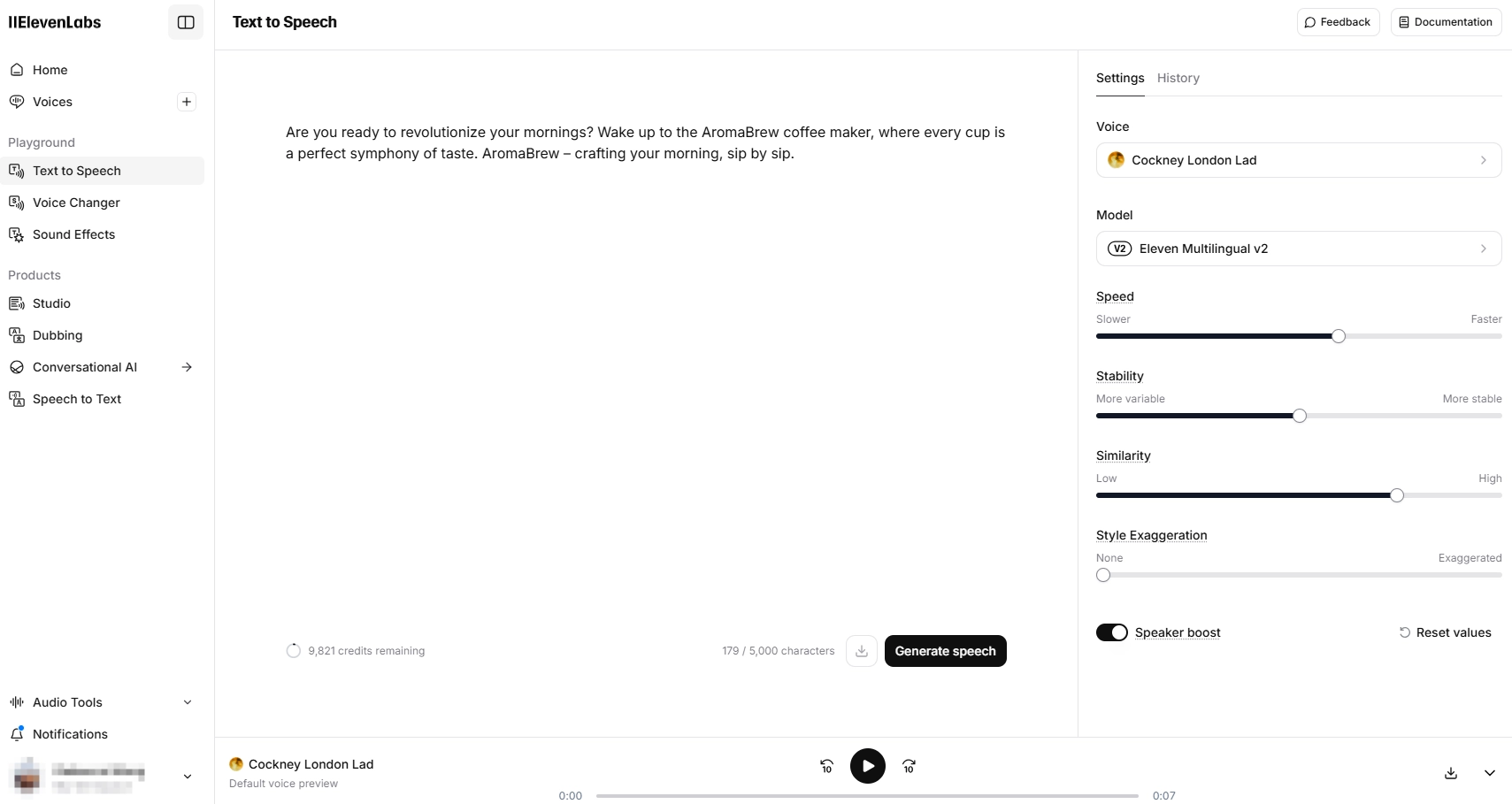
Main features:
- Intuitive interface for all skill levels.
- Dedicated British Cockney accent support.
- Customization options for diverse needs.
- Natural-sounding Cockney accent generation.
Vidnoz AI Voice - Free Customized AI Voice Hub for Different Needs
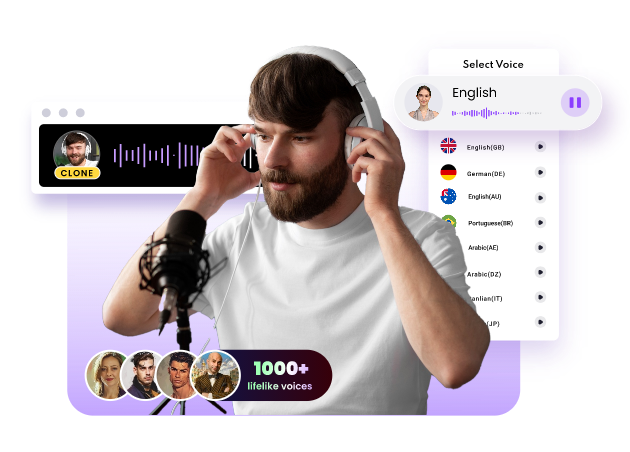
Experience the magic of AI voice with Vidnoz AI Voice. This all-in-one platform delivers several free AI voice tools like AI voice cloning, text to speech, AI dubbing and more. As for Cockney accent generation, you can go to Text to Speech, choose your desired voice from 1200+ options, input text and then easily convert into high-fidelity audio that accurately captures the Cockney accent. Moreover, this platform supports you to clone anyone's voice, which means you can generate a favorable cockney accent based on the uploaded audio files.
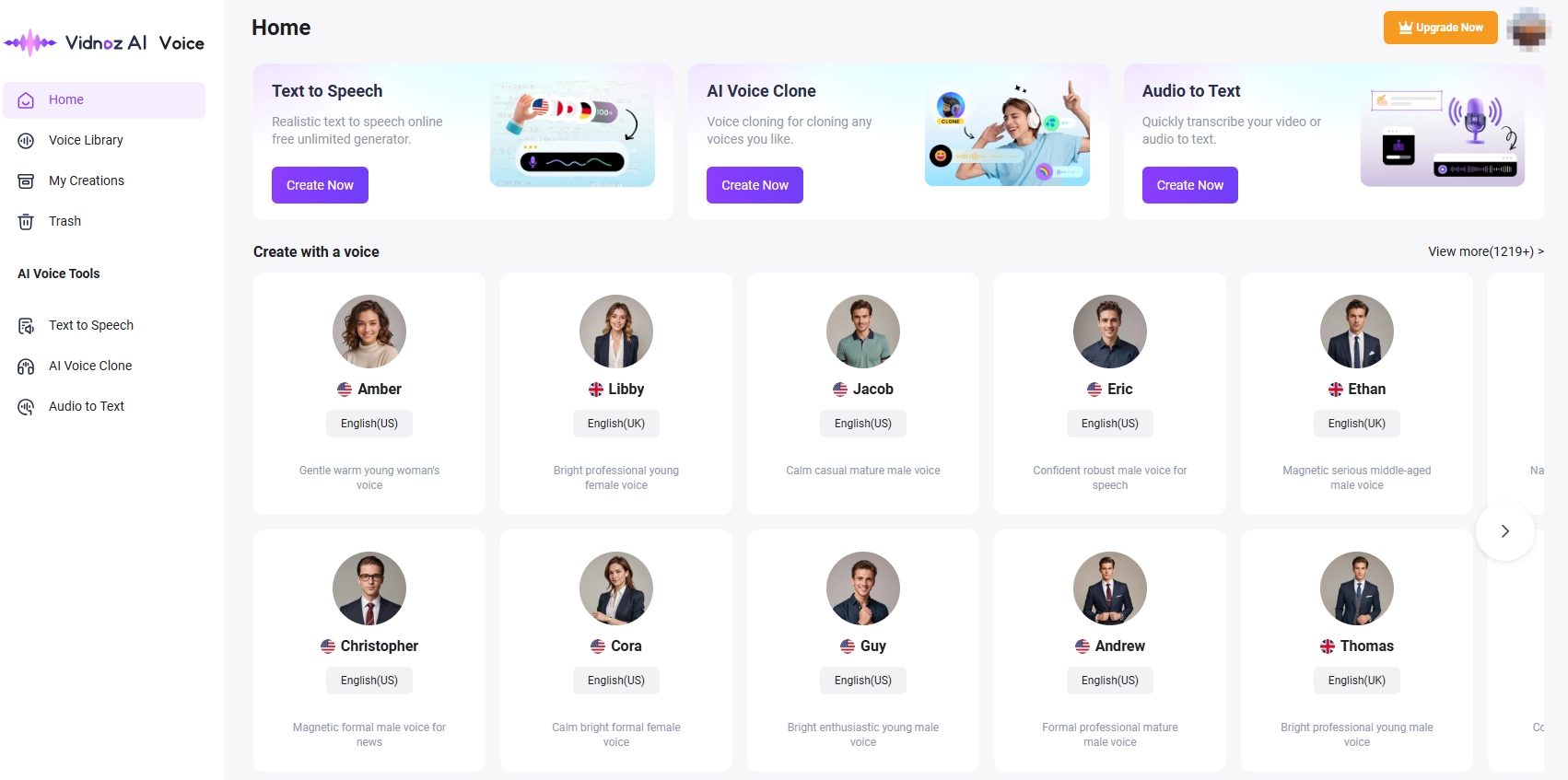
Main features:
- Provides access to add background music.
- 1200+ preset voices for assorted scenarios.
- High quality voice output with distinct accent.
- Full-featured AI voice hub caters to your every need.
Narakeet - 45+ Various British Accent Generator with No Sign-Up
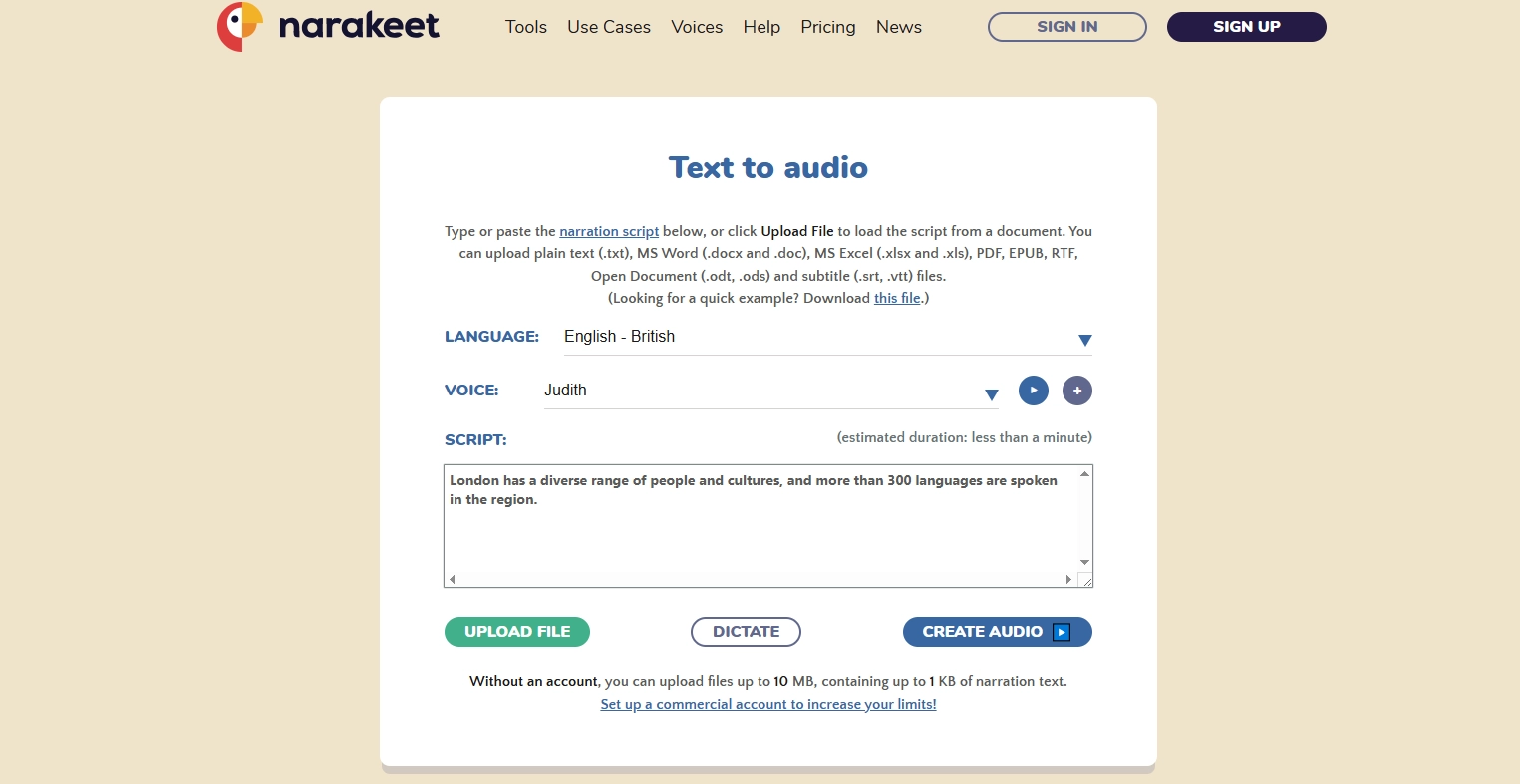
If you are looking for a straightforward Cockney accent generator with a soft learning curve, then Narakeet is for you. It has 46 British English Text to Speech voices, including different genders, age, and regional variants. You can easily experience the richness of the language, from formal tones to casual flair. In addition, it supports audio file generation in MP3, M4A, WAV these mainstream formats with no registration required. Easy to get started with Narakeet Text to Speech free.
Main features:
- Simple cockney voice generator with no sign up.
- Provides 800 text-to-speech voices in 100 languages.
- Quick audio generation in 3 audio formats.
- Free accounts support only 20 conversions.
How Old Do I Sound? Get Your Answer Here;1433
Murf.ai - Lifelike British VoiceOver Maker with Collaboration Options
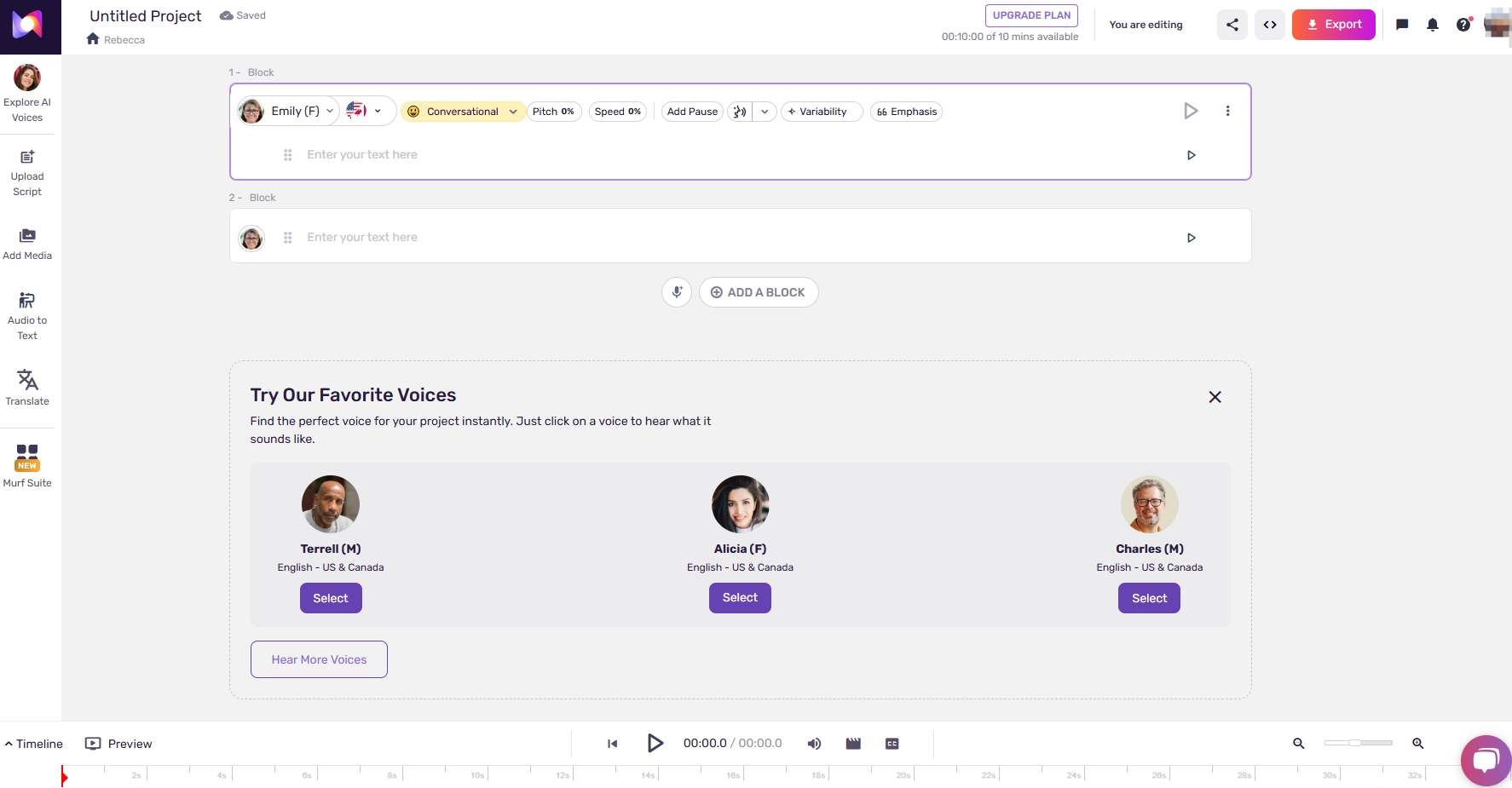
Murf.ai is a powerful British Cockney accent text to speech generator you can not miss. Pick a Cockney AI voice and you can easily create flawless British dubs with customizable features like Pitch, Speed, Pause, Pronunciation and Emphasis. Additionally, the collaboration feature enables you to share projects with others, follow up with feedback and track progress.
However, admittedly, this British voiceover generator requires a steeper learning curve to master most features compared to the other tools mentioned in this post.
Main features:
- Generates native British dubs.
- Scripts (.txt, .docx, .srt) uploading allowed.
- Support manage personal custom pronunciations.
- Collaboration feature for team work.
Vondy - Easy English Accent Generator with Customized Options
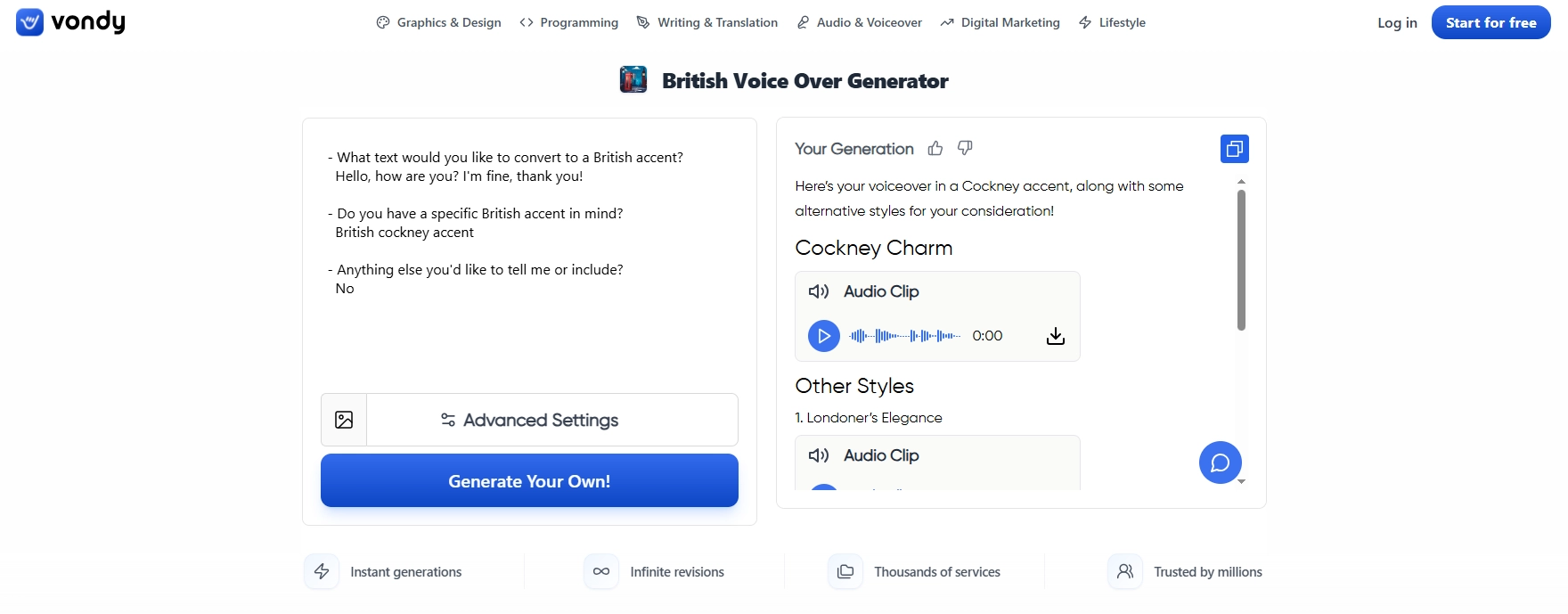
Another Cockney accent generator option is Vondy. With this online platform, you can easily convert any text into a British accent such as Cockney Accent, Scottish Accent, Received Pronunciation and more. You can further detail your requirements in the dialog box to refine the British voiceover output. Along with Cockney accents generation, it also offers some other alternative styles for your consideration. Just choose any of your favorites and download it for free.
However, advanced settings such as batch mode and advanced AI require registration.
Main features:
- Allows authentic British voiceovers creation.
- Clean UI that is easy to navigate.
- Provides alternative audio files to choose.
- Free daily credits for other advanced features.
How to Generate Cockney Accent Text to Speech?
You may already have a thorough understanding of the Cockney accent generator tools provided, so pick one and put it into practice to generate a British Cockney accent from text in seconds. Next is a simple step-by-step guide with Vidnoz AI Voice as a reference.
Step 1. Head to Vidnoz AI Voice hub, and sign up with your account.
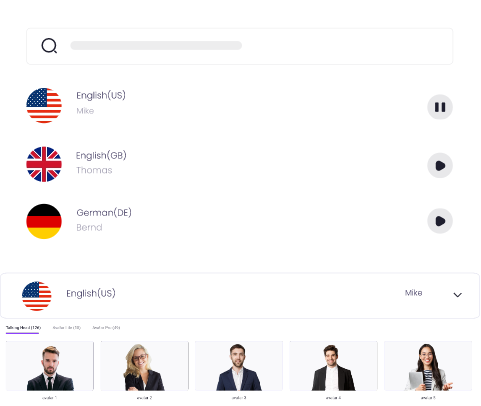
Step 2. Click Text to Speech on the right panel, select your preferred voice, enter the text and preset other settings (like voice options, background music) if you like. Then click Generate Audio to start.
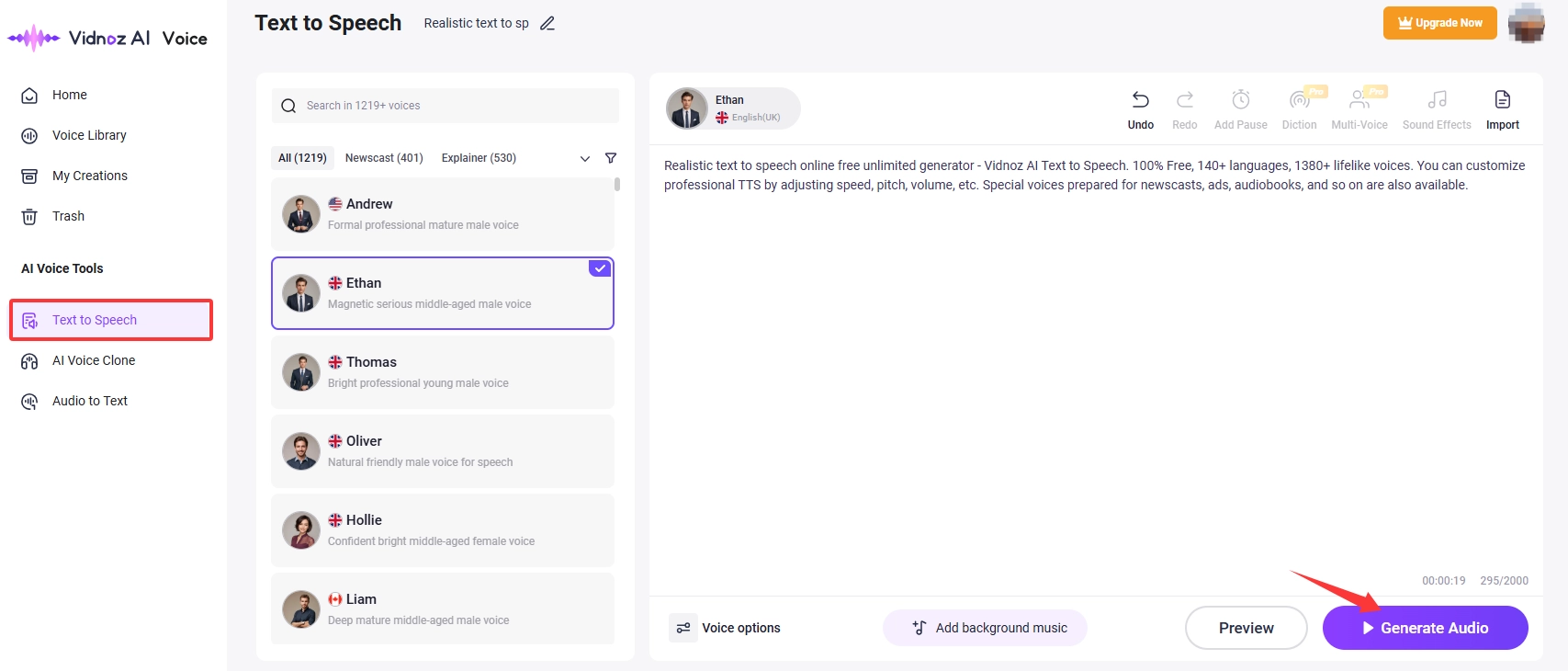
Step 3. In case you do not find a best-suited voice in the predesigned voice list, switch to AI Voice Clone. Upload the voice you want to clone, input text, and click Clone Voice Now.
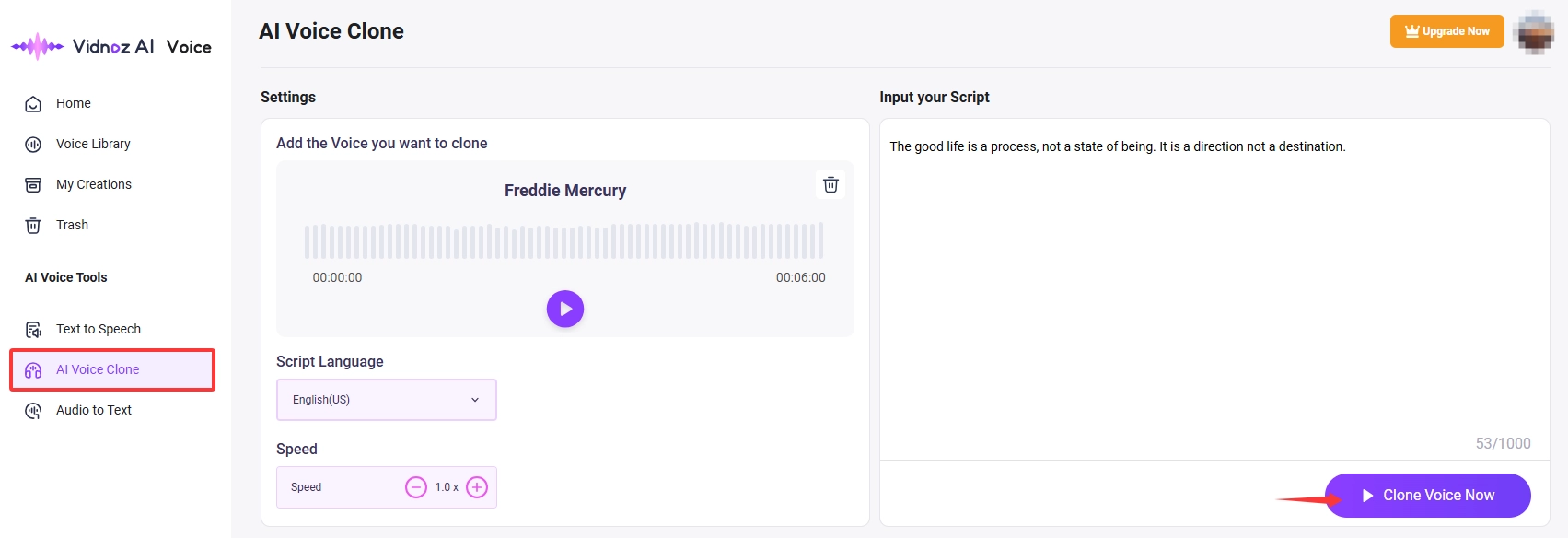
Step 4. Click Download to save it or share it with others.
Conclusion
Exploring British Cockney accents can be fun and culturally inspiring. You can try the Cockney accent generator to make your conversations more entertaining and easily capture the witty sonic essence of Cockney slang. Among the tools above, Vidnoz AI Voice is an excellent solution to transform text into Cockney accent, due to its ease of use, totally free service and custom AI voice support. Try Vidnoz and start your East London linguistic journey today.
Create Text-to-Speech AI Voices - FREE
Make natural voice text to speech in various languages, accents, and ethnicities. Try it free now!





![5 Best Jigsaw Voice Changers: Make You Sound Like Jigsaw [PC/Mobile/Online]](https://www.vidnoz.com/bimg/jigsaw-voice-changer.webp)