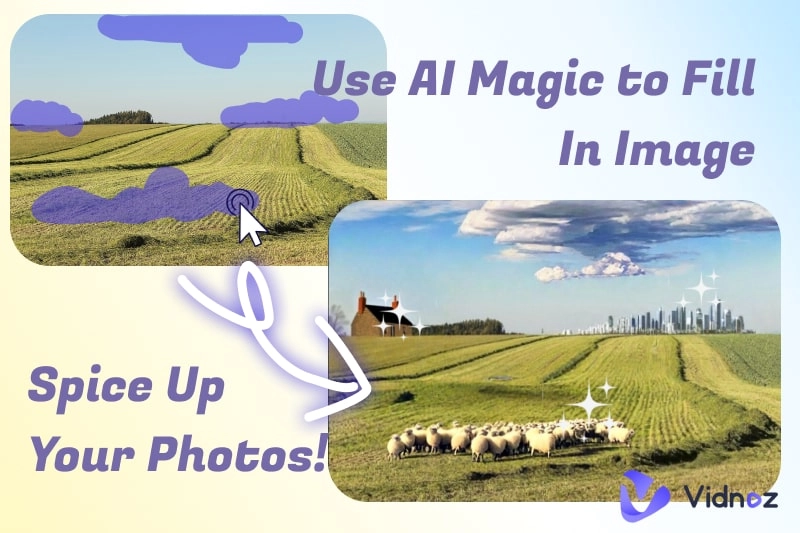
AI autofill image tools are transforming the way we edit photos. It is easy to expand a scenic view, restore a cropped shot, or add creative touches with these smart tools. The purpose of these tools is to extend or "fill in" missing parts of an image with realistic, AI-generated content. The tools restored clarity and details, just like magic.
In this guide, you’ll explore the 7 most popular free and easy-to-use AI auto fill photo tools. Additionally, a robust AI tool is here to learn more about your photos. Now let's begin!
- On This Page
-
1. Picsart AI Image Extender
-
2. Fotor AI Image Extender
-
3. Pixelcut Uncrop Tool
-
4. Perfect Corp AI Image Extender
-
5. Pixlr AI Generative Fill
-
6. Phot.AI Image Extender
-
7. Freepik AI Image Extender
-
Comparison of the 7 Best AI Auto Fill Image Tools
-
Clean Up Your Autofill Images with Vidnoz AI Image Remover
Steps to use Vidnoz AI Image Remover
1. Picsart AI Image Extender
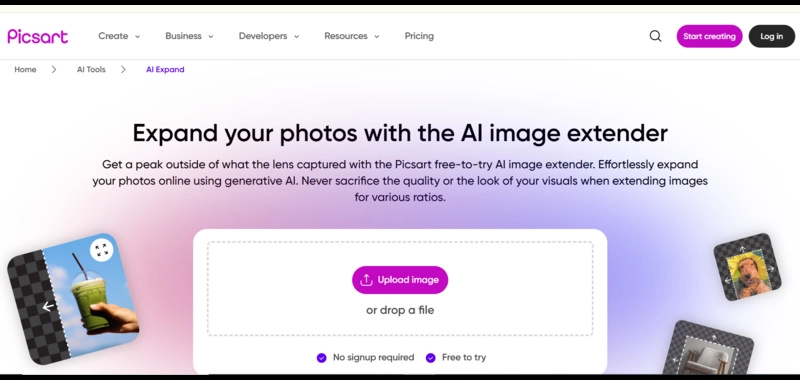
Picsart is popular for its intuitive interface and diverse editing features. Its AI Image Extender is integrated into its suite, making it easy to access after editing photos. This tool can automatically analyze the image context and expand your image accordingly without sacrificing quality. Picsart AI Image Extender uses artificial intelligence to generate new content and seamlessly blend it with the original. You can effortlessly extend your ordinary pictures for various ratios online for free. You can access this AI autocomplete photo tool directly from the browser.
Key Feature
- Smooth integration with other Picsart tools
- No need to sign up for the tool
- Flexible size adjustments
- Beginner-friendly interface
2. Fotor AI Image Extender
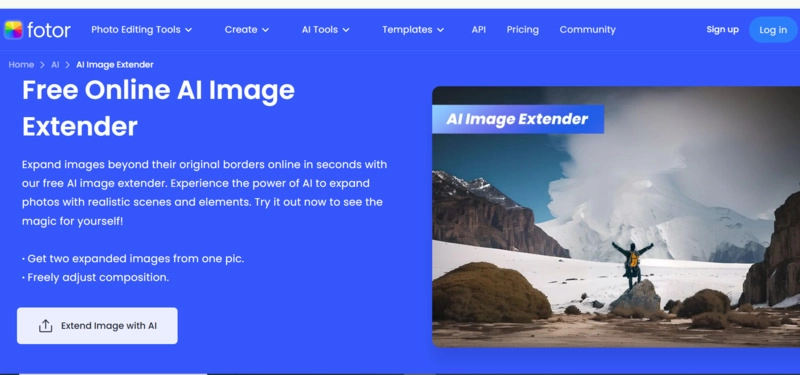
Fotor is a go-to tool for quick, professional edits, ideal for beginners. Its AI Image Extender creates expansions that look natural. This precision makes it the ideal tool for product photos, especially e-commerce and social media visuals. Using this free AI auto fill image tool, you can expand the image background beyond its original borders online in seconds. AI algorithms work smartly to extend photos with realistic, generative scenes and elements. You can effortlessly create two full images from a half image, controlling the direction of expansion. The tool doesn’t lose important details.
Key Feature
- High-quality AI results
- Great for e-commerce & social media visuals
- Simple, beginner-friendly interface
- Free AI Online Image Extender
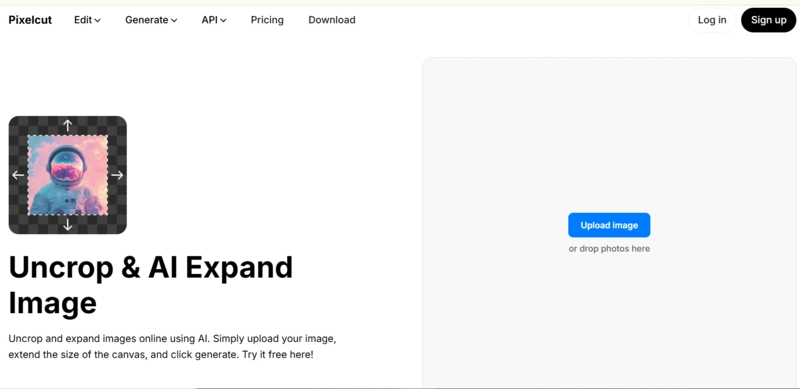
3. Pixelcut Uncrop Tool
Pixelcut is a simple, mobile-friendly tool. With the tool, creators can edit on the go. Its “Uncrop” tool helps resize images quickly for different platforms without losing detail. Social media creators who require quick resizing would love this function. With one click, you can uncrop your image and extend the canvas size to specific dimensions using Pixelcut’s AI Uncrop tool. You select your desired canvas size, and this AI autocomplete picture tool automatically completes the image’s background within seconds. When combined with editing tools like the Vidnoz Free AI Video Generator, you can animate your extended images, bringing static scenes to life.
Key Feature
- Mobile-friendly layout
- Quick resizing for social media
- Simple, fast, seamless workflow
- Free AI autofill tool
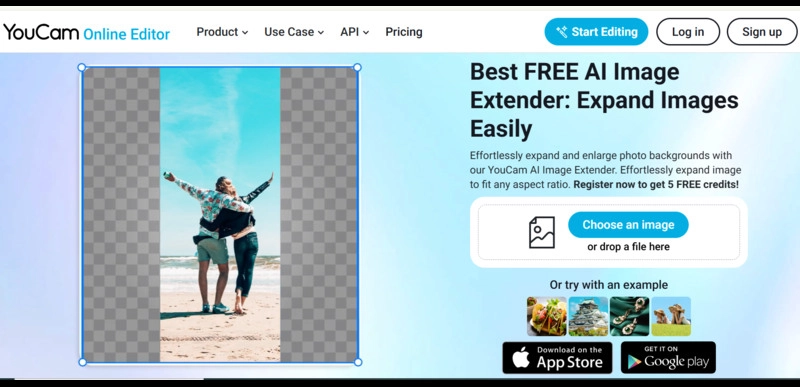
4. Perfect Corp AI Image Extender
Perfect Corp’s extender is a unique tool built for beauty and fashion photography. With remarkable accuracy, it preserves skin tones, fabric textures, and overall image quality. Advanced content-aware technology is integrated with AI autofill that effectively analyzes the image context. It generates a new context that matches the original style seamlessly. The tool fills missing details, extends borders, and ensures the seamless output of images. A free AI autofill generator, ideal for creating professional content, and is trusted by top brands.
Key Feature
- Beauty and fashion focus
- High-quality AI autopainting
- No watermark on the images
- Customize images with versatile ratio presets
5. Pixlr AI Generative Fill
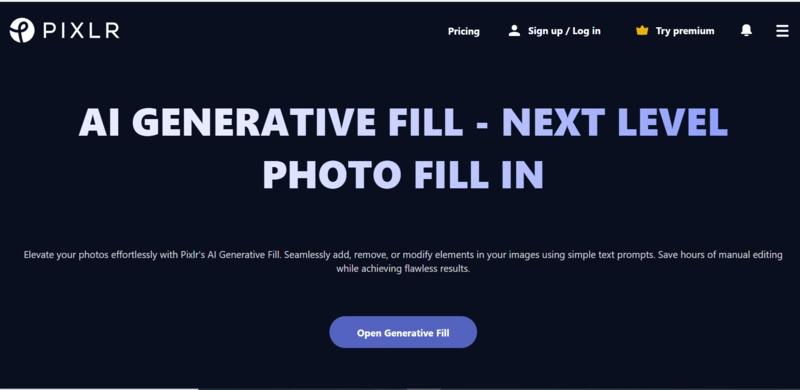
Pixlr offers a browser-based platform with a retro, easy-to-navigate interface that’s both simple and powerful. Its Generative Fill tool goes beyond extending borders to let users add, remove, or modify custom objects directly into their images using simple text prompts. The Generative Fill tool is fully free to use. Fashion brands can customize extended shots, tweaking outfits and styling without reshooting using this AI auto fill image tool. You can enjoy convenient and accessible editing anywhere at any time to achieve flawless results.
Key Feature
- Works entirely online
- Preserves color and detail
- Adds custom elements
- AI autofill tool with a retro and easy interface
6. Phot.AI Image Extender
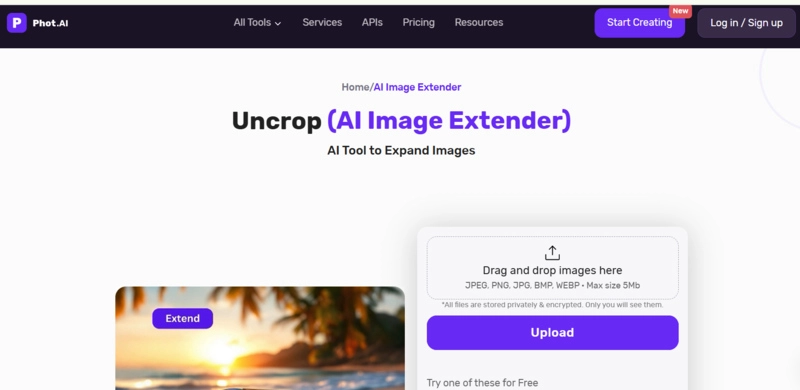
Phot.AI is a tool built for precision, favored by photographers and graphic designers. Its AI autocomplete picture technology can handle complex images with many details. It intelligently autofills group shots, detailed landscapes, or intricate nature scenes. This AI Image Extender leverages advanced technology to restore cropped photos without compromising detail. You can effortlessly expand and enlarge photo backgrounds to fit any aspect ratio in seconds. AI autofill missing parts of an image and seamlessly blend them, providing natural and professional results. Its user-friendly interface makes it perfect for anyone needing high-quality, realistic image extensions without location constraints.
Key Feature
- High-detail accuracy
- Handles complex edits
- Professional-grade results
- One-click processing
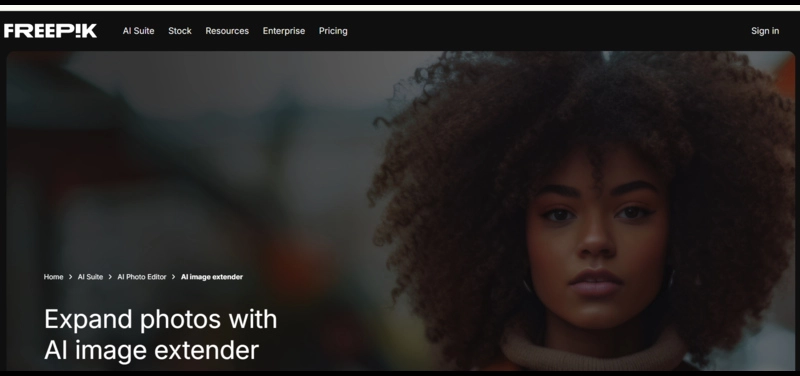
7. Freepik AI Image Extender
Freepik is a trusted resource for free stock photos, now with an AI extender to help you customize stock images. Freepik’s AI Image Extender enables you to tailor stock photos to your specific needs. With access to its massive stock library, you can extend, crop, and adjust images that perfectly match your brand. Utilizing advanced content-aware technology, this AI auto fill photo tool blends extended backgrounds, extra space, or scenery with your original photo, delivering flawless results tailored to your needs. It is perfect for bloggers or small businesses who want to create custom branded visuals that fit any aspect ratio while keeping crisp quality.
Key Feature
- Access to the stock library
- Customizable extensions
- One-click image extension
- Great for branding
Comparison of the 7 Best AI Auto Fill Image Tools
Before delving into which tool is best suited to your needs, consider this quick checklist to help you evaluate the tool based on the most important aspects.
|
Tool
|
Ease of Use
|
Output Quality
|
Customization Options
|
Format Support
|
Free to Use
|
|
Picsart
|
High
|
Premium
|
Yes
|
JPEG/TIFF
|
Partially free plan with limited features
|
|
Fotor
|
High
|
Premium
|
Yes
|
JEPG, JPG, PNG
|
Limited free use
|
|
Pixelcut
|
Very High
|
Low
|
Yes
|
JEPG, PNG, JPG, HEIC
|
Yes, but limited use
|
|
PerfectCrop
|
Medium
|
Ultra HD
|
Yes, but limited
|
JPG, JPEG, PNG, TIF
|
Partially free
|
|
Pixlr
|
High
|
Premium
|
Yes
|
JPG, PNG, GIF, BMP, and TIFF
|
Yes
|
|
Phot.AI
|
Medium
|
Ultra HD
|
Limited
|
JPEG, PNG, JPG, BMP, WEBP
|
No free use
|
|
Freepik
|
High
|
Premium
|
Yes
|
JPEG, PNG, JPG, SVG formats
|
No
|
Clean Up Your Autofill Images with Vidnoz AI Image Remover
After using an AI autofill image tool, you might want to remove distracting objects, watermarks, logos, or blemishes. Vidnoz AI offers a powerful image background remover that works perfectly for this. Its ease of use and precision make it a popular tool. There is no detail loss, blurring, noise, or quality compression. This tool cleans up your autofill images in no time, producing accurate and natural-looking results.

Vidnoz AI - Create Free Engaging AI Video with Talking Avatar
- Easily create professional AI videos with realistic avatars.
- Text-to-speech lip sync voices of different languages.
- 2800+ video templates for multiple scenarios.
From uploading an image to background removal, the entire process is super easy. Vidnoz background remover utilizes AI to erase unwanted objects, figures, people, watermarks, text, or blemishes from autofill images. All you need to do is upload a photo. AI algorithms handle everything efficiently. After removing the background, you can try the AI Image Combiner tool to combine different images, making your design more creative.
Just try this 100% free AI background remover now and get high-definition PNG images with a transparent background in seconds. Here is how to use it to remove objects from the image.
Steps to use Vidnoz AI Image Remover
Step 1: Go to Vidnoz Image Background Remover and upload your image by clicking the ‘Upload Image’ button.
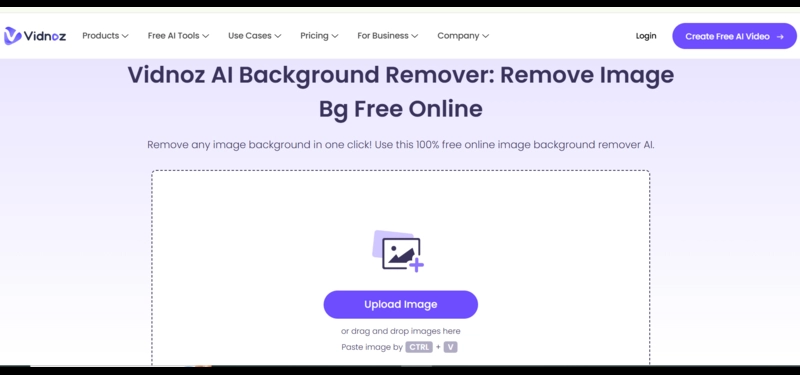
Step 2: Once you upload the image, no need to click any button. AI starts processing instantly.
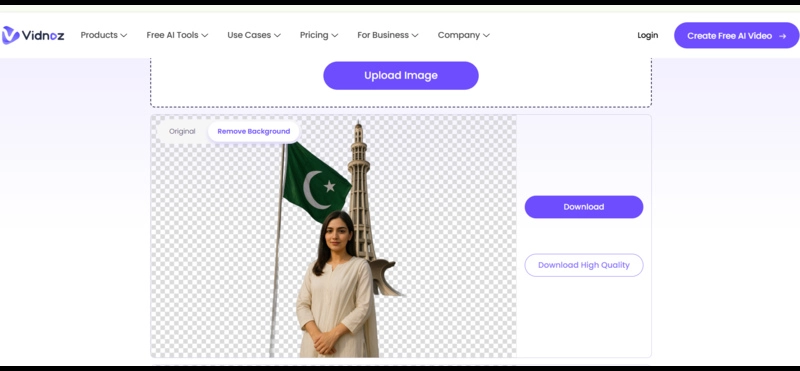
Step 3: Once the image background is removed, click the ‘Download’ button to download the clean image.
You can also try Vidnoz Image to Video AI to turn your still image into a motion video online for free.
Convert Image to Video AI Online - Free
- Create a video from an image quickly for free.
- Use various AI models to turn photos into videos.
- Download and share the AI-generated video at no cost.
Convert Image to Video
Final Thoughts
Now, AI autofill tools have made image editing faster, easier, and more creative than ever. These tools are a game-changer for creatives, marketers, and casual editors. In seconds, you can extend and customize images using any image extender without advanced skills. Experiment with the seven tools above to see which fits your style, and don’t forget to pair your extended images with Vidnoz's AI Image Remover for the perfect look. Vidnoz AI is a complete creative platform that offers everything from background removal, AI clothes changer, to AI auto fill photo perfection. Try it now and refine results with AI like a pro.