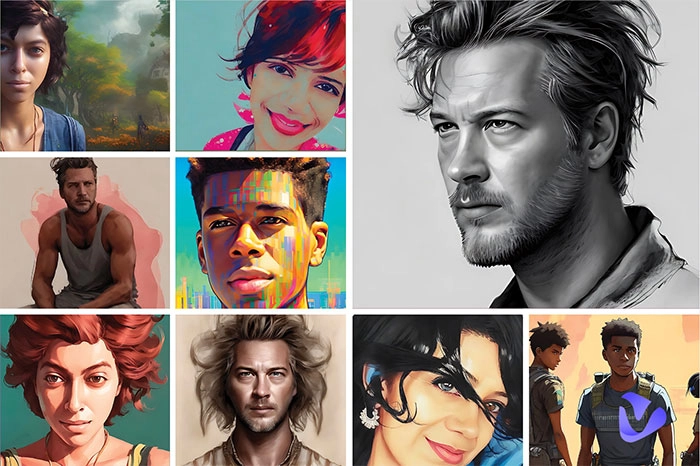
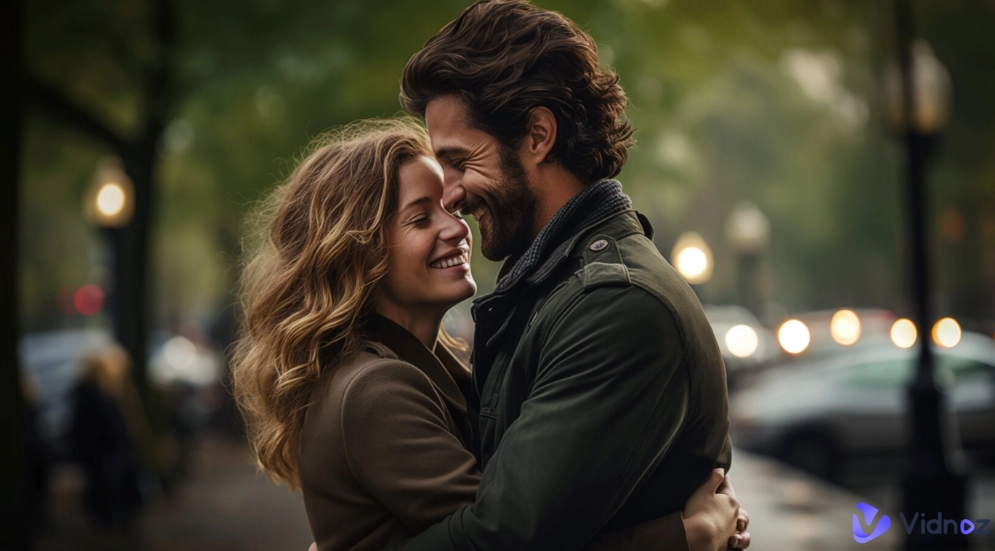
AI generated action figures are currently on the rise, mostly because it feels special and shareable. With no cost or studio setup, people can easily get the fun of toy photography. In a few minutes, users can turn any image into a collectible “mini” 3D figure.
If you want to join in the AI action figure trend, read on. Let’s discuss what the trend is and explore the 4 AI action figure generators to make your own AI action figures.
- On This Page
-
What Is AI Action Figure Trend? Why Is It Favored?
-
Examples of AI Trend Action Figures
-
Try 5 Best AI Tools to Keep Up with AI Action Figure Trend!
1. Gemini: Generate AI Action Figure Trendy Images from Prompts
2. Fotor: Multiple Image Effects to Turn Your Photos into AI Action Figures
3. YouCam Perfect: Craft AI Figure on Mobiles with an Editing Agent
4. Clipfly: Preset AI Action Figure Image Templates to Convert Image Styles
5. Pollo AI: Turn an image to an AI Action Figure Video
-
How to Create an AI 3D Action Figure with Gemini
-
Bonus Tips: Animate AI Generated Action Figures with 3 Free AI Tools
Tip 1. Simply Make Your AI Action Figure Move
Tip 2. Let Your Action Figure Dance in Seconds
Tip 3. Make Your AI Action Figure Talk Like a Real Man
What Is AI Action Figure Trend? Why Is It Favored?
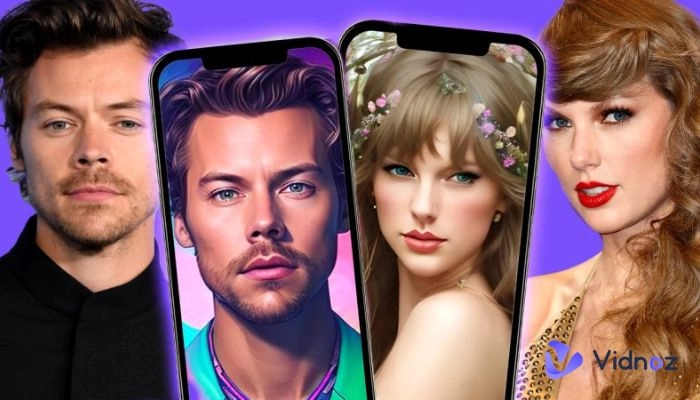
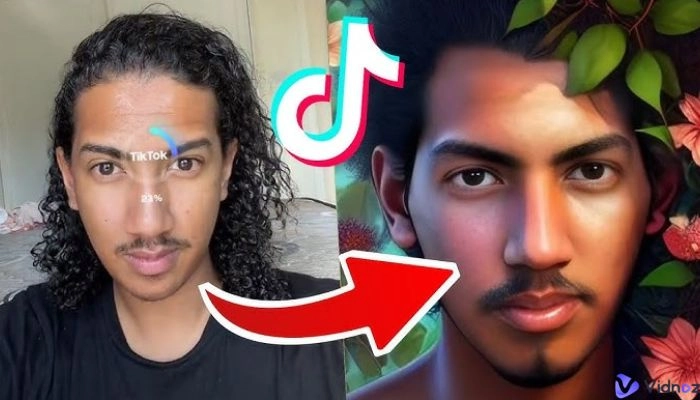
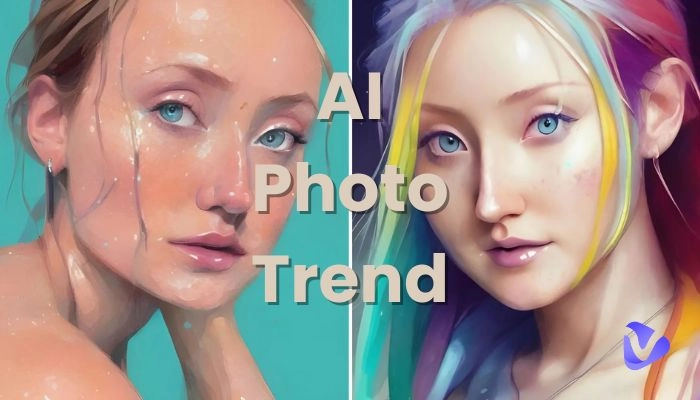
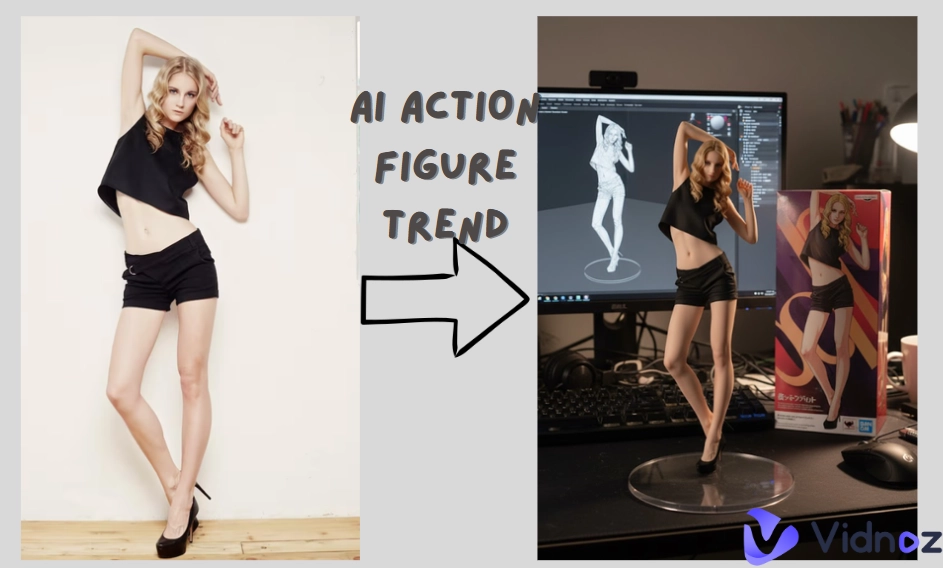
The AI action figure trend refers to the online AI trend that transforms a photo into a collectible‑style figurine with AI action figure generators. Tools can turn the uploaded image to a mini 1/6‑scale model on a desk or acrylic stand, often with a branded‑looking box or a 360° orbit shot. People love the AI action figure trend for it blends characteristics of toy and real life person, making it easily shareable on TikTok and Instagram.
Examples of AI Trend Action Figures
Here are 3 common AI trend action figure examples.
Example 1. AI trend action figures from real life photos.
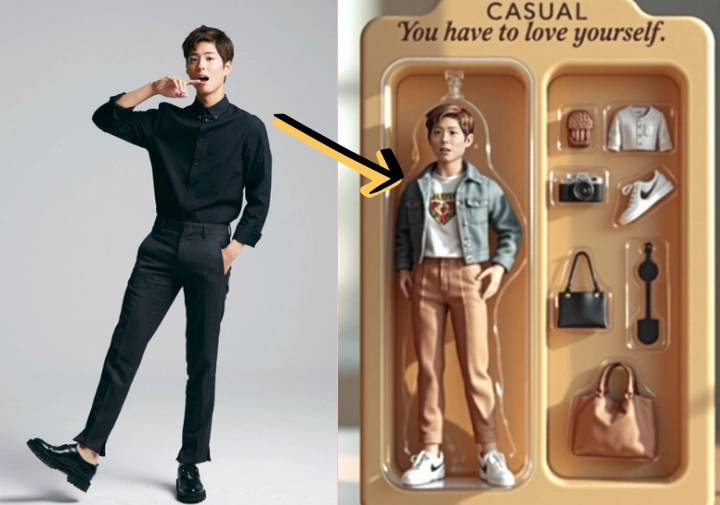
Example 2. AI generated anime action figure images.
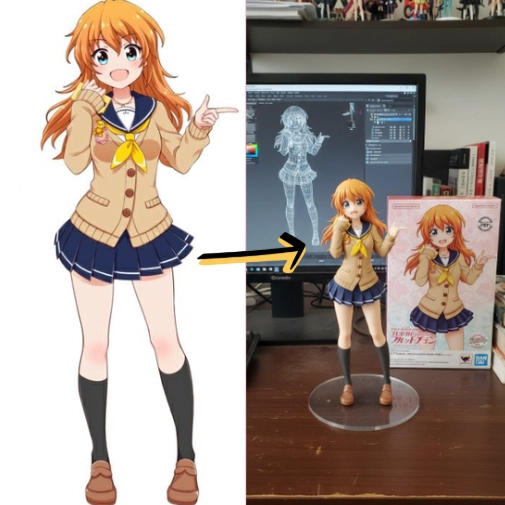
Example 3. AI dancing action figure video.
Vidnoz AI - Create Free Engaging AI Video with Talking Avatar
- Easily create professional AI videos with realistic avatars.
- Text-to-speech lip sync voices of different languages.
- 2800+ video templates for multiple scenarios.
Try 5 Best AI Tools to Keep Up with AI Action Figure Trend!
How to do the AI action figure trend? Here are some of the best AI action figure generators you can try for making your own unique AI action figures and follow the online AI trend with ease.
1. Gemini: Generate AI Action Figure Trendy Images from Prompts
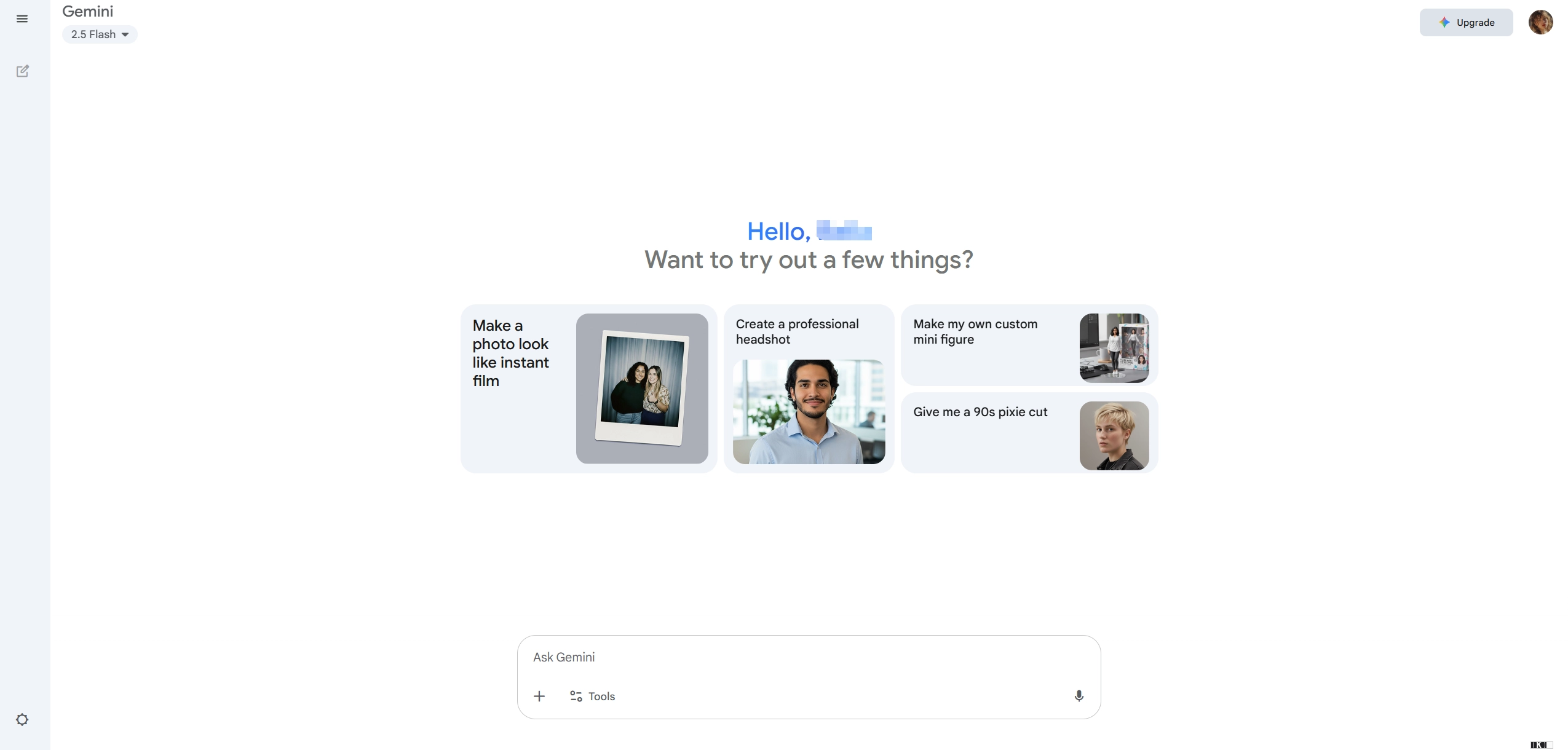
Looking for a high-quality AI action figure generator? Gemini can be a worth-trying option for you to generate your ideal AI action figure with no hassle. With the release of Gemini’s latest model family (the “2.5” series), fast multi-modal creation is available in the Gemini web app. Simply upload the target image, add the action figure AI trend prompts as precisely as possible, then the users can get a wonderful image to follow the AI action figure trend. Besides, it can also improve results by iterating on the entered prompts.
Key Feature
- Multi-modal prompting with images uploaded.
- Fast image generation via Gemini 2.5 AI model.
- Modify or regenerate the images to get the best results.
2. Fotor: Multiple Image Effects to Turn Your Photos into AI Action Figures
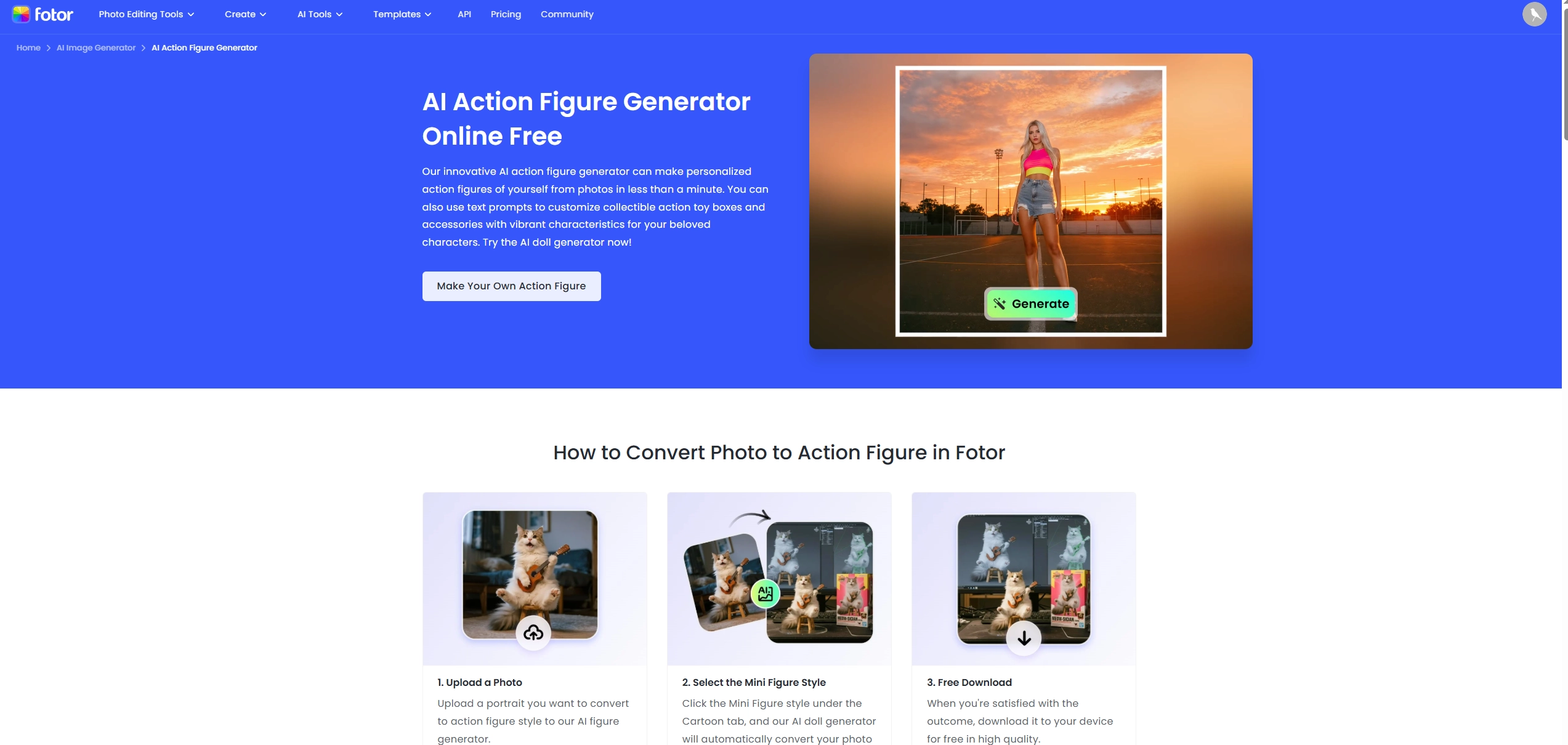
Fotor works as an easy AI trend action figure generator, which helps users to turn their own images to AI action figures with simple clicks. Users are provided with diverse style options, including Barbie style, Gardener, Gamer, Engineer, etc. To make the result much better, users are allowed to add some texts to guide the AI image generator. For people who want to make types of AI action figures, Fotor can be one of the best online AI assistants.
Key Feature
- One‑click for generating AI action figures.
- Multiple styles of AI action figure image effects are provided.
- Extra AI tools like background remover and simple mockups for art creation.
3. YouCam Perfect: Craft AI Figure on Mobiles with an Editing Agent
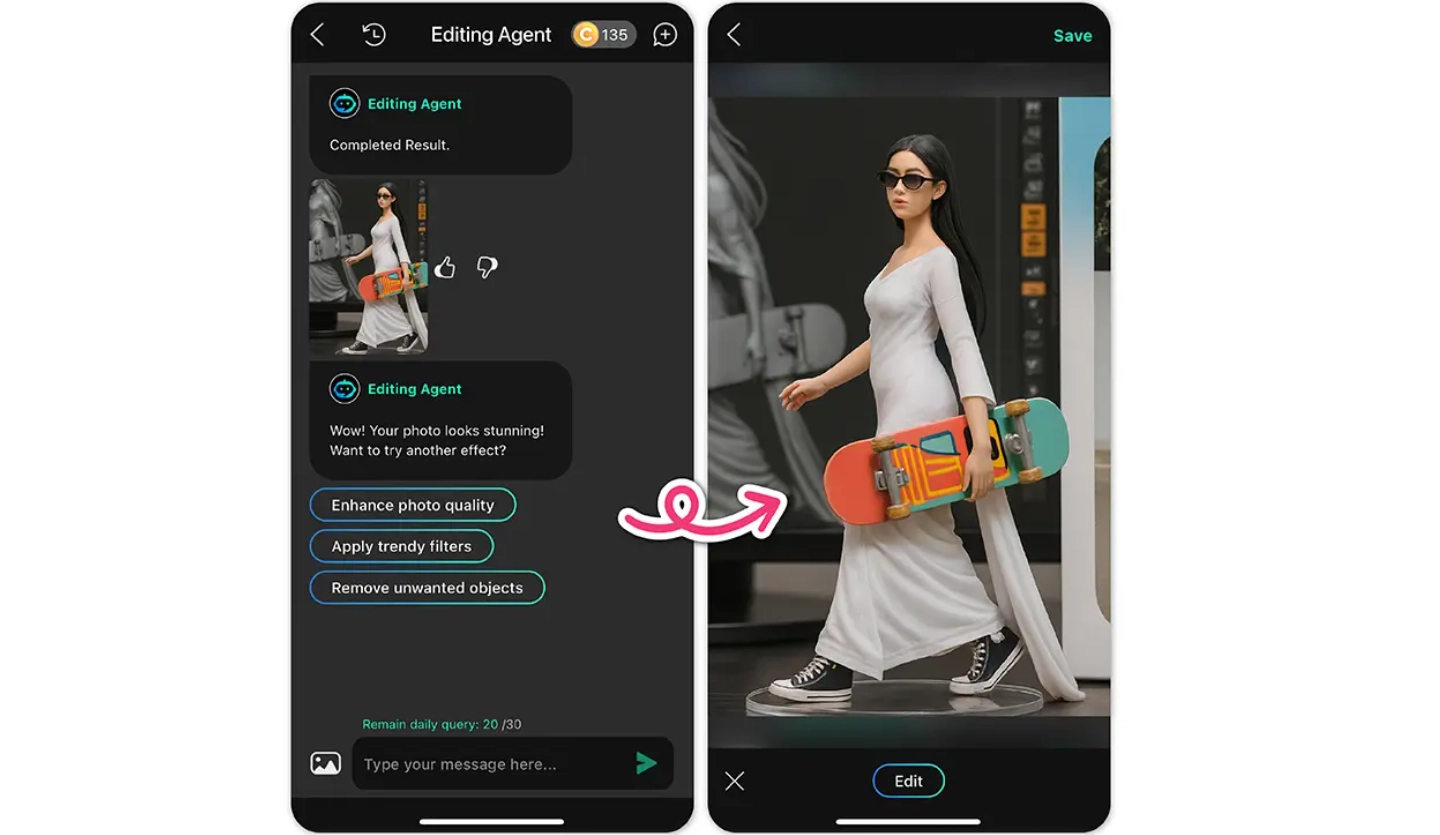
Prefer to work on your mobile phone? YouCam Perfect now provides an AI image editor that can identify the person in your uploaded photo and applies precise edits - ideal for quickly turning a portrait into an action figure AI trend image on mobile. Compared with other AI tools, it can not only convert the real life images to AI action figures, but also animate them with several AI images to video generators.
Key Feature
- A simple app that can edit images on mobile phones.
- Auto‑detects image subjects and applies targeted effects.
- Works well with detailed prompts for realistic 3D‑style “figurine” results.
4. Clipfly: Preset AI Action Figure Image Templates to Convert Image Styles
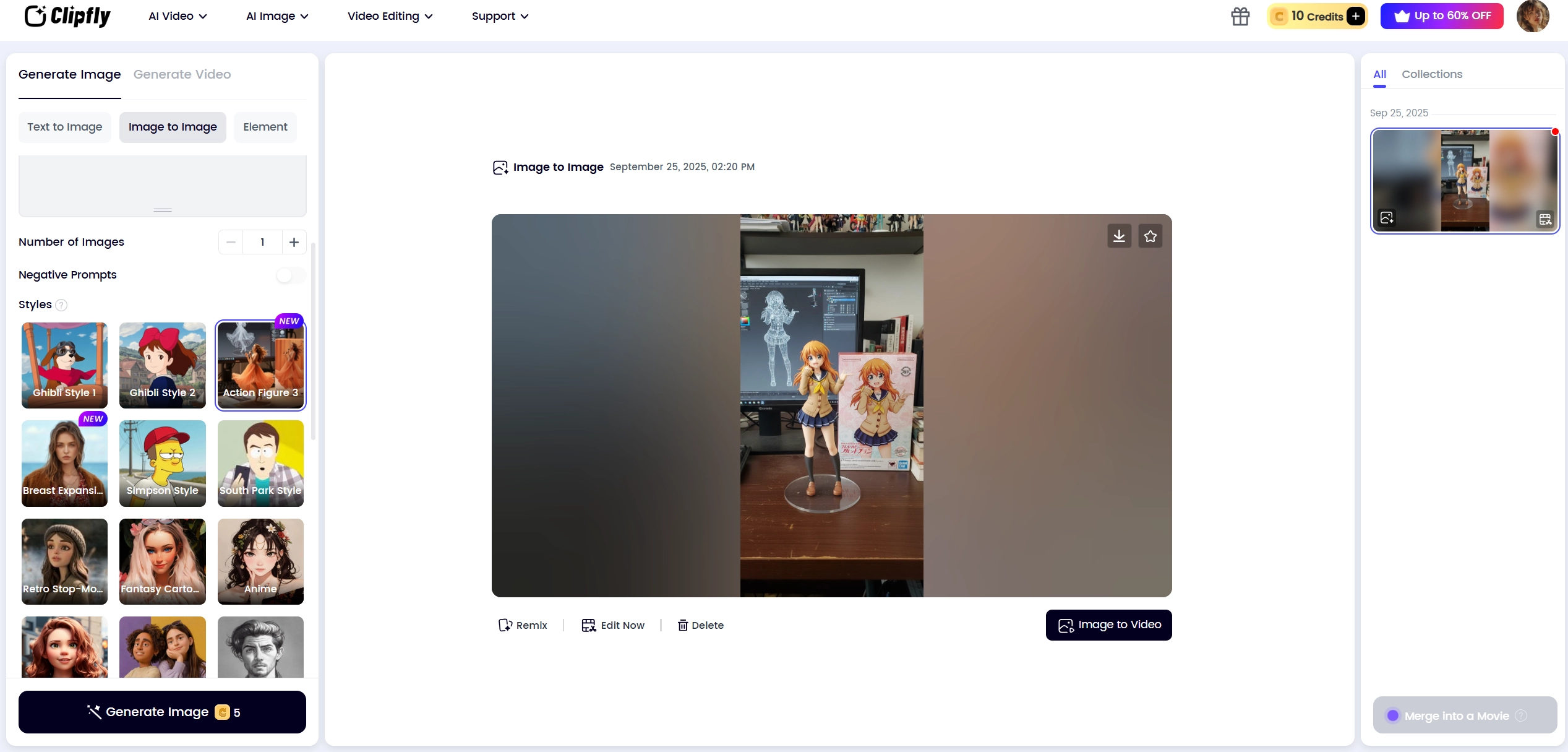
Clipfly offers both text‑to‑image and image‑to‑image AI modes for users to easily keep up with the AI action figure trend. Simply drop in an image and choose the provided action figure image style, then the AI will convert your image to AI action figure style within seconds. Since there are diverse image styles to select from, users can enjoy themselves by making types of AI art images.
Key Feature
- Image‑to‑image with ready image styles (Ghibli Style, Action Figure, Monet, etc).
- Both text‑to‑image and image‑to‑image models are available.
- HD downloads with diverse style options.
5. Pollo AI: Turn an image to an AI Action Figure Video
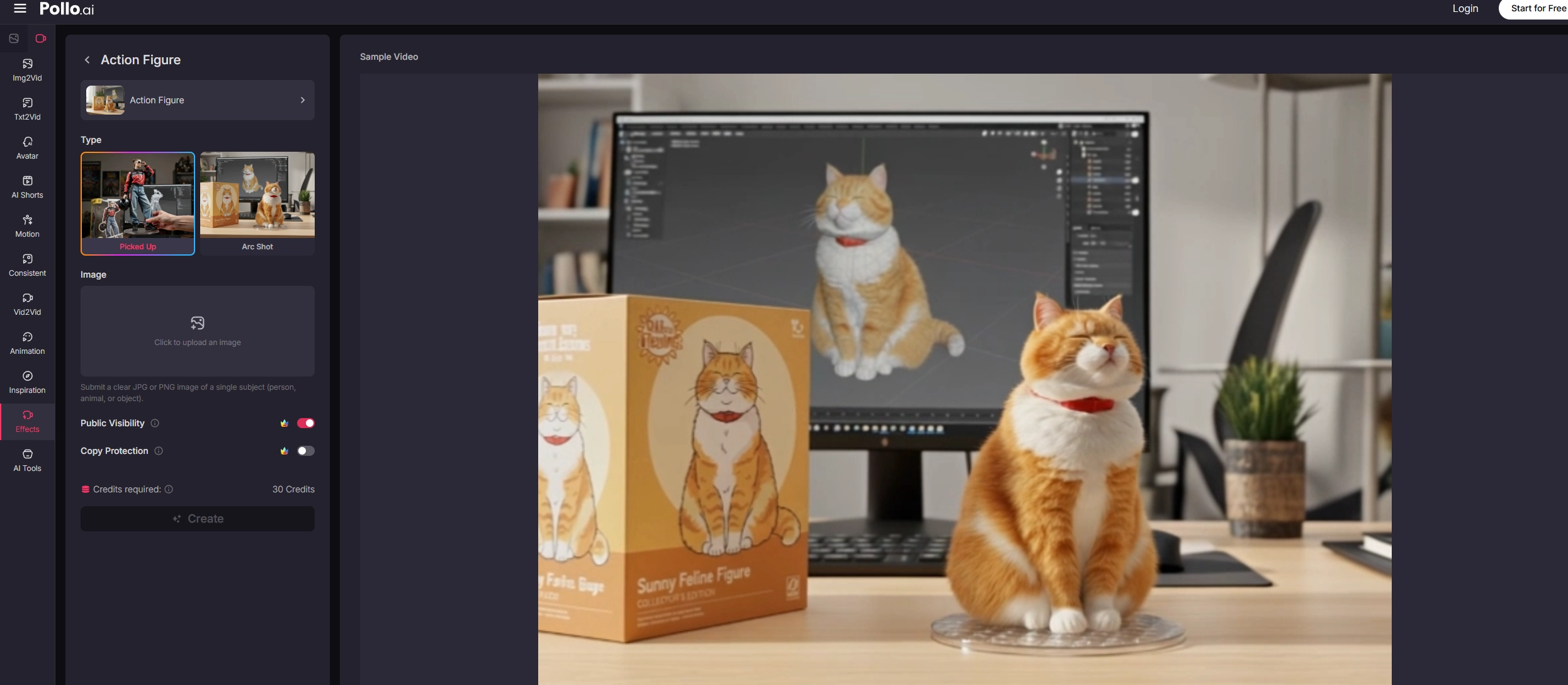
Want motion? Pollo AI trend Action Figure effect turns a single image into a short video that shows your image subject as a collectible figure. There are 2 types of AI action figure trend video templates: Picked Up and Arc Shot. You’ll find plenty of AI video effects on Pollo if you want to create other trendy AI videos, such as AI Hug, AI Halloween Special, etc.
Key Feature
- Two effect types: Picked Up and Arc Shot.
- Simple three‑step working process.
- Multiple AI video effects for funny video creation.
How to Create an AI 3D Action Figure with Gemini
How can you follow the action figure AI trend with Gemini? Here are the detailed steps for you to make an AI action figure with your own photo.
Step 1. Go to Gemini (https://gemini.google.com/app) and start a new chat. Choose an image‑capable model (e.g., Flash/2.5 series).
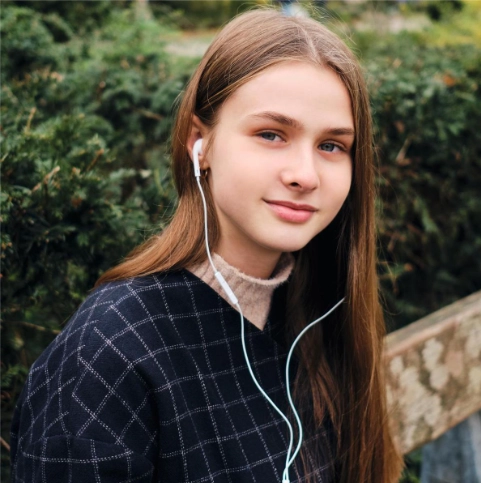
Step 2. Upload your photo with clear lighting and single subject.
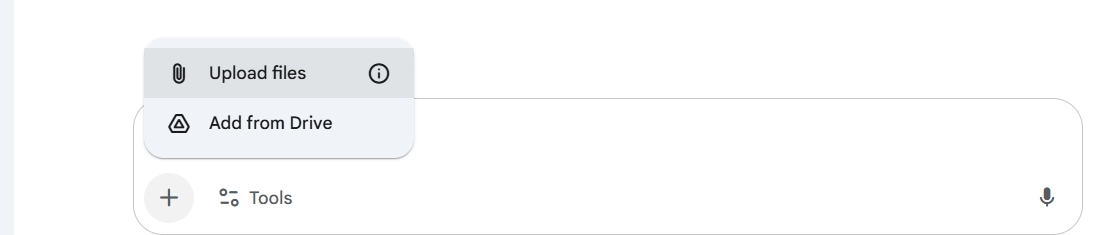
Step 3. Enter a detailed action figure AI trend prompt (example below).
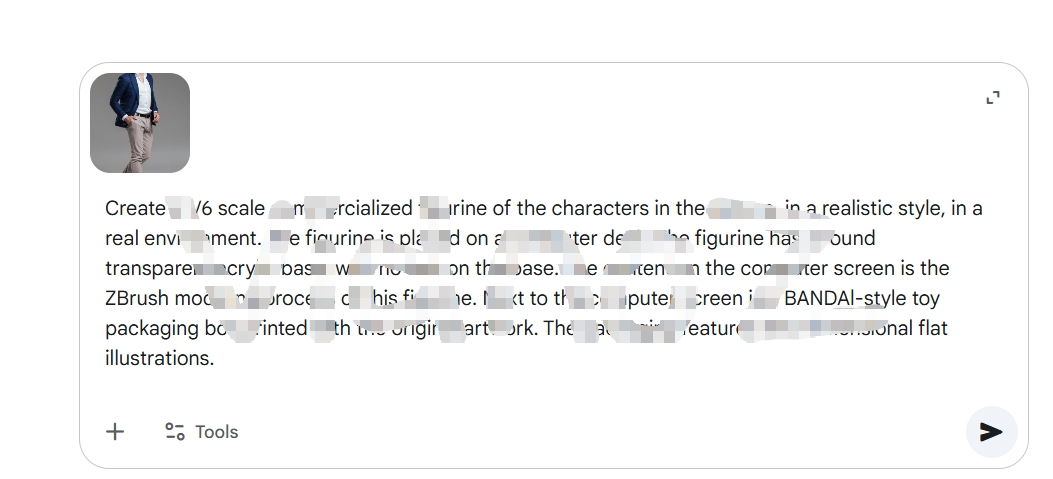
Step 4. Hit the submit icon to generate the AI action figure images. If you are not satisfied with the result, you can ask the AI to modify it.
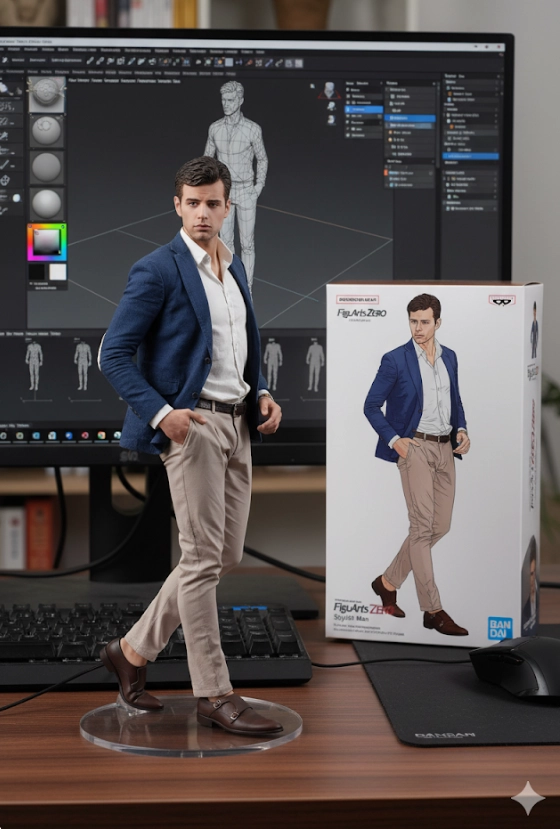
Bonus Tips: Animate AI Generated Action Figures with 3 Free AI Tools
Now that you’ve learned to make the AI action figure image, make it move. These add-ons are perfect if you’re wondering how to do the AI action figure trend end‑to‑end - image first, then motion. Each tool below is free to start and works in a few clicks.
Vidnoz AI - Create Free Engaging AI Video with Talking Avatar
- Easily create professional AI videos with realistic avatars.
- Text-to-speech lip sync voices of different languages.
- 2800+ video templates for multiple scenarios.
Tip 1. Simply Make Your AI Action Figure Move
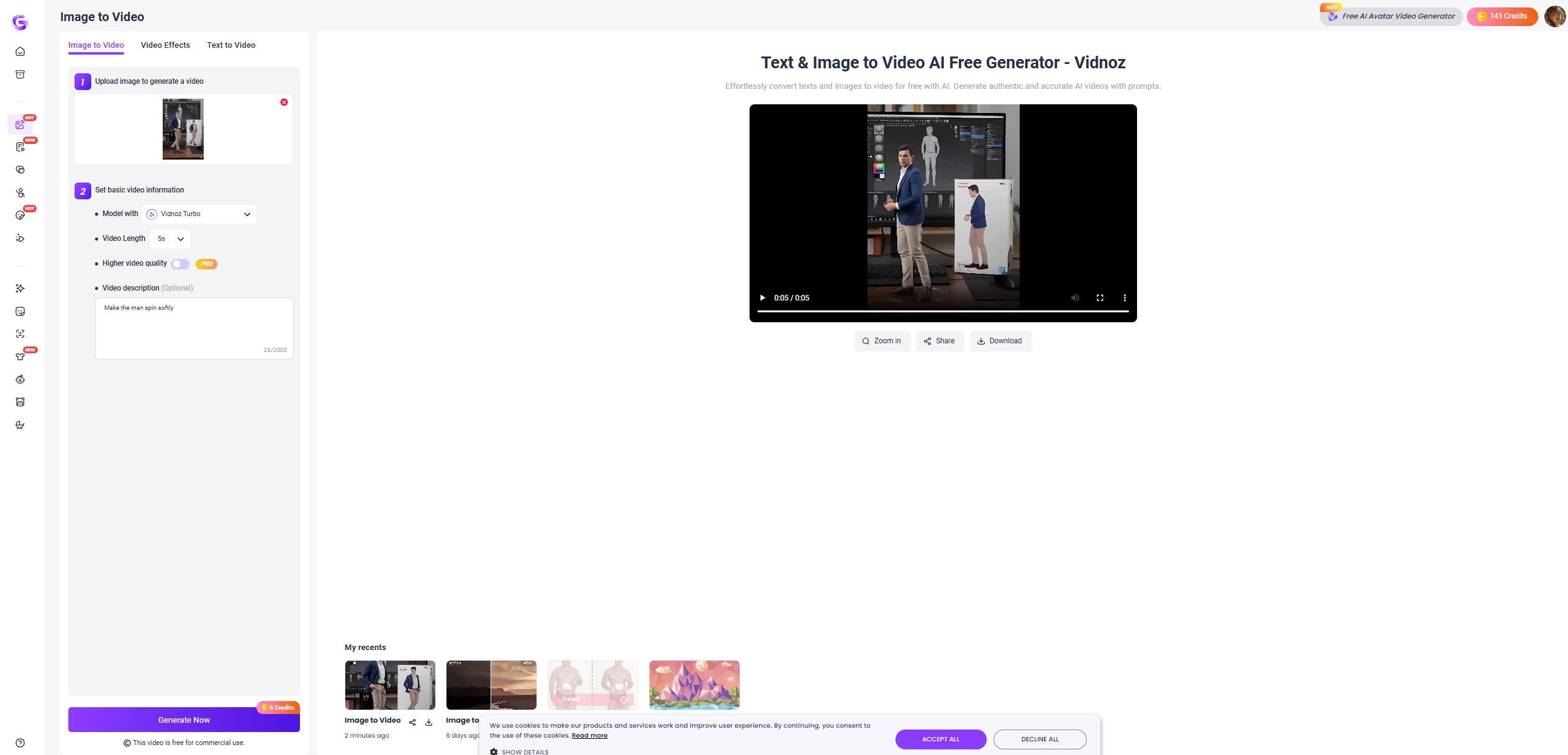
Vidnoz Image to Video Generator works with both flexibility and creativity, which animate an AI action figure image into a short clip. Upload the action figure AI trend image, pick a model and adjust the settings, then users can make the image move in seconds. The tool supports daily free generations, giving clean and natural motion for social posts. Users can then resize the output for TikTok (9:16) or YouTube (16:9) and export as MP4.
Tip 2. Let Your Action Figure Dance in Seconds
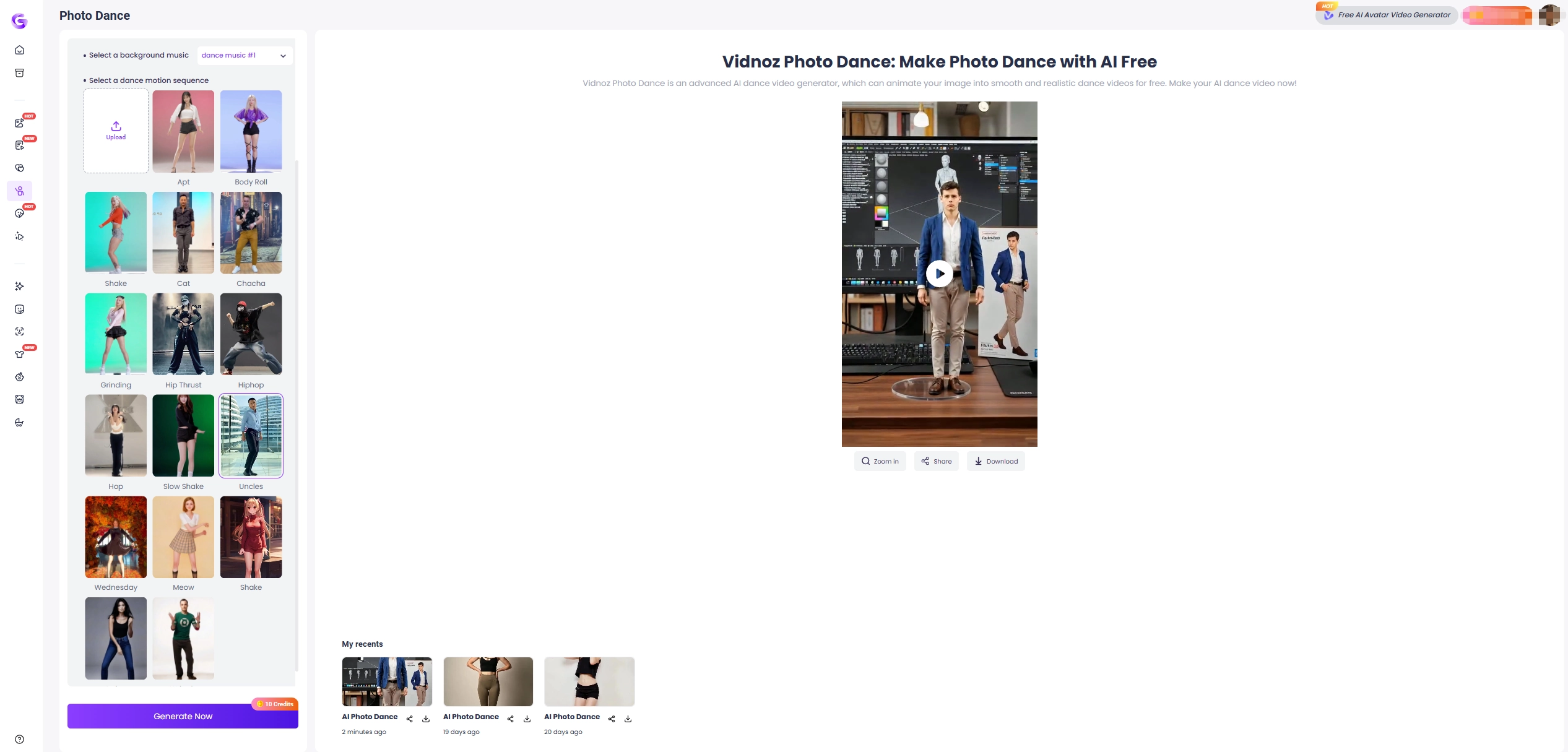
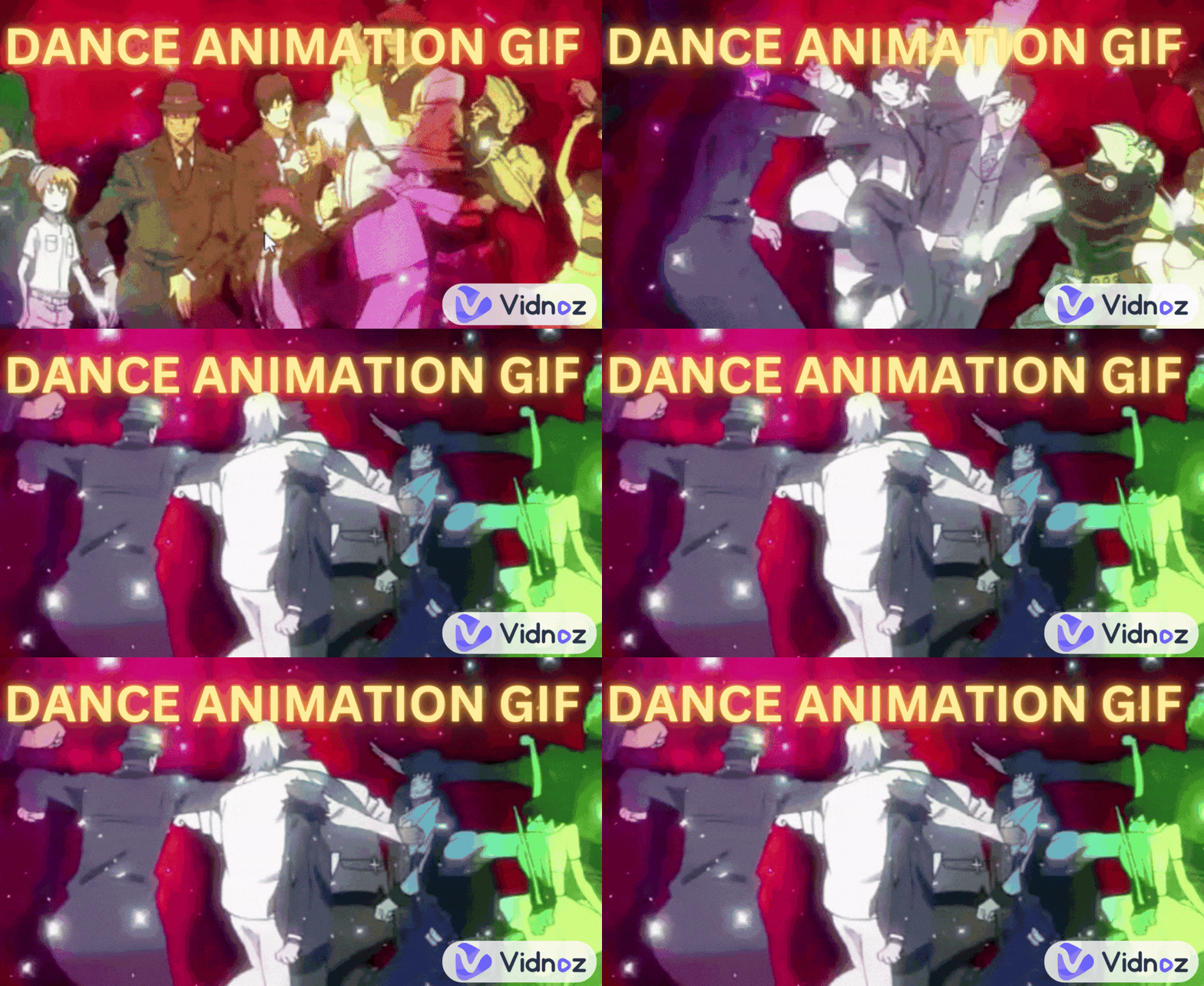
Want more? The Vidnoz AI Dance Generator makes pics dance with smooth dancing sequences. In just seconds, the AI dance generator can make the AI action figure dance naturally with the background music.
Tip 3. Make Your AI Action Figure Talk Like a Real Man
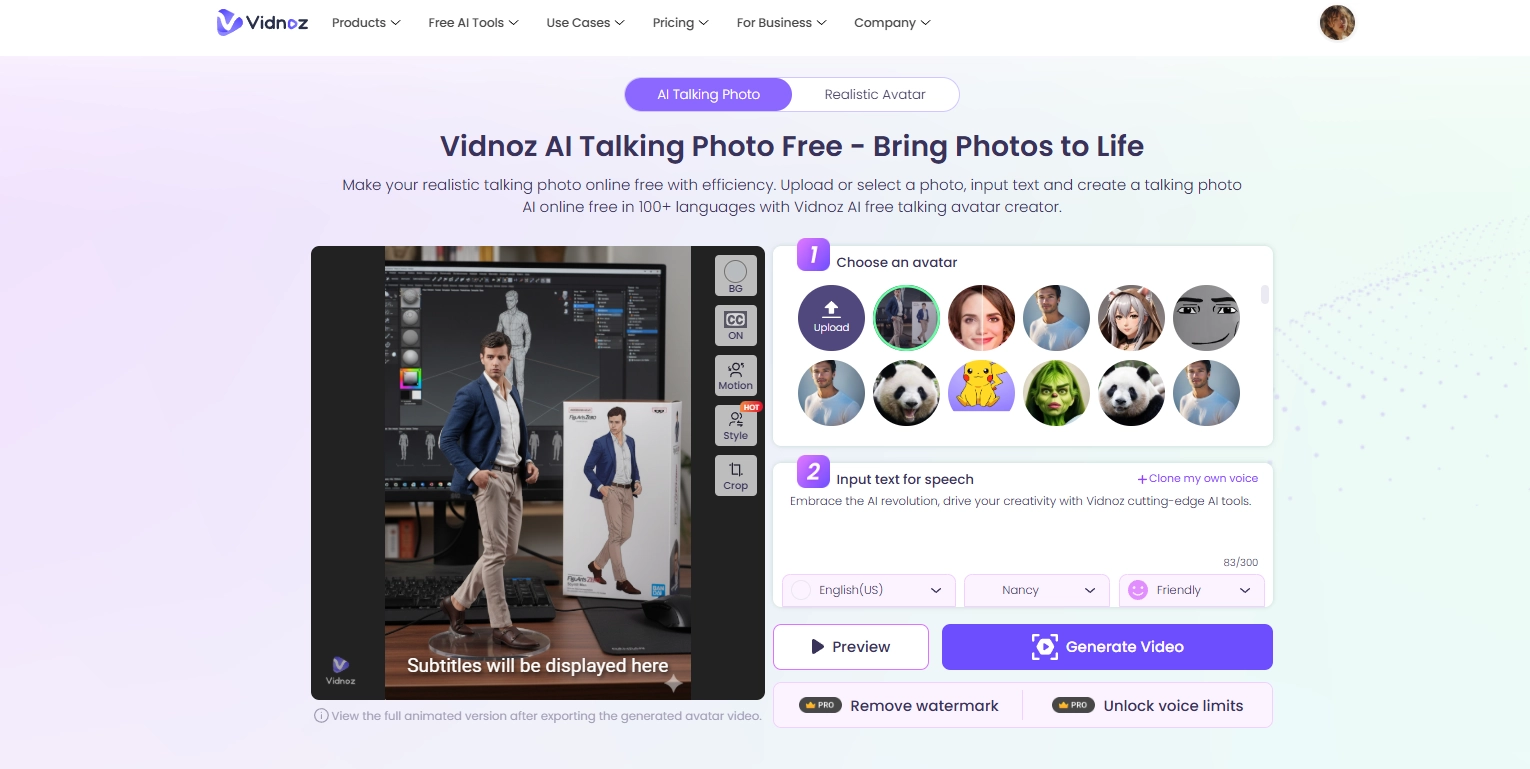
To turn your figure into a talking head, try Vidnoz Talking Photo. Upload the figure image, type or paste a script, choose from a wide range of AI voices and languages (or clone your own voice), then you can make the AI action figure talk like a real man. The AI talking figure can be exported with a green screen or transparent background, so the users can composite it anywhere.
Conclusion
Do you want to keep up with the AI action figure trend online? To join in, you can create images with AI action figure generators such as Gemini, Fotor and YouCam Perfect. To further your AI creation with the action figure images, you can also try the Vidnoz AI for image movement, dancing and even talking photos.
Vidnoz AI - Create Free Engaging AI Video with Talking Avatar
- Easily create professional AI videos with realistic avatars.
- Text-to-speech lip sync voices of different languages.
- 2800+ video templates for multiple scenarios.