The Sonic universe has been captivating fans for decades, and now, you can bring your own creative vision to life with a Sonic character generator. Whether you're a Sonic fan looking to design your own character or simply love the idea of generating characters with an AI tool, there are endless possibilities to explore. By using a Sonic character creator like the Vidnoz AI Image Generator, you can create highly customizable and high-quality Sonic characters in minutes.
In this guide, we’ll explore how to use a Sonic character generator to create your very own character, and how you can take it one step further by turning it into a dynamic video with Vidnoz’s Image-to-Video tool. Let’s dive in!
- On This Page
-
What is a Sonic Character Generator?
-
Sonic Character Generator: Create Your Sonic with Vidnoz AI
-
Step Guide to Using Vidnoz AI Image Generator for Sonic Character Creation
-
Transform Your Sonic Character into a Video with Vidnoz Image-to-Video
-
Creative Ideas for Using Your Sonic Character
What is a Sonic Character Generator?
A Sonic character generator is an AI-powered tool that allows users to design their own Sonic characters. Whether you want to create a new hero, villain, or sidekick, a Sonic character maker online makes it easy for both beginners and experienced creators to craft unique characters. The best part? You don’t need any graphic design skills to bring your ideas to life.
These generators are powered by artificial intelligence, which means you can customize everything from the color scheme to the accessories of your character. You simply input your preferences or let the AI suggest features, and in just a few clicks, you’ll have your very own custom Sonic character.
By using a Sonic AI art generator, you can ensure that your character fits perfectly within the Sonic universe while having a touch of your own personality. It's a fantastic tool for fans, game creators, and animation enthusiasts who want to bring their ideas to life without the need for expensive design software.
Sonic Character Generator: Create Your Sonic with Vidnoz AI
Vidnoz AI Image Generator is a powerful tool that makes it easy to create custom Sonic characters in no time. Whether you're creating a character from scratch or tweaking an existing template, Vidnoz provides an intuitive, user-friendly interface that simplifies the process.
Key Feature
- User-Friendly Interface: The drag-and-drop design is ideal for beginners and experts alike, allowing you to customize your Sonic character quickly and effortlessly.
- Wide Customization Options: Choose from a variety of features, including You can choose the model, style, number of images, and aspect ratio to bring your Sonic character to life.
- High-Quality Output: Generate images in high resolution that can be used in projects or shared on social media.
- AI-Powered Creativity: The AI offers suggestions for creative improvements, ensuring that you get the most visually appealing design.
- Speed and Efficiency: With Vidnoz, you can create a Sonic character in just a few minutes, saving you time and effort compared to traditional design tools.
- Flexible Download Options: Download your character in multiple formats, making it easy to integrate into games, animations, or digital artwork.
Vidnoz AI Image Generator is the perfect tool for anyone looking to create a Sonic character with ease and professionalism. Whether you want to create a fan character or a unique version of Sonic, Vidnoz has you covered.
Step Guide to Using Vidnoz AI Image Generator for Sonic Character Creation
Creating your own Sonic character with Vidnoz AI Image Generator is simple and fun! Follow these steps to get started:
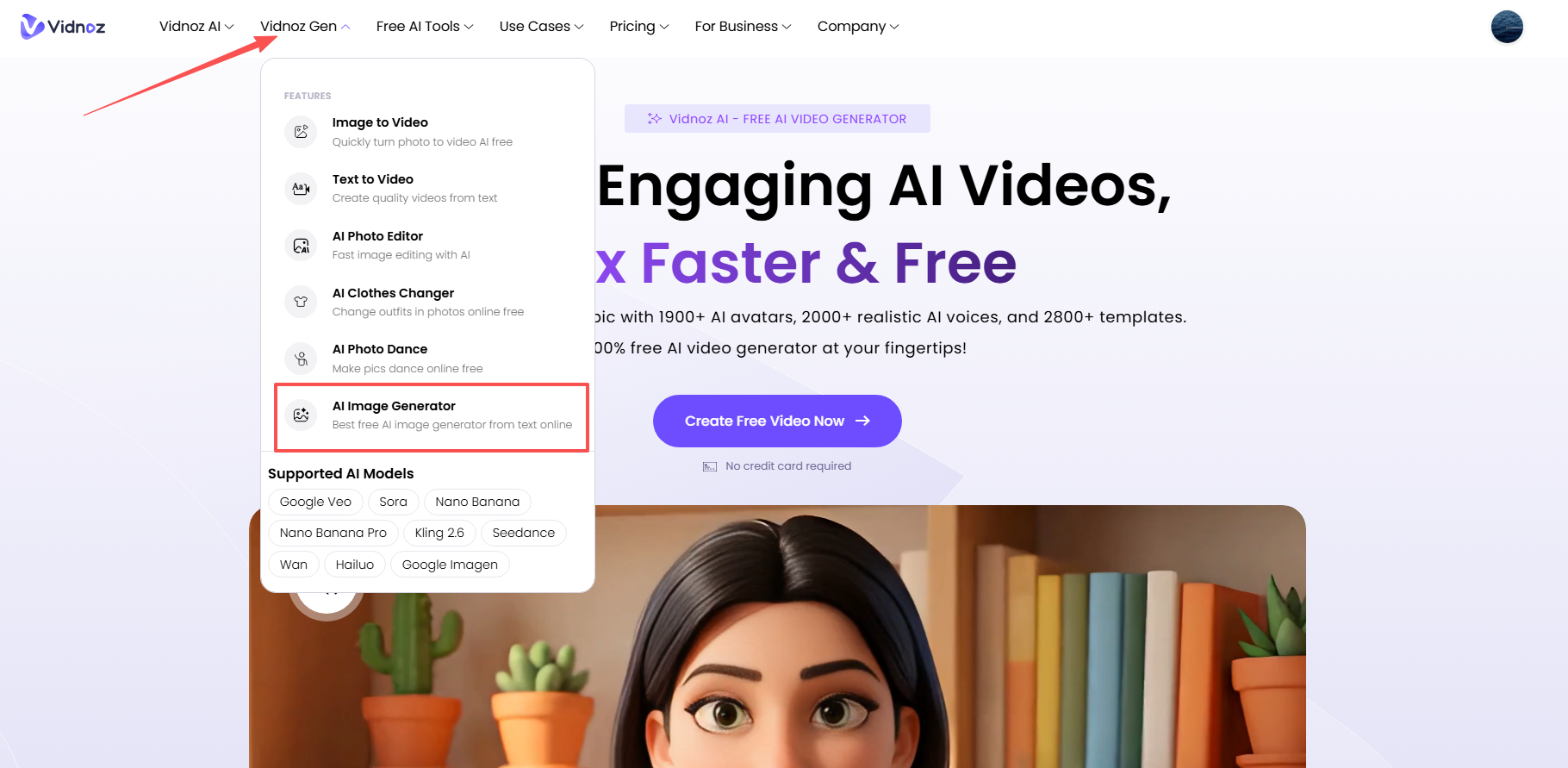
Step 1: Visit the official website of Vidnoz, find the AI Image Generator and launch it.
Step 2: Enter a picture description to generate your own sonic character. If you're stuck for ideas, try these:
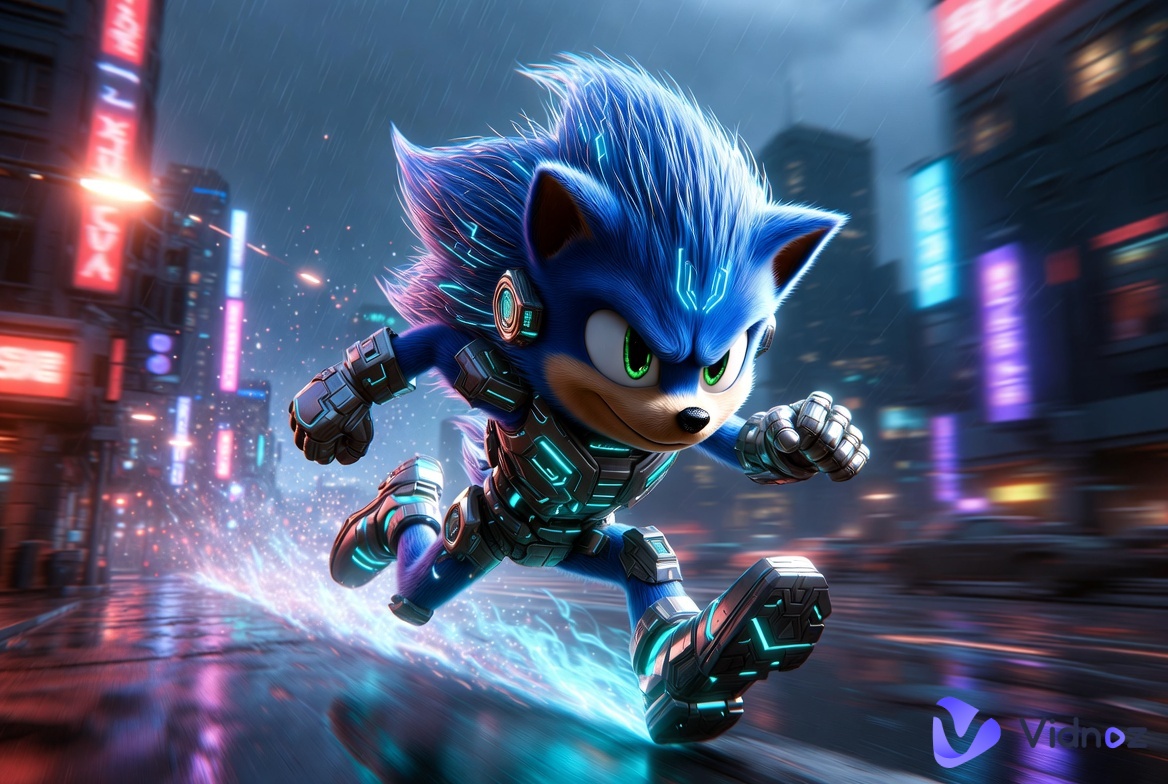
- Cybernetic Sonic with glowing blue circuits, metallic quills, running through a neon-lit futuristic city. Hyper-realistic 8K render.
- Abstract digital art of Sonic composed of flowing data streams, pixel fragments, and glitch effects. Electric blue color palette.
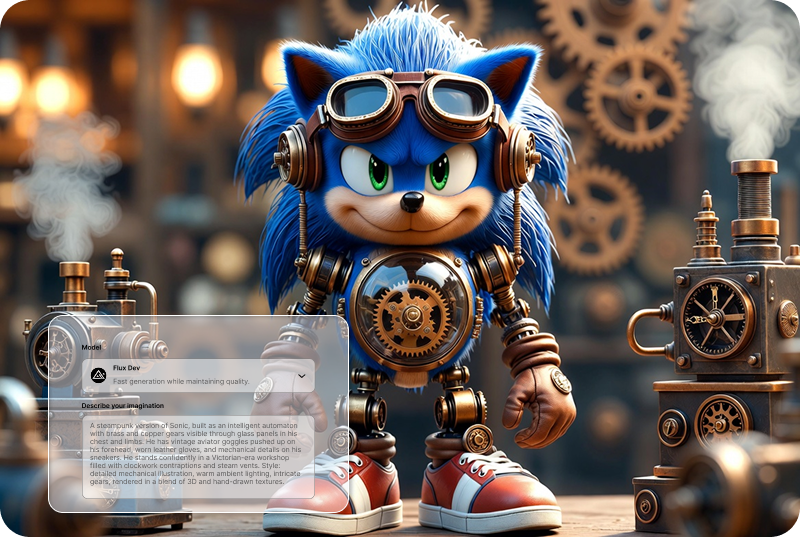
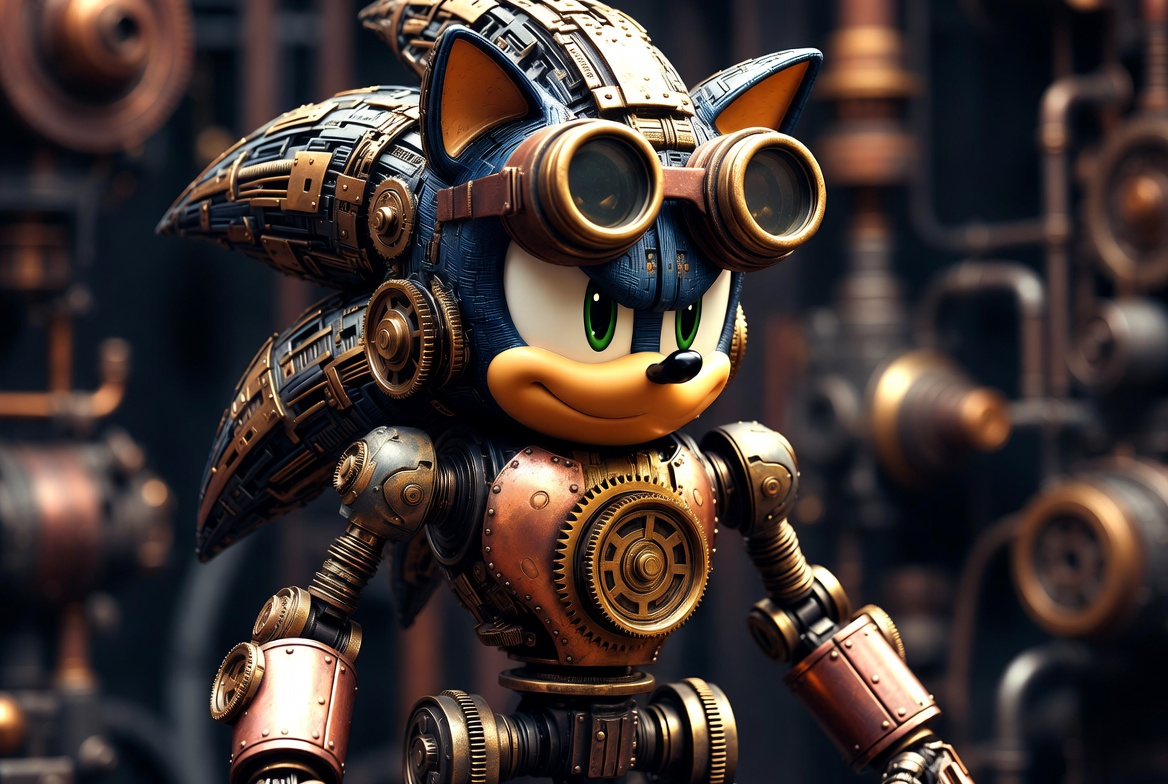
- Steampunk automaton Sonic with brass gears, copper plating, and vintage goggles. Detailed mechanical illustration.
- Minimalist vector art of Sonic with geometric shapes and tiny glowing nodes on his quills. Clean gradient background.
- Holographic projection of Sonic made of light particles and wireframe grids in a high-tech laboratory.

If you have a specific style you want to generate, you can upload it for reference. If you need to analyze an existing image for inspiration, you might find an AI Image Describer helpful for generating prompts.
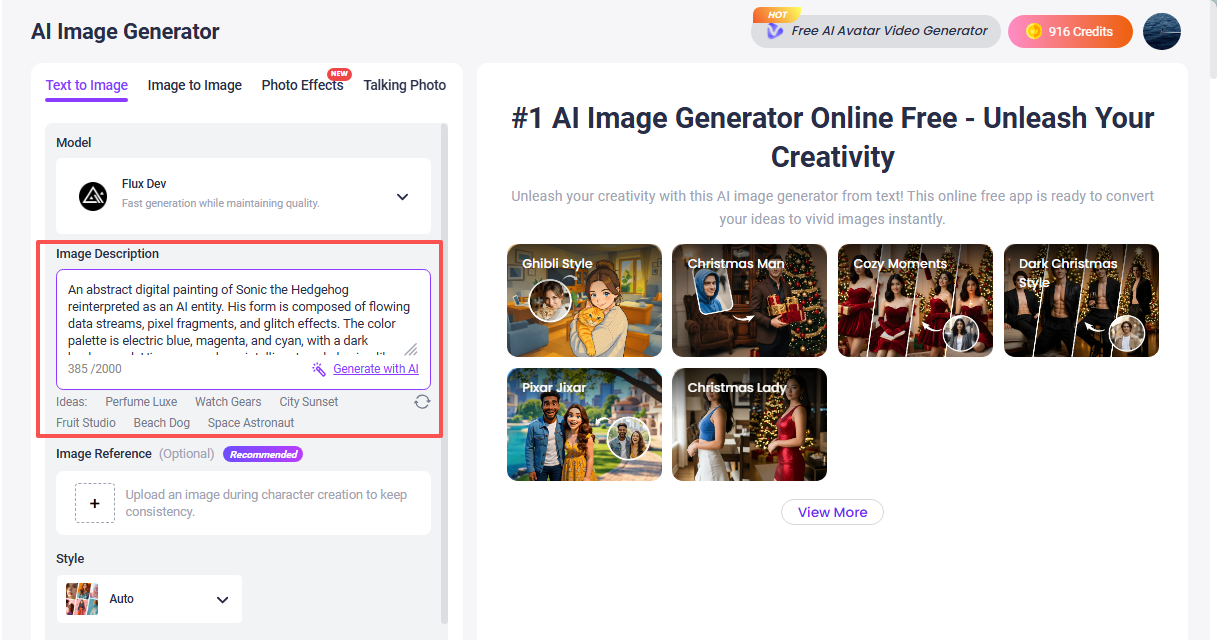
Step 3: Then you can choose your preferred style, number of images, aspect ratio, and more. You can also specify content you don't want, and this Sonic Character Generator will avoid generating such content during the process.
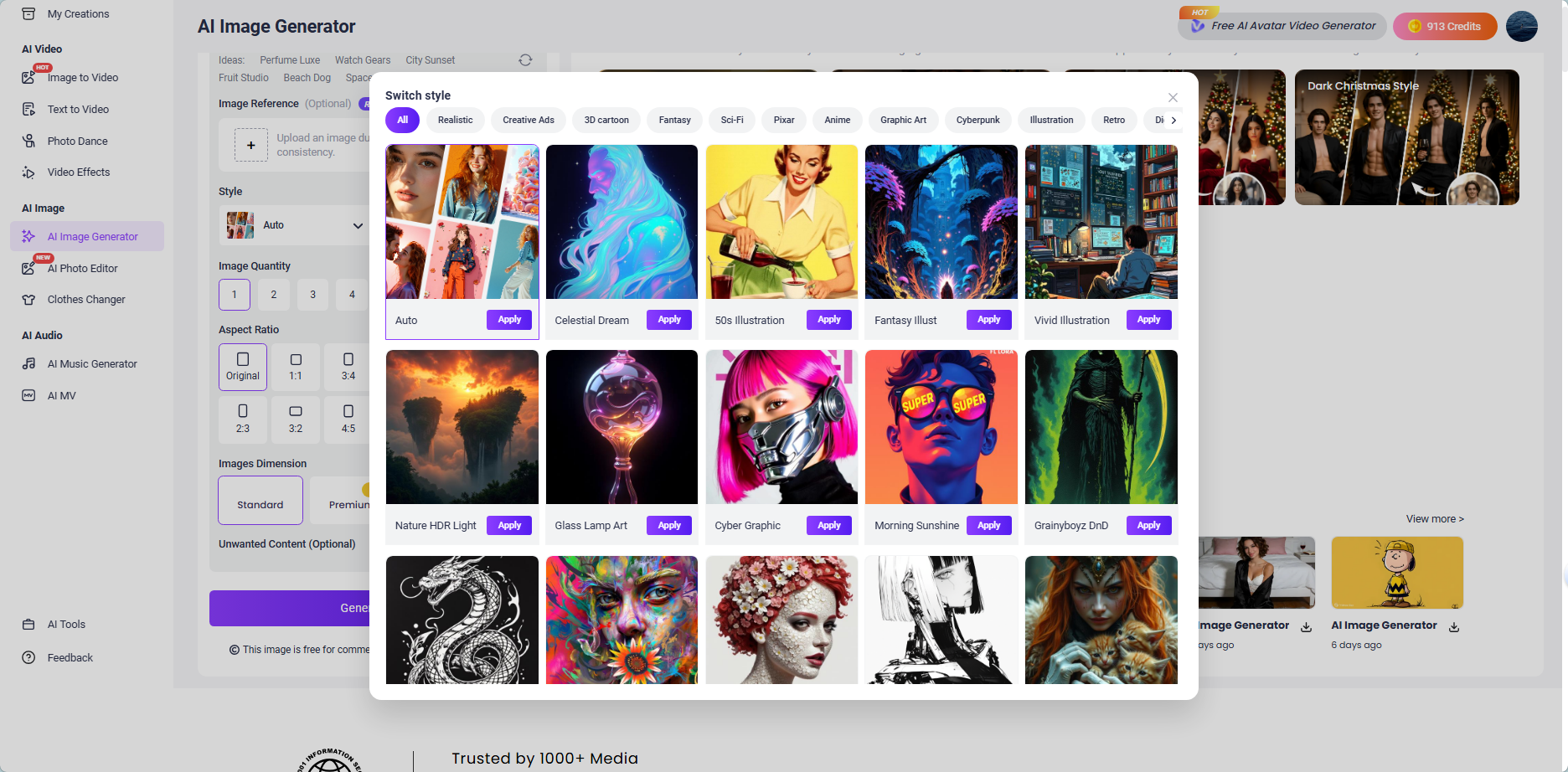
Step 4: Once you're happy with your design, hit "Generate Now" to create your high-quality Sonic character image. Download your character image and save it for future use in creative projects or to share with fellow fans.
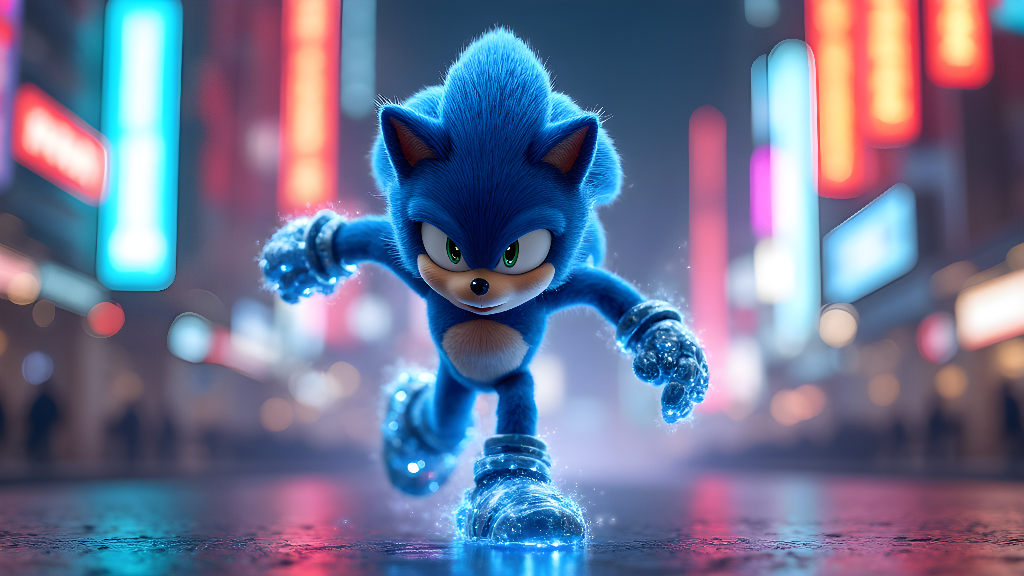
With Vidnoz, the process is quick, easy, and fun, enabling you to create a Sonic character in no time. You could also try an AI Cartoon Generator for a different artistic take.
Transform Your Sonic Character into a Video with Vidnoz Image-to-Video
Once you've created your Sonic character with Vidnoz AI Image Generator, you can take it to the next level by turning it into an animated video using Vidnoz Image to Video.
Convert Image to Video AI Online - Free
- Create a video from an image quickly for free.
- Use various AI models to turn photos into videos.
- Download and share the AI-generated video at no cost.
Convert Image to Video
How Vidnoz Image-to-Video Works:
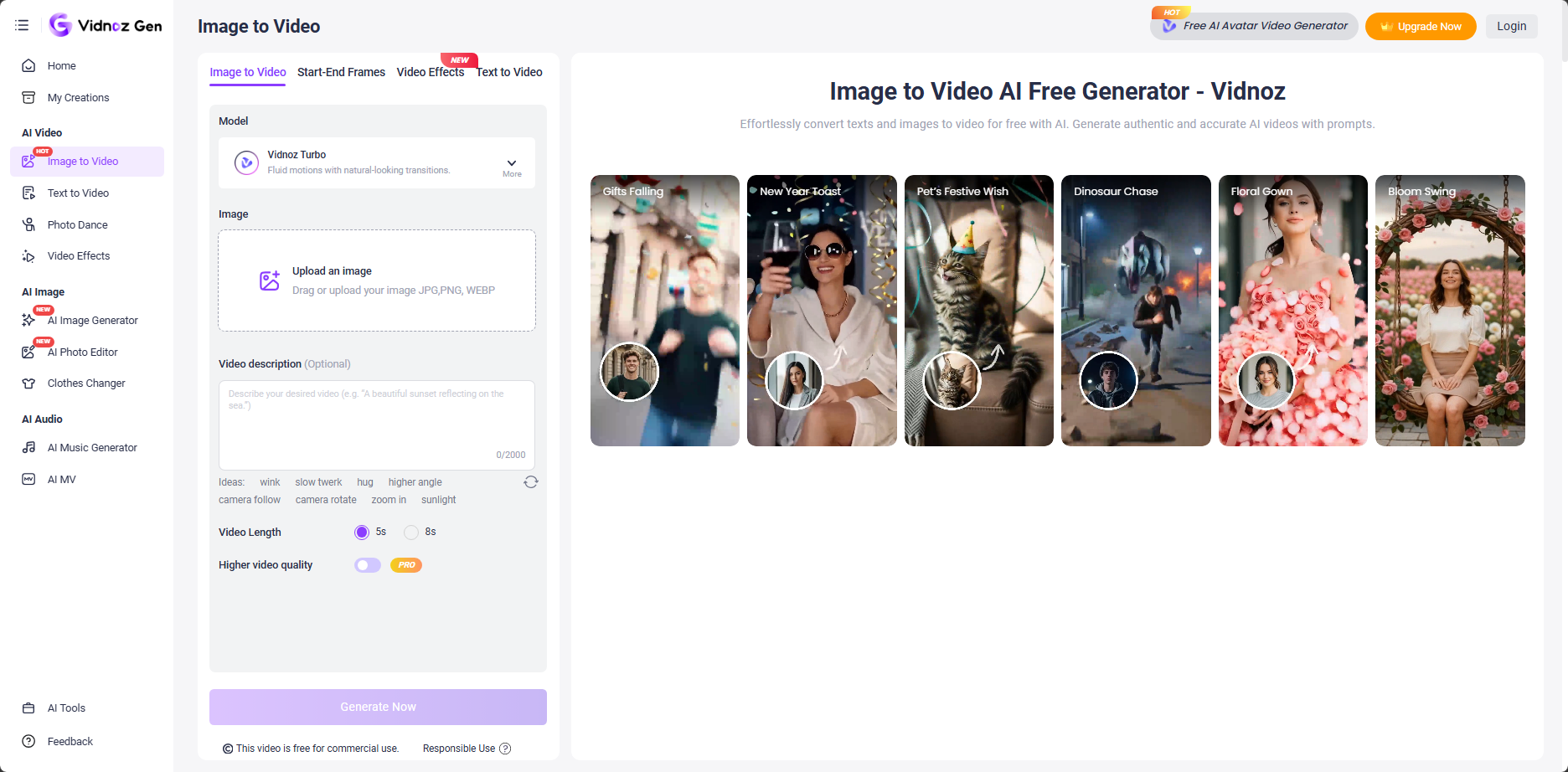
Step 1: After creating your unique Sonic character, click Image to Video.
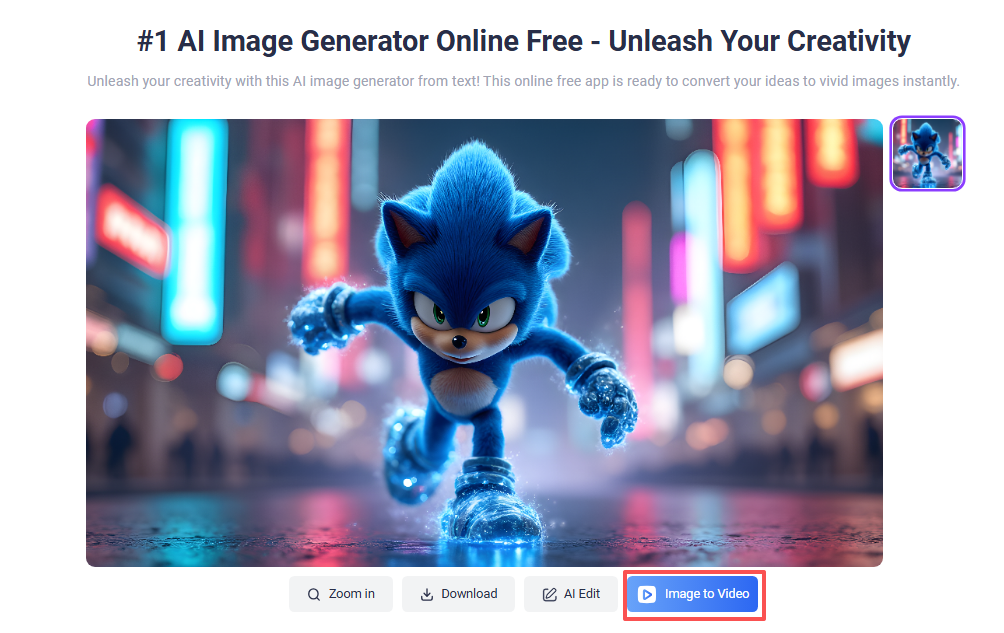
Step 2: Enter the video effect you want to achieve in the video description box. If you don't have any ideas at the moment, you can skip entering commands and click Generate Now directly. Imagine making your character dance like the viral Dance Cat videos.
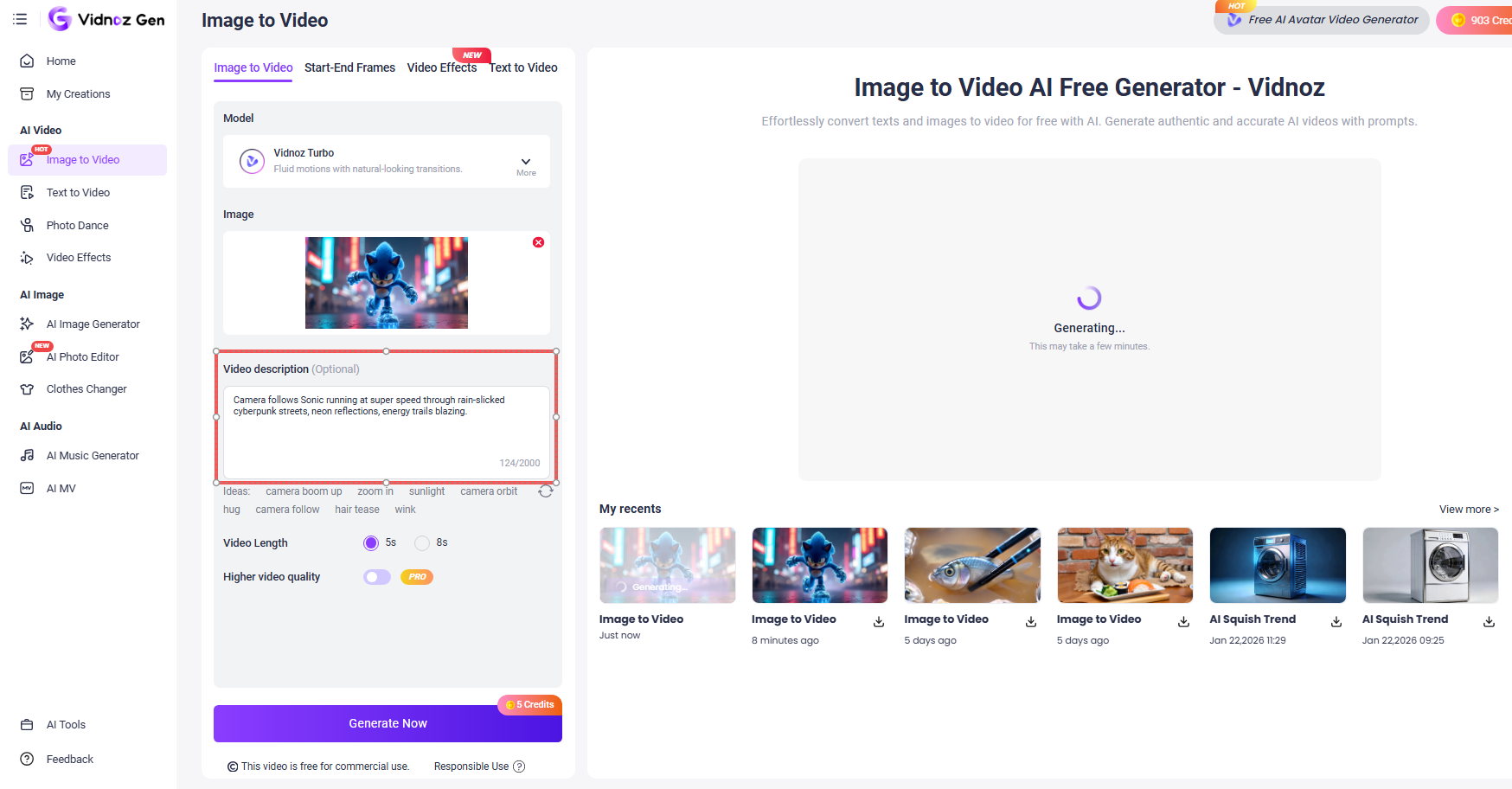
Step 3: Just a moment - let AI bring your Sonic character to life. Once your video is ready, download it and share it on social media, or use it in your creative projects.
With Vidnoz Image-to-Video, transforming your static Sonic character into a dynamic video is quick and easy, allowing you to bring your creation to life in a whole new way.
Creative Ideas for Using Your Sonic Character
Now that you’ve created your custom Sonic character with Vidnoz AI Image Generator, the possibilities are endless. Here are a few creative ideas for using your character:
- Fan Art: Share your custom Sonic character as part of your fan art portfolio or social media posts.
- Gaming Content: Incorporate your character into your gaming streams, animations, or fan games.
- Merchandise: Create unique prints, stickers, or even apparel with your character design.
- Interactive Media: Use a Talking Head avatar to have your character introduce your videos or interact with your audience in a live stream.
Vidnoz tools make it easy to transform your ideas into reality, whether you’re creating animated videos, 3D renders, or even fun social media posts.
Conclusion
In conclusion, a Sonic character generator like Vidnoz AI Image Generator makes it easier than ever to bring your Sonic character ideas to life. Whether you're a casual fan or a dedicated creator, Vidnoz’s user-friendly platform offers all the tools you need to create high-quality characters and animations.
So, what are you waiting for? Get started today with Vidnoz AI Image Generator and unleash your creativity by designing your very own Sonic character. The next step is turning it into an exciting video with Vidnoz Image-to-Video to share with the world!

Vidnoz AI - Create Free Engaging AI Video with Talking Avatar
- Easily create professional AI videos with realistic avatars.
- Text-to-speech lip sync voices of different languages.
- 2800+ video templates for multiple scenarios.