Rask AI is an AI-powered platform used for video dubbing and language translation. It helps people translate videos and audio into different languages using artificial intelligence. Even if you are a content creator, educator, or businesses that want to reach global audiences, this tool is the best choice for you. However, Rask AI doesn’t offer any mod apk or premium unlocked version for free. Because of that, many users look for a Rask AI alternative that is free and offers similar functions. In this article, we’ll explore the best 3 free Rask AI alternatives available on Android, iOS, and online platforms.
- On This Page
-
Rask AI Overview
-
Rask AI Pricing
-
Rask AI Alternative Android AI Video Dubbing
How to AI Dub a Video on Android Using AiDub:
-
Rask AI Alternative Online Video Dubbing
How to dub a video with AI on Vidnoz:
-
Rask AI Alternative iOS App
How to dub a video using Dubbing AI on iOS:
-
FAQ – Rask AI Mod APK Premium Unlocked?
Rask AI Overview
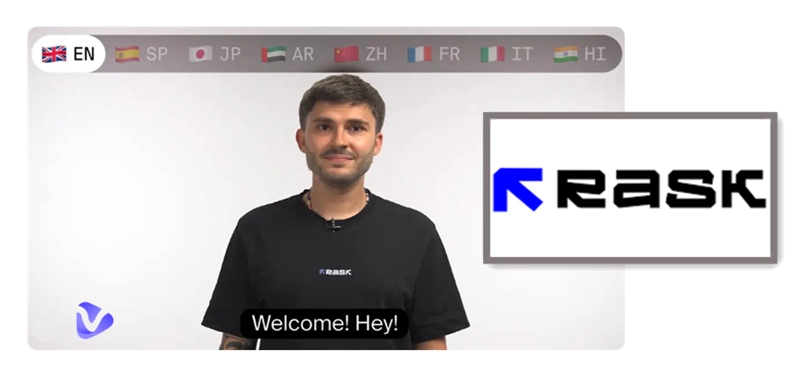
Rask AI is a smart AI video translation tool that helps users translate and dub videos quickly. It uses artificial intelligence to understand the original video and then creates voiceovers in many languages. It’s very useful for YouTubers, e-learning companies, marketers, and businesses that want to make multilingual content easily.
Core Features:
- AI dubbing in 130+ languages
- Subtitles generation
- Multilingual voiceover
- Lip-syncing and tone matching
- Video translation in real time
- Speaker detection
You can even use Rask AI video translator to change not just the audio but also the text in your videos, like titles and captions, to a different language.
Supported Platforms:
- Web browser (Online)
- No dedicated app for Android or iOS
So, if you want a mobile app, you need to try a Rask AI free alternative for your device.
Rask AI Pricing
Rask AI is a paid tool with different pricing plans.
- The Creator plan starts at $50/month (billed yearly) and gives you 25 minutes for translation.
- The Creator Pro plan, best for growing teams, costs $120/month and includes 100 minutes plus advanced features like lip-sync and subtitles.
- The Business plan is $600/month and includes 500+ minutes, teamspaces, and custom voices.
For large companies, the Enterprise plan offers flexible pricing and extra support. Since the prices are high, many users look for free alternatives that offer AI dubbing and translation without any monthly fees.
Rask AI Alternative Android AI Video Dubbing
If you're an Android user searching for a free and effective alternative to Rask AI, AiDub: AI Video Translator is a strong choice. Available on the Google Play Store, AiDub allows users to translate and dub videos in multiple languages using cutting-edge AI. It even offers lip-synced translation, giving your videos a more natural and immersive feel.
Compared to Rask AI, AiDub is easy to use directly on Android devices and is great for creators who want to dub content without needing a computer. The app is free to download with basic features, but certain tools—like advanced lip-syncing—require separate credits or a premium subscription. While Rask AI supports more languages and offers more precise syncing, AiDub is ideal for fast, mobile-friendly dubbing.
How to AI Dub a Video on Android Using AiDub:
Step 1: Go to the Google Play Store and install AiDub: AI Video Translator by Koi Apps. Open the app once it’s installed.
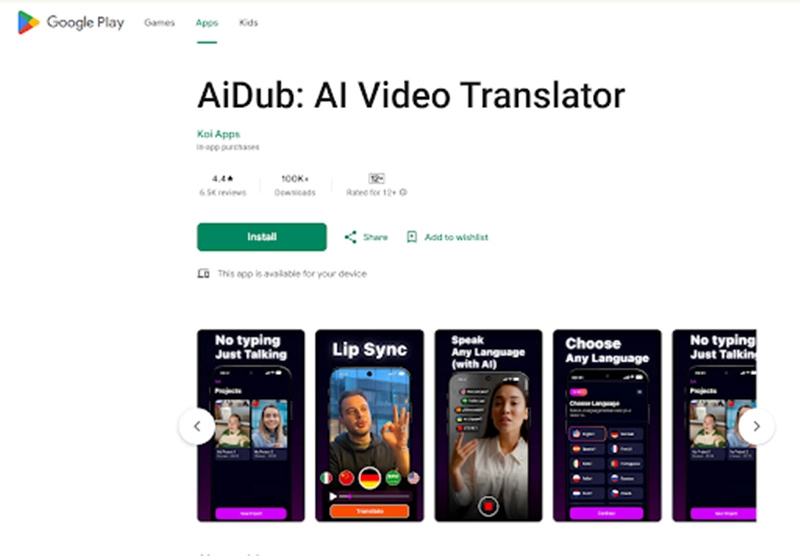
Step 2: Tap the upload icon and choose a video from your device, or record a new one in-app. AiDub will automatically prepare your video for editing.
Step 3: Pick the target language for dubbing. You can choose a natural-sounding AI voice or mimic your original voice. Enable lip-sync if you want the speaker’s mouth movements to match the translated speech (note: lip-sync may require extra credits).
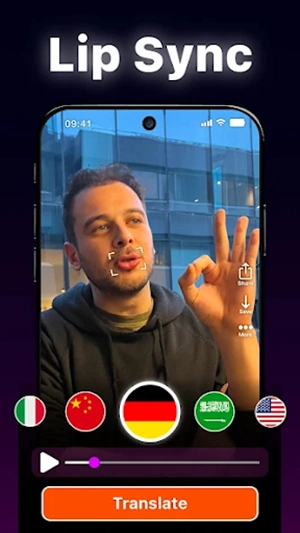
Step 4: Once the dubbing is processed, preview your video to ensure quality. Then save it to your phone gallery or share it directly. You can also add subtitles or make light edits before exporting.
AiDub is a practical and mobile-first alternative to Rask A. Just be aware of the in-app purchases if you plan to use premium features like lip-syncing regularly.
Rask AI Alternative Online Video Dubbing
If you're using a web browser, the best Rask AI free alternative available today is Vidnoz AI Dubbing. This online tool allows you to dub videos using advanced artificial intelligence without installing any software. Whether you're a content creator, educator, or business professional, Vidnoz provides a simple and efficient way to create multilingual content at no cost.
Compared to Rask AI, Vidnoz stands out as a completely online platform, which means you can access it from any device with a browser. It supports a wide range of language dubbing options and is free to use for many basic features. It also offers both AI movie dubbing and professional-level tools for business use. While Rask AI is known for its high accuracy and premium plans, Vidnoz matches many of its capabilities for free, making it ideal for budget-conscious users.
How to dub a video with AI on Vidnoz:
Step 1: Go to the official Vidnoz website using your browser and navigate to the AI Video Dubbing page, which offers all the AI dubbing features.
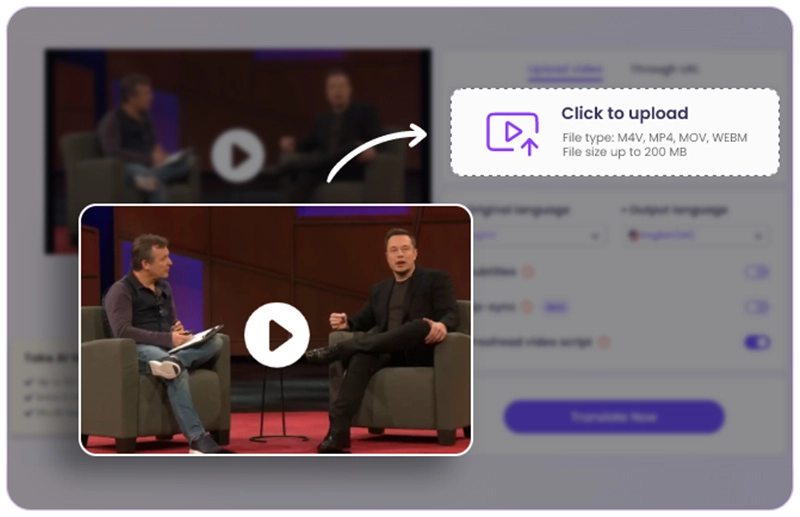
Step 2: Click on the upload area and select the video you want to dub from your computer. Wait for the video to finish uploading.
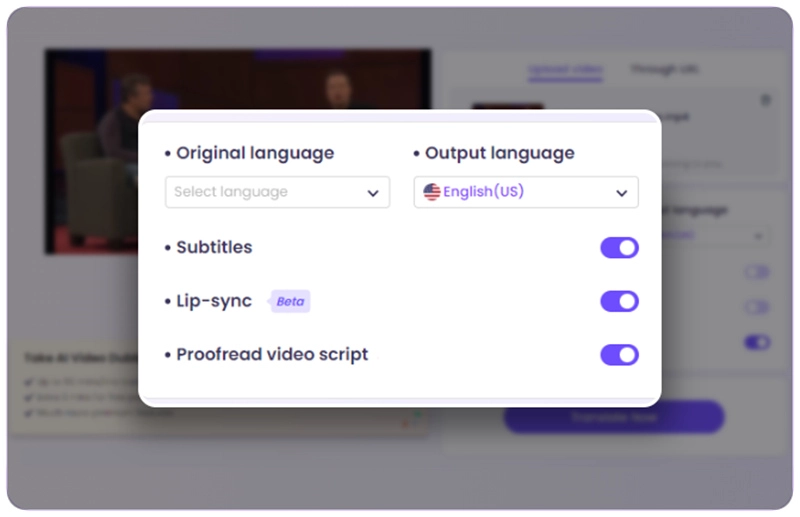
Step 3: Choose the language you want to dub your video into.
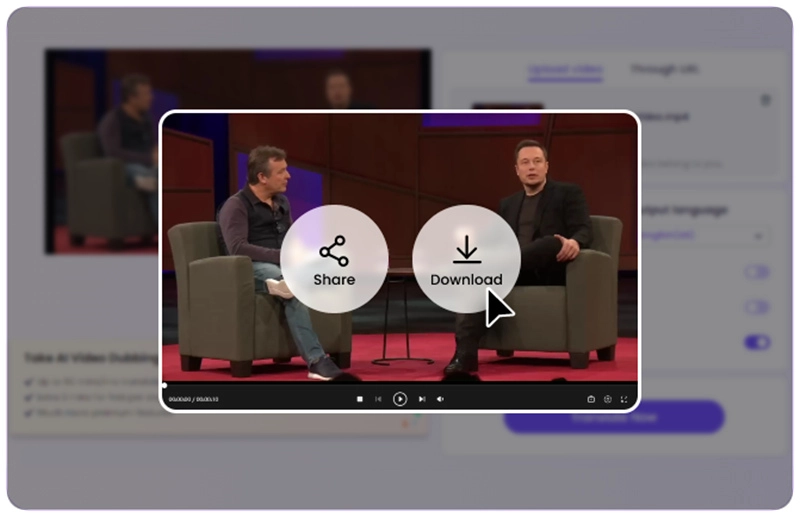
Step 4: Click the "Generate Dubbed Video" button to begin the AI dubbing process. After a few moments, your video with a new voiceover will be ready for download.
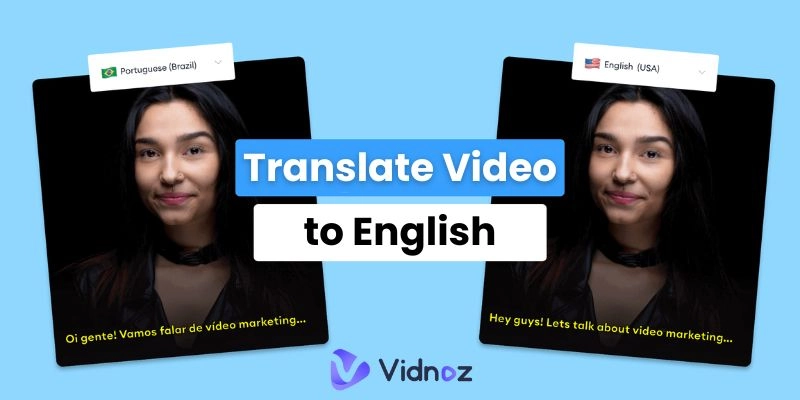
In addition to dubbing, Vidnoz also offers AI video translation if you need subtitles or full translation of video content. You can translate video to English and break all the language barriers.
Vidnoz truly offers the best online experience for anyone searching for a Rask AI alternative without needing to pay or download anything. It’s fast, beginner-friendly, and supports a wide range of languages, making it a go-to solution for users worldwide.
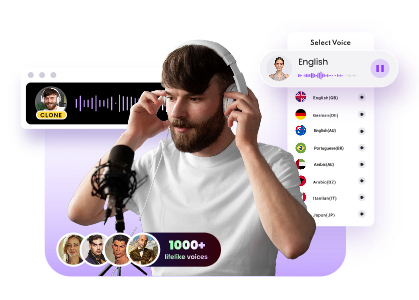
Clone Anyone’s Voice with AI - Free
Make realistic voices of famous people and characters.
Clone anyone's voice to create personalized voiceovers.
Support 2000+ languages and accents.
Change Voice Now
Rask AI Alternative iOS App
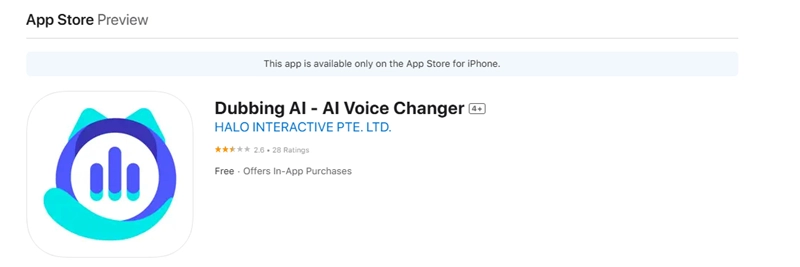
If you're an iPhone or iPad user looking for an Rask AI alternative, Dubbing AI – AI Voice Changer is a fun and creative choice available on the App Store. While originally designed for real-time voice changes and entertainment, it also includes features that can be used for AI-powered dubbing and voiceovers.
Compared to Rask AI, Dubbing AI runs natively on iOS devices and offers real-time voice transformations, a large voice library of over 500 options, and customizable soundboards. It’s easy to use and doesn't require any desktop setup. However, unlike Rask AI’s focused dubbing and translation features, Dubbing AI is more oriented toward voice entertainment and creativity. Some premium voices and dubbing features require in-app purchases, and the lip-sync accuracy may not match pro-level tools like Rask AI or Vidnoz AI.
How to dub a video using Dubbing AI on iOS:
Step 1: Download Dubbing AI – AI Voice Changer from the Apple Store and install it on your iPhone.
Step 2: Open the app and select a voice style from the extensive voice library. You can choose anything from deep, realistic voices to animated or humorous tones.
Step 3: Import a video clip or record new audio/video within the app. Apply the selected voice filter to change how your voice sounds in the video.
Step 4: Preview the dubbed video and make edits if needed using the soundboard or other voice effects, and save the final result or share it on social media directly.
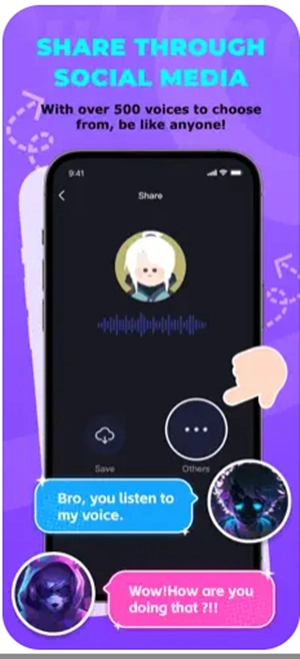
This app is a great entry-level tool for iOS users looking to experiment with AI dubbing or create fun and engaging voiceovers. While it’s more playful than professional, Dubbing AI can be a quick and easy solution for personal dubbing needs on iPhone or iPad, especially for social media creators and gamers.
FAQ – Rask AI Mod APK Premium Unlocked?
1. Is there a Rask AI mod apk premium unlocked version?
No, there is no official or safe Rask AI mod apk premium unlocked version. Using any mod apk can be risky and may contain viruses or malware. Rask AI is a web-based platform, and it doesn’t have an APK for Android. If you are looking for a free solution, it’s better to use a trusted Rask AI alternative like Vidnoz, which offers many features for free without any hacks or illegal versions.
2. What is the latest update of Rask AI?
The latest update of Rask AI includes more accurate AI voice generation, better lip-sync, and faster processing time. They have also added support for more languages and improved subtitle alignment. However, these features are mostly part of the paid plans, and users may not get access without a subscription. That’s why many users are switching to tools like Vidnoz AI Dubbing for free and professional-grade dubbing.
3. Can I use Rask AI on mobile devices?
Currently, Rask AI does not offer any official app for Android or iOS. It is only available on browsers. That’s why users often search for Rask AI APK or want an alternative that works on phones. The best option is to use apps like Veed (Android) or Clips AI (iOS) mentioned above. For online users, Vidnoz AI is a strong alternative that works without any downloads.
Conclusion
Rask AI is a powerful AI dubbing and video translation tool, but it is not free and has no mobile app. For users looking for free and easy solutions, Android, iOS, and online Rask AI alternatives like Vidnoz offer great choices. If you want accurate dubbing with a friendly interface and many languages, try Vidnoz AI Dubbing today and transform your videos into global content.
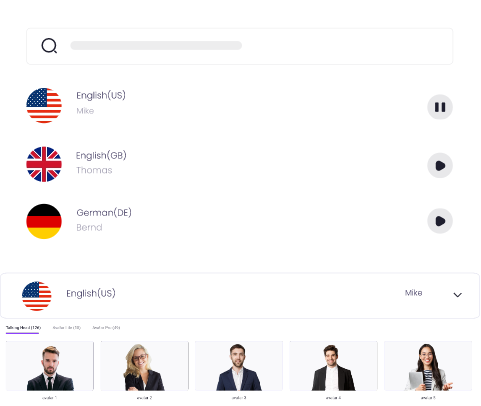
Create Text-to-Speech AI Voices - FREE
Make natural voice text to speech in various languages, accents, and ethnicities. Try it free now!